

When I discovered that people actually pay for Canva templates, I laughed. I’d been spending hours designing my own Instagram posts and thinking, “Surely everyone knows how to do this.” Wrong. Business owners, coaches, teachers, and bloggers are busy, and many of them would happily pay a few dollars to skip the design work. My first template pack, a set of ten Pinterest pins, sold within three days.
If you want to make money with Canva templates, you’re entering one of the friendliest digital product niches for beginners. You don’t need design school. You need taste, a clear niche, and a simple process.
In this guide, I’ll walk you through what to design, how to create a template people love, where to sell, how to price, and how to avoid the licensing mistakes that trip up new sellers.
Why Canva Templates Sell So Well
- Time-saving. Buyers love shortcuts.
- Easy for customers to use. Editing in Canva requires no special software.
- Low startup cost. Canva has a free plan, and a paid plan opens more features.
- Endless niches. Every industry needs visuals.
- Repeat sales. One design can sell many times.
The honest part: The market is crowded, and many templates look alike. Specific niches, polished designs, and good previews help you stand out. Also note that platform and Canva rules about selling templates change, so always check the current terms before you list anything.
Step 1: Choose a Template Niche
Broad packs like “social media templates” get lost. Specific ones win. Ask yourself:
- Who is my buyer? Coaches, bloggers, real estate agents, teachers, small shops, or wedding planners?
- What do they need to make often? Posts, stories, pins, flyers, proposals, or planners?
- What style suits them? Minimal, bold, soft, or playful?
Template Ideas That Often Sell
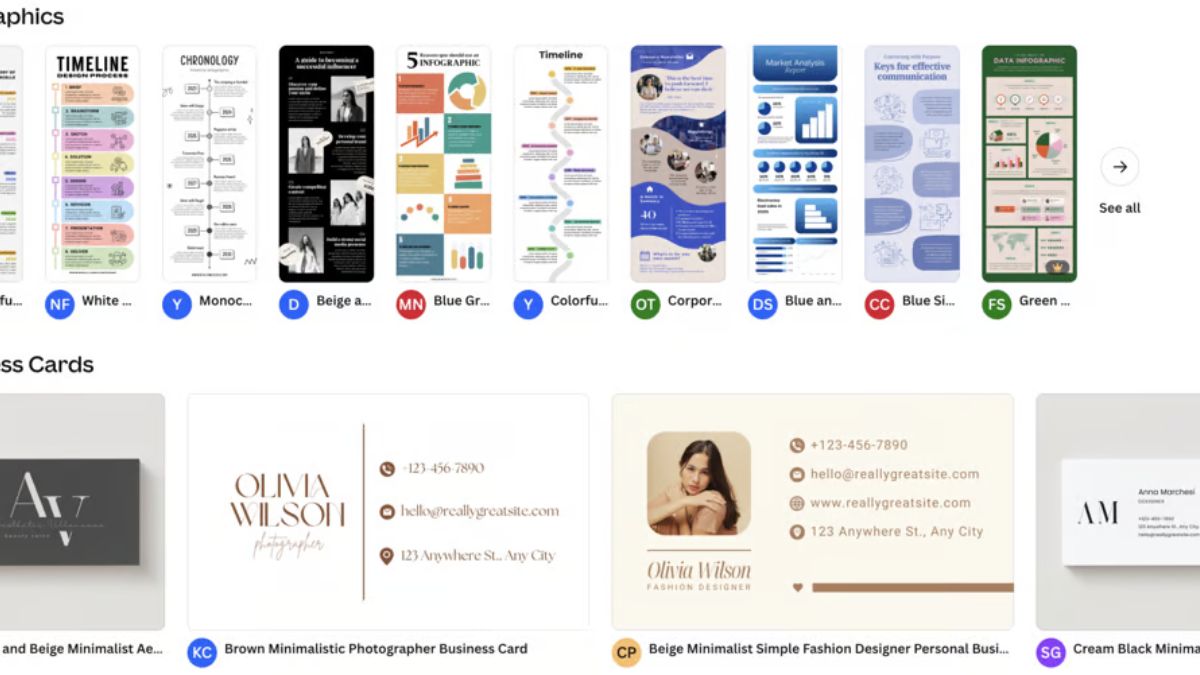
- Instagram post and story templates for coaches and shop owners.
- Pinterest pin templates for bloggers.
- Media kits and one-page resumes.
- Business proposals, invoices, and brand guidelines.
- Lead magnet and ebook templates for creators.
- Planners, trackers, and worksheets.
- Presentation templates for courses and workshops.
- Teacher resources like classroom decor and lesson planners.
Pro tip: “Instagram templates for yoga teachers” outsells “Instagram templates” because buyers feel the pack was made for them.
Step 2: Research Demand and Competitors
- Search Etsy and Gumroad for template keywords and note top sellers.
- Read reviews to learn what buyers love and complain about.
- Check Pinterest and Google to see what people search.
- Look for gaps, such as missing sizes, styles, or niches.
You aren’t copying. You’re finding ways to serve buyers better.
Step 3: Design Templates People Love
Design Principles
- Consistent palette: Two to four colors that work together.
- Readable fonts: One heading font and one body font.
- Hierarchy: Make headlines clear and easy to scan.
- White space: Let layouts breathe.
- Flexibility: Make it easy to swap text, photos, and colors.
Build a Cohesive Pack
Buyers prefer sets. Instead of one template, create a pack of 10 to 30 coordinated designs, such as five post layouts, five story layouts, and a few highlight covers.
Use AI to Speed Up Planning
I use AI to brainstorm pack names, product descriptions, and instruction guides. The Claude Advantage walks through prompt techniques that save planning time, though your design taste is still what sells.
Check Licensing Carefully
This part matters:
- Use only fonts, photos, graphics, and elements you have the right to include.
- Read Canva’s current rules for creating and selling templates, including which elements may or may not be used in products for resale.
- Avoid copyrighted material and trademarked content.
- Follow marketplace policies about digital goods and AI-generated content.
When in doubt, use your own original shapes, colors, and layouts.
Step 4: Deliver Templates to Buyers
Canva templates are typically shared through a template link. Here’s the usual process:
- Finish your design in Canva.
- Create a shareable template link following Canva’s current instructions.
- Put the link in a PDF with clear instructions, such as “Click the link, then choose Use Template.”
- Add a thank-you page and a short usage guide.
- Upload the PDF to your selling platform as the downloadable file.
Test the process yourself with a second account to be sure the link works and the template is editable.
Step 5: Choose Where to Sell
- Etsy: Large built-in audience searching for templates. Fees apply.
- Gumroad: Great for selling to your own audience and building your list.
- Your own website: More control and branding.
- Canva’s creator programs: Where available, you may be able to publish or sell templates within Canva. Check eligibility and terms.
I recommend starting on one platform. Etsy brings traffic, while Gumroad is excellent when you have an audience.
Step 6: Create Listings That Sell
Strong Titles
Include clear keywords: “Instagram Post Templates for Coaches, Editable Canva Social Media Pack, Instagram Story Templates.”
Great Preview Images
Show your templates in use. Include mockups on phone screens, close-ups, and a “what’s included” graphic.
Helpful Descriptions
- State what’s included and sizes.
- Explain that buyers need a free or paid Canva account.
- Describe how to access and edit the templates.
- Add clear usage terms, such as personal or commercial use.
If you’d like to learn how to attract buyers beyond marketplace search, The Digital Marketing Playbook explains beginner-friendly marketing.
Step 7: Price Your Templates
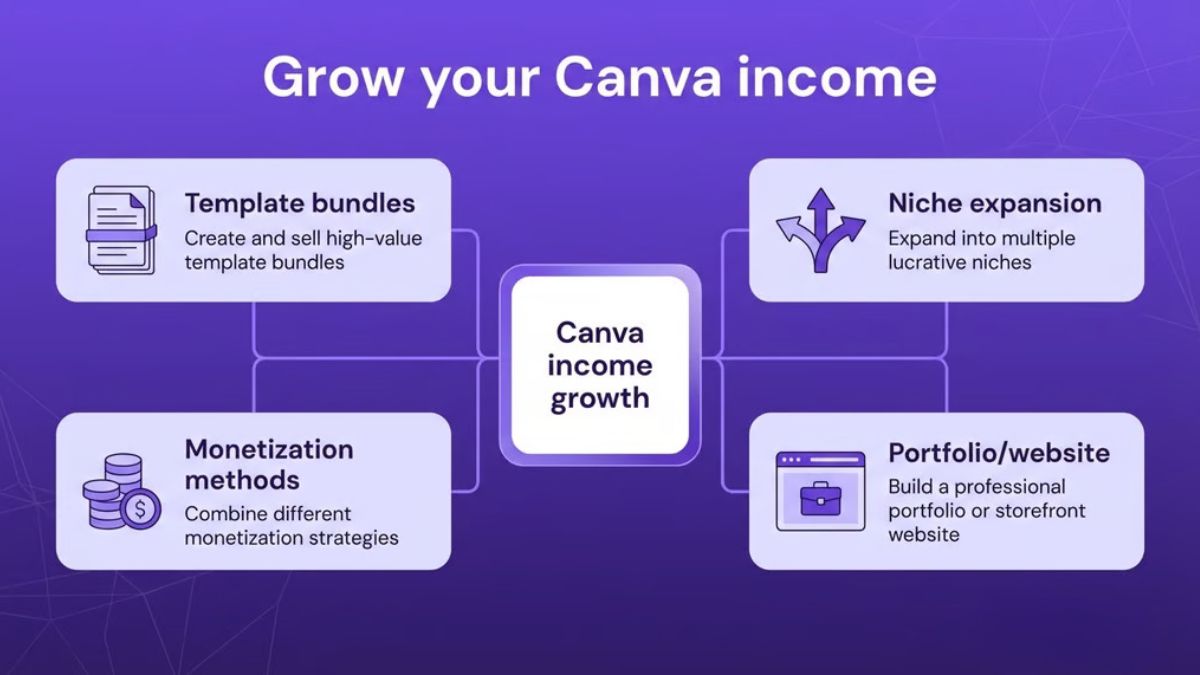
- Single templates: often $3–$10.
- Small packs (5–10 designs): often $8–$20.
- Large bundles (30+ designs): often $20–$60+.
- Niche business kits: often $25–$100+.
Pricing tips:
- Start competitively, then raise prices as you collect reviews.
- Offer bundles to increase order value.
- Run occasional sales, but don’t discount constantly.
- Price by value, such as the time saved for the buyer.
Step 8: Promote Your Templates
- Pinterest: Create pins showing your templates.
- Instagram and TikTok: Share quick design tips and previews.
- Email list: Offer a free mini-pack to collect subscribers.
- Blog posts: Write tutorials that feature your templates.
- Collaborations: Partner with creators in your niche.
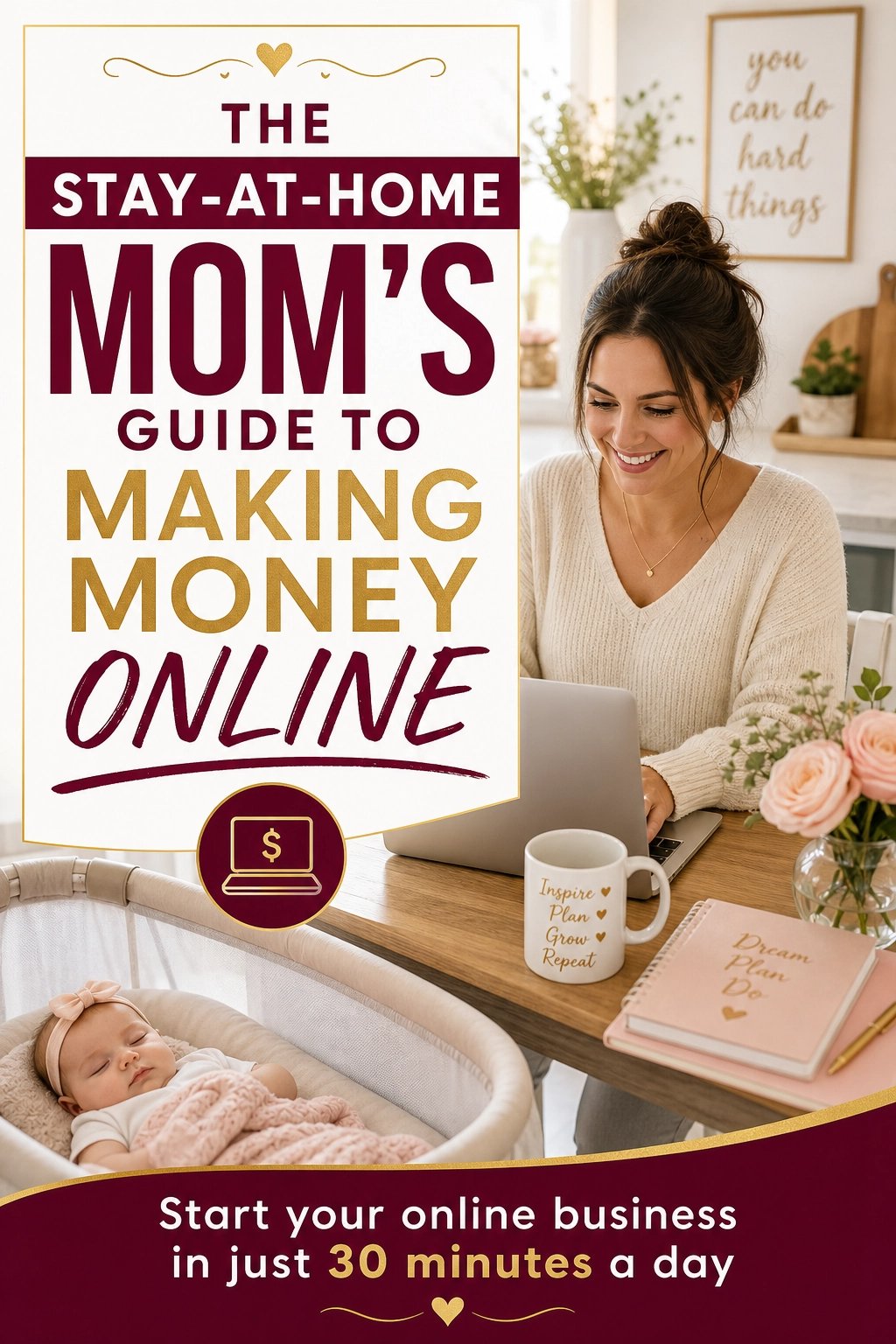
A recognizable brand turns one-time buyers into fans. The Personal Brand Blueprint can help you stand out. If you’re looking for more ways to build digital income at home, The Stay-At-Home Mom’s Guide to Making Money Online has plenty of ideas.
A Sample 30-Day Template Business Plan
- Week 1: Choose your niche, research competitors, and sketch your pack list.
- Week 2: Design your first pack of 10 templates.
- Week 3: Write instructions, create previews, and set up your shop listing.
- Week 4: Publish, share on Pinterest and social media, and ask early buyers for feedback.
After launch, create a new pack every few weeks and build a collection.
Example Template Pack Ideas You Can Create This Month
If you’re short on inspiration, here are four pack ideas, each aimed at a specific buyer:
- “Calm Coach” Instagram Pack: 12 post templates, 6 story templates, and 5 highlight covers in soft neutral colors for wellness coaches.
- Blogger Pinterest Pack: 20 pin layouts in three styles (minimal, bold, and photo-led) for bloggers who want to save time.
- Freelancer Business Kit: A proposal, invoice, welcome packet, and one-page portfolio in a single coordinated style.
- Teacher Classroom Pack: Weekly planner, class schedule, name tags, and parent newsletter templates.
Notice how each pack answers a specific need. When a buyer sees their exact situation reflected in your listing, the decision to buy gets much easier.
Customer Support Tips for Template Sellers
Because templates are digital, most questions are technical. Prepare for them upfront:
- Include a clear instruction page with screenshots.
- Create a short FAQ covering Canva account requirements, fonts, and editing basics.
- Reply to messages quickly and kindly.
- Update your files if you discover a bug or a font issue.
- Ask for reviews once a buyer has had time to use the templates.
Good support earns five-star reviews, and reviews are the engine behind long-term Etsy and Gumroad sales.
Money and Legal Basics
- Track income and expenses.
- Save for taxes. Consult a qualified professional.
- Keep records of your asset licenses.
- Write clear terms of use for buyers.
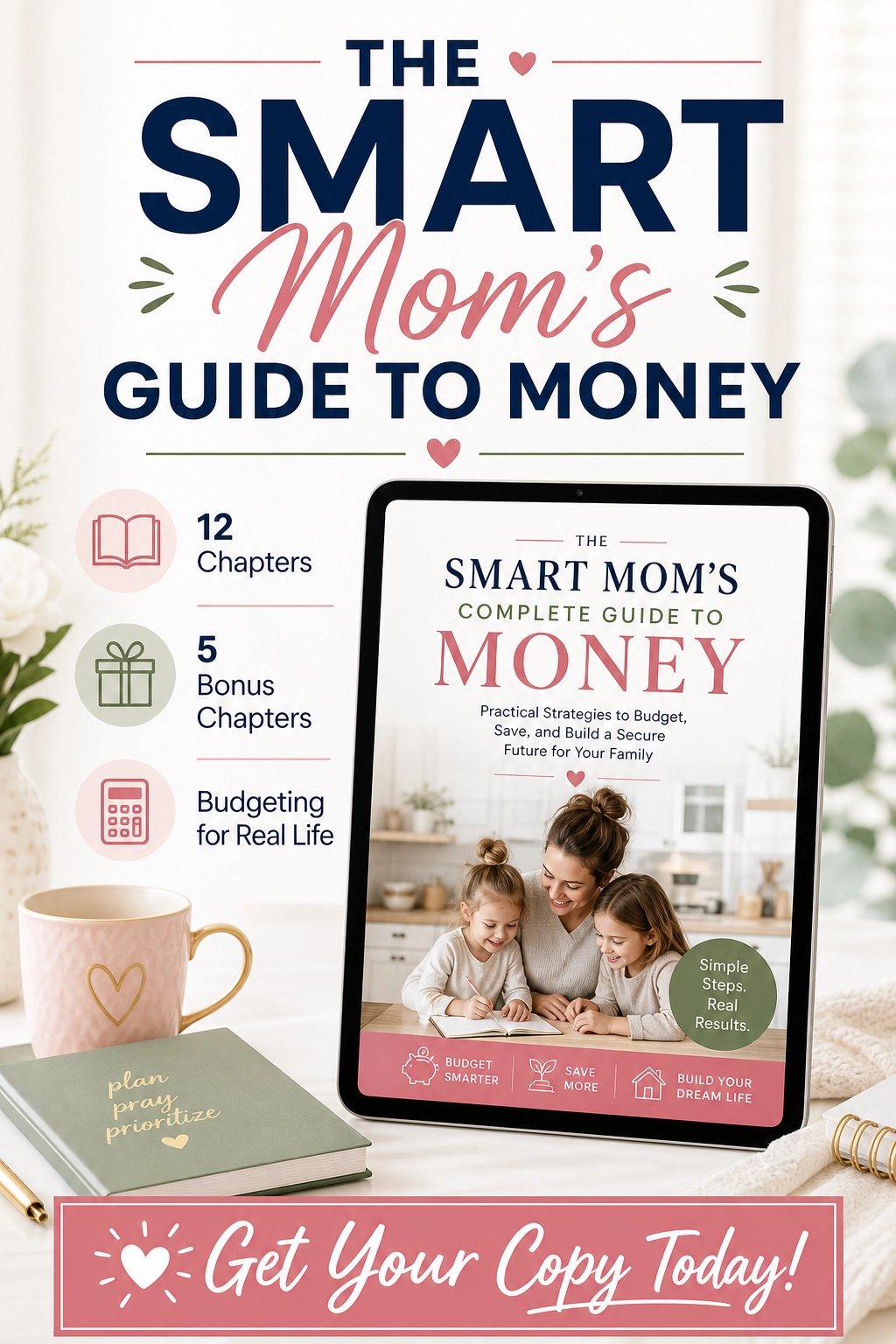
The Smart Mom’s Complete Guide to Money offers simple financial frameworks.
Mistakes to Avoid
- Ignoring licensing rules. This can get your listings removed.
- Choosing a broad niche. Specific wins.
- Weak previews. Visuals sell design products.
- Hard-to-use delivery. Test your instructions.
- Quitting early. Template shops often take a few months.
Quick Answers About Selling Canva Templates
Do I need Canva Pro? Not always, but Pro features can save time and expand design options. Check current rules about which elements you can use in templates for sale.
How much can I earn? It varies widely. Some sellers earn modest side income, and others build larger shops. Niche, quality, and marketing matter most.
Do I need design experience? No, but practice and good taste help. Study designs you admire.
Is it passive income? After setup, sales can arrive without daily work, but promotion and new products help you grow.
Your First Template Pack Is Closer Than You Think
Learning to make money with Canva templates is really about solving a design headache for busy people. Choose a niche, build a cohesive pack, deliver it clearly, and promote it consistently.
This week, pick your niche and sketch a list of ten templates your buyer needs. Trust me, watching a stranger use something you designed is a wonderful feeling. Let’s start designing!






Leave a Reply