

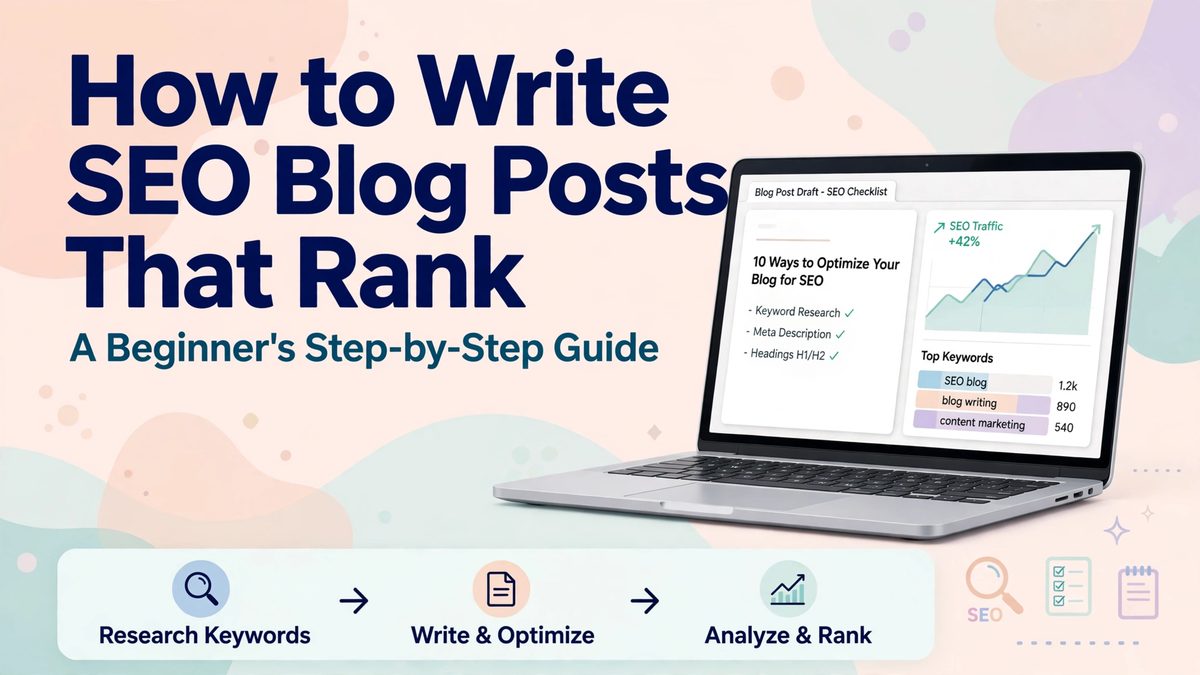
One of my early blog posts took me nine hours to write. I loved it. It had stories, jokes, and a long introduction about my morning coffee. It also ranked on page nine of search results, which is essentially invisible. A few months later, I rewrote it with a clearer structure, better headings, and a stronger focus on what readers wanted. It climbed to page one.
If you want to write SEO blog posts that rank, the good news is that it isn’t about tricks. It’s about being genuinely helpful, easy to read, and clear about what your post covers. Search engines try to show the most useful pages, and you can learn to build them.
In this guide, I’ll walk you through the process I use, from choosing a topic to editing, optimizing, and updating.
What Makes a Post “SEO-Friendly”?
An SEO-friendly post:
- Targets a specific search query people actually use.
- Matches search intent, giving readers what they came for.
- Has a clear structure with helpful headings.
- Provides original value: examples, experience, and clarity.
- Loads quickly and reads easily on mobile.
- Earns links and engagement over time.
The honest part: Rankings depend on competition, site authority, and many factors you can’t control. Quality content and consistency improve your chances, but nothing is guaranteed.

Step 1: Choose a Focus Keyword and Intent
Start with research. The Digital Marketing Playbook walks through SEO fundamentals, and the basic process is:
- Pick a topic your audience searches for.
- Choose one primary keyword.
- Search it and study the top results.
- Identify the intent: Are readers looking for a guide, a list, a comparison, or a definition?
- Decide how you’ll make your post more helpful than what exists.
Step 2: Outline Before You Write
A good outline saves time.
A Reliable Blog Post Structure
- Title: Clear and includes your keyword.
- Introduction: Hook, problem, and promise of what the reader will learn.
- Main sections: Headings that answer key questions.
- Examples and steps: Practical details.
- FAQ: Short answers to common questions.
- Conclusion and next step.
Look at “People also ask” questions and related searches to find sections readers expect.

Use AI for Outlining
AI can suggest outlines and questions. Compare them to what’s already ranking, then add your own experience. The Claude Advantage shows how to prompt effectively for outlines and drafts.
Step 3: Write a Strong Title and Introduction
Title Tips
- Include your primary keyword near the beginning when natural.
- Make a clear promise, such as “How to Start a Blog in 2027: A Beginner’s Guide.”
- Keep it under about 60 characters for search display when possible.
- Avoid clickbait. Deliver what you promise.
Introduction Tips
- Open with a hook: a story, problem, or surprising fact.
- Use the primary keyword within the first 100 words.
- Explain what readers will learn.
- Keep it short.
Step 4: Use Headings and Scannable Formatting
Most readers skim.
- Use H2 headings for main sections and H3 for subsections.
- Include keywords naturally in some headings.
- Keep paragraphs short, two to four sentences.
- Use bullet points and numbered lists.
- Bold key phrases sparingly.
- Add tables or checklists where they help.
Clear structure improves readability and helps search engines understand your content.
Step 5: Write Helpful, Original Content
This is the heart of ranking.
- Answer the question quickly, then expand.
- Share real experience and examples.
- Be specific: numbers, steps, and screenshots.
- Explain jargon.
- Cite reliable sources when using facts.
- Avoid fluff and repeated filler.
- Write conversationally.
Read your draft aloud. If it sounds stiff or confusing, rewrite.
Step 6: Optimize On-Page SEO Elements
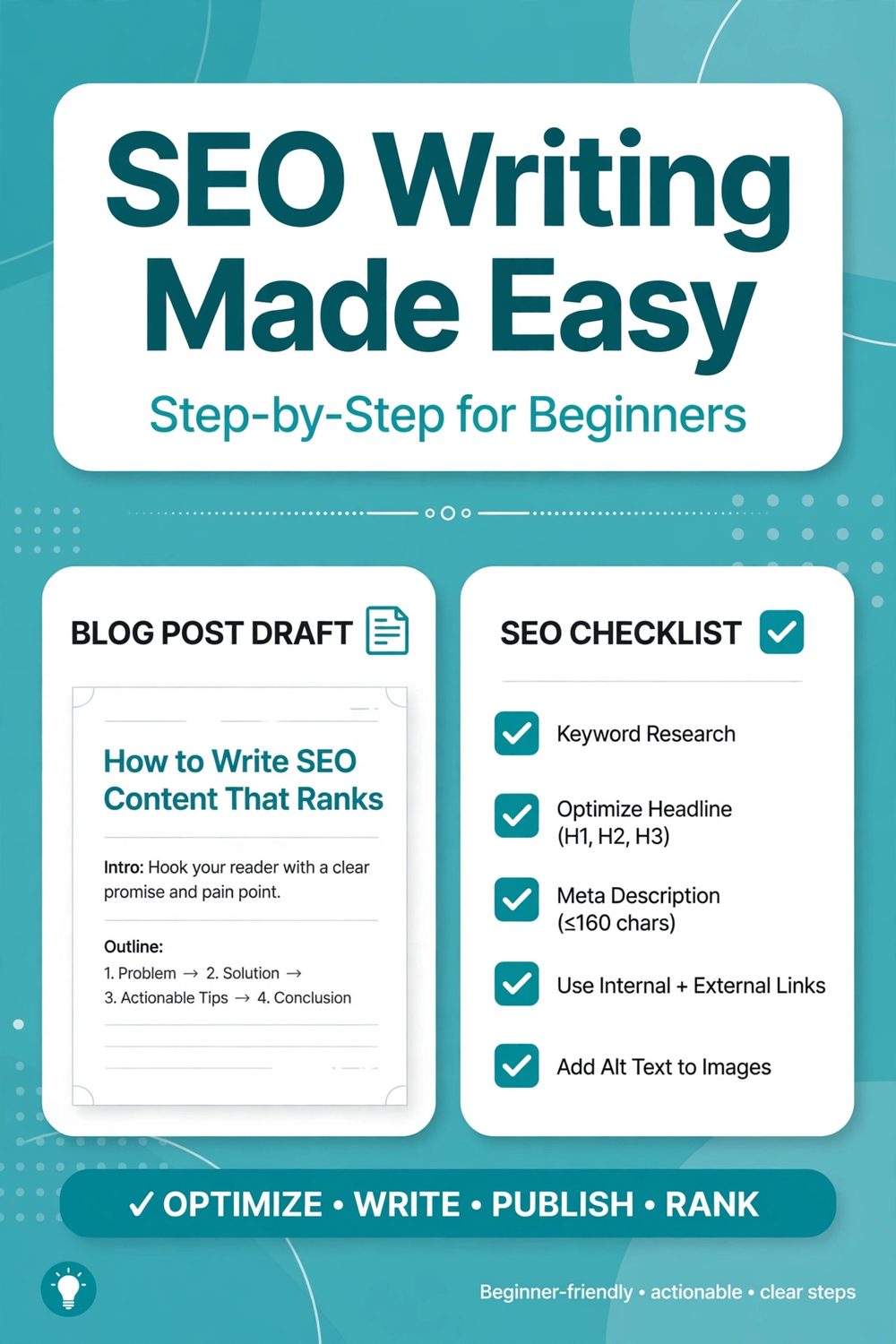
- Primary keyword: In the title, first paragraph, a couple of headings, URL, and meta description.
- URL slug: Short and descriptive, like /write-seo-blog-posts.
- Meta title and description: Compelling and within recommended lengths.
- Image alt text: Describe images naturally.
- Internal links: Link to related posts on your site.
- External links: Link to reputable sources when helpful.
- Schema or FAQ markup: Optional, depending on your platform.
Don’t stuff keywords. Natural language performs best.
Step 7: Add Internal and External Links Thoughtfully
- Internal links help readers find related content and spread authority across your site.
- Use descriptive anchor text, not “click here.”
- Link to your most important pages from relevant posts.
- External links to trustworthy sources can add credibility.
- Check that links work.
Step 8: Improve Readability and Experience
- Use short sentences and plain language.
- Avoid giant walls of text.
- Use images, screenshots, or graphics to break up sections.
- Ensure fast loading by compressing images.
- Test on mobile.
- Avoid intrusive pop-ups.

Step 9: Edit and Fact-Check
- Remove repetition and filler.
- Check facts, links, and statistics.
- Proofread for typos.
- Confirm the post fully answers the search intent.
- Ask a friend to read for clarity.
Step 10: Publish, Promote, and Update
- Publish and submit the URL to search tools if you use them.
- Share on social media, Pinterest, and email.
- Monitor performance with free analytics.
- Update posts every six to twelve months with new information.
- Improve titles and meta descriptions for posts with impressions but low clicks.
The Personal Brand Blueprint can help you develop a recognizable voice that makes readers return and share your posts.

A Sample Post Checklist
Before publishing, confirm:
- Primary keyword chosen and intent matched.
- Outline complete with helpful headings.
- Introduction includes the keyword and a clear promise.
- Content includes original examples.
- Internal and external links added.
- Meta title, description, and slug set.
- Images compressed with alt text.
- Proofread and fact-checked.
Monetizing Your Blog Posts
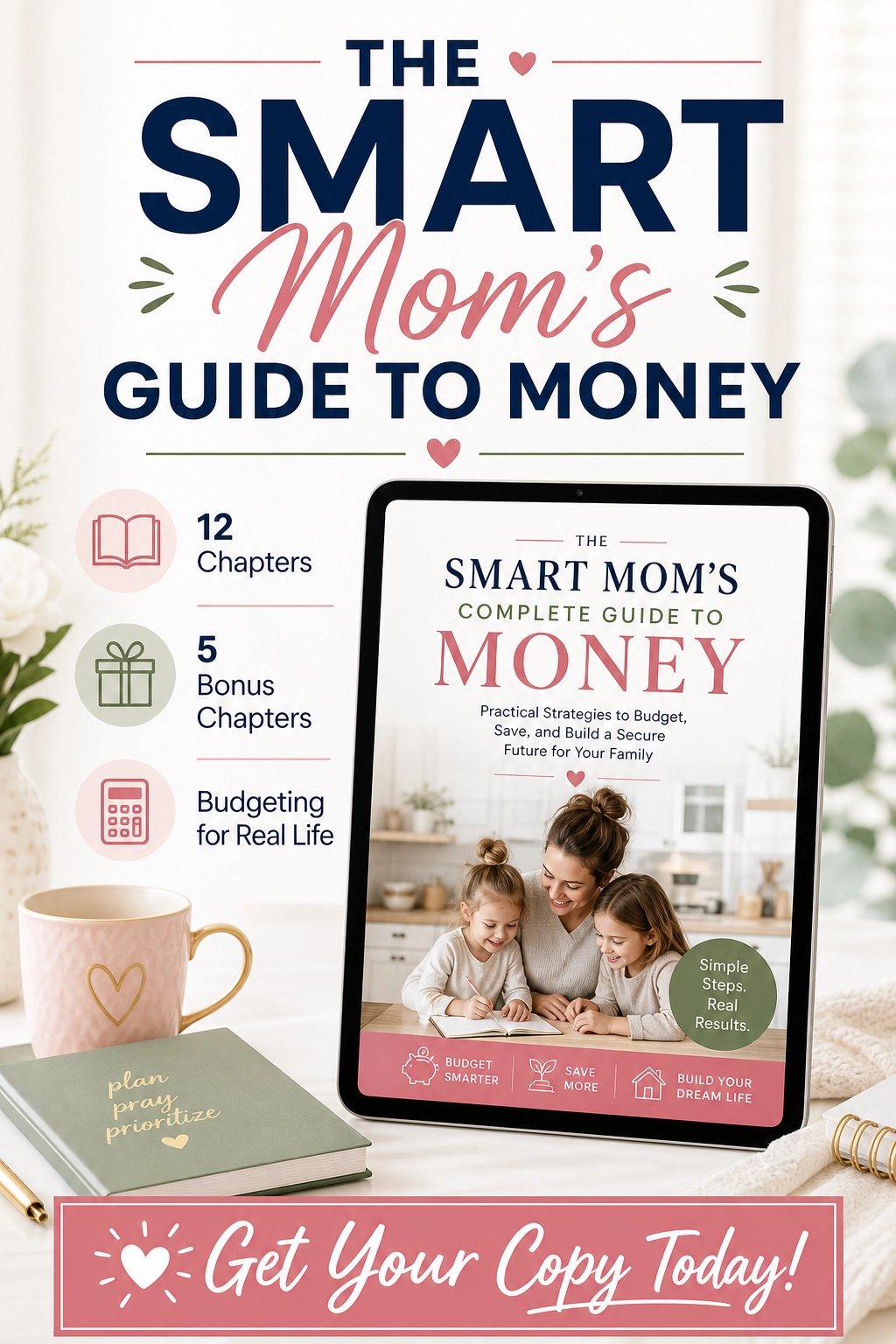
Posts can earn through affiliates, products, services, and ads. Always disclose affiliate links and follow regulations. If you want flexible ideas for earning from your content, The Stay-At-Home Mom’s Guide to Making Money Online offers beginner-friendly options. Track income and set aside money for taxes, and consult a qualified professional. The Smart Mom’s Complete Guide to Money offers friendly guidance for managing new income.
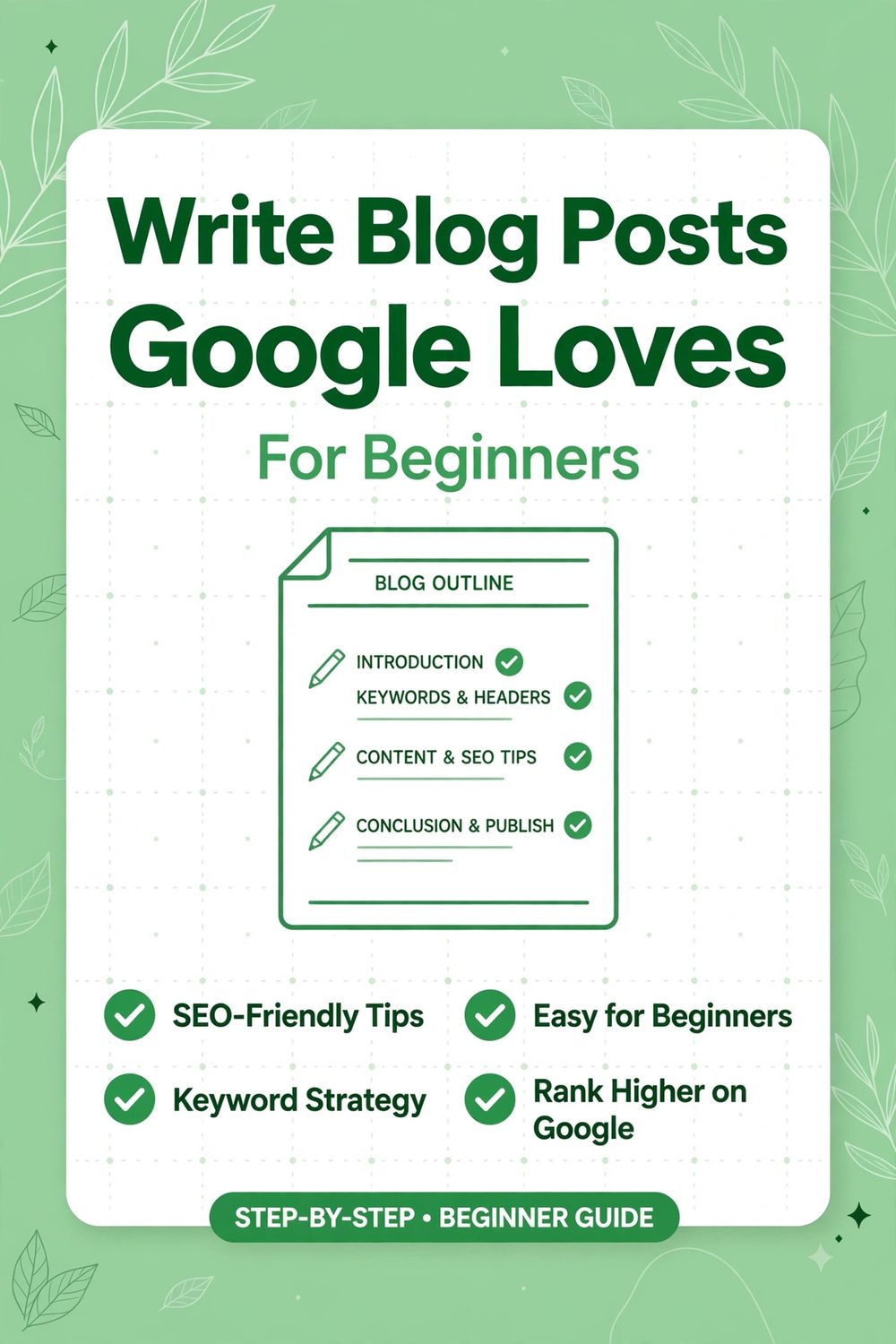
A Sample Post Outline You Can Copy
Here’s an outline for a post targeting “how to meal plan on a budget”:
- Title: How to Meal Plan on a Budget in 2027: A Simple Weekly System
- Introduction: A short story about wasting groceries, the promise of a simple system, and the keyword in the first lines.
- H2: Why Meal Planning Saves Money: A short explanation with examples.
- H2: Step-by-Step Weekly Meal Plan: Numbered steps with a sample week.
- H2: Budget-Friendly Ingredients to Stock: A bullet list.
- H2: Common Mistakes to Avoid: Short list with fixes.
- H2: Free Printable Meal Planner: A natural place for a freebie and email sign-up.
- H2: FAQ: Three or four quick answers.
- Conclusion: A friendly summary and a clear next step.
Notice how every section answers a question a reader would likely have. That’s the heart of helpful, rankable content.
How to Update Old Posts for a Ranking Boost
Refreshing older posts is one of the easiest ways to improve results:
- Check the date and details: Update outdated tools, prices, and steps.
- Add new sections answering questions you didn’t cover before.
- Improve the introduction and title for clarity.
- Add internal links to your newer posts.
- Replace weak images and compress files for speed.
- Update the published date only when you’ve made meaningful changes.
Many bloggers find that refreshing an existing post takes far less time than writing a new one, and it can bring in traffic faster.

Common SEO Writing Myths
- “More keywords mean better rankings.” Overusing a phrase makes writing worse and doesn’t help.
- “Longer is always better.” Cover the topic fully, but don’t pad.
- “Publish once and forget.” Updating posts often improves performance.
- “SEO is only for big sites.” Smaller sites can rank by serving specific questions well.
- “AI-written content ranks automatically.” Helpful, original, accurate content matters most, however you draft it.
Focus on usefulness, clarity, and trust, and treat SEO as a way to help the right readers find you.
Mistakes to Avoid
- Writing without a target keyword or intent.
- Burying the answer.
- Keyword stuffing.
- Thin or copied content.
- Ignoring formatting.
- Never updating old posts.
Quick Answers About SEO Writing
How long should a blog post be? Long enough to fully answer the query. Many comprehensive guides run 1,500 to 2,500 words, but quality matters more than length.
How many keywords should I use? One primary keyword and natural variations is enough.
How long until a post ranks? Often weeks to months, depending on competition and site authority.
Can I use AI to write posts? You can use it as a helper, but add your own experience, fact-check, and follow search guidelines about helpful, original content.
Write Posts People Are Glad They Found
Writing SEO blog posts that rank is about serving readers clearly and consistently. Choose a focus keyword, match intent, structure your content, add original value, and keep improving.
This week, outline one post using the structure above and write the introduction. Trust me, the day you see a post you wrote appear on page one, the effort will feel entirely worthwhile. Let’s start writing!






Leave a Reply