

I used to believe every platform needed completely new content. I’d write a blog post on Monday, brainstorm a new Instagram idea on Tuesday, script a video on Wednesday, and feel exhausted by Thursday. Then a fellow creator watched my process and said, “Why not just turn the blog post into the rest?” It felt almost like cheating. In reality, it was simply smart.
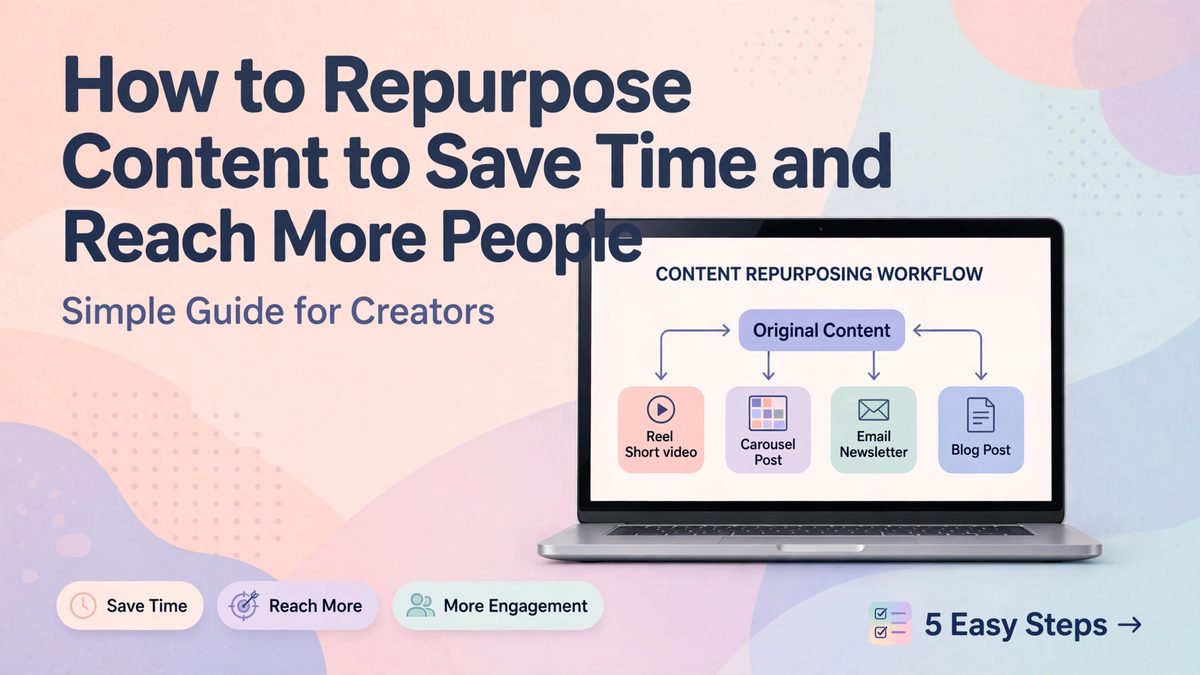
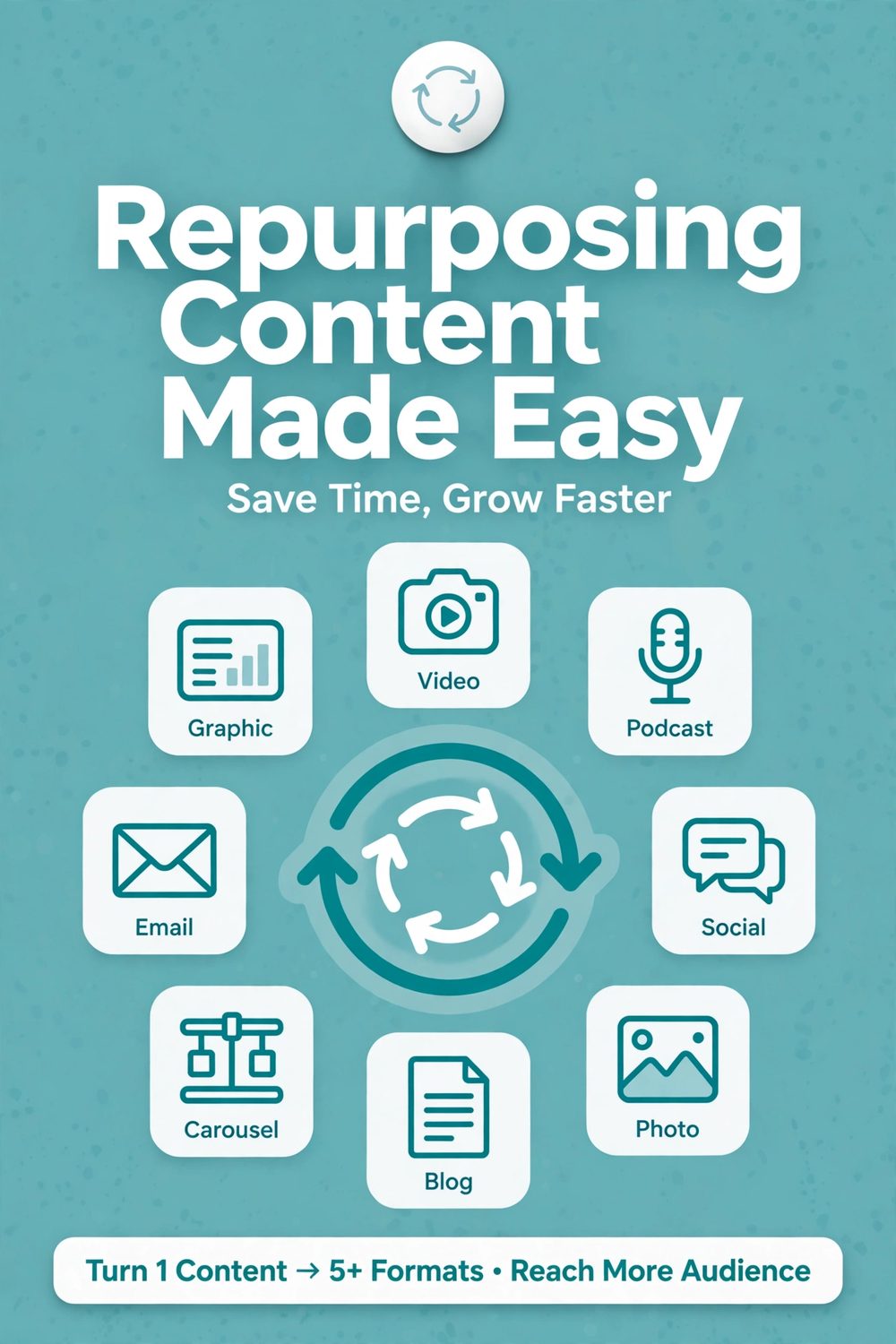
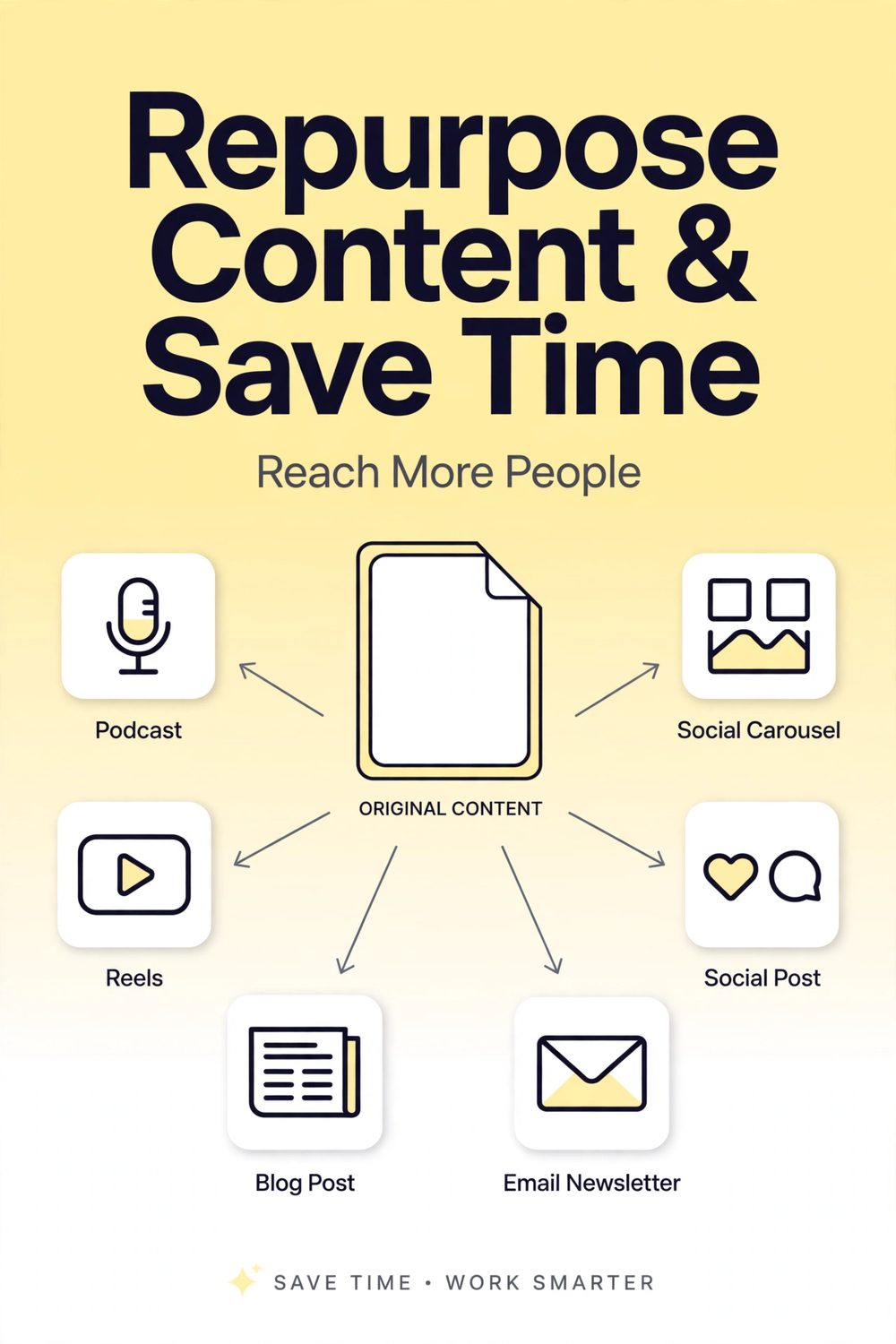
If you want to repurpose content, you’re learning one of the most powerful time-saving habits in marketing. Repurposing means taking one core idea and adapting it into multiple formats, so you reach different audiences without starting from scratch each time.
In this guide, I’ll walk you through what repurposing is (and isn’t), a step-by-step workflow, format ideas, tools, and how to keep your content fresh and valuable.
What Is Content Repurposing?
Repurposing means reshaping existing content for different formats or platforms. It’s not copying and pasting. It’s adapting the message to suit each audience and medium.
Examples:
- A blog post becomes a newsletter, a carousel, a short video, and several pins.
- A podcast episode becomes a blog post, quotes, and short clips.
- A client question becomes a post, a video, and an FAQ section.
- A webinar becomes a guide, a checklist, and a series of emails.
Why it works:
- Saves time and energy.
- Reaches new audiences who prefer different formats.
- Reinforces your message through repetition.
- Builds authority with consistent themes.
- Extends the life of your best ideas.
The honest part: Repurposing works best when you adapt content thoughtfully. Posting identical content everywhere can feel lazy and may violate platform guidelines. Keep value, voice, and context at the center.
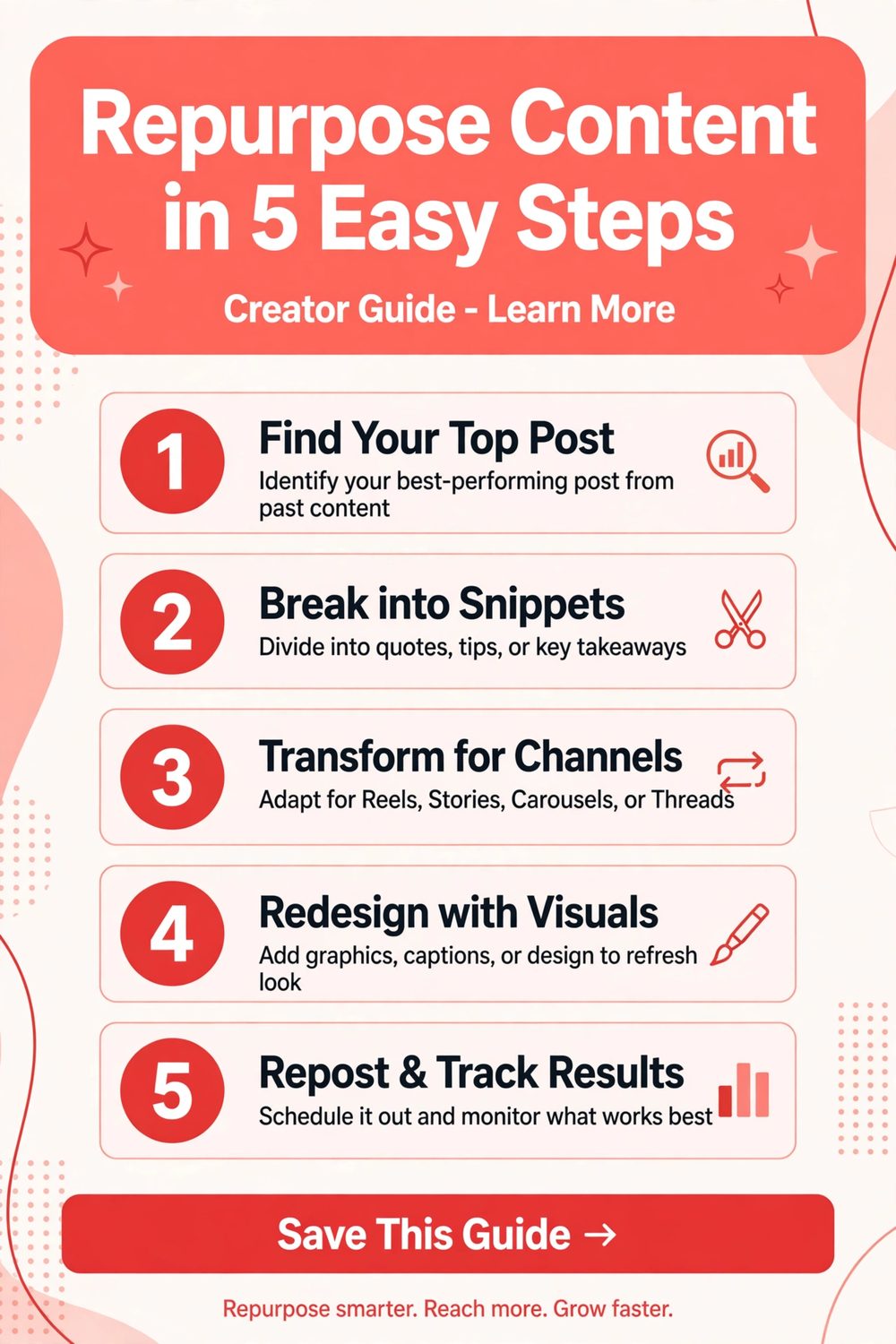
Step 1: Start With Pillar Content
Pillar content is your most valuable, in-depth piece, such as a blog post, video, podcast, or workshop.
- Choose a topic your audience cares about.
- Make it thorough and helpful.
- Include stories, examples, and clear takeaways.
- Structure it with headings and key points so it’s easy to break apart.
Good pillar content often comes from questions you hear repeatedly, or from keyword research. The Digital Marketing Playbook offers beginner-friendly guidance on choosing topics and building content that attracts the right audience.
Step 2: Break It Into Core Ideas
Extract the building blocks.
- List the main points in your pillar piece.
- Pull out stories and examples.
- Find strong quotes or statistics (with proper sources).
- Note common questions the content answers.
- Identify steps, lists, and checklists.
Each point can become a separate piece.

Step 3: Choose Formats for Each Platform
Match the format to the platform’s strengths.
Blog Post Becomes…
- Email newsletter: A short summary with a personal note and link.
- Instagram carousel: One idea per slide.
- LinkedIn post: A story-based lesson with a takeaway.
- Pinterest pins: Several designs with different headlines.
- Short video or Reel: A quick tip or myth-busting clip.
- Twitter/X or Threads posts: Bite-sized insights.
- Podcast or audio: A conversational version.
- Lead magnet: A checklist or cheat sheet based on the post.
Video or Podcast Becomes…
- Blog post or transcript summary.
- Quote graphics.
- Short clips for social media.
- Newsletter highlights.
- FAQ pages.
Step 4: Adapt, Don’t Duplicate
Each platform has its own style.
- Adjust the length and tone.
- Change the hook to suit the platform.
- Use platform-native formatting, like captions, hashtags, or slide design.
- Add fresh examples or updated context.
- Customize the call to action, such as “Read the full post” or “Reply with your question.”
AI can help reformat content, such as summarizing a post into a carousel outline or drafting caption variations. Always edit for voice and accuracy. The Claude Advantage shows how to prompt effectively for repurposing.
Step 5: Build a Repeatable Workflow
A Simple Weekly Repurposing Workflow
- Monday: Create or finalize your pillar content.
- Tuesday: Extract key points and write a newsletter.
- Wednesday: Design a carousel and pins.
- Thursday: Record a short video or audio clip.
- Friday: Schedule everything and review analytics.
Create Templates
- Newsletter template.
- Carousel template in Canva.
- Pin templates.
- Video script outline.
- Caption formulas.
Templates make each new piece faster.
Step 6: Schedule Strategically
- Space out content so it doesn’t all appear the same day.
- Reuse your best evergreen content every few months with fresh angles.
- Align repurposed pieces with your content calendar.
- Track what’s published to avoid unintentional repetition.
If you’d like help planning your schedule, see our guide to building a content calendar, and combine it with a simple tracking sheet.

Step 7: Refresh and Recycle Evergreen Content
Not all content needs to be new.
- Update old posts with fresh information.
- Re-share top performers with new hooks.
- Combine related posts into guides or ebooks.
- Turn series into courses or workshops.
- Create “best of” roundups.
If you want to turn your repurposed content into products, The Stay-At-Home Mom’s Guide to Making Money Online offers beginner-friendly ideas for packaging what you know.
Step 8: Track What Works
- Review analytics for each format.
- Note which topics and formats perform best.
- Ask your audience what they want more of.
- Double down on winning formats.
- Drop formats that don’t suit you or your audience.

An Example: One Blog Post, Ten Pieces
Imagine a blog post titled “How to Start a Side Hustle With No Money.” Here’s how it could become:
- A newsletter with the top three ideas.
- A seven-slide carousel on “Free Side Hustle Ideas.”
- A 45-second video answering “Can you really start for free?”
- Three Pinterest pins with different headlines.
- A LinkedIn post about the first client mindset.
- A free checklist for subscribers.
- A quote graphic with a key takeaway.
- An FAQ section for your website.
- A short podcast or audio clip.
- A follow-up post answering reader questions.
One idea, ten touchpoints, and a fraction of the time.
Protect Your Quality and Reputation
- Credit sources and respect copyright.
- Avoid misleading edits or clickbait.
- Follow each platform’s rules on reposting and originality.
- Keep your brand voice consistent. The Personal Brand Blueprint can help you define it.
A 30-Day Repurposing Plan
- Week 1: Choose your top three existing posts or videos.
- Week 2: Turn the first one into five formats.
- Week 3: Repeat with the second and track results.
- Week 4: Build templates and a weekly repurposing routine.
Money Basics
If your content earns income, track it and set aside money for taxes. Consult a qualified professional. The Smart Mom’s Complete Guide to Money offers friendly guidance for managing income.
Tools That Make Repurposing Easier
You don’t need expensive software. A few simple tools go a long way:
- Canva for carousels, pins, quote graphics, and thumbnails.
- Transcription tools to turn videos and podcasts into text.
- Video editors with simple clip features for short-form videos.
- Scheduling tools to publish across platforms.
- A notes app or spreadsheet to track which ideas have been repurposed.
- An AI assistant to summarize, reformat, and suggest hooks.
Choose tools that fit your budget and skills, and add new ones only when a real bottleneck appears. A simple system you use consistently beats a complicated one you abandon.
Repurposing for Different Goals
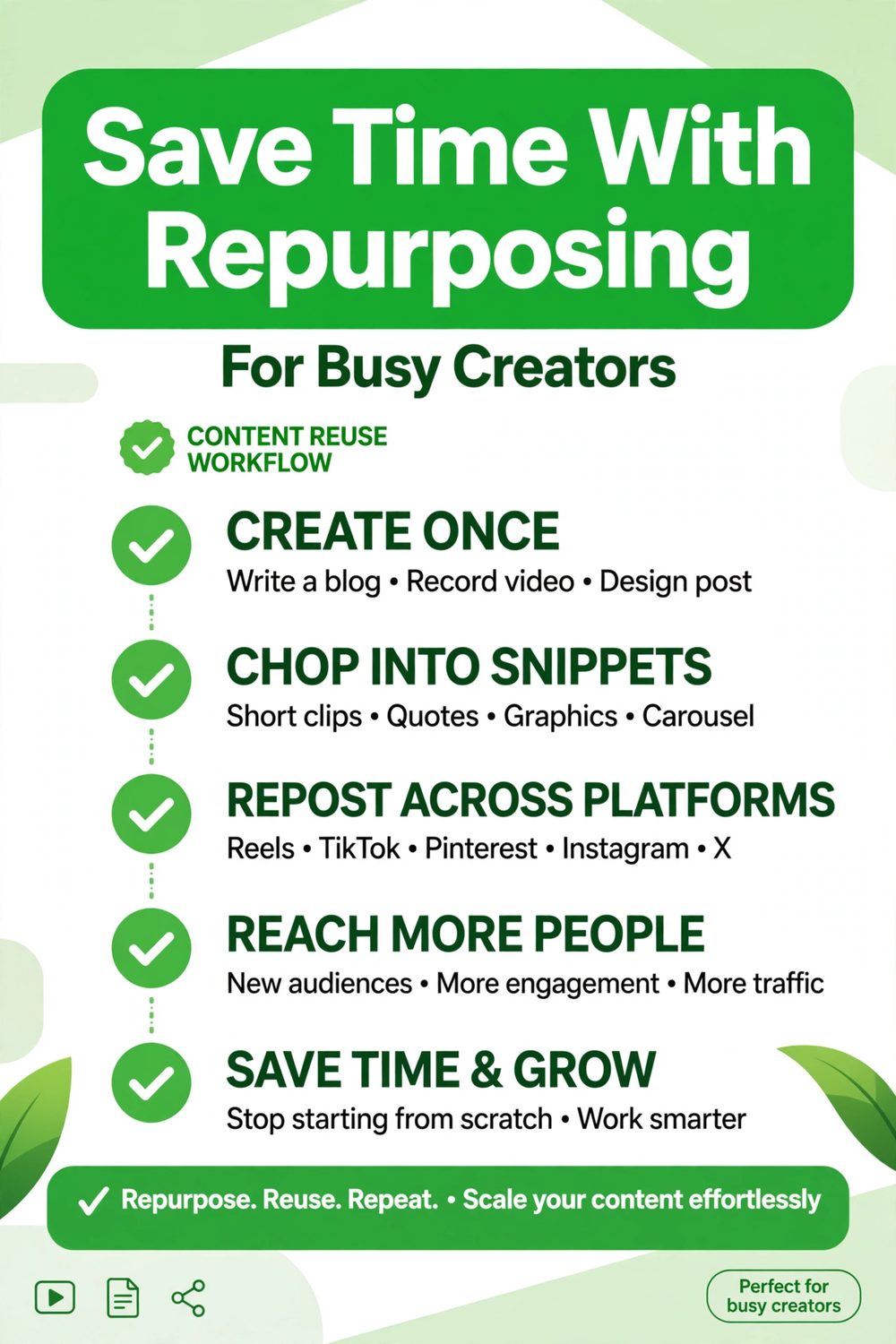
Match your repurposed content to what you want it to achieve:
- To grow an audience: Create short, shareable pieces such as carousels and short videos with strong hooks.
- To build trust: Share longer stories, case studies, and behind-the-scenes content.
- To grow your email list: Turn your best posts into checklists or mini-guides.
- To sell a product: Create testimonial graphics, FAQs, and demonstrations of how your product solves a problem.
- To attract clients: Share lessons learned, results, and thoughtful opinions on LinkedIn and your blog.
Thinking about your goal first helps you choose the right format and avoid creating content that looks busy but doesn’t move your business forward.

Mistakes to Avoid
- Posting identical content everywhere.
- Skipping the hook for each format.
- Ignoring platform differences.
- Repurposing weak content.
- Forgetting to update old information.
- Spreading yourself across too many platforms.
Quick Answers About Repurposing Content
Is repurposing content cheating? No. It’s smart, as long as you add value and adapt content to each format.
How often can I reuse content? Evergreen content can be refreshed every few months, with new angles and updates.
Which formats should I start with? Start with the formats your audience already uses and that you enjoy creating.
Will repurposing hurt my SEO? Reposting identical text across sites can cause duplicate-content issues, so adapt content or use proper canonical settings.
One Idea Can Go a Long Way
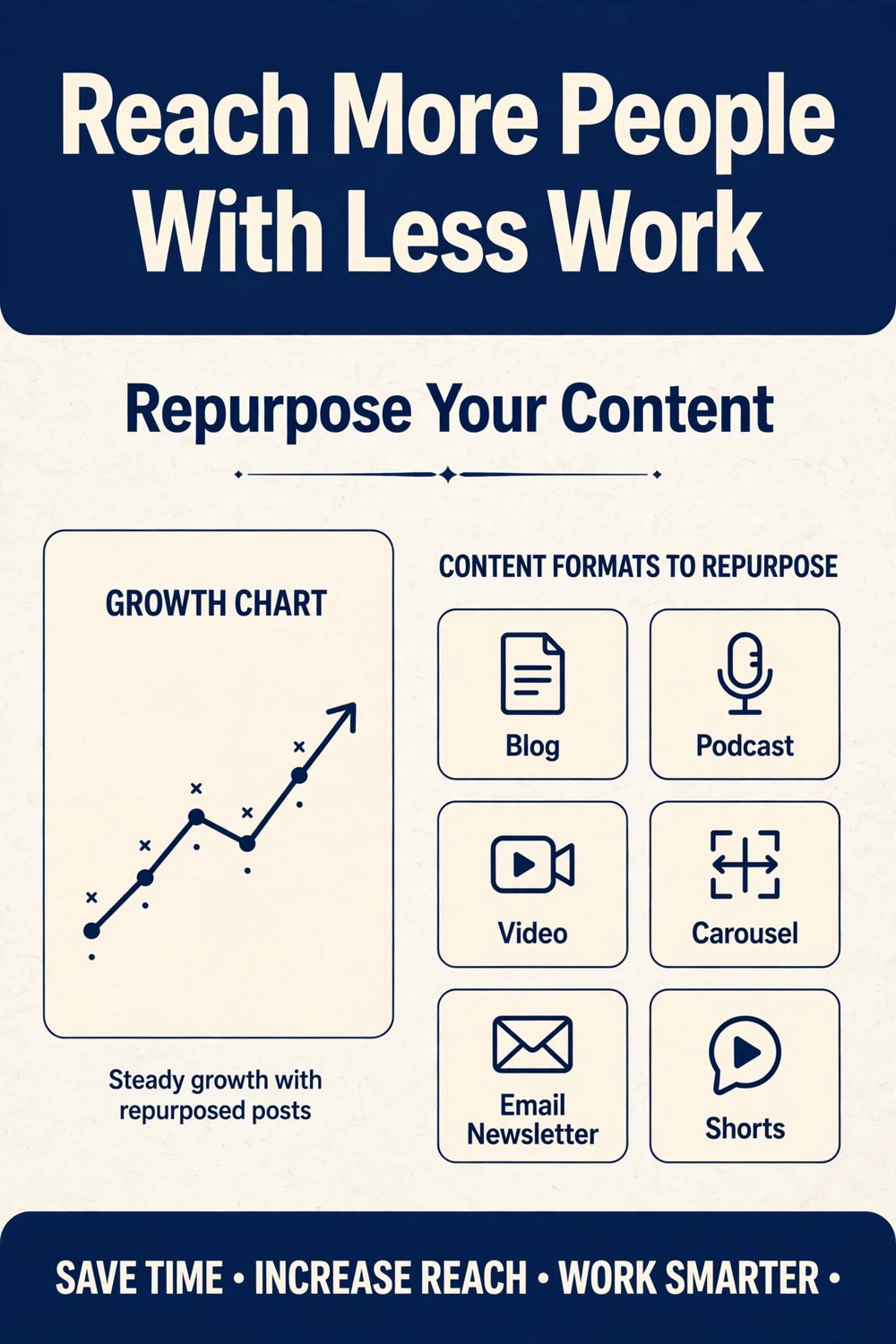
Repurposing content is about working smarter, not harder. Start with a strong pillar piece, break it into core ideas, adapt it to each platform, and track what works.
This week, choose your best-performing blog post or video and turn it into three new formats. Trust me, the first time you realize you created a week of content from one idea, you’ll never go back. Let’s repurpose!









Leave a Reply