

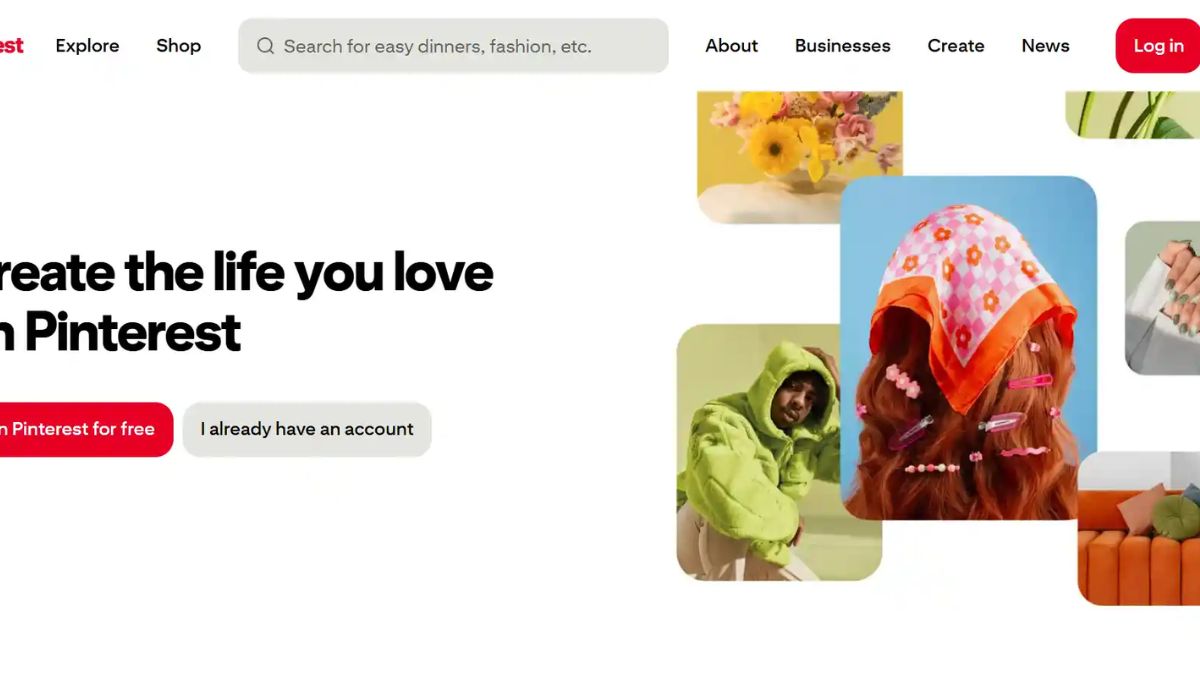
Did you know that Pinterest works more like a search engine than a social network? People go there with intent, searching for ideas to plan, buy, and try. That’s why one of my pins from months ago still sends visitors to my site today, long after I’ve forgotten I made it.
When I first joined Pinterest, I treated it like Instagram. I posted random photos and wondered why nothing happened. Then I learned how Pinterest really works, and everything changed. If you want to make money on Pinterest, this guide shows you how, step by step.
I’ll walk you through setting up your account, creating pins that get seen, and turning that traffic into income through affiliates, digital products, a blog, or services.
Why Pinterest Is Great for Making Money
Here’s what makes Pinterest special:
- Evergreen content. Pins can keep driving traffic for months or even years, unlike social posts that vanish in hours.
- Buyer intent. Pinners are often planning purchases and projects.
- Visual search. Strong keywords and attractive images work together.
- Free traffic. You don’t need ads to get started.
The honest part: Pinterest takes patience. Expect a few months before traffic builds, and results vary by niche. It also works best when pins lead somewhere useful, like a blog post, product, or landing page.
Step 1: Set Up a Business Account
- Create a Pinterest business account (free). It gives you analytics and extra features.
- Choose a clear profile name and photo. Include a keyword if natural, such as “Sara | Budget Tips for Moms.”
- Write a keyword-rich bio explaining who you help and how.
- Claim your website so Pinterest can attribute your content.
- Create a few boards around specific topics your audience loves.
Pro tip: Name boards with search phrases, like “Frugal Meal Plans” rather than “Yummy Stuff.”
Step 2: Choose a Money-Making Model
Pinterest is a traffic source, so you need a destination. Here are the most common ways to earn:
1. Blogging
Pin your blog posts and earn from affiliates, ads, or your own products.
2. Affiliate Marketing
Create pins linking to helpful posts or landing pages featuring products you recommend. Always disclose affiliate relationships and follow Pinterest’s current rules about links.
3. Digital Products
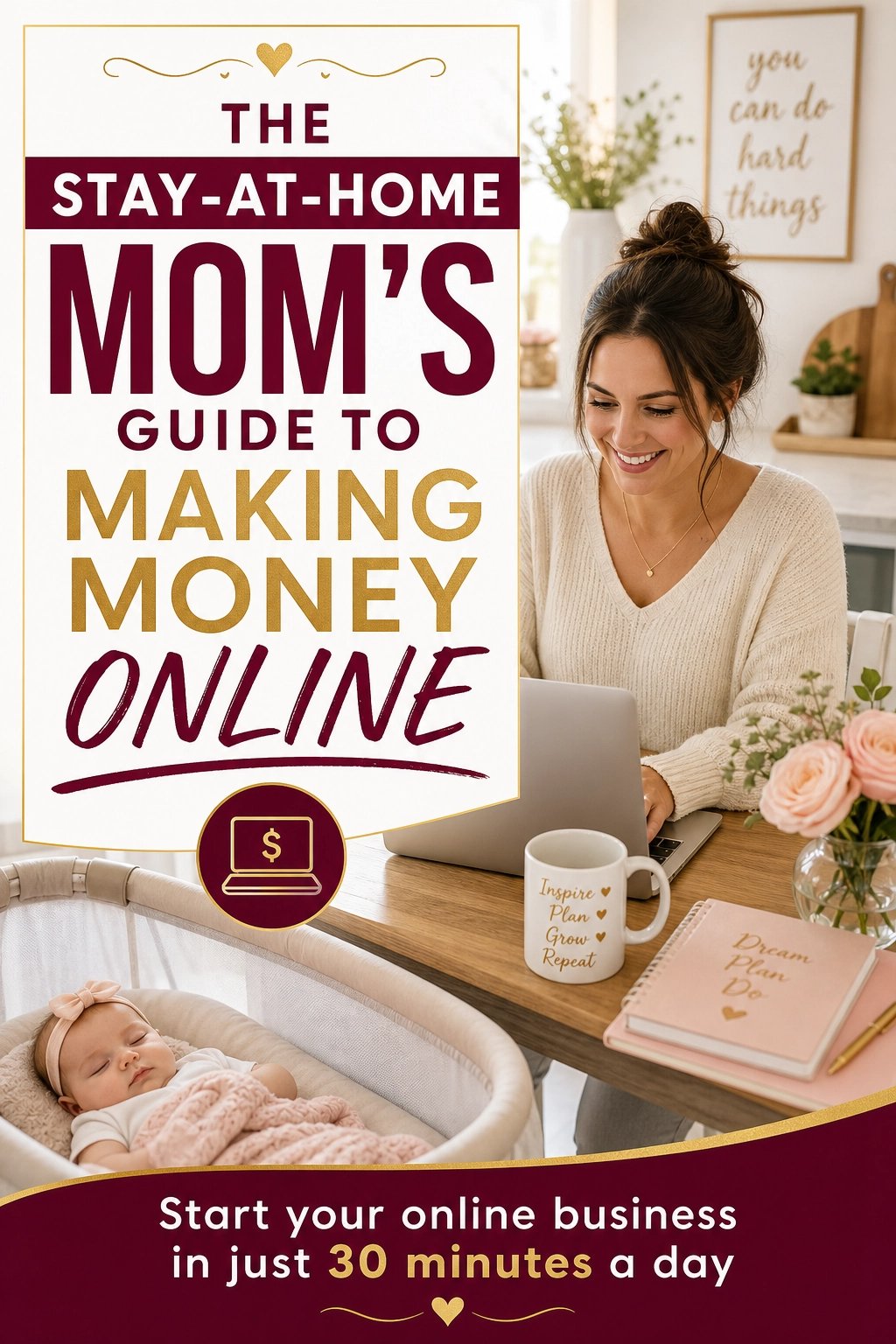
Promote printables, templates, ebooks, and courses through pins that lead to your shop. The Stay-At-Home Mom’s Guide to Making Money Online includes beginner-friendly product ideas.
4. Print-on-Demand and Etsy
Pins showing your products can drive shoppers to your store.
5. Services
Offer Pinterest management as a freelance service. Many bloggers and small shops pay for it.
Step 3: Do Keyword Research
Pinterest search works with keywords. To find them:
- Type a topic into the Pinterest search bar and note autocomplete suggestions.
- Look at the guided search bubbles under results.
- Check what’s trending in your niche.
- Use keywords in your pin titles, descriptions, board names, and profile.
Example: Instead of “budget,” use “monthly budget for beginners” or “how to save money on groceries.”
Step 4: Create Pins That Get Clicks
Great pins combine design, clarity, and keywords.
Pin Design Basics
- Use vertical images, commonly 2:3 ratio such as 1000 x 1500 pixels.
- Add clear, readable text overlays with a benefit-driven headline.
- Use brand colors and fonts consistently.
- Keep it simple. Too much text overwhelms viewers.
- Show the result or product in a way that sparks curiosity.
Pin Text Basics
- Title: Include your main keyword and a benefit.
- Description: Write natural sentences with relevant keywords.
- Link: Send people to a specific, helpful page, not just your homepage.
Canva has plenty of Pinterest templates, so you don’t need advanced design skills. I also use an AI assistant to brainstorm pin headlines and descriptions. The Claude Advantage shares prompt ideas that make this fast.
Step 5: Pin Consistently
Consistency beats bursts. Aim to:
- Create fresh pins regularly, such as three to five per day if time allows, or a smaller steady number.
- Make multiple pin designs for each blog post or product.
- Pin to relevant boards first, then to others if appropriate.
- Use a scheduler to save time.
Fresh content matters, so don’t just repin the same image repeatedly.
Step 6: Track Analytics and Improve
Pinterest analytics show:
- Impressions: How often your pins are seen.
- Saves: How many people save your pins.
- Outbound clicks: How many visit your link.
Find what’s working, make more like it, and refresh what isn’t. Small tweaks to headlines and images can lift results significantly.
Step 7: Turn Traffic Into Income
Traffic alone doesn’t pay the bills. You need a plan to convert visitors:
- Add an email opt-in with a helpful freebie.
- Write posts that solve real problems and naturally include product recommendations.
- Make your offers clear with strong calls to action.
- Build trust with honest advice and a consistent voice.
The Digital Marketing Playbook goes deeper on converting traffic into customers.
A Realistic Pinterest Timeline
- Month 1: Setup, research, and your first batch of pins.
- Months 2–3: Early impressions and a trickle of clicks.
- Months 4–6: Growing traffic and early income if your offers are in place.
- Month 7 and beyond: Compounding results from older pins.
Everyone’s results differ, so stay patient and track your progress.
Example: How One Pin Becomes Income
Let me walk you through a simple example so this feels concrete.
Imagine you run a budgeting blog. You write a post titled “How to Make a Monthly Budget That Actually Works.” Here’s what you’d do next:
- Choose the keyword: “monthly budget for beginners.”
- Create three pin designs in Canva, each with a slightly different headline, such as “Monthly Budget Template for Beginners” or “Stop Overspending: A Simple Budget Plan.”
- Write unique descriptions for each pin, using the keyword naturally.
- Pin them over several weeks to your “Budgeting Tips” board and other relevant boards.
- Add a freebie inside the blog post, like a printable budget worksheet, to collect email addresses.
- Include honest recommendations for budgeting tools or your own digital product.
Now one blog post has three pins working for it, each one attracting slightly different people. Multiply that by twenty posts, and you can see how traffic builds over time.
Pinterest Best Practices That Save Time
After plenty of trial and error, here are habits that make Pinterest easier:
- Batch your design work. Spend one afternoon creating a month of pins.
- Reuse your best templates. Consistency builds brand recognition and saves effort.
- Update older posts. Refreshing a popular post and creating new pins can revive it.
- Test one change at a time. If you change the headline, keep the image style the same so you learn what worked.
- Stay in your niche. Pinterest learns what your content is about, and consistency helps it show your pins to the right people.
Little by little, these habits compound, and your Pinterest work becomes a calm, repeatable routine.
Offering Pinterest Services
Don’t want to run your own business? Pinterest management is a strong freelance service. Tasks include creating pins, writing descriptions, scheduling, keyword research, and reporting. Start by managing your own account, then offer packages to bloggers and small shops. A strong personal brand helps you attract clients, and The Personal Brand Blueprint is a good guide.
Follow the Rules and Handle Money Wisely
- Follow Pinterest’s current community guidelines and link policies.
- Disclose affiliate relationships.
- Respect copyright. Use only images you have rights to use.
- Track income and save for taxes. Consult a qualified professional.
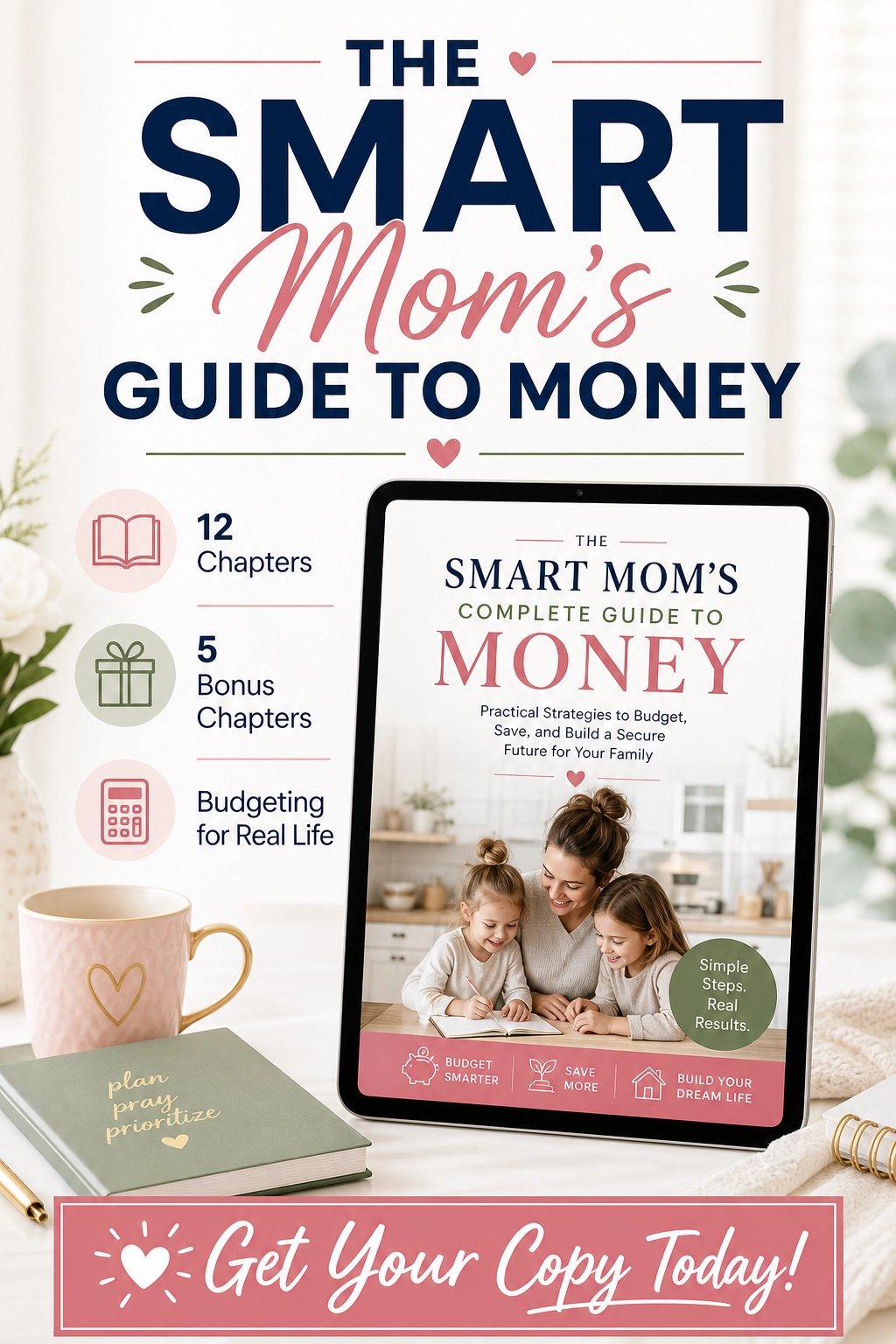
For help with money management, The Smart Mom’s Complete Guide to Money is a friendly resource.
Mistakes to Avoid
- Treating Pinterest like Instagram. It’s a search engine.
- Skipping keywords. Without them, pins don’t get found.
- Linking to weak pages. Send traffic somewhere valuable.
- Giving up too early. Pinterest rewards patience.
- Using copyrighted images. Create or license your own.
Quick Answers About Pinterest Income
Do I need a blog to make money on Pinterest? No, but a blog or landing page gives pins a place to send traffic and makes monetization easier.
How much can I make? It varies widely depending on niche, content quality, and offers. Some earn small side income, and others build much larger businesses.
How long until I see results? Many people see early traction in three to six months.
Is Pinterest free? Yes. You can grow organically without paying for ads.
Your First Pin Could Work for Years
Learning to make money on Pinterest is about understanding how people search, giving them useful, attractive content, and guiding them to something valuable. Set up your account, research keywords, design clear pins, and pin consistently.
This week, create your business account, build three keyword-focused boards, and design your first ten pins. Trust me, watching a pin you created months ago send someone to your site is a wonderful feeling. Let’s start pinning!







Leave a Reply