

A few months ago I did something I’d put off for years: I filmed a six-minute video answering the single most common question my clients ask. No fancy lighting, no intro animation, just me, a laptop, and a messy desk. I posted it, forgot about it, and moved on. Weeks later, a stranger emailed me and said, “I found your video when I asked how to fix this exact problem”. That one video has brought me more qualified leads than some campaigns I paid for.
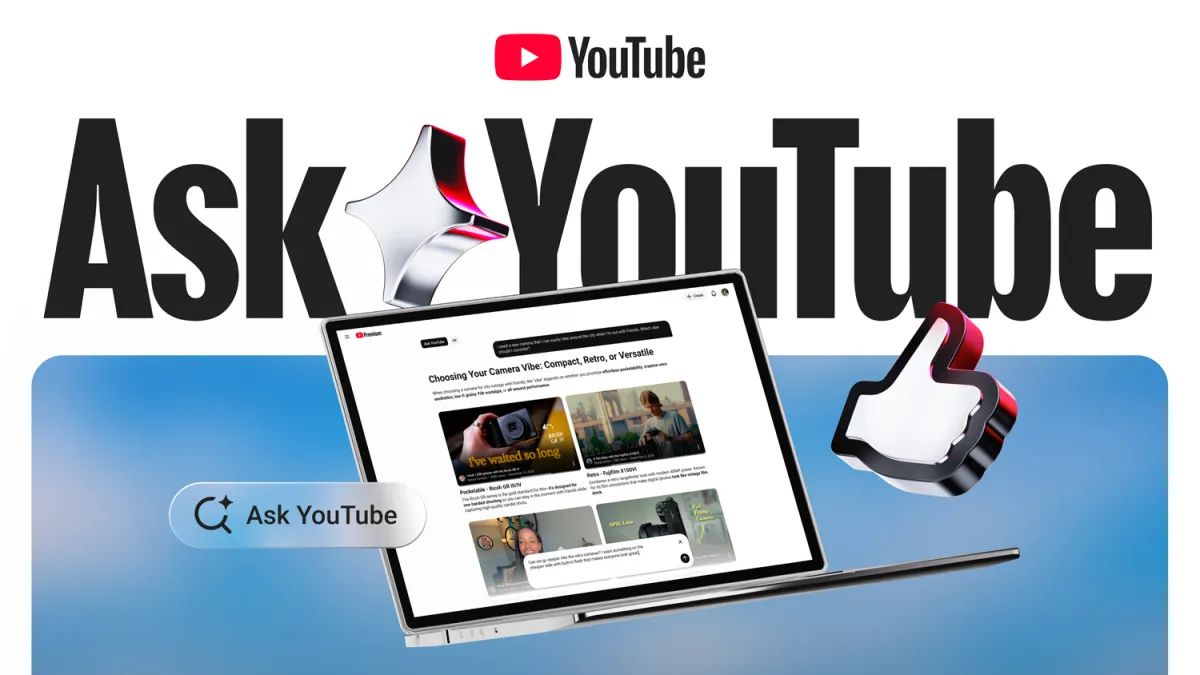
That’s the quiet power of YouTube marketing, and it’s growing in ways that matter for small brands. YouTube’s conversational AI search, Ask YouTube, has expanded to all U.S. users. YouTube shows up more than any other social platform in Google AI answers. And a YouTube trends report found that 73% of respondents call it the best place to explore personal interests, while 65% say something feels more legitimate when they see it on YouTube.
In this guide, I’ll explain how small brands can use YouTube marketing to get found in search, Ask YouTube, and AI answers, with a simple content plan you can start this week.
What’s New on YouTube
Recent updates and research worth knowing:
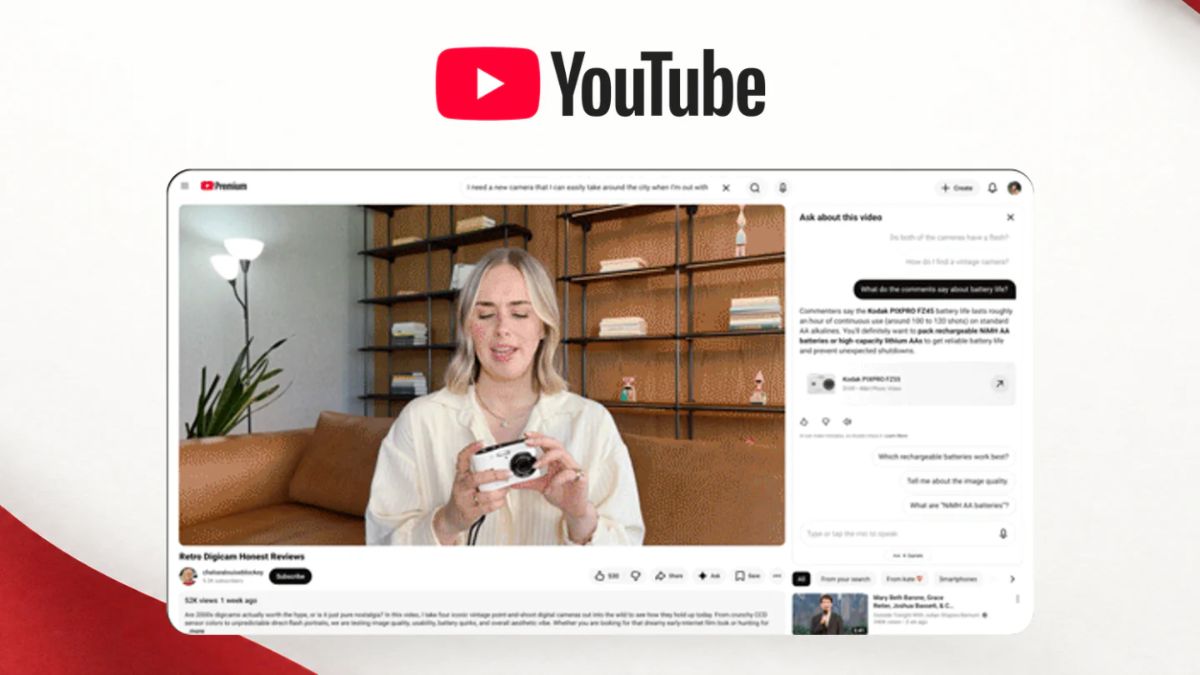
- Ask YouTube is open to all U.S. users. Instead of keywords, people can ask natural questions, and YouTube pulls together answers from long videos, Shorts, and text summaries. YouTube’s CEO has said it plans to bring the feature to Shorts watch pages and live streams.
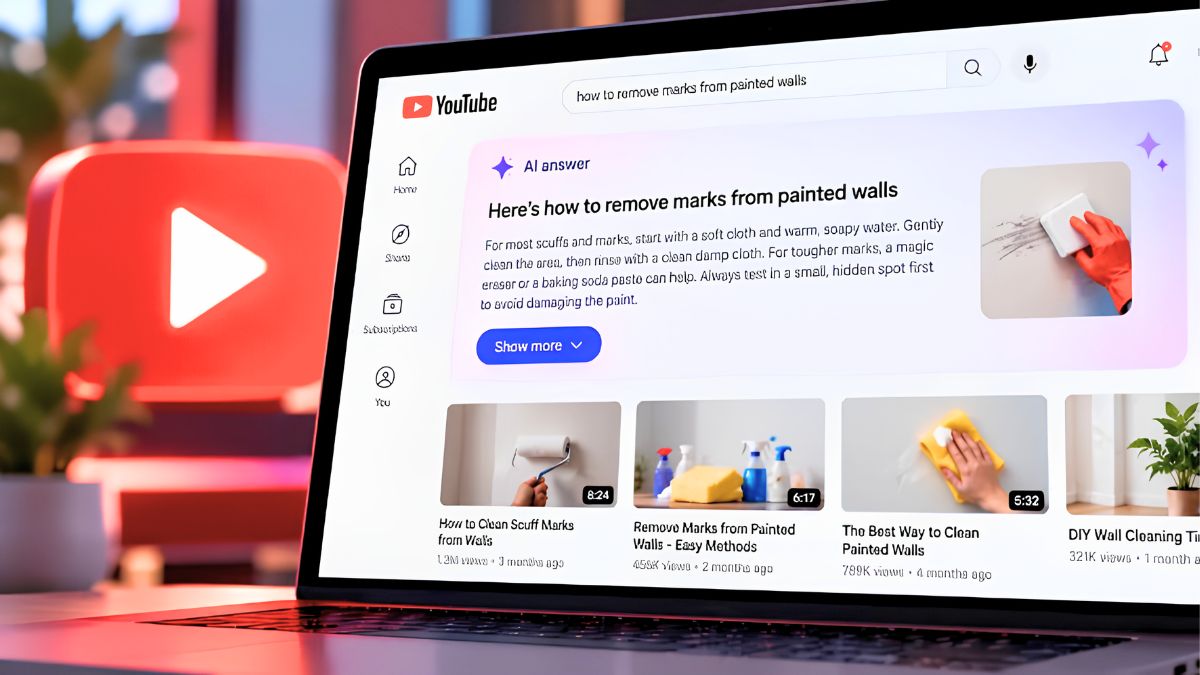
- YouTube appears often in AI answers. An SE Ranking study found social and community sources in about 68% of Google AI Overviews, with YouTube among the most common.
- Creators and detailed reviews get cited. Research shared in industry newsletters found that around 60% of the product videos cited by AI recommendation tools came from creators, compared with about 10% from brands, with honest, detailed reviews mattering more than polish.
- Shorts are favoring originality. YouTube said Shorts recommendations will prioritize original content and reduce reach for videos re-uploaded from other creators without meaningful additions.
- Monetization and shopping tools are expanding. YouTube has tested an invite-only Shorts bonus program and has opened its shopping affiliate program to Amazon’s catalog for some U.S. creators.
- Creator names in AI Mode. Google has said some creator names in AI Mode answers with video are now clickable and lead to the creator’s Google profile.
Here’s the truth: YouTube is no longer just a video site. It’s a search engine, a trust builder, and a source AI tools learn from.
Why YouTube Works for Small Brands
- Videos last. A helpful video can attract viewers for years.
- It builds trust quickly. Seeing and hearing a real person answer a question beats a paragraph of text.
- It matches how people search. Many searches begin with “how to,” “best,” “review,” or “vs.”
- It feeds other channels. One video can become a blog post, an email, social clips, and a lead magnet.
- It doesn’t require perfection. Helpful beats polished.
Step 1: Decide What Your Channel Is For
Write one sentence:
“My channel helps [specific person] [achieve specific result] with [type of content].”
Example: “My channel helps new bakery owners price their products and find their first customers with short, practical tutorials.”
Step 2: Build Your Content Around Questions
Since Ask YouTube and AI tools respond to natural questions, your ideas should come from real ones:
- Collect questions from customer emails, DMs, calls, and comments.
- Check YouTube search suggestions by typing your topic and noting the autocomplete options.
- Group them into themes: beginner questions, comparisons, problems, and results.
- Plan a series of 10 videos, each answering one question.
Strong formats for brands:
- How-to tutorials
- “X vs. Y” comparisons
- Honest product reviews and demonstrations
- Mistakes to avoid
- Customer stories and case studies
- Behind-the-scenes process videos
Step 3: Make Videos That Are Easy to Understand
A simple structure works for most videos:
- Hook (first 10 seconds): State the question and promise the answer.
- Answer early: Give the core answer, then expand.
- Show, don’t only tell: Screens, demos, and real examples.
- Add chapters so viewers and AI tools can find sections.
- Call to action: Invite viewers to subscribe, download a resource, or visit a page.
Good audio matters more than fancy video. A basic microphone and quiet room go a long way.
Step 4: Optimize Titles, Descriptions and Chapters
- Titles: Use clear, natural language that matches how people ask. “How to Price Handmade Candles for Profit” beats “Pricing Tips!!”
- First lines of the description: Summarize the answer and include your main topic.
- Chapters and timestamps: Break videos into labeled sections.
- Transcripts and captions: Check automatic captions for accuracy.
- Links: Add a link to a related resource, product, or email signup.
- Thumbnails: Use a clear image with a few readable words.
Step 5: Use Shorts the Right Way
Shorts can introduce you to new viewers, especially if they’re original. To follow YouTube’s direction:
- Share your own insight, demo, or story in each Short.
- If you react to someone else’s content, make your commentary the main event and credit the original.
- Pull Shorts from your long videos so they point toward the full answer.
- Avoid repetitive, template-style uploads with only the footage swapped.
Step 6: Turn Videos Into a Content System
For each long video:
- Publish a blog post or summary with the transcript highlights.
- Send an email with the key takeaway and a link.
- Cut 3 to 5 Shorts or clips.
- Share a LinkedIn or Instagram post with the core lesson.
- Add the video to the relevant page on your website.
Step 7: Measure What Matters
Check YouTube Analytics monthly:
- Impressions and click-through rate (are titles and thumbnails working?)
- Average view duration and retention (do people stay past the hook?)
- Traffic sources: search, suggested, and browse
- Subscribers gained per video
- Clicks to your website or lead magnet
- Leads and sales that start with a video (ask customers where they found you)
Brand and Compliance Basics
- Disclose sponsorships, affiliate links, and paid promotions per platform rules.
- Label realistic synthetic content as YouTube requires.
- Be accurate. Don’t make claims you can’t support.
- Respect copyright when using music, clips, or images.
- Protect your likeness with YouTube’s tools for creators who are eligible.
Mistakes to Avoid
- Making videos that are all promotion. Teach first.
- Unclear titles and no chapters.
- Waiting for perfect equipment.
- Reposting others’ clips without adding anything.
- Posting randomly instead of building a series.
- Ignoring comments. Replies build community and show you new questions.
- Quitting after a few videos.
A 30-Day YouTube Starter Plan
- Week 1: Write your channel sentence and collect 20 customer questions.
- Week 2: Film and publish your first two answer videos with chapters and clear titles.
- Week 3: Publish two more, plus three Shorts that point to them.
- Week 4: Review analytics, answer comments, and plan the next 10 videos.
Build YouTube Into a Bigger Marketing System
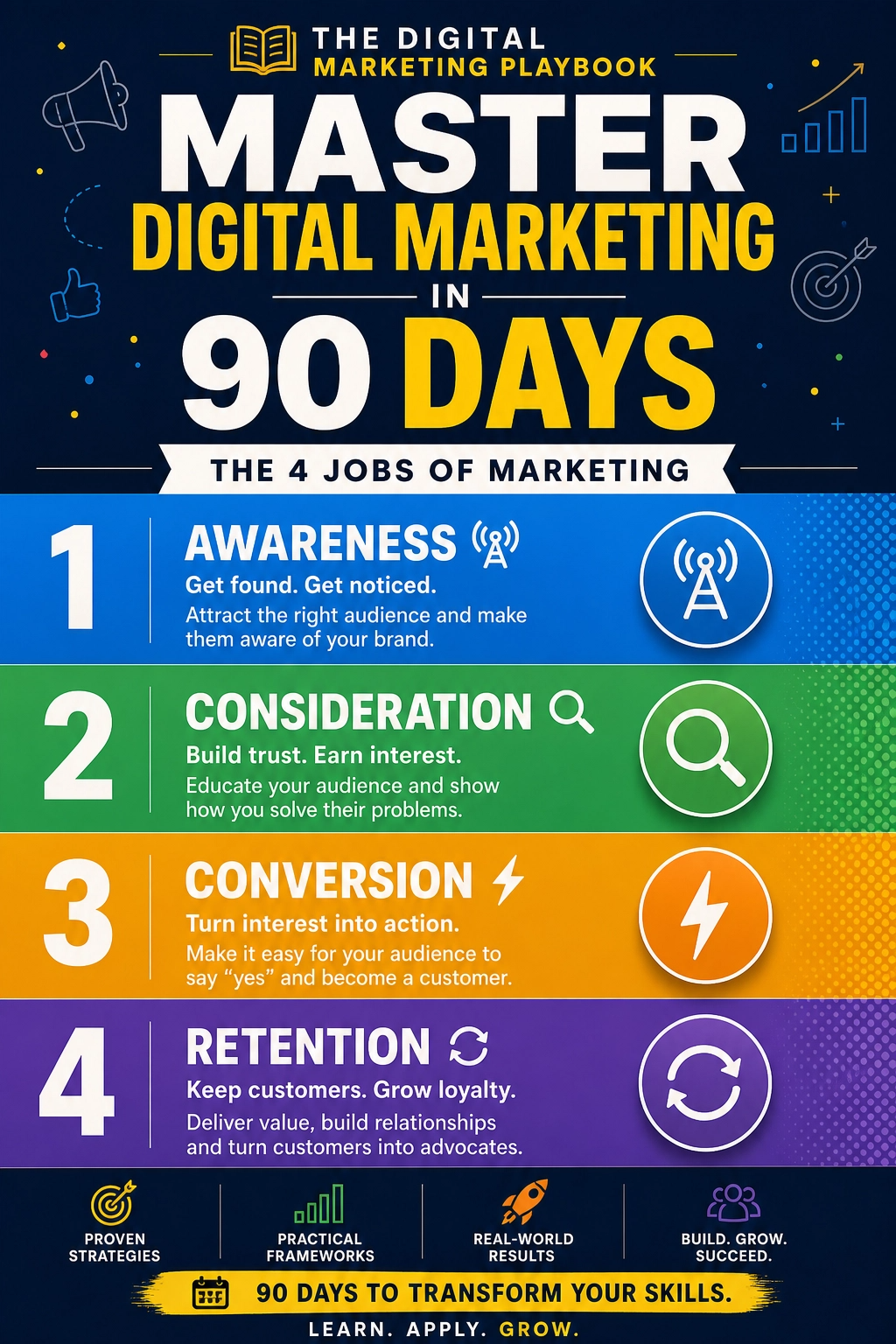
Video works best as part of a plan that includes email, search, and a clear offer. If you’d like a step-by-step guide to building a complete marketing system, take a look at my ebook:
The Digital Marketing Playbook
Trust me, one helpful video can keep working long after you’ve forgotten about it.
Final Thoughts
YouTube rewards brands that answer real questions clearly and honestly. With Ask YouTube, AI answers, and shopping tools all pointing to video, small brands have a chance to be found without a massive budget. Start with one question, one imperfect video, and a clear title. Then do it again.








Leave a Reply