

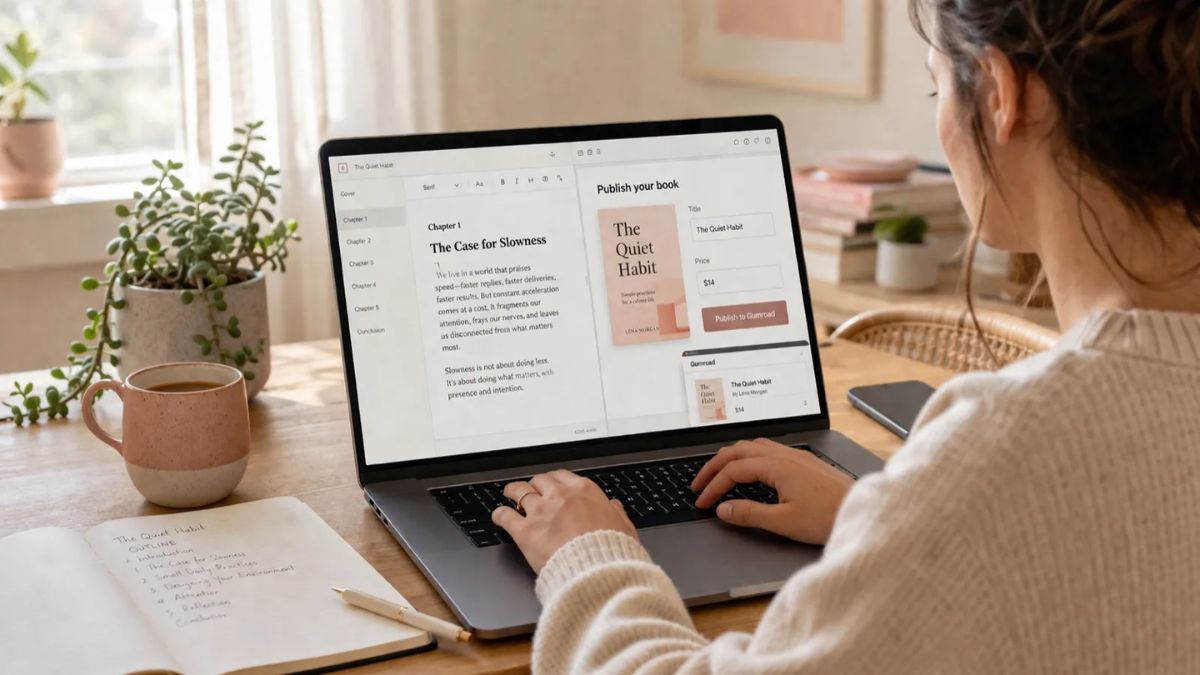
Here’s something I wish someone had told me earlier: you don’t need to write a 300-page book to sell an ebook. My first ebook was 28 pages long, took me about two weekends to write, and sold to people who were thrilled to get a short, practical guide instead of a doorstop. That little PDF taught me that people pay for clear answers, not page counts.
If you want to sell ebooks on Gumroad, you’re choosing one of the simplest ways to turn your knowledge into income. Gumroad handles payments and file delivery, so you can focus on creating something useful.
In this guide, I’ll walk you through choosing a topic, writing efficiently, designing a professional ebook, setting up your Gumroad page, and promoting it to your first buyers.
Why Ebooks Are a Smart Beginner Product
- Low cost. You can create one with free tools.
- Fast to produce. A focused guide can come together in a few weeks.
- High margin. There’s no printing, inventory, or shipping.
- Authority builder. An ebook shows readers you know your stuff.
- Easy to expand. You can turn it into a bundle, course, or series later.
The honest part: Ebooks are crowded, and a bland book on a broad topic won’t sell. Specific topics, strong promises, and consistent promotion make the difference.
Why Gumroad Works Well for Creators
Gumroad lets you sell digital products directly to your audience with a simple setup:
- Quick product pages for ebooks, templates, and courses.
- Built-in checkout and instant delivery.
- Pay-what-you-want and pricing options.
- Email and discount tools to reach customers.
- A page you can link anywhere, from Instagram to your blog.
Fees and features change, so review Gumroad’s current pricing and payout terms before you launch. Because there’s no built-in marketplace traffic like Etsy, you’ll bring your own audience, which is another reason to build an email list.
Step 1: Choose an Ebook Topic People Will Pay For
My best-selling ebook solved one clear problem for one specific type of person. Use this checklist:
- Pick a specific problem. “How to plan a month of meals on a $300 budget” beats “Budget cooking.”
- Know your reader. Who are they, and what keeps them stuck?
- Promise a result. What will they be able to do after reading?
- Check demand. Search Amazon, Gumroad, Pinterest, and Google for similar guides.
- Find your angle. Your story, method, or niche can differentiate you.
Ebook Ideas That Often Sell
- Step-by-step guides: “Start a Print-on-Demand Shop in 7 Days.”
- Checklists and workbooks: Practical and easy to finish.
- Swipe files: Email scripts, captions, and pitch templates.
- Prompt collections: Organized AI prompts for a particular job.
- Planners and journals with guided pages.
- Personal finance or wellness guides from your own experience, within safe, non-medical, non-guaranteed claims.
If you want inspiration for turning your skills into products, The Stay-At-Home Mom’s Guide to Making Money Online has beginner-friendly ideas.
Step 2: Outline Before You Write
A clear outline makes writing dramatically faster.
A Simple Ebook Structure
- Introduction: Who it’s for, what they’ll learn, and your story.
- Core chapters (5 to 8): One main idea or step per chapter.
- Action steps: End each chapter with a short exercise or checklist.
- Conclusion and next step: Encourage action and point to your other offers.
- Bonus resources: Templates, links, or a quick-start page.
Write your chapter titles as promises, such as “Chapter 3: Create Your First Product in a Weekend.”
Use AI as a Writing Partner
AI can help brainstorm outlines, suggest examples, and tighten drafts. But your voice and experience are what readers pay for. The Claude Advantage walks through prompt techniques that speed up writing without making it sound generic. Always fact-check and rewrite in your own words.
Step 3: Write Your Ebook Efficiently
- Set a word goal. 5,000 to 15,000 words is plenty for many practical guides.
- Write in short sessions. Aim for 500 to 1,000 words a day.
- Write like you talk. Conversational writing is easier to read.
- Use headings, bullets, and examples to break up text.
- Add personal stories to build connection.
- Edit in a second pass. Draft first, polish later.
Ask a friend or a few early readers to review it. Fresh eyes catch confusing sections and typos.

Step 4: Design a Professional-Looking Ebook
Great design raises perceived value.
- Use Canva or Google Docs and export to PDF.
- Choose clean fonts and keep consistent headings.
- Add white space so pages feel easy to read.
- Include a branded cover with a clear title and subtitle.
- Add callout boxes, icons, and simple graphics sparingly.
- Check links and formatting in the final PDF.
A professional cover also helps your product page and social posts stand out.
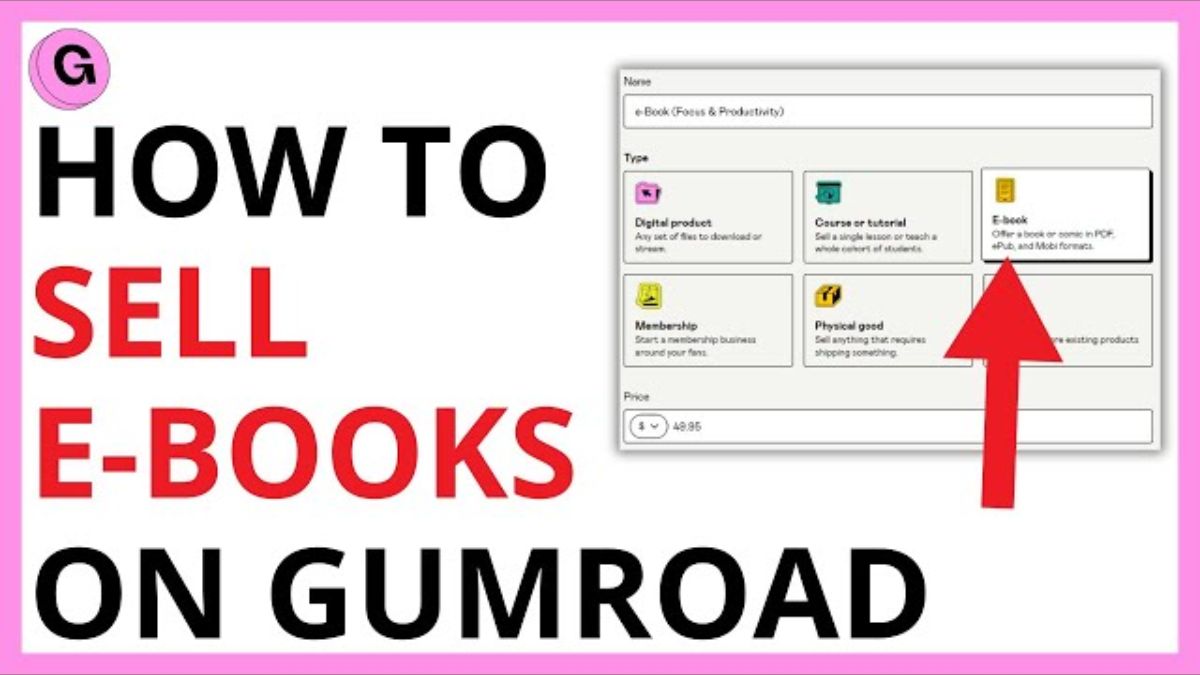
Step 5: Set Up Your Gumroad Product
- Create a Gumroad account and connect your payout method.
- Click “New product” and choose digital product.
- Add a clear title and subtitle with your main benefit.
- Upload your PDF and any bonus files.
- Write a benefit-focused description. Explain who it’s for, what’s inside, and the result.
- Add cover and preview images.
- Set your price.
- Publish and test the checkout yourself.
Pricing Your Ebook
Many beginner ebooks sell between about $7 and $47, depending on length, niche, and perceived value. Consider these tips:
- Price for the result, not just page count.
- Offer a launch discount to your first buyers.
- Create bundles with templates or checklists.
- Test and adjust as you gather feedback.
Step 6: Promote Your Ebook
Gumroad doesn’t send you buyers automatically, so promotion matters.
- Email list: Your warmest audience. Announce your launch and share helpful previews.
- Pinterest: Pins linking to your product page or blog posts can bring steady traffic.
- Instagram and TikTok: Share tips from the ebook and invite viewers to learn more.
- Blog posts: Write helpful articles that naturally lead to your ebook.
- Collaborations: Partner with creators who serve a similar audience.
- Affiliates: Gumroad supports affiliate programs, so you can invite others to promote your ebook.
For a deeper dive on attracting buyers, The Digital Marketing Playbook explains beginner-friendly strategies.
Step 7: Collect Reviews and Keep Improving
- Ask early buyers for feedback and testimonials.
- Update the ebook based on common questions.
- Create a second edition or bonus for returning customers.
- Build a product ladder: a free freebie, a low-cost ebook, then a higher-priced course or service.
A strong brand also helps readers choose you again and again. The Personal Brand Blueprint can help you build the recognition that supports repeat sales.
Legal and Money Basics
- Write original content and respect copyright.
- Avoid unsupported income or health claims.
- Add a short disclaimer where appropriate.
- Track income and expenses, and save for taxes. Consult a qualified professional.
For simple financial habits, The Smart Mom’s Complete Guide to Money is a helpful starting point.
A Sample 21-Day Ebook Launch Plan
- Days 1–3: Choose your topic, research competitors, and write your outline.
- Days 4–12: Write your draft in short daily sessions.
- Days 13–15: Edit, add action steps, and format in Canva.
- Days 16–18: Design your cover, create your Gumroad page, and test checkout.
- Days 19–21: Announce to your email list and social channels, then follow up with helpful content for a week.
By day 21, you’ll have a finished product and your first real feedback.
Turning One Ebook Into Several Products
Once your first ebook is live, you can multiply its value without starting from scratch:
- Create a short free sample (the first chapter or a checklist) to build your email list.
- Add a companion workbook or template pack and sell it as an upgrade.
- Bundle your ebook with related guides at a slightly lower combined price.
- Turn chapters into blog posts, pins, and short videos that point back to your product.
- Update the ebook once or twice a year and offer the new edition to previous buyers.
This approach creates a small product ladder: a free resource, a low-cost ebook, and a higher-value bundle or course. Customers who enjoy your first guide are the most likely to buy the next one.
Mistakes to Avoid
- Choosing a broad topic. Specific sells.
- Making it too long. Short, practical guides often perform better.
- Skipping the cover and design. First impressions matter.
- Waiting for perfect. Launch, learn, and improve.
- Not promoting. Your ebook won’t sell itself.

Quick Answers About Selling Ebooks on Gumroad
How long should an ebook be? Long enough to deliver the promised result. Many practical ebooks are 20 to 60 pages.
How much can I earn? It varies with your audience, price, and promotion. Many creators start with small, steady sales and grow over time.
Do I need an audience first? It helps a lot. Even a small email list or social following can generate early sales.
Can I use AI to help? Yes, as a helper, but always add your own expertise, check facts, and follow platform rules.
Your Ebook Is Closer Than You Think
Learning to sell ebooks on Gumroad is really about solving a specific problem clearly and sharing it with the people who need it. Choose a focused topic, write a simple guide, design it well, and promote it consistently.
This week, write your one-sentence promise and a five-chapter outline. Trust me, once you see your name on a finished ebook and your first Gumroad sale notification, you’ll be hooked. Let’s get writing!






Leave a Reply