


Some moms are born organizers. You know the type: the person whose pantry has labeled bins, whose kids’ toys have a place to live, and whose friends text her photos of messy closets with the caption, “HELP.” If that’s you, you may have a business hiding in plain sight.
Virtual organizing means helping people declutter and organize their homes through video calls, photos, checklists, and plans, without visiting in person. It’s flexible, low-cost to start, and surprisingly effective, because many people don’t need someone to move boxes. They need someone to tell them what to do first, keep them accountable, and make the process feel less overwhelming. It also fits the broader trend toward practical, personal help from real people. Surveys of online shoppers and creators show audiences trust honest, specific advice, and content about routines and household systems continues to do well on short-form video and Pinterest.
In this guide, I’ll explain how to become a virtual home organizer: what the work involves, how to structure sessions, how to price and find clients, and how to protect privacy and set boundaries. (Income varies and isn’t guaranteed.)
What a Virtual Organizer Does
- Assesses a space through photos or live video
- Creates a simple organizing plan with zones, steps, and priorities
- Coaches clients live while they sort, declutter, and set up systems
- Recommends storage solutions and product options (without pushing unnecessary purchases)
- Helps with specific projects: pantry, kids’ rooms, closets, garages, digital files, or moving prep
- Provides accountability through check-ins
- Teaches maintenance habits so the space stays organized
Who Your Clients Are
- Busy parents
- People preparing to move or downsize
- New parents overwhelmed by baby gear
- Home-based workers who need a functional workspace
- People with a lot of paperwork or digital files
- Clients who feel stuck or embarrassed and prefer privacy
Empathy matters. Many people feel shame about clutter, so kindness and non-judgment are essential.
Skills to Build
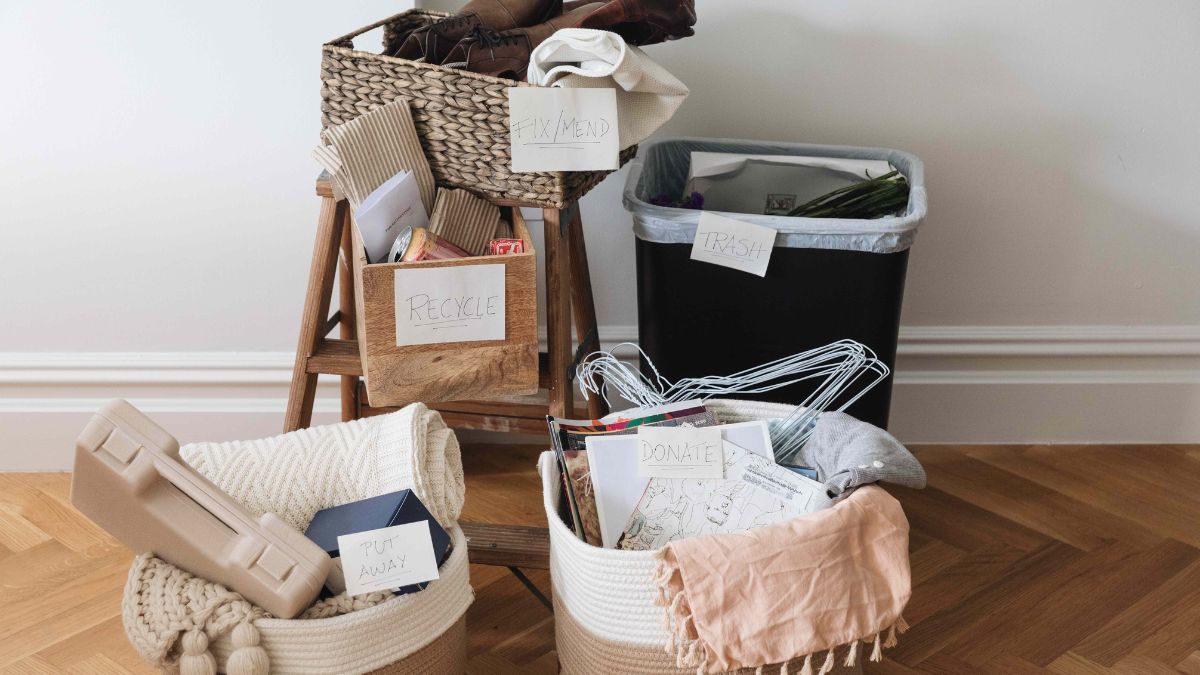
- Sorting systems: keep, donate, sell, recycle, and discard
- Space planning: zones, flow, and storage logic
- Habit coaching: routines that stick
- Communication: giving clear instructions via video
- Time management: helping clients plan realistic sessions
- Knowledge of storage options at different budgets
- Sensitivity to emotional attachment, grief, and overwhelm
- Digital organization for files and photos, if you want to add that service
Step 1: Choose Your Niche
- Pantry and kitchen systems
- Kids’ rooms and toys
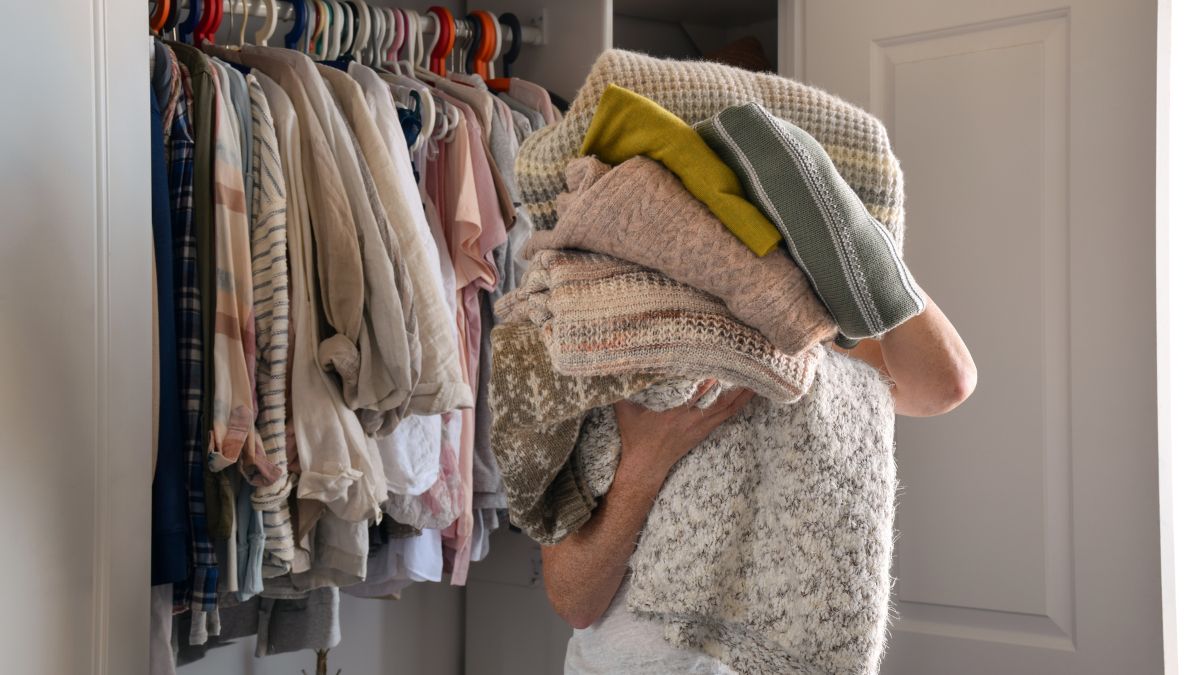
- Closets and wardrobe
- Home office and paperwork
- Digital decluttering
- Move-in and move-out organization
- Baby and nursery preparation
- Small-space solutions

Step 2: Create a Method
A repeatable process helps clients trust you:
- Intake: photos, goals, challenges, and time available
- Plan: what to tackle first, and how to break it into small sessions
- Live session: guide the client step by step
- Follow-up: a checklist and maintenance plan
- Check-ins: short accountability messages or calls
Prepare templates: intake form, room assessment checklist, and a follow-up plan.
Step 3: Make Samples
- Organize one or two areas in your own home and take before-and-after photos.
- Create a sample plan for a pantry or closet.
- Write a one-page decluttering guide.
- Build a sample checklist for a quick weekend reset.
Show your process, not just the pretty result. Protect your own family’s privacy in photos.
Step 4: Set Up Your Virtual Sessions
- A reliable video platform
- A phone camera on a stand for clear views of your own demonstrations
- A shared folder for photos and plans
- A simple booking and payment page
- A plan for your own kids during sessions
Ask clients to prepare: clear access to the space, bins or bags for sorting, and a quiet time.

Step 5: Package and Price
- Single session: a one-hour coaching call for one space.
- Project package: a plan plus two or three live sessions.
- Maintenance package: monthly check-ins to keep habits going.
- Digital package: plan and templates for clients who prefer self-paced help.
Research what organizers charge in your market. Price for the value and time, including preparation and follow-up. Set clear cancellation and rescheduling policies.
Step 6: Find Clients
- Your local network and parent groups, following each community’s rules
- Short before-and-after posts and tips on social platforms and Pinterest, with permission for any client images
- Partnerships with realtors, movers, and interior designers
- Local community groups and neighborhood networks
- A simple website or booking page
- Referrals from happy clients
- Free quick tips that lead to paid sessions
Step 7: Protect Privacy and Boundaries
You’ll see people’s homes, so take privacy seriously:
- Ask permission before taking screenshots or recording sessions.
- Don’t share client photos without written consent.
- Keep files secure and delete them when your agreement ends.
- Be careful with personal information like mail, documents, and prescriptions that appear on camera.
- Don’t give advice outside your scope. If clutter relates to serious mental health concerns, such as hoarding disorder, refer clients to qualified professionals.
- Set clear working hours and communication boundaries.
Step 8: Avoid Pushing Products
Clients appreciate honest recommendations:
- Suggest using what they already have first.
- Offer budget-friendly options.
- If you use affiliate links, disclose clearly and don’t let them drive your advice.
- Avoid pushing expensive storage solutions.
Step 9: Handle Business Basics
- Taxes: in the U.S., net self-employment earnings of $400 or more trigger self-employment tax.
- Agreement: scope, price, cancellation, privacy, and no guarantees.
- Insurance and legal structure: ask a professional what suits your situation, especially if you later offer in-person services.
Mistakes to Avoid
- Judging or shaming clients.
- Skipping the plan and just “winging it.”
- Sharing client photos without permission.
- Pushing unnecessary products.
- Going beyond your scope.
- Underpricing prep and follow-up time.
- Overbooking yourself.

Your 30-Day Launch Plan
- Week 1: Choose your niche and organize one space of your own.
- Week 2: Build your intake form, process, and sample plan.
- Week 3: Set up a booking page and share three helpful tips.
- Week 4: Offer two pilot sessions, ask for feedback, and request testimonials.
Build Your Online Income on a Roadmap
If you’d like a beginner-friendly roadmap for making money online as a stay-at-home mom, take a look at my ebook:
The Stay-At-Home Mom’s Guide To Making Money Online
Trust me, helping someone breathe easier in their home is deeply rewarding work.
Final Thoughts
Virtual organizing turns a natural talent into a flexible service. Build a clear method, protect privacy, be kind, and price your time fairly. You don’t need to enter anyone’s home to help them transform it.









Leave a Reply