

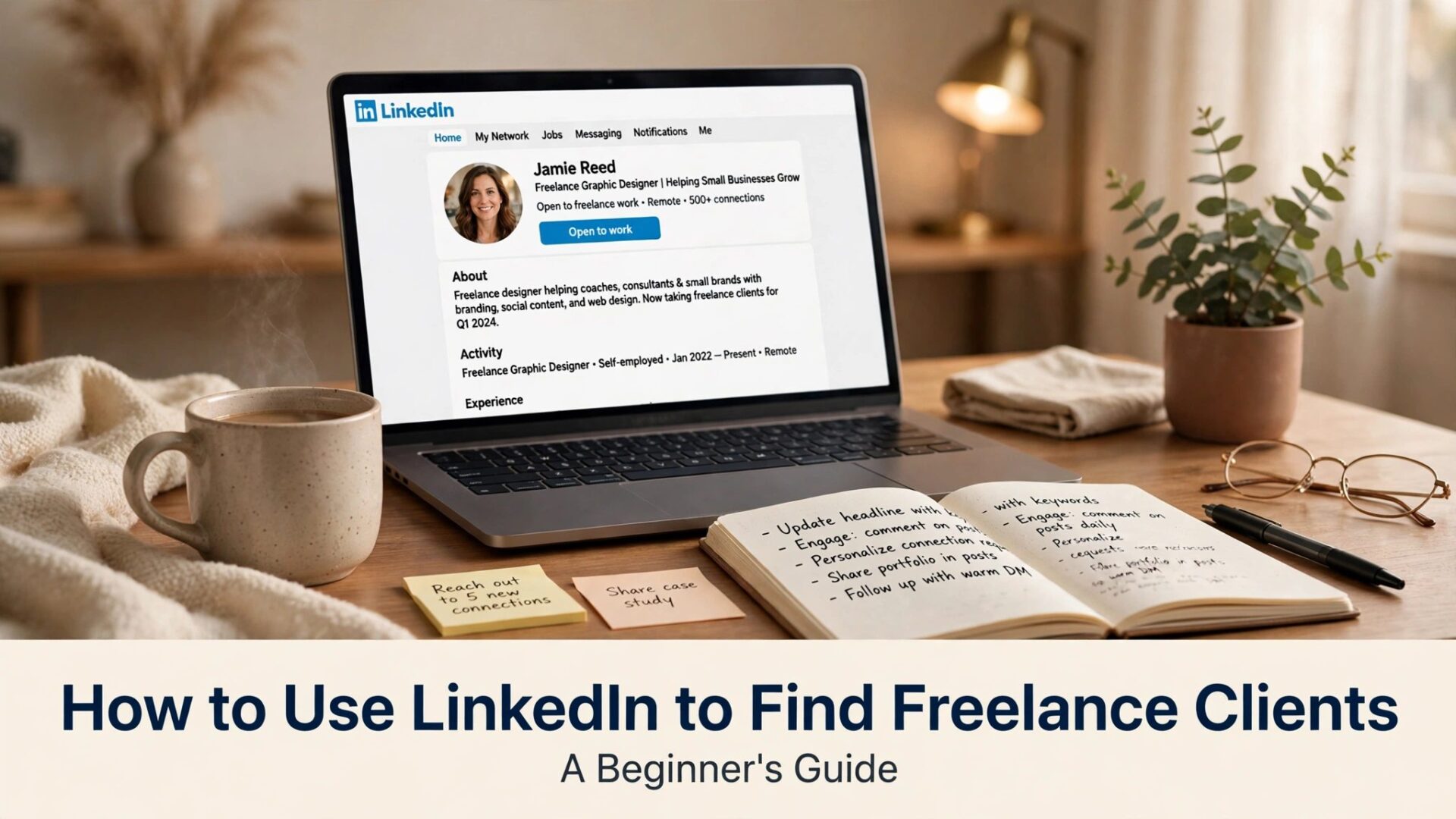
For years, I treated LinkedIn like a digital filing cabinet for my résumé. I’d update it once in a while, ignore my messages, and wonder why nothing happened. Then I wrote one simple post about a mistake I’d made on a client project, and within a week, two founders messaged me asking whether I could help them avoid the same problem. One became a retainer client.
If you want to find freelance clients on LinkedIn, here’s the secret: it isn’t about spamming strangers or collecting thousands of connections. It’s about showing up as a helpful, credible professional where decision-makers already spend time.
In this guide, I’ll walk you through optimizing your profile, choosing who to connect with, posting content that attracts clients, and reaching out in a way that feels human.
Why LinkedIn Works for Freelancers
- Decision-makers are there: Founders, managers, and marketers actively use it.
- Professional context: People expect conversations about work and services.
- Searchable: Your profile can appear when clients look for your skills.
- Relationship-friendly: You can build trust through content and conversations.
- Free to start: Basic features cost nothing.
The honest part: Growth takes consistency, algorithms change, and some outreach tactics annoy people. Respect your audience, follow platform rules, and aim for real relationships.
Step 1: Define Your Target Client
Before editing your profile, decide who you want to attract.
- Which industries or business types do you serve?
- Who makes decisions about hiring your service? Founders, marketing directors, office managers?
- What problems do they have that you solve?
- What results can you help them achieve?
Write one sentence: “I help [audience] get [result] through [service].”
Step 2: Optimize Your Profile
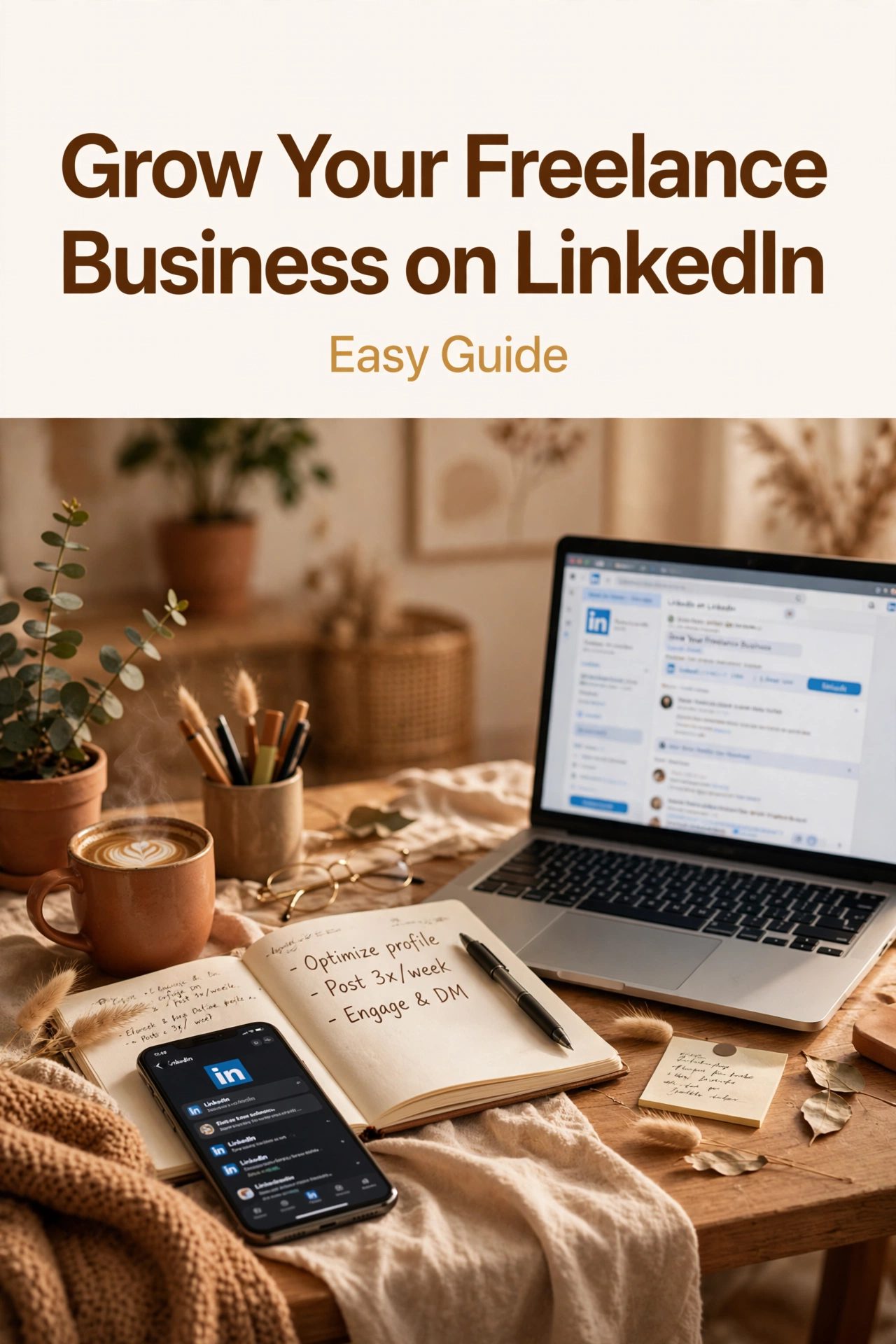
Your profile is your landing page.
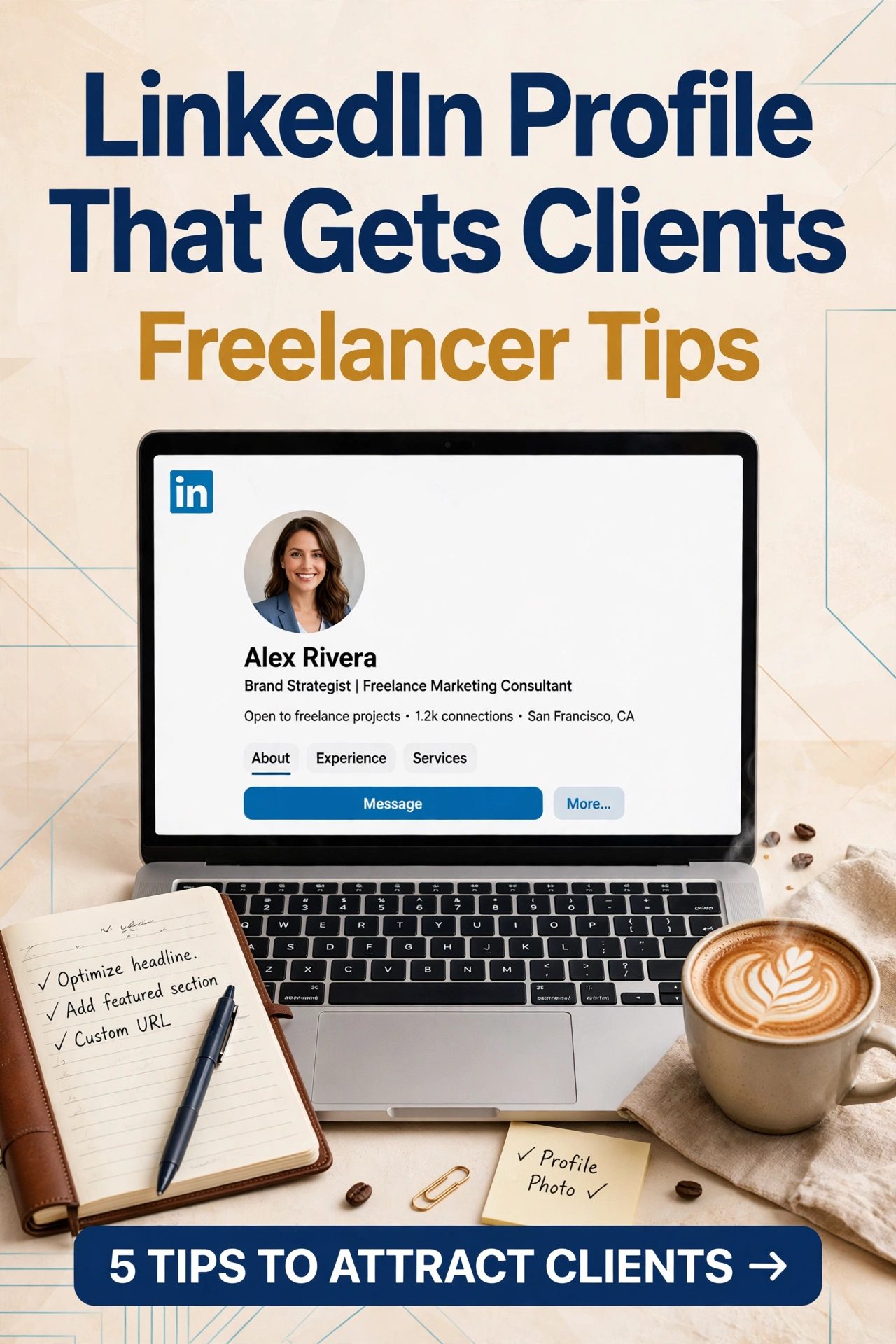
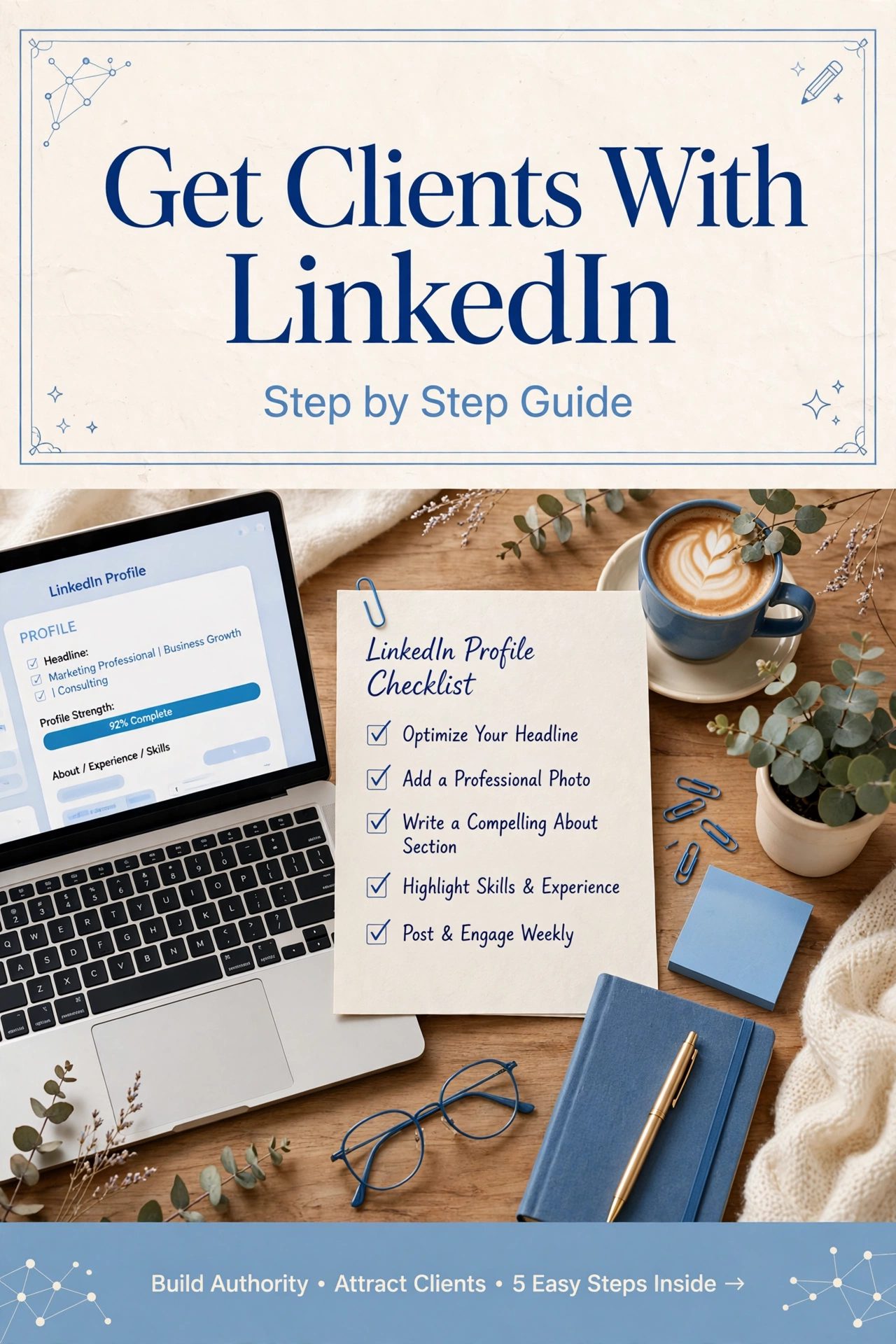
Headline
Don’t just write “Freelance Writer.” Make it client-focused: “Email copywriter helping online coaches turn subscribers into customers.”
Profile Photo and Banner
- Use a clear, friendly headshot.
- Add a simple banner that states your service or value, designed in Canva.
About Section
- Open with the client’s problem.
- Explain how you help.
- Include proof, like results or client types (with permission).
- End with a call to action, such as “Message me to discuss your project.”
Experience and Featured Sections
- Describe roles in terms of results, not only tasks.
- Feature your best work: portfolio, case studies, and testimonials.
- Add services if the feature is available in your region.
Skills and Recommendations
- List relevant skills.
- Ask past clients or colleagues for recommendations.
AI can help you refine headline and About section drafts. Keep everything accurate. The Claude Advantage shows how to prompt effectively for profile copy, post ideas, and outreach drafts, and The Personal Brand Blueprint helps you shape a clear, memorable brand.
Step 3: Build a Relevant Network
Quality beats quantity.
- Connect with your target clients, such as founders and marketers in your niche.
- Connect with peers and complementary freelancers, like designers or developers, who can refer you.
- Connect with past colleagues, clients, and classmates.
- Add a short, personal note to connection requests.
A Simple Connection Note
“Hi [Name], I enjoyed your post about [topic]. I work with [audience] on [service] and would love to connect.”
Step 4: Post Content That Attracts Clients
Content shows you understand your clients’ problems.
Post Ideas
- Lessons learned: Share a mistake and what you learned.
- Mini how-tos: Quick tips clients can use immediately.
- Case study snippets: Before-and-after stories, with permission.
- Behind-the-scenes: How you approach projects.
- Opinions and observations about your industry.
- Client questions answered.
- Resource lists.
Posting Tips
- Start with a strong first line.
- Keep paragraphs short.
- Use simple language.
- End with a question to invite comments.
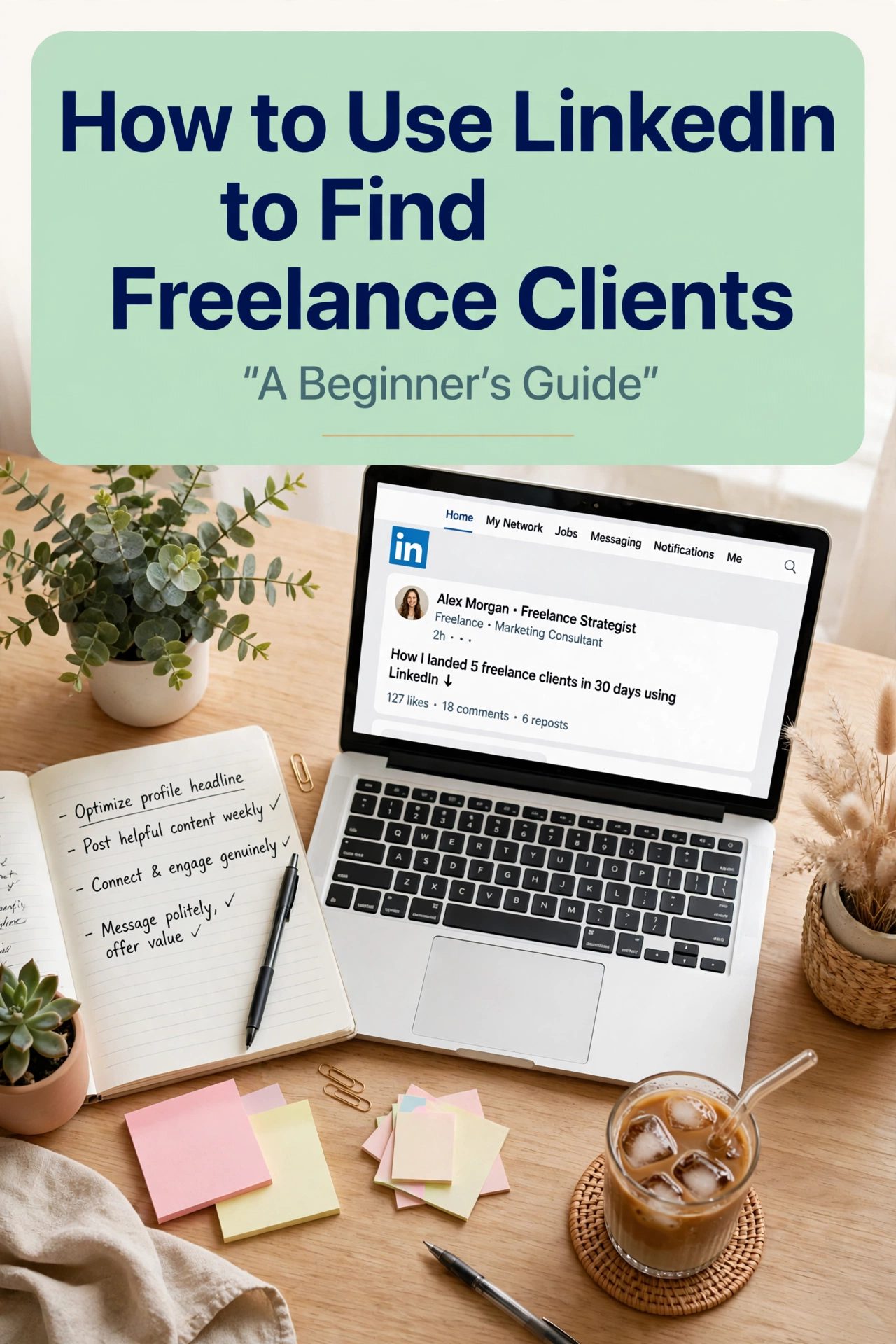
- Post consistently, such as two to four times a week.
A Sample Weekly Plan
- Monday: A practical tip.
- Wednesday: A short story or lesson learned.
- Friday: A client-focused question or resource.
Step 5: Engage Before You Pitch
Relationships come first.
- Comment thoughtfully on prospects’ posts.
- Congratulate people on milestones.
- Share and credit helpful content.
- Reply to every comment and message.
- Join relevant groups or communities where allowed.
Spend 15 to 20 minutes daily engaging with people in your target market.
Step 6: Reach Out Without Being Pushy
Principles
- Personalize every message.
- Lead with relevance and value, not a hard sell.
- Keep it short.
- Ask permission before sending links or proposals.
- Respect “no” or silence.
A First Message After Connecting
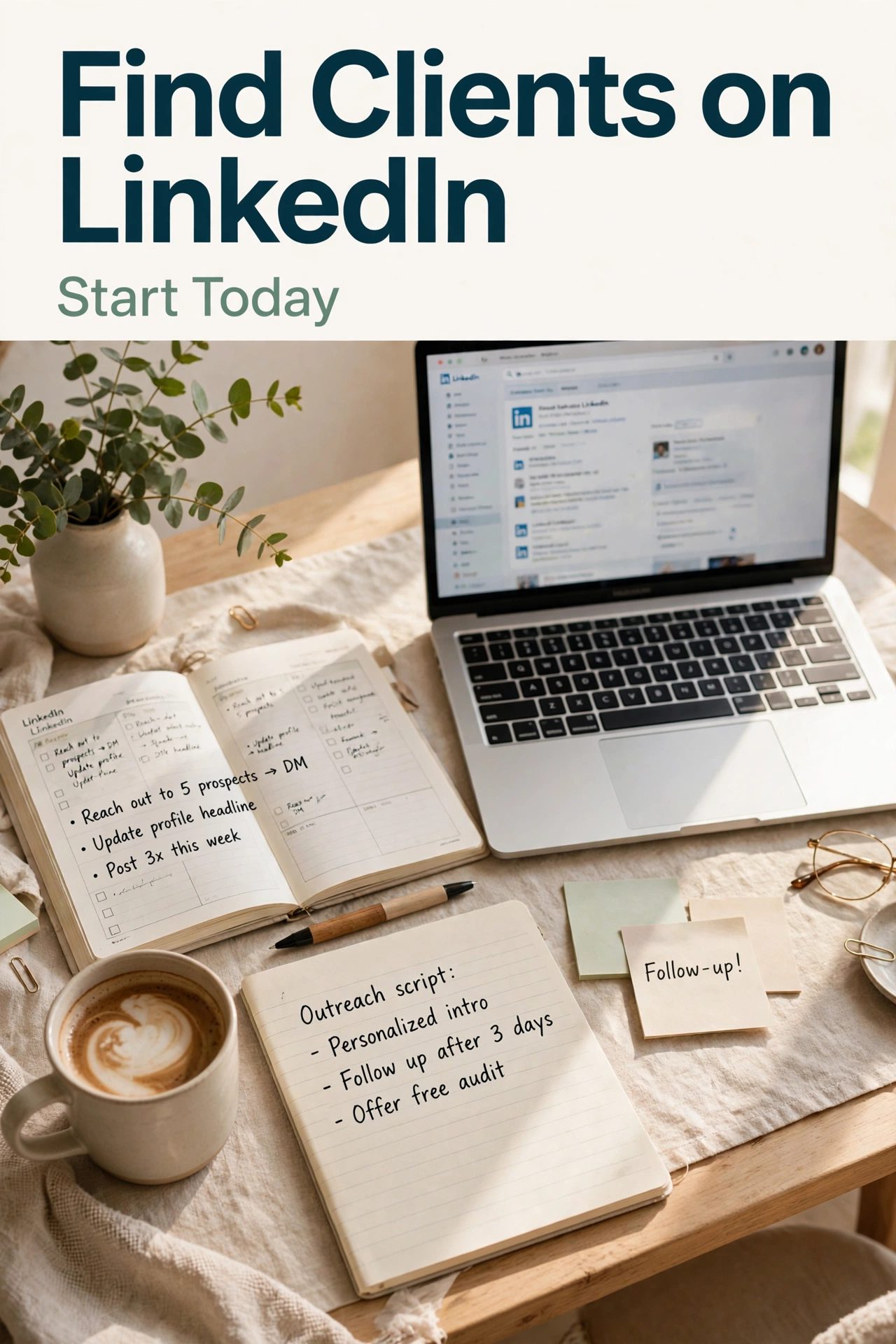
“Thanks for connecting, [Name]! I noticed [something specific about their business]. I help [audience] with [service]. If it would be useful, I’d be happy to share a quick idea. No pressure either way.”
A Follow-Up Message
“Hi [Name], just checking in. If helpful, I can send a short example of how I helped a similar business. If not, no worries at all.”
Avoid sending identical mass messages, and follow LinkedIn’s usage policies.
Step 7: Turn Conversations Into Projects
- Ask questions about their goals and challenges.
- Offer a short call.
- Share relevant case studies or samples.
- Send a clear proposal with scope, price, and timeline.
- Follow up respectfully.
For beginner-friendly marketing and sales strategies, The Digital Marketing Playbook explains how to attract and convert clients.
Step 8: Ask for Recommendations and Referrals
- Request a LinkedIn recommendation after each successful project.
- Ask clients to introduce you to similar businesses.
- Thank people publicly (with permission) when appropriate.
- Refer others when you can. Generosity builds goodwill.
Use LinkedIn Alongside Other Channels
LinkedIn works best as part of a broader strategy.
- Link to your portfolio site or a simple lead magnet.
- Build an email list so you own your audience.
- Repurpose posts into emails, blog posts, or other platforms.
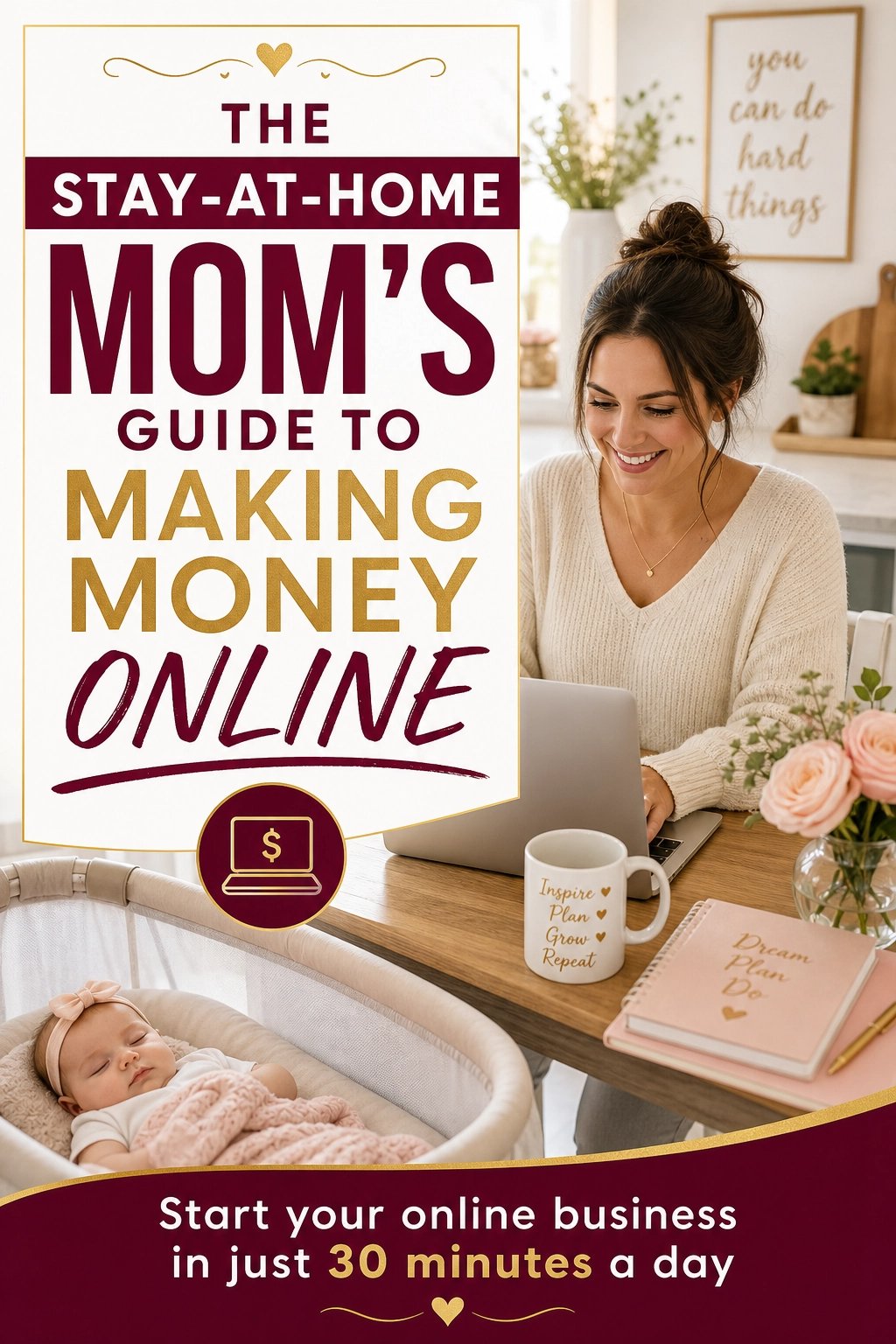
If you’re a mom building flexible income, The Stay-At-Home Mom’s Guide to Making Money Online offers more ideas to complement LinkedIn work.
Want to grow a creator-style audience too? The Complete Beginner’s Guide to Building a KOL Influencer Career offers ideas for building trust and visibility.
A 30-Day LinkedIn Client Plan
- Week 1: Define your target client and optimize your profile.
- Week 2: Connect with 50 relevant people and post three times.
- Week 3: Engage daily, post three times, and message 10 warm connections.
- Week 4: Follow up, hold calls, and share a case study or testimonial.
Safety and Professionalism
- Be honest about your experience and results.
- Protect client confidentiality when sharing stories.
- Beware of scams, such as fake recruiters asking for money or sensitive information.
- Follow platform rules on automation and outreach.
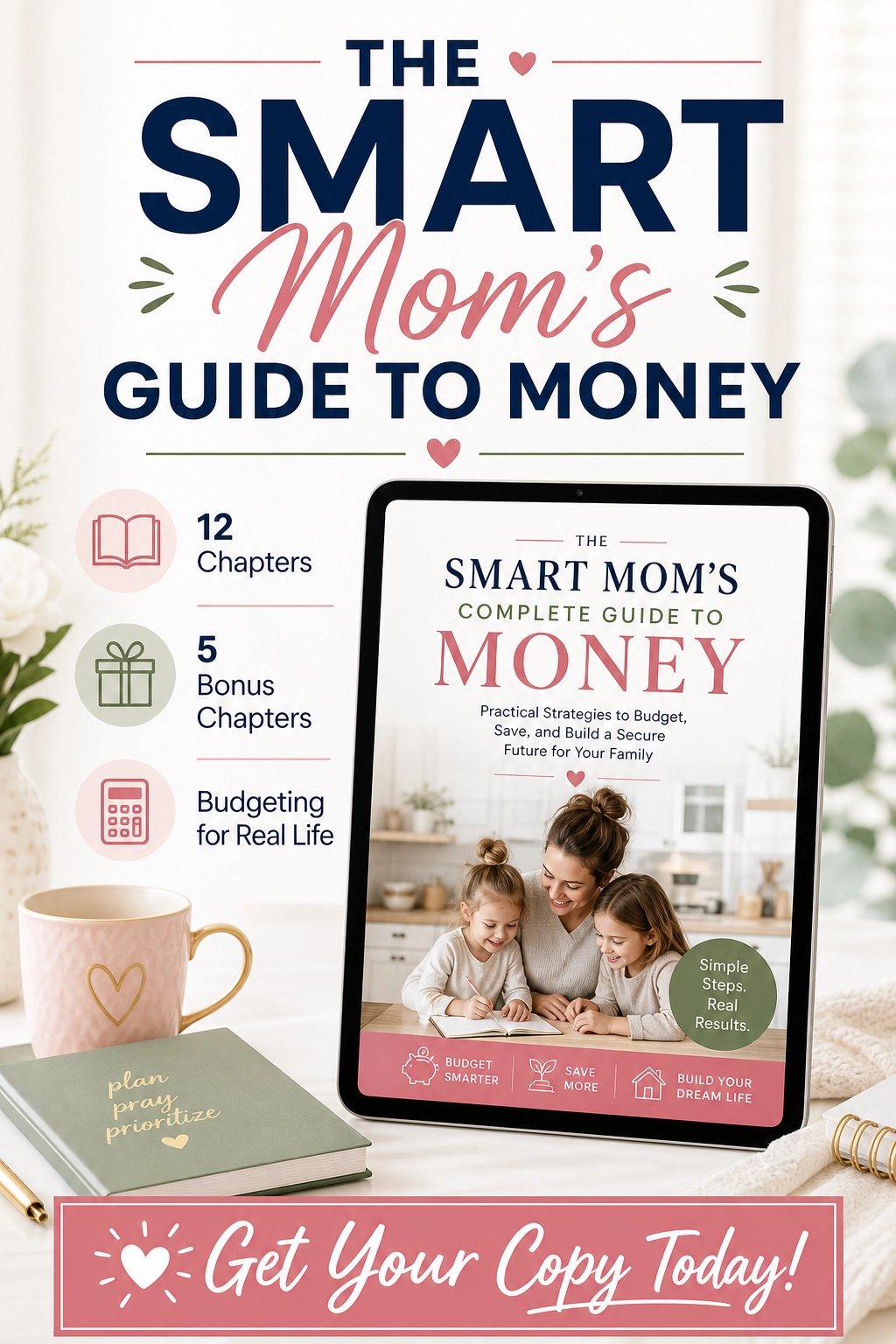
The Smart Mom’s Complete Guide to Money offers friendly guidance for managing freelance income. Remember to track income and set aside money for taxes, and consult a qualified professional.
Example LinkedIn Posts That Attract Clients
Seeing examples helps when you’re staring at a blank box. Here are three formats you can adapt:
The mistake story: “Last month, a client’s welcome email had a 12% click rate. The fix wasn’t clever copy. It was removing three of the four links. Here’s what I learned about giving readers one clear next step.”
The mini how-to: “Three questions I ask before writing any landing page: Who is this for? What do they fear? What would make them say yes today? Start there, and your copy gets easier.”
The client question: “A client asked me, ‘How often should I email my list?’ My answer: as often as you can send something genuinely useful. For most small businesses, that’s weekly.”
Notice how each post is short, specific, and useful on its own. They show expertise without bragging, which is exactly what makes decision-makers think, “I should talk to this person.”
Handling Inbound Messages and Inquiries
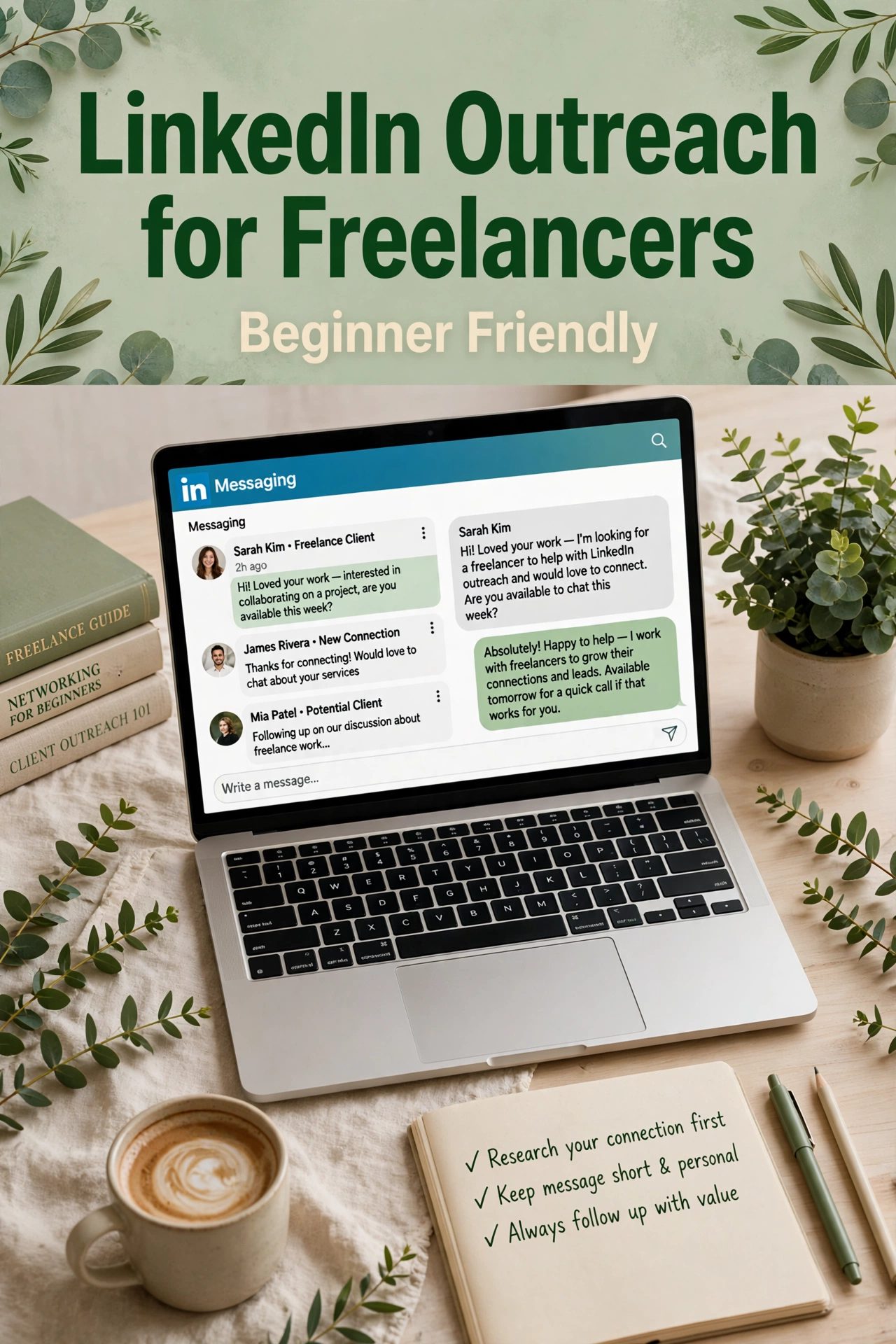
When your content works, inquiries will arrive. Respond professionally:
- Reply within 24 hours with a warm, personal message.
- Ask a few questions about their goals and timeline before proposing anything.
- Move to a short call or email thread when appropriate.
- Send a clear next step, such as a proposal or sample.
- Be honest if you’re not the right fit, and refer them to someone who is.
A reputation for responsiveness and honesty spreads quickly on LinkedIn, and it often leads to referrals you never had to ask for.
Mistakes to Avoid
- Treating LinkedIn like a résumé only.
- Sending generic pitches immediately.
- Posting inconsistently.
- Ignoring comments and messages.
- Connecting with random people.
- Overusing buzzwords.
Quick Answers About LinkedIn for Freelancers
Do I need a premium account? No. Many freelancers succeed with free features, though paid tools can help with search and outreach.
How long does it take to get clients? Some people see inquiries within weeks, while others need a few months of consistent activity.
Is it okay to message strangers? Yes, if you’re respectful, personalized, and follow platform rules.
What should I post if I’m new? Share what you’re learning, tips you’ve discovered, and helpful answers to common questions.
Show Up as Someone Worth Hiring
Using LinkedIn to find freelance clients is about clarity, consistency, and genuine helpfulness. Optimize your profile, share useful ideas, engage kindly, and reach out with respect.
This week, rewrite your headline for your ideal client and post one helpful tip. Trust me, that single post might be the one that starts your next big project. Let’s get connected!








Leave a Reply