


Here’s a scene from my old life: Sunday afternoon, a blank content calendar, a half-finished blog post, three social captions I hated, and a lead magnet that existed only in my head. I was creating content all week and still felt behind. Maybe you know that feeling too.
What finally changed things wasn’t “using AI more.” It was building a simple, repeatable content workflow with Claude: one place where my brand voice lives, one process for turning a single idea into many pieces, and one set of tools for documents, slides, and visuals. With Claude’s newest updates, including better writing from the latest models and Docs, Slides, and Design available on every plan, that workflow has become easier than ever.
In this guide, I’ll show you how to set up a complete Claude content system, step by step, whether you’re a blogger, coach, freelancer, or online business owner.
Why the Latest Claude Models Help Content Creators
Two details from Anthropic’s recent model announcements matter a lot for creators:
- Clearer writing. Anthropic says Claude Opus 5.5 communicates more naturally, puts the most important information up front, avoids jargon, and follows the writing rules you give it. Claude Sonnet 5.5 also writes more clearly than its predecessor and is described as a better partner for collaboration.
- Polished documents, slides, and design. Sonnet 5.5 is described as strong at creating polished documents, slides, and spreadsheets, with a sharp eye for design, and it can follow slide templates to produce decks that need minimal editing.
That’s a good match for content work, where you need voice, structure, and visuals to line up.
Step 1: Build Your Brand Voice Guide
This is the foundation. A brand voice guide tells Claude how you sound so you don’t get generic output. Here’s a prompt to create one:
“I’m going to paste five pieces of my best writing. Analyze them and create a brand voice guide with: my tone in five adjectives, sentence length and rhythm, words and phrases I use often, words I avoid, how I open and close, and three do and don’t examples. Then summarize the guide in a short paragraph I can paste into future chats.”
Then paste your best blog posts, emails, or captions. Review the guide and edit anything that doesn’t feel like you.
Pro tip: Include examples of writing you don’t like too. Contrast helps Claude understand your taste.
Step 2: Set Up a Project for Your Business
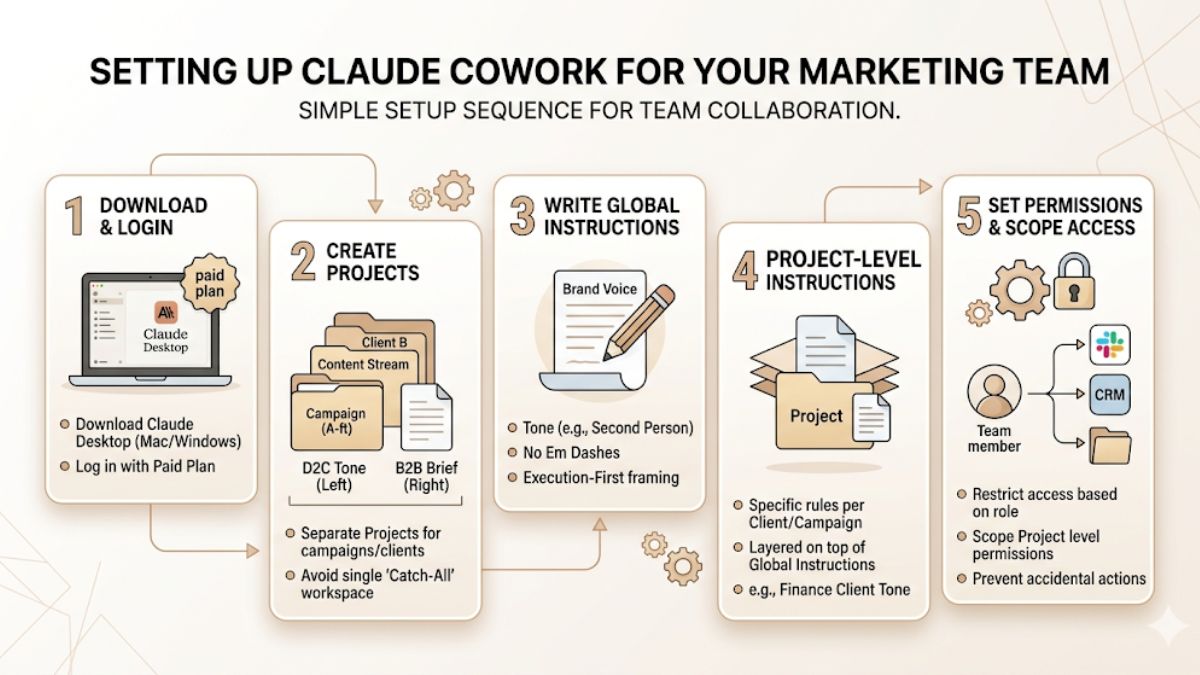
Instead of re-explaining everything in every chat, keep your key information in one place, like a Claude Project. Include:
- Your brand voice guide
- Your audience description (who they are, their struggles, their goals)
- Your offers and pricing
- Your content pillars (the three to five themes you’re known for)
- Examples of your best-performing content
- Rules (words to avoid, formatting preferences, disclaimers)
Now every new conversation starts with context.
Step 3: Plan a Month of Content
Ask Claude to turn your pillars into a plan:
“Using my content pillars and audience description, create a four-week content calendar. For each week, give me one cornerstone idea (blog post or video), four social posts, one email, and one story or behind-the-scenes idea. Include the goal of each piece and a call to action.”
Then choose what excites you. Remove anything that feels forced.
Step 4: Draft the Cornerstone Piece
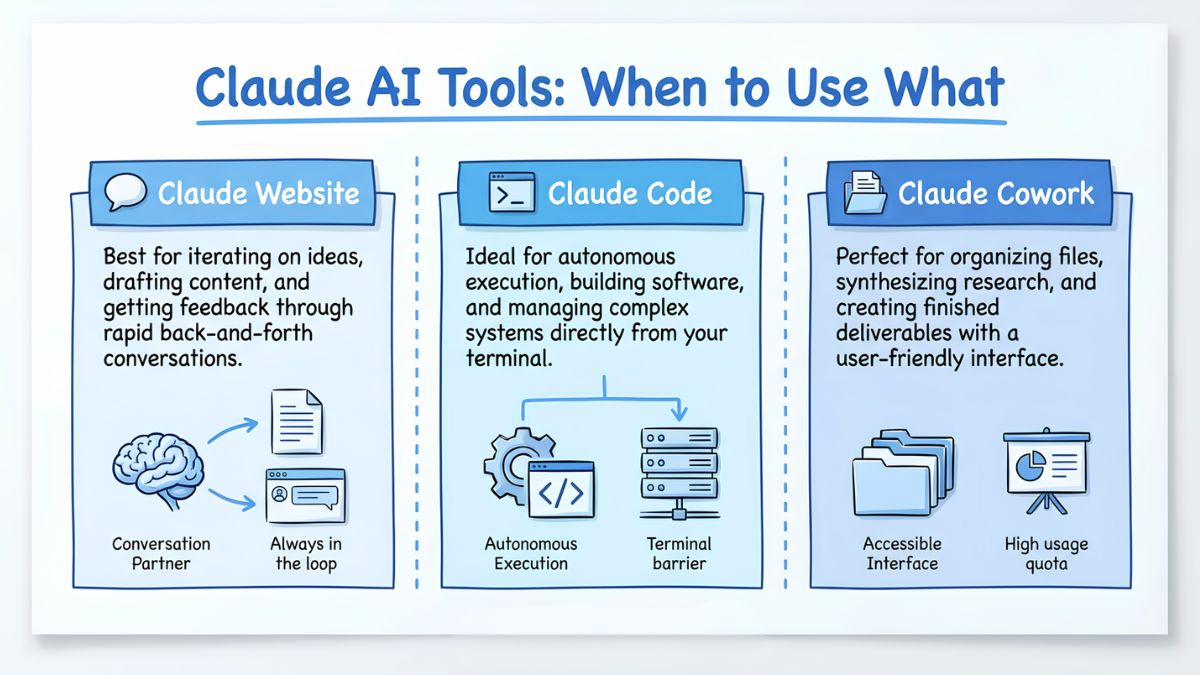
Your cornerstone content is the one big piece (blog post, video script, podcast outline) that everything else grows from. Use Claude Docs to draft and refine it, since Docs are editable, living documents that you and Claude can work on together.
A good workflow:
- Outline first. Ask for three outline options and pick or combine.
- Add your stories. Claude can’t invent your real experiences. Give it your own examples, results, and lessons.
- Draft section by section. Short, focused requests beat one giant command.
- Edit in your voice. Read aloud. Cut anything that doesn’t sound like you.
- Fact-check. Verify every statistic, name, and claim.
Step 5: Repurpose One Idea Into Many
This is where the time savings explode. Paste your final piece and ask:
“Using my brand voice, turn this blog post into: five LinkedIn posts, three Instagram caption ideas with hooks, a short newsletter intro, a 60-second video script, and five quote graphics I could create. Keep each one distinct, not just shortened versions of the same text.”
Then edit and schedule. One idea can feed a week or more of content.
Step 6: Create Visuals With Claude Design
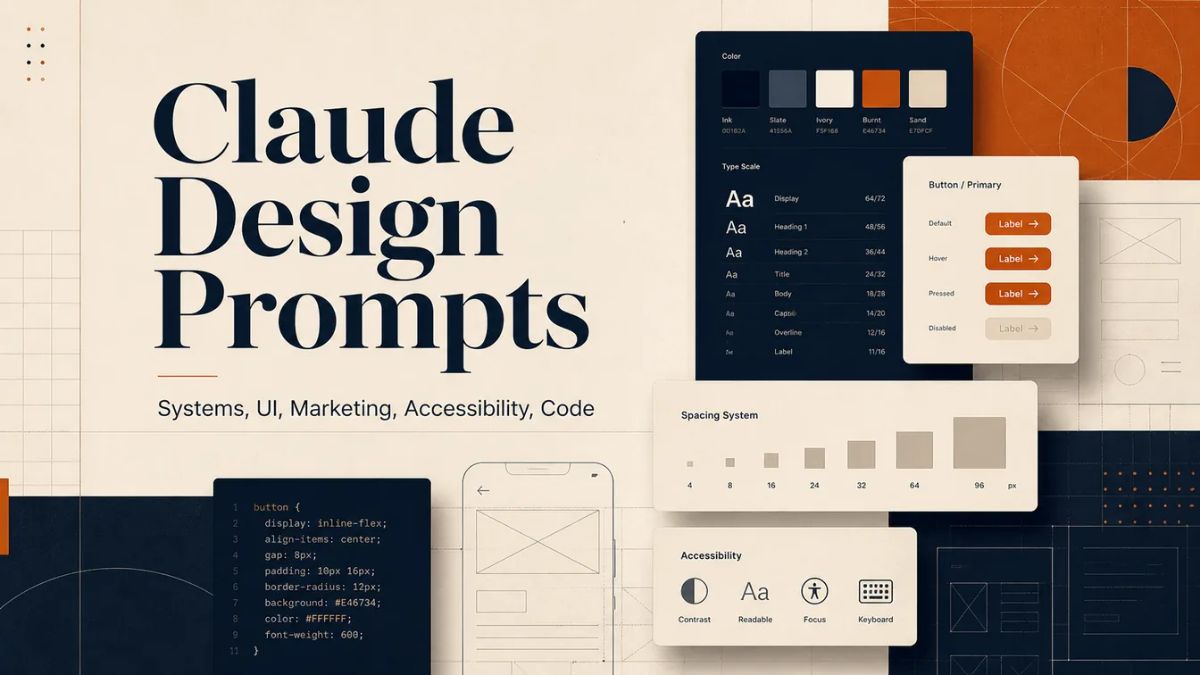
Claude Design is now available on every plan and works inside conversations, so it can use your files and context. Recent coverage says it will stick to your brand guidelines rather than producing generic layouts. Share your colors, fonts, and logo notes and try:
“Create a carousel of five slides summarizing this article. Use a warm, modern style with soft neutrals and a bold serif headline. One idea per slide and a final slide with a call to action.”
Other quick wins: lead magnet covers, quote cards, one-page offers, and simple brand boards.
Step 7: Build Lead Magnets and Presentations With Claude Slides
Claude Slides is great for turning your knowledge into a digital product or a talk:
- A short checklist or workbook
- A webinar deck
- A mini-training for your email list
- A client onboarding presentation
For example:
“Turn my blog post into a 10-slide mini-training called ‘5 Steps to Your First Client.’ One idea per slide, short speaker notes, and a final slide inviting viewers to join my email list.”
If you’re on a Team or Enterprise plan, Claude Motion can also turn charts and ideas into short animated explainers.
Step 8: Create a Weekly Rhythm
Here’s a simple schedule that keeps this sustainable:
- Monday (45 min): Review analytics and plan the week with Claude.
- Tuesday (90 min): Draft the cornerstone piece in Claude Docs, adding your stories.
- Wednesday (60 min): Repurpose into social posts, emails, and scripts. Edit them.
- Thursday (60 min): Create visuals in Claude Design and schedule everything.
- Friday (30 min): Engage with your audience, note what worked, and update your Project with new learnings.

Quality Control: Keep Your Content Human
AI makes it easy to publish a lot. That’s exactly why quality control matters:
- Add personal proof. Real stories, results, screenshots, and opinions.
- Fact-check everything. Don’t publish unverified statistics or quotes.
- Edit for voice. If it could have been written by anyone, rewrite it.
- Don’t pretend. Never fake testimonials, credentials, or results.
- Follow platform rules about AI disclosure and sponsored content.
- Keep a human in the loop. You are the author, editor, and decision-maker.
Useful Prompts to Save
- Idea generator: “Based on my audience’s top five struggles, give me 20 content ideas with a hook and a call to action.”
- Headline helper: “Give me 10 headline options for this post, mixing curiosity, benefit, and how-to styles.”
- SEO helper: “Suggest a primary keyword, five related questions people ask, and a meta description under 160 characters.”
- Edit pass: “Edit this draft to match my brand voice, cut repetition, and flag any claims I should verify.”
- Repurpose pack: “Create five social posts, one email, and one video script from this article.”

Turn Your Content Into a Business
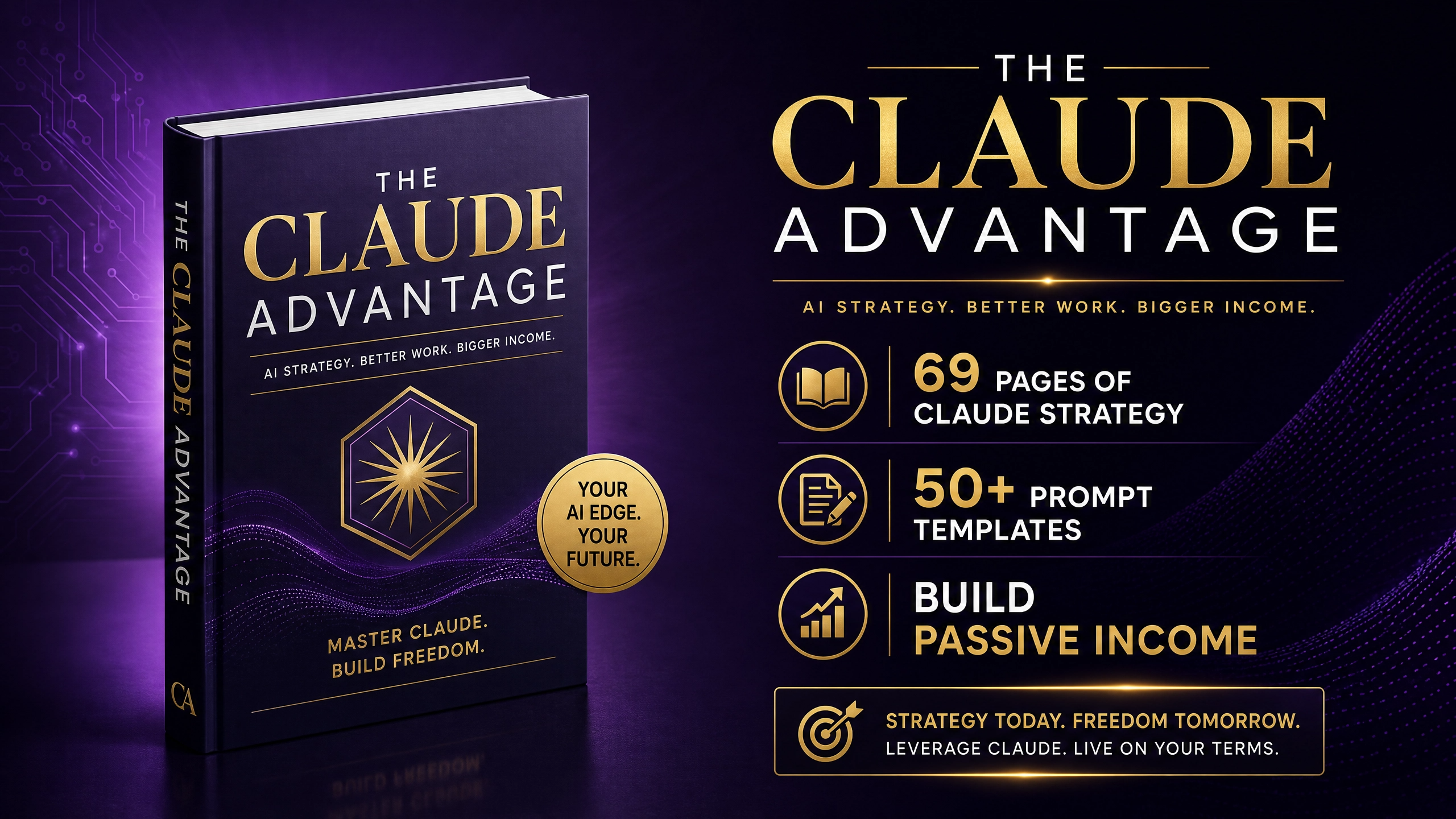
Content is only the beginning. The real payoff comes when your workflow supports an offer, an email list, and income. If you’d like a step-by-step playbook for building Claude into every part of your business, take a look at my guide:
Trust me, a good system makes consistency feel easy instead of exhausting.
Final Thoughts
Claude can’t replace your voice, your experiences, or your judgment. But it can take on the heavy lifting around them: organizing ideas, drafting, repurposing, formatting, and designing. Build your voice guide, set up your Project, plan a month, and create one cornerstone piece to multiply. Start with this week, and let your content business get lighter and more consistent.









Leave a Reply