

Did you know that digital products are one of the only things you can create once and sell over and over without restocking a single item? That one idea is the reason I fell in love with selling digital downloads on Etsy.
I still remember the first time I got an Etsy notification for a sale I didn’t have to lift a finger for. I was at the grocery store, standing in the cereal aisle, and my phone buzzed: “You made a sale!” I had designed that file weeks earlier. No packaging, no shipping, no customer service back-and-forth. I actually did a little happy dance next to the granola bars. That moment convinced me digital products deserved a real place in my income plan.
In this comprehensive guide, I’ll walk you through how to sell digital products on Etsy in 2026: what to sell, how to create it, how to set up your shop, how to write listings that get found, and how to grow from your first sale to a steady income stream. Ready? Let’s dive in.
Why Digital Products Are So Great for Beginners
Physical products come with headaches. Inventory, storage, shipping delays, returns. Digital products skip almost all of that.
The biggest advantages:
- Create once, sell many times: One file can be purchased hundreds of times.
- Instant delivery: Etsy delivers your file automatically after purchase.
- Low startup costs: Many sellers begin with tools they already have.
- Flexible schedule: Work in the evenings, on weekends, or during nap time.
- Scalable: Once you have one bestseller, you can build variations around it.
The honest downsides: Etsy is crowded, and digital files can be pirated or copied. Standing out takes a strong niche and consistent effort. I’d rather you know that going in than get discouraged in month two.

What Digital Products Sell Best on Etsy?
Let me share the categories I see working again and again:
- Printables: planners, checklists, budget trackers, wall art
- Clip art and digital paper: used by crafters, teachers, and small business owners
- Templates: Canva templates for social media, resumes, invitations, and business documents
- Digital planners and journals: for GoodNotes and similar apps
- Educational resources: worksheets, flashcards, and classroom decor
- Fonts and graphics: for designers who need fresh assets
Why Clip Art and Digital Paper Are Underrated
Clip art is a quiet workhorse. Teachers, planner makers, scrapbookers, and Etsy sellers all need graphics, and they buy them repeatedly. Take a look at the Geometric Watercolor Shapes digital paper clip art as an example of how a themed pack can serve teachers, students, and small business owners at once. Studying products like this helps you understand how a good clip art listing is structured, what’s included, and how it’s described.

And if you want to see a whole range of styles in one place, browse the Omnimart24h clip art category for inspiration on themes, packaging, and pack sizes.
A quick and important note: if you use someone else’s clip art inside your own products, read the license terms first. Some licenses allow it, some don’t, and some only allow it with modifications or credit. When in doubt, use your own creations or licensed assets that clearly permit your use.
Step 1: Validate Your Idea Before You Create Anything
Here’s where I wasted my first month. I spent weeks designing a set of products nobody was searching for. Little did I know a fifteen-minute search could have saved me.
A Simple Validation Process
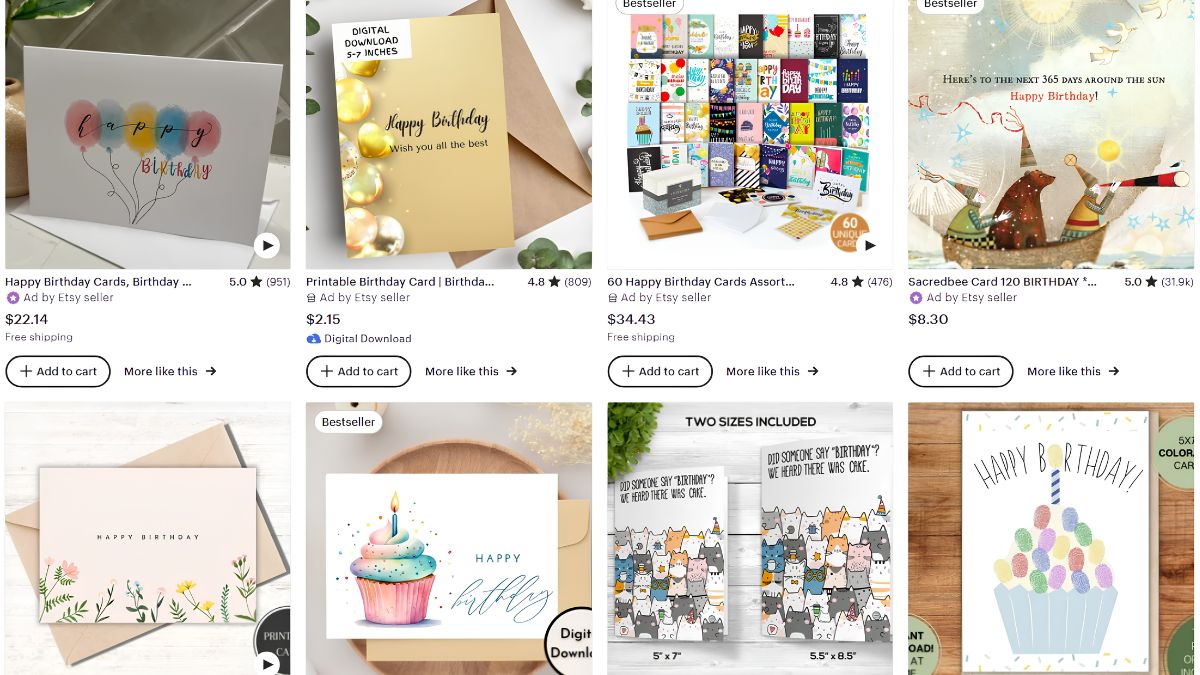
- Search Etsy for your product idea. Do you see multiple shops with sales and reviews?
- Check bestseller badges and review counts to gauge demand.
- Look at the gaps. What do customers complain about in reviews? Blurry images? Too few pieces? Bland colors?
- Use keyword tools such as eRank or Marmalead to see search volume.
- Check Pinterest. If people are saving related pins, there’s interest.
If a niche shows steady demand with some room for a fresh style, you’re in a good place.
Step 2: Create Your Digital Product
You don’t need fancy software to start.
Beginner-friendly tools:
- Canva: great for printables, templates, and graphics. I use it for the majority of my designs.
- Procreate or Adobe Illustrator: if you draw your own art.
- Google Docs or Sheets: simple trackers and checklists.
- Affinity Designer: a one-time-purchase alternative to subscription tools.
Quality Checklist Before You List
- Files are high resolution (300 DPI for anything meant to be printed)
- Sizes are clearly labeled (US Letter, A4, 8×10, etc.)
- Fonts and elements are properly licensed
- You’ve tested the download on your phone and computer
- You’ve included a simple “how to use” page or instructions PDF
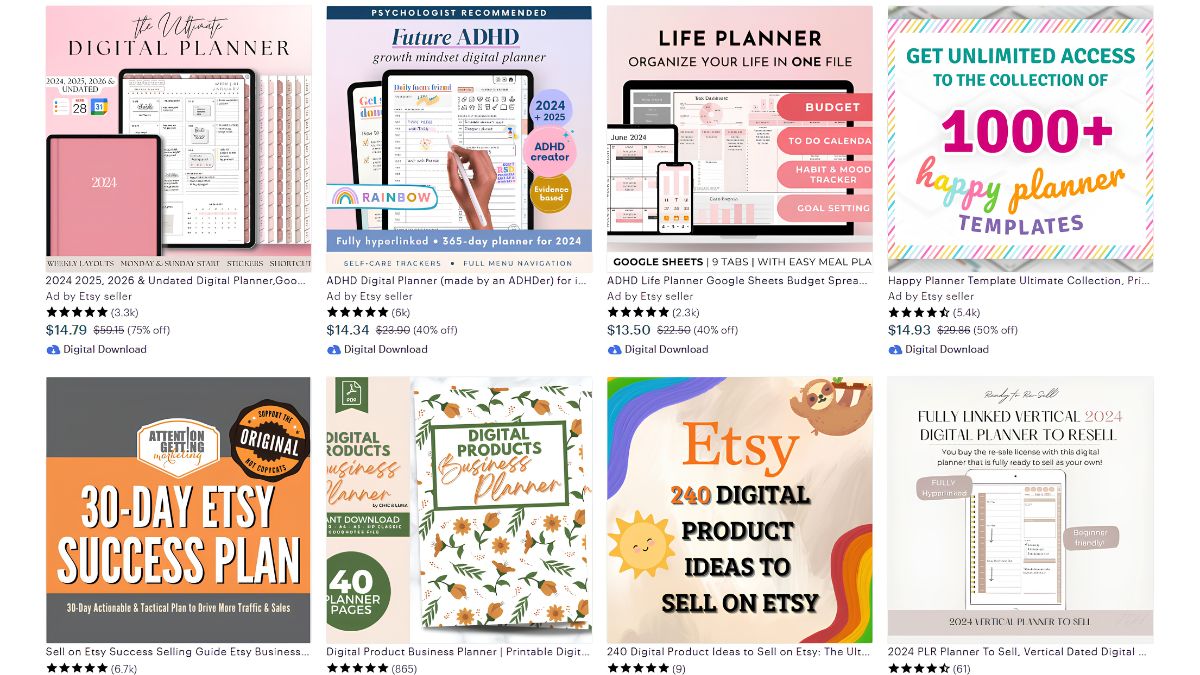
Pro tip: Bundle related items. A single planner page sells for a small amount, but a themed bundle of 20 pages feels like a bargain and increases your average order value.
Step 3: Set Up Your Etsy Shop
Setting up is straightforward.
- Create your Etsy account and open a shop.
- Choose a shop name that’s brandable and easy to remember.
- Set your shop preferences: country, currency, and language.
- Add your billing details and payment setup.
- Create your first listing and mark it as a digital product.
Etsy charges a listing fee per item and takes a percentage of each sale, along with payment processing fees. These amounts change from time to time, so check Etsy’s current fee page before setting your prices.
As for legal and tax stuff, I used to get nervous sweats about this! Requirements differ depending on where you live. A quick chat with a local accountant or your tax authority’s website can clear up what you need to track and report.
Step 4: Write Listings That Get Found
This is where the magic happens. A brilliant product with a weak listing is invisible.
Titles
Lead with your most important keyword phrase. Instead of “Pretty Digital Set,” try “Watercolor Digital Paper Pack, Clip Art Backgrounds for Teachers and Crafters.”
Tags
Etsy gives you 13 tag slots. Use all of them, and use multi-word phrases shoppers actually type.
Photos
You get up to 10 images, so use them well:
- Photo 1: the main product, clean and eye-catching
- Photos 2 to 4: close-ups showing detail and quality
- Photos 5 to 7: mockups showing the product in use
- Final photos: what’s included, file formats, and instructions
Descriptions
Write for humans first, and search engines second:
- Start with the benefit (“Make your classroom bulletin boards pop in minutes”)
- List exactly what the buyer receives
- Mention file types and sizes
- Include usage terms in plain language
- Add a friendly note encouraging questions
Here’s what I learned the hard way: Buyers of digital products often message to ask, “Will this work for X?” Answering those questions in the description saves you hours and boosts conversions.

Step 5: Price Your Products Smartly
Pricing digital products can feel like guesswork. Here’s the approach that finally worked for me:
- Look at competitors with similar quality and quantity
- Start slightly under premium while you build reviews
- Raise prices as you gain sales and reviews
- Use bundles to increase order value
- Run occasional sales but don’t live in discount mode, or buyers will wait for them
Step 6: Get Traffic Beyond Etsy Search
Etsy search is the foundation, but it shouldn’t be your only source.
- Pinterest: Vertical pins linking to your listings can drive traffic for months. Pinterest acts like a visual search engine.
- Instagram and TikTok: Show the creation process or how buyers use your products.
- Email list: Offer a free sample and collect emails so you can announce new releases.
- A simple blog: Write helpful posts that link to your listings.
- Collaborations: Partner with teachers, planners, or creators who could use your products.
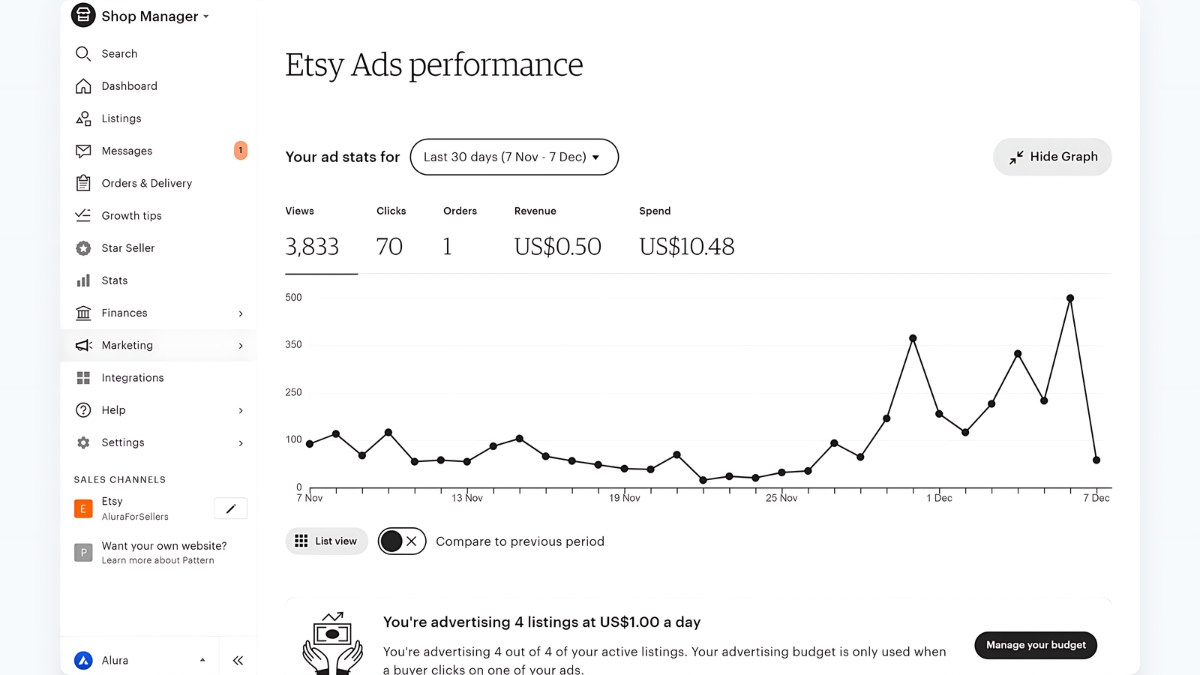
Mistakes That Cost Me (and How to Avoid Them)
- Inconsistent uploads. Etsy tends to reward active shops. Aim for a steady rhythm of new listings.
- Copying trends without adding your twist. Trends are useful, but originality wins.
- Ignoring reviews. Reply to every review and use feedback to improve.
- Not protecting your work. Include a clear license and terms of use, and consider watermarking preview images.
- Expecting overnight results. Most shops need months of consistent effort before momentum builds.
Your Path Forward
Selling digital products on Etsy is one of the most approachable ways to build an online business in 2026. You can start small, learn as you go, and grow at your own pace. Choose a niche that excites you, validate the demand, create a polished first product, and write listings with real care. Then keep showing up. By following this guide and consistently improving your shop, you’ll be well-equipped to turn a simple idea into a steady stream of income. Your first “You made a sale!” notification is closer than you think.









Leave a Reply