


There’s nothing quite like the sinking feeling of opening your analytics dashboard and seeing a traffic source fall off a cliff. That’s exactly what happened to a lot of website owners in the second week of October 2026, when traffic from ChatGPT seemed to drop overnight.
Here’s the twist: for many sites, the traffic didn’t disappear. It just got filed under the wrong label. If you track visitors from AI tools, understanding this ChatGPT tracking bug (and how to measure AI traffic properly in GA4) will save you from making panicked decisions based on bad data.
In this guide, I’ll explain what happened, how to check whether your numbers were affected, and how to set up simple, reliable tracking for AI traffic going forward.
What Happened to ChatGPT Traffic in October 2026
Let me walk you through the timeline reported by industry publications:
- October 7-8: OpenAI rolled out GPT-6.
- October 9: Reported ChatGPT-attributed traffic fell sharply on many sites. Across several datasets, the drop ranged from about 22% to 57%.
- Cause: Analysts found that links in ChatGPT answers stopped carrying the usual tracking tag (utm_source=chatgpt.com) and stopped passing referrer information. Analytics tools couldn’t tell where visitors came from, so they filed the visits under Direct.
- October 14-15: OpenAI reportedly confirmed the issue as a bug, and a fix began rolling out on October 15.
An analysis by Adobe of roughly 500 pages where ChatGPT normally drove at least 5% of visits found that between October 9 and 13, ChatGPT referrals fell by about 31,000 visits a day while Direct traffic rose by about 26,000 a day. Total traffic stayed relatively stable on many pages, which suggests visits were misattributed, not lost.
One analysis found tagged ChatGPT clicks recovered to roughly 95-100% of the prior week’s level within hours of the fix. But the fix may not have reached every account, and some visits may still lack referrer data.
Here’s the truth: If your boss, client, or business partner asks why ChatGPT traffic “crashed,” you now have a clear, evidence-based answer.

How to Check Whether Your Site Was Affected
Open Google Analytics 4 and follow these steps:
- Go to Reports > Acquisition > Traffic acquisition.
- Set the date range to October 1-25, 2026.
- Compare the Referral (or ChatGPT-specific) rows with the Direct row.
- Look for a dip in ChatGPT visits starting around October 9, with a matching bump in Direct traffic.
- Check total sessions. If they stayed steady, misattribution is the likely story.
Pro tip: Don’t change your attribution model because of this. Instead, add an annotation to your reports covering October 8-15 so everyone remembers why the numbers look strange.
How to Set Up AI Traffic Tracking in GA4 (Beginner Version)
AI tools send visitors in a few different ways, and some send no referrer at all. Here’s a practical setup that doesn’t require coding skills.
Step 1: Create a custom channel group for AI traffic
In GA4’s Admin area, you can create a custom channel group and add a rule that groups sessions from known AI sources (for example, chatgpt.com, perplexity.ai, gemini.google.com, copilot.microsoft.com, and similar). Name the group “AI Assistants.”
Step 2: Build a saved exploration
In Explore, create a simple table with:
- Session source / medium
- Landing page
- Sessions, engaged sessions, and conversions
Filter to your AI channel group. Save it and check weekly.

Step 3: Watch your Direct traffic
Because some AI visits arrive with no referrer, a sudden jump in Direct traffic to your informational or blog pages can be a clue. Pay attention to landing pages that don’t usually get direct visits.
Step 4: Use tracking links where you control the link
When you share links yourself (in emails, social posts, or partner pages), add UTM parameters so you always know the source. You can’t control the links AI tools generate, but you can control your own.
Step 5: Add a “How did you hear about us?” question
This is my favorite low-tech trick. A simple dropdown on your contact form or checkout (with options like Google, ChatGPT or other AI, Instagram, YouTube, friend) gives you data that analytics sometimes misses.

Clean Up Spam Traffic While You’re There
Google Analytics recently added a hostname allowlist filter that helps you block traffic from unapproved domains, plus an option to exclude traffic with a missing hostname, which often signals spam or abnormal activity. Setting this up is a quick way to make your reports more trustworthy.
What the Bug Teaches Us About AI Traffic in General
- AI referral data is still messy. Platforms change links, tags, and tracking without warning.
- Don’t make big decisions from one week of data. Look at multi-week trends.
- Pair analytics with other signals. Sales, email signups, branded searches, and customer surveys tell you what clicks can’t.
- Keep creating useful content. The best way to benefit from AI visibility is to be a source worth recommending.

A Simple Weekly Analytics Routine (15 Minutes)
- Check total sessions and conversions for the week.
- Compare AI channel traffic with the previous week.
- Scan Direct traffic for unusual spikes on blog pages.
- Add an annotation for any platform changes or bugs.
- Note one action: update a page, share a link, or test a new source.
Want a Marketing Plan That Doesn’t Depend on One Traffic Source?
Traffic sources come and go, and bugs happen. The businesses that stay steady build a system: content, email, social, and measurement working together. My guide walks through that step by step:
The Digital Marketing Playbook
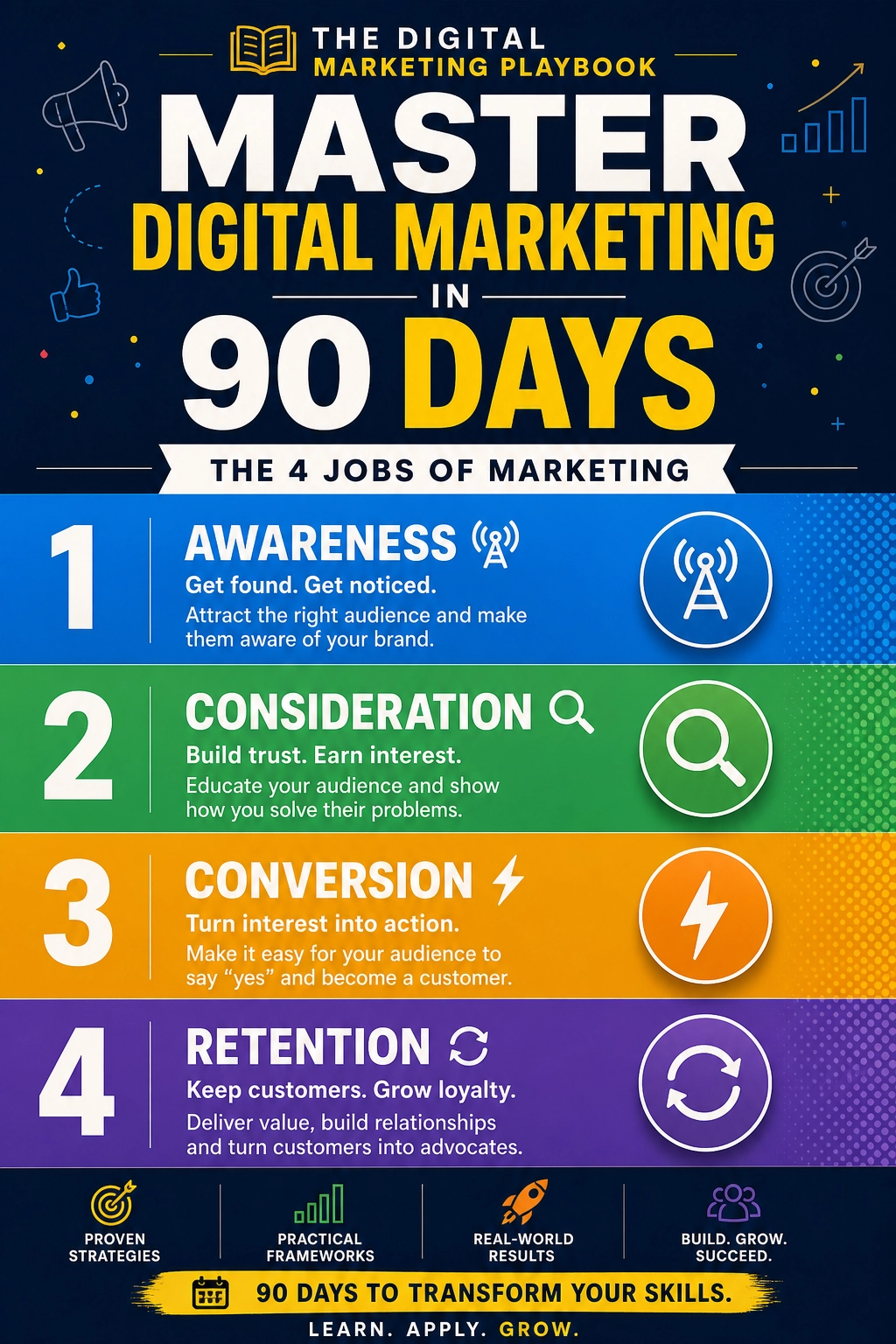
Trust me, once you have a system, one bad data week doesn’t rattle you.
Final Thoughts
The October 2026 ChatGPT tracking bug is a reminder that analytics is only as good as the signals feeding it. Annotate the affected dates, check your Direct traffic, set up an AI channel group, and add a simple survey question. With those four habits, you’ll stay calm and make decisions based on what’s really happening, not what a dashboard seems to say.










Leave a Reply