


The scariest phone call I ever got from a client started with, “Our traffic just disappeared.” They’d redesigned their website over a weekend, launched it on Monday, and by Friday their phone had stopped ringing. Nothing about the new site looked wrong. But behind the scenes, the old page addresses led nowhere, search engines were blocked from half the site, and the new pages loaded at the speed of molasses.
Technical SEO isn’t glamorous. Nobody shares a screenshot of a perfectly configured sitemap. But it’s the foundation that lets your great content get found, and it matters more as search shifts toward AI answers that rely on pages being crawlable, fast, and clearly structured.
And recovery takes time. Google has said it can take more than four months for a site migration to fully settle, so mistakes can haunt you for a long while. Meanwhile, infrastructure providers like Cloudflare now let site owners control AI bots separately from search engines, adding a new set of decisions.
In this guide, I’ll give you a technical SEO checklist for small business websites: 12 practical fixes in plain English that you can check with free tools or a developer’s help.
1. Make Sure Search Engines Can Crawl Your Site
If search engines can’t reach your pages, nothing else matters.
- Check your robots.txt file (found at yourdomain.com/robots.txt). Make sure it isn’t blocking important pages or folders.
- Look for accidental “noindex” tags, which tell search engines not to list a page. These are sometimes left on after development.
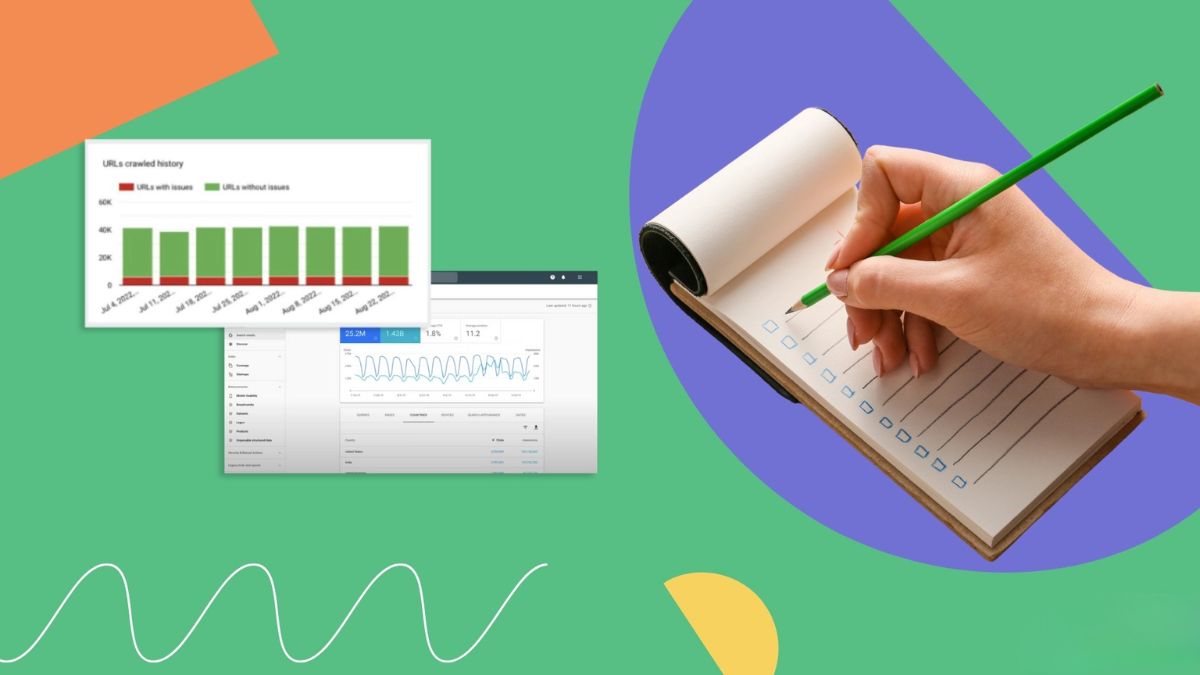
- Use Google Search Console’s URL inspection tool to see how Google views your key pages.
2. Submit and Maintain an XML Sitemap
A sitemap lists the pages you want search engines to find.
- Generate one through your website platform or an SEO plugin.
- Submit it in Google Search Console and Bing Webmaster Tools.
- Include only pages you want indexed: no duplicates, error pages, or redirected URLs.
- Update it automatically when you add or remove pages.
3. Check Indexing and Fix Coverage Problems
In Search Console’s indexing reports, look for:
- Pages that are “discovered but not indexed” or “crawled but not indexed”
- Server errors and pages not found
- Duplicate pages without a chosen canonical version
Fix errors first, then improve thin or duplicate content so search engines have a reason to index your pages.
4. Use HTTPS Everywhere
Your whole site should load over a secure connection.
- Confirm there’s a valid security certificate.
- Redirect all http:// versions to https://.
- Fix mixed content warnings, where secure pages load insecure images or scripts.
5. Improve Page Speed and Mobile Experience
Most visitors arrive on phones, and slow pages lose both customers and rankings.
- Compress images and use modern formats where possible.
- Limit heavy scripts, pop-ups, and plugins.
- Use caching and a reliable host.
- Test key pages with free speed and usability tools and note issues with loading, stability, and responsiveness.
- Make buttons and text easy to tap and read on small screens.

6. Fix Broken Links and Redirects
- Find broken links with a crawler or Search Console and fix or remove them.
- Use permanent (301) redirects when you change a page address, pointing old addresses to the most relevant new page.
- Avoid redirect chains, where one redirect leads to another and another.
- Never redirect everything to the homepage. It confuses visitors and search engines.
7. Plan Migrations and Redesigns Carefully
If you’re moving domains, changing platforms, or restructuring URLs:
- Crawl and record your current site, including top pages, traffic, and links.
- Map every old URL to a new URL before launch.
- Test on a staging site and make sure it’s blocked from indexing until launch day (and unblocked afterward).
- Launch at a time when you can monitor closely.
- Check redirects, sitemaps, and indexing immediately.
- Expect a recovery window. Given Google’s note that settling can take more than four months, don’t panic over short-term dips, but don’t ignore real problems either.
8. Use Clean, Logical Site Structure
- Keep important pages within a few clicks of the homepage.
- Use clear, descriptive URLs (like /services/bookkeeping) instead of long strings of numbers.
- Link related pages together with descriptive anchor text.
- Add breadcrumbs on larger sites to show hierarchy.
- Avoid orphan pages that no other page links to.
9. Write Unique Titles, Descriptions and Headings
- Give every page a unique, accurate title that includes its main topic.
- Write a helpful meta description that summarizes the page and invites clicks.
- Use one clear main heading and logical subheadings.
- Avoid duplicate titles across pages.
10. Add Structured Data Where It Helps
Structured data (schema markup) helps search engines and AI systems understand your content.
- Organization or local business details such as name, address, phone number, hours, and logo
- Products with price, availability, and reviews
- Articles with author, date, and headline
- FAQ and how-to content where appropriate and permitted by current guidelines
- Person markup for authors and founders
Test your markup with Google’s rich results testing tools, and keep it accurate and consistent with what’s visible on the page.
11. Decide Your Policy for AI Crawlers
New controls give site owners more choices:
- Some providers now let you block AI training bots without blocking search engine bots, and set separate rules for search, agent, and training crawlers.
- Google has also been exploring pilots to compensate some publishers when their content contributes to AI answers (details were still limited).
- Decide what you want: visibility in AI answers can bring discovery, while blocking some bots may protect content you prefer not to share. Review your robots.txt and hosting settings, and understand that blocking search crawlers entirely would remove you from results.
If you’re unsure, ask a developer or your host, and make changes carefully.
12. Monitor Regularly
Set a simple monthly routine:
- Search Console: indexing, performance, and security issues
- Analytics: traffic changes and landing pages
- Uptime monitoring: get alerts if the site goes down
- Crawl report: broken links, redirect problems, and missing titles
- Spam check: make sure comments, forms, and user-generated areas aren’t filling with spam, since search guidelines have been expanding to cover user-generated content hosts
A Quick Priority Order
If you only have time for a few things:
- Make sure your site is crawlable and not accidentally blocked.
- Fix major indexing errors.
- Move to HTTPS and fix speed on mobile.
- Repair broken links and redirects.
- Clean up titles and structure.
- Add structured data for your business and key pages.
- Set a monthly monitoring routine.

Mistakes to Avoid
- Launching a redesign without redirects.
- Leaving staging sites or noindex tags in place.
- Blocking important resources in robots.txt.
- Ignoring mobile speed.
- Duplicate pages with no canonical.
- Making sweeping changes without a backup.
- Never checking Search Console.
Your 14-Day Technical Tune-Up
- Days 1-2: Check robots.txt, noindex tags, and your sitemap.
- Days 3-4: Review indexing reports and fix errors.
- Days 5-6: Confirm HTTPS and fix mixed content.
- Days 7-9: Test speed on key pages and compress images.
- Days 10-11: Find broken links and fix redirects.
- Days 12-13: Clean up titles, headings, and add structured data.
- Day 14: Set monthly reminders and document your settings.
Build the Foundation Under Your Marketing
Great marketing sits on a stable technical foundation. If you’d like a step-by-step guide to building a complete marketing system, take a look at my ebook:
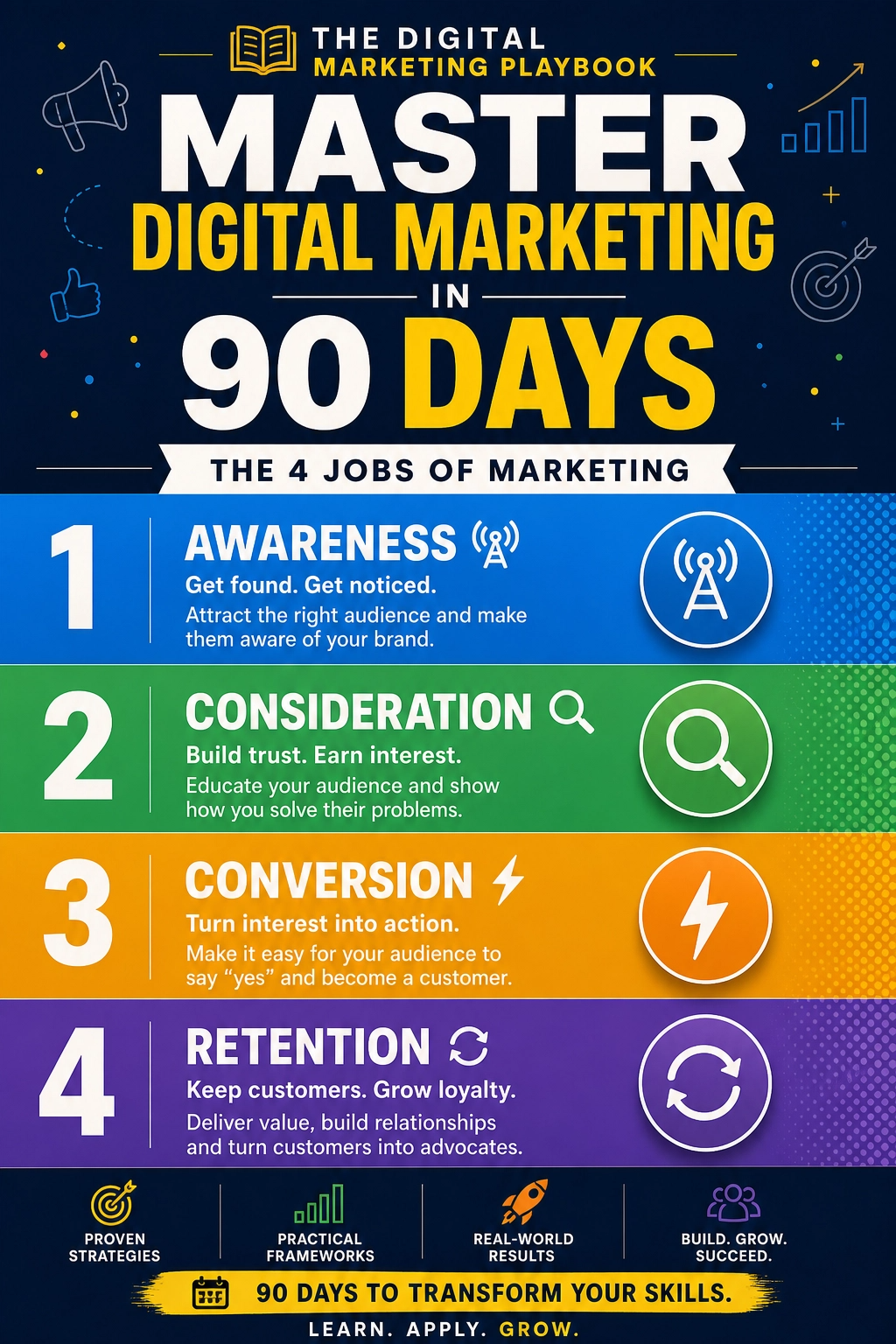
The Digital Marketing Playbook
Trust me, a clean technical setup saves you from very expensive surprises.
Final Thoughts
Technical SEO is about removing obstacles so your best content can be found. Check crawlability, indexing, security, speed, links, structure, and structured data. Plan migrations with care, decide your approach to AI crawlers, and review your site monthly. A few quiet fixes can protect traffic you’ve worked hard to earn.










Leave a Reply