


I’ll never forget the first time I woke up to a sales notification for something I’d made months earlier. I hadn’t worked on it that morning. I hadn’t posted about it. A stranger simply found my product, liked it, and bought it while I was asleep. That moment hooked me for good.
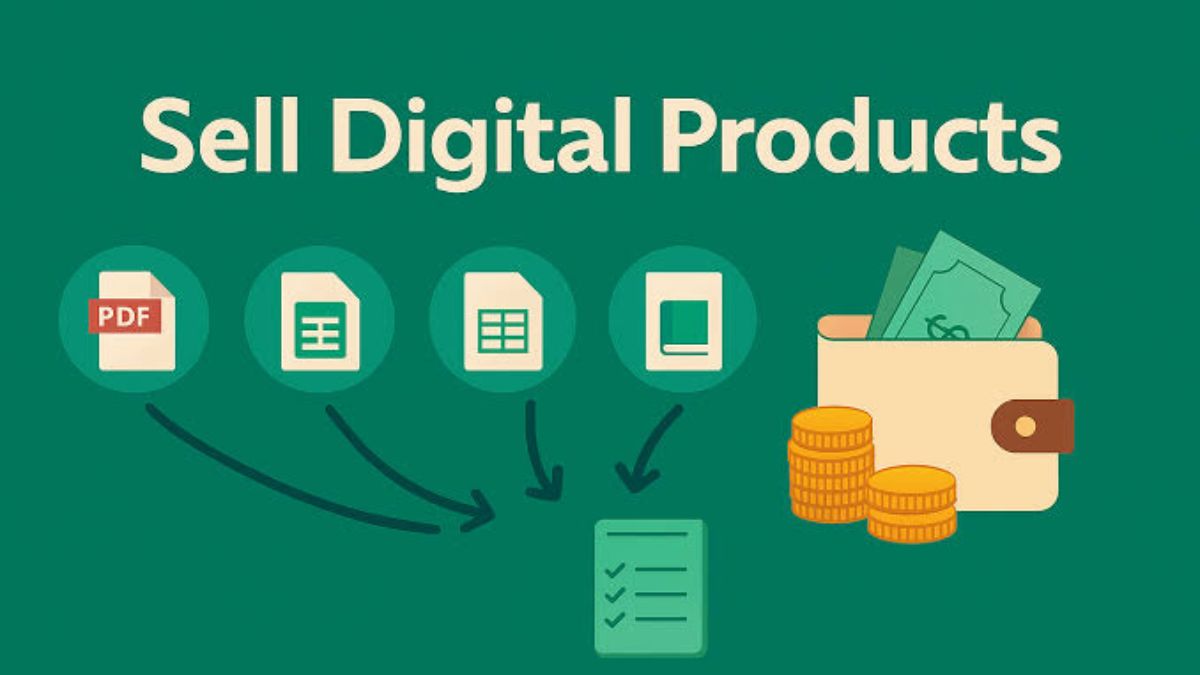
If you’ve ever wanted to sell digital products online, the appeal is hard to beat. You create something once, and you can sell it again and again with no inventory, no shipping, and no extra cost per sale. It’s one of the closest things to true passive income I’ve found.
In this guide, I’ll walk you through what to sell, where to sell it, how to price it, and exactly how to launch your first digital product, even if you’ve never made one before.
Why Digital Products Are a Smart Way to Earn
Let me share why I love this business model:
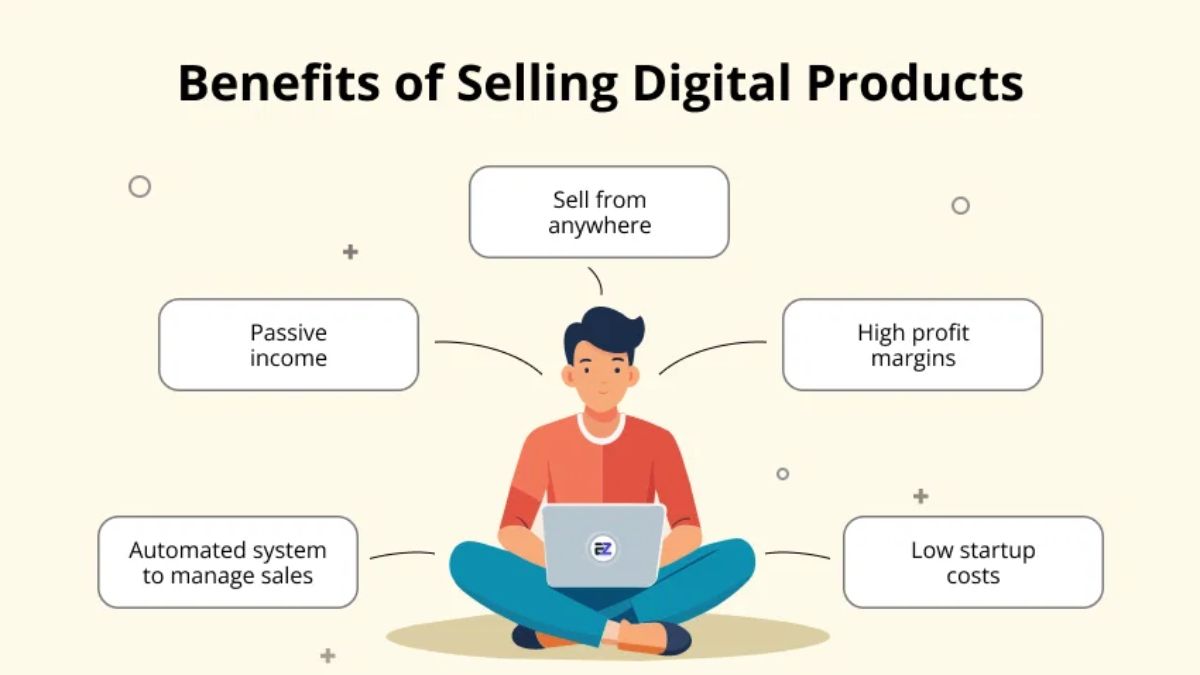
- Low startup cost. Many creators begin with free tools.
- High profit margins. There’s no printing, packaging, or shipping.
- Instant delivery. Customers download immediately, even at 2 a.m.
- Infinitely scalable. Selling 10 or 1,000 copies takes about the same effort from you.
- Flexible. You can build it around your job or family.
Here’s the honest part: “passive” doesn’t mean “effortless.” You’ll invest time upfront creating and promoting. After that, the work shrinks and the income can keep arriving.
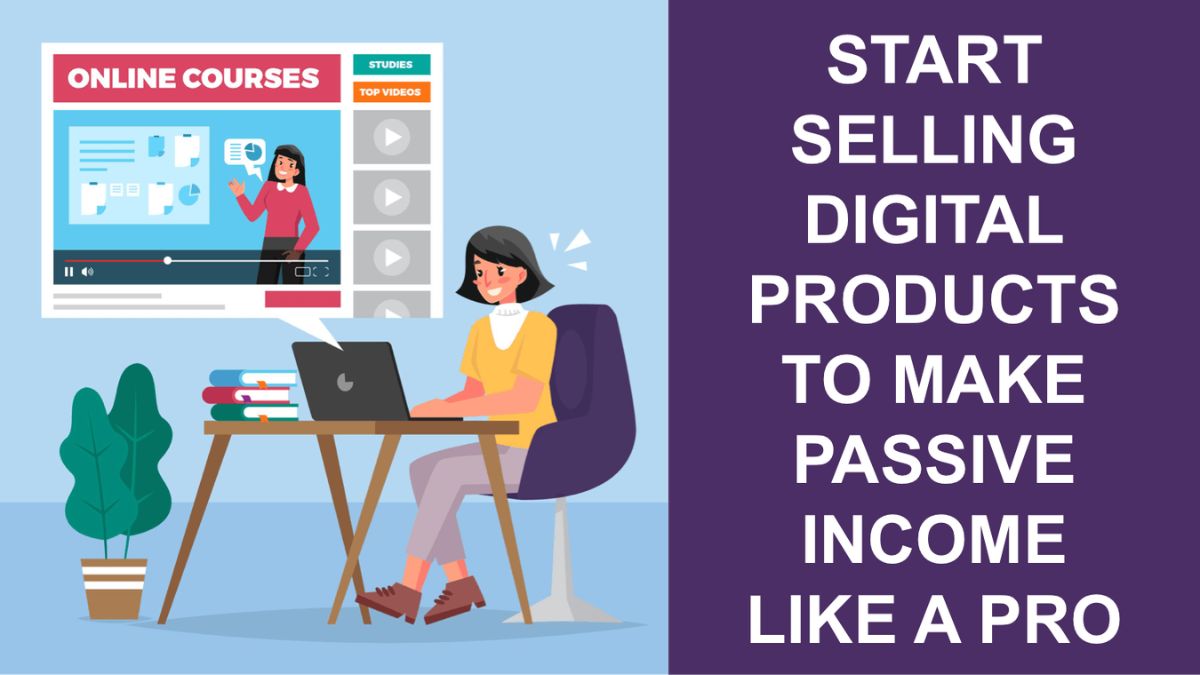
What Digital Products Can You Sell?
The options are broader than most beginners realize.
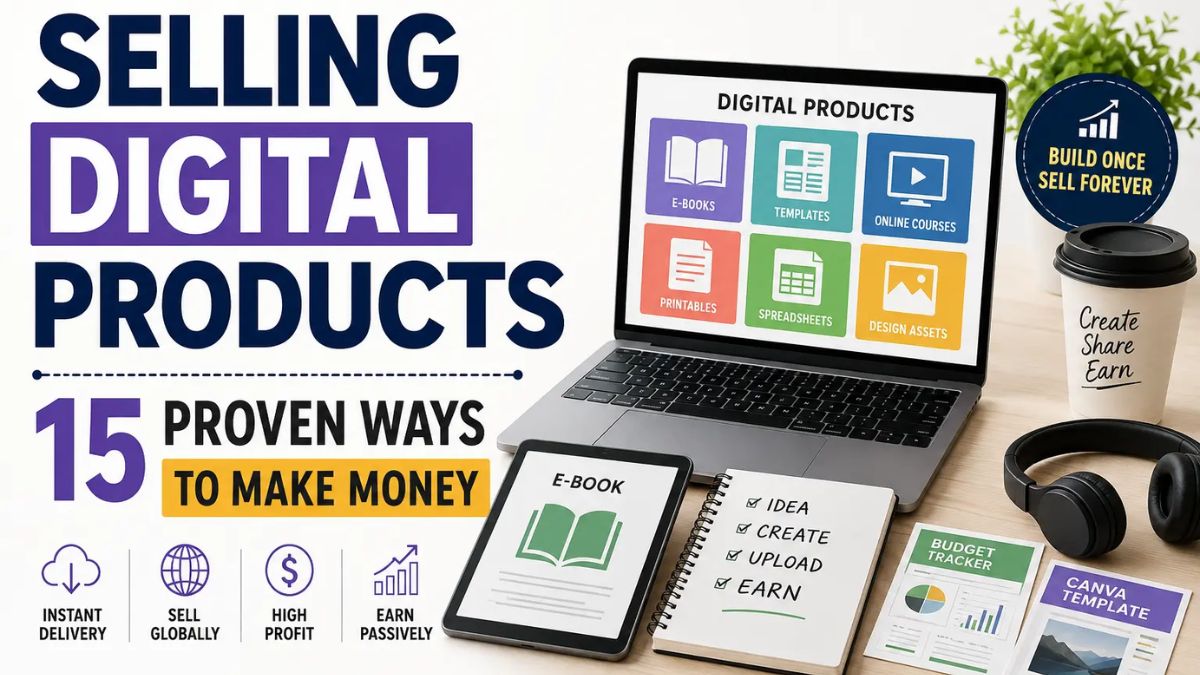
Popular Product Types
- Printables and planners: budget trackers, meal planners, habit logs, wall art.
- Templates: social media templates, resumes, Notion dashboards, spreadsheets.
- Ebooks and guides: how-to books, checklists, mini-courses in PDF form.
- Online courses and workshops: video lessons with worksheets.
- Stock content: photos, graphics, fonts, and icons for creators.
- Swipe files and prompt packs: ready-to-use email scripts, caption ideas, and AI prompt collections.
How to Choose the Right Product
I once made a beautiful product nobody wanted. Big mistake. Here’s how I choose now:
- Start with a problem. What do people constantly struggle with?
- Check demand. Search Etsy, Pinterest, and Google to see what’s already selling.
- Look for gaps. Can you make something simpler, prettier, or more specific?
- Match your skills. Choose something you can actually create well.
Pro tip: Niche down. “Budget planner for freelancers” outsells “budget planner” because the buyer sees themselves in it.
Where to Sell Your Digital Products
Each platform has its strengths:
- Etsy: Huge built-in traffic, great for printables and templates. Fees apply per listing and sale.
- Gumroad: Simple setup, ideal for ebooks, guides, and courses. Great for building your own audience.
- Your own website: Maximum control and branding, but you’ll need to drive your own traffic.
- Creative Market: Good for design assets and templates.
- Teachable or similar course platforms: Best for video courses.
I recommend starting on one platform. When I tried selling everywhere at once, I spread myself too thin.
How to Create Your First Product
You don’t need fancy skills. Here’s my simple process:
Step 1: Outline the Solution
Write down the problem, the result your customer wants, and the steps that get them there. An AI assistant can help you brainstorm and organize this quickly. If you want to use AI effectively for this, The Claude Advantage shows how to build prompts that speed up product creation.
Step 2: Design With Free Tools
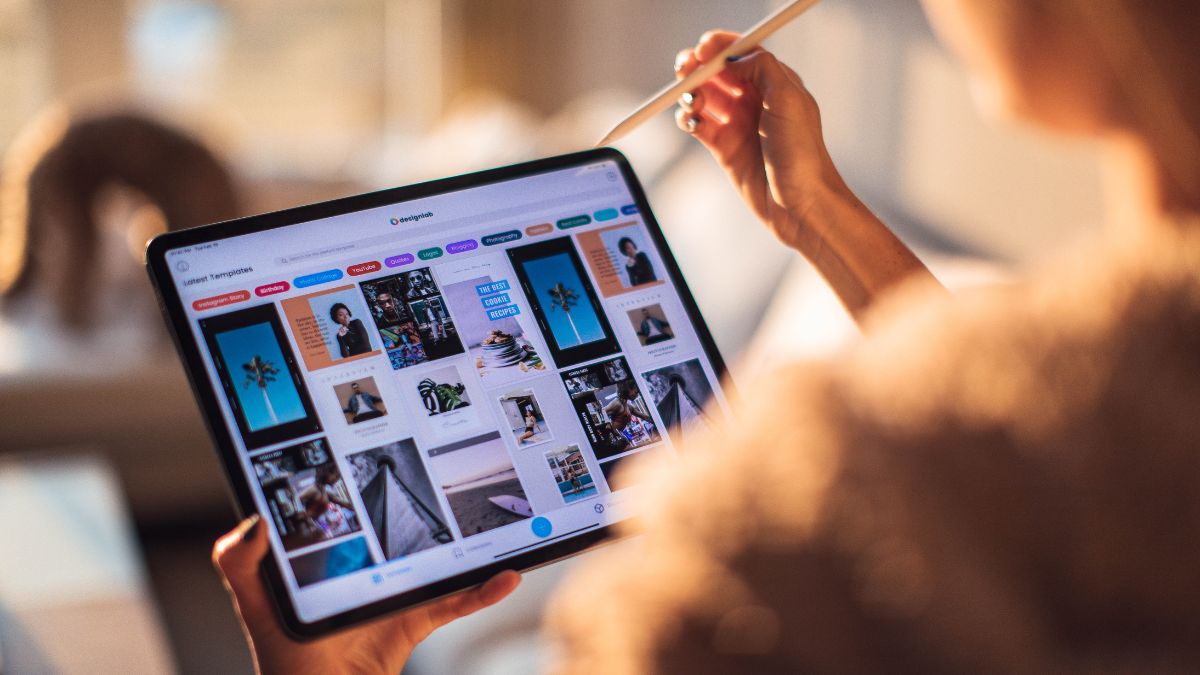
Canva is my go-to for planners, templates, and guides. Choose clean fonts, consistent colors, and plenty of white space.
Step 3: Test It Yourself
Use your product for a week. If it doesn’t help you, it probably won’t help customers. Fix anything confusing.
Step 4: Package It Professionally
Export as a PDF, add a short “how to use” page, and include a thank-you note with a link to your other offers.
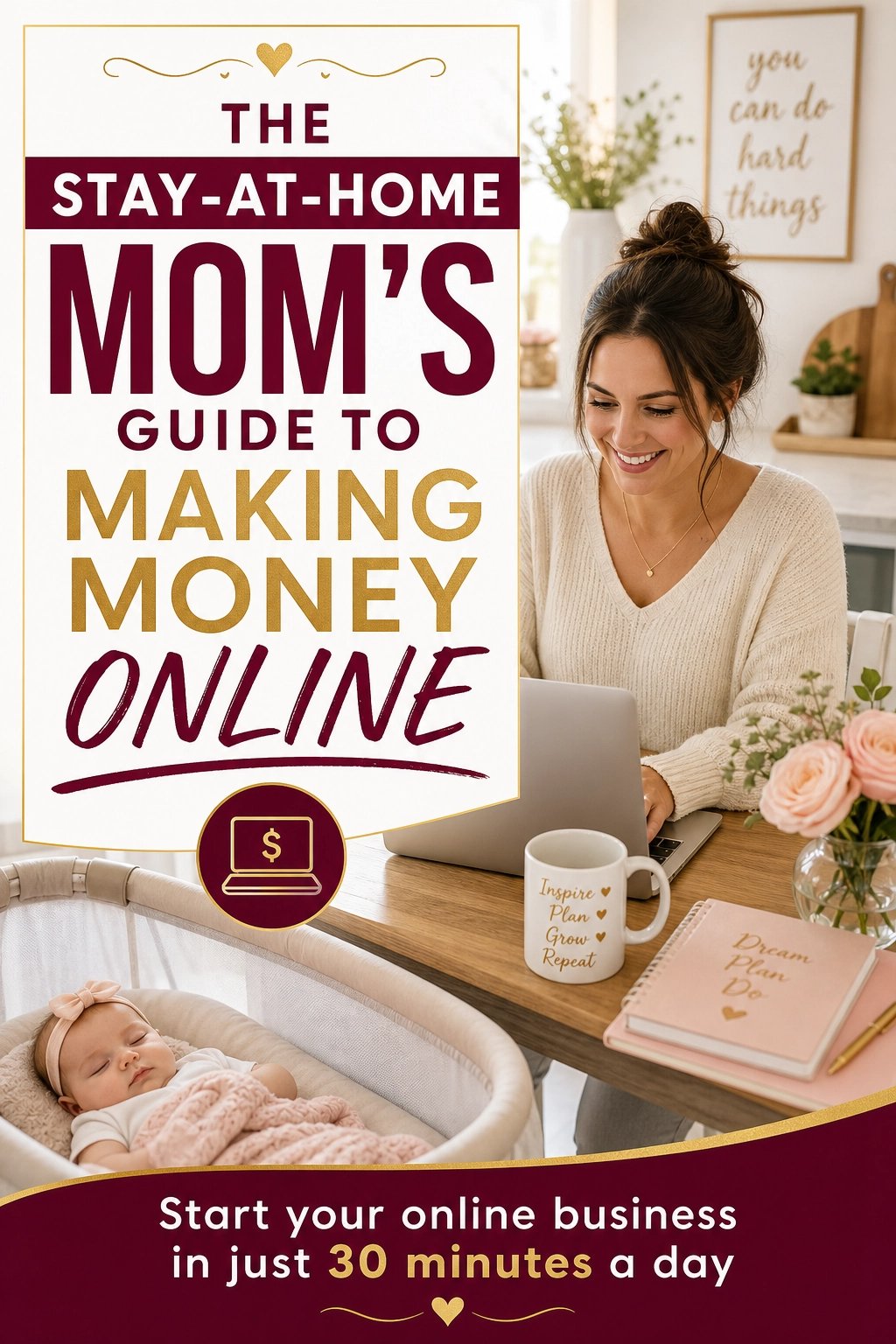
If you’d like a full roadmap from idea to income, The Stay-At-Home Mom’s Guide to Making Money Online includes beginner-friendly steps for launching digital offers.
How to Price Your Digital Products
Pricing is part psychology, part math:
- Small printables and templates: often $3–$15.
- Planners and bundles: often $12–$40.
- Ebooks and guides: often $9–$49.
- Courses: often $49–$300+.
Tips:
- Research competitors, but don’t race to the bottom.
- Offer bundles to increase your average order value.
- Test different prices over time.
- Price for the result you deliver, not the time it took you.
How to Get Your First Sales
A great product still needs visibility. Here’s my launch checklist:
- Write a search-friendly title with keywords your customer would type.
- Create attractive previews: mockups showing your product in use.
- Write benefit-focused descriptions explaining what the customer gets.
- Share on Pinterest. Pins can drive traffic for months or years.
- Tell your network. Friends and followers often become first buyers.
- Collect reviews. Ask happy customers politely.
To go deeper on attracting buyers, The Digital Marketing Playbook covers marketing basics in plain language.
Grow Your Digital Product Business
Once you have a first product, build on it:
- Create a product line. A planner can expand into a bundle, a workbook, and a course.
- Build an email list. Offer a free freebie to collect subscribers you can sell to later.
- Update and improve. Customer feedback is gold.
- Add affiliates or partners who promote your products.
- Build your brand. People buy from creators they trust. The Personal Brand Blueprint can help you stand out.
Real Product Ideas to Spark Your Creativity
Sometimes the hardest part is deciding what to make. Here are ideas that tend to perform well, along with the audience each one fits:
- Freelancer invoice and client tracker (spreadsheet): perfect for new freelancers who feel disorganized.
- Weekly meal planner and grocery list printable: a steady seller for busy families.
- Instagram caption pack for small businesses: 100 ready-to-edit captions that save owners hours.
- Budget-by-paycheck workbook: helpful for anyone living paycheck to paycheck.
- Pinterest pin templates for bloggers: editable designs that save bloggers time.
- AI prompt pack for entrepreneurs: organized prompts for emails, content, and planning.
- Wellness habit tracker: simple, cheerful, and endlessly giftable.
Pro tip: Look at the most popular listings in your niche, read the reviews, and note what buyers complain about. Those complaints are your product opportunities.
Build a Simple Sales Funnel Around Your Product
A single product is a good start, but a basic funnel makes your income steadier. Here’s the simple version I use:
- Step 1: A free freebie. Offer a small, useful download, like a one-page checklist, in exchange for an email address.
- Step 2: A welcome email sequence. Send three to five helpful emails that build trust and mention your product naturally.
- Step 3: Your main product. Present it as the next step for readers who want more help.
- Step 4: A follow-up offer. Offer a bundle, upgrade, or related product to people who purchased.
This system turns one-time visitors into subscribers and subscribers into customers. Because you own your email list, you’re never at the mercy of a platform changing its rules.
Legal and Money Basics
- Create original work or use content you have proper licenses for.
- Read platform rules, especially around licensing and AI-generated content.
- Track income and expenses and set aside money for taxes.
- Consult a qualified professional for legal and tax matters in your region.
Mistakes to Avoid
- Making too many products too soon. Perfect one first.
- Ignoring SEO. Without keywords, your listing stays buried.
- Poor presentation. Messy previews cost sales.
- Giving up early. It often takes a few months to gain traction.
- Skipping customer feedback. The best improvements come from buyers.
Quick Answers
How much can I earn selling digital products? It varies. Some creators make a little pocket money, while others build full-time income. Your niche, quality, and marketing efforts matter most.
Do I need design skills? No. Templates and tools like Canva make it manageable for beginners.
Is it truly passive? Sales can arrive without daily work, but ongoing marketing and updates help it grow.
How long until my first sale? Some people sell within weeks, others take a few months. Keep improving your listings and promotion.
Your First Digital Product Is Closer Than You Think
Learning to sell digital products online is one of the smartest moves you can make if you want flexible, scalable income. Start with a real problem, build a simple solution, and get it in front of the people who need it.
Choose your product idea today, outline it this week, and list it within a month. Trust me, that first unexpected sale notification is a feeling you’ll want again and again. Let’s get creating!







Leave a Reply