


I used to think AI was for programmers and people with job titles like “data scientist.” Then one chaotic Tuesday, I pasted a messy list of half-finished thoughts into an AI assistant and asked, “Can you turn this into a clear email to a client?” Thirty seconds later I had a draft. I rewrote about a third of it, fixed a sentence that didn’t sound like me, and hit send. That one small moment saved me about 40 minutes, which is a lot when your day is run by nap schedules and snack requests.
If you’ve been curious but a little intimidated, here’s the good news: you don’t need technical skills. Surveys show most small business owners and solopreneurs now turn to AI before hiring help: one report found 86% reach for AI tools when they face a task they can’t do themselves, and another found 91% say AI has reduced their admin work. For stay-at-home moms building an online income, AI can be a very helpful assistant, as long as you use it wisely.
In this guide, I’ll explain how stay-at-home moms can use AI tools to save time and build income, with simple examples, prompts, and safety rules. (AI can make mistakes, and no tool guarantees income, so I’ll focus on practical, careful use.)
What AI Can (and Can’t) Do for You
AI is great for:
- First drafts: emails, social posts, product descriptions, outlines
- Brainstorming: product ideas, content topics, names, hooks
- Summarizing: long articles, meeting notes, and documents
- Organizing: checklists, schedules, meal plans, and routines
- Explaining: new topics in plain language
- Editing: tightening and improving your writing
- Repurposing: turning one idea into many pieces of content
AI is not great for:
- Facts without checking. It can state wrong information confidently.
- Your personal voice and stories. That’s your job.
- Final decisions about money, health, legal issues, or your children.
- Handling private information you wouldn’t want stored or shared.
A rule I live by: AI drafts, I decide.

What’s New in AI Tools (In Plain English)
AI assistants are evolving quickly. A few recent developments worth knowing:
- Documents, slides, and designs inside the chat. Some assistants now let you create editable documents, presentations, and visual designs right in the conversation, and at least one major assistant offers these on its free plan. That means you can make a printable, a mini-guide, or a pitch deck without paying for extra software.
- Agents that do tasks, not just chat. Newer tools can work with your files, calendars, and connected apps to finish tasks, and some preview versions are designed to prepare work in the background and ask for your approval before sending a message, paying, signing, or deleting anything. Many are still early, limited by plan or region, and can make mistakes.
- AI in apps you already use. Meta’s Muse agent, for example, has been described as free for most uses with optional premium plans, and assistants are being added to document editors, spreadsheets, and messaging apps.
- More rules and labels. Platforms are adding AI labels and penalties for undisclosed AI personas, and search engines are telling publishers to fact-check AI-written content manually. Honesty matters.
10 Ways Moms Can Use AI Right Now
1. Plan meals and groceries (saves money and time)
“Create a 5-day dinner plan for a family of four with one picky eater, using chicken, rice, and seasonal vegetables. Keep each meal under 30 minutes and give me one combined grocery list organized by store section.”
2. Draft emails and messages
“Write a polite, friendly email to a potential client explaining my virtual assistant packages. Keep it under 150 words and end with a question.”
3. Create a content calendar
“I run a blog about budget-friendly family life. Create a four-week content calendar with two post ideas per week, a hook for each, and a call to action.”
4. Outline a digital product
“Help me outline a 10-page printable workbook for new moms on building a simple daily routine. Include sections, exercises, and a simple checklist.”
5. Prepare for client calls
“Here are my notes from a call with a client: [paste, without private details]. Summarize the key points, list action items, and draft a short follow-up email.”

6. Learn a new skill
“Explain how social media scheduling works to a complete beginner, then give me a one-week practice plan I can do in 30 minutes a day.”
7. Write product descriptions and listings
“Write three versions of a product description for a weekly meal planner printable. Make them warm, clear, and under 80 words, and don’t make any claims I haven’t given you.”
8. Organize your business
“Create a simple weekly checklist for a stay-at-home mom working two hours a day on her online business: marketing, client work, admin, and learning.”
9. Practice pitching
“Act as a small business owner. I’ll pitch you my UGC services. Respond with questions or objections, then give me feedback.”
10. Brainstorm and challenge your ideas
“Here’s my plan for my side business: [describe]. List five reasons it might not work and the cheapest ways to test each one.”
How to Write Better Prompts (The Simple Version)
Better instructions give better results. Include:
- The goal: What do you want to create?
- The audience: Who is it for?
- The context: Any important details.
- The format and length: Bullets, 200 words, a table, and so on.
- Your voice: Share a sample of how you write.
- Rules: Words to avoid, claims not to make.
- Permission to ask: “Ask me questions if anything is unclear.”
And don’t accept the first draft. Give specific feedback: “Make the opening warmer” or “Cut the second paragraph.”
The Draft-and-Approve Habit
This one habit protects your reputation:
- AI drafts.
- You review. Read it out loud. Does it sound like you?
- You fact-check. Verify every number, name, and claim.
- You approve. Only then does it go out.
Never let AI send anything on your behalf without your review, especially messages to clients, customers, or anyone you’d be embarrassed to send a wrong email to.

Safety Rules Every Mom Should Follow
When you’re juggling kids and a business, safe habits matter:
- Protect your children’s privacy. Avoid pasting your kids’ full names, school details, photos, health information, or addresses into AI tools.
- Protect your clients’ privacy. Don’t paste confidential client information into tools you haven’t vetted, and ask permission before using AI with their data.
- Don’t share sensitive details: passwords, bank account numbers, Social Security numbers, or government IDs.
- Check privacy settings. Learn what the tool stores, how memory works, and how to delete data.
- Use strong passwords and two-factor authentication.
- Be careful with agents and connected apps. Give them the least access possible and require approval for risky actions.
- Watch for hidden instructions. Emails, websites, and documents can contain text that tries to trick an AI. Don’t let an agent act on outside content without review.
- Don’t rely on AI for medical, legal, or financial decisions. Use it to prepare questions, then talk to a qualified professional.
- Fact-check anything you publish.
- Be honest. Don’t present AI-generated faces, voices, or reviews as real people, and follow platform rules on AI disclosure.
Free vs. Paid: What to Do First
Start free. Try one assistant on real tasks for a few weeks and note how much time it saves. Consider a paid plan only if you regularly hit limits and the time you save is worth the cost. Plans, limits, and features change, so check each company’s current information.
Build Your AI Routine in 15 Minutes a Day
- Minutes 1-5: Tell your AI assistant what you need to finish today.
- Minutes 6-10: Generate first drafts of your top two tasks.
- Minutes 11-15: Review and edit one draft, and save any prompt that worked well.
Save your best prompts in a note so you don’t have to start from scratch each time.

Common Mistakes to Avoid
- Publishing unedited AI content. It can sound generic and may contain errors.
- Skipping fact-checks.
- Sharing private information.
- Using AI to fake credentials, reviews, or results.
- Letting AI make decisions for you.
- Collecting too many tools. One or two you use well are better than ten you don’t.
- Expecting AI to create income by itself. It’s a helper. Your offer, effort, and trustworthiness bring in the money.
Your 7-Day AI Starter Plan
- Day 1: Pick one AI assistant and set it up. Review its privacy settings.
- Day 2: Use it to plan this week’s meals and groceries.
- Day 3: Ask it to help you draft one email or message.
- Day 4: Brainstorm ten ideas for your online income path.
- Day 5: Create an outline for a simple digital product or content series.
- Day 6: Practice the draft-and-approve habit on a real task.
- Day 7: Review what saved you time and save your best prompts.

Combine AI With a Real Plan
AI works best when you know what you’re trying to build. If you’d like a beginner-friendly roadmap for making money online as a stay-at-home mom, take a look at my ebook:
The Stay-At-Home Mom’s Guide To Making Money Online
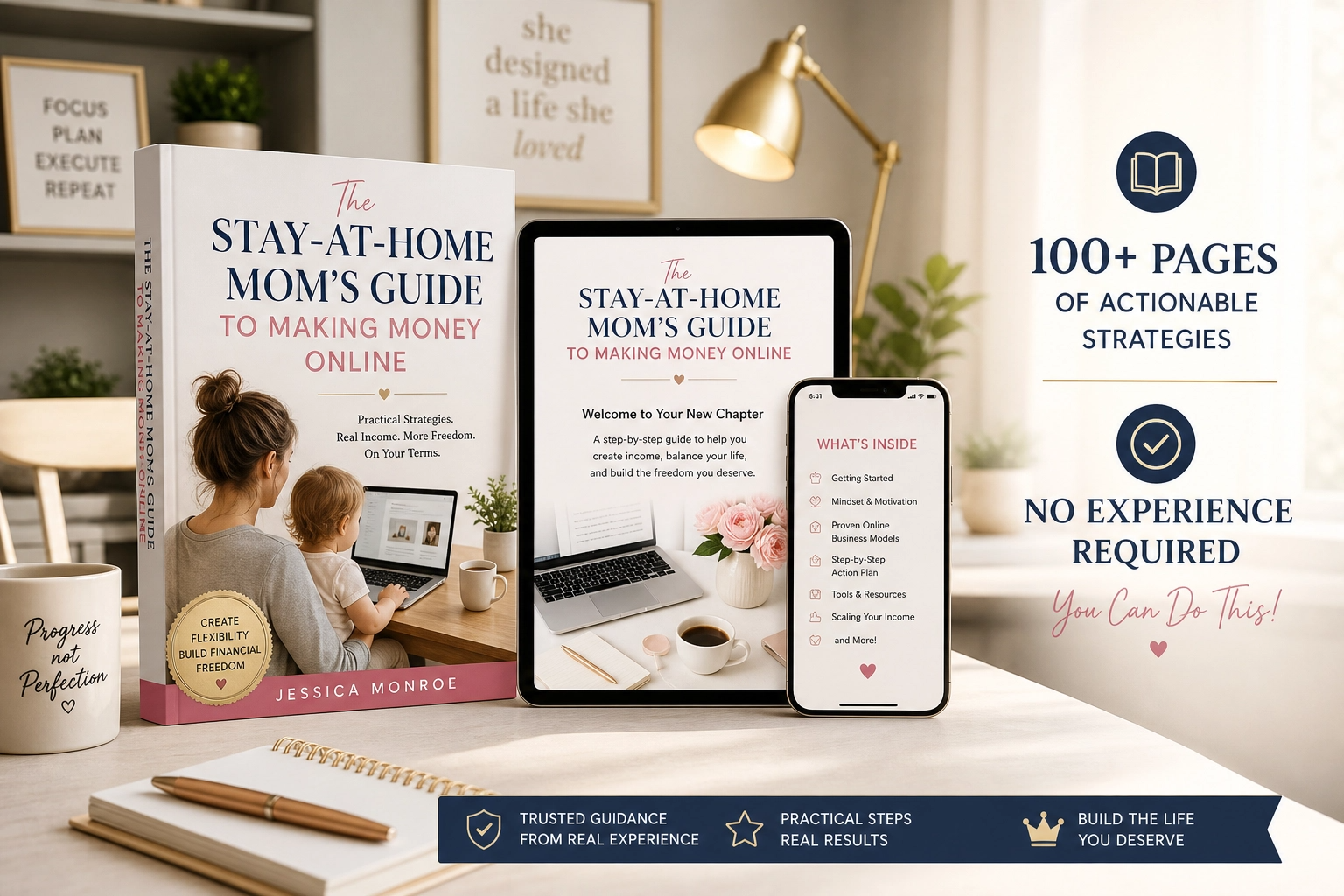
Trust me, AI is much more powerful when you give it a clear direction.
Final Thoughts
AI won’t replace your voice, your experience, or your judgment, but it can give you back precious time. Start with one tool, one task, and the draft-and-approve habit. Protect your family’s and clients’ privacy, check your facts, and stay honest about how you use it. A little extra time each day, used well, can be the difference between wishing you could build something and actually building it.








Leave a Reply