


Let me tell you about the email that made my stomach drop. It was a Tuesday morning, I hadn’t finished my coffee, and there it was in my inbox: a customer whose sweatshirt had arrived with a misaligned print. She was upset, she’d bought it as a gift, and the birthday party was in three days.
I remember reading it twice, heart pounding, thinking, “I have no idea what I’m supposed to do.” I had no policy, no reply template, and no clue how the reprint process worked. So I panicked, wrote an overly apologetic, rambling response, and probably made things worse before I fixed them.
Fast forward to today, and situations like that don’t rattle me. Why? Because I built a system: clear policies, calm reply templates, and a solid understanding of how my print on demand partners handle problems. Here’s the truth nobody puts in the “start a business” videos: customer service is where reputations are built or broken. And with the right preparation, it can actually become your secret weapon.
In this comprehensive guide, I’ll show you how to handle customer service, returns, and refunds for your print on demand store in 2026. We’ll cover writing policies, handling common problems, communicating with confidence, working with Printful and Printify, and turning unhappy customers into loyal fans. (I’m not a lawyer, and consumer laws vary by country and state, so please verify the requirements for your location.)
Why Customer Service Matters in Print on Demand
Since you never touch the product, it’s easy to think customer service is someone else’s job. It isn’t. Your customer bought from you, and they’ll hold you responsible.
What good service does for your business
- Protects your reviews: One handled-well problem can become a five-star story.
- Builds trust: Shoppers notice how sellers respond to issues.
- Creates repeat buyers: Loyal customers often come from great service experiences.
- Reduces chargebacks and disputes: Fast, fair responses prevent escalation.
- Improves your products: Feedback shows you what to fix.

Common print on demand issues
- Print defects: Misaligned, faded, or blurry prints
- Wrong item or size received
- Damaged in transit
- Late or lost packages
- Sizing dissatisfaction
- Wrong address or personalization mistakes
- “It looks different than the photo”
The good news: nearly all of these are manageable with a plan.
Step 1: Understand Your POD Partners’ Policies
Before you write your own policies, know what your partners cover. Your promises to customers should align with what your production partners will support.
What to review
- Reprint and refund policies for defects or damage
- Time limits for reporting issues
- Evidence requirements such as photos of the problem
- Return policies (many POD products can’t be returned for a change of mind)
- Shipping responsibility for lost or delayed packages
- Differences by product type or print provider
Printful
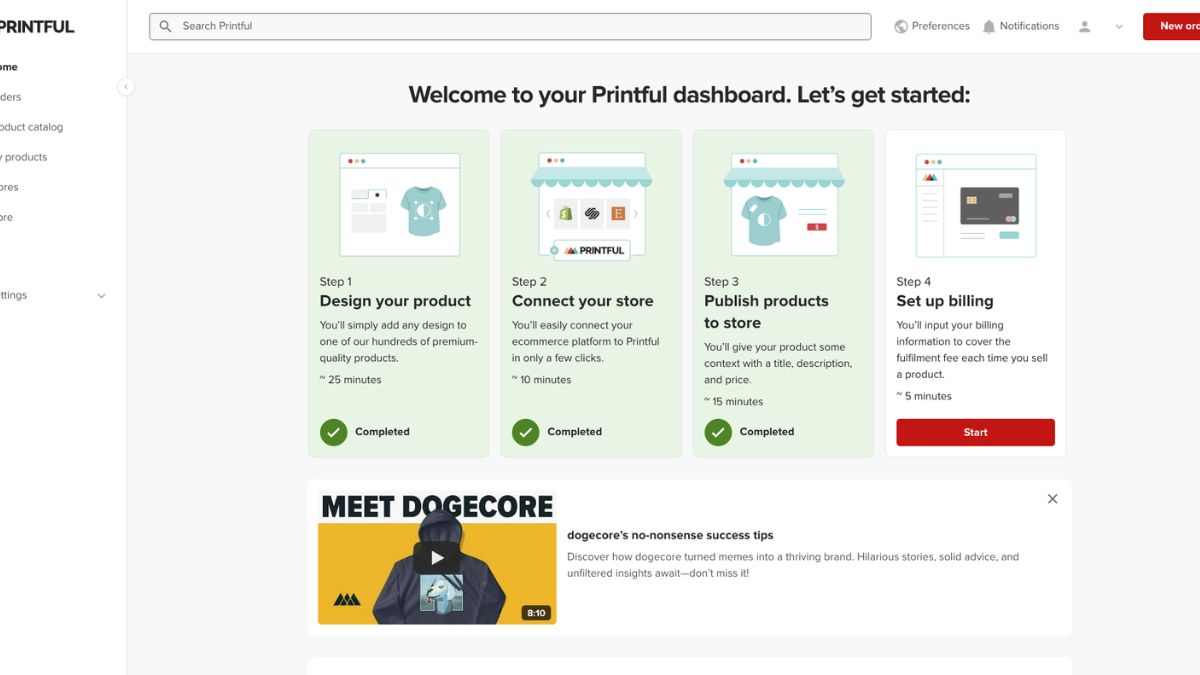
Printful publishes guidelines for eligible quality issues and shipping problems, and its centralized production tends to give you a more predictable process. Read their current help center pages so you know exactly what qualifies and what documentation they need.
Printify
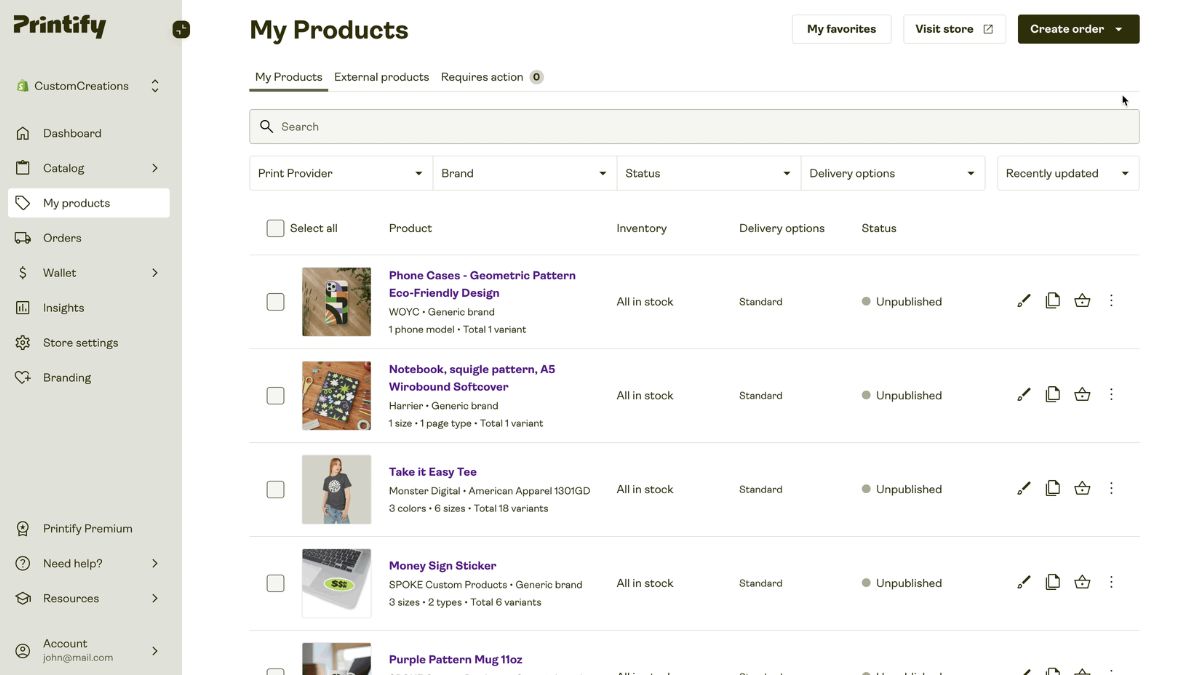
Printify works with a network of print providers, and policies for issues can vary by provider and product. Review their current help resources, check the provider details on each product, and choose providers with strong track records.
Pro tip: Policies change. Set a reminder to review both platforms’ help pages every few months so your shop policies stay accurate.
Step 2: Write Clear Shop Policies
Clear policies prevent most disputes before they begin. Customers are far more forgiving when expectations are set upfront.
Policies every POD shop should have
- Production and shipping times: Explain that items are made to order and give realistic estimates.
- Returns and exchanges: State what you accept and what you don’t. Many made-to-order items are not returnable for change of mind, but verify local consumer laws.
- Defects and damage: Explain how customers can report an issue and what you’ll do (reprint or refund).
- Sizing: Point to size charts and encourage customers to check them.
- Address accuracy: Customers are responsible for entering correct shipping details.
- Personalization: Customers must proofread custom text.
- Contact information: Make it easy to reach you and state your response time.
Writing tips
- Use plain, friendly language, not legal jargon.
- Be specific with numbers and timeframes.
- Place key policies in your listings and FAQ, not only buried in a policy page.
- Keep them consistent across every sales channel.
Platforms like Etsy and Shopify have their own policy requirements, so check their rules to make sure your policies comply.
Step 3: Prevent Problems Before They Happen
The best customer service is the problem that never occurs.
Prevention checklist
- Order samples of every product type you sell.
- Include size charts and accurate measurements.
- Use realistic mockups and add real photos.
- Set honest delivery expectations.
- Proofread personalized orders before submission.
- Choose reliable providers. Read reviews, compare options, and switch if problems repeat.
- Use high-resolution files that follow print area guidelines.
Order samples from both Printful and Printify so you can compare quality before you promote anything. It’s a small investment that can save you countless headaches.
Here’s what I learned: I used to think samples were a luxury. Now I see them as insurance.

Step 4: Build Your Customer Service Toolkit
A little organization goes a long way.
Essentials
- A dedicated email address for your business.
- Reply templates for common issues.
- A simple tracking spreadsheet to log issues, order numbers, and outcomes.
- A folder for screenshots and evidence.
- A response schedule, such as checking messages once or twice daily.
Templates worth creating
- Order confirmation and production update
- Tracking information
- Sizing questions
- Defect or damage report
- Delay apology and update
- Refund or reprint confirmation
- Request for a review
Templates save time and keep your tone calm and consistent, especially on stressful days.
Step 5: Handle Common Problems Step by Step
Let’s walk through the most frequent scenarios.
Scenario 1: Print defect or quality issue
- Respond quickly and empathetically. Thank the customer for reporting it.
- Ask for clear photos showing the issue.
- Check the platform’s eligibility rules and submit a claim through your POD dashboard or support channel.
- Offer a solution: Usually a reprint or a refund, depending on the case and policy.
- Keep the customer updated with timelines.
- Document everything for your records.
Scenario 2: Damaged in shipping
Follow a similar process. Request photos of the item and packaging, report it to your POD partner, and offer a replacement or refund according to your policies and their guidelines.

Scenario 3: Late or lost packages
- Check tracking and the production status.
- Share updates with the customer honestly.
- Contact your POD partner if the package seems lost or unusually delayed.
- Offer a reasonable resolution if the package can’t be located, such as a reship or refund per your policy and the platform’s rules.
Scenario 4: Wrong size or “doesn’t fit”
Because most made-to-order items aren’t returnable for sizing changes, refer to your size chart and policy politely. Consider offering a goodwill gesture, like a discount on a future order, if it fits your budget and business approach. Weigh this against the cost, since the product can’t be resold.
Scenario 5: Wrong address or personalization error by the customer
Check whether the order has already gone into production. If not, you may be able to correct it. If it has, explain the situation kindly, refer to your policy, and consider what you can offer within reason.
Scenario 6: Angry or upset customers
- Stay calm and professional. Never respond defensively.
- Acknowledge the frustration. “I’m sorry this arrived not as expected.”
- Focus on solutions, not blame.
- Set clear next steps and timelines.
- Follow up after the issue is resolved.
Step 6: Write Replies That Turn Problems Into Loyalty
Tone matters as much as the solution.
A simple reply formula
- Acknowledge: Show you understand the problem.
- Apologize sincerely when appropriate, without over-apologizing.
- Explain what you’ll do, clearly and specifically.
- Give a timeline.
- Thank them for their patience and for letting you know.

Example structure (adapt to your voice)
“Hi [Name], thank you so much for letting me know, and I’m so sorry your order didn’t arrive as expected. Could you send a couple of photos so I can get this fixed quickly? Once I have them, I’ll submit it right away and update you within [timeframe].”
Tips
- Respond as fast as you reasonably can. Speed signals care.
- Use the customer’s name.
- Keep your voice consistent with your brand.
- Avoid blaming your production partner. Take ownership.
Trust me on this: customers who see you handle a problem gracefully often become your best repeat buyers.
Step 7: Manage Refunds Wisely
Refunds hurt, but avoiding them at all costs can hurt more.
Guidelines
- Follow your published policy consistently.
- Consider the total cost of a dispute, including lost time, damaged reviews, and potential chargebacks.
- Refund promptly when it’s the right decision.
- Track refund reasons to identify patterns.
- Don’t take it personally. It’s part of business.
Reprint vs refund
- Reprint works well for defects when the customer still wants the product and time allows.
- Refund works better when timing has passed, when the customer prefers it, or when a reprint isn’t practical.
Both platforms have their own processes for eligible reprints and refunds, so check what’s covered and what’s not. Understanding these details helps you decide quickly and fairly.
Step 8: Protect Your Shop From Chargebacks and Disputes
Disputes can hurt your account standing, so stay ahead of them.
Best practices
- Keep records of orders, messages, tracking, and photos.
- Respond promptly to any dispute notification.
- Provide clear evidence of delivery and communication.
- Resolve issues directly before customers escalate to their bank or platform.
- Follow each platform’s dispute process carefully.

Step 9: Turn Feedback Into Improvements
Every complaint is information.
Create a simple feedback loop
- Log each issue with the product, provider, and cause.
- Review monthly for patterns.
- Fix the root cause: better size charts, new mockups, different print provider, or updated descriptions.
- Retire or replace products that repeatedly cause problems.
- Reorder samples to confirm improvements.
If one Printify provider produces repeated issues, switch to another for that product. If a product line needs tighter consistency, consider moving it to Printful. Having both accounts ready gives you flexibility to protect your customers and your reputation.
Step 10: Ask for Reviews and Build Loyalty
Great service deserves recognition.
- Follow up after delivery with a friendly thank-you.
- Ask for reviews politely, once.
- Offer a small discount on the next purchase for repeat customers.
- Share positive feedback (with permission) on your channels.
- Add customers to your email list if they’ve opted in.
Common Customer Service Mistakes to Avoid
- Having no clear policies
- Responding slowly
- Getting defensive
- Skipping documentation
- Ignoring patterns in complaints
- Promising what your platform can’t deliver
- Forgetting to review your partners’ policies regularly
Your 2-Week Customer Service Setup Plan
Days 1 to 3: Read the current help center policies for Printful and Printify.
Days 4 to 6: Write your shop policies and FAQ.
Days 7 to 10: Create reply templates and a tracking spreadsheet.
Days 11 to 14: Order samples, test your process, and refine your messaging.

Build a Store Customers Trust
Handling customer service, returns, and refunds well is one of the biggest differences between a shaky print on demand store and a sustainable business. When you set clear policies, prevent problems with samples and accurate listings, respond calmly and quickly, and understand how your production partners support you, problems stop feeling like disasters and start feeling like opportunities.
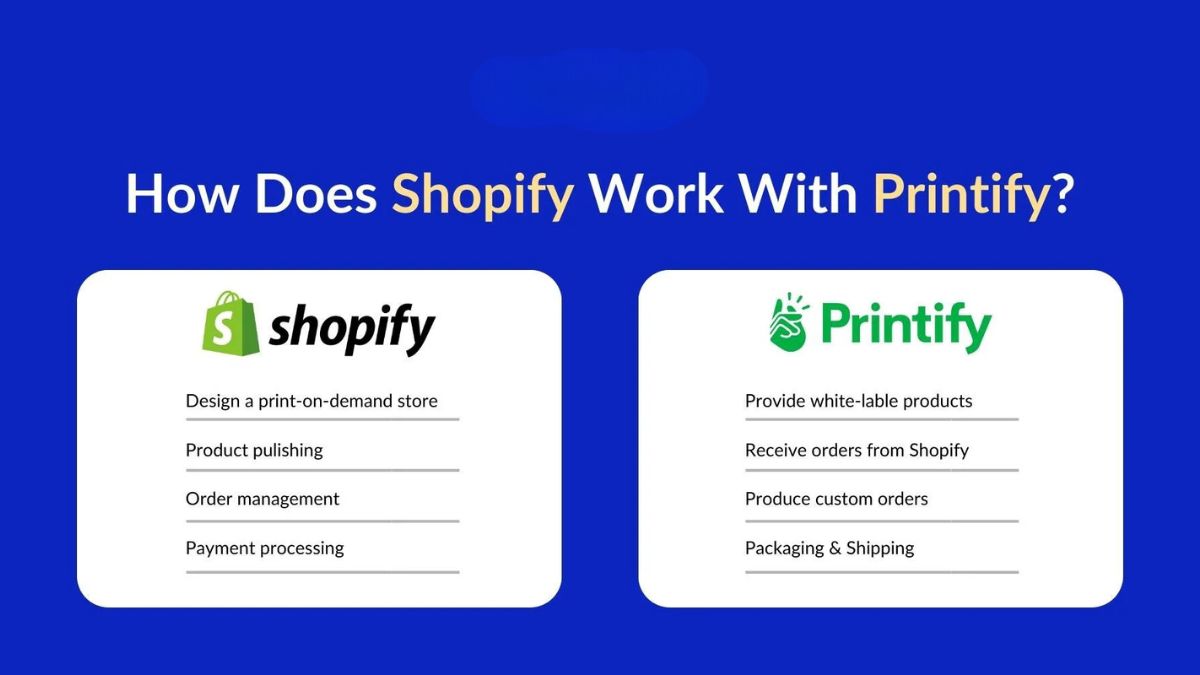
To build your business on dependable partners, join Printful for consistent quality and clear fulfillment processes, and join Printify for a wide catalog and provider flexibility. Both are free to open, so you can set up your backup plan before you need it. Write your policies this week, save your first templates, and step into your business with confidence.










Leave a Reply