

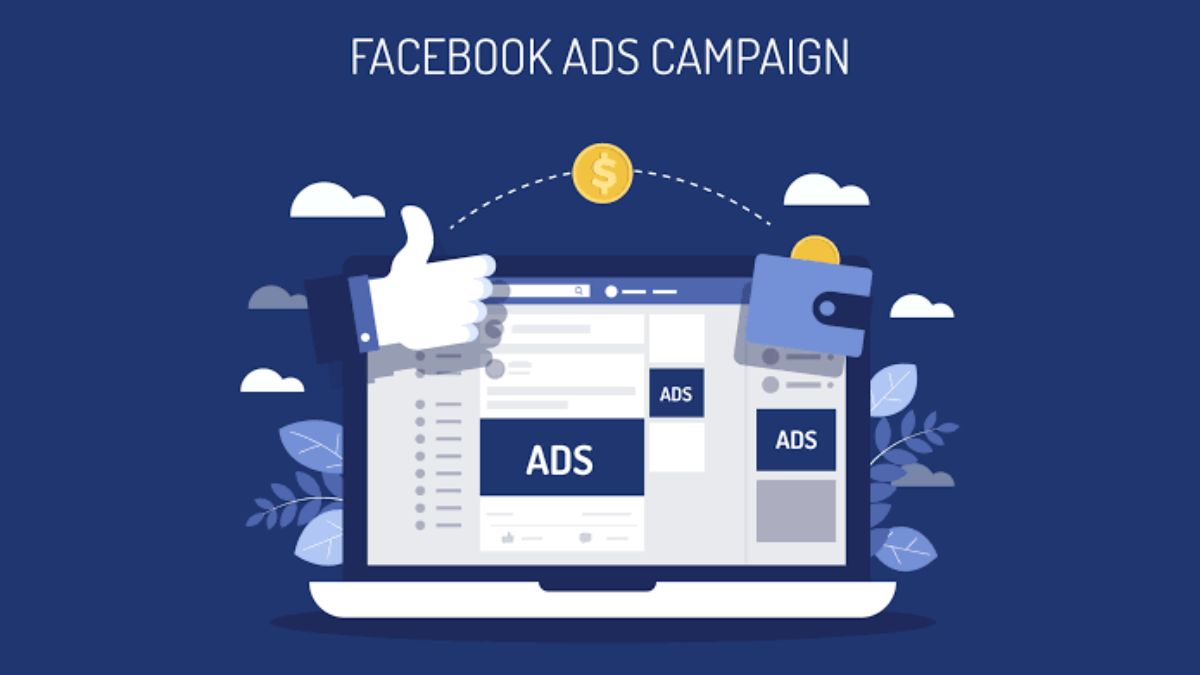
Raise your hand if this sounds like you: it’s 9 PM, you remember you haven’t posted on Facebook all week, so you scramble for an idea, throw together a quick image, and hit publish without much thought. Then you wonder why nobody likes, comments, or buys.
Posting without a plan is exhausting, and your audience can feel it. Inconsistent, last-minute content rarely builds trust or sales. But when you plan your Facebook posts ahead of time, everything changes. You save hours, your content becomes more strategic, and your page starts to feel like a real brand instead of a random feed.
In this guide, I’ll show you how to plan Facebook posts step by step, so you can create a content calendar that’s simple, repeatable, and effective, even if you’re a one-woman show.
Why Facebook Still Matters for Business
With billions of users, Facebook remains one of the best places to reach customers, especially if your audience includes women, moms, local shoppers, and community-minded buyers. It offers:
- Pages and groups to build a loyal community
- Marketplace and shops for selling directly
- Events and Reels to extend your reach
- Targeted ads to grow quickly when you’re ready
But reach only happens when you show up with consistent, valuable content, and consistency is nearly impossible without planning.

Step 1: Get Clear on Your Goal
Before you create a single post, decide what you want Facebook to do for you. Common goals include:
- Driving traffic to your website or shop
- Building brand awareness
- Generating leads or email signups
- Growing a community or group
- Providing customer support
Your goal shapes your content. If you want sales, your posts should lead people toward your products. If you want community, prioritize conversation and engagement.
Step 2: Know Your Audience
Great content speaks directly to someone. Ask yourself:
- Who is my ideal customer?
- What problems keep her up at night?
- What does she love, fear, and want?
- When is she scrolling Facebook?
Check your Page Insights to see when your followers are most active and which posts they respond to. Then use that data to guide your schedule.
Step 3: Choose Your Content Pillars
Content pillars are the 3 to 5 core themes you’ll post about repeatedly. They keep you focused and make idea generation easy. For a small online shop selling planners, pillars might be:
- Educational: productivity tips, how-to guides, planning hacks
- Product-focused: showcasing templates and how to use them
- Behind the scenes: your story, process, and daily life
- Social proof: customer reviews and success stories
- Engagement: questions, polls, and fun posts
Rotate through these pillars so your feed stays balanced and not overly sales-heavy.

Step 4: Follow the 80/20 Rule
A good guideline is to make about 80 percent of your posts valuable, entertaining, or helpful, and only 20 percent directly promotional. People follow pages that give them something, not pages that constantly ask for something.
Valuable content might include quick tips, inspiring quotes, mini tutorials, relatable stories, or free resources. When you do promote, your audience will be warmer and more willing to listen.
Step 5: Decide Your Posting Frequency
More isn’t always better. Quality and consistency win. For most small businesses, three to five posts a week is a great starting point. Choose a rhythm you can sustain for months, not just a few days.
A sample weekly schedule might look like:
- Monday: Motivation or tip
- Wednesday: Product spotlight or tutorial
- Friday: Behind-the-scenes or customer story
- Sunday: Engagement question or poll
Step 6: Use a Facebook Post Planner
Here’s where a structured tool saves you so much time. The Facebook Post Planner gives you a dedicated space to map out your post ideas, captions, visuals, hashtags, and posting dates in one organized layout. Instead of scrolling for inspiration at the last minute, you open your planner and everything is ready.

Fill out an entire month in one sitting, and you’ll feel more confident, more consistent, and far less stressed.
Step 7: Batch Create Your Content
Batching means doing similar tasks together. Rather than creating one post every day, set aside a block of time to create multiple posts at once.
A simple batching workflow:
- Brainstorm ideas for the month (30 minutes)
- Write captions for all posts (60 minutes)
- Design visuals in Canva (60 to 90 minutes)
- Schedule them using Meta Business Suite (30 minutes)
In about three hours, you can prepare a full month of content. That’s a huge win for your time and your sanity.

Step 8: Write Captions That Connect
A scroll-stopping caption has three parts:
- A hook: The first line should grab attention. Ask a question, share a bold statement, or tease a story.
- Value or story: Deliver on the promise with a tip, insight, or personal anecdote.
- A call to action: Tell people what to do next, such as comment, share, click, or save.
Keep your tone friendly and conversational, like chatting with a friend over coffee. Short paragraphs and line breaks make posts easier to read on mobile.
Step 9: Make Your Visuals Consistent
Consistent colors, fonts, and layouts make your page instantly recognizable. Choose a small brand palette and two fonts, then reuse them in every graphic. If you’re also building a presence on other platforms, my Brand Identity for Instagram Planner can help you define your brand look and voice so your Facebook and Instagram match.

When your professional image is cohesive, people trust you faster.
Step 10: Engage, Don’t Just Publish
Facebook rewards conversation. After posting:
- Reply to every comment within a few hours
- Ask follow-up questions
- Thank people for sharing
- Visit and interact with other pages and groups in your niche
Spending 15 minutes a day engaging often performs better than hours of passive posting.
Step 11: Track and Improve
At the end of each month, review your insights. Which posts earned the most reach, comments, clicks, or sales? Look for patterns, such as formats, topics, or posting times, and do more of what works. Drop what doesn’t.
Think of your content calendar as an experiment that gets better with data.
A Sample 4-Week Facebook Content Plan
Not sure what a month of content looks like? Use this outline as inspiration and adapt it to your niche.
Week 1: Introduce yourself and your value. Share your story, post a quick tip, and show one product in action. The goal is to remind people who you are and why you’re worth following.
Week 2: Educate. Publish a how-to post, a checklist, and a short video or carousel that solves a small problem your audience struggles with.
Week 3: Build trust. Share a customer review, a behind-the-scenes look at your process, and a post answering a frequently asked question.
Week 4: Invite action. Announce a promotion or highlight a best-seller, run a poll to learn what your audience wants next, and finish with a recap of the month.
Repeat the pattern with fresh topics each month. Over time you’ll learn which weeks and formats perform best and can lean into them.

Quick Caption Formulas to Save You Time
When you’re stuck, try one of these plug-and-play structures:
- Problem, Agitate, Solve: Name the frustration, explain why it hurts, then offer your solution.
- Before and After: Describe life without your product or tip, and life with it.
- Myth vs. Truth: Bust a common misconception in your niche.
- Story, Lesson, Question: Tell a short story, share the takeaway, and ask readers to share their experience.
Keep a swipe file of your favorite posts from other creators for inspiration, but always put your own voice and examples into the final version.
Facebook Post Ideas You Can Use Today
- “3 mistakes I made when I started” (story)
- A quick checklist your audience can save
- A poll: “Which planner layout do you prefer?”
- A customer testimonial with a photo
- A mini-tutorial using a screen recording
- A “this or that” fun question
- Behind-the-scenes of creating a product
- A monthly goal reminder or motivational quote
Frequently Asked Questions
How far ahead should I plan Facebook posts? Planning a month at a time is a good balance. You can still add timely posts as needed.
What’s the best time to post on Facebook? It depends on your audience. Use your Page Insights to find when your followers are online.
How many hashtags should I use? Facebook doesn’t rely on hashtags like Instagram does. Use one to three relevant ones, if any.
Can I use the same content on Instagram? Yes, but adapt the format and caption length to suit each platform.

Final Thoughts
You don’t need to be on Facebook all day to see results. You need a clear goal, a few strong content pillars, and a simple system. When you plan ahead, you show up with purpose, and your audience responds.
Ready to make it easy? Grab the Facebook Post Planner, spend one afternoon filling out your month, and watch your consistency, and confidence, soar. You’ve got this, boss babe.







Leave a Reply