


The best online community I ever joined was run by a mom who started it with twelve friends and a shared spreadsheet. She wasn’t a celebrity or an expert with a giant platform. She simply noticed that a handful of women were all asking the same questions about freelancing with young kids, and she gave them a place to ask. Within a year, hundreds of people were paying a small monthly fee to be part of it, not for the content, but for the company.
Communities are having a moment. Social platforms are crowded and algorithm-driven, link reach is shrinking on some of them (Meta has limited link posts for non-paying business Pages), and many people feel overwhelmed by noise. Meanwhile, community and social sources show up often in AI answers: an SE Ranking study found social or community sources in about 68% of Google AI Overviews, with Reddit and YouTube among the most common. Creators and small businesses are also looking for more direct relationships with their audience. A paid or semi-private community can be one of the most durable ways to build that.
In this guide, I’ll explain how to monetize an online community as a mom: what makes a community worth paying for, how to build and moderate one, how to price it, and how to protect members and yourself. (Income varies widely, and most communities grow slowly. Nothing here is guaranteed.)
What Makes a Community Worth Paying For
People pay for:
- Belonging: being around others with the same goals and challenges
- Accountability: a reason to show up and do the work
- Access: to you, to experts, or to a trusted peer group
- Curation: high-quality resources without the noise
- Support: honest, kind feedback and encouragement
- Structure: a clear rhythm of events, challenges, or themes
- Safety: moderated spaces without spam or harassment
A community isn’t just a place for content. It’s a place for relationships.

Types of Paid or Semi-Paid Communities
- Free community with a paid tier: a public or free space for discussion, with a paid tier for deeper access.
- Paid community: members pay monthly or yearly for entry.
- Course-linked community: students of a program get access for support.
- Mastermind group: a small, curated group that meets regularly.
- Event-based community: access tied to workshops, challenges, or summits.
- Local-plus-online community: a hybrid for people in the same city or region.
Is a Community Right for You?
Good fit if you:
- Already have an audience, email list, or group of people who interact with you
- Enjoy facilitating conversations
- Can show up consistently for a small group
- Have a clear niche
Wait if you:
- Have no audience yet
- Dread managing conflict or moderation
- Want hands-off income. Communities need attention

Step 1: Define Your Community’s Purpose
Write: “This community helps [specific people] [achieve specific goal or feel specific support] through [type of interaction].”
Examples:
- “A space for work-from-home moms to share wins, ask business questions, and hold each other accountable.”
- “A monthly circle for new freelancers to get feedback on proposals and pricing.”
Step 2: Start Small With Founding Members
- Invite 10 to 30 people who already engage with your work.
- Offer a founding-member price and a clear promise.
- Run for two or three months and collect feedback.
- Learn what people value before scaling.
Step 3: Choose a Platform
Compare tools that offer:
- Member management and payments
- Discussion spaces and direct messaging
- Live events and recordings
- Moderation tools
- Mobile access
- Export of your member list
Some people start in familiar social groups, but remember that platforms can change rules, limit reach, or shut down features. Reddit, for example, has announced the end of RSS feed support and plans to close public API access, which affects tools that depend on it. Owning your member list through email gives you flexibility.

Step 4: Create Rhythm and Rituals
Communities thrive on predictable activity:
- Weekly prompts: wins, questions, or challenges
- Monthly live sessions: workshops, Q&As, or co-working
- New member introductions
- Member spotlights
- Seasonal challenges
- Resource libraries curated by theme
Don’t overload yourself. A simple schedule you can maintain beats a complicated one that exhausts you.
Step 5: Set Clear Guidelines and Moderate Well
- Write short community rules: respect, privacy, no spam, and no unsolicited promotion.
- Explain what’s confidential. Members should know not to share others’ stories outside the group.
- Welcome new people personally.
- Address conflicts quickly and kindly.
- Recruit volunteer or paid moderators as the group grows.
- Create a reporting process for concerns.
- Don’t allow medical, legal, or financial advice presented as professional guidance.

Step 6: Price and Package
- Research similar communities and consider the value you provide.
- Offer monthly and annual options. Annual plans give you cash up front and can reduce churn.
- Keep the entry price accessible, and add tiers if members want more support.
- Consider a founding-member discount for early supporters.
- Be clear about refunds and cancellations. Make leaving simple and respectful.
Step 7: Grow Honestly
- Invite people from your email list, with a clear description and an honest preview.
- Share helpful content that shows your community’s value.
- Ask members for testimonials and referrals.
- Collaborate with other creators in your niche.
- Avoid hype and fake scarcity.
Because platforms limit link reach, rely on your email list, bio links, and word of mouth.
Step 8: Monetize Beyond Membership Fees
Possible additions, introduced carefully:
- Workshops and masterclasses for members at a discount
- Courses and templates
- Sponsorships from brands members actually want, clearly labeled
- Affiliate recommendations with clear disclosure
- One-on-one coaching or consulting as an upgrade
Don’t turn the community into a constant sales pitch. Trust is your most important asset.

Step 9: Protect Members and Yourself
- Follow consumer protection and subscription rules, including clear renewal terms and easy cancellation.
- Protect member privacy. Don’t share names, stories, or screenshots outside the group without permission.
- Handle member data carefully and follow email consent rules.
- Be clear that you’re not providing therapy or professional advice.
- Disclose sponsors and affiliate links.
- Handle taxes: in the U.S., net self-employment earnings of $400 or more trigger self-employment tax, and sales tax rules for digital memberships vary by location.
Mistakes to Avoid
- Launching without an existing audience.
- Overloading yourself with daily engagement.
- Allowing spam and conflict to go unchecked.
- Making cancellation difficult.
- Over-selling to members.
- Relying on one platform.
- Sharing member information without consent.

Your 30-Day Launch Plan
- Week 1: Define your community’s purpose and invite 20 founding members.
- Week 2: Choose your platform, write your guidelines, and set your price.
- Week 3: Welcome members, start weekly prompts, and plan your first live session.
- Week 4: Host the first session, gather feedback, and refine your rhythm.
Build Your Online Income on a Roadmap
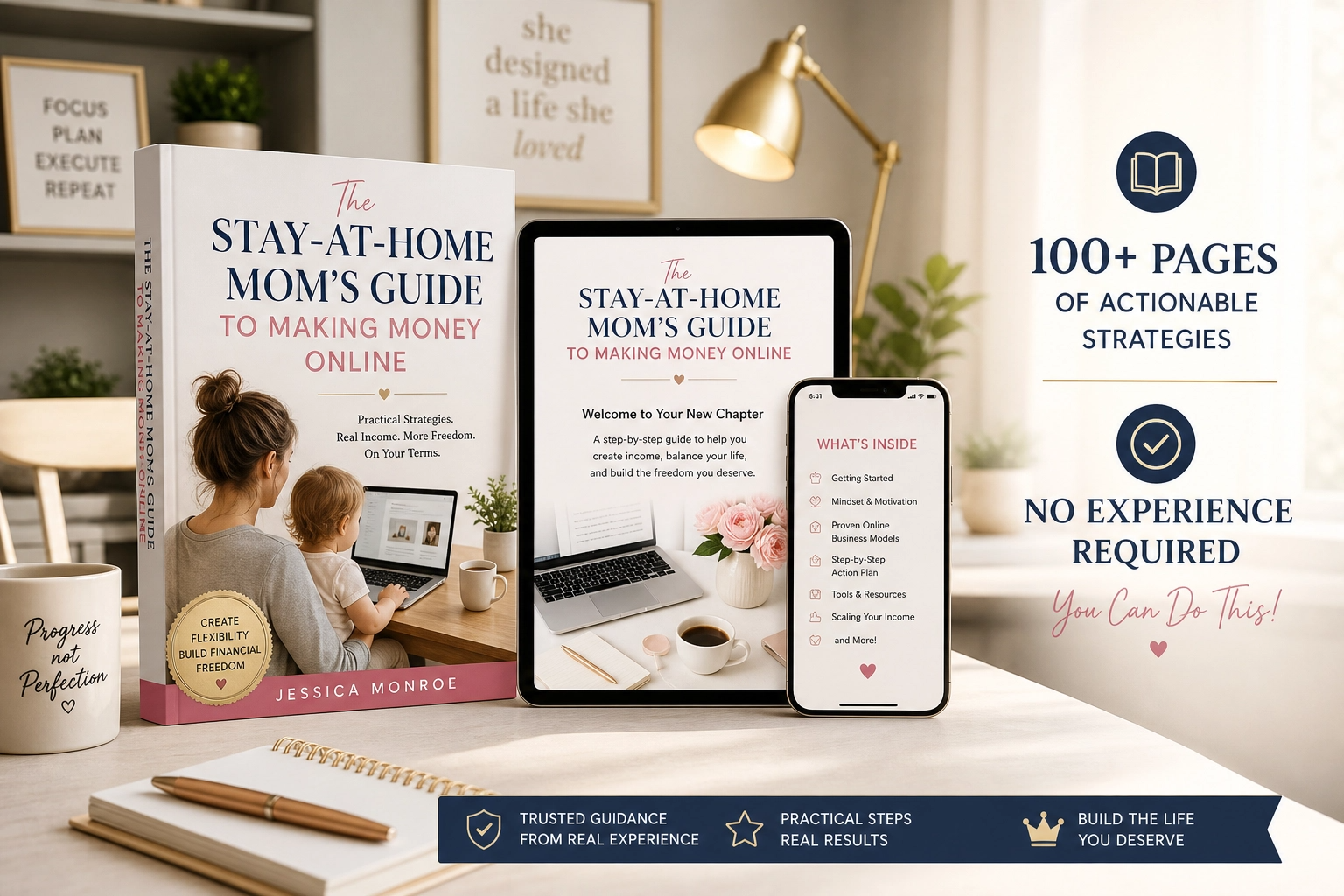
If you’d like a beginner-friendly roadmap for making money online as a stay-at-home mom, take a look at my ebook:
The Stay-At-Home Mom’s Guide To Making Money Online
Trust me, people stay for belonging long after they’ve forgotten the content.
Final Thoughts
A paid community can be a durable, meaningful business when it’s built on real belonging, clear guidelines, and steady care. Start small, keep your rhythm simple, protect members’ privacy, and let trust drive growth. The most valuable thing you can offer is a place where people feel seen.









Leave a Reply