My first paid workshop had eleven attendees, a shaky internet connection, and a slide deck I’d redesigned four times. I was convinced I’d forget everything I wanted to say. But about ten minutes in, someone typed a question, I answered it, and the chat lit up with people sharing their own ideas. Ninety minutes later, three attendees sent messages saying it was the most practical session they’d attended all year. I closed my laptop and thought, “I could do this again.”
If you want to host paid virtual workshops, you’re stepping into a format that blends teaching, community, and income. A workshop lets people learn something specific in a short time, ask questions, and walk away with a concrete result. For you, it’s a way to earn without building a full course first.
In this guide, I’ll walk you through choosing a topic, designing a session, picking tools, pricing, promoting, and following up so your workshop benefits both attendees and your business.
Why Workshops Work
- Low barrier to start. You can run one with simple tools.
- Fast feedback. You learn what people need in real time.
- Higher engagement. Live interaction builds trust.
- Lower price commitment for buyers than a full course.
- A bridge to bigger offers, such as courses, coaching, or services.
The honest part: Live events require preparation, tech can fail, and attendance often depends on how well you promote. Start small, rehearse, and have backup plans.
Step 1: Choose a Workshop Topic That Delivers a Clear Result
A great workshop solves a specific problem in a short time.
Good Topic Formula
“How to [achieve result] in [timeframe] without [common frustration].”
Examples:
- “How to Set Up Your First Etsy Shop in 90 Minutes.”
- “How to Plan a Month of Content in One Afternoon.”
- “How to Write a Freelance Proposal That Wins Clients.”
- “How to Create a Simple Family Budget Together.”
Validate Your Idea
- Ask your audience what they’re stuck on.
- Run a poll with topic options.
- Check what’s already available and find a unique angle.
- Test interest with a waitlist before building everything.
Step 2: Decide the Format and Length
- Workshop (60 to 120 minutes): Interactive, hands-on, with exercises.
- Webinar (30 to 60 minutes): More presentation-style, often with Q&A.
- Mini-series (2 to 4 sessions): Deeper learning over a few days.
- Co-working or “work-along” sessions: Attendees work on a project while you guide.
For paid events, interactive workshops often feel more valuable than passive webinars.
Step 3: Design the Session Outline
A clear structure helps you stay on time and helps attendees follow along.
A Sample 90-Minute Outline
- Welcome and goals (5 minutes): Introduce yourself and what attendees will achieve.
- Teaching segment one (15 minutes): Core concept with examples.
- Exercise one (10 minutes): Attendees apply the concept.
- Teaching segment two (15 minutes).
- Exercise two (15 minutes).
- Teaching segment three (10 minutes).
- Q&A (15 minutes).
- Next steps and offer (5 minutes): Recap and invite attendees to your next resource.
Create Helpful Materials
- Slides with simple visuals and minimal text.
- A workbook or worksheet for exercises.
- A checklist attendees can use afterward.
- A resource list.
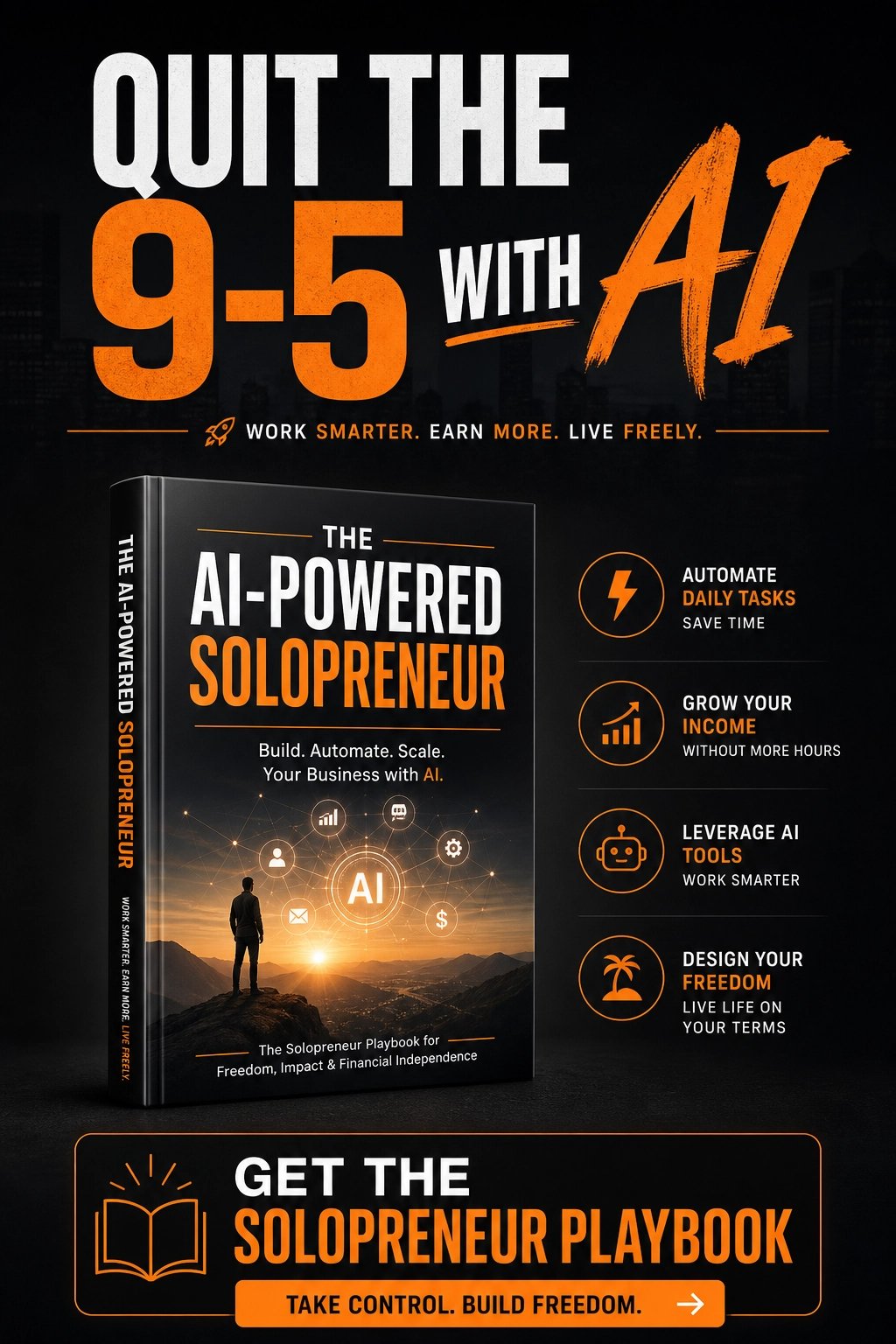
AI can help outline your session, draft exercises, and organize notes. Always add your own stories and examples. The Claude Advantage shows how to prompt effectively for planning and materials.
Step 4: Choose Your Tools
- Video platform: A meeting or webinar tool that supports your attendee count.
- Registration and payment page: Use a simple tool to collect sign-ups and payments.
- Email tool for reminders and follow-ups.
- Slides and whiteboard tools.
- Recording software if you plan to offer replays.
- A reliable microphone, camera, and internet connection.
Fees and features change, so compare current options. Test everything before your event.
Step 5: Price Your Workshop
- Short workshops: often about $15–$49.
- Longer or more specialized workshops: often about $49–$149.
- Mini-series or cohorts: often about $99–$299.
- Add-ons: replays, workbooks, or small group feedback.
Pricing Tips
- Price by outcome. Consider the value of the result.
- Offer early-bird pricing to encourage sign-ups.
- Keep your first workshop modest while you learn.
- Offer a clear refund policy if you choose.
- Raise prices as your testimonials grow.
Step 6: Promote Your Workshop
- Email list: Your most responsive audience.
- Social media: Share the date, topic, and benefits.
- Pinterest and blog posts that link to your registration page.
- Collaborators: Ask creators with similar audiences to share.
- Communities: Share when it’s helpful and allowed.
- Personal invitations to people who’d benefit.
A Simple Promotion Timeline
- Three weeks before: Announce and open registration.
- Two weeks before: Share a helpful free tip related to the topic.
- One week before: Share a testimonial or sneak peek.
- Two days before: Send reminders.
- Day of: Send a final reminder with the link.
The Digital Marketing Playbook explains beginner-friendly marketing strategies, and The Personal Brand Blueprint can help you build the trust that makes people say yes.
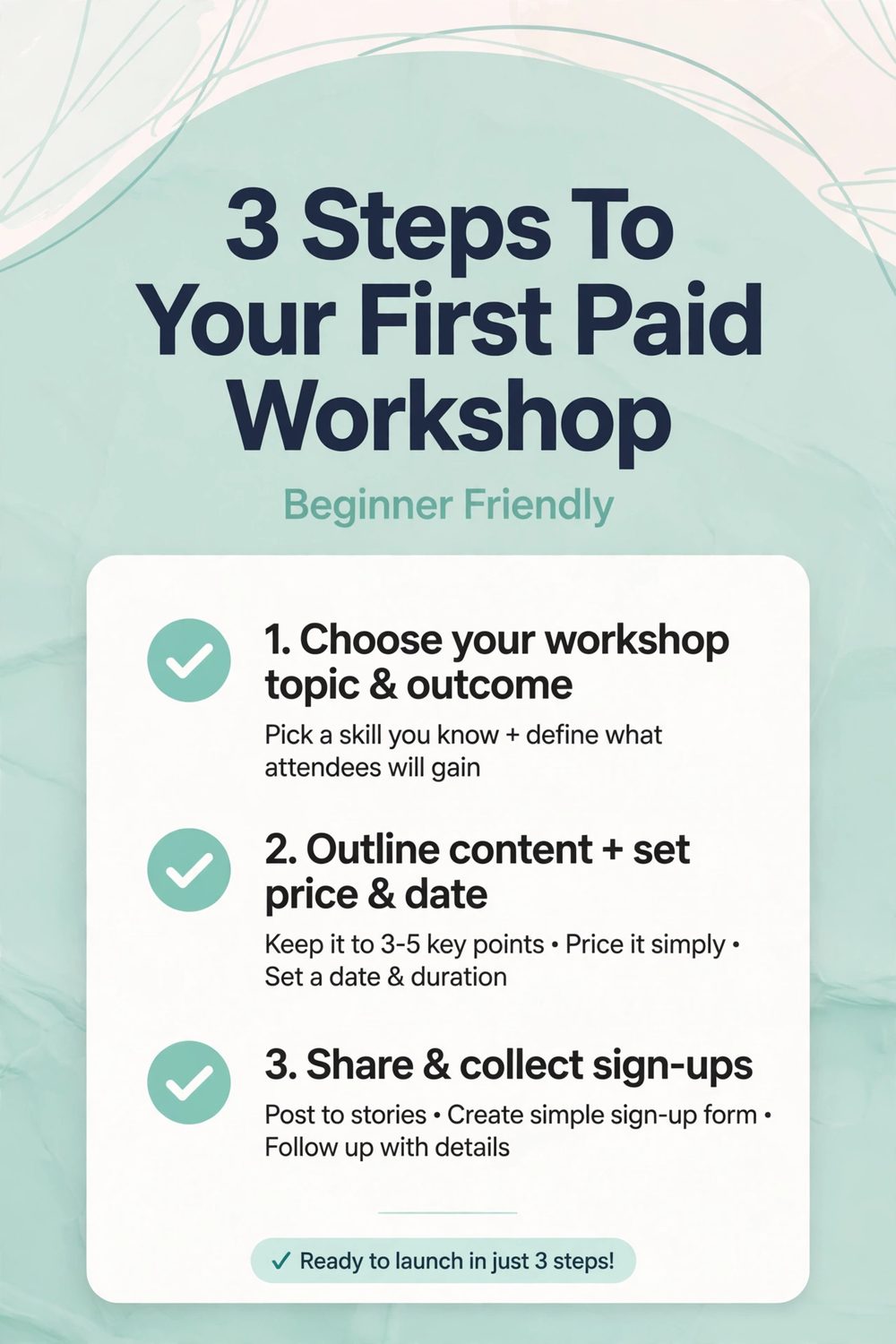
Step 7: Run a Smooth Live Session
- Test your tech 30 minutes early.
- Start with a warm welcome and tech tips.
- Keep time and stay on topic.
- Encourage chat and questions.
- Use breakout activities if appropriate.
- Have a backup plan, such as a second device or a phone hotspot.
- Record with permission if you offer replays.
If something goes wrong, stay calm and be honest. Attendees tend to forgive small hiccups when you’re prepared and kind.
Step 8: Follow Up and Convert
- Send a thank-you email with resources and the replay if promised.
- Ask for feedback and testimonials.
- Offer a next step, such as a course, coaching, or template pack.
- Share a short survey about what they’d like next.
- Stay in touch with helpful content.
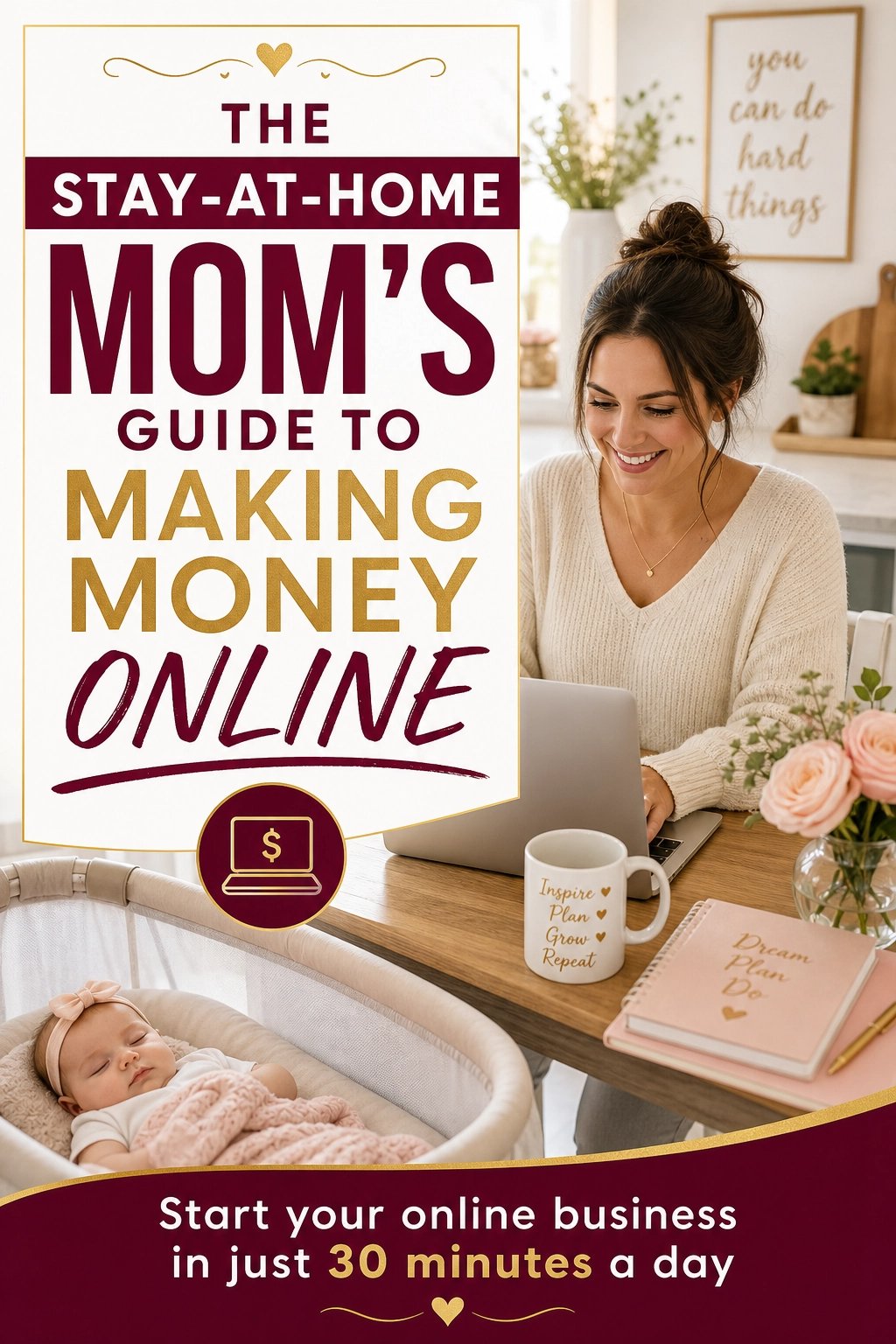
If you want ideas for offers to follow your workshop, The Stay-At-Home Mom’s Guide to Making Money Online shares beginner-friendly product and service models.
Handle Legal and Money Basics
- Be clear about refund policies and terms.
- Get permission to record and share attendee contributions.
- Avoid unrealistic income or result claims.
- Track income and expenses, and set aside money for taxes. Consult a qualified professional.
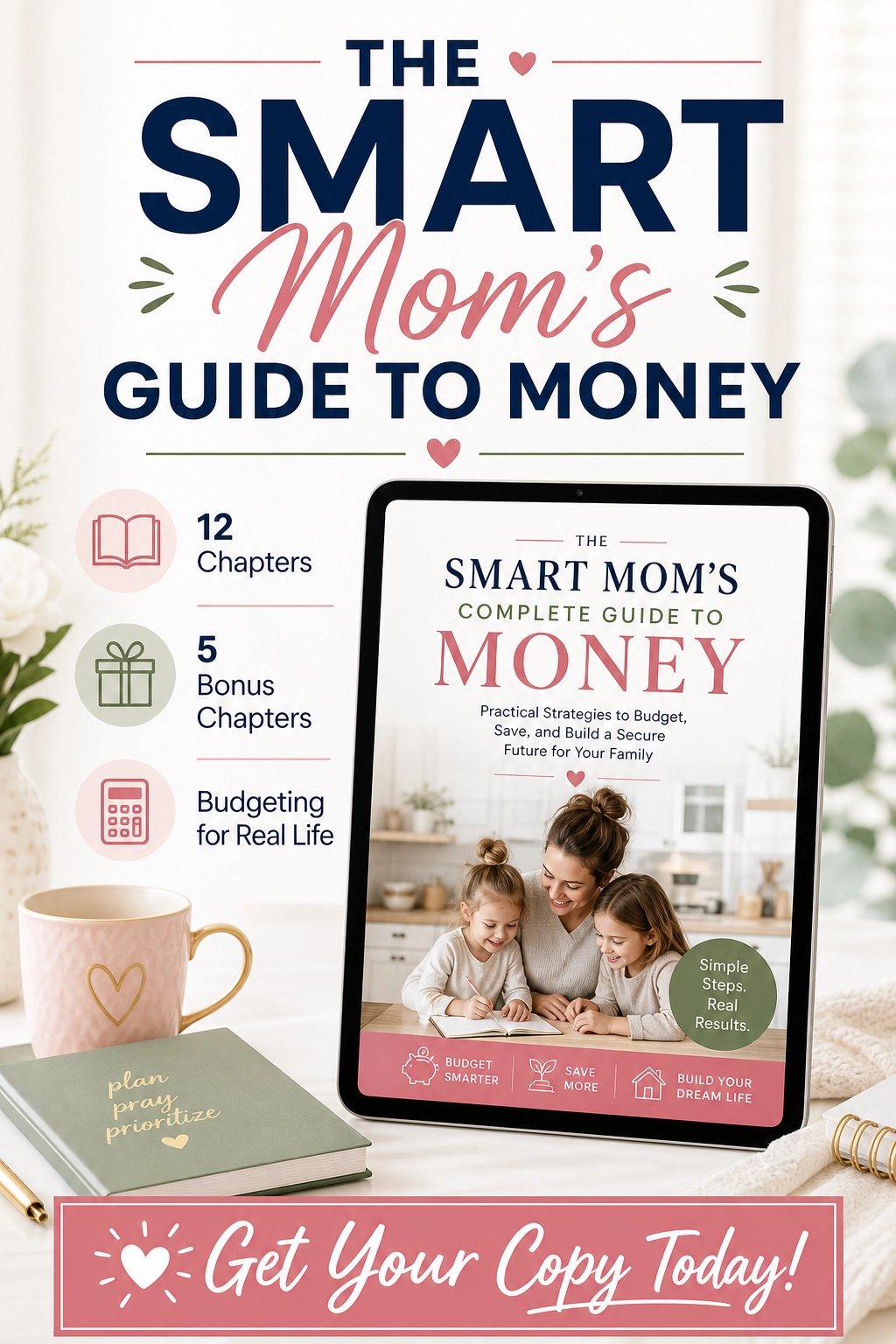
The Smart Mom’s Complete Guide to Money offers friendly guidance for managing event income.
A 30-Day Workshop Launch Plan
- Week 1: Choose a topic, validate it, and outline your session.
- Week 2: Set up registration, payment, and email reminders.
- Week 3: Promote consistently and prepare your materials.
- Week 4: Rehearse, host the workshop, and follow up.
Example Workshop Idea With a Follow-Up Offer
Here’s how a workshop can naturally connect to a bigger offer.
- Workshop: “Set Up Your First Etsy Shop in 90 Minutes.”
- Live outcome: Attendees leave with a shop name, banner, and two draft listings.
- Bonus: A checklist and listing template.
- Follow-up offer: A small-group listing review session or a template bundle for ten more products.
- Long-term path: A full course on growing an Etsy shop.
Notice how each step solves a clear problem and leads to the next. Attendees feel progress, which makes them more likely to trust you with a larger investment later.
Engagement Tips for Live Sessions
Live sessions work best when people participate.
- Ask a warm-up question in the chat at the start.
- Use short polls to keep attention.
- Pause for questions after each segment.
- Call on people by name when they share something helpful.
- Give attendees a quick action to try every 15 minutes.
- Offer a small raffle or bonus for people who complete the exercise, if it fits your audience.
The more attendees do, the more they learn, and the more likely they are to recommend your workshop to a friend.
Mistakes to Avoid
- A vague topic.
- Too much content.
- No exercises.
- Skipping rehearsal.
- Weak promotion.
- No follow-up offer.
Quick Answers About Virtual Workshops
How many attendees do I need? Even five to ten engaged attendees can make a first workshop worthwhile.
Should I record the session? Often yes, with permission, since replays add value and can become a product.
What if nobody signs up? Review your topic, audience, and promotion, then try again with adjustments.
Do I need fancy software? No. Simple, reliable tools are enough to start.
Teach Something Useful, Then Serve Generously
Hosting paid virtual workshops is about solving a clear problem in a short, interactive session. Choose a specific topic, design a simple outline, promote early, and follow up with kindness.
This week, write your workshop title and outline three exercises attendees could complete. Trust me, hearing someone say “I finally figured it out!” at the end of your session is a wonderful feeling. Let’s host it!