

I remember the day my reach on Facebook suddenly dried up. I’d been posting the same way for months, and overnight my posts seemed to vanish. I blamed myself, my content, my hashtags… when really, the platform had changed the rules and nobody sent me a memo.
If you run a business, brand, or creator page on Facebook or Instagram, 2026 has been one of those years. In just six weeks, Meta introduced paid business subscriptions, limited link posts for free accounts, announced new business terms that take effect October 30, removed more ad placement controls, and pushed its new Muse AI agent. Knowing what changed (and what to do about it) can save you money and frustration.
In this guide, I’ll break down the key Meta changes for small businesses in 2026, explain each one in plain English, and give you a simple action list.
1. Meta One for Business: Paid Plans and Link Limits
In September, Meta launched Meta One for Business subscription plans. According to reports, the pricing looks like this:
- Essential: $14.99/month. Access to Meta Business Agent on WhatsApp, a verified profile badge, a verified WhatsApp channel, and impersonation protection.
- Advanced: $49.99/month. Adds advanced publishing, links in organic posts and Reels, exportable analytics, team member access, and WhatsApp broadcast credits.
- Expert ($149/month) and Max ($499/month): Higher-level features, human support, and advanced Business Agent capabilities.
Here’s the change that surprised many page owners: non-paying professional accounts are now limited in how many link posts they can publish. Reports say Facebook Pages are limited to about two link posts per month unless they pay. Meta also reported that posts without links make up around 98.7% of feed content views in the U.S.
Here’s the truth: this stings if you rely on Facebook to send people to your blog or shop. But it also shows where Meta wants you to focus: content that keeps people on the platform, with links used strategically.
What to do
- Save your link posts for your best offers, launches, and lead magnets.
- Use link-free posts (stories, short videos, text, images) to build trust and engagement.
- Put your link in your bio, a pinned comment, or a link page, where it fits current rules. Check Meta’s latest policies before relying on any one method.
- Don’t pay for a plan just because it exists. Calculate whether the features (links, analytics, support) are worth the monthly fee for your sales.
2. New Business Terms Start October 30
This one has a deadline. Reporting from Nieman Lab and others says Meta’s updated commercial terms take effect on October 30, 2026. Under them, Meta can use automated tools to crawl and collect content from websites associated with business accounts on Facebook, Instagram, and WhatsApp. That includes accounts that manage pages, run ads, send marketing messages, or use the business dashboard.
A few details to know:
- Business accounts had no way to opt out before the date, and continuing to use Meta’s business tools after it counts as agreeing.
- Meta reportedly changed the wording after press coverage and removed the word “train,” but legal experts said the scraping language is still broad.
- Meta says the update doesn’t give it new rights that override a website’s stated preferences.
What to do before Friday
- Read the terms yourself (or ask a lawyer to review them).
- Check your website’s robots.txt file to see what it says about crawlers.
- Decide whether the trade-off works for your business. For many small businesses, the page and ads still earn their keep, so there’s no need to panic or delete everything.
I’m not a lawyer and this isn’t legal advice, but I never click “agree” on business terms without at least skimming them anymore.
3. Ad Placement Controls Are Disappearing
If you run Meta ads, listen up. Meta has said that more campaign types have lost the ability to exclude specific placements at the ad-set level, including engagement, leads, app promotion, and sales campaigns. You still control creative, bids, and some account-level restrictions, but Meta is clearly betting its AI can choose where ads run best.
What to do:
- Review your account-level placement and brand-safety settings now.
- Use third-party verification tools if brand safety is critical.
- Test different creatives, because creative is the main lever you still control.
4. Are Meta Ads Still Worth It? What the Data Says
A Metricool study of nearly 600,000 campaigns found that Meta ad spending is up, but returns are slipping:
- Average Meta cost per lead rose about 14% to $6.00, while TikTok’s fell about 33% to $2.69.
- Average cost per click was about $0.07 on Meta versus about $0.03 on TikTok.
- 91% of advertisers only run Meta ads.
That doesn’t mean you should quit Meta. It means you should test a second channel instead of putting everything in one place. The study’s author noted TikTok is becoming more competitive at specific points in the funnel, especially reach, traffic, and leads.
5. Meet Muse: Meta’s AI Agent for Businesses
Meta has been pushing Muse, an AI agent that can help with tasks like analyzing ad performance, building campaigns through conversation, setting up automations with connected apps, and pulling in data from tools such as Instagram analytics, Shopify, QuickBooks, Canva, and Slack. Reports say it’s free for most uses, with premium plans around $20 to $100 per month.
For shoppers, Meta announced a partnership with Shopify for agentic checkout through Shop Pay. Amazon reportedly asked to be removed from Muse’s agent list. If you sell physical products, that makes a Shopify connection more important for this channel.
A word of caution: Muse needs access to your accounts. Read what permissions you’re granting, start with low-risk tasks, and always review any ad or message before it goes live.
6. Other Updates Worth Knowing
- Threads ads: Advertisers no longer need a matching Instagram profile to run ads on Threads.
- New ad formats: Meta announced Ads Super Burst (reserve a short window of heavy reach), First Impression Ads (a U.S. test), Reels Trending Ads, and an early-stage attention measurement tool. Availability varies, and Meta’s performance claims come from its own studies.
- Your Algorithm on Facebook: Users can now shape what the algorithm shows them, which may change how organic posts perform.
Your Meta Action Checklist
- Read the October 30 business terms and check your robots.txt
- Plan your limited link posts for the month
- Audit account-level ad placement settings
- Compare Meta cost per lead against one other channel
- Decide if a paid Meta One plan pays for itself
- Build an email list so you own your audience
Don’t Build Your Business on Rented Land
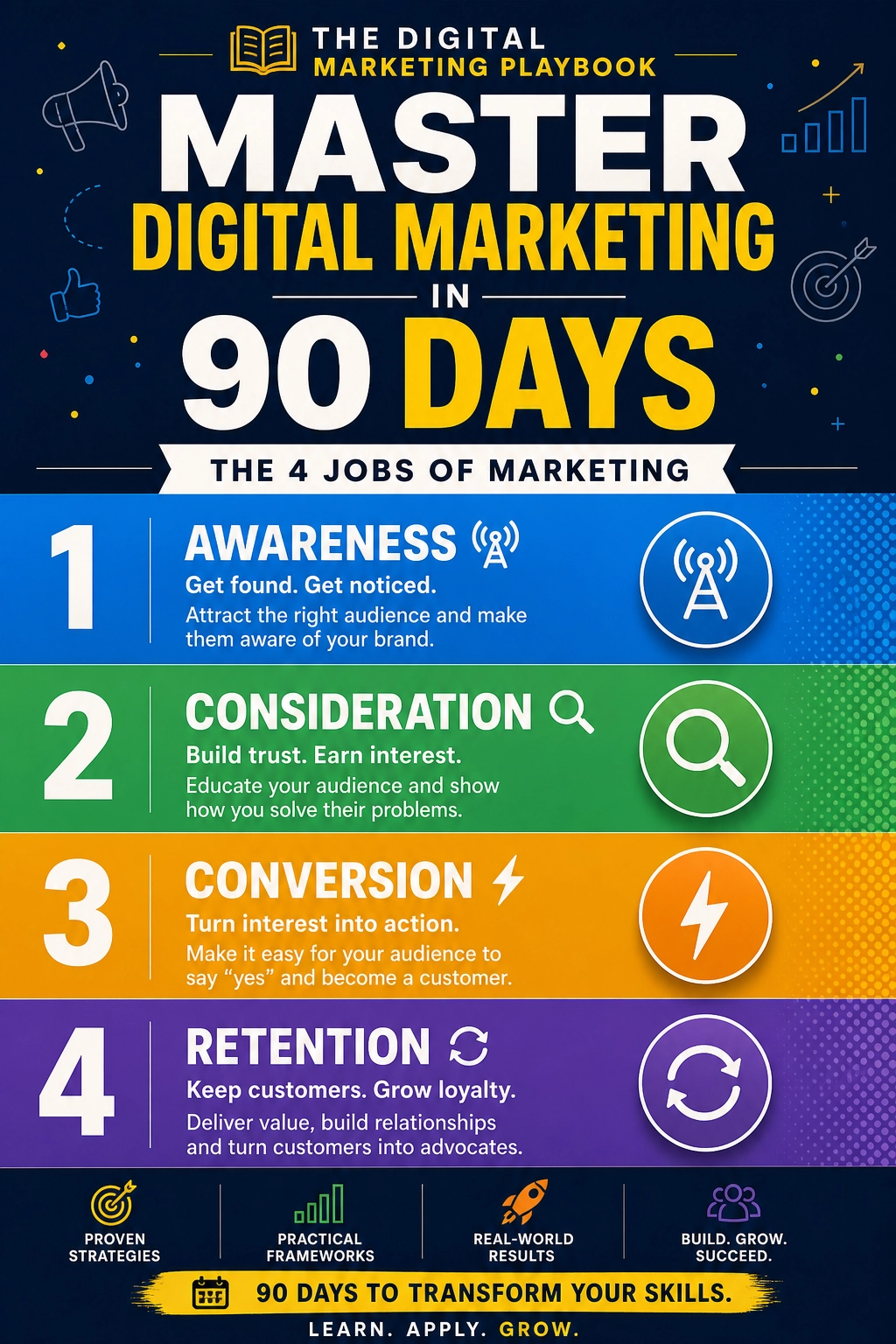
Every platform change reminds me of the same lesson: you should never depend on a single platform for your income. A strong marketing system includes email, content you own, and multiple traffic sources. If you want a step-by-step blueprint for building one, check out my guide:
The Digital Marketing Playbook
Trust me, you’ll sleep better when one policy update can’t wipe out your reach.
Final Thoughts
Meta’s 2026 changes point in one direction: more automation, more paid features, and less manual control. You don’t have to fight it. Learn the new rules, protect your audience by building an email list, test at least one other channel, and keep creating content people actually want. Platforms will keep changing. Your relationship with your customers is what lasts.










Leave a Reply