

A client once sent me an AI-generated logo and asked, “Can you just make it look professional?” I stared at it for a minute. The image was pretty, but it had three different fonts, no consistent colors, no usable file formats, and a shape that looked suspiciously like another brand’s mark. She didn’t need a prettier picture. She needed someone to turn a pile of ideas into a brand she could actually use.
That’s the shift in design work. AI tools can produce images in seconds, and platforms keep adding design features inside everyday tools, so basic, one-off graphics are cheaper and more crowded than ever. Freelancer reports note that commodity services face the sharpest pressure from AI, while specialized, higher-skill work holds up better. At the same time, marketplaces and platforms are tightening rules: Etsy now restricts certain AI-generated work and requires honest labeling, and platforms increasingly ask creators to label realistic synthetic content. What clients still pay for is judgment, consistency, strategy, and trust.
In this guide, I’ll explain how to start a graphic design service from home in the AI era: what to offer, how to use AI responsibly, how to protect yourself legally, and how to find clients. (Income varies and isn’t guaranteed.)
What Clients Still Pay For
- Brand consistency: logos, colors, fonts, and templates that work together
- Strategy: designs that serve a goal, such as getting more bookings or sales
- Usable files: correct sizes, formats, and editable templates
- Taste and judgment: knowing what looks right and what doesn’t
- Speed and reliability: deadlines met and revisions handled well
- Legal safety: assets with proper licenses and no accidental copying
- Human collaboration: understanding a client’s story and audience
Services You Can Offer
- Brand starter kits: logo variations, color palette, fonts, and basic guidelines
- Social media template packs that clients can edit themselves
- Pinterest pins and carousels
- Menus, flyers, and one-page offers
- Lead magnet covers and workbook layouts
- Presentation templates
- Product packaging mockups and labels (with print specifications handled carefully)
- Email headers and simple web graphics
Step 1: Learn Design Fundamentals
AI can’t replace basics you understand:
- Hierarchy: what the eye sees first
- Typography: pairing fonts, readability, and spacing
- Color: contrast, accessibility, and brand mood
- Layout and alignment
- File formats and resolution
- Accessibility: text size and color contrast
Use free tutorials and practice by redesigning real examples for yourself.

Step 2: Choose Tools and Use AI Wisely
- Design tools with templates and brand kits make editing fast.
- AI features can help with brainstorming, background removal, resizing, and drafts.
- Always add human judgment: check alignment, legibility, and brand fit.
- Verify licensing: read the commercial terms of every tool, font, stock asset, and AI feature you use.
- Avoid copying: don’t use AI to imitate a living artist’s style or a competitor’s brand, and check results for similarity to existing marks.
Step 3: Understand the Rules Around AI Work
- Marketplaces have rules. Etsy, for example, requires honest disclosure of how items are made and restricts some AI-generated patterns and listings, so don’t sell AI-generated work as handmade or fully original design where that isn’t true.
- Platforms ask for labels on realistic synthetic images and video.
- Clients may have AI policies. Ask before using AI and describe how you use it.
- Ownership of AI-assisted work can be uncertain in some jurisdictions. Tell clients honestly about limits, especially for logos where distinctiveness and trademark matter, and suggest professional advice for trademark questions.

Step 4: Build a Portfolio
- Create three to five projects for fictional or real businesses, labeled honestly.
- Show process: brief, sketches, drafts, and the final result.
- Include mockups of designs in use.
- Demonstrate consistency with a full mini brand kit.
- Add a short description of the problem each design solves.
Step 5: Package and Price
- Define deliverables, revisions, file types, and timeline.
- Offer fixed-price packages instead of hourly rates.
- Charge separately for extra revisions, rush delivery, and additional formats.
- Research what designers in your niche charge, and price for your skills and time.
- Don’t discount heavily just because AI exists. Clients are buying outcomes.

Step 6: Find Clients
- Small local businesses with weak branding
- Coaches, course creators, and online shops
- Other freelancers who need design help
- Freelance marketplaces for early projects
- Communities where owners ask for recommendations
- Referrals from web designers and marketers
A good pitch is specific: “I noticed your menu uses three fonts and low-contrast text. May I send a quick sample of a cleaner version?”
Step 7: Protect Yourself
- Use a written agreement: scope, payment, ownership transfer, usage, and AI disclosure.
- Keep records of source files, licenses, and drafts.
- Deliver editable files where agreed.
- Respect copyright and trademarks.
- Don’t promise legal protection you can’t provide.
- Handle taxes: in the U.S., net self-employment earnings of $400 or more trigger self-employment tax.
Mistakes to Avoid
- Delivering raw AI output with no checks.
- Using unlicensed fonts or images.
- Copying other brands.
- No contract or revision limits.
- Ignoring accessibility and file usability.
- Underpricing basic work you can’t scale.
- Not disclosing AI use when required.
Your 30-Day Launch Plan
- Week 1: Learn fundamentals and choose a niche.
- Week 2: Create three portfolio projects with process notes.
- Week 3: Write packages and an agreement, and send 10 pitches.
- Week 4: Offer a starter package, deliver well, and request a testimonial.
Build Your Freelance Income on a Roadmap
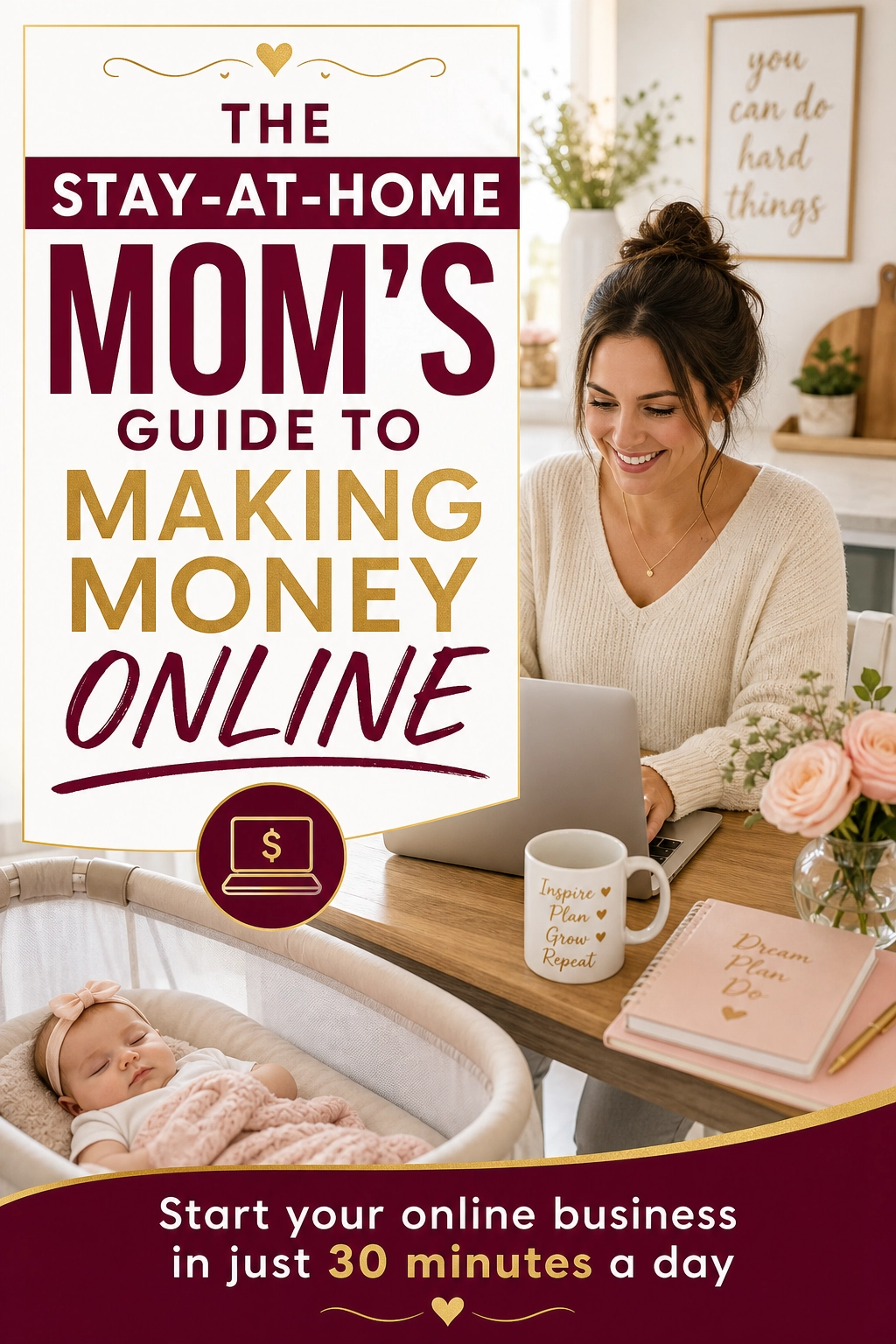
If you’d like a beginner-friendly roadmap for making money online as a stay-at-home mom, take a look at my ebook:
The Stay-At-Home Mom’s Guide To Making Money Online
Trust me, taste and trust are still the most valuable tools in your kit.
Final Thoughts
AI has changed design, but it hasn’t replaced the people who understand brands, audiences, and details. Learn the fundamentals, use AI as an assistant, respect licenses and rules, package clear services, and be honest with clients. You can build a design business that’s both modern and trustworthy.





Leave a Reply