

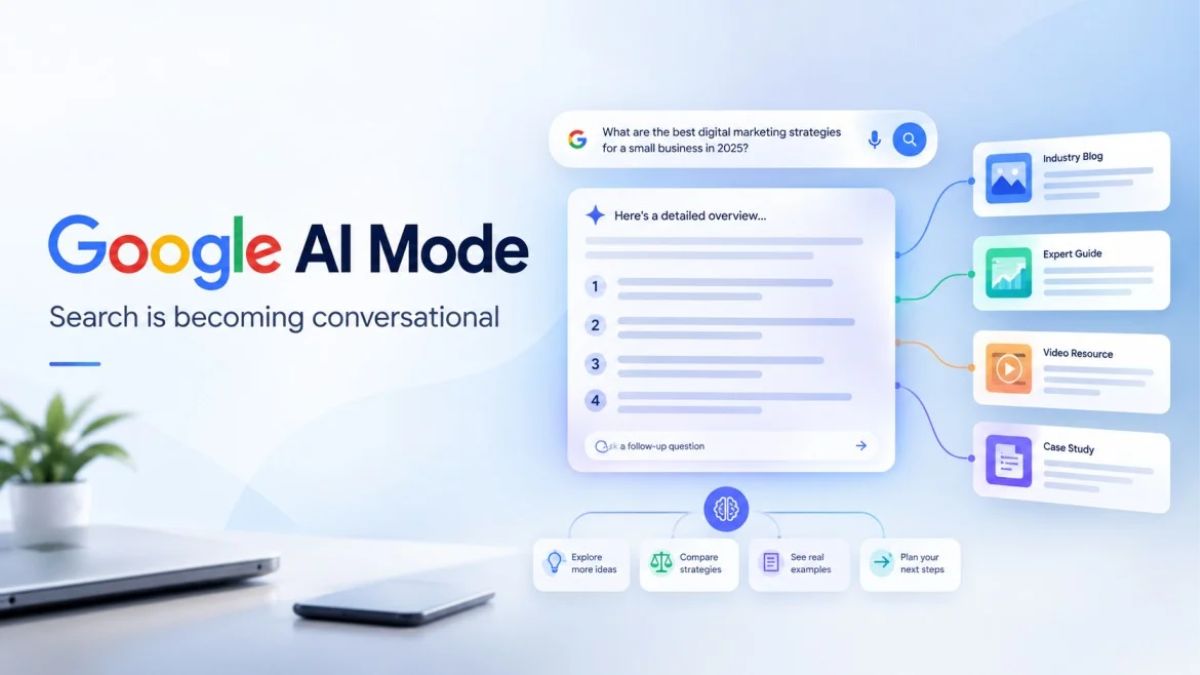
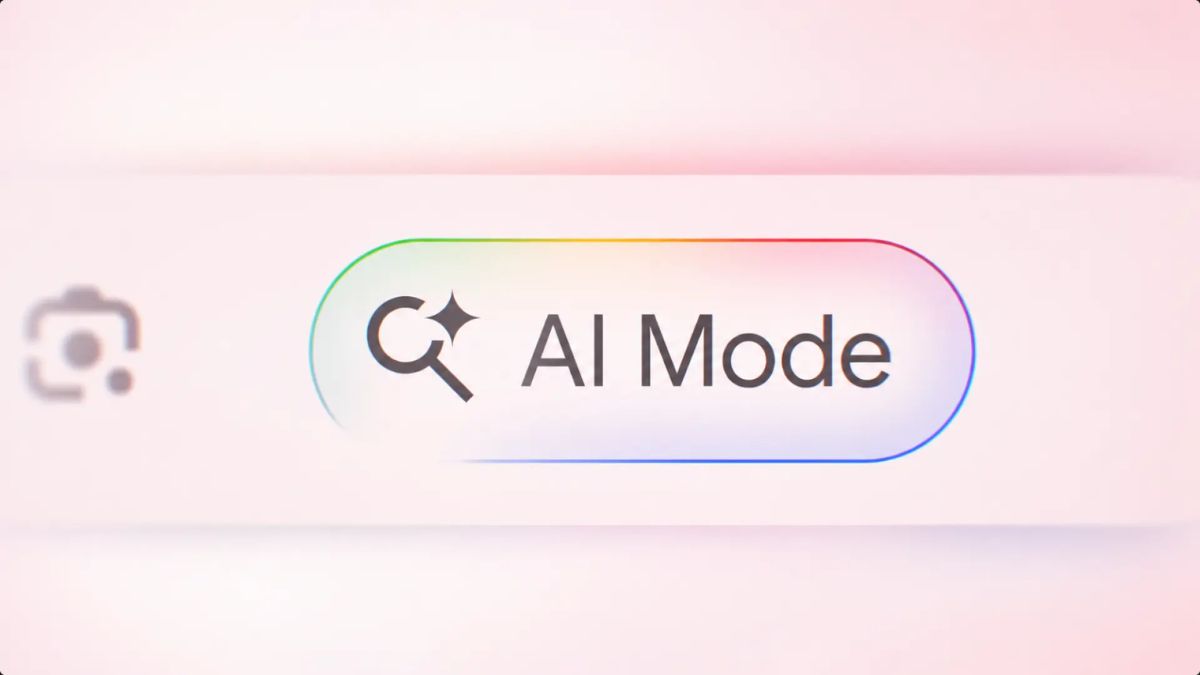
I have a habit of testing Google the way a customer would. Last week I typed a question into AI Mode that was nothing like the three-word searches I grew up with: “I need a plumber who can come on a weekend, doesn’t charge extra for evenings, and works in older homes.” The answer came back like a mini-consultation, with links tucked into it, and I realized something: the person asking that question already knows exactly what they want. If your website can’t answer all of it, you’re out.
That’s the quiet revolution happening in search right now. Google recently told investors that search queries hit a five-year high thanks to AI, that AI Mode queries run about three times longer than traditional ones, and that most of them are additional searches rather than replacements. At the same time, Google admitted AI Mode earns less per search than regular results, which is why ads are spreading into more AI answers.
In this guide, I’ll explain what Google AI Mode ads and longer searches mean for small businesses, what the latest studies say about shopping links and click rates, and a practical checklist for staying visible.
What Google Said About AI Search
From coverage of Google’s latest earnings call and related reports:
- Search query growth reached a five-year high, driven by AI features.
- AI Mode earns less per search. Google’s business chief pointed to AI Mode’s “lower monetization” without giving numbers.
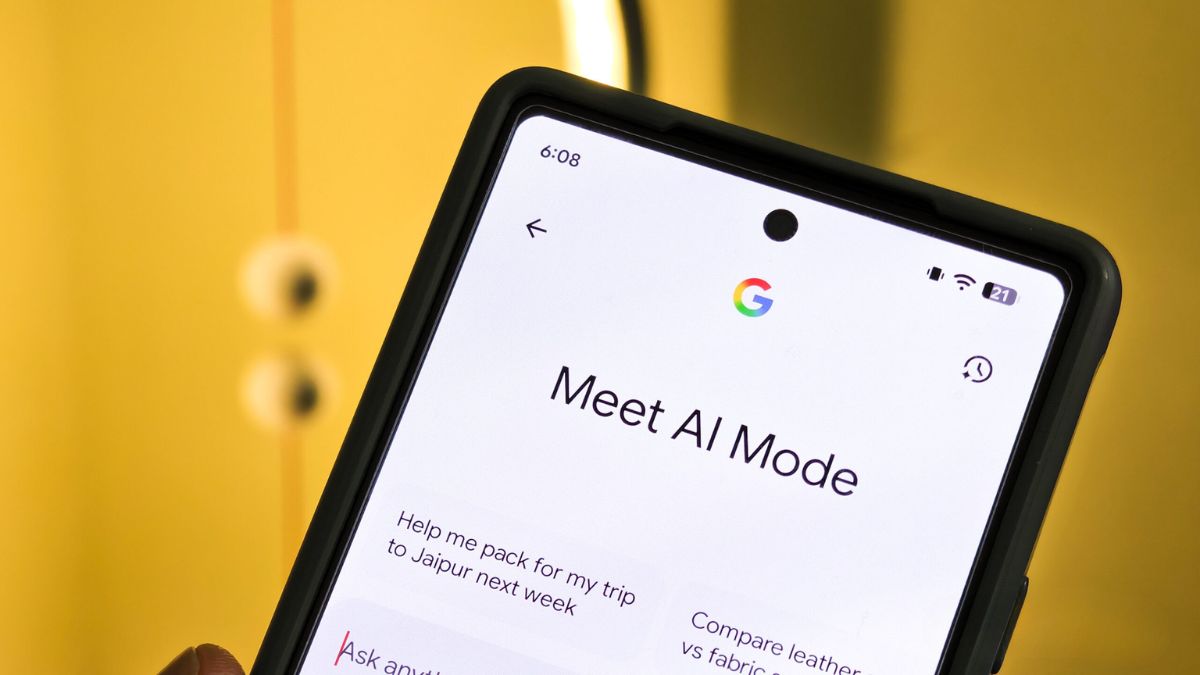
- AI Mode queries are about three times longer than regular searches, and many are extra searches, not replacements.
- Click-through rates on sponsored and organic product listings in AI Mode are similar, according to Google.
- Ads in AI Mode are expanding to ten more countries, and multiturn ads, which appear during follow-up questions, are live in the U.S.
- One in six searches is multimodal, meaning it includes images or other inputs, according to a recent news summary.
- Google plans AI agents in Search that can book reservations, schedule appointments, fill out forms, and make purchases.
Here’s the truth: Google is making a bigger bet on AI answers, and it’s working out how to get paid for it. For you, that means more ads, more Google-owned shopping results, and more demand for detailed, specific content.
Two Studies Worth Knowing
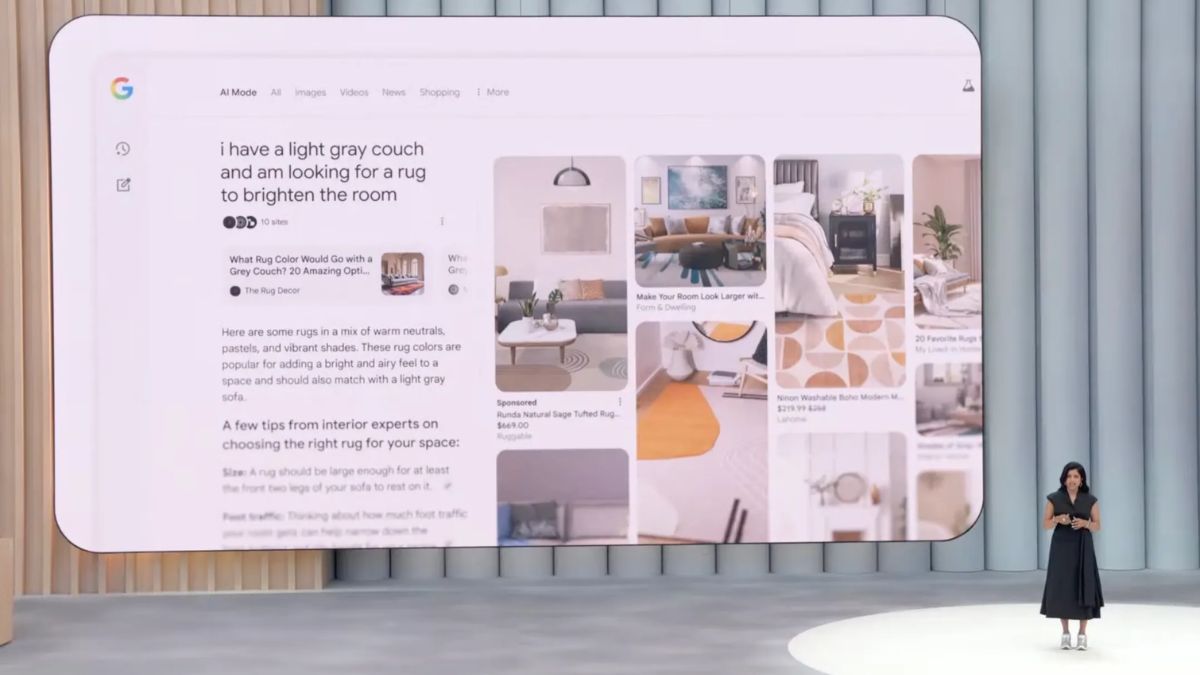
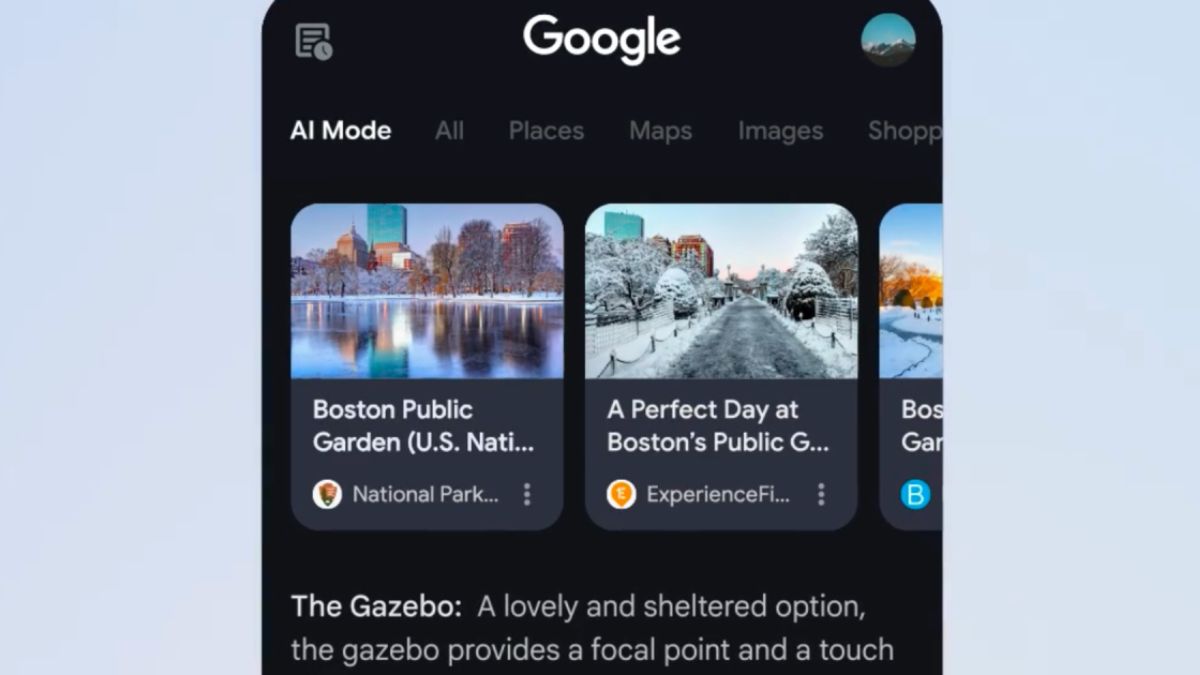
AI Mode sends many product links to Google Shopping
A study covered by Search Engine Land found that Google AI Mode sent about 57% of its product links to Google Shopping, with fashion and beauty showing the most results that linked only to Google’s own pages. It’s a short report, so treat it as a signal. Google is also testing clearer “Sponsored” and “All products” labels in AI Mode shopping results.
What it means: If you sell products, your product feed may matter as much as your product page. (See our guide to Shopping feeds for a walkthrough.)
A small test of AI click-through
SEO expert Cyrus Shepard shared a small case study in which he blocked one site from Google’s AI Overviews and AI Mode using Search Console controls. Click-through from the AI features was only about 0.9%, but with the site hidden from the AI answers, clicks on regular organic results also dropped.
It’s one site, and Shepard called it a small case study, so don’t treat it as proof. But it hints that hiding from AI answers may not be a free move. Being named in an answer can still help people discover you, even when few click right away.
What Longer Searches Mean for Your Content
When people ask long, specific questions, generic pages lose. Think about the details a real customer would include:
- Location and service area
- Hours, availability, and booking options
- Price ranges and what’s included
- Who you serve (homeowners, new parents, small businesses)
- Special conditions (older homes, allergies, rush jobs)
- How you compare with alternatives
How to write for longer queries:
- List the 10 most detailed questions customers ask on calls, emails, and DMs.
- Answer each in its own section with a clear heading and a direct first sentence.
- Include specifics: numbers, timeframes, examples, and limits.
- Add an FAQ to your main service pages.
- Show proof: reviews, case studies, photos, and credentials.
- Keep it current. Update prices, hours, and policies when they change.
Get Ready for AI Agents That Book and Buy
If Google’s search agents start booking appointments and filling forms, they’ll rely on clean, structured information:
- Google Business Profile: Keep hours, services, categories, photos, and the booking link accurate.
- Your website: Make services, prices, and policies easy to find and read.
- Booking and contact forms: Keep them simple and mobile-friendly.
- Consistency: Make sure your name, address, phone number, and hours match everywhere.
Should You Run Ads in AI Mode?
Ads in AI answers are new and still evolving, so be cautious:
- Start with your existing search and shopping campaigns. Many ads can appear in AI features through normal campaign types, depending on your settings and region.
- Watch reports for AI-related placements when available, and compare performance against standard results.
- Don’t increase budget just because it’s new. Test small and judge by sales or leads.
- Check ad text and landing pages to make sure they answer detailed questions.
- Track conversions accurately so you can see what’s working.
Should You Opt Out of AI Features?
For most small businesses, probably not. If you’re considering it, ask:
- Do I have data showing AI features hurt my business?
- Could hiding my content reduce visibility in regular results too?
- Do I have a specific legal or competitive reason?
If you do opt out, monitor results carefully and be ready to reverse it.
Consumers Still Use More Than AI
A reality check from recent shopper research: a large share of consumers haven’t used retail chatbots and aren’t interested, and one study found about a third of shoppers still begin with a site’s own search bar. So keep your website, local listings, and social profiles strong. AI is one door among several.
Your 7-Day AI Search Checklist
- Day 1: Review your Google Business Profile for accuracy.
- Day 2: Collect your 10 most detailed customer questions.
- Day 3: Add FAQ sections to your top service or product pages.
- Day 4: Check your booking and contact paths on mobile.
- Day 5: Review your shopping feed titles, images, and prices (if you sell products).
- Day 6: Check Search Console for changes in impressions, clicks, and AI-related reports.
- Day 7: Decide where to test a small ad budget, if at all.
Mistakes to Avoid
- Writing thin pages that can’t answer detailed questions.
- Letting listings go stale.
- Opting out without evidence.
- Chasing every new ad format.
- Ignoring non-AI channels.
Build a Search Strategy That Lasts
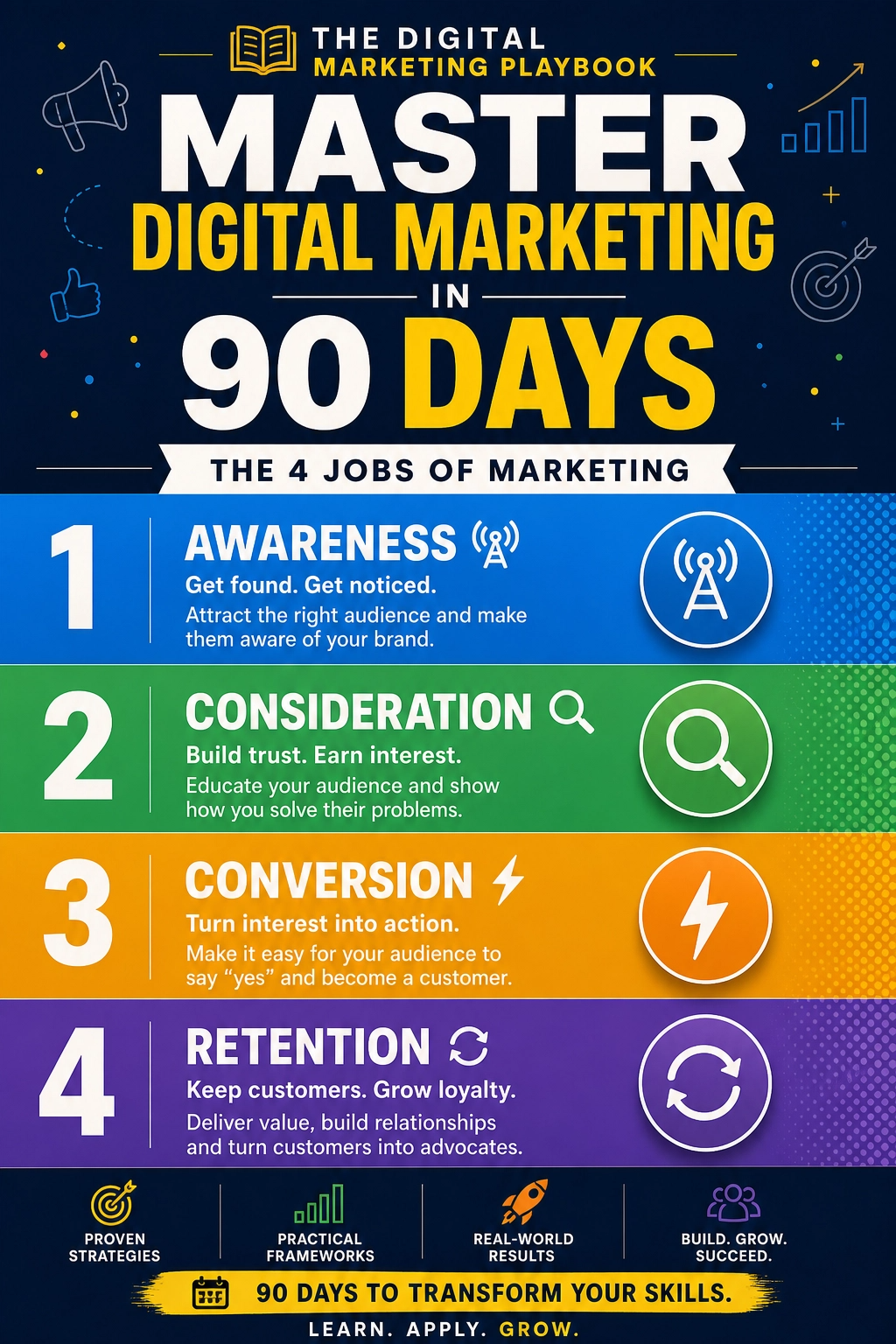
Search is changing quickly, but the foundation stays the same: clear answers, accurate information, and real proof. If you want a step-by-step guide to building a marketing system that survives platform changes, take a look at my ebook:
The Digital Marketing Playbook
Trust me, the businesses that win in AI search are the ones that answer the question completely.
Final Thoughts
AI Mode is making searches longer, answers richer, and ads more common. Small businesses don’t need to panic. Answer detailed questions, keep your listings and feeds accurate, test ads carefully, and don’t hide from AI features without evidence. A customer who asks a very specific question is a customer who’s ready to buy, so be the page that answers it.









Leave a Reply