

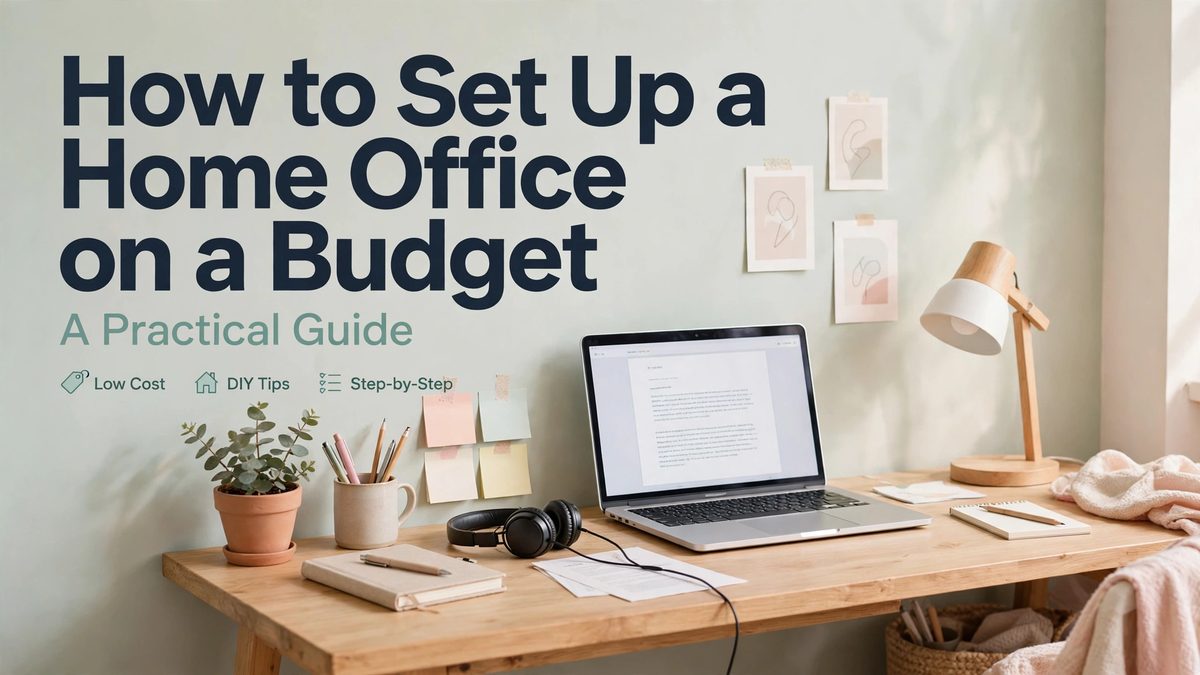
My first home office was the corner of a dining table, a kitchen chair with a wobbly leg, and a laptop propped on a stack of cookbooks. Every afternoon, my neck ached, my back complained, and I could never quite find my charger. I told myself it was temporary. It lasted eight months, and my productivity (and posture) paid for it.
If you want to set up a home office on a budget, here’s the good news: you don’t need a dedicated room or expensive furniture. You need a defined space, a few comfort essentials, and some smart choices. Even a small, tidy corner can help you focus and protect your health.
In this guide, I’ll walk you through choosing a spot, setting up ergonomically, buying only what matters, saving money, and creating a space you enjoy working in.
Why Your Workspace Matters
- Focus. A defined space signals your brain it’s time to work.
- Comfort and health. Good posture reduces strain.
- Professionalism. Tidy, well-lit spaces look better on video calls.
- Boundaries. A “work zone” helps you switch off at the end of the day.
- Productivity. Less searching for things means more doing.
The honest part: You don’t need perfection. Many people work from small apartments, shared rooms, or temporary setups. Aim for improvement, not a magazine photo.
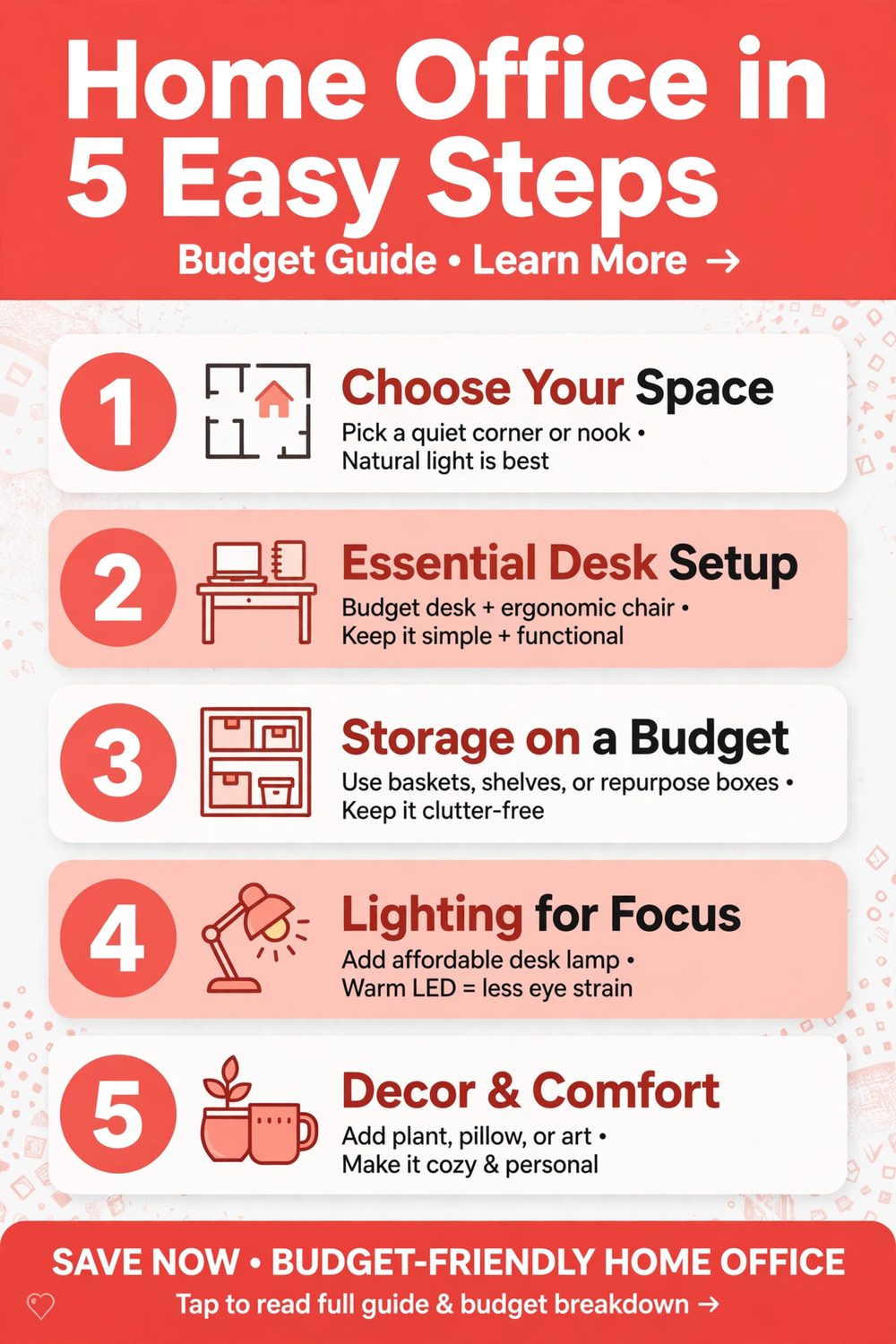
Step 1: Choose Your Spot
Consider:
- Quiet: Away from the busiest part of the home when possible.
- Natural light: A window is great, but avoid glare on your screen.
- Privacy: Especially for calls.
- Power and internet access: Close to outlets and a strong Wi-Fi signal.
- Space for storage and movement.
Small-Space Ideas
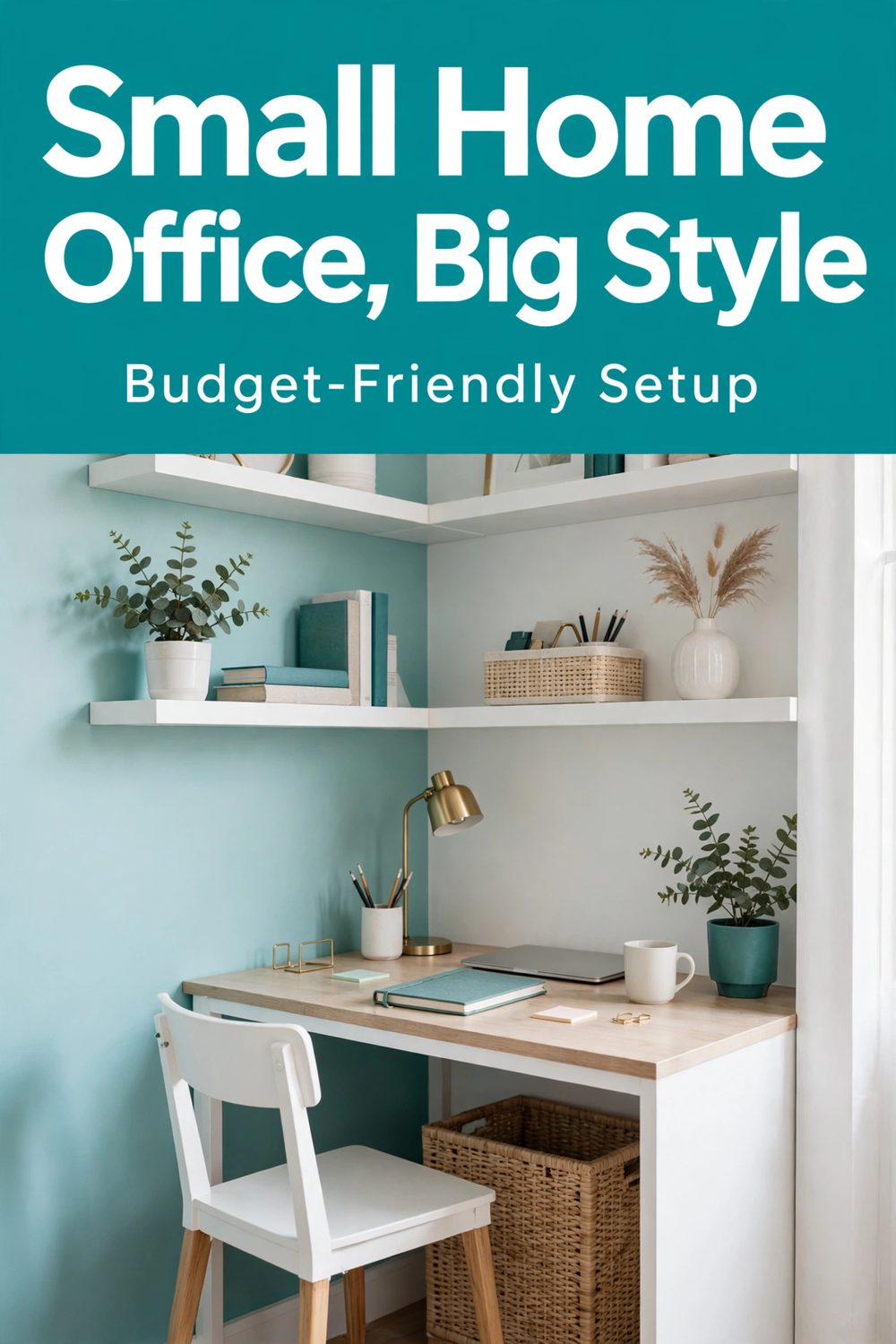
- A corner of a bedroom or living room with a compact desk.
- A closet turned into a mini office (a “cloffice”).
- A foldable or wall-mounted desk that tucks away.
- A shelf or console table repurposed as a standing desk.
- A room divider or curtain to separate your work area.
If you share space with kids or a partner, agree on “work hours” in that spot.
Step 2: Prioritize What Really Matters
If your budget is tight, spend on the items that affect comfort and function the most.
Priority List
- A supportive chair (or a cushion and support for your current chair).
- A desk at a comfortable height.
- Good lighting.
- A reliable internet connection.
- A laptop stand and external keyboard and mouse to improve posture.
- Headphones with a microphone for calls.
- Storage and organization for papers and supplies.
Everything else, like decor and gadgets, can wait.
Step 3: Set Up for Comfort and Ergonomics
Basic ergonomic guidelines:
- Screen: The top of the screen at or slightly below eye level, about an arm’s length away.
- Chair: Feet flat on the floor or a footrest, knees around hip height, lower back supported.
- Keyboard and mouse: Elbows near 90 degrees, wrists neutral.
- Laptop users: Use a stand plus an external keyboard so your screen and hands can be positioned separately.
- Lighting: Place your screen perpendicular to windows to reduce glare.
Free or Cheap Fixes
- Stack books or a sturdy box under your laptop as a stand.
- Use a rolled towel for lumbar support.
- Add a cushion if your chair is too low.
- Take movement breaks every 30 to 45 minutes.
- Stretch your neck, shoulders, and wrists.
Step 4: Shop Smart and Save Money
You can find quality items without paying full price.
- Buy secondhand: Look at local marketplaces, thrift stores, and community groups for desks, chairs, and shelves.
- Check office liquidation sales and refurbished furniture.
- Compare prices and read reviews before buying.
- Wait for sales and seasonal discounts.
- Use what you already have: a kitchen table, bookshelf, or dresser can become part of your setup.
- Borrow or swap with friends.
- Prioritize one quality item, such as a good chair, and economize elsewhere.
Check safety, stability, and condition for secondhand items, especially chairs.
Step 5: Organize Your Space
A tidy desk supports a calm mind.
- Use trays, bins, or baskets for supplies.
- Keep only daily essentials on the desk.
- Label files and use a simple filing system.
- Manage cables with clips or ties.
- Create a “shutdown” ritual by clearing your desk at the end of the day.
- Digital organization: Name files clearly and back them up.
For help staying organized and productive, The AI-Powered Solopreneur offers simple systems for planning and running a lean business, and The Claude Advantage shows how to use AI to organize tasks and notes efficiently.
Step 6: Make It a Space You Enjoy
Small touches matter.
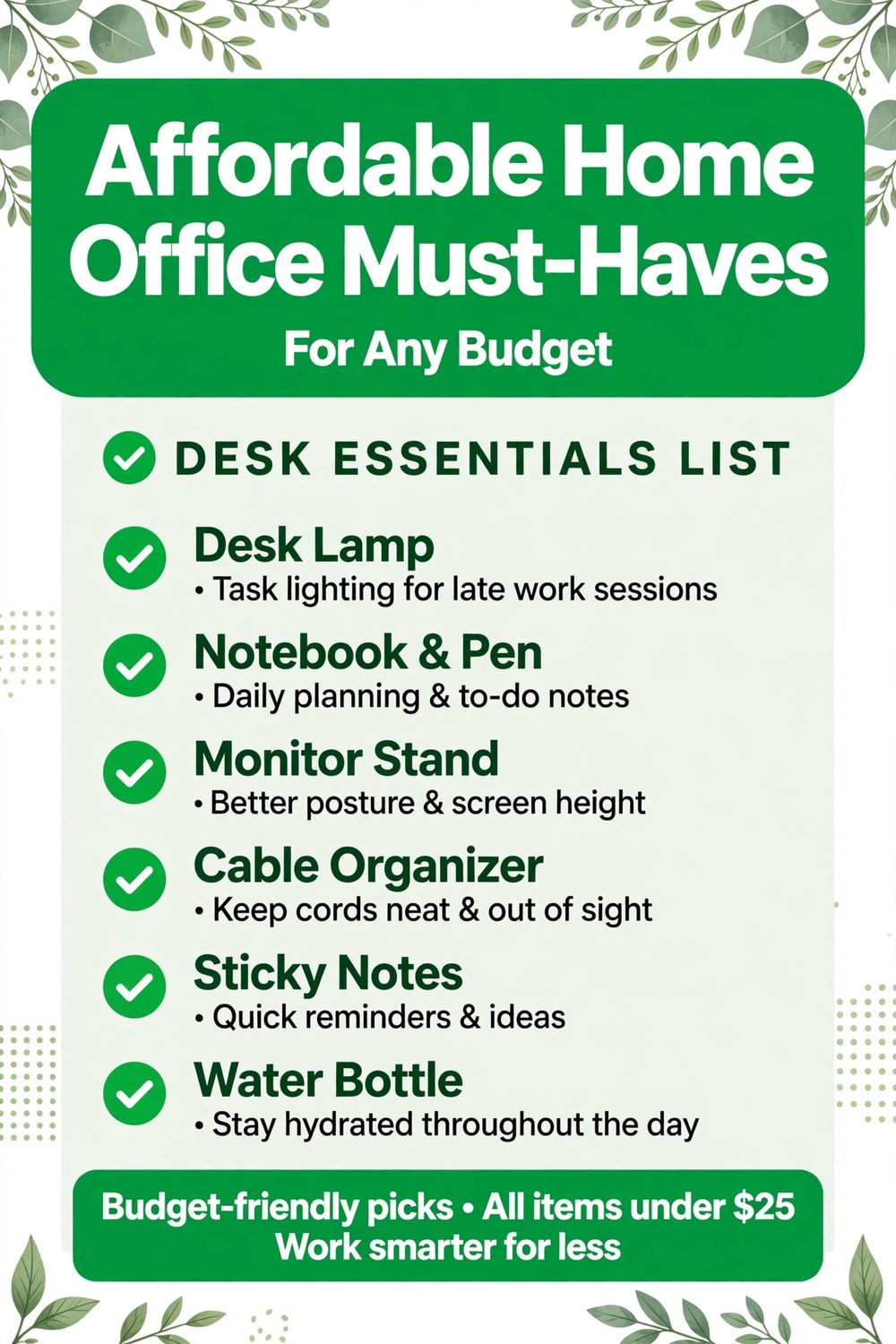
- Add a plant, real or faux.
- Hang inspiring art or a vision board.
- Choose a calming color palette.
- Use a good desk lamp with warm light.
- Add a candle or diffuser if you enjoy scents and it’s safe for your space.
- Keep a water bottle and snacks nearby.
If you enjoy creating routines and spaces that make you feel good, Glow Up Your Life offers ideas for building a lifestyle you love.
Step 7: Optimize for Video Calls
- Place your camera at eye level.
- Face a light source rather than sitting with a window behind you.
- Keep the background tidy or use a simple blur or neutral background.
- Use headphones to improve audio quality.
- Test your setup before important calls.
A clear, professional appearance builds trust with clients and colleagues, and if you’re building a business, The Personal Brand Blueprint can help you shape the brand impression you give.
Step 8: Protect Your Security and Privacy
- Use strong passwords and a password manager.
- Enable two-factor authentication.
- Keep devices updated.
- Secure your Wi-Fi network.
- Lock your screen when you step away.
- Back up important files regularly.
- Be careful with client data, especially in shared homes.
Budget Breakdown Example
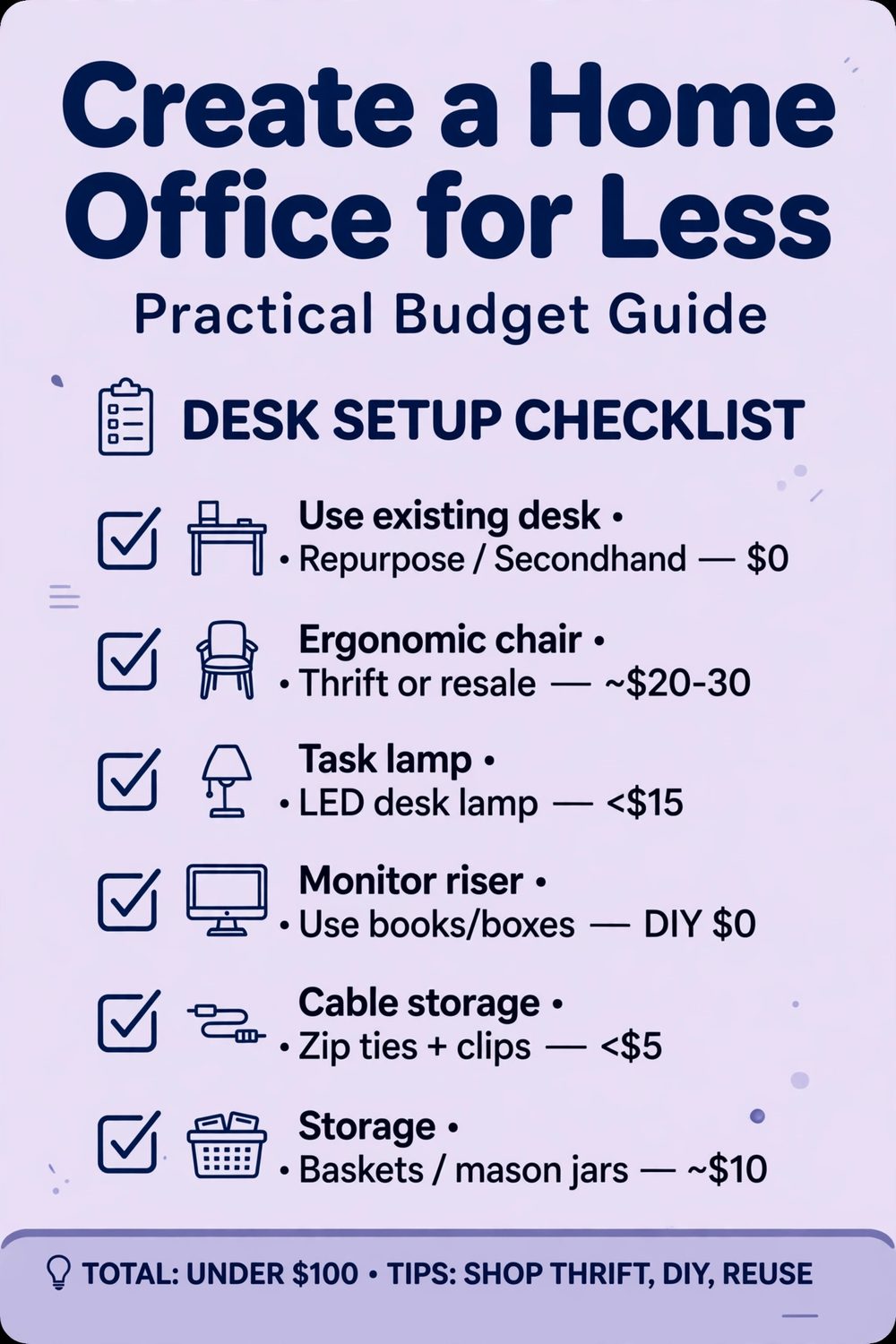
Here’s a sample range for a basic setup, though your costs will vary by region and what you already own:
- Secondhand desk: low cost or free.
- Supportive chair: the most worthwhile item to invest in.
- Laptop stand, keyboard, and mouse: modest cost.
- Desk lamp: modest cost.
- Headphones with a microphone: modest cost.
- Organizers and cable ties: very low cost.
Spread purchases over a few months, and buy the most important items first.
A One-Weekend Setup Plan
- Saturday morning: Choose your spot and clear the space.
- Saturday afternoon: Set up your desk, chair, and screen height.
- Sunday morning: Organize supplies, manage cables, and improve lighting.
- Sunday afternoon: Add personal touches and test a video call.
Tax and Money Basics
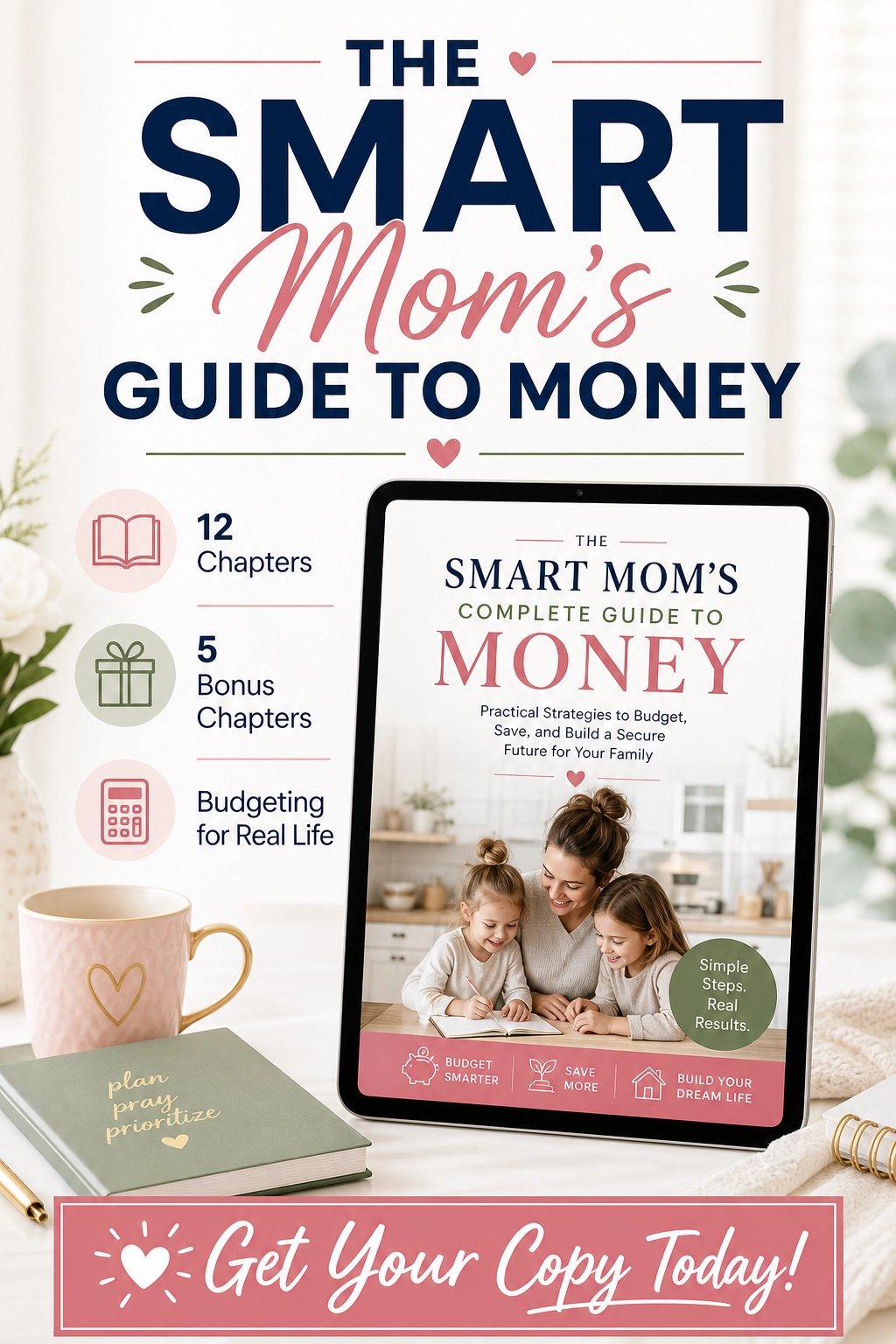
If you work for yourself, some home office expenses may be deductible, depending on your location and situation. Rules vary widely, so keep receipts and consult a qualified professional. The Smart Mom’s Complete Guide to Money offers friendly guidance for budgeting and tracking expenses. If you’re a mom building flexible income from home, The Stay-At-Home Mom’s Guide to Making Money Online offers beginner-friendly ideas.
Setting Up a Shared or Temporary Workspace
Not everyone has a permanent corner to claim. If you share space with family or roommates, a flexible setup can still work:
- Use a portable “office in a bag”: laptop stand, wireless keyboard and mouse, headphones, notebook, and charger in one tote, so you can set up and pack down in minutes.
- Create visual cues: A specific lamp, scarf, or playlist can signal “work mode” to you and others.
- Agree on quiet hours with the people you live with, and post a simple schedule.
- Use a folding tray or lap desk only for short sessions, and return to a proper setup for long work.
- Keep a small storage box for work items so they don’t spread across the home.
Even a temporary setup can support focus if it’s consistent, and you can upgrade pieces over time as your income and space allow.
Small Habits That Keep Your Office Working for You
A good setup needs gentle maintenance.
- Clear your desk at the end of each day, so tomorrow starts fresh.
- Do a five-minute tidy every Friday.
- Review your supplies monthly and restock only what you use.
- Check your posture a few times a day and adjust.
- Rotate your decor or add something fresh now and then to keep the space inviting.
These tiny routines cost almost nothing, but they protect your comfort, reduce clutter, and keep your workspace a place you actually want to be.
Mistakes to Avoid
- Working from the couch or bed all day.
- Spending on gadgets before basics.
- Ignoring ergonomics.
- Cluttering your desk.
- Buying unsafe secondhand furniture.
- Neglecting breaks.
Quick Answers About Home Offices
Do I need a separate room? No. A defined corner or zone can work well.
What’s the most important purchase? Many people prioritize a supportive chair and a proper screen and keyboard setup.
Can I use my laptop alone? It’s possible for short periods, but a stand and external keyboard improve comfort.
How do I stay focused at home? Define work hours, minimize distractions, and use a consistent routine.
A Small Space Can Do Big Work
Setting up a home office on a budget is about making smart, simple choices. Pick a spot, prioritize comfort, shop wisely, and add small touches that make you want to sit down and work.
This week, clear one corner, raise your screen to a comfortable height, and add good lighting. Trust me, that small change can transform how you feel about your workday. Let’s set it up!









Leave a Reply