

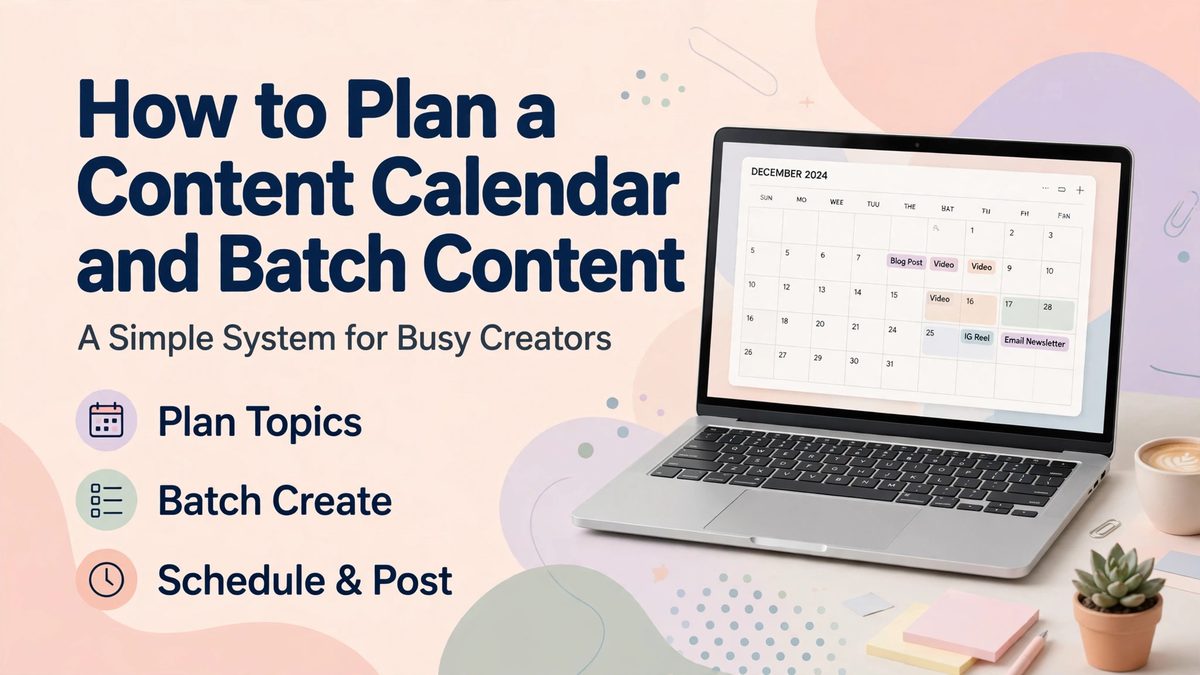
For a long time, my content strategy was to wake up and think, “What should I post today?” That question led to panic-posting at 9 p.m., recycling random quotes, and feeling constantly behind. Then I tried something that sounded boring but changed everything: I sat down one Sunday, planned a month of content, and batched the creation over three sessions. For the first time in months, I felt calm.
If you want to master a content calendar and batch your content, you’re building a system that supports consistency without constant stress. A calendar tells you what to create, and batching helps you create it efficiently.
In this guide, I’ll walk you through setting goals, choosing content pillars, building a simple calendar, batching your work, and keeping things flexible when life interrupts.
Why a Content Calendar Helps
- Consistency. You show up regularly, which builds trust.
- Strategy. Content supports your goals instead of random topics.
- Less stress. You stop deciding from scratch every day.
- Better quality. Planning gives you time to think and edit.
- Smarter launches. You can coordinate content with product releases.
The honest part: A calendar is a guide, not a prison. Plans change, news happens, and kids get sick. Build flexibility into your system, and avoid over-scheduling.
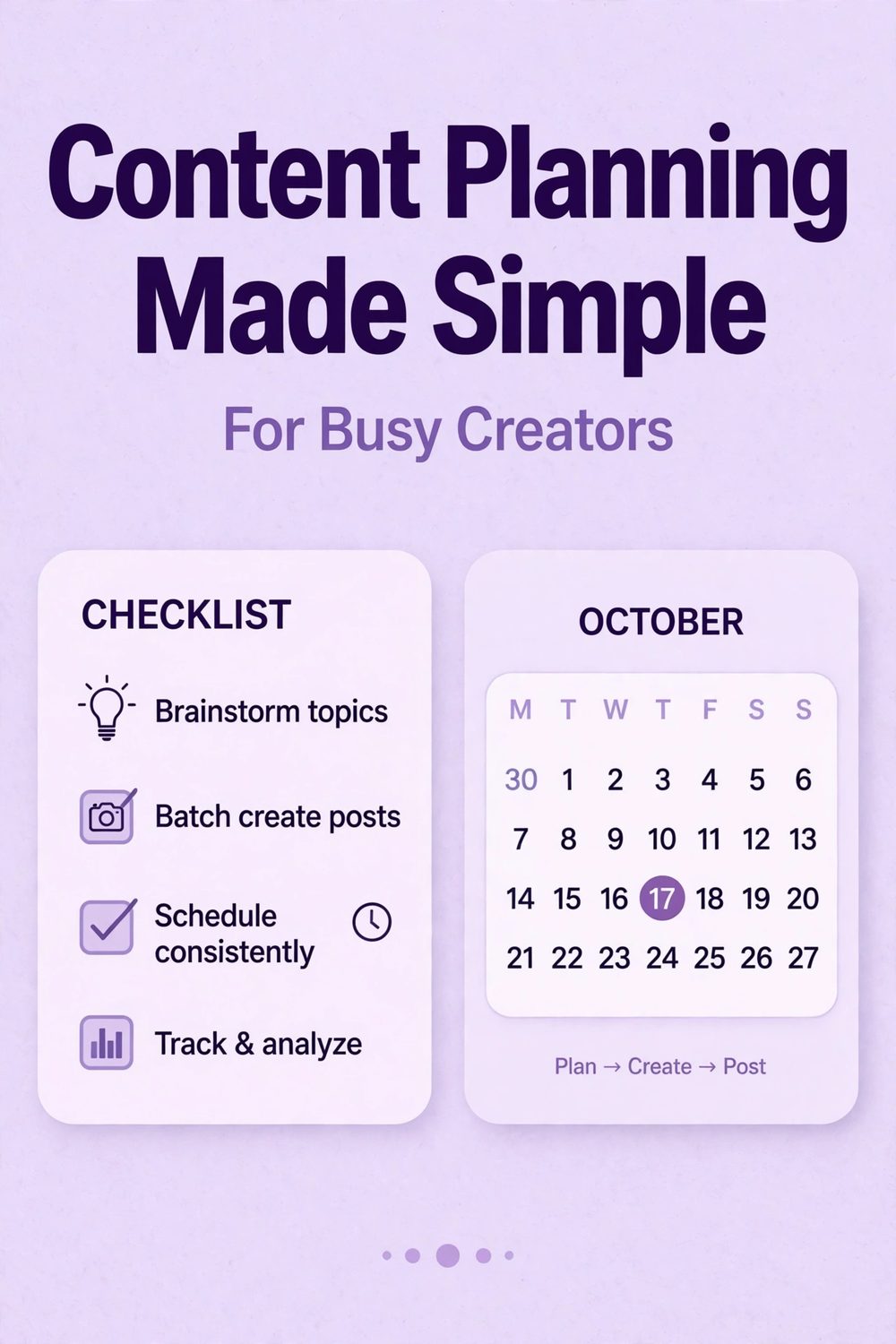
Step 1: Clarify Your Goals and Audience
Before planning posts, decide:
- What’s my main goal? Grow an audience, build an email list, sell a product, or attract clients?
- Who am I speaking to?
- What do they need most right now?
- Where do they spend time?
Choose one or two platforms to focus on instead of everywhere.
Step 2: Choose Your Content Pillars
Pillars are the main themes you’ll consistently cover. Three to five is plenty.
Example Pillars for a Side Hustle Creator
- Education: Tips, tutorials, and how-tos.
- Story: Your journey, lessons, and behind-the-scenes.
- Proof: Results, testimonials, and case studies.
- Offers: Your products, services, or recommendations.
- Community: Questions, polls, and conversations.
Pillars keep your content focused and make idea generation easier. The Personal Brand Blueprint can help you clarify the themes and voice that fit you.

Step 3: Build an Idea Bank
Never start from a blank page again.
- Keep a running list in a notes app or spreadsheet.
- Capture questions from your audience and clients.
- Save content you admire for inspiration, not copying.
- Note keywords and search suggestions.
- Record seasonal events and holidays.
- Brainstorm ten ideas per pillar.
AI can help you brainstorm and organize ideas. Keep your own stories and experience at the center. The Claude Advantage shows how to prompt effectively for content ideas and calendars.
Step 4: Decide Your Posting Frequency
Choose a rhythm you can sustain.
- Blog: One to two posts per week.
- Newsletter: Weekly or biweekly.
- Instagram or TikTok: Three to five times per week.
- Pinterest: Several fresh pins per week.
- YouTube: One video per week or every other week.
Start smaller than you think you need to. You can always increase.

Step 5: Build Your Calendar
What to Include
- Date and platform.
- Content pillar.
- Topic and format.
- Keyword or hook.
- Call to action.
- Status: idea, drafted, designed, scheduled, or published.
Tools
- A simple spreadsheet.
- Notion or Trello.
- Google Calendar.
- Scheduling tools for social posts and pins.
A Sample Weekly Template
- Monday: Educational post.
- Tuesday: Short video or story.
- Wednesday: Blog post or newsletter.
- Thursday: Proof or testimonial.
- Friday: Offer or call to action.
- Weekend: Community post or rest.
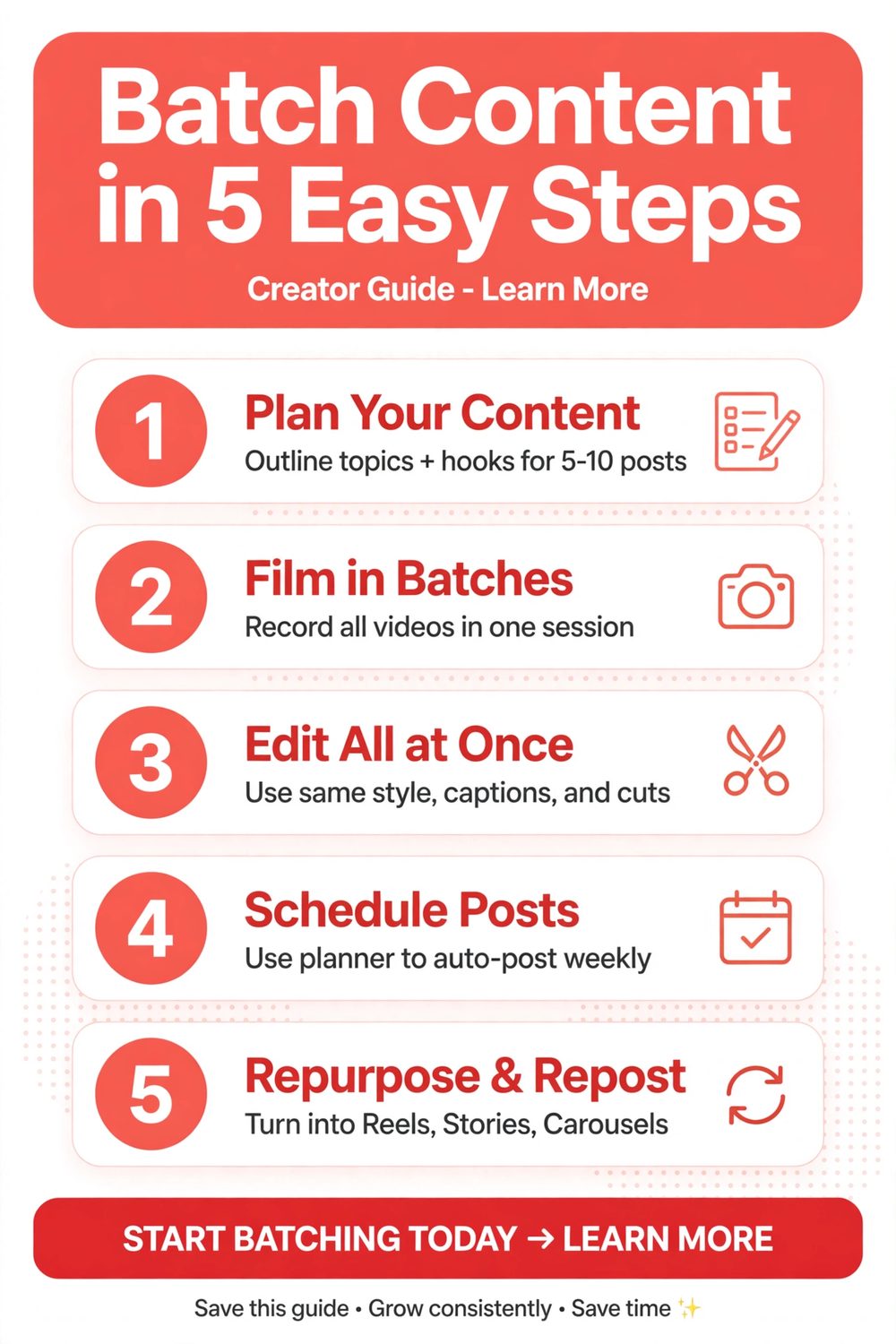
Step 6: Batch Your Content Creation
Batching means doing similar tasks in focused blocks.
A Simple Batching Schedule
- Session 1 (Planning, 1 to 2 hours): Review your calendar, choose topics, and write outlines.
- Session 2 (Writing, 2 to 3 hours): Draft captions, scripts, and blog posts.
- Session 3 (Creating, 2 to 3 hours): Film videos, design graphics, and take photos.
- Session 4 (Scheduling, 1 hour): Upload and schedule everything.
Tips for Better Batching
- Work in themes. Write all captions at once, then design all graphics.
- Use templates for graphics, captions, and scripts.
- Set a timer to stay focused.
- Dress and set up once for multiple videos.
- Leave room for spontaneous content.
Step 7: Repurpose to Save Time
One idea can become many pieces.
- Blog post → email → social carousel → short video → Pinterest pins.
- Video → blog post → quotes → carousel.
- Client question → post → newsletter segment.
For a deeper walkthrough, see our guide on repurposing content, and use the same core ideas across platforms with small adjustments.

Step 8: Schedule and Automate Where It Helps
- Use scheduling tools for social posts, pins, and emails.
- Automate welcome emails and reminders.
- Keep a few unscheduled slots for timely posts.
- Check scheduled content weekly for relevance.
For a lean system that supports your whole business, The AI-Powered Solopreneur offers simple workflows for one-person businesses.
Step 9: Review and Improve Monthly
- Check analytics: reach, engagement, clicks, and sign-ups.
- Note top-performing posts and why they worked.
- Identify what flopped and what to change.
- Adjust your pillars and posting rhythm.
- Plan next month using what you learned.
The Digital Marketing Playbook offers beginner-friendly guidance on measuring results and refining your strategy.

When Life Gets in the Way
- Keep a minimum viable plan: one post per week still counts.
- Prepare emergency content in a folder for tough weeks.
- Pause with a brief note if you need a break, then return.
- Be kind to yourself. Consistency over time matters more than perfection.
If you’re juggling kids and business, The Stay-At-Home Mom’s Guide to Making Money Online offers flexible ideas that fit real family life.
A Simple 30-Day Content Calendar Plan
- Week 1: Define goals, pillars, and platform choices. Build your idea bank.
- Week 2: Draft your calendar and create the first batch.
- Week 3: Schedule content, and publish and engage daily.
- Week 4: Review analytics and plan the next month.

Money Basics
If your content earns income, track it and set aside money for taxes. Consult a qualified professional. The Smart Mom’s Complete Guide to Money offers friendly guidance for managing variable income.
Sample One-Week Content Calendar
Here’s what a filled-in calendar might look like for a creator teaching beginner freelancers:
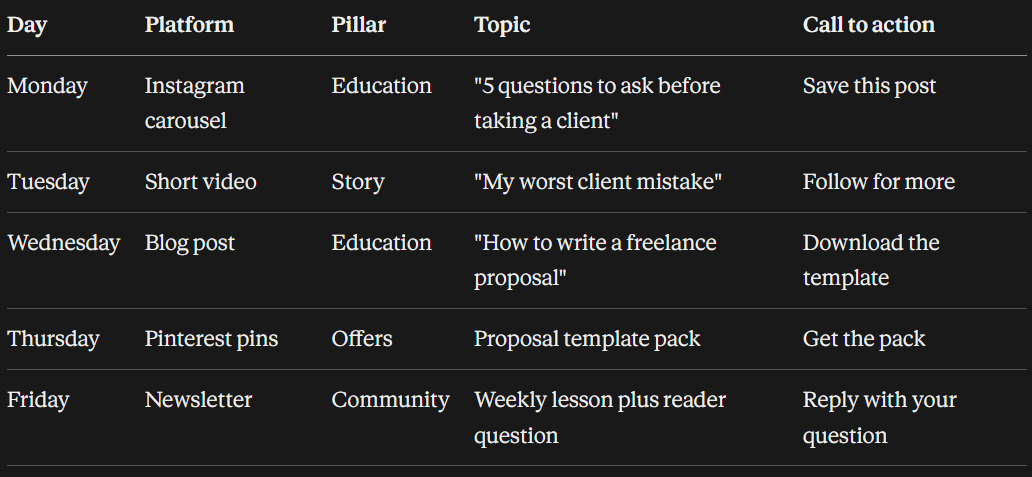
Notice that each item has a purpose and a next step. You can build the whole week in a single planning session, then batch-create the pieces in a couple of focused blocks.
Common Batching Mistakes and Fixes
- Trying to batch everything in one day. Split tasks across sessions to avoid fatigue.
- Skipping the planning step. Ten minutes of outlining saves an hour of staring at a blank screen.
- Using too many tools. Choose one place for your calendar and stick with it.
- Forgetting to leave flexibility. Keep one or two open slots weekly for timely ideas.
- Never looking at results. Spend 20 minutes monthly reviewing what worked.
A system only helps if it feels light. If your calendar starts to feel heavy, simplify it until it feels easy again.
Content Calendar Templates to Try
You can build a calendar in many formats:
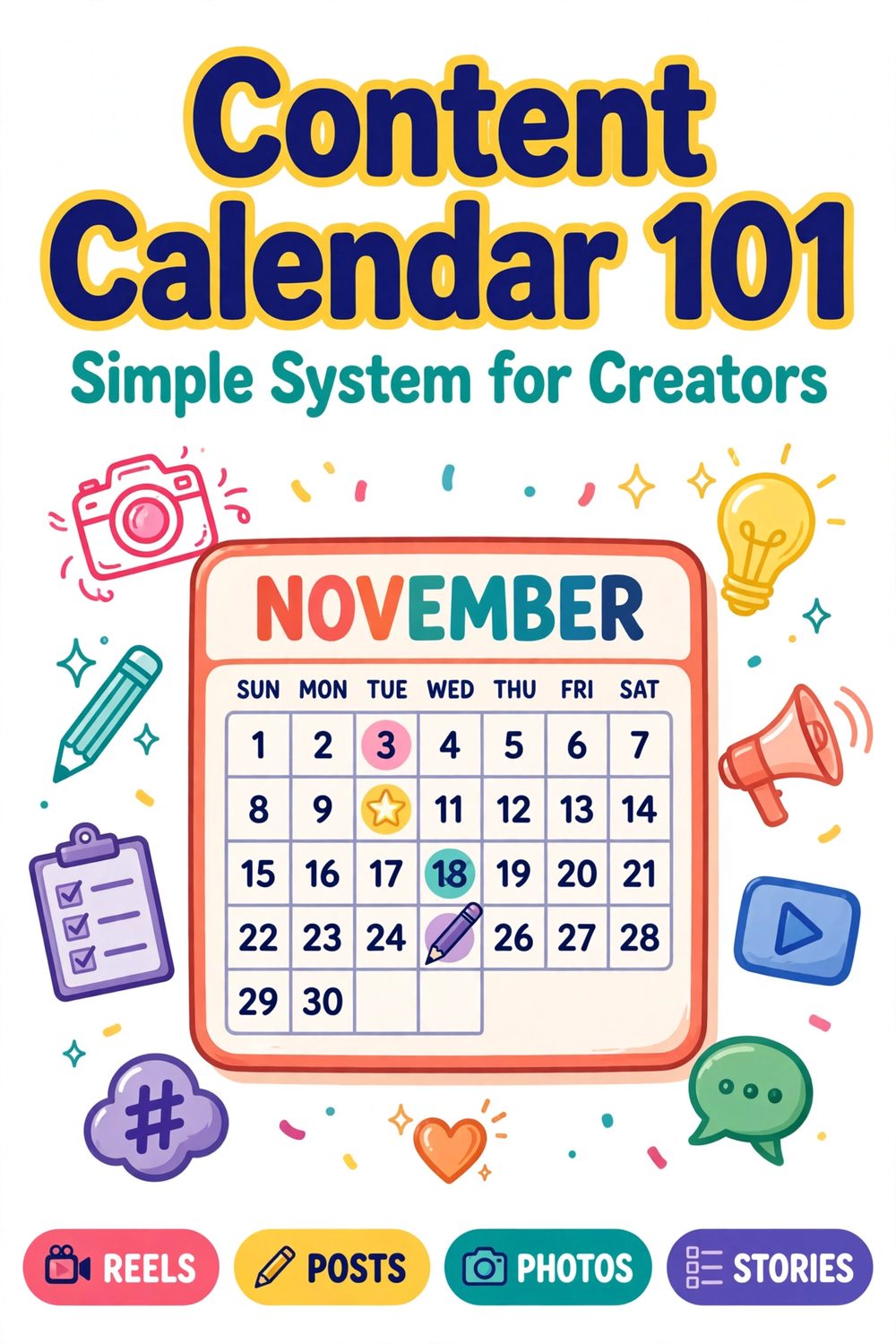
- Monthly overview: A simple grid showing one main post per day or week.
- Kanban board: Columns for Idea, Drafting, Designing, Scheduled, and Published.
- Platform tabs: One spreadsheet tab for each platform with its own rhythm.
- Campaign planner: A separate sheet for launches, with countdown posts and email dates.
- Evergreen bank: A list of timeless posts you can reuse when you need a quick option.
Pick the format that feels easiest to open and update. A calendar you use weekly is worth far more than a detailed one you never revisit.
Mistakes to Avoid
- Over-scheduling.
- Planning without a goal.
- Ignoring analytics.
- Copying other creators.
- Skipping engagement.
- Making the calendar too complicated.

Quick Answers About Content Calendars
How far ahead should I plan? Many creators plan a month at a time and review weekly.
What’s the best tool? The one you’ll actually use. A spreadsheet works fine.
How often should I batch? Weekly or monthly, depending on your schedule and platform.
Can I stay spontaneous? Yes. Leave open slots for timely or in-the-moment content.
Plan the Work, Then Enjoy the Creating
A content calendar and batching system turn scattered effort into steady progress. Clarify your goals, choose pillars, build an idea bank, and create in focused sessions.
This week, choose three content pillars and plan seven posts. Trust me, the first Monday morning you wake up with your content already scheduled, you’ll feel a calm you didn’t know creators could have. Let’s plan!







Leave a Reply