


The first online event I ever attended was a small, free virtual summit about starting a freelance business. I remember pouring coffee, opening my laptop, and thinking, “This is just a bunch of people talking on video.” By the end of the day I had three new contacts, a clear plan for my first client, and a list of questions I’d never have thought to ask. Months later I realized something: the organizer had built her entire email list and her first paid program from that single event.
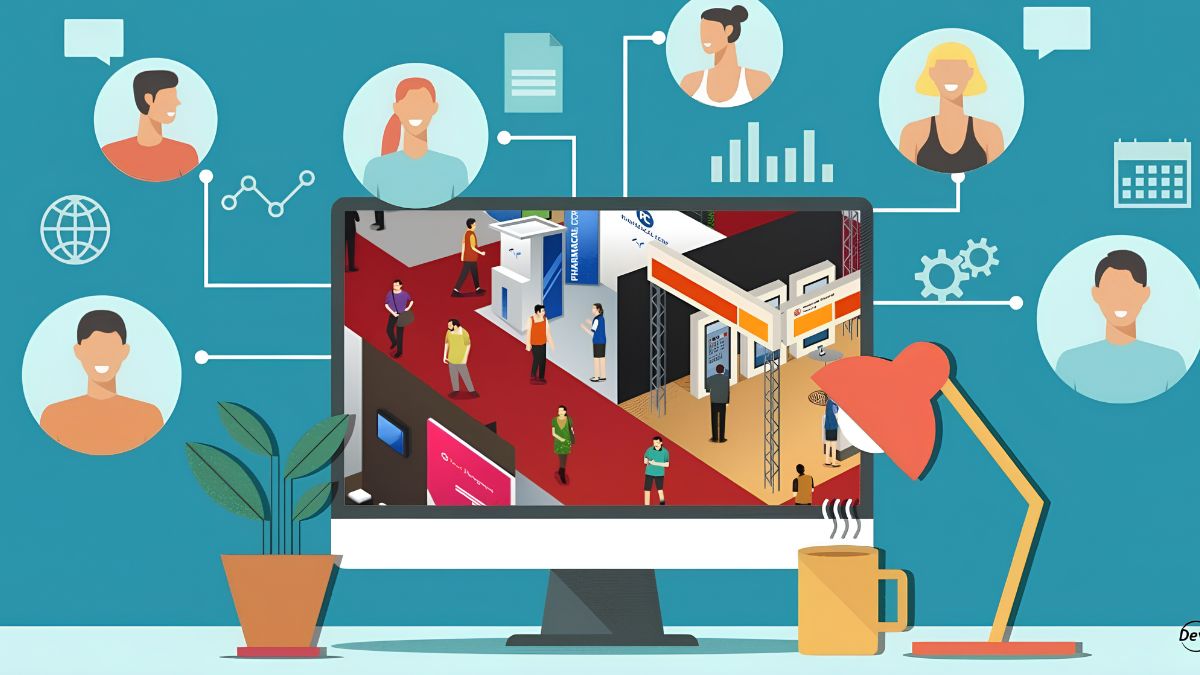
Virtual events are a powerful way for moms to build an audience, test an idea, and earn income, and they’ve become more accessible. Tools for live video, registration, and payment are easy to use, and audiences are comfortable attending online. Events also fit a creator world that’s looking for owned relationships: with link reach shrinking on some platforms and AI inboxes changing email metrics, a registration list of engaged attendees is valuable. And bringing in guest experts is a proven way to borrow credibility, share audiences, and offer rich content without creating all of it yourself.
In this guide, I’ll explain how to host a virtual event or summit as a mom: formats, planning, pricing, promotion, delivery, and follow-up, plus how to keep it manageable with a small team (or no team at all). (Income varies and isn’t guaranteed.)
Types of Virtual Events
- Single-session workshop or webinar: one topic, one or two hours
- Mini summit: three to five expert talks over a day or a few days
- Full summit: multiple days with many speakers
- Challenge: a five- to seven-day event with daily tasks and lessons
- Virtual retreat or co-working day
- Networking event for a niche community
- Hybrid: online event plus local meetups
Start small. A single-session workshop or mini summit is far more manageable than a large summit.
Why Events Work
- They build an email list of people who care about your topic.
- They create urgency and focus. A date on the calendar motivates people to show up.
- They let you share audiences with speakers.
- They demonstrate your expertise.
- They lead naturally to offers: a course, membership, or coaching program.
- They generate content you can reuse: recordings, clips, and transcripts.
Step 1: Choose a Clear Theme and Audience
Write: “This event helps [specific people] [achieve a specific result] in [timeframe].”
Examples:
- “A one-day virtual summit for new freelancers on pricing, pitching, and client management.”
- “A three-day challenge to plan and launch a simple digital product.”
- “A free live workshop for parents on setting up a home-based side income.”
Step 2: Decide Free vs. Paid
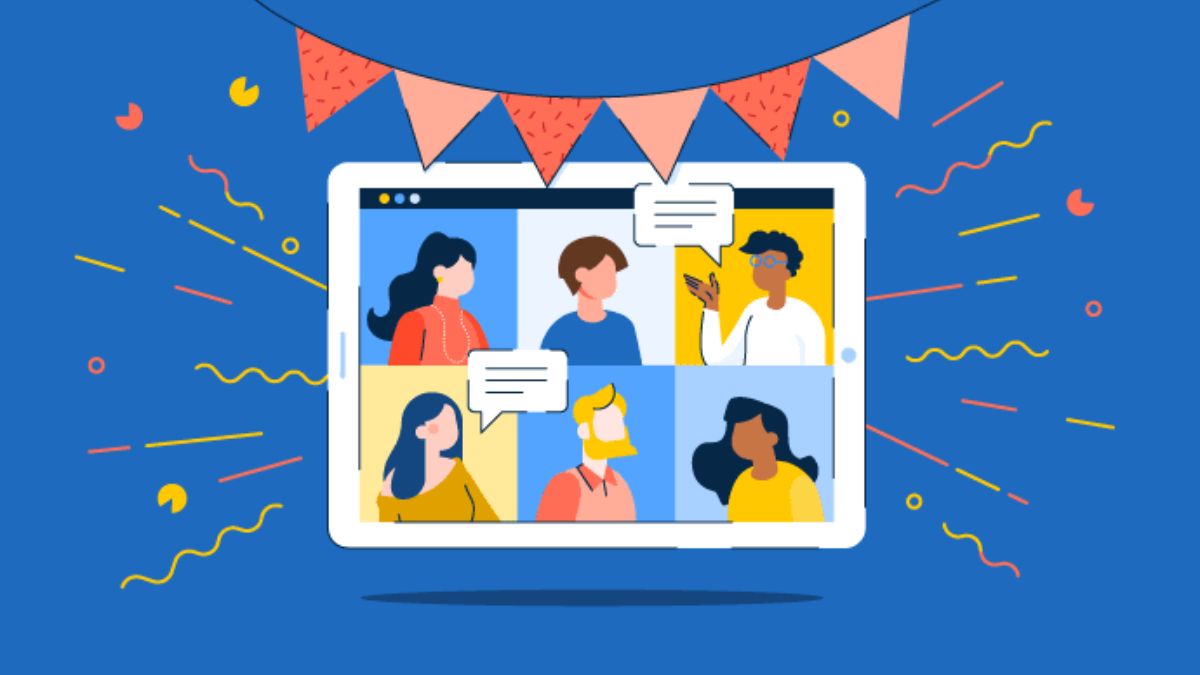
- Free with a paid upgrade: free access to live sessions, paid access to recordings, bonuses, or a community.
- Paid ticket: attendees pay for the event, often at a modest price.
- VIP tier: extra benefits like recordings, worksheets, or a small group session.
- Sponsored: brands cover costs, clearly disclosed and relevant to attendees.
Start with the simplest model you can manage. Free events build lists quickly but require a plan to convert attendees into buyers.
Step 3: Plan the Program
- Pick your format and length.
- Create a simple schedule with breaks.
- Choose speakers if you’re hosting a summit: experts who serve the same audience and share your values.
- Write a clear invitation to speakers, with topic, date, format, and what’s in it for them.
- Prepare questions or an outline so each session has a clear takeaway.
- Plan interactive elements: live Q&A, polls, and short exercises.
Keep sessions focused. Short, practical content works better than long lectures.
Step 4: Choose Your Tools
- A video platform that supports registration, chat, and recordings
- A registration page with an email signup and payment if needed
- An email tool for reminders and follow-ups
- A community space for attendees to connect (optional)
- A document or slide tool for worksheets and visuals. Some AI assistants now offer document, slide, and design features, even on free plans, which can help you create materials. Check everything for accuracy.
Do a full test run with a friend.
Step 5: Invite Speakers and Partners Carefully
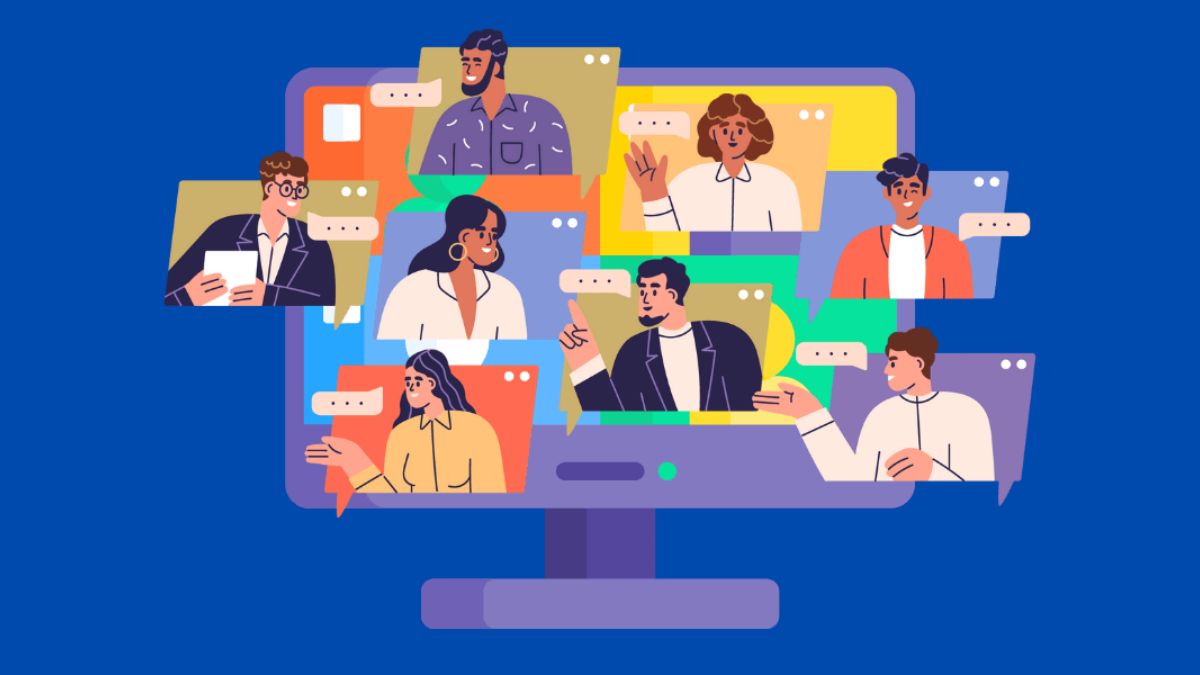
- Pitch speakers with a clear, short message and a simple ask.
- Offer something valuable: exposure to a relevant audience, a recording, or a chance to promote a resource.
- Set expectations in writing: date, time, topic, recording rights, promotion, and any affiliate arrangements.
- Don’t pressure anyone to promote beyond what they agree to.
- Share a promotion kit: sample emails, images, and links.
Step 6: Promote Honestly
- Email your list with a clear description of what attendees will learn.
- Share helpful snippets on short video and Pinterest.
- Ask speakers to share with their audiences.
- Use community groups that allow event promotion, following their rules.
- Create a simple landing page with schedule, speakers, and benefits.
- Avoid fake scarcity and exaggerated promises.
- Disclose sponsors and affiliate links clearly.
Because some platforms limit link reach, rely on email, bio links, and collaborations.

Step 7: Deliver a Great Experience
- Start on time and greet attendees warmly.
- Keep energy and pace steady.
- Encourage interaction in chat.
- Give attendees a quick win during the event.
- Have a tech backup and a helper if possible.
- Record the sessions, and tell attendees you’re recording.
- Be kind and flexible if someone has trouble.
Step 8: Follow Up and Convert
- Send recordings, worksheets, and thank-yous promptly.
- Ask for feedback with a short survey.
- Request testimonials from happy attendees.
- Invite attendees to your next offer with a clear, honest message and a reasonable deadline.
- Add attendees to your email list only if they agreed to receive emails.
- Repurpose recordings into clips, articles, and a mini course.
Step 9: Handle Legal and Business Basics
- Recording consent: tell attendees and speakers you’re recording, and follow local rules.
- Speaker agreements: clarify rights to recordings and promotion.
- Privacy: collect only what you need, store it securely, and follow email consent rules.
- Copyright: use properly licensed music and images.
- Accessibility: captions or transcripts help more people join.
- Taxes: in the U.S., net self-employment earnings of $400 or more trigger self-employment tax, and sales tax or VAT rules for digital events vary by location.
- No professional advice: make clear that sessions are educational, not medical, legal, or financial advice.

Mistakes to Avoid
- Starting too big.
- Skipping a test run.
- Promoting too late.
- Overloading the schedule.
- Forgetting to follow up.
- Making unrealistic promises.
- Not getting speaker agreements and recording permissions.
Your 45-Day Event Plan
- Weeks 1-2: Choose your theme, audience, and format. Invite speakers.
- Weeks 3-4: Build your registration page and email sequence, and prepare materials.
- Weeks 5-6: Promote, do a test run, host the event, and follow up.
Build Your Online Income on a Roadmap
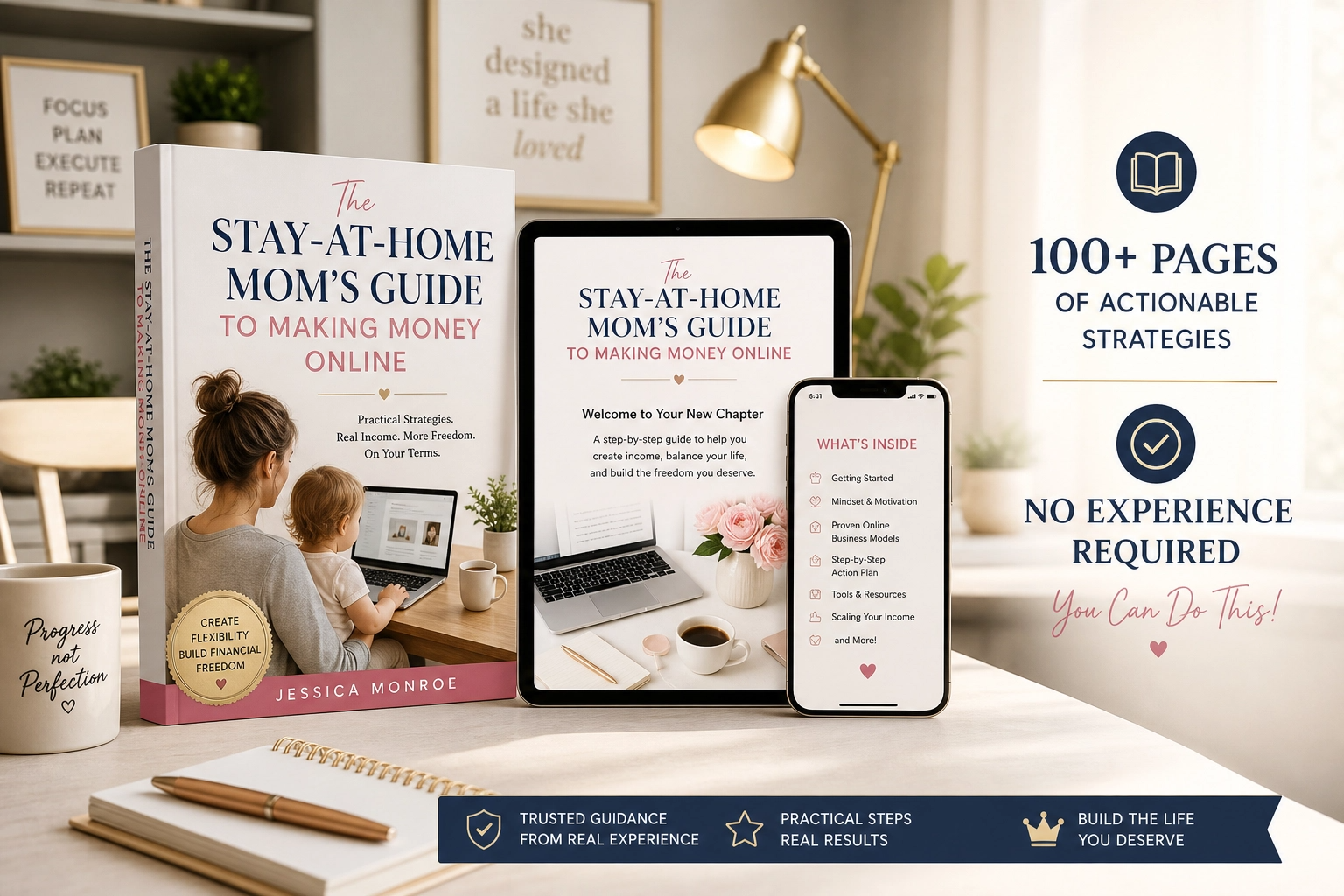
If you’d like a beginner-friendly roadmap for making money online as a stay-at-home mom, take a look at my ebook:
The Stay-At-Home Mom’s Guide To Making Money Online
Trust me, one well-run event can open the door to everything that comes next.
Final Thoughts
Virtual events and summits are a powerful way to grow an audience, share expertise, and create paid opportunities, even with a small team. Start with a single clear theme, deliver real value, follow up kindly, and learn from each event. Your first event doesn’t need to be big. It needs to be useful.






Leave a Reply