

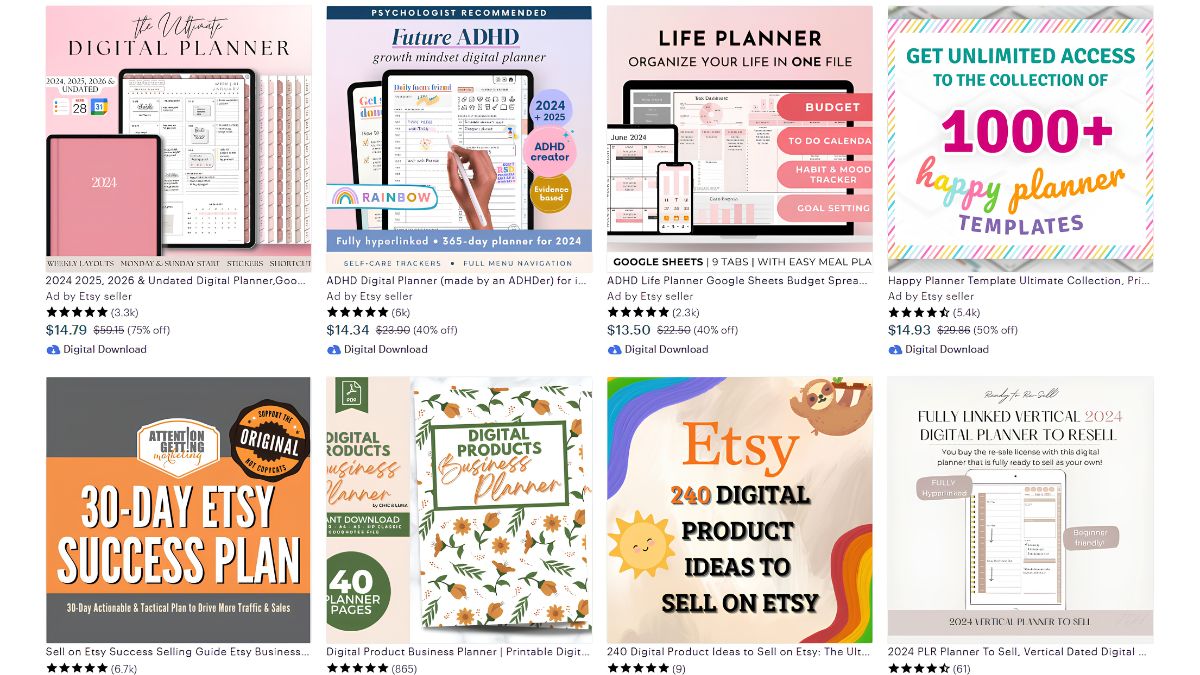
Did you know digital planners for apps like GoodNotes and Notability are one of the fastest-growing categories in the digital download space? When I first noticed how many people were paying for beautifully designed, clickable-tab planners instead of printing one at home, I realized this was a completely different (and often more profitable) niche than basic printables.
In this guide, I’ll walk you through everything you need to know about designing and selling digital planners on Etsy in 2026.
Digital Planners vs. Printables: What’s the Difference
A digital planner is used entirely on a tablet, with hyperlinked tabs that let users jump between months, weeks, and custom pages without ever printing. It’s a more technical product to build than a basic printable, which is exactly why it tends to sell at a higher price point.
Choosing Your Planner Niche
Here’s the truth: “planner” is too broad a category to compete in directly. Successful digital planner shops usually specialize:
- Undated daily/weekly planners for maximum flexibility
- Niche planners for specific audiences — small business owners, students, wedding planning, fitness tracking
- Themed planner bundles tied to a particular aesthetic (minimalist, boho, dark academia)
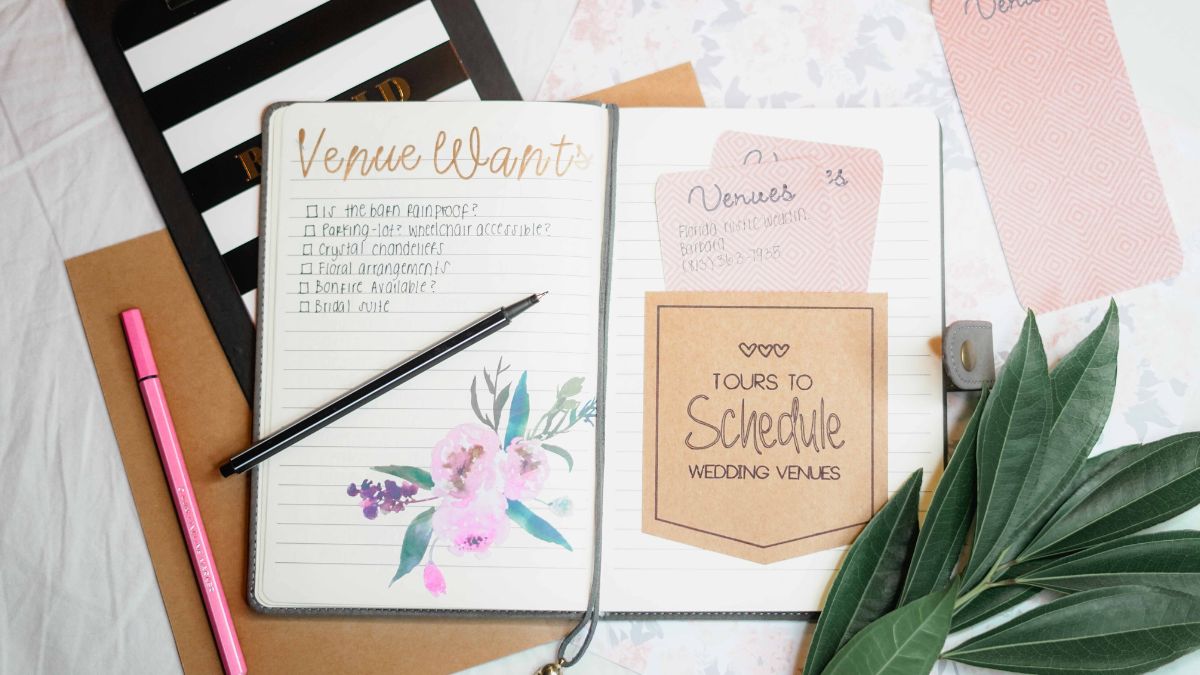
Designing Your First Digital Planner
Pro tip: you don’t need specialized software to start. I design in Canva, then add hyperlinks using a free PDF tool like PDF Expert or Xodo before exporting.
Key elements every digital planner needs:
- A clickable tab system for easy navigation
- Consistent, readable fonts and a cohesive color palette
- Functional (not just decorative) layouts — dated pages, habit trackers, note sections
Testing Your Planner Before You Sell It
Always test your finished planner on the actual apps customers will use (GoodNotes, Notability, Noteshelf) before listing it. Little did I know early on that a broken hyperlink is one of the fastest ways to earn a bad review — test every single tab before publishing.
Setting Up Your Etsy Listing
- Use clear, benefit-driven titles — mention the format and use case
- Include a short GIF or video mockup showing the clickable tabs in action
- Write instructions for downloading and importing the planner into common apps
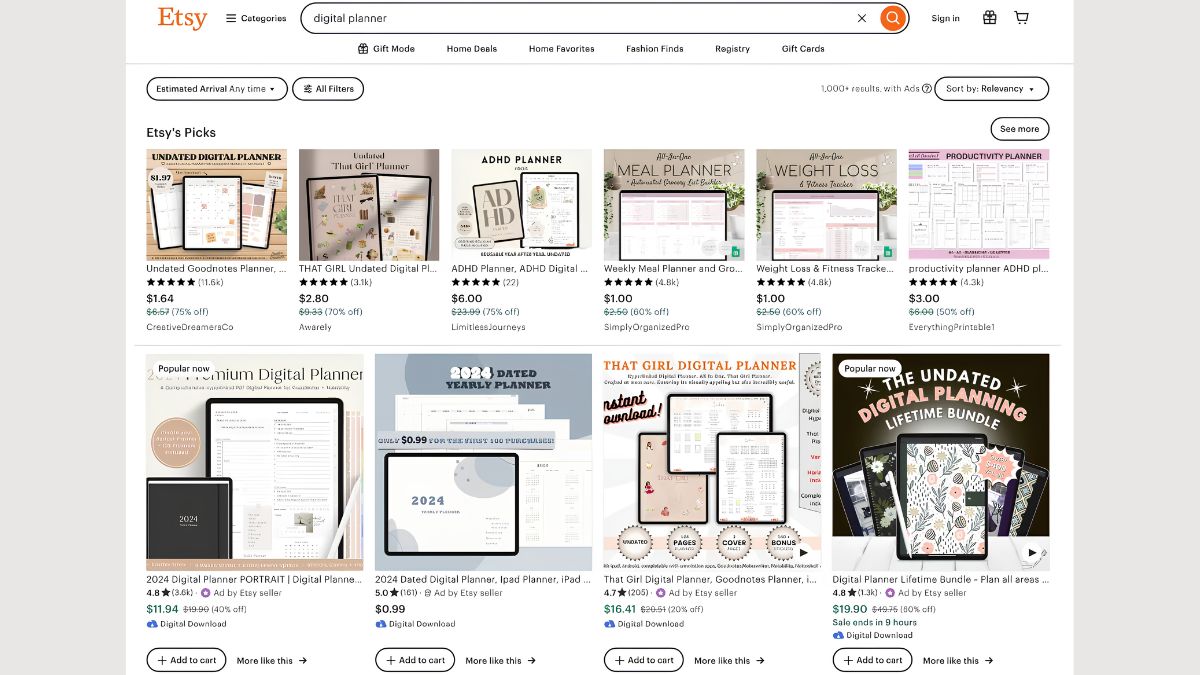
- Price based on complexity — a simple undated planner might be $8–$12, while a fully-featured niche planner can go for $15–$30
Marketing Your Digital Planner Shop
- Pinterest is enormous for this niche — planner shoppers actively search there
- TikTok and Reels showing the planner in use tend to perform exceptionally well for this product type
- Etsy SEO — target specific searches like “undated digital planner” or “GoodNotes student planner”
Turning One Planner Into a Full Collection
Once your first planner gains traction, expand with matching sticker sets, seasonal editions, or a bundle discount. Customers who buy one planner from you are often happy to buy a companion product too.
If you’d like a full framework for building a digital planner shop — including template files and a pricing worksheet — I’ve put it together here: LadyBossIncome Ebooks.
Final Thoughts
Digital planners are a fantastic next step once you understand digital downloads, offering higher price points and lower competition than basic printables. Focus on a specific niche, test thoroughly, and let visual platforms like Pinterest and TikTok do the heavy lifting for marketing.










Leave a Reply