


Here’s a hard truth about freelancing: talent alone doesn’t win clients. Visibility does.
You might be an incredible writer, designer, virtual assistant, photographer, developer, or consultant. But if a potential client Googles your name and finds nothing, or worse, finds only a half-finished social media profile, you look like a risk. And clients don’t hire risks.
A professional freelance portfolio website changes everything. It works as your 24/7 sales rep, your online resume, and your credibility booster, all in one place. It lets you attract clients on your terms, set your own rates, and stop competing in the race to the bottom on crowded freelance marketplaces.
In this guide, I’ll walk you through exactly how to plan, build, and launch a portfolio website that turns visitors into paying clients. No coding, no expensive designer, and no confusing jargon.
Why Every Freelancer Needs Their Own Website
Sure, you can list your services on freelance platforms or social media. But renting space on someone else’s platform comes with limits:
- Platform fees take a cut of your earnings.
- Algorithm changes can bury your profile overnight.
- Competition is fierce, and clients often choose the cheapest option.
- Limited branding makes you look like everyone else.
- No ownership. If the platform changes its rules or closes your account, you lose your audience.
Your own website flips the script. You control the message, the design, the pricing, and the client experience. When prospects land on your site, they see only you, not a list of competitors sitting next to your profile.
A website also helps you show up in Google searches. Someone searching for “freelance copywriter for skincare brands” or “virtual assistant for real estate agents” can find you directly, without you sending a single pitch.

What Makes a Great Portfolio Website?
Before building anything, understand what clients want when they visit. Most decision-makers are busy. They scan your site for a few seconds looking for answers to three questions:
- What do you do?
- Are you good at it?
- How do I hire you?
Every element on your site should answer one of those questions quickly. A strong portfolio website includes:
- A clear headline that states who you help and how
- Selected work samples or case studies
- Testimonials and social proof
- An About page that builds trust
- A services page with clear offers
- A simple contact or booking option
- Fast loading speed and mobile-friendly design
Notice that “fancy animations” and “20 pages” aren’t on the list. Simple and professional beats complicated and flashy every time.
Step 1: Define Your Niche and Ideal Client
The most successful freelancers specialize. “I’m a writer” is forgettable. “I write email sequences for online course creators” is memorable and commands higher rates.
Ask yourself:
- Who is my ideal client (industry, business size, goals)?
- What specific problem do I solve for them?
- What results can I deliver?
- What makes my approach different?
Write a one-sentence positioning statement, such as: “I help wellness brands turn website visitors into subscribers with conversion-focused copy.” This becomes the heart of your homepage headline.

Step 2: Choose a Professional Domain Name
Your domain is your digital business card. For freelancers, the safest option is usually yourname.com. It’s personal, professional, and easy to remember, and it grows with you even if your services evolve.
If your name is taken, try adding a descriptor, like janedoewriter.com or janedoecreative.com. Avoid hyphens, numbers, and anything hard to spell.
Many hosting plans include a free domain for the first year on eligible plans, which is a nice way to keep launch costs down.
Step 3: Get Fast, Reliable Hosting
Your website is your storefront. If it loads slowly or goes offline while a client is trying to view your work, you look unprofessional, and that costs you opportunities.
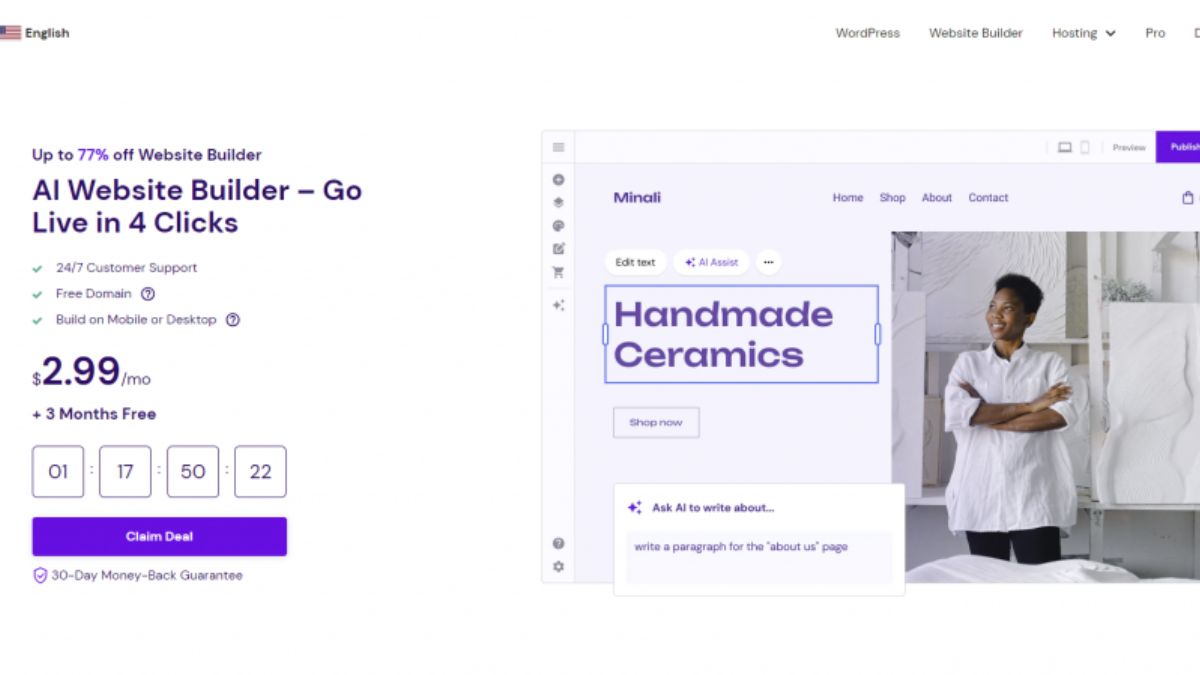
That’s why I recommend Hostinger for freelancers. It hits the sweet spot between price, performance, and simplicity:
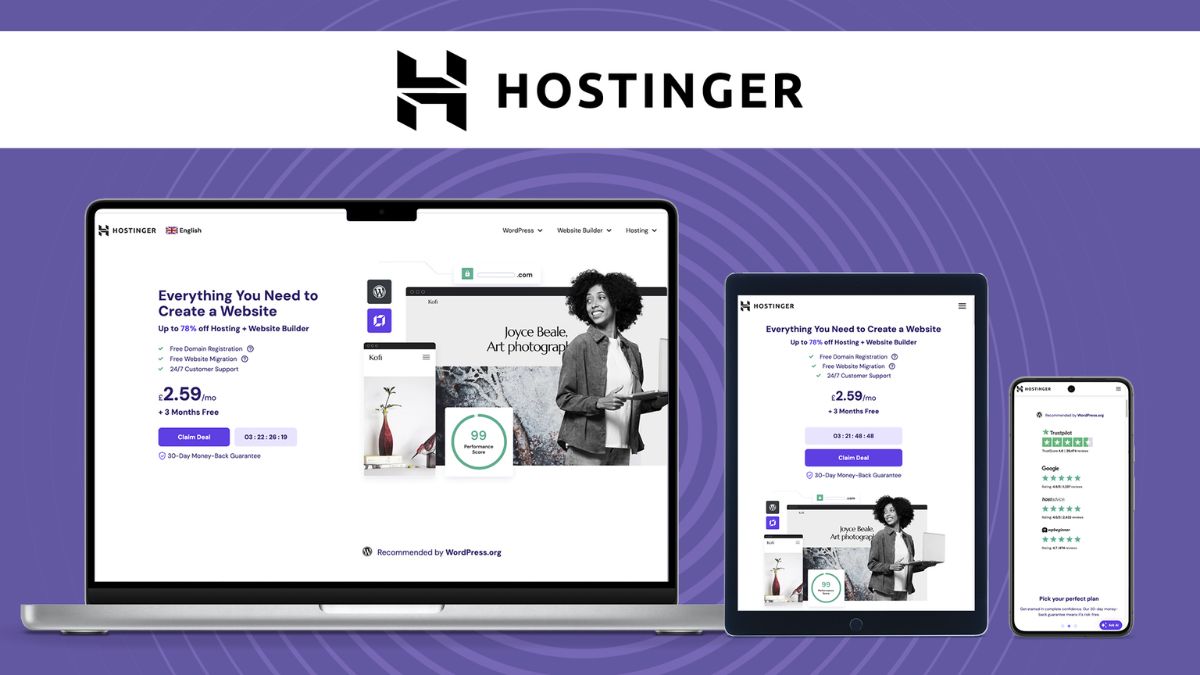
- Affordable plans that suit a freelancer’s budget, especially on longer terms
- Fast loading thanks to LiteSpeed technology and built-in caching tools
- Free SSL certificate so your site shows the padlock and builds trust
- Free domain on eligible plans
- Free email on eligible plans, so you can use a professional address like hello@yourname.com
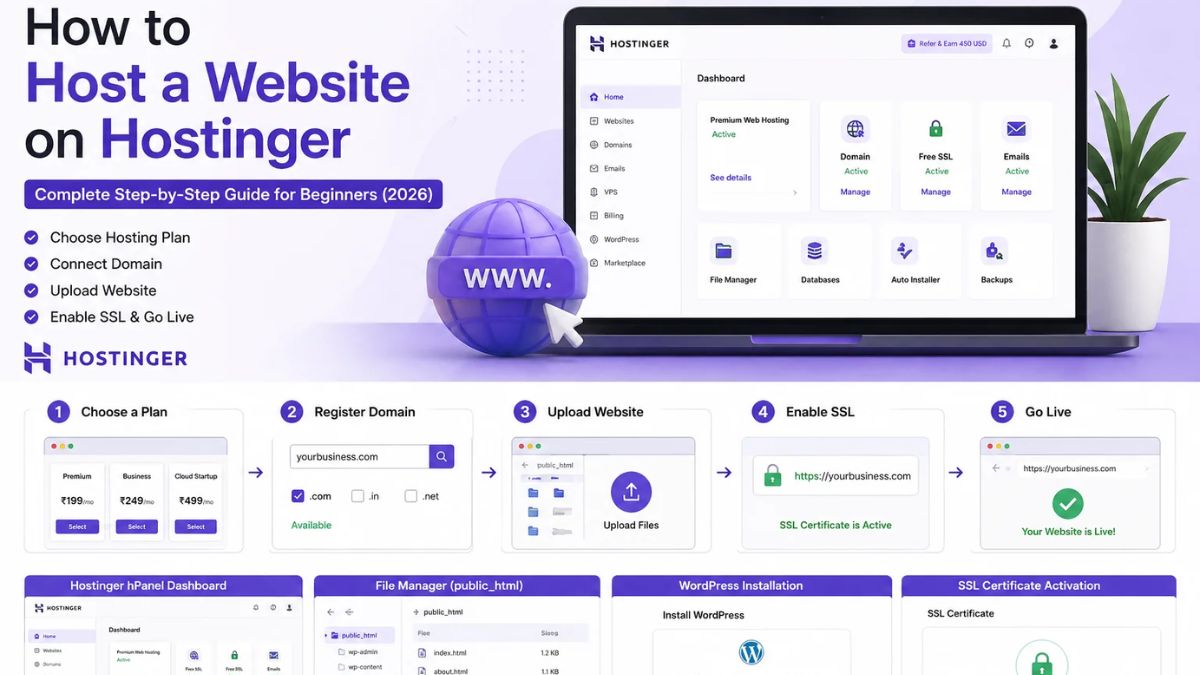
- One-click WordPress installation for a quick, painless setup
- 24/7 live chat support if you ever get stuck
- 30-day money-back guarantee so you can try it with confidence
An entry-level shared plan is typically all a portfolio site needs. If you later add a blog, online booking, or a store for digital products, you can upgrade without moving to a different company.
👉 Get your Hostinger plan and start building your portfolio today.
Step 4: Set Up Your Website Platform
You have two great options:
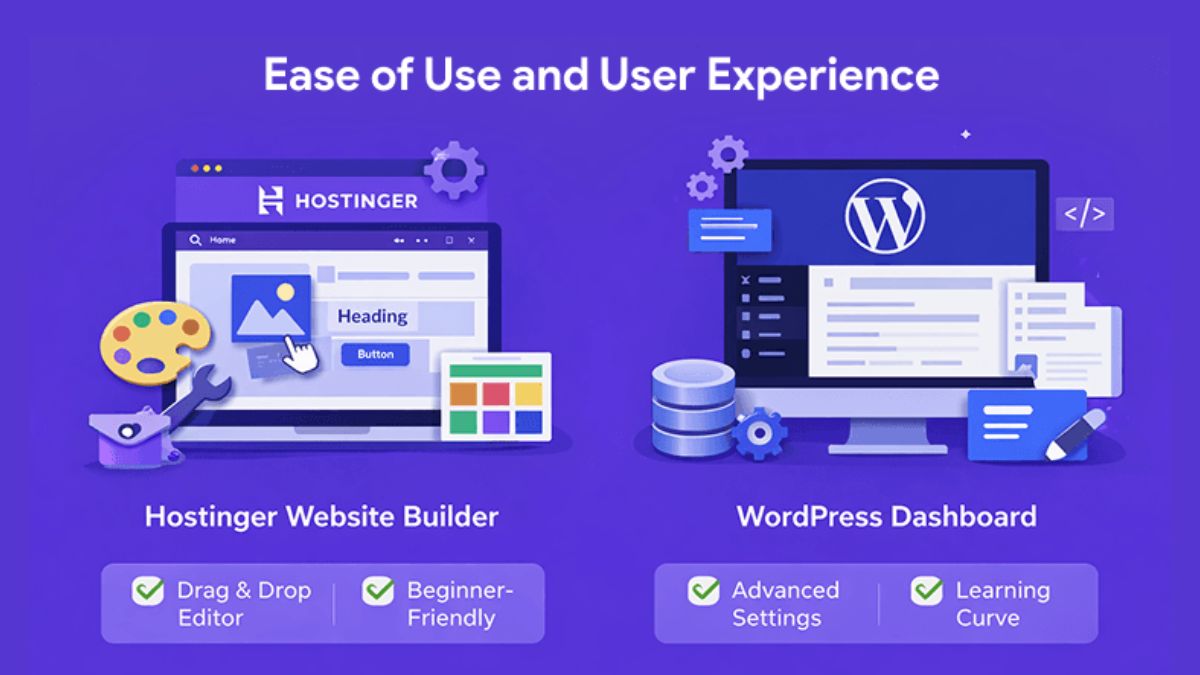
Option A: WordPress. The most flexible, SEO-friendly choice, and perfect if you want to blog, add service pages, or expand later. Hostinger’s one-click installer gets you up and running in minutes.
Option B: Hostinger’s AI Website Builder. Ideal if you want a drag-and-drop experience with AI help for layout and content. It’s a good pick if you prefer simplicity over customization.
If you’re planning to attract clients through Google over the long term, I recommend WordPress. Its blogging tools and SEO plugins give you a serious advantage.

Step 5: Pick a Clean, Fast Theme
Choose a lightweight, mobile-responsive theme with a professional look. Popular options like Astra, Kadence, and Blocksy offer free starter templates designed for portfolios and personal brands.
Design tips for freelancers:
- Use plenty of white space so your work stands out.
- Stick to two or three colors and one or two fonts.
- Use a professional, friendly headshot. People hire people.
- Make sure your navigation is simple: Home, About, Portfolio, Services, Blog, Contact.
- Keep every page focused on one goal: getting the visitor to contact you.

Step 6: Build the Pages That Convert
Homepage
Lead with your positioning statement. Follow with a short summary of your services, two or three standout work samples, a testimonial, and a clear button such as “Work With Me” or “Book a Discovery Call.”
Portfolio Page
This is where you prove your value. Quality beats quantity. Show your five to eight best projects rather than everything you’ve ever done.
For each project, consider including:
- The client’s challenge
- What you did to solve it
- The results (numbers when possible, such as increased traffic, sales, or engagement)
- A short client quote
If you’re new and don’t have paying clients yet, create sample projects, do a discounted or free project in exchange for a testimonial, or showcase personal projects that demonstrate your skills.

About Page
Clients want to know who they’re working with. Share your background, your approach, and a bit of personality. Then connect your story back to how you help clients.
Services Page
Spell out what you offer, who it’s for, and how the process works. Whether or not you list prices, make the next step obvious. Clear services reduce back-and-forth emails and attract more serious inquiries.
Contact Page
Keep it simple: a short form, your email, and links to professional social profiles. You can also add a booking calendar so prospects can schedule a call without emailing back and forth.
Blog (Optional but Powerful)
A blog helps you rank in Google and demonstrates expertise. Publishing helpful articles that answer your ideal clients’ questions can bring in leads month after month.
Step 7: Add Social Proof
Trust is the biggest hurdle for new clients. Reduce it with:
- Testimonials with names, photos, and specific results
- Client logos (with permission)
- Case studies that tell the story behind your best work
- Certifications and credentials relevant to your field
- Media mentions or guest features
Ask happy clients for testimonials right after you deliver great results, when they’re most enthusiastic.
Step 8: Set Up a Professional Email Address
Nothing undermines credibility like a Gmail or Yahoo address on your business card. A domain-based email like hello@yourname.com instantly makes you look established.
With eligible Hostinger plans, free email accounts are included, so you don’t need to pay extra for a separate email service. Create your mailbox in the dashboard, then use it in your email signature, contact page, proposals, and social profiles.
Step 9: Optimize Your Site for SEO
You want the right clients to find you through search. Get the fundamentals right:
- Target keywords that your clients actually search, such as “freelance graphic designer for startups.”
- Use your keyword in your page titles, headings, and meta descriptions.
- Add alt text to images.
- Install an SEO plugin such as Rank Math or Yoast.
- Make sure your site is fast and mobile-friendly.
- Connect Google Search Console and submit your sitemap.
- Add your location if you serve local clients.
Local and niche keywords are your friends. It’s much easier to rank for “brand photographer in Austin” than for “photographer.”

Step 10: Launch, Promote and Convert
When your site is ready, launch it and tell the world:
- Add your website link to your social media bios and email signature.
- Share case studies as posts on LinkedIn, Instagram, or the platform where your clients hang out.
- Mention your site in cold pitches and proposals.
- Ask satisfied clients for referrals and link them to your site.
- Write guest posts or contribute to industry communities.
Then keep improving. Review your analytics, see which pages people visit most, and refine your messaging. Update your portfolio whenever you finish a new project you’re proud of.
Common Portfolio Website Mistakes to Avoid
- Trying to appeal to everyone. A vague message attracts nobody.
- Showing too much work. Curate your best.
- Slow or unreliable hosting. A site that crashes during a client’s visit costs you money. Start with a dependable host like Hostinger.
- No clear call to action. Tell visitors exactly what to do next.
- Forgetting mobile. Many clients will view your site on their phones.
- Never updating. An outdated portfolio suggests you’re not active.
- Hiding your contact info. Make it easy to reach you.
Frequently Asked Questions
Do I really need a website if I have social media? Yes. Social media is great for visibility, but a website gives you ownership, credibility, and search visibility that you control.
How much does a freelance website cost? Your main costs are hosting and a domain. With affordable hosting like Hostinger and a free domain on eligible plans, you can launch for a fraction of what a custom-designed site would cost.
Can I build my portfolio without coding? Absolutely. WordPress themes and Hostinger’s builder tools let you create a polished site with no technical background.
How many portfolio pieces should I include? Five to eight of your best projects is usually plenty.
What if I have no clients yet? Create sample projects, offer a pilot project in exchange for a testimonial, or showcase personal work that demonstrates your skills.
Can I add a blog or online store later? Yes. WordPress makes it easy to expand, and you can upgrade your hosting plan as your business grows.
Your Portfolio Is Your Best Salesperson: Hire It Today
Every day without a professional website is a day potential clients can’t find you, can’t verify your skills, and can’t contact you. Meanwhile, competitors with polished sites are winning the projects you deserve.
The good news is that you can fix this in a single weekend. Choose your niche, secure your domain and hosting, install WordPress, add your best work, and launch.
👉 Start your freelance website with Hostinger now.
With a 30-day money-back guarantee and 24/7 live chat support, you can build with confidence. You’ve spent years developing your skills. Give them a home that shows the world what you’re worth.









Leave a Reply