

A small business owner I know recently asked me a question that I hear almost weekly: “Did Facebook ads suddenly get expensive, or am I doing something wrong?” She’d been running the same kind of campaign for a while, and her cost per customer had crept up so slowly that she didn’t notice until she checked her spreadsheet and winced.
She’s not imagining it. Industry trackers and benchmark studies have been showing the same story: Meta advertising is getting pricier, automation is taking over decisions that advertisers used to control, and measurement keeps shifting underneath us.
In this guide, I’ll explain why Facebook and Instagram ads cost more, what’s changing in Meta’s tools, and practical steps to protect your budget, without needing an agency or an analytics degree.
What the Numbers Say
Take these as directional, since studies and trackers use different samples:
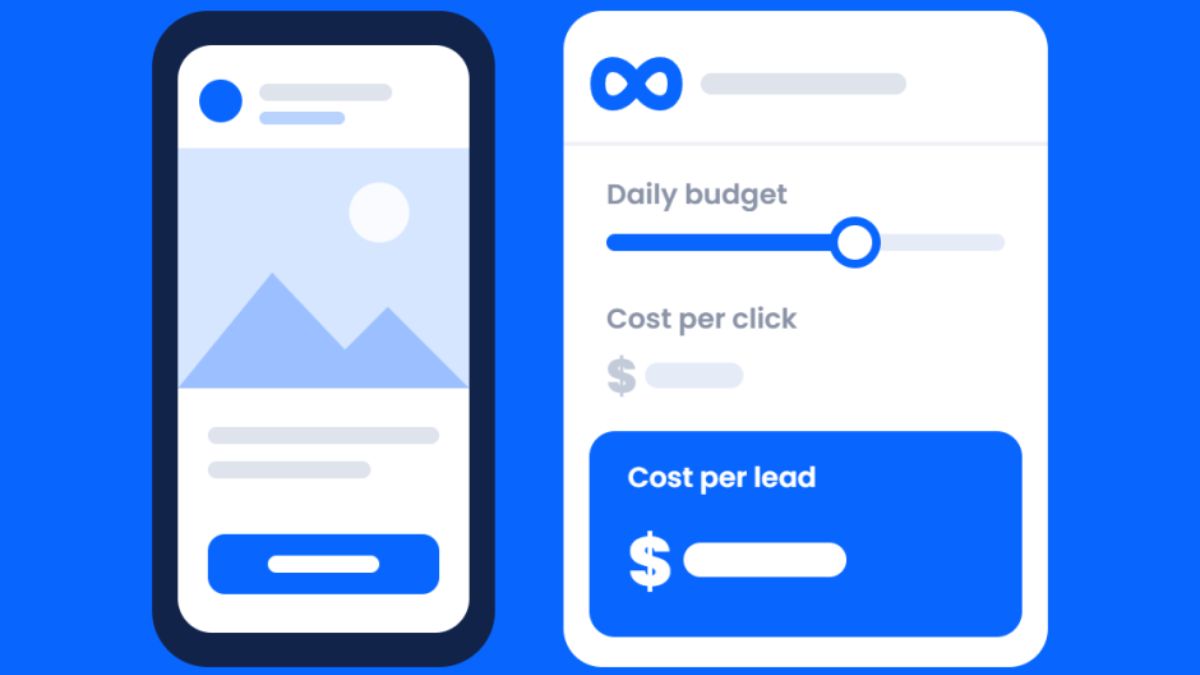
- Metricool’s study of nearly 600,000 campaigns found Meta’s average cost per lead rose about 14% to roughly $6.00, while TikTok’s fell about 33% to around $2.69. Average cost per click was about $0.07 on Meta versus $0.03 on TikTok.
- The same study found 91% of advertisers only run Meta ads, which means competition for the same audiences stays intense.
- A recent changelog from a media buying tool reported the average price per ad up about 14% and U.S. CPMs (cost per thousand impressions) up roughly 35% over a recent stretch. That’s a third-party summary, so check your own account data.
- Holiday pressure adds to the squeeze. Surveys of marketers show rising media costs are a top worry going into the holidays, with a large share planning to shift budget toward ads that tie directly to sales.
Here’s the truth: costs vary widely by industry, audience, and season. The best benchmark is your own account’s history.
What’s Changing Inside Meta’s Ad Tools
Recent updates affect how much control you have and how conversions are counted:
- Placement exclusions are shrinking. More campaign types, such as engagement, leads, app promotion, and sales campaigns, have lost the ability to exclude specific placements at the ad-set level. Meta has also introduced a limited-spend option that lets advertisers allocate a small share of budget (reportedly up to about 5%) to excluded placements when its system predicts upside. Your main levers are now creative, bids, budget, and account-level settings.
- A Pixel setting for on-device conversion measurement is reported to be switching on by default for advertisers using the Meta Pixel or Conversions API, counting more conversions that happen on a customer’s device. Check your settings and compare numbers before and after so you understand any jump in reported results.
- Updated commercial and ad terms have been reported, with dates already moved once after pushback. Have whoever approves your ad terms read Meta’s final text.
- Ads that link to TikTok no longer run in the U.S. and several other countries, according to news reports.
- More automation and AI tools continue to replace manual options. Meta’s Muse agent, for instance, can analyze performance and build campaigns through conversation, so review anything it creates before it spends money.
Why Costs Rise (In Plain English)
- Auctions get crowded, especially before holidays when everyone bids for the same attention.
- Fewer manual controls mean you can’t always steer spend away from expensive placements.
- Creative fatigue: people see the same ad repeatedly, engagement drops, and the algorithm charges more to find new buyers.
- Weak tracking makes optimization less accurate, so money gets wasted.
- Landing pages that don’t convert make every click more expensive.

8 Ways to Protect Your Budget
1. Fix your measurement first
Make sure the Pixel and Conversions API are set up correctly, and decide your main conversion (purchase or lead). Track real outcomes in your own sales or CRM data, not only in the ad dashboard.
2. Make creative your main lever
With fewer placement controls, creative is where you win:
- Test three to five different hooks, not just small tweaks.
- Use real people, simple demos, and customer proof.
- Try short vertical videos, since short formats have performed well in holiday data.
- Refresh regularly. One analysis found weekly creative refreshes earned higher return than infrequent ones (platform-reported data, so treat it as a hint).
3. Improve your landing page
If your page converts better, every ad dollar goes further. Check speed on mobile, headline clarity, social proof, and an easy checkout or form.
4. Start with a clear offer
Vague offers cost more. Be specific about price, benefit, and deadline.
5. Use first-party data
Build an email list and customer list. Upload it where permitted for retargeting and lookalikes, following privacy rules and each platform’s requirements.
6. Set budgets you can learn from
Give each test enough budget to gather data, but cap total spend. Avoid changing budgets and targeting every day.
7. Test a second channel
Since 91% of advertisers only use Meta, adding a small test elsewhere, such as TikTok, search, or Pinterest, can reduce dependence. Judge each by cost per sale, not clicks.
8. Keep organic and email strong
Paid ads should amplify, not replace, content, email, and word of mouth. Ownership of your audience lowers your reliance on rising auctions.

How to Read Your Results Without Panic
- Compare trends over weeks, not days.
- Separate cost per click (creative and audience signal) from cost per sale (offer and page).
- Check frequency. High frequency with falling clicks suggests ad fatigue.
- Note seasonality. Costs often rise before major sales periods.
A Simple Weekly Ad Review (30 Minutes)
- Check spend, cost per result, and conversion rate.
- Identify the best and worst creative.
- Pause one weak ad and launch one new variation.
- Review landing page speed and any broken links.
- Note one change for next week.
Mistakes to Avoid
- Blaming the platform and ignoring your offer and page.
- Letting automation spend without limits or review.
- Never refreshing creative.
- Skipping tracking checks after platform updates.
- Putting all your budget in one channel.
- Ignoring terms changes that affect your business.
Your 14-Day Meta Ads Tune-Up
- Days 1-2: Audit your Pixel, Conversions API, and conversion events.
- Days 3-4: Review account-level placement and brand-safety settings.
- Days 5-7: Create three new creative concepts with different hooks.
- Days 8-10: Launch tests with capped budgets.
- Days 11-12: Improve your landing page based on what you see.
- Days 13-14: Compare cost per sale with your break-even and decide what to scale, change, or pause.
Build a Marketing System That Isn’t Ad-Dependent
Rising ad costs are a reminder to build assets you own: content, email, and a clear offer. If you’d like a step-by-step guide to building that kind of system, take a look at my ebook:
The Digital Marketing Playbook
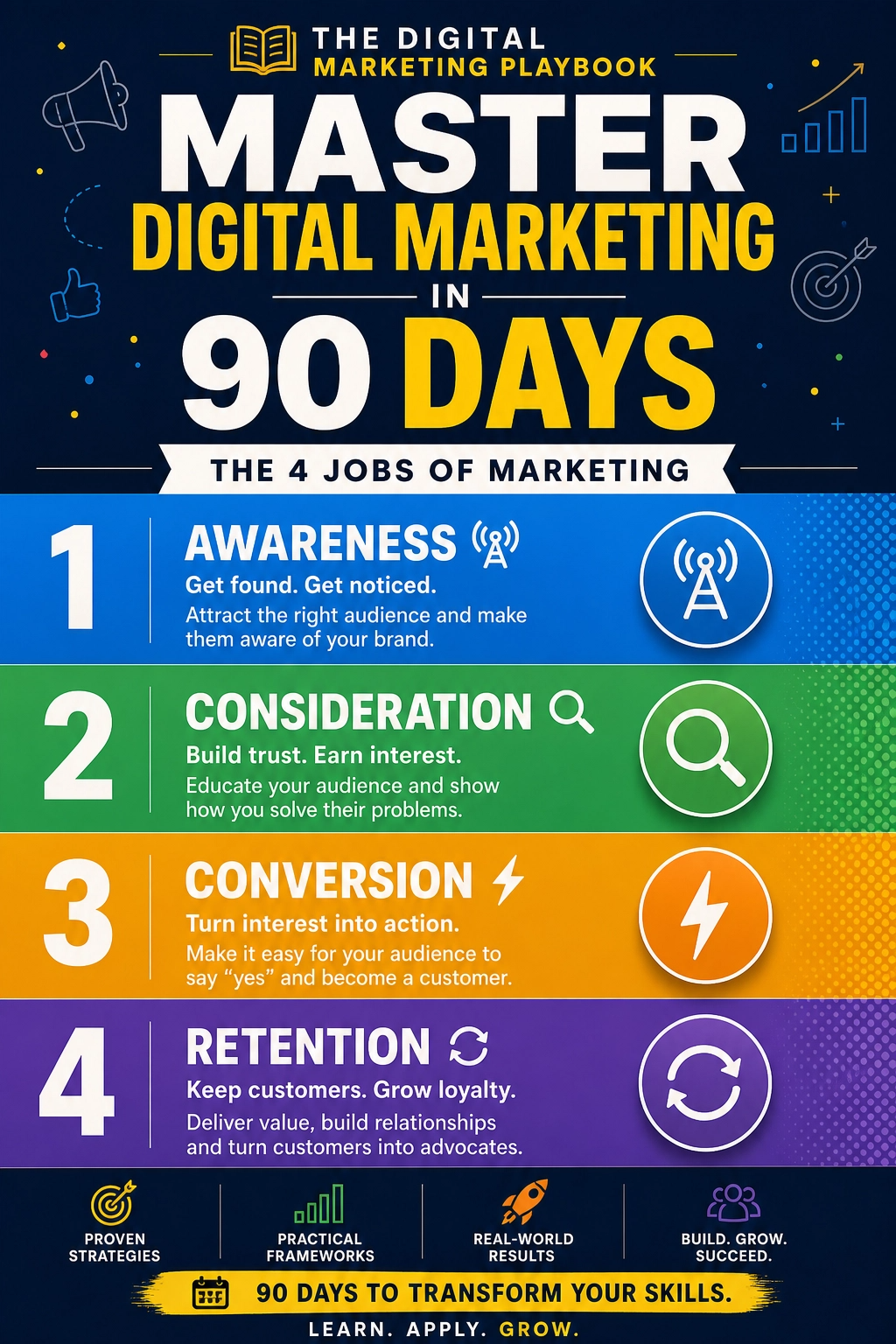
Trust me, a strong foundation makes every ad dollar work harder.
Final Thoughts
Meta ads are more expensive and more automated than they used to be, but that doesn’t mean they’ve stopped working. Fix your tracking, lean into creative, improve your landing page, and diversify your channels. Treat your own data as the truth, and make decisions with patience instead of panic.










Leave a Reply