

You know those Mondays where you open your calendar and feel like you’re juggling five different priorities with no clear finish line? Or the Fridays where you can’t remember what you actually completed because everything just blurred together? That’s the gap I want to close for you — the gap between “big weekly intentions” and “what actually fits into a single day.”
This is not productivity theater. It’s not another checklist you’ll abandon. It’s a practical weekly to daily planning system that helps you convert high-level outcomes into focused, doable days. The goal: get meaningful work done, protect your attention, and leave every day with momentum.
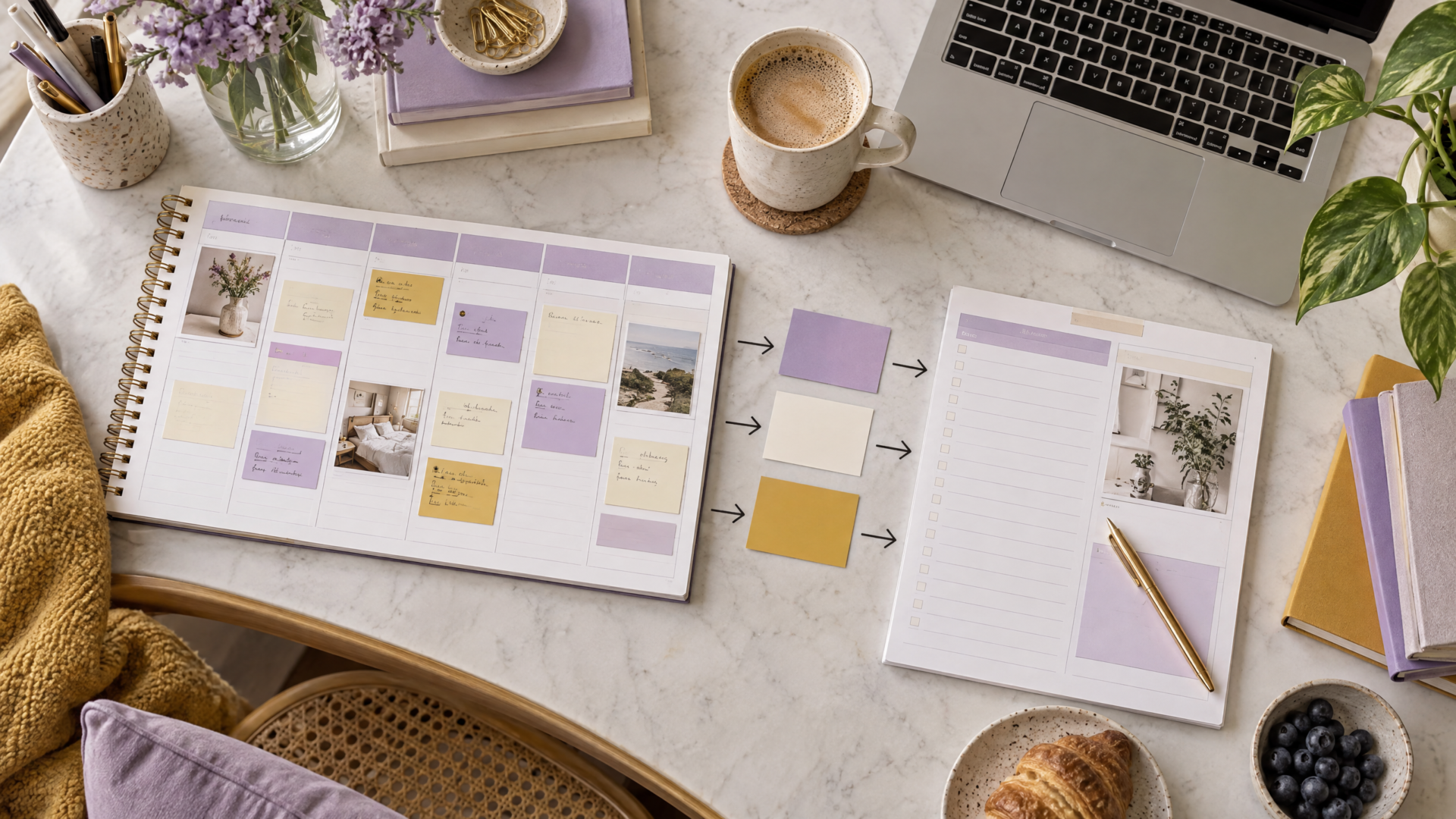
Below you’ll find a warm, candid walkthrough with examples, a simple workflow you can use right away, and how to use a digital Weekly and Daily Planner (Editable Canva Template) that makes the mechanics painless.

Why a weekly to daily planning system matters
- Weekly planning creates outcome-level clarity: the results you want by week’s end.
- Daily planning translates that clarity into specific, time-bound actions.
- Without a bridge, you either over-schedule and burn out or under-commit and feel aimless.
Think of the weekly plan as your GPS destination and the daily plan as the turn-by-turn directions that actually get you there.
Core principles of a practical weekly-to-daily system
- Limit work in progress (WIP): fewer active projects = more forward momentum.
- Outcome-first: weeks are about outcomes; days are about next actions.
- Flexible shields: protect focus blocks but accept small, planned adjustments.
- Daily shutdown and replan: close the day intentionally so tomorrow starts calm.
Now let’s get into the how-to.
Step A — Do a short weekly outcome session (30–60 minutes)
Timing: pick a consistent slot — Sunday evening or Monday morning works best.
What you’ll do:
- Identify 3 weekly outcomes (max)
- Outcome = a result you can observe: “Draft and submit proposal to Client A,” “Finish module 2 of the online course,” “Publish two Instagram posts with captions.”
- Keep it to three. If you need more, group smaller items under one outcome.
- Note the non-negotiables
- Meetings, deadlines, launches, events. These are fixed and anchor your days.
- Map workstreams to days
- Look at your week and assign the big outcomes to specific days or day-halves. This is not micromanaging; it’s alignment. Example: “Proposal work = Tue morning + Wed afternoon.”
- WIP cap
- Decide how many active projects you’ll touch that week. For solo business owners, 2–4 is usually sustainable.
Example: Weekly outcome session for a freelance copywriter
- Outcome 1: Complete landing page copy for Client A (due Friday)
- Outcome 2: Record first two podcast episodes (for next month’s launch)
- Outcome 3: Finalize newsletter sequence (to support launch)
Non-negotiables: two client calls (Tue, Thu), weekly bookkeeping (Fri AM)
Map: Client A copy = Mon afternoon, Tue morning; Podcast recording = Wed AM, Thu afternoon; Newsletter = Fri afternoon

Step B — Break outcomes into daily next actions (10–15 minutes each evening)
Timing: daily shutdown, ideally 15 minutes before the end of your workday.
What you’ll do:
- Look at the weekly map and pick 1–3 priority actions for tomorrow.
- Priority actions should be specific and time-bound, e.g., “Outline landing page sections (60 min),” not “work on landing page.”
- Timebox those actions
- Assign realistic blocks: 45–90 minutes per deep-priority. Use short buffers for admin and emails.
- Keep a “Today Not-Today” list
- If a task gets bumped three days in a row, reassess if it’s necessary or if scope needs changing.
Example: Daily shutdown for the copywriter on Monday
- Tomorrow’s top actions:
- Outline landing page sections (60 min, 9–10am)
- Draft headline + hero copy (45 min, 10:30–11:15am)
- Quick email and admin (30 min, 4:30pm)
- Not today: podcast scheduling, newsletter draft
Step C — Use focused work blocks and small wins
Structure your day around focus blocks instead of a micromanaged to-do list.
Two-block model (simple and effective):
- Deep block (90–120 min) for your primary priority
- Shallow block (60 min) for secondary tasks, calls, or admin
- Repeat as capacity allows, with buffer and breaks built in
Why this works:
- Deep blocks create momentum and meaningful progress.
- Shallow blocks respect the fact that creative work needs recovery and administrative buckets.
Example: Tuesday for the copywriter
- 9–10:30am Deep block: Outline landing page and map user flow
- 10:30–11:15am Short: Draft hero copy
- 11:15–1:00pm External calls/meetings
- 2–3:30pm Deep block: Expand body copy + CTA options
- 3:30–4pm Buffer + admin
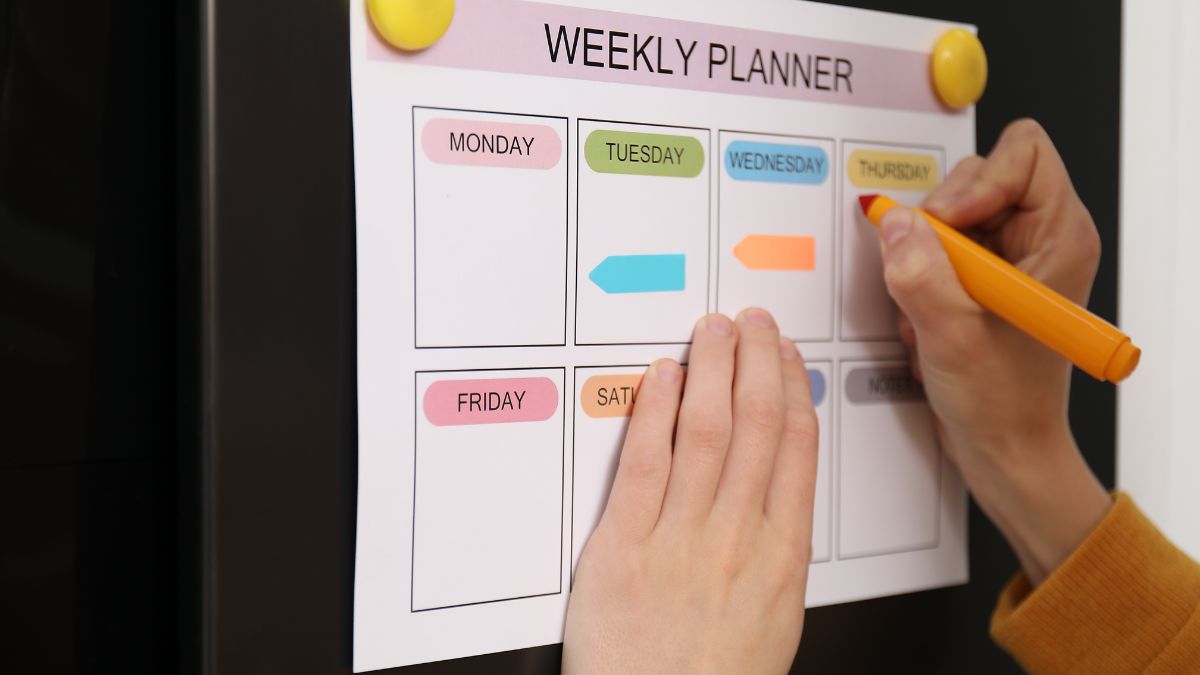
Step D — The daily shutdown and replan ritual (10–15 minutes)
This step is where the bridge truly holds.
What to do:
- Review what you completed vs. what you planned.
- Mark the progress: Did that deep block move the outcome forward? How much is left?
- Decide the top 1–3 priorities for tomorrow and timebox them.
- Move low-priority items out of tomorrow if they’re not critical.
- Close your digital tabs and write a one-sentence intention for tomorrow.
Benefits:
- Reduces cognitive load for the next morning.
- Prevents to-do creep and frantic mornings.
- Gives a sense of closure and wins every day.
Step E — Protect the system with simple rules
- Rule 1: No more than three active outcomes per week.
- Rule 2: Max two deep blocks per day unless you’re in a focused sprint week.
- Rule 3: If a task is deferred more than twice, either re-scope it or drop it.
- Rule 4: Reserve at least one ‘buffer’ block daily for reactive work.
Using a planner that bridges weekly and daily views
You don’t need fancy tools, but the right layout matters. That’s where a Weekly and Daily Planner template helps — it gives you weekly outcome space and daily action slots that naturally connect.
Why I recommend an editable Canva Weekly and Daily Planner:
- Weekly view for outcomes, WIP limits, and non-negotiables.
- Daily view with built-in prioritization, habit tracking, appointments, and dedicated space for the daily shutdown.
- Editable in Canva — you can tweak labels, color-code outcomes, or reuse templates each week.
- Affordable and accessible: the template is editable and easy to maintain week-to-week.
Grab the Weekly and Daily Planner editable Canva template here: Weekly and Daily Planner / Editable Canva Template.
How to set up the template for the weekly-to-daily bridge
- Weekly page:
- Top: 3 Weekly Outcomes with checkboxes
- Middle: Non-negotiables grid (meetings/deadlines)
- Bottom-left: WIP count limit
- Bottom-right: Notes/Weekly focus
- Daily page:
- Top: Date + Day intention (one-sentence)
- Left column: Appointments + shallow tasks
- Middle: Top 3 Priorities with timeboxes
- Right: Habit tracker + notes + quick wins
- Bottom: Daily shutdown checklist (review, replan, intention for tomorrow)
Practical tweaks to personalize the template
- Color-code outcomes by client or project for instant clarity.
- Add a “confidence meter” for each weekly outcome (low/medium/high) so you see risk early.
- Include a “what I ship today” field — a one-line summary of the deliverable.
Real-life scenarios and how to apply the system
Scenario 1 — A one-person online shop owner
Weekly outcomes: Launch new product page, schedule promotional emails, record Instagram content.
Execution:
- Weekly map: Product page = Mon–Tue, Emails = Wed, IG content = Thu.
- Daily plan: Mon deep block = revise product copy, Tue deep block = upload and QC, Wed shallow block = email copy edits.
Result: The launch moves forward without meetings overwhelming the small business owner.
Scenario 2 — A solopreneur scaling services with two steady clients
Weekly outcomes: Client A proposal, Client B revisions, Marketing batch.
Execution:
- WIP limit: 3 active items—two client projects + marketing batch.
- Daily shutdown protects mornings for deep client work and afternoons for admin and marketing.
Result: Smoother handoffs and fewer late-night scrambles to hit client deadlines.
Scenario 3 — Creative founder juggling product and content
Weekly outcomes: Finish course outline, publish one blog, film two videos.
Execution:
- Block the mornings for course modules (deep), afternoons for filming (logistics), and use Friday afternoon for final edits.
- If filming runs late, daily shutdown forces re-scope the course work instead of letting everything tilt.
Result: Creative flow and deadlines coexist.
Troubleshooting common bumps
- “I keep moving the same task.” Reassess the task’s priority or break it into smaller, unblocked sub-tasks. If it’s consistently bumped, it probably isn’t a true weekly outcome.
- “Days get stolen by meetings.” Batch meetings into specific days or half-days and protect two deep blocks per week at minimum.
- “I overcommit on deep work.” Start with one deep block per day and add a second only when you know you can protect it.
- “I can’t switch off at shutdown.” Keep the shutdown ritual very short and practical—review, top 1 priority for tomorrow, and close your work tabs.
Why limiting WIP is a game-changer
Too many active projects kill momentum. Each context switch costs time and creative energy. When you cap WIP:
- Decisions are simpler.
- Progress is visible and measurable.
- You finish more projects, not just fragments.
A quick WIP rule of thumb:
- Solo creator: 2–3 active outcomes
- Small team (2–4 people): 4–6 active outcomes
- Larger teams: scale thoughtfully, but keep each person’s WIP low
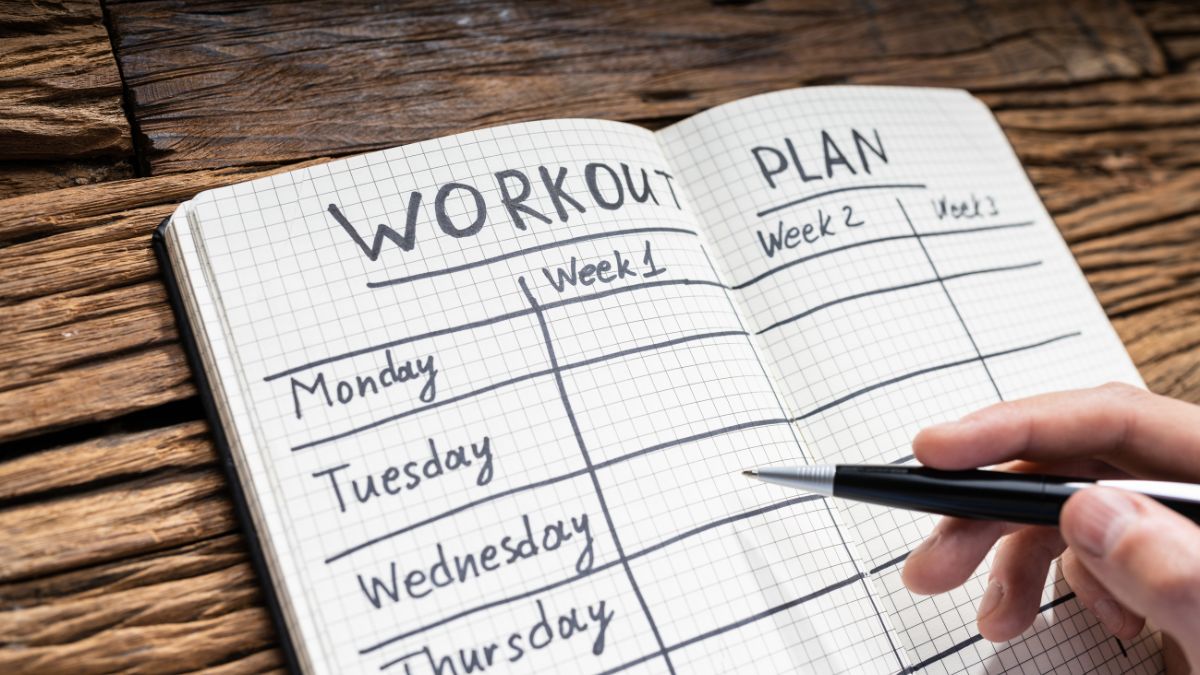
Weekly review — the glue that keeps the system honest (15–30 minutes)
Once per week, use the weekly planner page to review:
- What shipped and what didn’t.
- Which outcomes took more time than expected and why.
- Adjust WIP limits, reallocate days, or re-scope for next week.
The weekly review is not a performance review. It’s a learning session that keeps future weeks realistic.
A realistic example week (one-page overview)
Monday:
- Deep: Outline landing page
- Shallow: Admin, emails
Tuesday: - Deep: Draft landing copy
- Meeting: Client call
Wednesday: - Deep: Podcast recording
- Shallow: Content scheduling
Thursday: - Deep: Landing page revisions
- Meeting: Team sync
Friday: - Deep: Newsletter sequence finalization
- Weekly review + shutdown
The bottom line: consistency beats intensity
This is not about packing days with heroic effort. It’s about building a repeatable system that gets you steady progress. With a weekly to daily planning system, you trade frantic busyness for steady progress and more calm, confident days.
If you want an easy-to-use tool to make this system click, the Weekly and Daily Planner template is designed to hold the bridge between your outcomes and your days. It’s editable in Canva, includes weekly and daily views with prioritization, goals, habit tracking and appointments — all the little scaffolding that makes the system practical and sustainable.

Grab the Weekly and Daily Planner / Editable Canva Template here:
Commercial-link disclosure: The link above is a product recommendation to an editable Canva planner template sold at the listed URL.
You do the work that matters when your planning system clears the clutter, limits the number of plates you’re spinning, and gives you a simple next-action every evening. Start with one small habit: pick a weekly outcome cap (three or less) and commit to a 10-minute shutdown each day. That little bridge — weekly clarity plus daily simplicity — will change your weeks more than any single productivity hack ever could.









Leave a Reply