

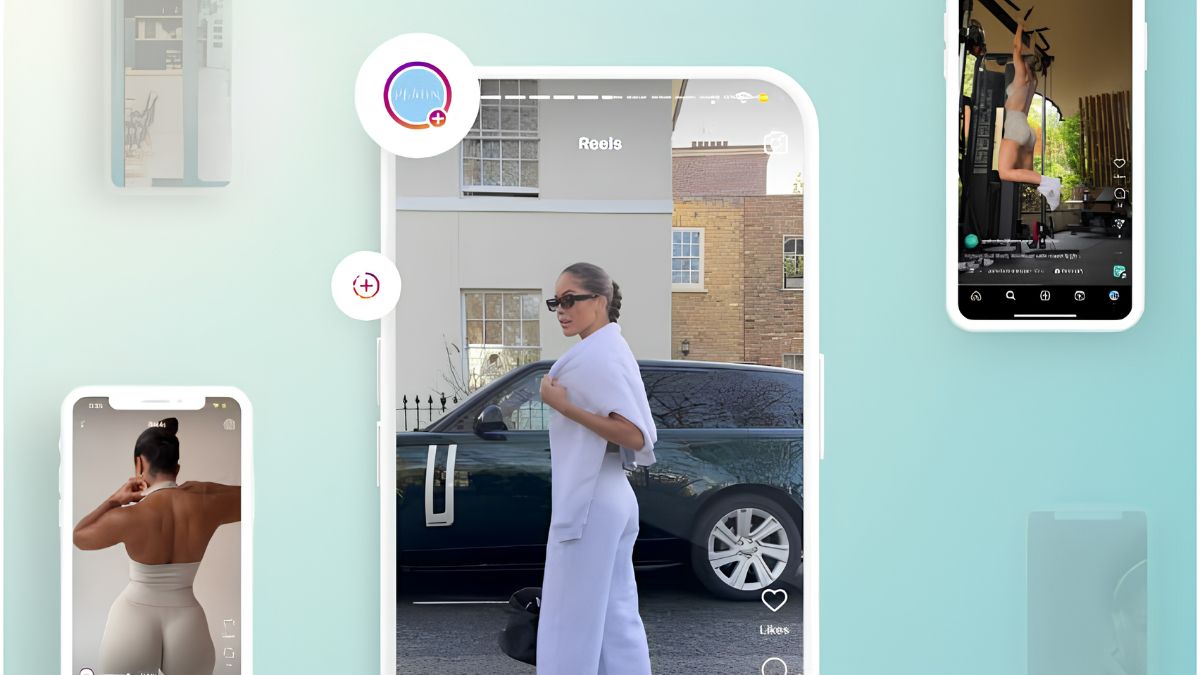
I used to think video editing was for people with expensive computers and years of training. Then I watched a mom edit a thirty-second Reel on her phone during her daughter’s soccer practice, add captions, trim the pauses, drop in a trending sound, and export it before the halftime whistle. A local gym paid her for it. It wasn’t Hollywood. It was clean, clear, and done on time.
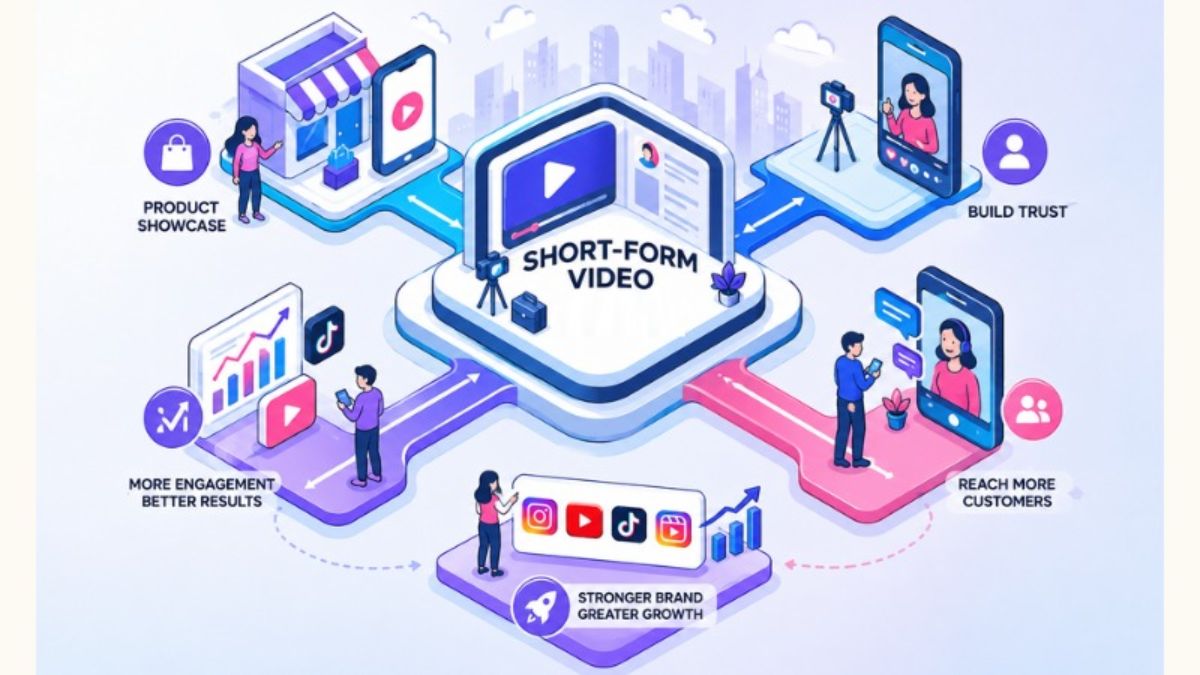
That’s the new reality of video work. Short-form video is central to how small businesses get discovered. YouTube said Shorts recommendations will prioritize original content, Instagram is testing an app that opens directly to Reels, and TikTok keeps expanding its commerce tools. Marketing studies show creative variety matters: brands that refreshed creative weekly saw higher returns in one platform analysis, and short videos often performed best. But most small business owners don’t have time to edit, so they need someone who can turn raw clips into polished posts.
In this guide, I’ll explain how to become a short-form video editor: skills to build, tools, how to package your services, how to find clients, and how to stay compliant. (Income varies and isn’t guaranteed.)
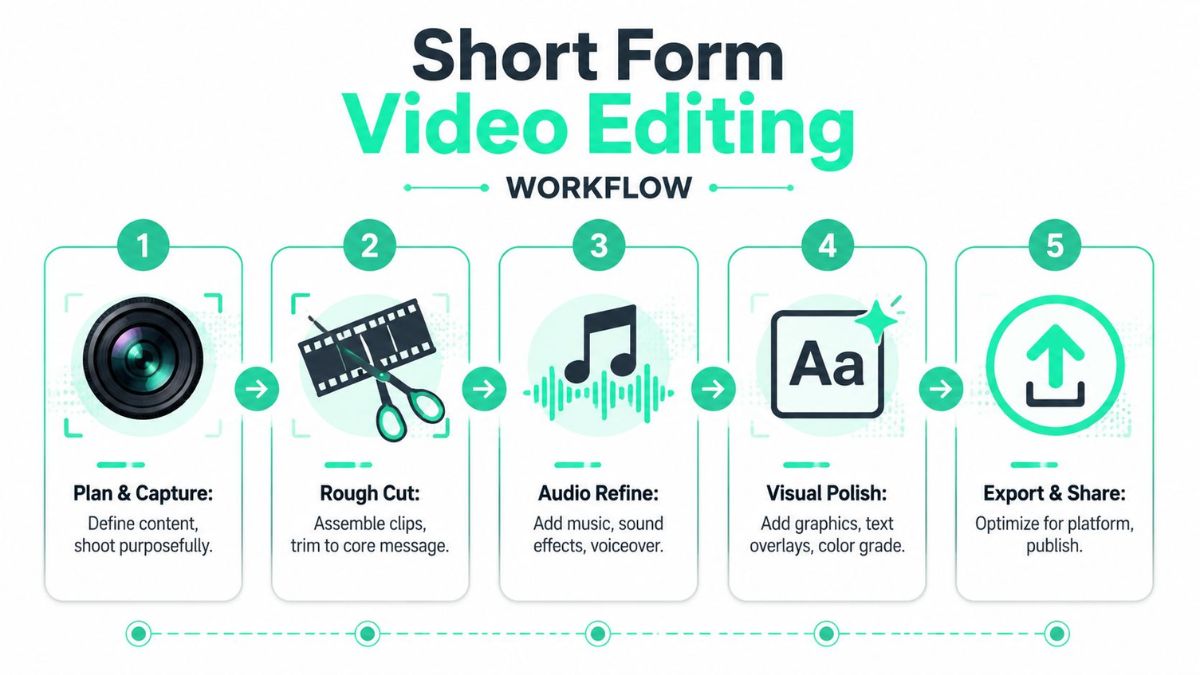
What the Work Involves
- Trimming raw footage and removing dead air
- Adding captions, text overlays, and simple graphics
- Choosing pacing and hooks for the first seconds
- Adding licensed music or sounds appropriately
- Formatting for different platforms (vertical, square)
- Creating multiple versions to test hooks
- Delivering files on time with clear naming
Skills to Build
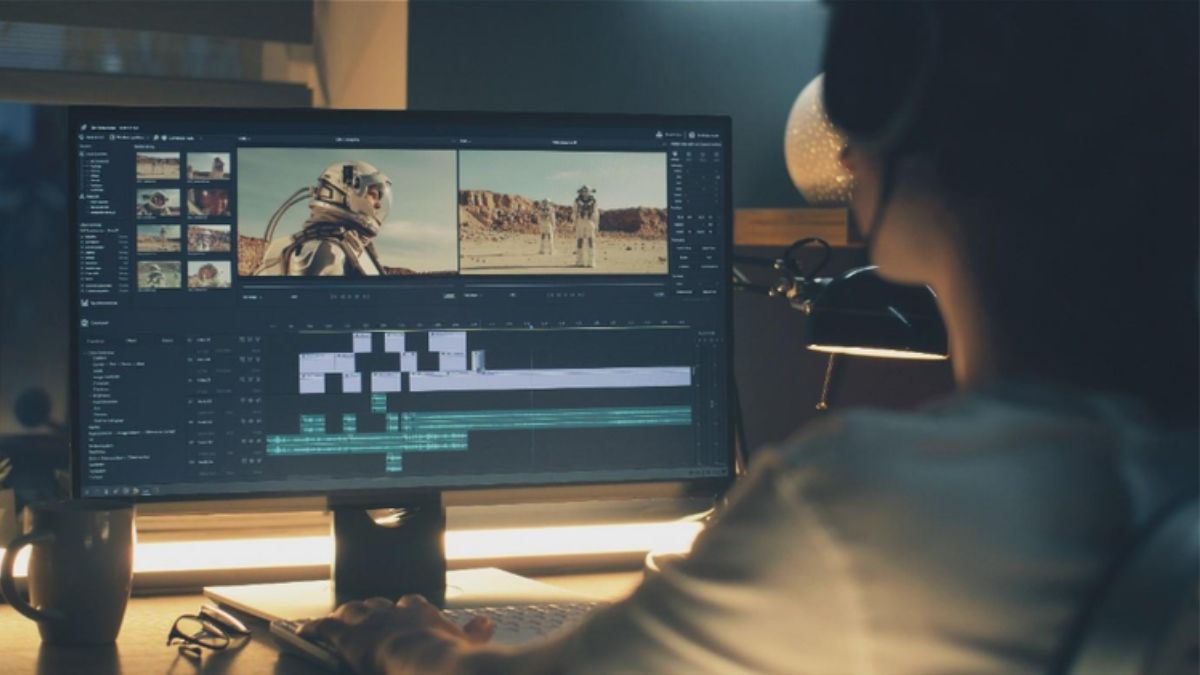
- Basic editing in a phone or desktop editing app
- Hook writing: the first two seconds decide whether people stay
- Caption accuracy and style
- Platform specs for Reels, Shorts, and TikTok
- Audio basics: clean sound matters more than fancy effects
- Brand consistency: colors, fonts, and tone
- Rights and licensing: music, images, and clips
Step 1: Choose a Niche
Industries that need lots of short video:
- Restaurants and cafes
- Real estate agents
- Gyms and wellness studios
- Beauty and hair professionals
- Coaches and course creators
- Local service businesses
- Online shops and product brands
- Creators who want editing support
Step 2: Learn One Editing Tool Well
Use free or low-cost tools to start. Learn:
- Cutting, trimming, and transitions
- Auto-captions and caption cleanup
- Text and graphic templates
- Export settings for each platform
- Saving brand presets
Some tools now include AI features like auto-captions and silence removal. Use them to save time, but review everything for accuracy.
Step 3: Create a Portfolio
- Edit three to five sample videos using free stock footage (with proper licenses) or your own clips.
- Create a before-and-after reel showing raw versus edited.
- Show different styles: educational, promotional, behind-the-scenes.
- Label samples honestly, and don’t claim brands you haven’t worked with.
Step 4: Package Your Services
- Single edit: one short video with one revision.
- Weekly package: four to eight videos per month.
- Repurposing package: turn a long video or podcast into several clips.
- Monthly retainer: editing plus caption copy and posting support.
Define what’s included: length, revisions, turnaround time, formats, and who supplies footage and music.
Step 5: Price Your Work
- Estimate your real time per video, including downloading, editing, revisions, and exports.
- Research what editors in your niche charge.
- Price per video or in monthly bundles.
- Charge extra for rush work, extra versions, or motion graphics.
- Don’t underprice just because AI tools speed up editing. You’re paid for taste, speed, and reliability.
Step 6: Find Clients
- Warm outreach: local businesses with inconsistent posting
- Audit-style pitches: share one specific way you’d improve their latest video
- Creators and small agencies who need overflow help
- Freelance marketplaces
- Communities where business owners ask for help (following their rules)
- Referrals from social media managers
Step 7: Deliver Smoothly
- Use a shared folder for raw footage and finished edits.
- Set clear naming and approval steps.
- Ask for a short brief: goal, audience, tone, and examples they like.
- Deliver on schedule, with simple notes about hooks you chose.
- Request feedback and adjust.
Step 8: Stay Compliant and Protect Yourself
- Use licensed music and assets. Don’t use copyrighted tracks without rights.
- Respect platform rules on AI. Label realistic synthetic content where required, and don’t use AI voices as live presenters on platforms that ban it.
- Follow advertising rules. If the video is an ad, make sure disclosure is included.
- Don’t make unverified claims in captions.
- Use a contract covering deliverables, payment, usage, and file ownership.
- Protect client footage and privacy, especially videos with children or customers.
Mistakes to Avoid
- Over-editing. Clean beats flashy.
- Ignoring audio quality.
- Using unlicensed music.
- Missing deadlines.
- Skipping captions.
- No contract or revision limits.
- Underpricing complex edits.
Your 30-Day Launch Plan
- Week 1: Choose your niche and learn your editing tool.
- Week 2: Create five sample edits.
- Week 3: Build a simple portfolio and send 10 pitches.
- Week 4: Offer a small trial package, deliver well, and ask for a testimonial.
Build Your Freelance Income on a Roadmap
If you’d like a beginner-friendly roadmap for making money online as a stay-at-home mom, take a look at my ebook:
The Stay-At-Home Mom’s Guide To Making Money Online

Trust me, a polished thirty seconds can be worth more than a lot of time spent guessing.
Final Thoughts
Short-form video editing is a flexible, in-demand skill, and you can learn it with a phone and patience. Choose a niche, build samples, package your services, respect licensing and platform rules, and deliver reliably. Small businesses are searching for someone just like you.









Leave a Reply