

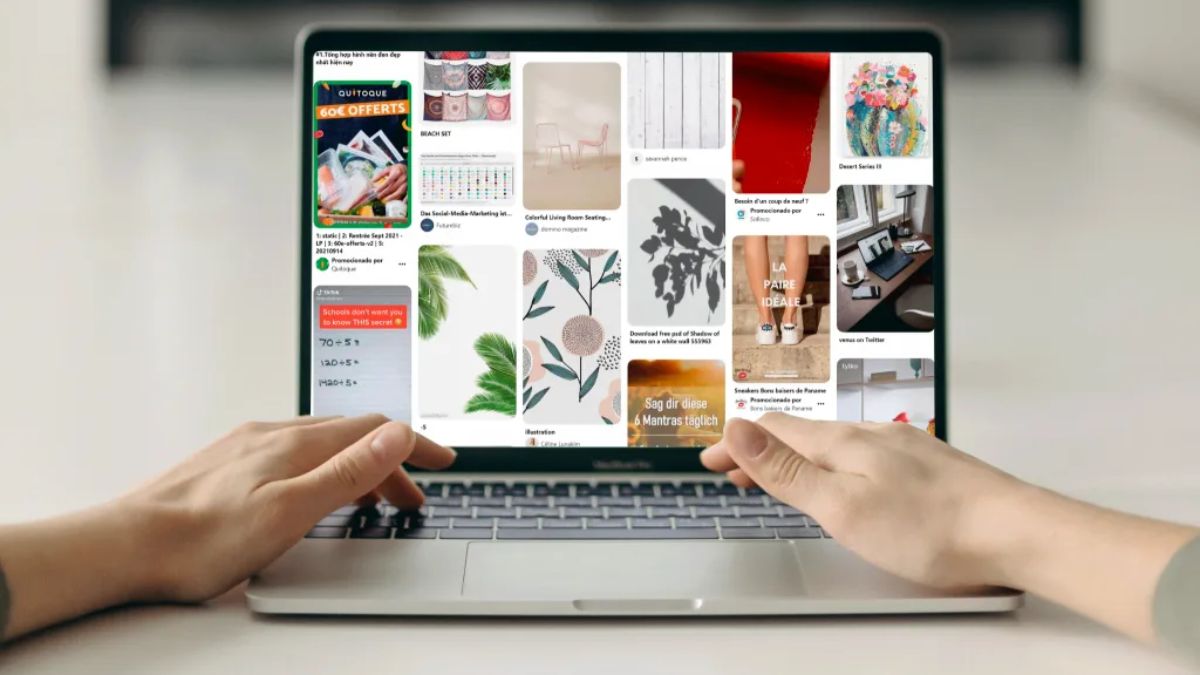
I used to treat Pinterest as the social network I’d get to “later.” It felt like a place for recipes and wedding ideas, not serious marketing. Then I noticed something odd in one client’s analytics: a handful of Pins she’d made months earlier were still sending visitors to her shop every single week. No new posting, no ad spend. Just quiet, steady traffic from people who were planning something and found her products at the right time.
That’s the superpower of Pinterest. It’s less like a feed people scroll and forget, and more like a search engine for ideas, with content that can keep working for a long time.
The data reinforces it. Pinterest reports more than 640 million monthly users, and its holiday research found that 64% of monthly Pinners say it helped them confidently choose a purchase during the holidays. The company also reports that about 36% of ad impact happens after the first eight weeks of a campaign, which points to a long runway. Pinterest’s own numbers need a grain of salt, but they match what many small businesses see: people plan on Pinterest before they buy.
In this guide, I’ll explain how small businesses can use Pinterest marketing, how to set up your account for search, and a simple routine to build lasting traffic.
Why Pinterest Is Different
- It’s a planning platform. People use it to research ideas for purchases, projects, and events, often weeks in advance.
- Content has a long life. Unlike posts that disappear in a day, Pins can be discovered through search for months or years.
- It’s search-driven. Keywords matter as much as visuals.
- It sends traffic outward. Pinterest is built to send people to websites and product pages, which is rare among social platforms, especially now that some platforms limit link reach.
- It’s visual. Great for home, food, fashion, beauty, weddings, crafts, parenting, travel, education, and products that look good or teach something.
Here’s the truth: Pinterest rewards patience and consistency. Results often build over weeks and months rather than days.

Is Pinterest Right for Your Business?
Good fit if you:
- Sell visual or inspirational products or services
- Create how-to content, recipes, templates, or guides
- Have a website or product pages to send people to
- Serve audiences who plan ahead: events, home projects, seasonal shopping, family life
Not ideal if you:
- Sell something very hard to show visually (though creative visuals can still work)
- Need sales within days of starting
- Don’t have a website or landing page
Step 1: Set Up Your Business Account
- Create or convert to a business account to access analytics and ad tools.
- Complete your profile: a clear photo or logo, a business name that includes a keyword, and a bio explaining what you offer.
- Claim your website so Pins link back to you and appear properly.
- Enable product or article metadata if your platform supports it, so Pins show up-to-date details.
- Connect your product catalog if you sell products, so shoppers can find them directly.
Step 2: Do Pinterest Keyword Research
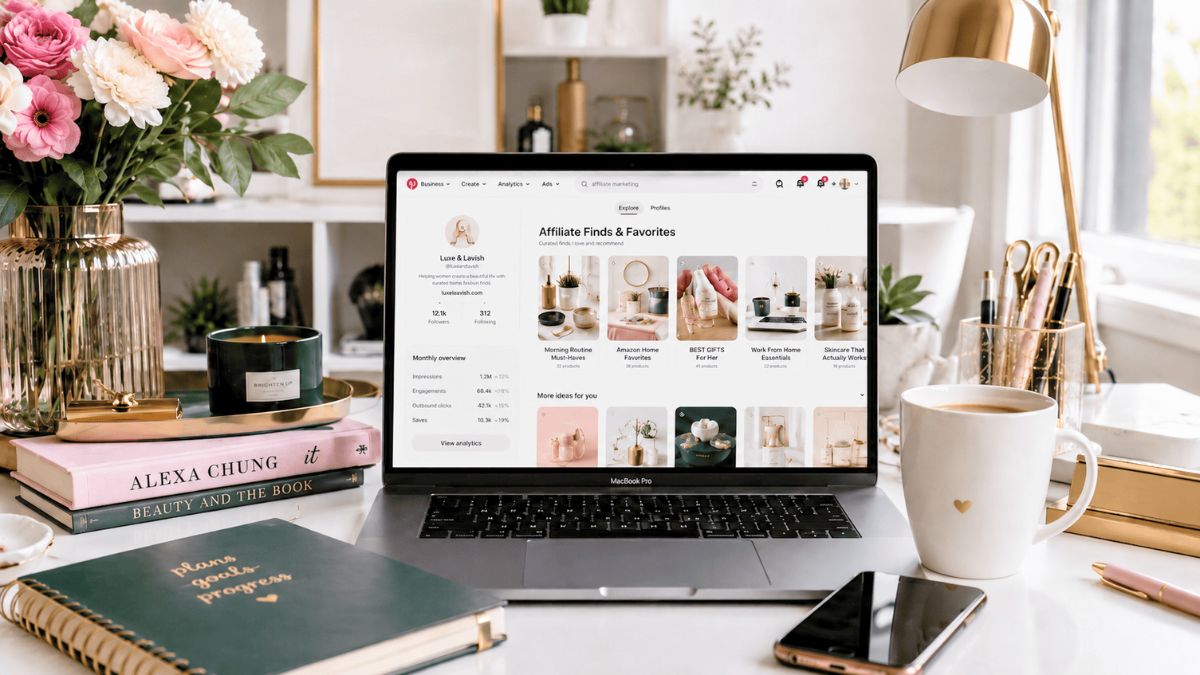
Pinterest works like a search engine, so start with how people search:
- Type your topic into Pinterest search and note the autocomplete suggestions.
- Look at the guided search bubbles under results for related ideas.
- Make a list of 20 to 30 phrases your customers might use, such as “small bathroom storage ideas” or “toddler dinner recipes.”
- Group them by theme to create boards and content ideas.
Use these phrases naturally in your profile, board names, Pin titles, and descriptions. Don’t keyword stuff.
Step 3: Build Boards That Match Searches
Boards organize your content and help Pinterest understand your topics:
- Give boards clear, searchable names.
- Write a short description with a few relevant phrases.
- Create boards around customer needs and ideas, not just your product categories.
- Fill each with a mix of your own Pins and a few high-quality Pins from others if useful.
Step 4: Design Pins That Get Saved
Pinterest is visual, but it’s also practical:
- Use vertical images designed for mobile screens.
- Add short, readable text overlays stating the benefit or idea (“5 Ways to Organize a Small Pantry”).
- Show the result or product in use, with clear, bright photos.
- Keep branding subtle with a logo or color style.
- Use real photos and honest visuals, not misleading images.
- Create several Pins for each page or product with different images and headlines.
If you use AI to help create images or text, follow the platform’s rules on labeling AI content, don’t create misleading visuals, and make sure the result accurately represents what you sell.
Step 5: Write Titles and Descriptions for Search
- Title: Clear and specific, including your main phrase.
- Description: One or two sentences explaining what the Pin offers, using related keywords naturally.
- Link: Send people to the most relevant page, not just your homepage.
- Alt text: Describe the image for accessibility.

Step 6: Plan Ahead for Seasons
Because people plan early, publish seasonal content well before the event. Pinterest’s own holiday research found strong planning behavior, and many marketers suggest starting weeks or even a couple of months ahead of big seasons. Then refresh your best seasonal Pins every year with new images and updated links.
Evergreen content (recipes, how-tos, templates, guides) can work year-round.
Step 7: Post Consistently (A Realistic Rhythm)
You don’t need to post constantly:
- Aim for a steady rhythm, such as 3 to 5 fresh Pins a week.
- Create new Pins for existing pages rather than only new content.
- Batch your work: Spend an hour designing a week or two of Pins.
- Use scheduling tools to keep consistency without daily effort.
Step 8: Consider Pinterest Ads
Ads can boost reach once you know what works organically:
- Start with your best-performing Pins.
- Use a small test budget and a clear goal such as traffic, conversions, or catalog sales.
- Pinterest’s research suggests ad impact builds over a longer runway, so give campaigns enough time before judging them.
- Track results with the Pinterest tag on your website.
- Compare cost per sale or lead with your other channels.

Step 9: Measure and Improve
Check Pinterest Analytics monthly:
- Impressions and saves (which ideas resonate)
- Outbound clicks (who visits your site)
- Top Pins and boards
- Conversions or signups from Pinterest traffic, tracked with UTM links or your analytics
Do more of what earns saves and clicks, and retire what doesn’t.
Mistakes to Avoid
- Treating Pinterest like Instagram. It’s a search tool first.
- Using vague titles with no keywords.
- Linking only to your homepage.
- Posting only once in a while.
- Creating low-quality or misleading images.
- Judging results after a week.
- Ignoring seasonal timing.
Your 30-Day Pinterest Starter Plan
- Week 1: Set up your business account, claim your website, and research 20 keywords.
- Week 2: Create 5 boards and design your first 10 Pins.
- Week 3: Publish 3 to 5 Pins and start scheduling.
- Week 4: Review analytics, double down on the best Pin styles, and plan next season’s content.
Build Pinterest Into a Complete Marketing System
Pinterest works best when it feeds a bigger plan with a strong website, email list, and clear offer. If you’d like a step-by-step guide to building that system, take a look at my ebook:
The Digital Marketing Playbook
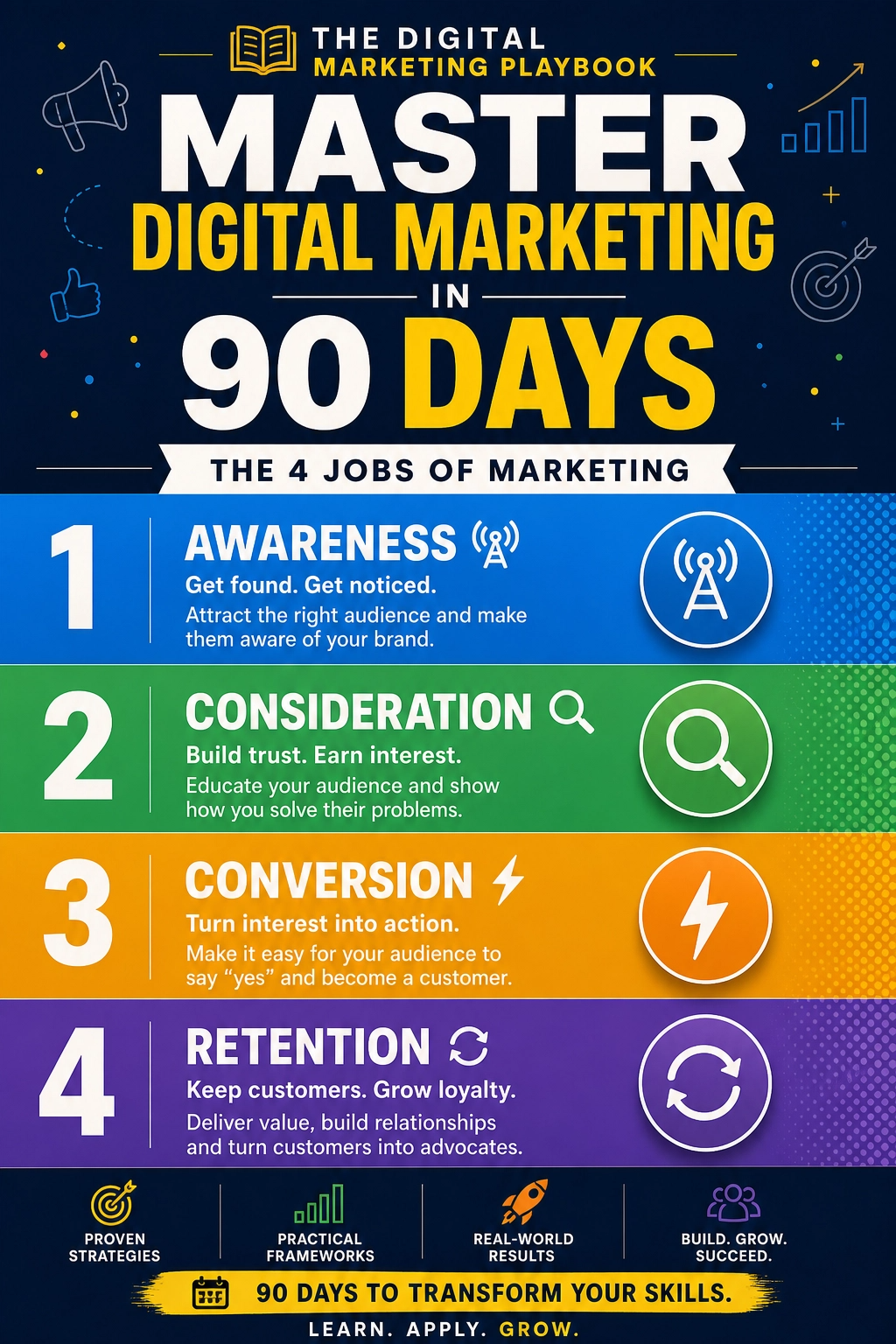
Trust me, traffic is only the beginning. What happens after the click matters most.
Final Thoughts
Pinterest is a quiet powerhouse for small businesses that sell ideas, inspiration, or visual products. Think of it as a search engine with a long memory: use keywords, create helpful Pins, plan ahead for seasons, and be patient. Start with one board and ten Pins this month, and let your work keep paying you back.






Leave a Reply