

Do you ever feel like you’re drowning in “little things”? The permission slip that needs signing, the bill due on Thursday, the dentist appointment you meant to schedule, the birthday gift you still haven’t bought, and the email you promised to answer last week. None of these tasks is huge, but together they create a constant background hum of stress.
That hum has a name: life admin. It’s the invisible work of keeping everyday life running, and it tends to land on women more than anyone else. The solution isn’t to become a different person. It’s to build a simple system that holds everything for you, so your brain can finally rest.
In this guide, I’ll show you how to get organized using a personal organizer system, step by step. No complicated apps, no perfectionism, just clarity and calm.
What Is a Personal Organizer System?
A personal organizer is a central place where you record your commitments, tasks, goals, and important information. It might be a printable planner, a digital document, or both. The key is that everything lives in one trusted location, so you aren’t relying on memory, sticky notes, or scattered apps.
A good system helps you:
- See your commitments clearly so you avoid double-booking
- Remember important dates like birthdays, bills, and appointments
- Break big goals into steps
- Reduce mental clutter and decision fatigue
- Feel in control even when life is busy

Step 1: Do a Full Brain Dump
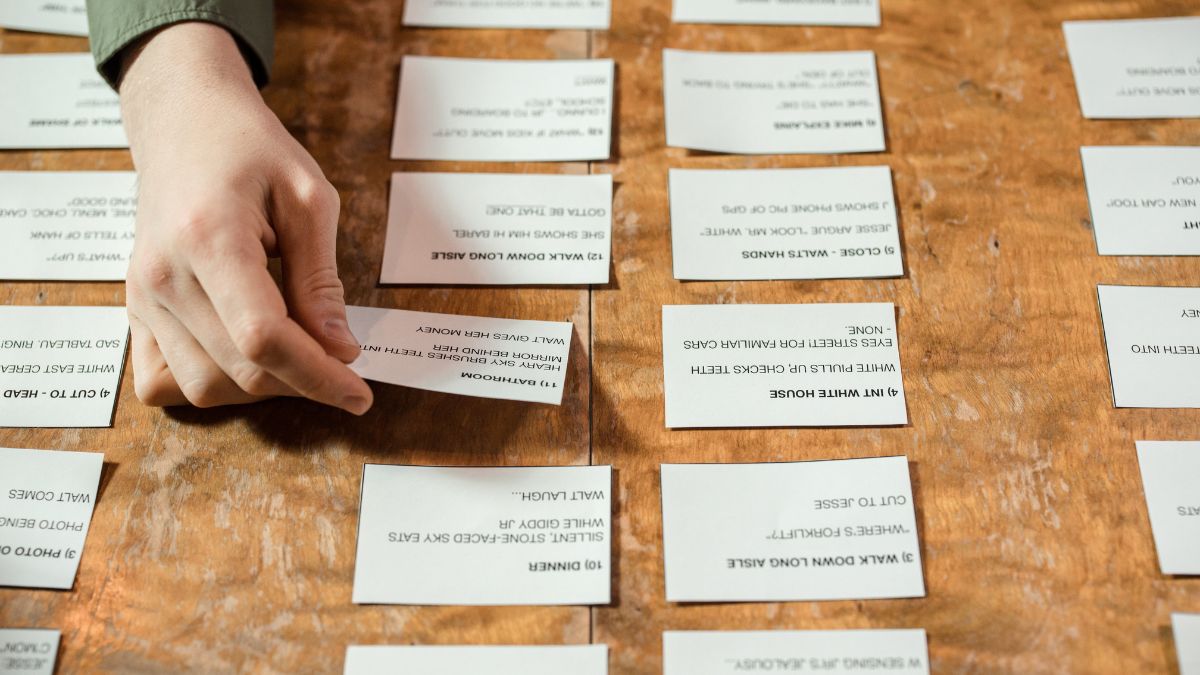
Grab a notebook and write down everything swirling in your head. Don’t filter or organize yet. Include:
- Work tasks and projects
- Household chores and repairs
- Appointments and errands
- Bills and financial tasks
- Family and school commitments
- Personal goals and dreams
- Things you’re worried about
Most people end up with 50 to 100 items. Seeing them on paper is surprisingly relieving, because they’re no longer floating around in your mind.
Step 2: Sort Into Categories
Group your list into life areas. A simple structure might be:
- Home: cleaning, repairs, groceries, decluttering
- Work or business: projects, clients, deadlines
- Money: bills, savings, taxes
- Health: appointments, exercise, meals
- Family and relationships: events, gifts, calls
- Personal growth: learning, hobbies, goals
Categories help you notice which areas get too much attention and which are neglected.
Step 3: Choose Your Core Organizer
Now pick a main tool to hold it all. The Personal Organizer Planner is designed to be your life’s command center, with space for tasks, notes, important dates, and priorities, so you aren’t hunting through five different places for one detail. Keep it in a spot you’ll see daily, and make it the only place where you record commitments.

Step 4: Set Up Your Monthly View
A monthly overview shows the big picture. Use the Monthly Planner Template to record:
- Birthdays and anniversaries
- Bill due dates
- Appointments and school events
- Deadlines
- Trips and holidays
- Personal goals for the month
At the start of each month, spend 20 minutes filling it in. Then you can plan with confidence, knowing exactly what’s coming.

Step 5: Add Weekly and Daily Layers
The monthly view tells you what’s coming, and the weekly and daily layers tell you what to do. Every Sunday, copy relevant items from your monthly calendar into your weekly page, add your priorities, and assign tasks to days. Each evening, choose your top three tasks for tomorrow.
If you want a flexible layout, the Weekly and Daily Planner brings both views together in one place.

Step 6: Tame Your Communication
Messages, emails, and requests can easily overwhelm your organizer. Create a simple tracking system for items that need replies or follow-up. An Inbox Tracker (Editable in Canva) lets you list each message, its priority, and its status. Check it once a day, and you’ll never again wonder whether you responded to someone.

Step 7: Create a Simple Home Routine
An organized life needs an organized home. Rather than massive cleaning marathons, build small routines:
- Daily reset (10 minutes): Clear counters, load the dishwasher, tidy the entryway
- Weekly tasks: Laundry, bathrooms, meal planning, groceries
- Monthly tasks: Deep clean one area, check supplies, review paperwork
- Seasonal tasks: Declutter closets, service appliances, rotate wardrobes
Assign tasks to specific days so they don’t pile up. For example, laundry on Monday, groceries on Thursday, and a quick tidy every evening.
Step 8: Organize Your Paperwork
Paper clutter creates stress. Set up a basic system:
- Action tray: Items that need attention this week
- To-file folder: Documents to be filed monthly
- Permanent files: Birth certificates, insurance, tax records, and warranties
- Digital scans: Backups of important documents stored securely
Aim to process mail the day it arrives. Recycle junk immediately, and schedule a monthly file session.

Step 9: Declutter With Purpose
Clutter drains energy. Declutter in small steps:
- Choose one area, like a drawer or shelf
- Take everything out
- Sort items into keep, donate, and discard
- Return only what you love or need
- Add a simple label or container if helpful
A 15-minute daily declutter session can transform a home in a few months. Remember: you’re not trying to achieve minimalism, you’re aiming for a space that supports your life.
Step 10: Plan Your Money Tasks
Financial admin is a major part of life organization. Record bill dates in your monthly calendar, set a weekly money check-in, and track spending in a Budget Planner. Automating payments where possible reduces the number of items you must remember.

Step 11: Schedule Regular Reviews
An organizer only works if you maintain it. Set these recurring reviews:
- Daily (5 minutes): Check your list, choose top three tasks
- Weekly (30 minutes): Plan the week, review progress, tidy your tracker
- Monthly (30 minutes): Fill in the calendar, review goals, handle paperwork
- Quarterly (1 hour): Reflect, declutter, and set new goals
Think of these reviews as maintenance for your life, like oil changes for your car.
A Sample “Life Admin Hour”
Many busy women find it helpful to set aside one hour each week for admin. Here’s an example:
- First 10 minutes: Review your calendar and upcoming deadlines
- Next 15 minutes: Pay bills, check your bank balance, and update your budget
- Next 15 minutes: Reply to messages and update your tracker
- Next 10 minutes: Schedule appointments and errands
- Last 10 minutes: Plan meals and write your grocery list
When admin has its own time slot, it stops creeping into the rest of your week.

Organizing With Your Family
If you share a home with a partner or children, involve them in the system. Create a shared family calendar, hold a short weekly family meeting, and assign age-appropriate chores. Kids can use a simple checklist for daily tasks, and partners can divide responsibilities fairly. When everyone participates, the mental load becomes shared, not solely yours.
Keeping Your System Going When Life Gets Busy
Every organizer faces a test: the week when everything goes wrong. A sick child, a work deadline, or a trip can derail even the best routine. When that happens, shrink your system to the essentials. Write only your top three tasks each day, check your calendar for hard deadlines, and ignore everything else until you have breathing room. Once the crunch passes, hold a short catch-up session: clear your inbox tracker, update your calendar, and move missed tasks to new dates. A system that bends instead of breaks is the one you’ll still be using a year from now.
Common Organization Mistakes
- Using too many tools. One main system is easier to maintain.
- Aiming for perfection. A “good enough” system you use beats a perfect one you abandon.
- Skipping reviews. Even five minutes keeps things on track.
- Keeping everything in your head. Write it down.
- Starting too big. Begin with one area and expand.

Frequently Asked Questions
How long does it take to set up a personal organizer? Plan for one to two hours for the initial setup, then short daily and weekly maintenance.
Should I use paper or digital? Choose what fits your lifestyle. Many people enjoy a mix, with printed planners for writing and digital tools for reminders.
What if I constantly fall behind? Reduce your task list, simplify your categories, and focus on the top three priorities each day.
How often should I update my organizer? Briefly every day, with a deeper review weekly and monthly.
Final Thoughts
Being organized isn’t about having a spotless home or a color-coded calendar. It’s about creating space for what matters by taking the weight of remembering off your shoulders. When your tasks, dates, and goals have a home, your mind gets to rest.
Start with the Personal Organizer Planner today, do your brain dump, and take the first small step toward a calmer life. You’ve got this, boss babe.










Leave a Reply