


I’ll never forget the morning I opened my analytics and saw a post that used to bring in steady traffic cut nearly in half. My rankings hadn’t moved. The page was still sitting right where it always had. So what happened? A big AI-written box had appeared at the top of the search results and answered the question before anyone needed to click.
If you’ve seen something similar, you’re not imagining it. According to Comscore data reported this fall, Google’s AI Overviews appeared in 39.4% of U.S. desktop searches in June 2026, up from 25.8% a year earlier. That’s why learning how to get found in Google AI Overviews and AI Mode has become one of the most important digital marketing skills for bloggers, creators, and small business owners.
In this guide, I’ll walk you through the newest data, what Google changed just this month, and a simple step-by-step plan to make your content the kind of page AI answers want to use.
What the Latest Data Says About AI Search
Let me share the numbers, because they explain a lot:
- 39.4% of U.S. desktop searches showed an AI Overview in June 2026 (Comscore), compared with 25.8% a year earlier.
- 68% of U.S. Google searches are now zero-click, up from 49% in 2019, according to studies published in Search Engine Journal.
- One study of AI Mode found that clicks to outside websites fell 18.8%, and that more users gave the tool negative feedback (34%) than positive (29%).
- Searches with four words trigger an AI answer about 48% of the time, and question words matter: “why” triggered one about 92% of the time, “what” about 86%, and “who” about 68%.
Here’s the truth: this is not the end of SEO. About 34% of shoppers in one recent study still start with the website search bar, and only 9% went to an AI chatbot first. But the way people find answers is changing, and your content needs to change with it.

What Google Changed This Month
On October 15, 2026, Google announced updates to AI Mode and AI Overviews that matter for anyone who publishes content:
- More inline links. Links now sit inside the words of the AI answer and show up higher and more often.
- A dedicated “official sources” section for tasks where only a few sites can finish the job, such as a refund page.
- Article carousels for timely questions, rolling out to more countries and languages.
- Clickable creator names in AI Mode answers that include video, leading to a creator’s Google profile.
- Growth in Preferred Sources. Google reported that use of this feature grew about seven times this year.
The catch? Industry reporters pointed out that Google still doesn’t give click data for AI results in Search Console, so more links doesn’t automatically mean more visits. But I’d still rather be the link Google chooses than be left out completely.

7 Steps to Get Your Content Cited in AI Answers
When I changed how I wrote my posts, my pages started showing up in more AI-style answers. Here’s the process I follow.
Step 1: Answer real questions, clearly and early
AI answers love direct questions. Start sections with the question as a heading, then answer it in the first two sentences. For example: “How long does it take to learn SEO?” followed by a short, honest answer. Then add the detail.
Step 2: Use the question words people actually type
Since “why,” “what,” and “who” queries trigger AI answers so often, build your outlines around them. Try this quick formula for every post:
- What is it?
- Why does it matter?
- How do you do it, step by step?
- Who is it for (and not for)?
- What mistakes should you avoid?
Step 3: Add something only you can add
Google’s guidance keeps rewarding original perspective. Share your own screenshots, test results, prices you paid, mistakes you made, and what you’d do differently. Generic summaries are easy for AI to replace. Real experience is not.

Step 4: Keep evergreen pages fresh
About 75% of AI Overviews lean toward evergreen content. That means your “how-to” and “guide” posts are valuable, but only if they stay accurate. Update key stats, add a “Last updated” date, and remove advice that’s out of date.
Step 5: Show up where AI looks for sources
A study of more than 100,000 keywords by SE Ranking found that social and community platforms appeared in roughly 68% of Google AI Overviews, about 32% of AI Mode answers, and about 8% of ChatGPT answers. YouTube, Reddit, Facebook, Quora, Instagram, and LinkedIn were among the most common. So don’t treat social media and SEO as separate jobs. Repurpose your best posts into YouTube videos and helpful community answers.
Step 6: Make images and structure easy to understand
Search Console has added a “multimodal” filter that shows traffic from visual search such as Google Lens and Circle to Search. Use descriptive image file names and alt text, clear headings, short paragraphs, and bullet lists. Structure helps both people and machines.
Step 7: Track what you can (and be patient)
Google won’t show you everything, so use what’s available:
- Google Search Console for impressions, clicks, and the new multimodal filter
- Bing Webmaster Tools, which now has an AI Performance report with a Topics Portfolio beta that shows where your site is cited and which queries competitors win
- Manual checks: search your main topics in AI Mode and note whether you’re cited
Pro tip: Keep a simple spreadsheet with ten target questions, the date you checked, and whether your site appeared. Check monthly.
Mistakes I See Beginners Make
- Writing for keywords instead of questions. Fragmented phrases rarely win anymore.
- Publishing unedited AI drafts. Google has told publishers to fact-check AI content manually before it goes live.
- Ignoring other search engines. Some users are moving to Bing, DuckDuckGo, and Yahoo, so don’t put all your eggs in one basket.
- Panicking at one traffic dip. Look at trends over weeks, not days.

Your 14-Day AI Search Action Plan
- Days 1-2: Pick your five most important posts and list the main question each one answers.
- Days 3-5: Rewrite intros and headings so each answers its question in the first two sentences.
- Days 6-8: Add original proof: screenshots, examples, numbers, or lessons learned.
- Days 9-10: Update stats and add a “Last updated” date.
- Days 11-12: Turn one post into a short YouTube video or community answer.
- Days 13-14: Set up your tracking spreadsheet and Bing Webmaster Tools.
Want a Full Marketing System, Not Just SEO Tips?
If you’re juggling SEO, social media, email, and ads, it’s easy to feel like you’re always one update behind. I put together a step-by-step guide to help you build a marketing system that keeps working even when platforms change:
The Digital Marketing Playbook
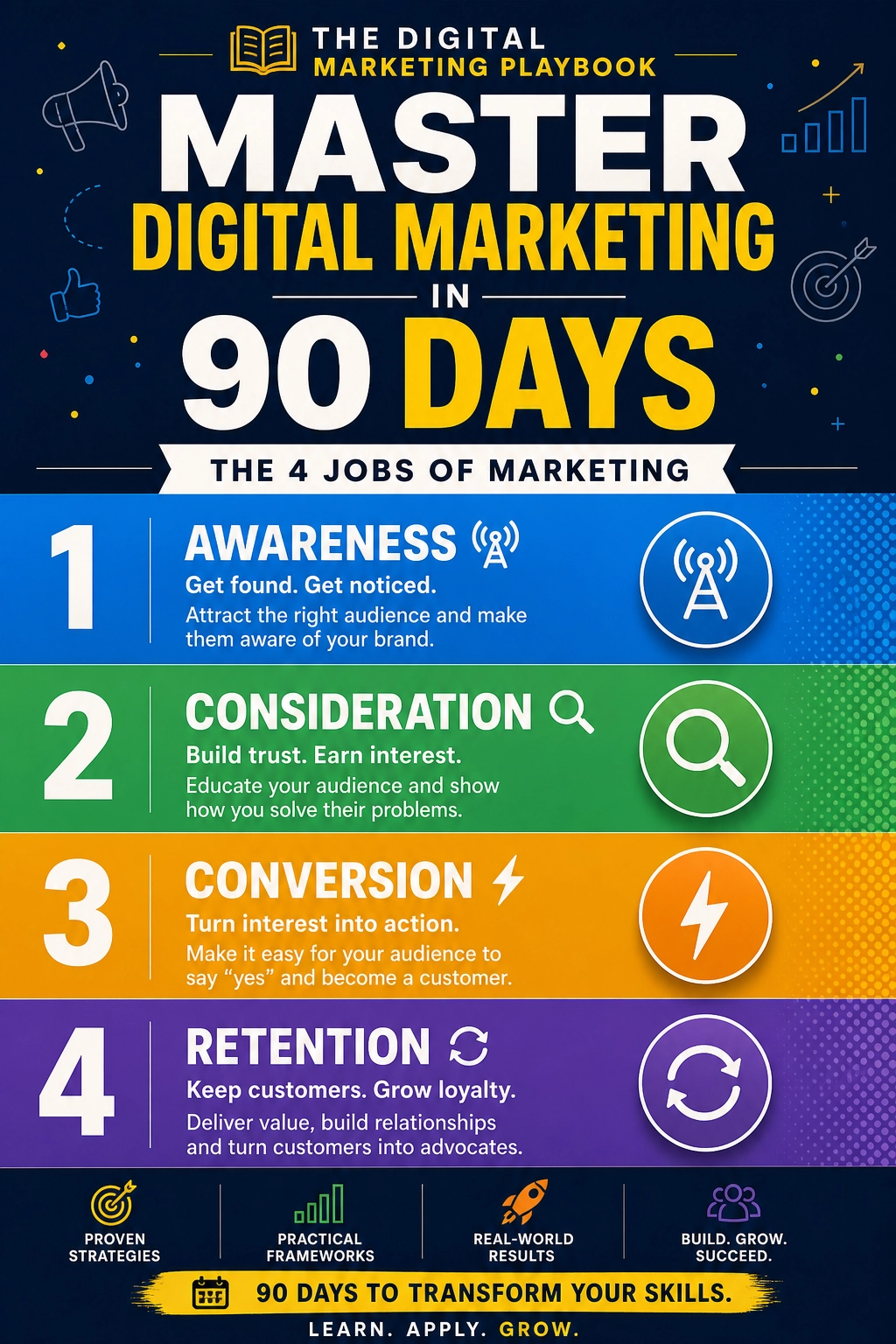
Trust me, a clear playbook beats chasing every headline.
Final Thoughts
AI search is changing how people discover content, but the winners will still be the people who help readers best. Answer real questions, share real experience, keep your pages fresh, and show up in more than one place. Start with just your top five posts this week. Small, steady improvements add up faster than you think.










Leave a Reply