

Here’s a confession: I fell in love with Pinterest long before I understood it was a business tool. I had boards for toddler snacks, bathroom makeovers, and the vacation I’d probably never take. Then a friend who sold handmade candles asked, “Why does my shop get traffic from Pinterest and I have no idea why?” I looked at her account and realized something I should have noticed years earlier: Pinterest is a quiet engine that sends people to websites, and most small businesses have no one managing it.
That’s the opportunity. Pinterest reports more than 640 million monthly users, and its research found that 64% of monthly Pinners say it helped them confidently choose a purchase during the holidays. The company also reports that about 36% of ad impact happens after the first eight weeks of a campaign, which points to the platform’s long shelf life. Pinterest’s own numbers should be read with care, but they match what many small businesses see: people plan on Pinterest before they buy. And at a time when some platforms are limiting free link reach, Pinterest remains built to send traffic outward.
In this guide, I’ll explain how to become a Pinterest manager as a creative, organized mom: what the job involves, what to offer, how to find clients, and how to avoid common mistakes. (Income varies widely and isn’t guaranteed.)
What a Pinterest Manager Does
A Pinterest manager helps a business get found through Pinterest. Typical tasks:
- Account setup and optimization: profile, claimed website, boards, and keywords
- Keyword research: finding the phrases people search
- Pin design: creating vertical images with clear text and branding
- Pin writing: titles and descriptions that are search-friendly
- Scheduling: publishing fresh Pins consistently
- Board management: organizing and updating boards
- Seasonal planning: getting content ready well before holidays and events
- Analytics and reporting: tracking impressions, saves, and clicks to the client’s site
- Optional ad support: testing promoted Pins (a separate, higher-responsibility service)
Here’s the truth: it’s a service that rewards patience, consistency, and an eye for design, all things many moms have in abundance.

Who Needs a Pinterest Manager?
Businesses whose customers plan ahead or love visual ideas:
- Bloggers and content creators
- Handmade and Etsy sellers
- Food, recipe, and meal-planning brands
- Home, decor, and DIY businesses
- Wedding and event professionals
- Parenting and education brands
- Fashion, beauty, and wellness shops
- Coaches and course creators with visual products
If a client sells nothing visual or doesn’t have a website, Pinterest may not be a fit.
Step 1: Learn the Platform
Spend two weeks learning by doing:
- Set up your own business account and claim a website or blog.
- Search topics and study how autocomplete and related searches work.
- Create a few boards and 10 Pins, and watch which get saves.
- Read Pinterest’s official business guidelines, including rules on spam, copyright, and AI-generated content.
- Study analytics so you understand impressions, saves, and outbound clicks.
Because Pinterest is a search engine, keyword skills matter more than follower counts.

Step 2: Build Design Skills
You don’t need to be a professional designer:
- Use a simple design tool with commercial licenses.
- Make vertical Pins with readable text and consistent colors and fonts.
- Create templates you can adapt to each client’s brand.
- Use real photos from the client when possible, so Pins represent what they actually sell.
- Respect copyright: don’t use images, fonts, or graphics without rights.
- Follow rules on AI-generated visuals, label them where required, and never create misleading images.
Step 2: Create Samples
Build a small portfolio:
- A mock Pinterest strategy for a pretend or real business, labeled as a sample
- Five to ten Pin designs across different niches
- A sample keyword list and board structure
- A sample monthly report showing metrics and recommendations
If you can, grow a small account of your own or help a friend’s shop and capture real results with permission.
Step 3: Package Your Services
Beginner packages:
- Setup package: profile optimization, board creation, and keyword research (one-time)
- Monthly management: a set number of new Pins per week, scheduling, and reporting
- Seasonal sprint: a batch of Pins planned and scheduled ahead of a key season
- Audit and strategy: a review of an existing account with a clear action plan
Define the number of Pins, revisions, approval timelines, and reporting. Keep ad management separate unless you have experience.

Step 4: Price Your Services
There’s no single correct rate. A sensible method:
- Decide your target income and weekly hours.
- Estimate time per Pin, including research, design, and scheduling.
- Research what similar providers charge in your market.
- Offer monthly packages for predictable income.
- Be honest that results build over months, and don’t promise traffic numbers.
- Raise your rates as your results and demand grow.
Step 5: Find Clients
- Warm outreach: bloggers, shop owners, and small business friends
- Look for businesses with a website but a neglected Pinterest account and offer a specific idea
- Communities for bloggers and sellers, following each community’s rules
- Freelance marketplaces for early projects
- Referrals from happy clients
- Your own Pinterest case study: show your process and results
A simple pitch: “I noticed your beautiful candles don’t have much presence on Pinterest, where people plan gifts and decor. I help shops get found there. May I send you a quick audit?”
Step 6: Deliver and Report Honestly
- Start with keyword research and a board plan.
- Create fresh Pins regularly with different images and headlines for the same page.
- Send each client a simple monthly report: impressions, saves, outbound clicks, top Pins, and next steps.
- Be honest about timing. Pinterest often builds slowly, and results can grow over weeks and months.
- Link to the most relevant pages on the client’s site, not only the homepage.
Step 7: Protect Your Business
- Use a written agreement covering scope, payment, deadlines, revisions, image rights, and ownership.
- Use proper account access, not shared passwords.
- Follow platform and copyright rules.
- Don’t guarantee results.
- Handle taxes: in the U.S., net self-employment earnings of $400 or more trigger self-employment tax. Keep records.
Mistakes to Avoid
- Treating Pinterest like Instagram. It’s a search tool first.
- Ignoring keywords.
- Using images you don’t have rights to.
- Promising quick traffic.
- Having no contract.
- Taking too many clients at once.
- Managing ads without experience.

Your 30-Day Launch Plan
- Week 1: Learn the platform and set up your own account.
- Week 2: Create samples and a template library.
- Week 3: Write your packages and contract, and send 10 personal messages.
- Week 4: Run audits, take your first client, and set up your reporting template.
Build Pinterest Services Into a Bigger Plan
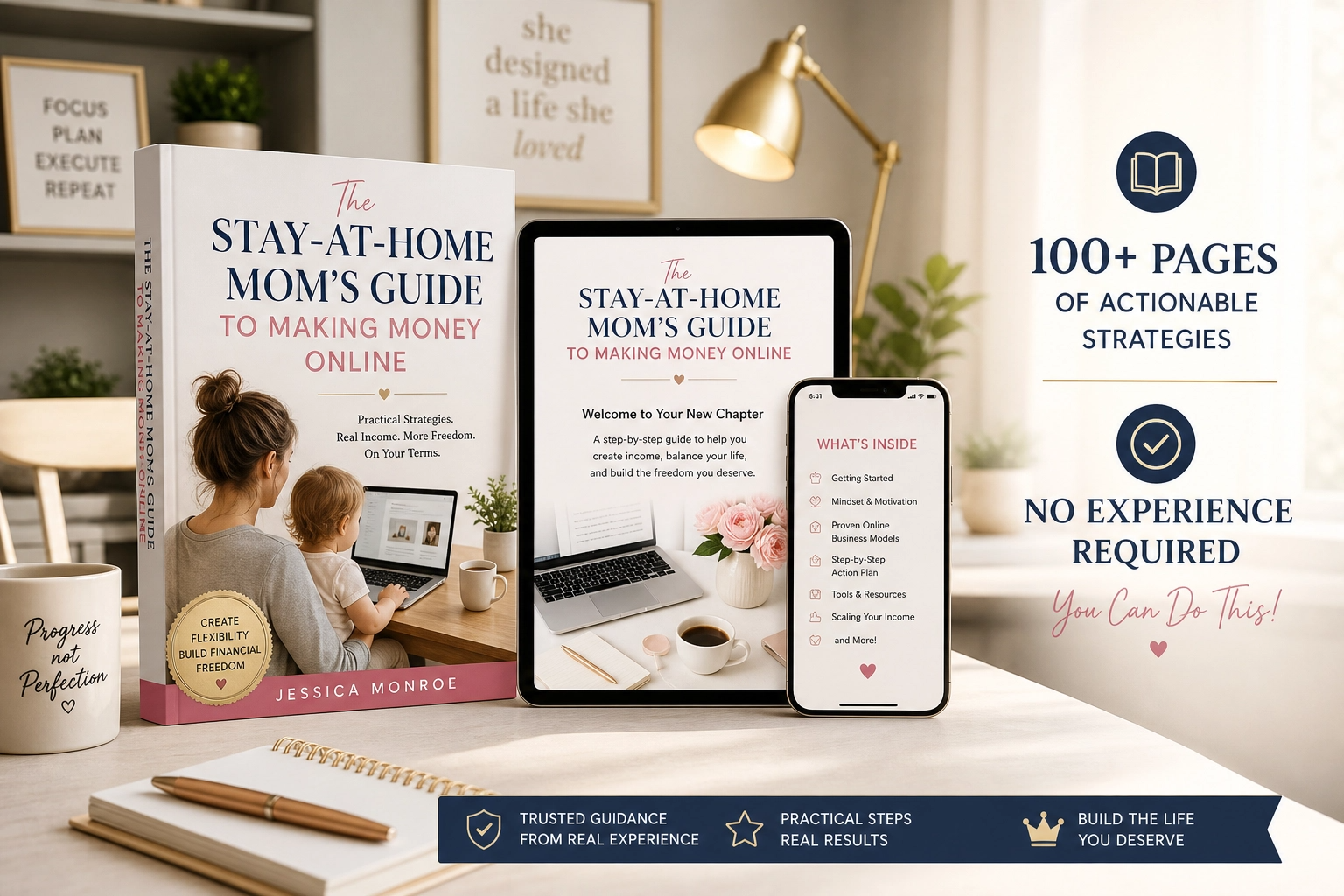
A focused service like this works best as part of a bigger plan that can grow into packages, products, and recurring income. If you’d like a beginner-friendly roadmap made for moms, take a look at my ebook:
The Stay-At-Home Mom’s Guide To Making Money Online
Trust me, a plan helps you choose a lane and stay in it.
Final Thoughts
Pinterest management is a calm, creative, flexible service for moms who like design, planning, and steady progress. Learn the platform, build samples, package your work, and report honestly. Pinterest rewards patience, and so does building a business.









Leave a Reply