


If you’re searching for a web host, you already know how overwhelming it can be. Every company claims to be “the fastest,” “the cheapest,” and “the most reliable.” Meanwhile, you just want a place to build your website without getting ripped off or lost in technical jargon.
So let’s cut through the noise. In this in-depth Hostinger review, I’ll break down what you actually get, who Hostinger is best for, where it shines, and where it has limitations. By the end, you’ll know whether it’s the right home for your blog, business, or online store.
Short answer? For beginners, bloggers, freelancers, and small business owners who want great value and a beginner-friendly experience, Hostinger is one of the strongest options available today.
Let’s dig into the details.
What Is Hostinger?
Hostinger is a well-established web hosting company that serves website owners around the world. It’s known for pairing low prices with modern technology and a user-friendly experience. Over the years, it has grown from a budget host into a full-service platform offering shared hosting, cloud hosting, VPS hosting, WordPress hosting, domain registration, email hosting, and an AI-powered website builder.
What makes Hostinger stand out is that it doesn’t feel “cheap” in the way many budget hosts do. You still get a polished dashboard, modern server technology, and thoughtful features, all at a price that makes starting a website far less risky.
👉 Check Hostinger’s current plans and deals here.
Hostinger Plans and What You Get
Hostinger offers several hosting types. Here’s a simple breakdown of the main options so you can see where you fit.
Shared Web Hosting
This is the most popular choice for beginners, bloggers, and small business websites. Multiple sites share server resources, which keeps costs low. Hostinger’s shared plans typically include:
- A free domain for the first year on eligible plans
- Free SSL certificate
- Free email accounts
- One-click WordPress installation
- Free website migration
- Unlimited bandwidth (subject to fair usage)
- Weekly backups on entry-level plans, with daily backups on higher tiers
The higher shared tiers add performance boosts, more websites, more storage, and extra tools. If you’re just starting out, an entry-level plan is usually enough. If you plan to run several sites or expect steady traffic, stepping up a tier gives you more room to grow.
Cloud Hosting
Cloud hosting gives you more dedicated resources, better performance under load, and more stability during traffic spikes. It’s ideal for growing businesses, busy blogs, and online stores that have outgrown shared hosting.
VPS Hosting
A Virtual Private Server gives you full control and dedicated resources. It’s best for developers, agencies, and advanced users who need custom server configurations.
WordPress Hosting
Optimized specifically for WordPress, this is perfect if you know you’ll be building on that platform. You get streamlined setup, performance tuning, and helpful tools.
Website Builder
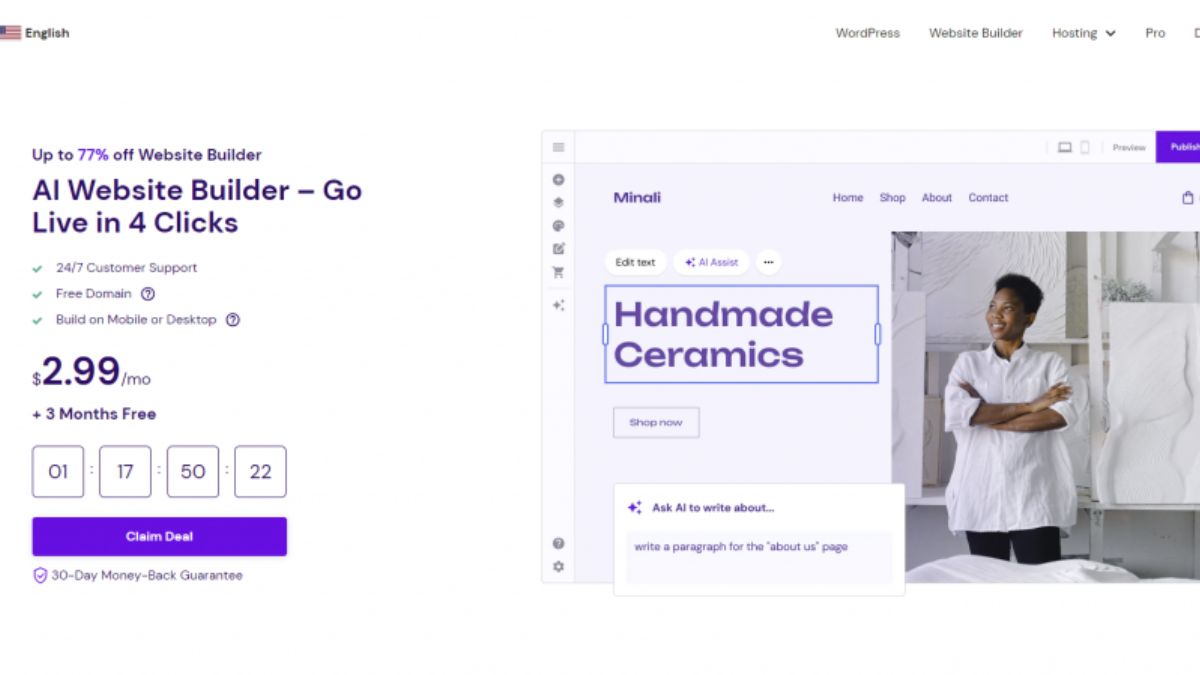
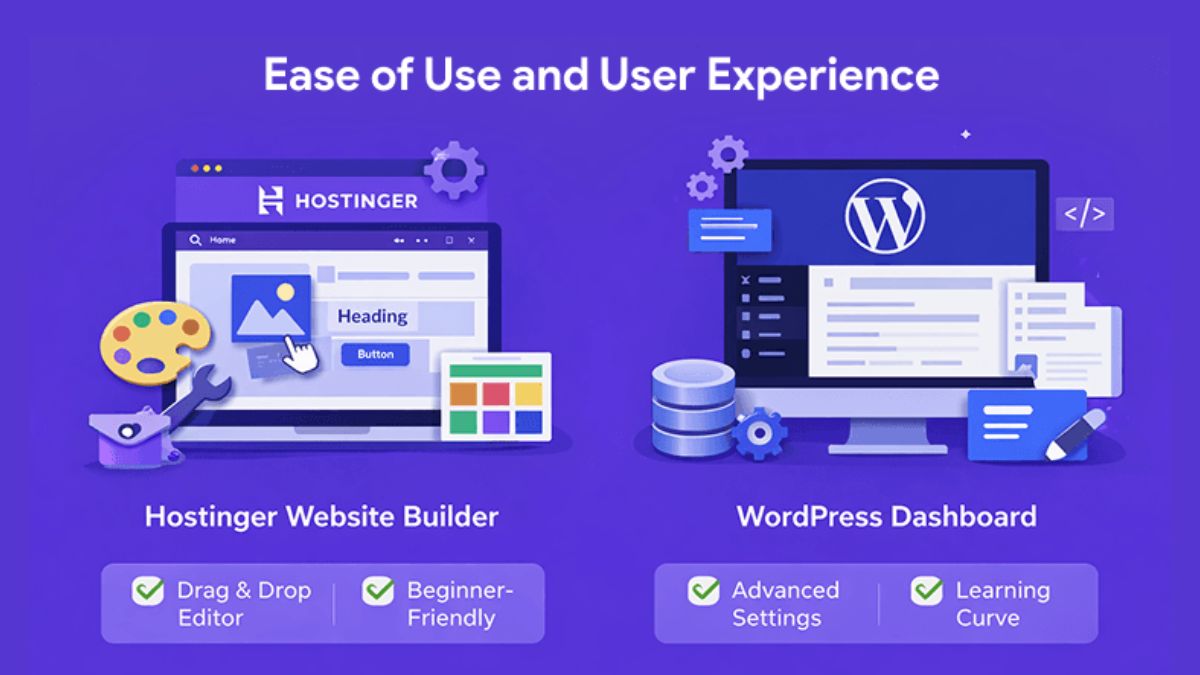
If you’d rather not use WordPress, Hostinger’s AI-powered website builder lets you create a site using drag-and-drop tools and AI assistance. It’s a great pick for small businesses, portfolios, and simple online stores.
Note on pricing: Hostinger frequently runs promotions, and pricing depends on the plan and billing term you choose. Because prices and offers change, always check the current numbers on the official Hostinger page before buying. As a general rule, longer terms give you the lowest monthly rate.
Hostinger Review: Key Features Explained
1. Ease of Use (hPanel)
Many hosts still use outdated control panels that feel like flying a spaceship. Hostinger built its own control panel called hPanel, and it’s a breath of fresh air. Everything is clearly organized: domains, emails, WordPress, files, databases, backups, and security are all easy to find.
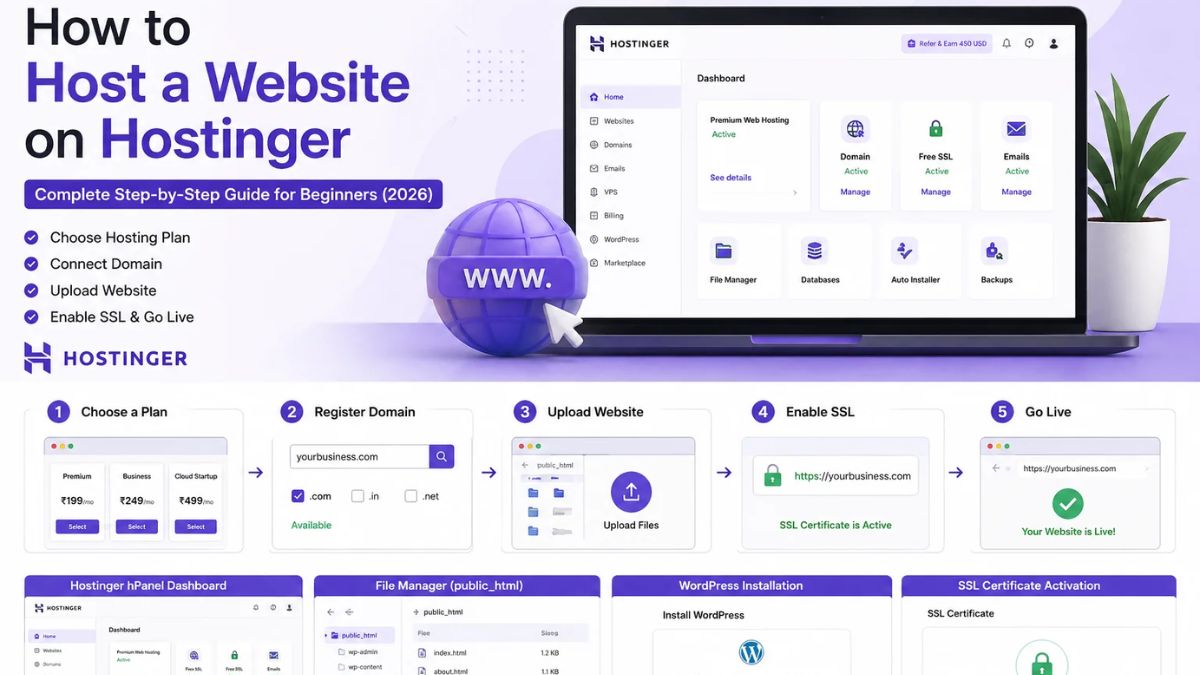
For a beginner, this matters more than any spec sheet. If you can’t figure out your dashboard, you’ll waste hours on tasks that should take minutes. During setup, Hostinger walks you through connecting your domain and installing WordPress step by step.
2. Performance and Speed
Speed affects everything: user experience, bounce rate, conversions, and search rankings. Google has long emphasized page experience, so a fast website isn’t a luxury; it’s an advantage.
Hostinger uses LiteSpeed web server technology and modern NVMe storage on many plans, along with built-in caching tools. LiteSpeed Cache works especially well with WordPress, helping your pages load quickly without requiring a technical background.
Are you going to get the same performance as a premium dedicated server? No. But for the price, Hostinger’s speed is impressive, and it’s more than enough for blogs, portfolios, business sites, and small online stores.
3. Uptime and Reliability
Hostinger backs its hosting with a 99.9% uptime guarantee. Uptime simply means how often your website is accessible. When your site goes down, you lose visitors, sales, and credibility.
While no host is perfect, Hostinger’s track record for reliability is solid for its category. Its global data center locations also let you host closer to your audience, which can help with loading times.

4. Security Features
Security is often overlooked by new site owners until something goes wrong. Hostinger includes several protections:
- Free SSL certificate for encrypted connections and the padlock icon
- DDoS protection to defend against malicious traffic
- Web Application Firewall on eligible plans
- Malware scanner to catch threats early
- Automatic backups so you can restore your site if something breaks
Combined with regular WordPress updates and good password habits, this gives you a strong security foundation.
5. Customer Support
Hostinger provides 24/7 live chat support, and in my assessment, that’s one of its biggest advantages for beginners. When you’re stuck at 11 p.m. trying to connect your domain, you can reach a real person quickly.
One honest limitation: there’s no phone support. If you strongly prefer speaking to someone by phone, that may be a drawback. But for most modern site owners, live chat is faster and more convenient anyway.
6. Free Website Migration
Already have a website with another host? Hostinger offers free website migration with support from their team, and your site stays live during the transfer. This removes one of the biggest barriers to switching hosts. Note that eligibility can depend on your site type and Hostinger’s terms, so check the details when you request it.
7. AI Tools and Website Builder
Hostinger has invested heavily in AI features, including an AI website builder and tools that can help with content, design, and marketing. If you’re a business owner without time to learn web design, these tools can dramatically speed up your launch.
Hostinger Pros and Cons
Every honest review needs both sides. Here’s the balanced picture.
Pros
- ✅ Excellent value for money
- ✅ Beginner-friendly hPanel dashboard
- ✅ Free domain on eligible plans
- ✅ Free SSL and free email
- ✅ Free website migration
- ✅ Fast performance with LiteSpeed technology
- ✅ 24/7 live chat support
- ✅ 30-day money-back guarantee
- ✅ Scalable from shared to cloud and VPS
- ✅ Helpful AI tools
Cons
- ❌ No phone support
- ❌ Introductory prices typically increase at renewal (true of most hosts, so plan for it)
- ❌ Entry-level plans have more limited resources and less frequent backups
- ❌ Very high-traffic sites will need cloud or VPS plans
The cons are real, but none are deal-breakers for the audience Hostinger serves best. Renewal price increases are standard across the industry, and locking in a longer term can help you enjoy low rates for years.
Who Is Hostinger Best For?
Hostinger is a great fit if you are:
- A beginner blogger launching your first website
- A freelancer or consultant who needs a professional online presence
- A small business owner who wants an affordable, reliable website
- An affiliate marketer building niche sites on a budget
- A student or creative setting up a portfolio
- An entrepreneur testing new ideas without heavy upfront costs
You might outgrow Hostinger’s basic plans if you are:
- Running a large, high-traffic publication
- Operating a complex enterprise application
- Requiring dedicated servers with custom compliance needs
Even then, Hostinger’s cloud and VPS options give you a path to scale without switching companies.

Hostinger vs. Other Popular Hosts
Comparing hosts can get complicated, so here’s a simplified way to think about it:
- Versus premium managed WordPress hosts: Those often cost significantly more for similar entry-level needs. Hostinger delivers most of what beginners need at a far friendlier price.
- Versus other budget hosts: Hostinger typically stands out for its modern dashboard, performance technology, and included features.
- Versus website builders like Wix or Squarespace: Hostinger gives you more flexibility, ownership, and long-term cost efficiency, especially with WordPress.
The right choice depends on your goals, but for most beginners, Hostinger hits the sweet spot between price, features, and simplicity.
How to Get Started With Hostinger (Quick Guide)
Getting started takes only a few minutes:
- Go to Hostinger using this link.
- Choose your plan. Beginners typically start with an entry-level shared plan; growing sites may prefer a higher tier.
- Pick your billing term. Longer terms usually deliver the biggest savings.
- Create your account and check out.
- Claim your domain if your plan includes a free one.
- Install WordPress or launch the website builder using the guided setup.
- Publish your first page and start building your online presence.
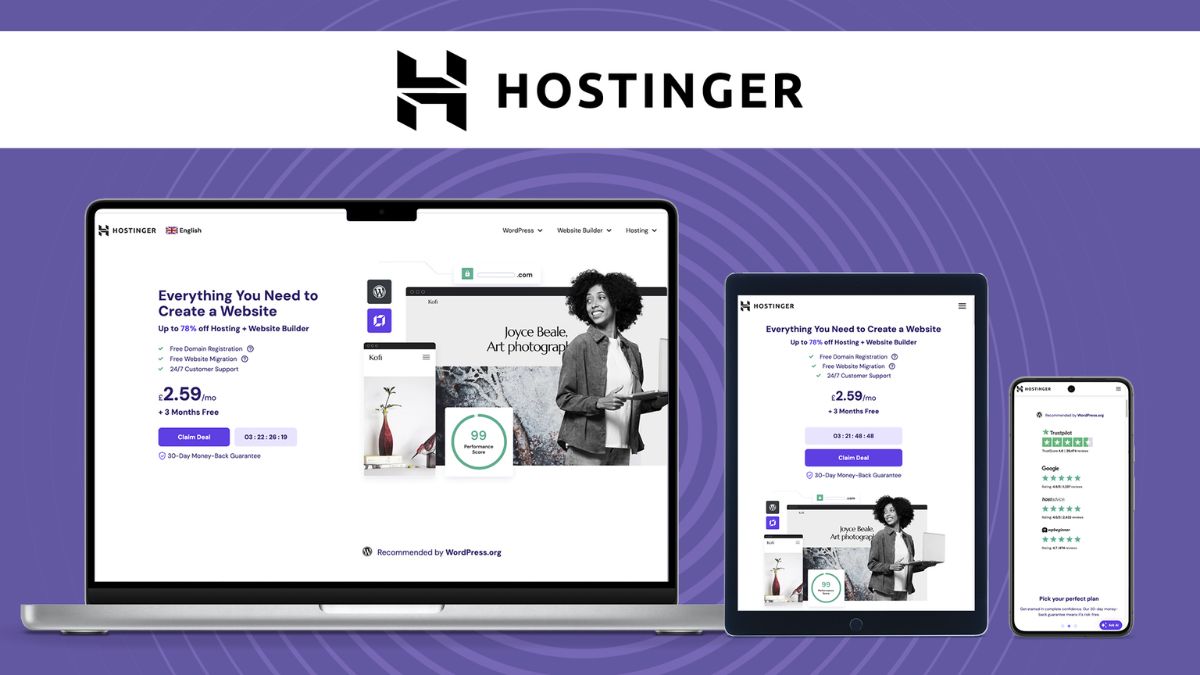
And remember, you’re covered by a 30-day money-back guarantee, so you can test everything with confidence.
👉 Start your Hostinger plan here.
Frequently Asked Questions About Hostinger
Is Hostinger good for beginners? Absolutely. Its clean hPanel dashboard, guided setup, one-click WordPress installer, and 24/7 live chat make it one of the most beginner-friendly hosts around.
Is Hostinger good for WordPress? Yes. It offers one-click installation, LiteSpeed caching, automatic updates, and performance features that suit WordPress sites well.
Does Hostinger offer a free domain? On eligible plans and billing terms, yes, you get a free domain for the first year. Check the plan details at checkout, as offers change.
Does Hostinger have a money-back guarantee? Yes, Hostinger offers a 30-day money-back guarantee on its hosting plans, so you can try it with reduced risk.
Can I migrate my existing site to Hostinger? Yes. Hostinger offers free website migration, and your site stays online during the transfer.
Will my price go up after the first term? Like most hosting companies, Hostinger’s promotional pricing typically applies to your initial term, and renewal rates are higher. Choosing a longer initial term is a smart way to lock in savings.
Is Hostinger fast enough for SEO? Yes. With LiteSpeed technology, caching, and modern storage, Hostinger can deliver the fast load times that support good user experience and search performance.

Final Verdict: Is Hostinger Worth It?
After looking closely at its features, performance, security, ease of use, and value, my verdict is clear: Hostinger is one of the best affordable web hosting options for beginners and small businesses in 2026.
It removes the biggest obstacles to launching a website: high costs, confusing setups, and unreliable performance. You get a modern dashboard, strong speed, solid security, free migration, round-the-clock chat support, and a money-back guarantee, all at a price that lets you start without sweating over your budget.
Is it perfect? No host is. But for the vast majority of bloggers, freelancers, and small business owners, Hostinger delivers exceptional value and room to grow.
If you’ve been putting off your website because hosting seemed too complicated or too expensive, this is your sign to stop waiting.
👉 Get Hostinger today and launch your website with confidence.
Your website is the foundation of your online business. Build it on something solid, and start today.









Leave a Reply