

A restaurant owner once told me she felt like her entire business hung on a single sentence from a stranger. She’d had a perfect year, hundreds of happy customers, and then one angry review landed at the top of her Google listing. For two weeks she refreshed it constantly, and she was too embarrassed to reply. The review wasn’t even about the food. It was about a parking misunderstanding. But it was the first thing new customers saw.
Reviews have always mattered, but they matter in new ways now. AI answers, local search, and social maps all use reviews and listing details to decide what to show and how to describe your business. Google recently updated its documentation to say users can suggest edits to business profiles, and if owners don’t respond within about four days, changes may be published automatically. Google Business Profile posts have regained view counts. Research shared this season suggests AI recommendation tools favor detailed, honest content over polished marketing. And a Snapchat report says most users browse maps without a destination in mind and many are open to visiting places they see.
In this guide, I’ll explain how to manage customer reviews and your online reputation honestly: how to ask for reviews, respond to feedback, handle bad reviews, and monitor what people say about you.
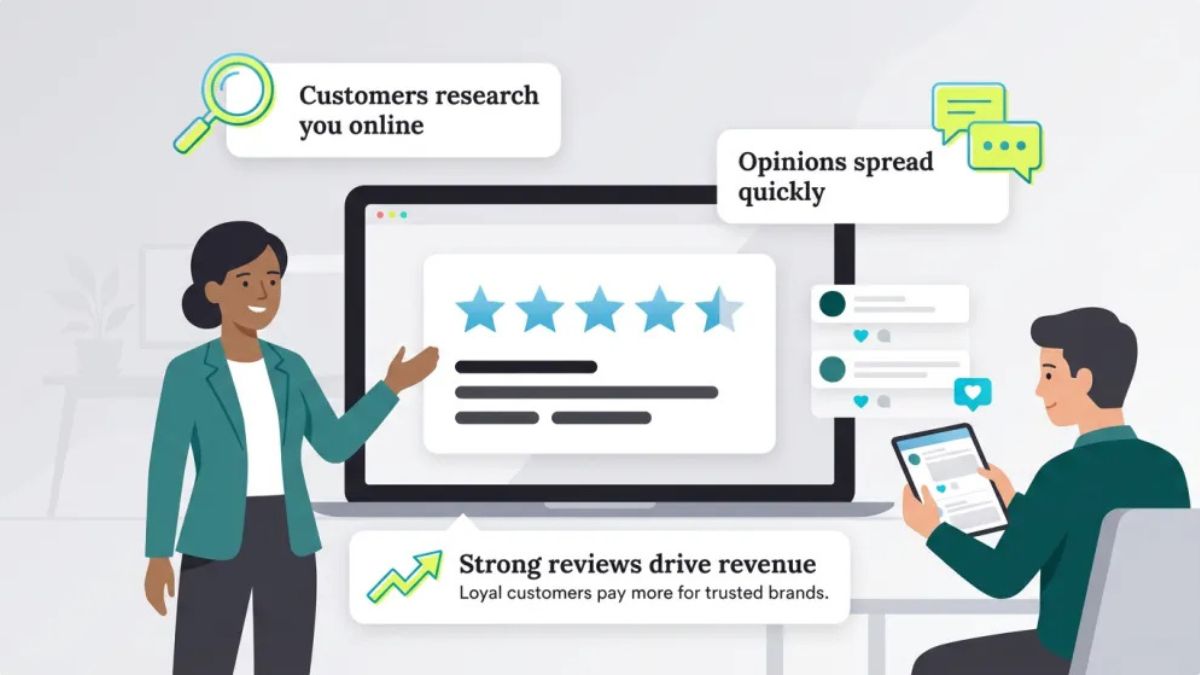
Why Reviews Matter More Than Ever
- They influence local visibility and clicks. Customers compare ratings, review counts, and recent feedback before they choose.
- AI answers summarize reviews. Assistants and search features often describe businesses using themes from reviews, so what customers write shapes how you’re described.
- They build trust faster than ads. Real experiences from real people carry weight.
- They provide free market research. The language customers use is the language for your marketing.
- Your listings can change. Because suggested edits can go live without your approval if you ignore them, you need to watch your profiles.
Here’s the truth: you can’t control what people say, but you can control how often you ask, how you respond, and how quickly you fix problems.
Step 1: Claim and Complete Your Profiles
Start with the places customers look:
- Google Business Profile for local and service businesses
- Industry directories relevant to your field
- Social profiles with reviews or recommendations
- Marketplace or platform pages where you sell
For each profile:
- Use a consistent name, address, phone number, and website.
- Add accurate hours (including holiday hours), services, and categories.
- Upload fresh, real photos.
- Add a short, honest description.
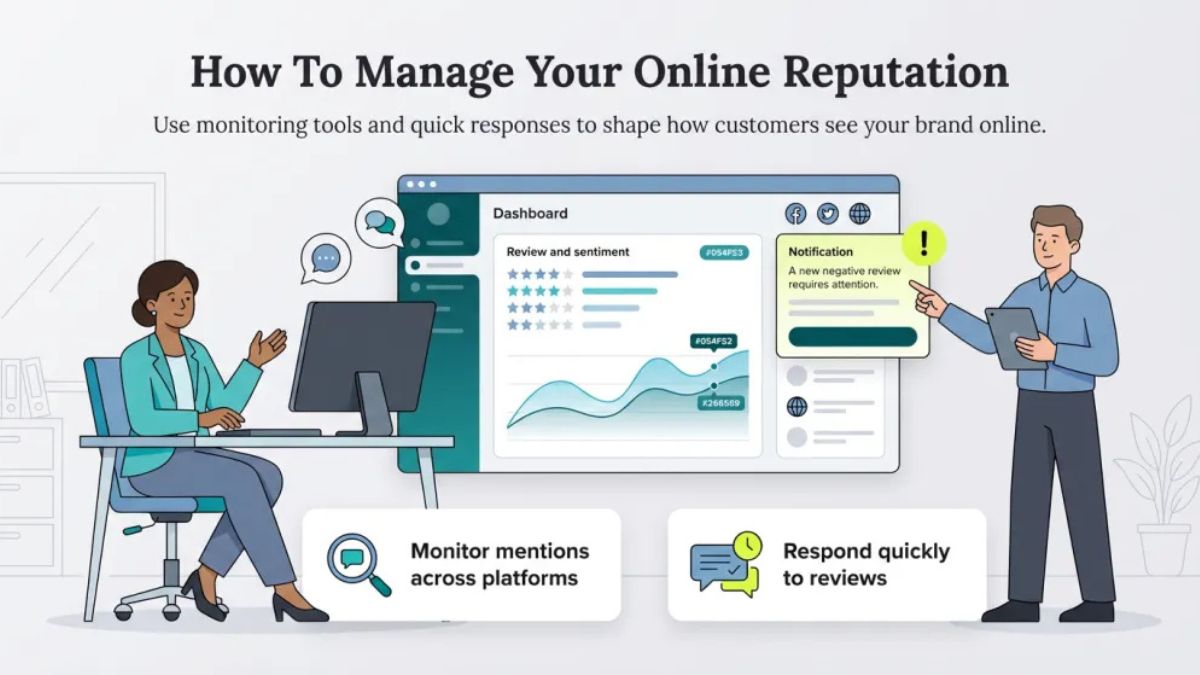
- Turn on notifications so you see reviews and suggested edits quickly.
Step 2: Ask for Reviews at the Right Time
Most happy customers never leave reviews unless asked.
- Ask right after a good moment: after a successful delivery, a finished project, or a compliment.
- Make it easy: send a direct link by email, text, or QR code.
- Keep the request short and personal: “If you enjoyed working with us, would you share a quick review? It really helps small businesses like ours.”
- Ask everyone, not only the people you expect to be happy.
- Follow up once, politely, then stop.
Set a simple routine: add a review request to your post-purchase or post-service email sequence.
Step 3: Follow the Rules
Platforms have strict policies, and breaking them can get you penalized:
- Don’t buy or fake reviews, and don’t write reviews for your own business.
- Don’t offer rewards for positive reviews in ways that violate platform rules. Some platforms allow incentives for honest feedback only if you don’t require a positive rating, so read the rules first.
- Don’t ask only happy customers in ways that filter out honest feedback where that’s against policy.
- Don’t pressure or threaten customers.
- Follow advertising and consumer protection laws where you operate.
Authenticity protects you from penalties and builds lasting trust.
Step 4: Respond to Every Review
Responses show future customers how you treat people.
For positive reviews
- Thank the person by name.
- Mention something specific from their review.
- Keep it short and sincere.
For mixed or negative reviews
- Pause before replying. Don’t respond in anger.
- Thank them for the feedback.
- Acknowledge the problem without defensiveness.
- Apologize sincerely where appropriate.
- Offer a specific next step: a refund, replacement, or a phone call.
- Take long conversations offline, with contact details.
- Keep it professional. Write for the next customer, not just the reviewer.
Example: “Thank you for letting us know, Jordan. We’re sorry the order arrived late, and that’s not the experience we want you to have. We’ve sent you a message with options to make it right.”
Step 5: Handle Unfair or Fake Reviews
Not every bad review is legitimate.
- Check the platform’s policies for fake, abusive, or off-topic reviews.
- Use the platform’s reporting tools with a clear explanation and evidence.
- Reply calmly for the benefit of other readers if the review stays up.
- Don’t retaliate or argue.
- Keep records of any suspicious patterns.
Removals aren’t guaranteed, so focus on earning more genuine reviews that put outliers in perspective.
Step 6: Learn From the Feedback
Reviews are free feedback:
- Tag recurring themes: shipping delays, price, service, product quality, or cleanliness.
- Share patterns with your team monthly.
- Fix root causes, not just individual complaints.
- Use customers’ words in your website copy and ads, with permission where required.
- Celebrate team members named in positive reviews.
Step 7: Use Reviews in Your Marketing
- Show testimonials and ratings on your homepage, product pages, and landing pages.
- Share customer stories on social media and email.
- Feature detailed reviews, because specific, honest feedback seems to matter more than generic praise.
- Add review markup (structured data) where appropriate and permitted, accurate and consistent with what’s visible.
- Ask happy customers for short videos or photos with their permission.
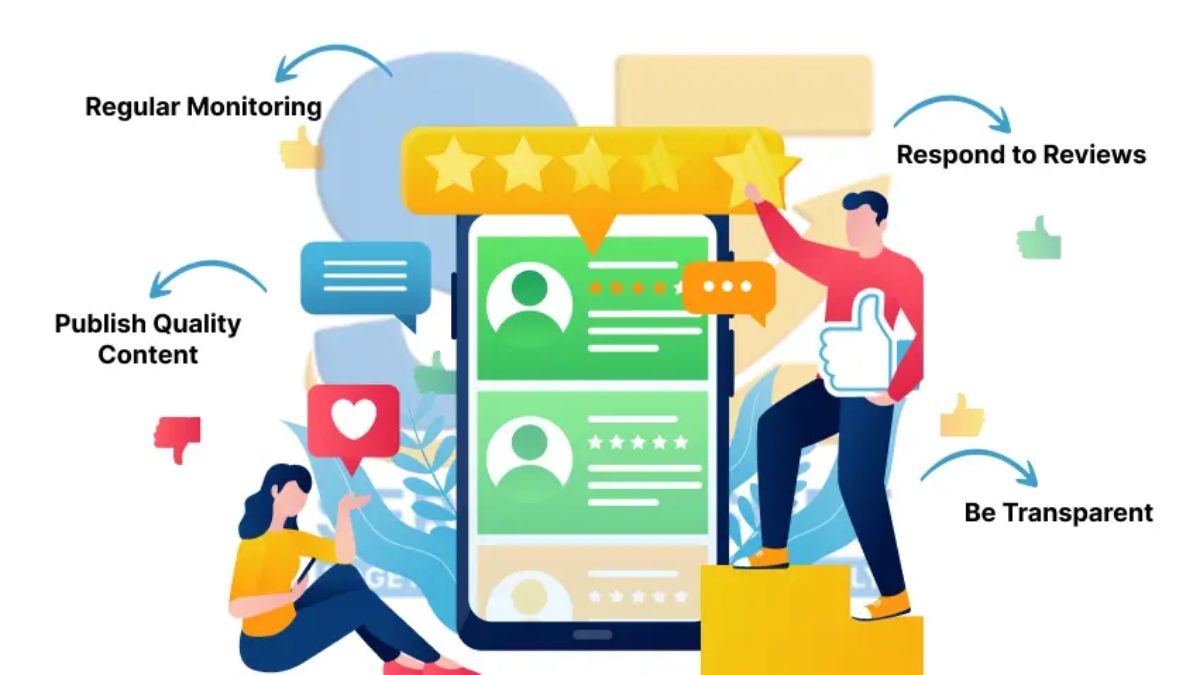
Step 8: Monitor Your Reputation Regularly
Set a light routine:
- Daily or every other day: check new reviews and notifications.
- Weekly: read through feedback and respond to anything outstanding.
- Monthly: review your overall rating, review count, and common themes, and check your listing details for unwanted edits.
- Set alerts for your business name and key people.
- Ask AI assistants what they say about your business, and correct inaccurate information at its source (your website, listings, and profiles).
Step 9: Respect Customer Privacy
- Don’t share private customer information in public replies.
- Get permission before using a customer’s name, photo, or full review in ads.
- Keep health, financial, and sensitive details out of any public conversation.
Mistakes to Avoid
- Ignoring reviews or responding defensively.
- Faking, buying, or trading reviews.
- Arguing publicly.
- Never asking.
- Letting listing details go stale or ignoring suggested edits.
- Using customer content without permission.
- Panicking over one bad review.

Your 30-Day Reputation Plan
- Week 1: Claim and complete your key profiles, and turn on notifications.
- Week 2: Write your review request message and add it to your email or text follow-up.
- Week 3: Respond to every existing review using your templates for positive and negative feedback.
- Week 4: Review themes in your feedback, fix one recurring problem, and add testimonials to your website.
Build Reputation Into a Complete System
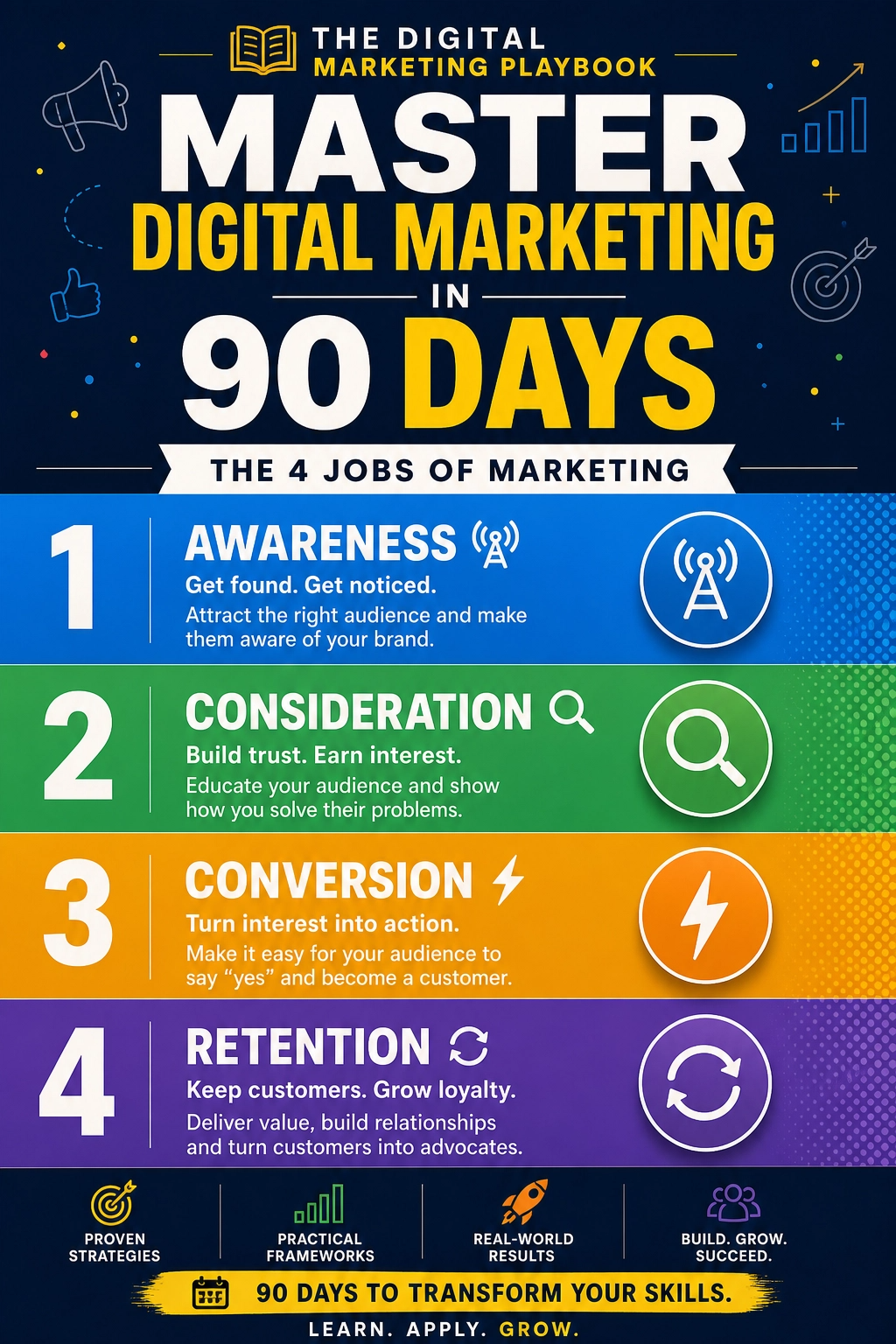
Strong reviews make every channel work better, from search to ads to email. If you’d like a step-by-step guide to building a complete marketing system, take a look at my ebook:
The Digital Marketing Playbook
Trust me, trust is the one marketing asset that gets more valuable the more you invest in it.
Final Thoughts
Your reputation is built one honest interaction at a time. Keep your profiles accurate, ask for reviews consistently, respond with kindness and professionalism, learn from feedback, and never fake anything. Do that, and the stories customers tell about you will do some of your marketing for you.










Leave a Reply