

Every morning I used to do the same thing before I could even think about my real work: scroll through email, check Slack, glance at the calendar, and try to figure out what was actually urgent. By 9 a.m. I was already tired. If you run a business or a side hustle on your own, you know this “inbox triage tax.”
Now imagine an assistant that did that for you before you even woke up, then handed you a short brief: here’s what needs your attention, here’s what I drafted, here’s what I need you to approve. That’s the idea behind Claude Duet, Anthropic’s new proactive agent, which just opened as a research preview.
In this guide, I’ll explain what Claude Duet is, how it’s designed to work, what the safety rules look like, who can get access right now, and how to prepare so you’re ready when your turn comes.
What Is Claude Duet?
Claude Duet is a personal AI agent designed for small businesses and professionals. Instead of waiting for you to open a chat and type a question, it’s built to brief you, watch your connected work, take care of tasks in the background, and ask for your decision when something matters.
Here’s what Anthropic has said about how it works:
- One ongoing conversation. You talk to Duet through a single, continuing thread, by voice or text.
- It brings your Claude context with it. It carries over the memory, skills, and connected apps already in your Claude account.
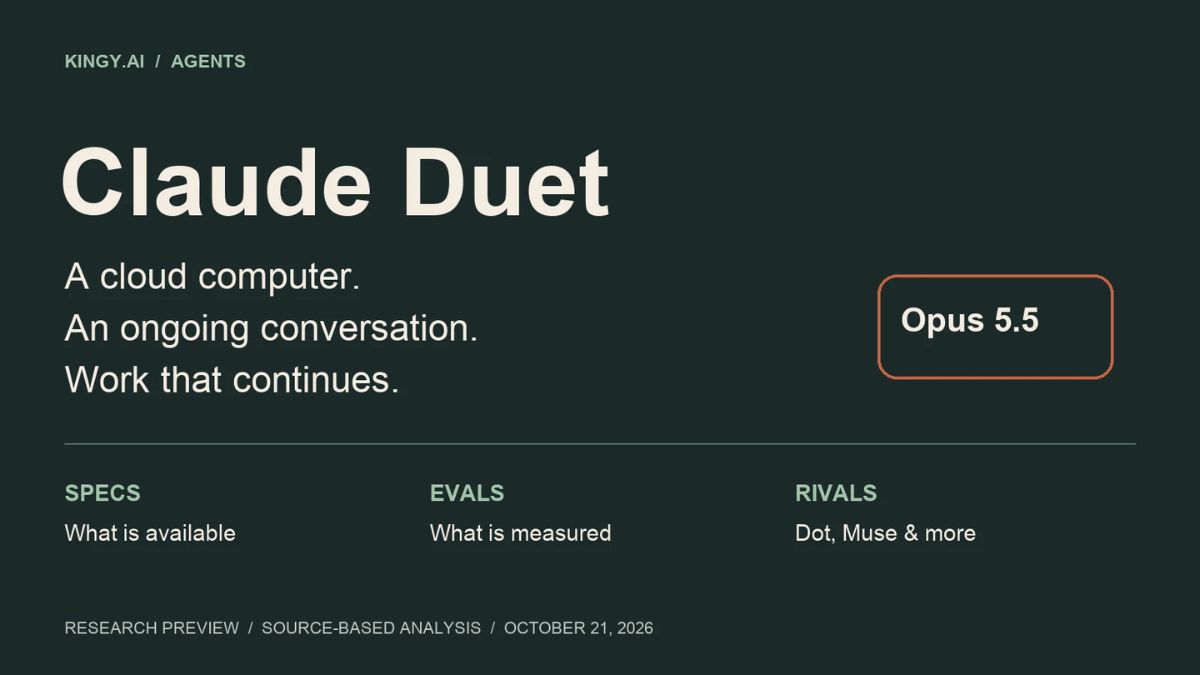
- It has its own cloud computer. Duet runs on a virtual machine and browser in the cloud, so background work doesn’t require your phone or laptop to stay on.
- Built around Claude Opus 5.5. It uses Anthropic’s top current Opus model.
- Standalone app or website. Eligible users can access it through a separate app or on the Claude website.
Anthropic gives examples such as finding missed Gmail and Slack messages, drafting invoice reminders from tools like QuickBooks or Stripe, preparing a payroll run, or assembling an agreement for e-signature review. These are examples from the company, not guarantees that every app supports every action.

Who Can Use It Right Now?
Here’s the reality check, and I want to be honest about it:
- Duet is an early research preview.
- It opened with a waitlist for Claude Pro and Max subscribers in the United States.
- Eligible users get access through the waitlist, and there’s no announced date for other countries yet.
- During the preview, Anthropic says there’s no separate fee on Pro or Max, but Duet uses the same usage limits as the rest of Claude. Its background check-ins and bigger jobs count toward your allowance.
If you’re outside the U.S., you can still prepare, but don’t build a time-sensitive plan around access you don’t have yet.

The Safety Rules: What Duet Can and Can’t Do
When I first heard “proactive agent with access to my email and accounts,” my stomach tightened a little. So the safety design matters a lot. Based on Anthropic’s description:
- It can read, draft, and prepare. That’s the main job.
- It must ask for approval before sending a message, making a payment, signing a document, or deleting anything.
- Some actions are off-limits even with approval, such as trading securities and moving money between accounts.
- It doesn’t directly see your passwords or sign-in tokens.
- It has guardrails around sensitive data. Anthropic says a classifier is designed to reject requests to share things like credit card numbers or government IDs, while health and personal finance information can be sent only with explicit instruction.
- You can disconnect an app at any time.
Anthropic also says it has done red-team testing, external penetration testing, and bug-bounty coverage. Those are meaningful safeguards, but they’re not a promise that nothing can go wrong. So I recommend this rule of thumb: give any agent only the access it needs, and always review high-impact actions yourself.

What Duet Isn’t (Yet)
Anthropic is upfront that this is a preview:
- It “might misread a thread or miscalibrate what’s urgent.”
- It’s built around professional and small-business work, so personal errands like booking tickets are less mature.
- It can’t yet show you its browser.
- There’s no announced support for running multiple separate Duet agents that collaborate.
- It checks accounts every few hours rather than constantly, partly to manage usage.
That’s a refreshingly honest list, and it helps set realistic expectations.

How Duet Fits With Other AI Agents
Duet arrives at the same time as competing personal agents, such as Meta’s Muse and OpenAI’s Dots. Each takes a slightly different approach, and availability varies by country and plan. The main thing that sets Duet apart is its starting point: if you already use Claude with memory, skills, and connected apps, Duet is designed to pick up from there rather than starting from scratch. Always check each product’s current pricing, regions, and permissions before connecting sensitive accounts.
How to Get Ready for Duet (Even Before You Have Access)
Here’s the prep work I’d do right now. It will make you more effective with any AI agent.
1. Clean up your accounts
An agent is only as good as the information it can see. Unsubscribe from clutter, label important contacts, and organize your inbox and shared folders.
2. Document your routines
Write down the things you do repeatedly: weekly client check-ins, invoice reminders, monthly reporting, content scheduling. These are the tasks you’ll want to delegate first.
3. Decide your rules
Make a short “rules of engagement” list:
- What should the agent never do without asking me?
- Which clients or contacts are always high priority?
- What tone should it use when drafting for me?
- What information is off-limits?
4. Build your Claude foundation
Because Duet carries over your memory, skills, and connections, the work you do in Claude now pays off later. Set up Projects, add your brand voice, and save your best prompts and workflows.
5. Start with one narrow responsibility
When you do get access, begin with something reversible and low-risk, like “review my inbox and calendar each morning and prepare a brief with draft-only replies.” Track what’s useful, what’s noise, and how much of your usage allowance it consumes before you add more.
6. Join the waitlist (if eligible)
If you’re a U.S. Pro or Max subscriber, check Anthropic’s official Duet page for the waitlist.
A One-Week Test Plan
- Day 1: Connect only the accounts you need. Set your rules.
- Days 2-3: Review every brief and approval request. Note false alarms and misses.
- Days 4-5: Add one routine task, like invoice reminder drafts.
- Days 6-7: Review your usage and decide whether Duet saves more time than it costs in attention.
Build Systems Before You Add Agents
The businesses that will benefit most from agents like Duet are the ones with clear routines, good records, and a strong understanding of how to work with Claude. If you want a step-by-step playbook for building that foundation, take a look at my guide:

Trust me, an agent amplifies whatever system you already have. Make it a good one.
Final Thoughts
Claude Duet points to a future where your AI doesn’t wait for instructions. It briefs you, prepares work, and asks for your approval. It’s still early, limited in access, and shares your usage allowance, so approach it with curiosity and caution. Prepare your accounts, write your rules, start small, and keep a human hand on every high-impact decision.










Leave a Reply