


Before I had kids, I was the person who color-coded everyone’s calendar, remembered every birthday, and quietly fixed other people’s messy spreadsheets. After my first baby arrived, I assumed those skills belonged to another life. Then a friend who ran a small business called me in tears because her inbox had 4,000 unread emails, and I realized something: organization is a marketable skill, and I’d been carrying it around the whole time.
That’s the heart of virtual assistance. And right now, the timing is interesting. Freelance marketplace data shows that demand for AI-related skills has more than doubled, while demand for foundational human skills such as general virtual assistance, data analytics, and graphic design has stayed consistently strong. In other words, businesses aren’t replacing helpers with AI. They’re looking for helpers who can use AI well.
In this guide, I’ll show you how to become an AI-enabled virtual assistant as a stay-at-home mom: what services to offer, what the latest freelance data says, how to use AI responsibly, and how to land your first clients. (No one can guarantee income, and results vary widely, so I’ll keep this realistic.)
What the Latest Freelance Data Says
Here’s what recent research and reporting found:
- AI-related freelance demand is surging. Upwork’s annual skills report found that demand for top AI-enabled skills more than doubled year over year, and coverage of the report put the growth in clients hiring for AI-related work at around 109%. Fast-growing areas included AI video generation and editing and AI integration.
- Human skills remain strong. The same report found that demand for general virtual assistance, data analytics, graphic design, and full stack development stayed consistently strong. Upwork’s economist noted that AI isn’t replacing people so much as sharpening where human expertise matters.
- Virtual assistance is a big category. Upwork’s list of in-demand skills includes executive virtual assistance, medical virtual assistance, and e-commerce management among its top skills in the admin support category.
- AI skills are spreading everywhere. Coverage of the report noted that virtual assistants, project managers, and customer support specialists who weave AI tools into their daily work are seeing increased demand. A freelancer survey cited in the same coverage found that 84% of freelancers regularly use AI-powered tools.
- Freelancing is mainstream. An earlier Upwork study found that roughly 28% of U.S. skilled knowledge workers freelance, and an Upwork analysis reported that freelancers working in AI earned over 40% more per hour than those doing non-AI work, mostly among people who already had experience in their field.
Here’s the truth: you don’t need to be a programmer. You need to be organized, reliable, and willing to learn tools.

What Does a Virtual Assistant Actually Do?
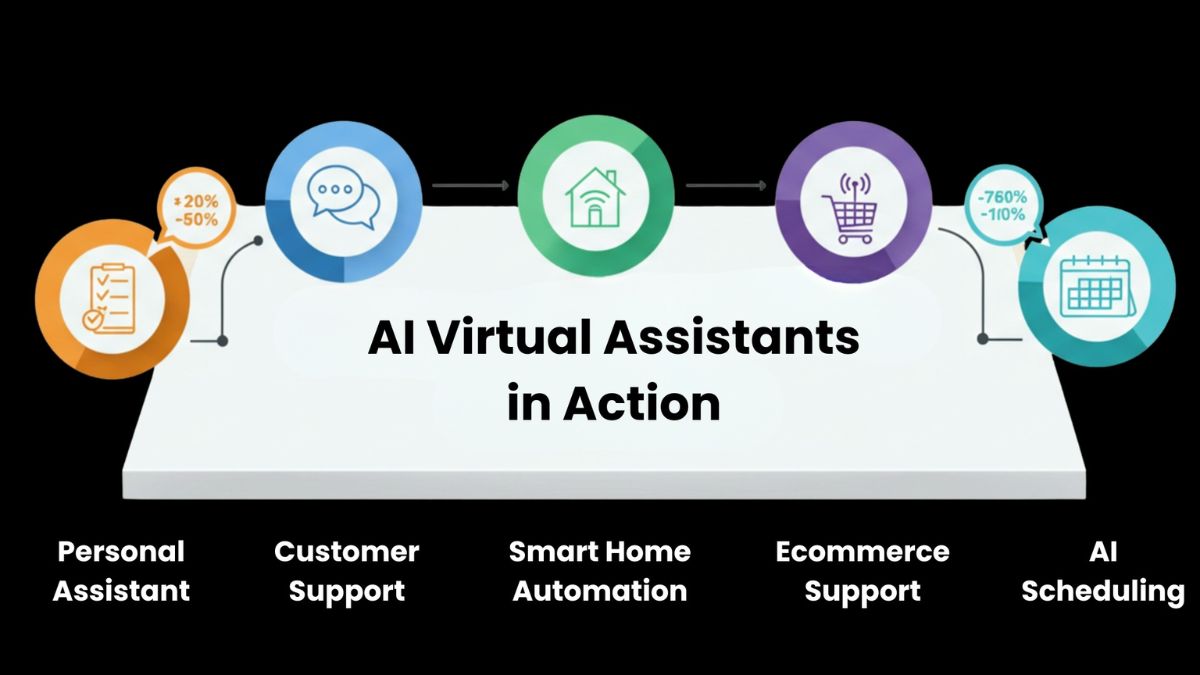
A virtual assistant (VA) provides remote administrative or specialized support to business owners. Common services:
- Inbox and calendar management: sorting email, scheduling appointments, sending reminders
- Customer support: answering common questions, handling orders
- Social media help: scheduling posts, replying to comments, basic graphics
- Content support: formatting blog posts, uploading to websites, repurposing content
- Research: gathering information on competitors, products, or vendors
- Bookkeeping support: invoicing, expense tracking (not tax or legal advice)
- Data entry and cleanup: spreadsheets, customer lists, and databases
- E-commerce support: product listings, order tracking, inventory updates
- Project coordination: reminders, checklists, status updates
- Specialized VA roles: executive support, medical office support (with the right training and privacy knowledge), and real estate or coaching support
What Makes You an “AI-Enabled” VA?
An AI-enabled VA uses AI tools to work faster and deliver more value, while keeping humans (you!) in charge of quality. Examples:
- Drafting emails and replies for client approval
- Summarizing meetings and calls into action items
- Researching topics and creating one-page briefs
- Repurposing content: turning one blog post into several social posts
- Cleaning and organizing data
- Creating first drafts of documents, checklists, and standard operating procedures
- Building simple templates and workflows
The formula that protects you and your clients is draft-and-approve: AI drafts, you review, the client approves, and then it goes out.

Step 1: Choose a Focus
General VAs compete with many people. A clear focus makes you easier to hire. Choose based on your background:
- Small online business owners: inbox, customer service, order support
- Coaches and consultants: scheduling, onboarding, newsletters
- Content creators: repurposing, scheduling, editing assistance
- Local service businesses: appointment booking, reviews, simple social posts
- Real estate or medical offices: specialized training and strict privacy requirements
If you’re a mom, you might be great at niches you know well: family businesses, education, wellness, or home services.
Step 2: Build Your Core Skills
Skills worth developing:
- Communication: clear, friendly, professional writing
- Organization and time management
- Basic tools: calendar apps, shared documents, spreadsheets, project management apps, and email platforms
- AI assistants: how to give clear instructions and check outputs
- Basic design or social media skills if you want to expand your services
- Confidentiality and data security
Free and low-cost tutorials can get you started. Spend your first weeks practicing on your own tasks, such as organizing your own inbox or planning a mock content calendar.

Step 3: Package Your Services
Packages are easier to sell than “I do admin work.” Examples:
- Inbox Reset: a one-time cleanup and system setup
- Weekly Admin Support: a set number of hours or tasks per week
- Content Repurposing Pack: one long piece turned into several shorter posts
- Calendar and Scheduling Setup: a complete system for booking appointments
- Customer Support Starter: templates and a process for answering common questions
- Monthly Retainer: a defined menu of tasks for a set monthly fee
For each package, write what’s included, what isn’t, how revisions work, and how long it takes.
Step 4: Set Your Rates (Carefully)
I’m intentionally not giving a single number, because rates vary by country, skill, niche, and the platform you use. Here’s how to figure out your own:
- Decide the income you want and the hours you can realistically work.
- Account for taxes and expenses. Self-employed people pay self-employment tax in the U.S., so set money aside.
- Research your niche. Look at what similar VAs list on marketplaces and ask peers.
- Start with a fair rate, not a bargain. Underpricing makes it hard to raise rates later.
- Consider package pricing or retainers instead of only hourly rates, so you aren’t punished for working efficiently with AI.
- Raise your rates as you gain results, testimonials, and a full calendar.
Step 5: Create a Simple Portfolio and Profile
You don’t need clients to build proof. Create:
- A mock content calendar for a pretend business
- A sample inbox management system (with all personal information removed)
- A before-and-after example of a messy spreadsheet turned into a clean one (with made-up data)
- A sample standard operating procedure for a common task
- A one-page services menu
Then build a short profile with your photo, your focus, your services, and how to contact you. Use the same message on your freelance marketplace profile, professional networking page, and a simple one-page website.
Step 6: Find Your First Clients
Places to look:
- Your own network: Friends, former coworkers, and local business owners often need help and trust people they know.
- Freelance marketplaces: Established platforms protect payment for both sides. Write short, specific proposals instead of copy-pasting.
- Online communities: Join groups where your ideal clients gather, and be helpful before you pitch.
- Direct outreach: Pick 10 small businesses you admire, notice something you could help with, and send a friendly, specific message.
- Referrals: After your first happy client, ask for introductions.
A simple outreach message
“Hi [Name], I help [type of business] with [specific task], like keeping inboxes under control and making sure appointments don’t fall through the cracks. I noticed [specific observation]. I’d love to share a quick idea for saving you a few hours a week. Would you be open to a short chat?”
Step 7: Use AI Safely With Client Information
Clients trust you with their data. Protect it:
- Ask what’s okay. Tell clients how you use AI tools and get permission before putting their information into any tool.
- Read each tool’s privacy settings. Know what’s stored and how to delete it.
- Remove sensitive details such as passwords, financial account numbers, and personal data of customers.
- Never let AI send anything unreviewed. Check every email, number, and name.
- Don’t paste confidential client materials into tools you haven’t vetted.
- Use strong passwords and two-factor authentication.
- Add a short AI and confidentiality clause to your agreements.
If you handle health or financial information, learn the privacy rules that apply, or avoid those roles until you do.
Step 8: Set Up Your Business Basics
- A simple agreement covering scope, payment, deadlines, confidentiality, and ownership
- An invoicing method, and a rule for payment terms
- A separate bank account for your business income
- A tax plan: set aside money from each payment and learn the self-employment tax rules
- A boundaries policy: working hours, response times, and how you handle emergencies
Step 9: Avoid Common Scams
- Never pay to get a VA job.
- Be wary of anyone who sends a check and asks you to forward money.
- Avoid “VA jobs” that are really reshipping or reselling schemes.
- Confirm the client is real before you share sensitive information or do large amounts of work.
- Use written agreements and reputable payment methods.
A 30-Day Launch Plan
- Week 1: Choose your focus, list your skills, and write your one-sentence offer.
- Week 2: Build two or three sample projects and your services menu.
- Week 3: Create your profile and send 10 outreach messages.
- Week 4: Follow up, take your first client (even at a small starter rate or trial project), and document your process.
Common Mistakes to Avoid
- Offering everything to everyone.
- Underpricing yourself.
- Skipping the contract.
- Letting AI produce work without review.
- Taking on too much with kids at home. Start with limited hours.
- Ignoring taxes.
- Not asking for testimonials.
Turn Your Skills Into a Real Income Plan
Virtual assistance is one of the most flexible ways to start earning from home, especially when you pair your organizational skills with AI tools. If you’d like a beginner-friendly roadmap for making money online as a stay-at-home mom, take a look at my ebook:
The Stay-At-Home Mom’s Guide To Making Money Online
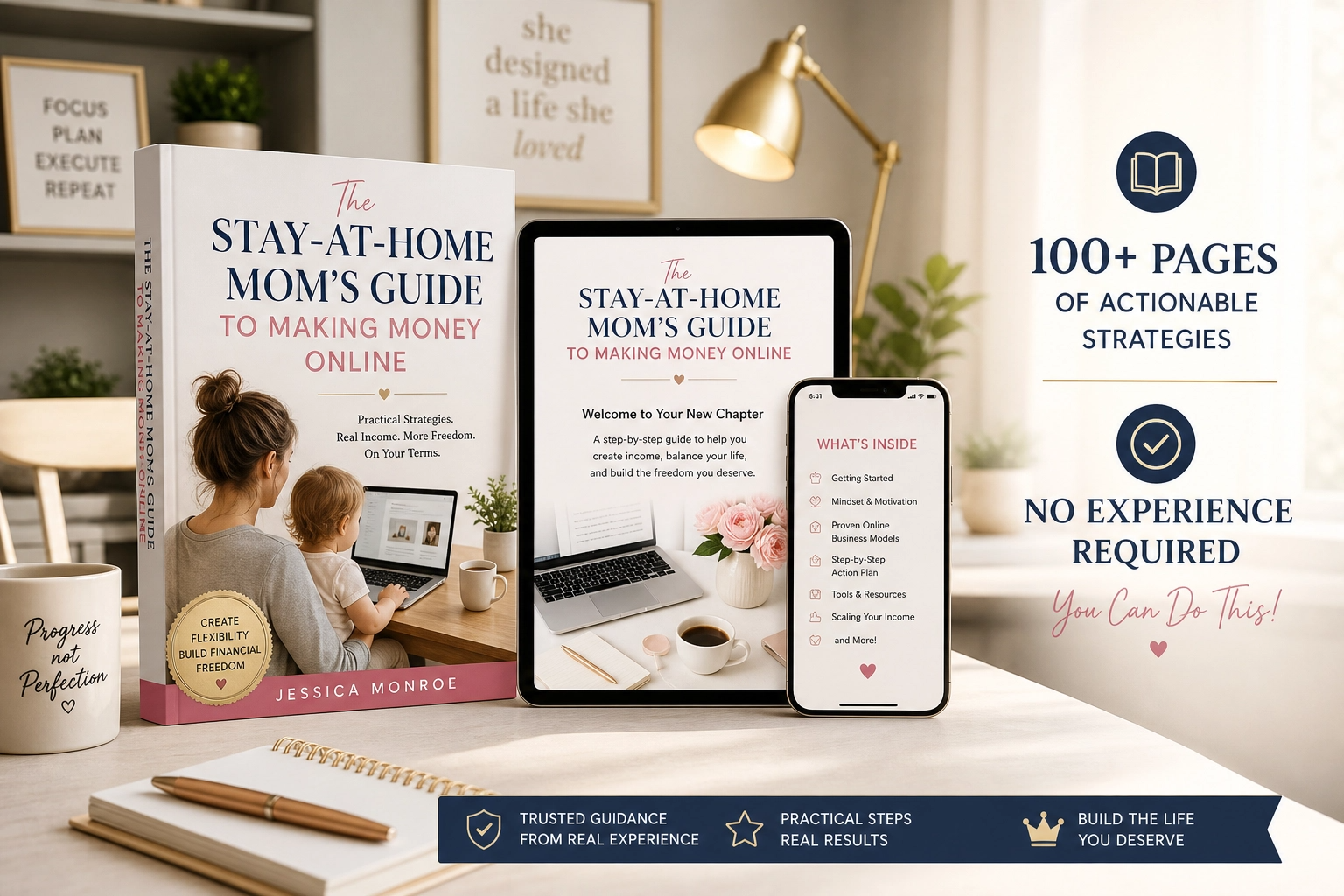
Trust me, having a roadmap makes that first client feel a lot less scary.
Final Thoughts
The freelance market is changing, but the need for reliable, organized humans isn’t going away. It’s growing for the people who can combine those skills with smart use of AI. Choose a focus, build a small portfolio, package your services, protect your clients’ data, and start with a few small projects. You already have more marketable skills than you think.









Leave a Reply