

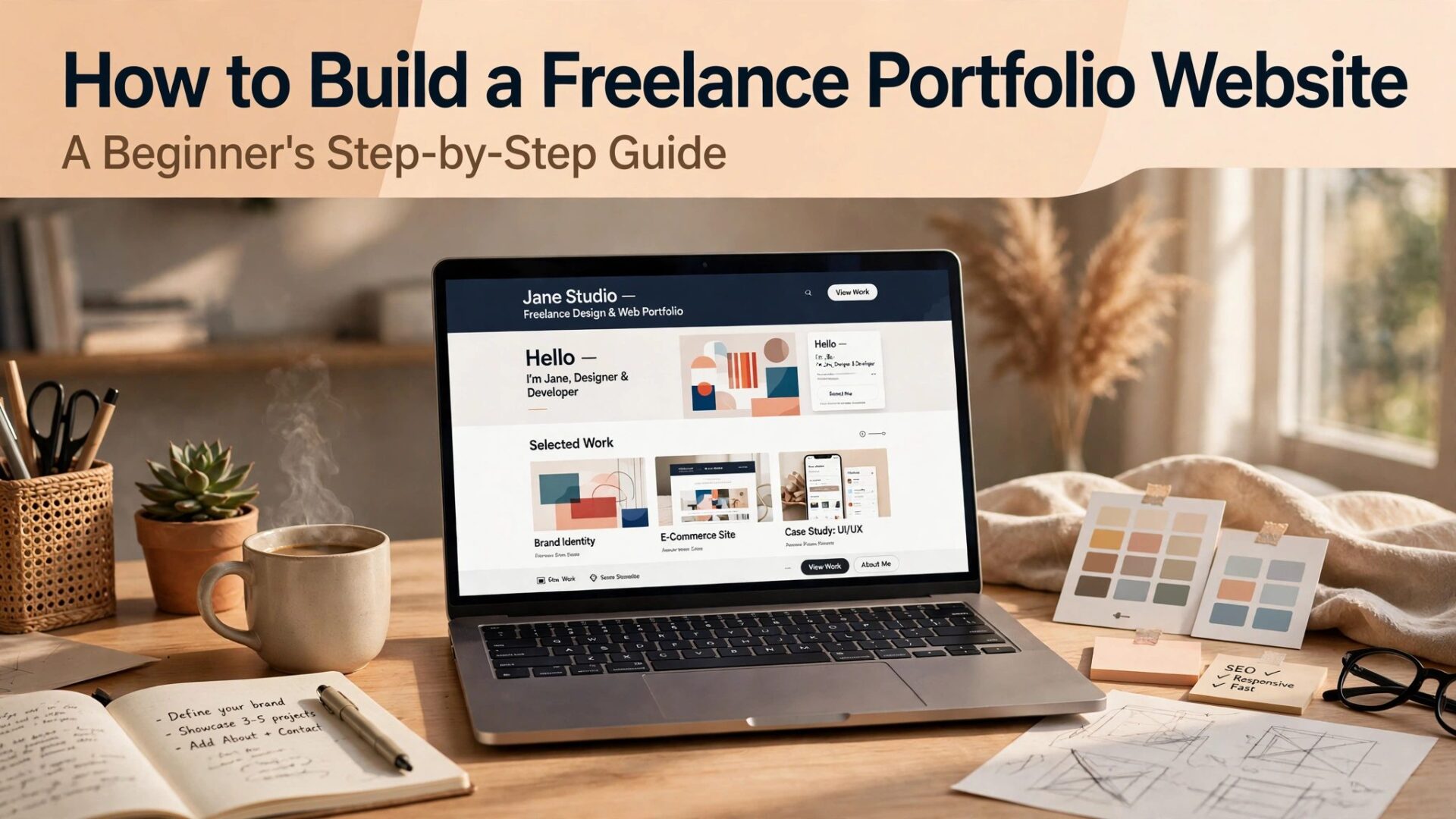
For my first year of freelancing, my “portfolio” was a messy shared folder with files named things like “final_final_v3.” Whenever a potential client asked to see my work, I’d panic, hunt for links, and send a clumsy email. One client politely told me, “I liked your pitch, but I couldn’t tell what you actually do.” That stung, and it taught me a valuable lesson: if people can’t see your work clearly, they can’t hire you.
If you want to build a freelance portfolio website, you’re creating a home base where clients can learn who you are, see your work, and contact you. It doesn’t need to be fancy. It needs to be clear, professional, and easy to use.
In this guide, I’ll walk you through what to include, how to choose a platform, how to present your work, and how to help clients find you.
Why Every Freelancer Needs a Portfolio Site
- Credibility. A website signals professionalism.
- Control. You own your platform, unlike social profiles.
- Clarity. You can explain exactly what you offer and who you help.
- Discoverability. With good SEO, clients may find you through search.
- Conversions. Clear calls to action turn visitors into inquiries.
The honest part: A website alone won’t bring clients. You still need to share it, pitch, and network. But when someone asks, “Can I see your work?”, you’ll have a confident answer.
Step 1: Define Your Goal and Audience
Before building, decide:
- Who is my ideal client? Be specific.
- What do I want visitors to do? Contact you, book a call, or request a quote.
- What’s my main offer? Write it in one sentence: “I help [audience] get [result] with [service].”
Your website should speak directly to that audience, not to everyone.
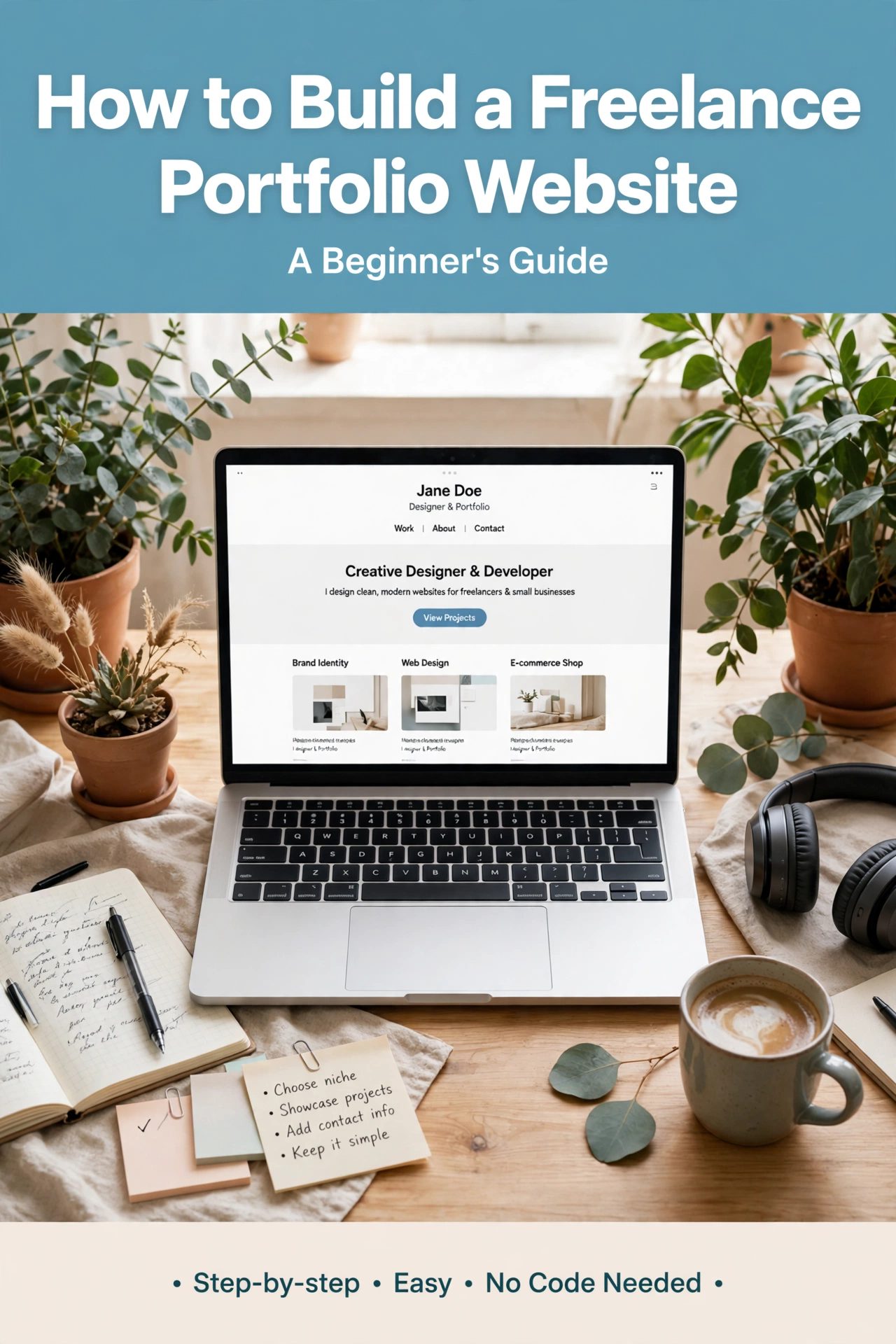
Step 2: Choose a Platform
Popular options include website builders, WordPress, and portfolio-specific platforms.
What to Consider
- Ease of use: Can you update it yourself?
- Cost: Compare free and paid plans, including domain costs.
- Design flexibility: Clean templates that suit your work.
- Mobile-friendliness.
- SEO features.
- Ownership and export options.
Many freelancers start with a simple builder and a custom domain. If you prefer more control and plan to blog, consider WordPress. Pricing and features change, so compare current options.
Get a Custom Domain
Use your name or a short brand name, such as yourname.com. It looks professional and is easy to remember.
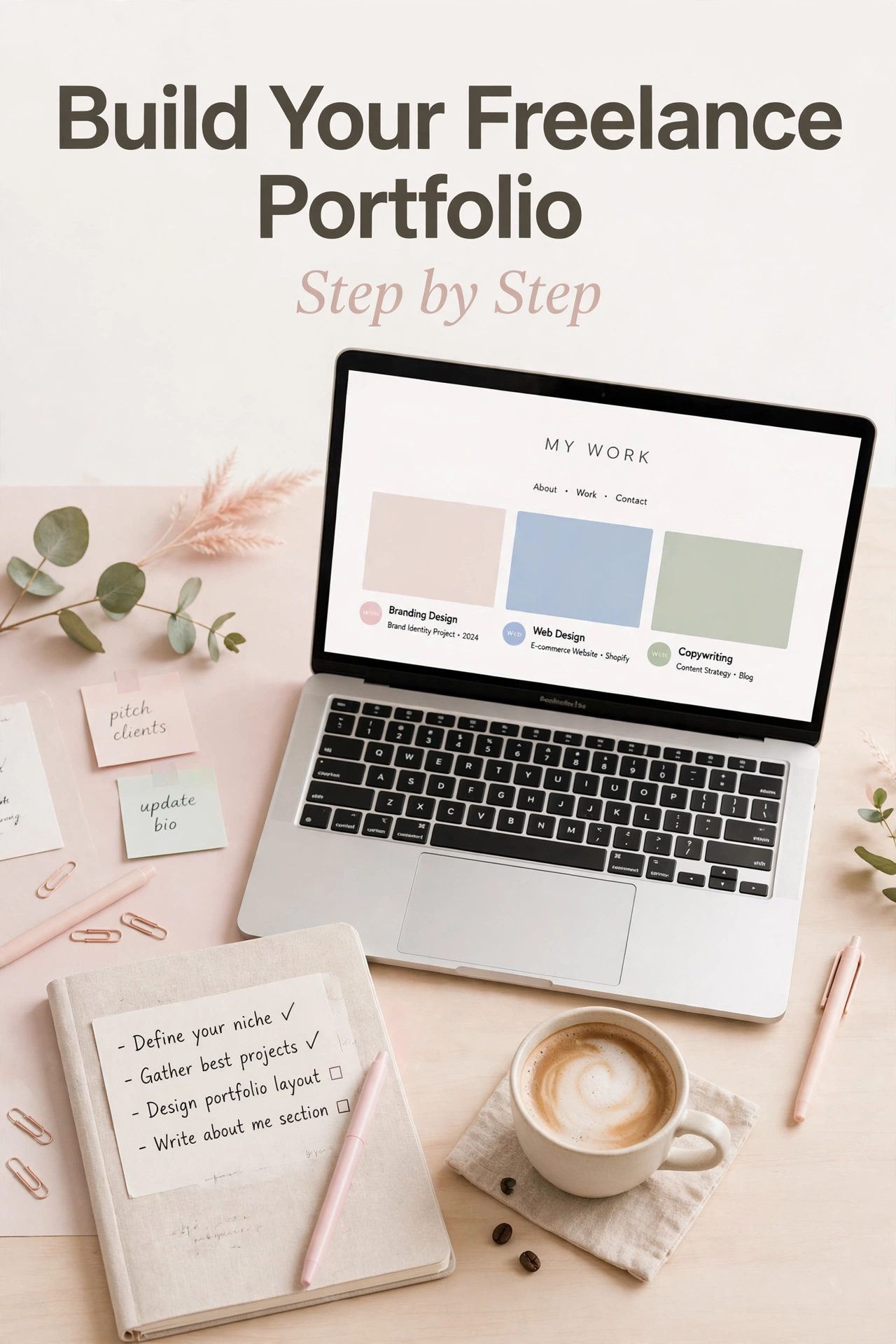
Step 3: Plan Your Pages
Keep it simple. You can start with five core pages.
1. Home Page
- A clear headline stating what you do and who you help.
- A short supporting sentence.
- A professional photo (optional but helpful for trust).
- Highlights of your best work or testimonials.
- A clear call to action, such as “Book a call” or “Request a quote.”
2. Services Page
- List your services with short descriptions and benefits.
- Show process steps so clients know what to expect.
- Include pricing or “starting at” ranges if you’re comfortable.
3. Portfolio or Work Page
- Show three to six strong samples, not everything you’ve ever done.
- Organize by type or client.
- Link to case studies for deeper stories.
4. About Page
- Share your story, values, and experience.
- Explain why you do this work and how you help.
- Add a friendly photo and personality.
5. Contact Page
- Make it easy: a form, email address, and any scheduling link.
- Explain what happens next, such as “I’ll reply within two business days.”
Step 4: Create Case Studies That Win Clients
Case studies show your thinking and results.
Simple Case Study Structure
- The client or project: Who was it for, and what was the goal?
- The challenge: What problem needed solving?
- Your approach: What you did and why.
- The result: Outcomes, numbers, or feedback, with permission and honesty.
- A short testimonial if available.
No clients yet? Create concept projects or pilot projects, clearly labeled, and show your process.
Step 5: Write Copy That Connects
- Lead with the client’s problem, not your résumé.
- Use simple, confident language.
- Focus on benefits and outcomes.
- Keep paragraphs short.
- Use specifics, like numbers and examples.
- Add social proof: testimonials, logos, and results where allowed.
AI can help draft and polish your website copy. Always review for accuracy and make it sound like you. The Claude Advantage shows how to prompt effectively for website copy, and The Personal Brand Blueprint helps you clarify your message and brand voice.

Step 6: Design for Clarity
- Use a clean layout with plenty of white space.
- Choose a simple palette and one or two fonts.
- Use high-quality images of your work and yourself.
- Make buttons obvious.
- Ensure readability on all devices.
- Keep navigation simple.
Test your site on phone and desktop, and ask a friend to find your contact information in under 30 seconds.
Step 7: Add Basic SEO
Help search engines understand your site.
- Use clear page titles with your service and location or niche.
- Write short meta descriptions.
- Use headings to structure content.
- Add alt text to images.
- Include keywords naturally, such as “freelance copywriter for coaches.”
- Create a blog or resources page if you enjoy writing, answering common client questions.
- Submit your site to search engines using their free tools.
The Digital Marketing Playbook explains SEO and content marketing fundamentals in beginner-friendly language.
Step 8: Add Trust Signals and Policies
- Testimonials and reviews.
- A clear privacy policy and cookie notice if needed.
- Terms for your services or a link to your standard contract.
- Secure site (HTTPS).
- Professional email address matching your domain.
Step 9: Promote Your Website
A website needs traffic.
- Add your link to social profiles, email signature, and proposals.
- Share case studies and blog posts on LinkedIn, Pinterest, or other relevant platforms.
- Mention it in pitches and conversations.
- Collect emails with a helpful lead magnet.
- Ask clients for referrals and links.
If you’re building flexible income as a mom, The Stay-At-Home Mom’s Guide to Making Money Online offers more ideas to pair with your website.
A 7-Day Website Launch Plan
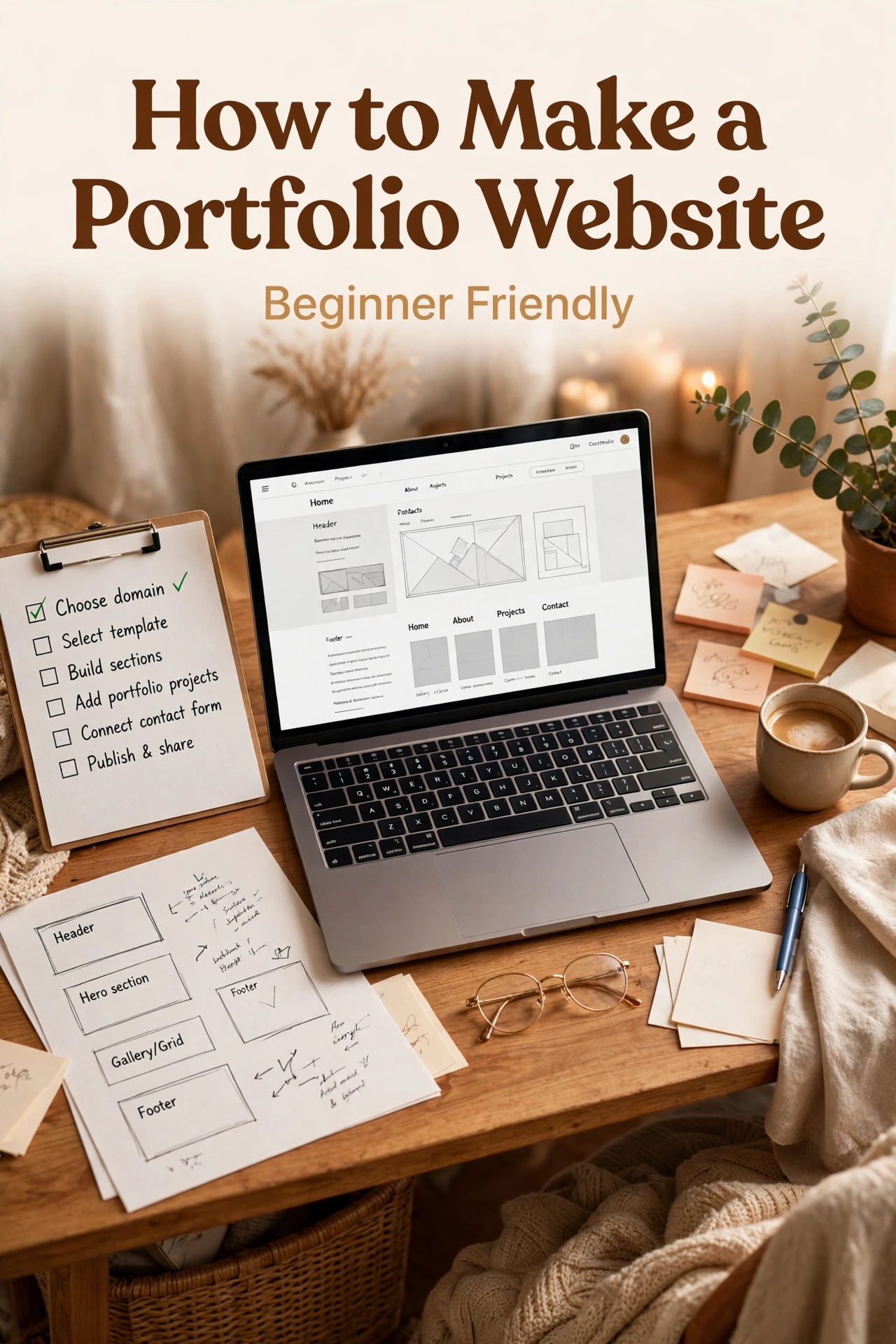
- Day 1: Define your goal, audience, and one-sentence offer.
- Day 2: Choose a platform and domain.
- Day 3: Write your home and about page copy.
- Day 4: Create service descriptions and gather portfolio pieces.
- Day 5: Write one case study and collect a testimonial.
- Day 6: Design, proofread, and test on mobile.
- Day 7: Launch and share with your network.
Keep It Fresh
- Update your portfolio every few months.
- Add new case studies and testimonials.
- Review analytics to see which pages get visitors.
- Check links and forms regularly.
- Refine copy based on client questions.
Money Basics
- Budget for domain and hosting costs.
- Track business expenses for tax purposes.
- Consult a qualified professional about deductions and obligations.
The Smart Mom’s Complete Guide to Money offers friendly guidance for managing freelance finances.
Examples of Strong Homepage Headlines
Your headline is the first thing visitors read, so make it count. Here are examples for different freelancers:
- Copywriter: “Website copy that helps wellness coaches book more discovery calls.”
- Virtual assistant: “Calm, organized inbox and scheduling support for busy real estate agents.”
- Graphic designer: “Brand-ready visuals for bakeries and cafés that want to stand out.”
- Social media manager: “Consistent, on-brand content so local shops can focus on customers.”
- Bookkeeper: “Clear monthly books for freelancers who dread tax season.”
Each headline names a service, a specific audience, and a result. If a visitor can read your headline and think, “That’s for me,” your homepage is doing its job.
Mistakes in Testimonials and How to Fix Them
Testimonials build trust, but weak ones don’t help. Improve yours with these tips:
- Ask specific questions, such as “What problem were you facing before we worked together?” and “What changed afterwards?”
- Include names and roles when clients allow it.
- Use real photos or logos only with permission.
- Highlight results, like time saved or inquiries gained.
- Keep them short and scannable, with a standout line in bold.
- Never invent or edit testimonials in misleading ways.
A handful of detailed, honest testimonials will persuade more visitors than a long list of vague compliments.
Mistakes to Avoid
- Showing too much work. Curate your best.
- Vague headlines.
- Hard-to-find contact details.
- Ignoring mobile design.
- Using unlicensed images or fonts.
- Never updating.
Quick Answers About Freelance Portfolio Websites
Do I need a website to freelance? Not always, but it helps build credibility and gives you a place to showcase your work.
How much does it cost? Many freelancers spend a modest amount each year on a domain and a website builder, though costs vary.
What if I have no clients yet? Use concept projects, pilot projects, and clear descriptions of your skills and process.
How many portfolio pieces do I need? Three to six strong examples are usually enough.
Your Work Deserves a Home
Building a freelance portfolio website is about clarity, credibility, and making it easy for clients to say yes. Define your audience, show your best work, explain your process, and invite people to contact you.
This week, write your one-sentence offer and choose three portfolio pieces. Trust me, the day a client says, “I loved your website,” you’ll be glad you took the time. Let’s build it!








Leave a Reply