

I didn’t set out to sell Notion templates. I was simply building a messy dashboard to organize my freelance clients, deadlines, and invoices. A friend saw it over my shoulder and said, “Can I buy that?” I laughed, then realized she was serious. I cleaned it up, wrote a short instruction page, and sold it for $19. That was the start of a surprisingly fun product line.
If you want to make money with Notion templates, you’re tapping into a growing market of people who love being organized but don’t have time to build systems from scratch. Students, freelancers, parents, creators, and small businesses all need ways to manage their lives and work.
In this guide, I’ll walk you through finding a niche, designing templates people actually use, pricing and selling them, and promoting your shop without a big budget.
What Is Notion and Why Do Templates Sell?
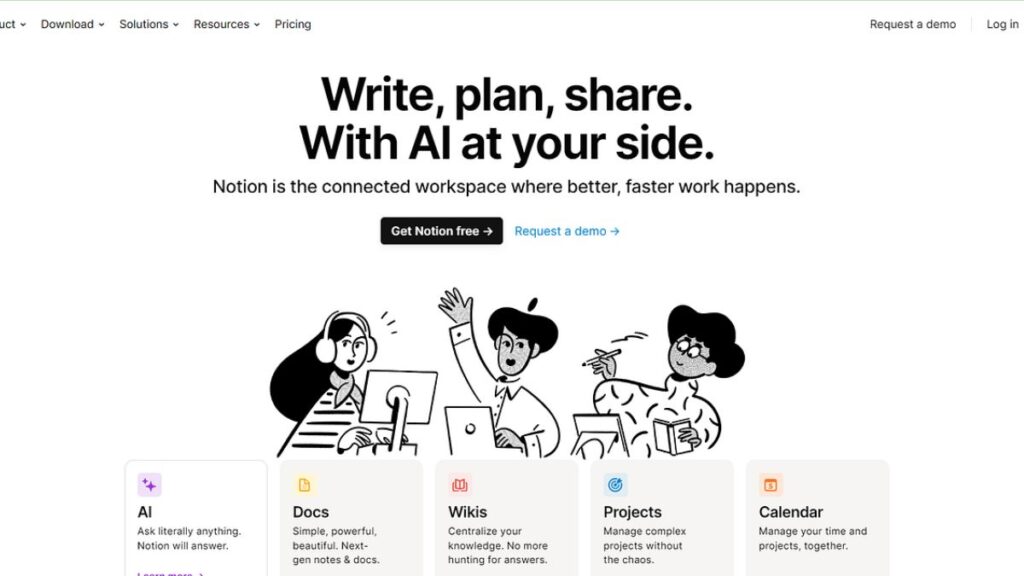
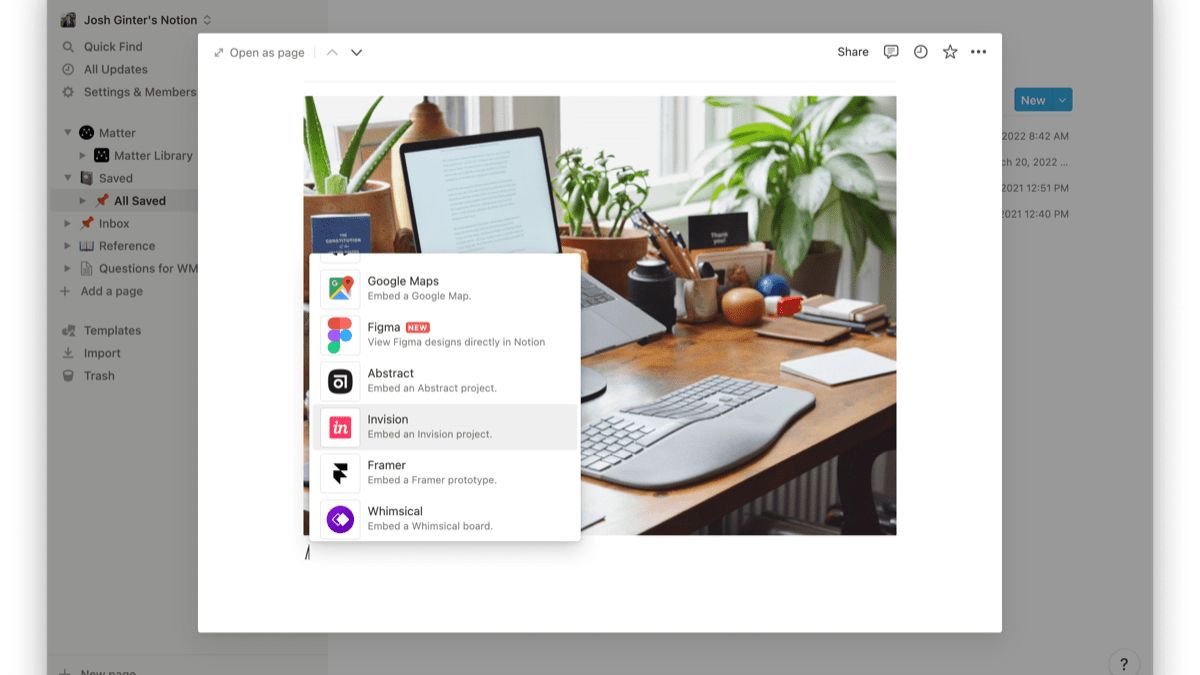
Notion is a flexible workspace app for notes, databases, tasks, and projects. Because it can be set up in countless ways, many people feel overwhelmed by a blank page.
Why templates sell:
- They save time. Buyers skip the setup.
- They teach structure. A good template shows how to use the tool well.
- They’re niche-friendly. Every profession and hobby has needs.
- They’re easy to deliver. Buyers duplicate a shared page into their own workspace.
The honest part: The market is growing but competitive, and Notion’s features and rules can change. Check current Notion policies for selling templates before you launch. Specific niches and thoughtful design make you stand out.
Step 1: Learn Notion Well
You don’t need to be an expert, but comfort matters.
Skills to Build
- Pages, blocks, and databases.
- Views: table, board, calendar, gallery, and list.
- Relations and rollups to connect databases.
- Formulas for calculations and automation.
- Templates and buttons for repeatable actions.
- Clean design: icons, covers, and layout.
Ways to Learn
- Notion’s own guides and tutorials.
- YouTube creators who teach Notion systems.
- Building your own systems for daily life or work.
The best templates come from real use. Build something you genuinely need first.
Step 2: Choose a Niche
Broad templates like “productivity dashboard” get lost. Specific ones win.
Niche Ideas
- Freelancer client and invoice trackers
- Budget and personal finance dashboards
- Content calendars for creators and bloggers
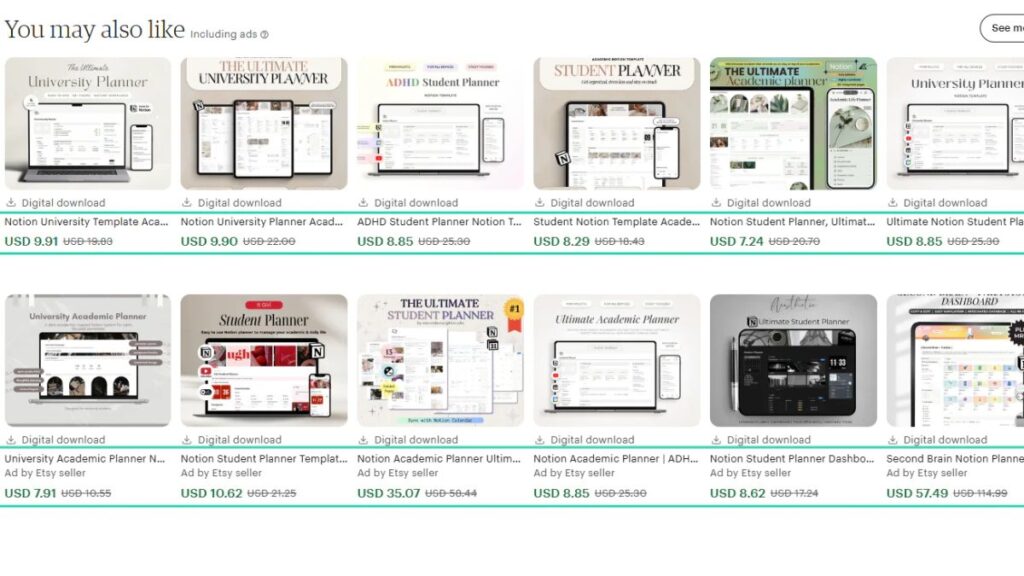
- Student planners and study trackers
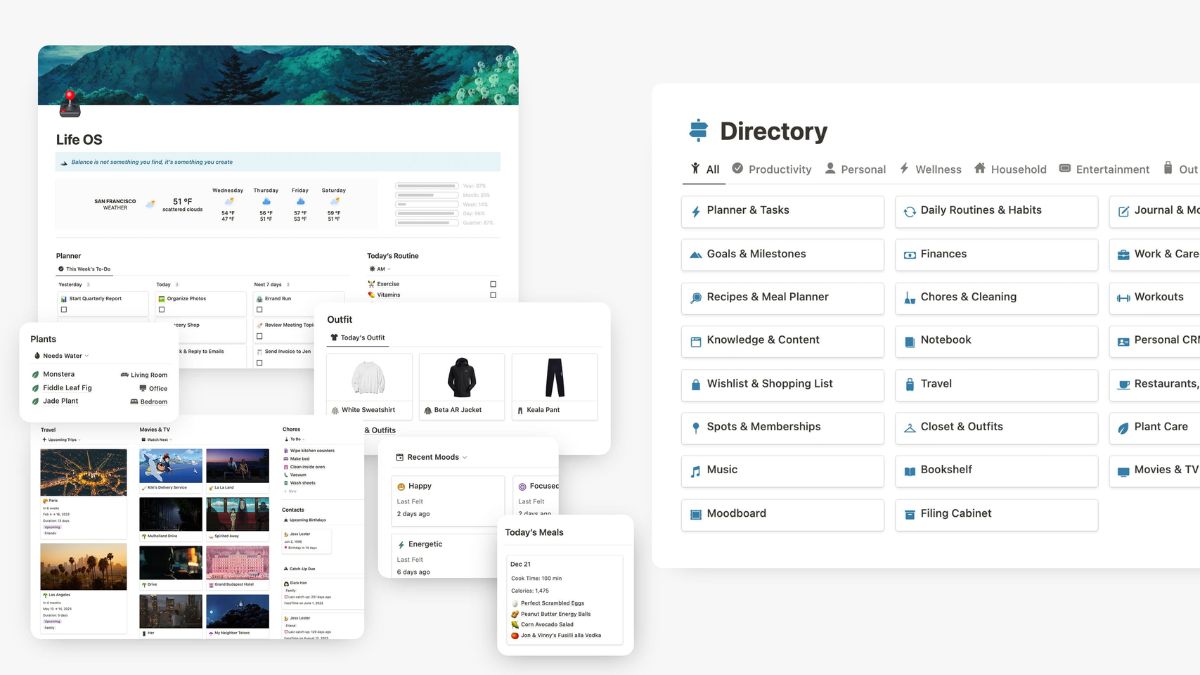
- Meal planning and family organizers
- Habit and wellness trackers
- Small business CRMs and project managers
- Job search trackers
- Wedding or event planning hubs
- Etsy and digital product shop managers
Pro tip: “Notion planner for freelance writers” is easier to sell than “Notion planner.”
Step 3: Research Demand
- Search Gumroad, Etsy, and Notion marketplaces for similar templates.
- Read reviews to see what buyers love and what they request.
- Check Pinterest and YouTube for related searches.
- Ask your audience or communities what systems they need.
Look for gaps, such as missing features, outdated designs, or underserved professions.
Step 4: Design Templates People Love
Design Principles
- Start with the user’s goal. Make the first screen clear and helpful.
- Keep it simple. Too many databases overwhelm beginners.
- Use consistent icons, covers, and colors.
- Add instructions in a short “Start Here” page.
- Include sample data so buyers see how it works.
- Test everything. Duplicate the template into a fresh workspace.
Include Helpful Extras
- A short video walkthrough.
- A quick-start guide with steps.
- A FAQ page.
- Bonus templates for upsells.
AI can help brainstorm structures, write instructions, and draft listing descriptions. The Claude Advantage shows how to prompt effectively, though your design and real experience make the product valuable.
Step 5: Package and Deliver Your Template
- Finish and test your template in a clean workspace.
- Set the page to be duplicable following Notion’s current instructions.
- Create a PDF or page containing the template link and instructions.
- Upload to your selling platform as the delivered file or link.
- Test the purchase and delivery process yourself.
Check Notion’s current terms about sharing and reselling templates.
Step 6: Choose Where to Sell
- Gumroad: Simple, great for building your own audience.
- Etsy: Large built-in traffic and strong demand for digital organizers.
- Notion’s template marketplace: Where available, you may be able to list templates, with eligibility and terms to check.
- Your own website: More control and branding.
Many sellers start with Gumroad or Etsy.
Step 7: Price Your Templates
- Simple templates: often $5–$15.
- Complete dashboards and systems: often $15–$49.
- Business or team systems: often $49–$150+.
- Bundles: often $29–$99+.
Pricing tips:
- Price by value, such as the time and stress saved.
- Offer launch discounts to build reviews.
- Create bundles for higher order value.
- Raise prices as you improve and collect testimonials.
Step 8: Promote Your Templates
- Pinterest: Visual pins showing your dashboard.
- YouTube and TikTok: Short walkthroughs and “set up with me” videos.
- Blog posts: Tutorials and comparison posts.
- Email list: Offer a free mini template to collect subscribers.
- Communities: Share helpful answers where allowed.
- Affiliates: Invite creators to promote your templates.
For more help attracting buyers, The Digital Marketing Playbook explains beginner-friendly strategies. A recognizable brand also builds trust, and The Personal Brand Blueprint can help you stand out. If you’re looking for more digital income ideas as a mom, The Stay-At-Home Mom’s Guide to Making Money Online has plenty.
A Sample 30-Day Plan
- Week 1: Choose a niche, research competitors, and outline your template.
- Week 2: Build and test your template, then write instructions.
- Week 3: Create previews, set up your Gumroad or Etsy listing, and prepare Pinterest pins.
- Week 4: Launch, share on social media, and collect early feedback.
After launch, create a bundle or companion template to build your collection.
Customer Support Tips
- Provide clear instructions with screenshots.
- Reply quickly and kindly.
- Update templates as Notion changes.
- Ask for reviews after buyers have had time to use the template.
- Use feedback to improve and create new products.
Template Ideas With Real Buyer Appeal
If you’re short on inspiration, here are five concepts that solve everyday problems:
- The Freelancer HQ: A client database, project tracker, invoice log, and monthly income dashboard in one page.
- The Content Planner: A calendar, idea bank, and publishing checklist for bloggers and social creators.
- The Family Command Center: Meal plans, chore charts, school schedules, and a shared grocery list.
- The Student Study Hub: Course trackers, assignment deadlines, and a weekly planner.
- The Digital Product Shop Manager: Product ideas, launch checklists, and sales tracking for Etsy and Gumroad sellers.
Notice how each one is built around a specific person with a specific routine. When buyers recognize themselves in your listing, they feel the template was made for them.
Keeping Your Templates Fresh
Notion updates regularly, so the best template sellers maintain their products:
- Review your templates every few months to check that features still work.
- Update screenshots and instructions when the interface changes.
- Add small improvements based on customer feedback.
- Offer free updates to existing buyers, which builds loyalty and reviews.
- Retire outdated templates if they no longer serve customers well.
A little maintenance protects your reputation and keeps your shop competitive.
Money and Legal Basics
- Track income and expenses.
- Save for taxes. Consult a qualified professional.
- Follow platform and Notion policies.
- Use original designs and content, and respect others’ work.
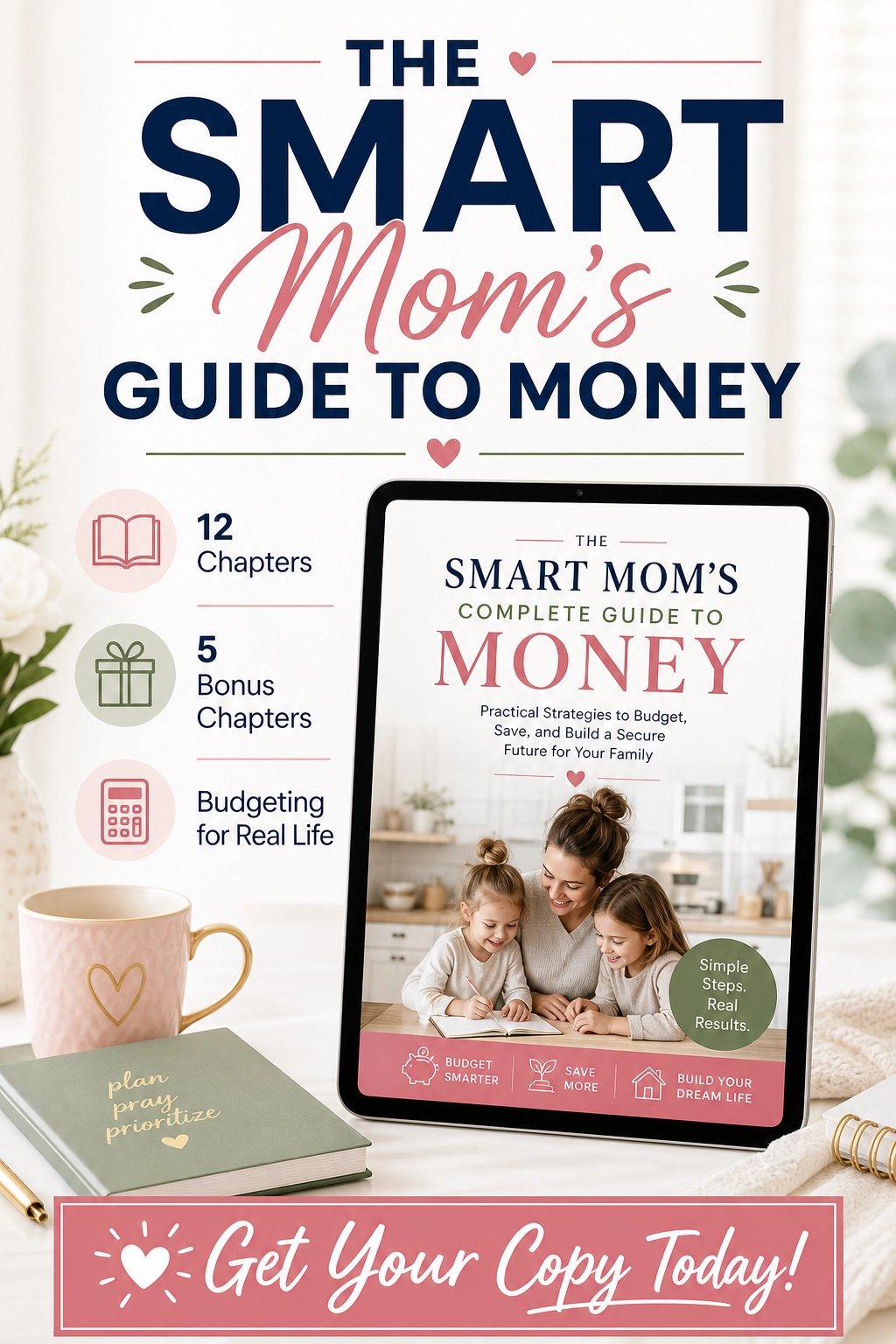
The Smart Mom’s Complete Guide to Money offers simple, friendly money frameworks.
Common Questions Buyers Ask Before Purchasing
Anticipating questions in your listing reduces hesitation and support messages:
- “Do I need a paid Notion plan?” Explain which features your template uses and whether a free plan works.
- “Will it work on mobile?” Describe how the layout behaves on phone and tablet.
- “Can I customize it?” Show which parts are easy to edit and which are fixed.
- “What if I get stuck?” Include a walkthrough video and your support contact.
- “Can I use it for clients or my team?” State your license terms clearly.
Answering these upfront builds trust and signals that you’ve thought about the buyer’s experience, which is often what separates polished shops from forgettable ones.
Mistakes to Avoid
- Building without researching demand.
- Overcomplicating templates.
- Skipping instructions.
- Ignoring policy changes.
- Not promoting.
Quick Answers About Selling Notion Templates
Do I need to be a Notion expert? No, but you should be comfortable building clear, functional systems.
How much can I earn? It varies widely. Many sellers earn modest side income, while others build larger shops. Niche, quality, and promotion matter most.
Can I use Notion for free? Notion offers a free plan, though features and limits may change. Check current plans.
Is it passive income? After setup, sales can arrive without daily work, but updates, support, and promotion help your shop grow.
Your First Notion Template Is Already in Your Workspace
Learning to make money with Notion templates is about turning your own organizing habits into products that help others. Start with a system you genuinely use, refine it, package it clearly, and share it with people who need it.
This week, choose one system you’ve built for yourself and think about who else might want it. Trust me, you might be sitting on your first product right now. Let’s start building!








Leave a Reply