

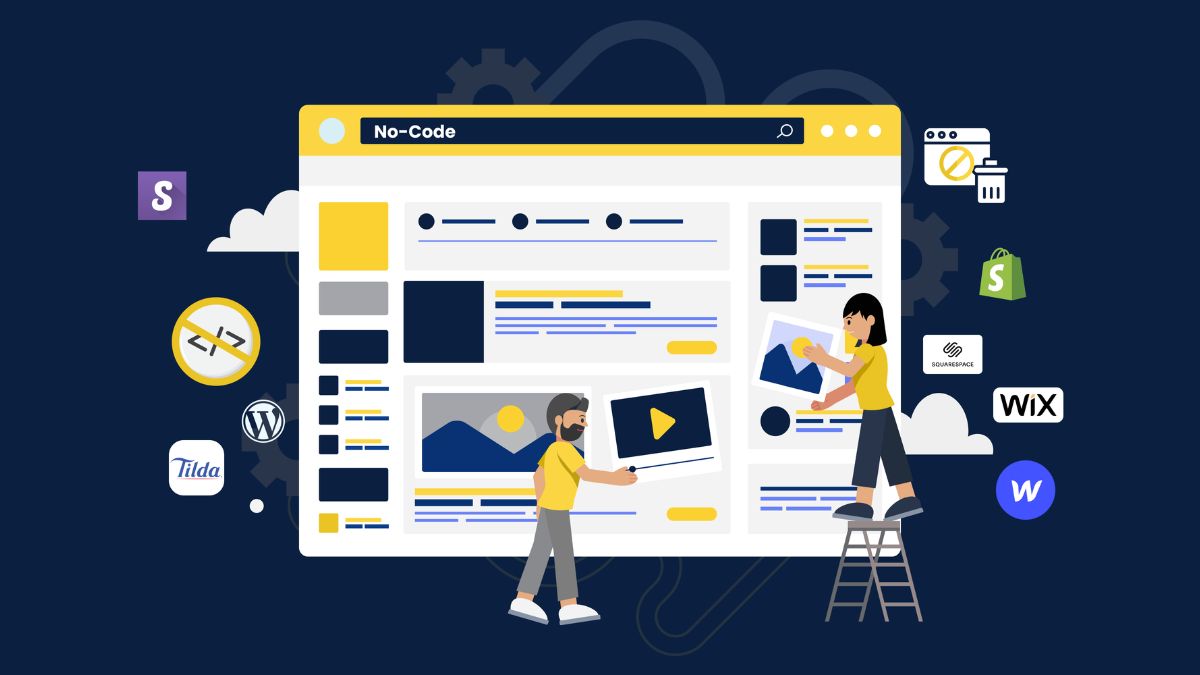
When my friend asked me to help her put her tiny cleaning business online, I assumed I’d need to learn programming. Instead, I spent a weekend with a drag-and-drop website builder, a clear list of what her customers needed to know, and a lot of coffee. By Sunday night she had a clean five-page site with a booking form. She paid me, then recommended me to two other business owners. I hadn’t written a single line of code.
That’s the beauty of no-code. Website builders have become powerful enough that a non-developer can create professional-looking sites, and small businesses badly need them. Customers often check a business’s website before they call, and search is changing: Google’s AI Mode queries run about three times longer than traditional ones, which rewards sites that answer detailed questions clearly. About a third of shoppers in one study still start with a site’s own search bar. Businesses also need accurate listings and fast, mobile-friendly pages. Most owners don’t have time to do it themselves.
In this guide, I’ll explain how to become a no-code website builder from home: what to learn, what to offer, how to price, how to find clients, and how to stay safe and compliant. (Income varies and isn’t guaranteed.)
What a No-Code Website Freelancer Does
- Plans the site structure: pages, navigation, and calls to action
- Writes or organizes content the business provides
- Builds the site in a website builder or content platform
- Sets up forms, booking tools, and payment buttons
- Optimizes for mobile and speed
- Adds basic search optimization: titles, descriptions, headings, and alt text
- Connects analytics and the business’s listings
- Hands over training so the owner can make small edits
Skills to Build
- One or two popular builders: learn them deeply.
- Clear structure and layout: what should be on a homepage, services page, about page, and contact page.
- Basic SEO: page titles, descriptions, headings, internal links, and image optimization.
- Copy basics: clear headlines, benefits, proof, and calls to action.
- Performance: compressing images, limiting heavy widgets, and testing on phones.
- Accessibility basics: readable fonts, color contrast, and alt text.
- Domain and hosting basics: how domains, DNS, and SSL work, enough to guide a client.
- Privacy and legal pages: privacy policy, terms, and cookie notices as required.
Step 1: Choose a Niche
Specializing helps you build faster and sell better:
- Local service businesses (cleaners, contractors, salons)
- Coaches and consultants
- Photographers and creatives
- Restaurants and cafes
- Real estate agents
- Online shops (small catalogs)
- Nonprofits and community groups
Step 2: Build Your Own Site and Samples
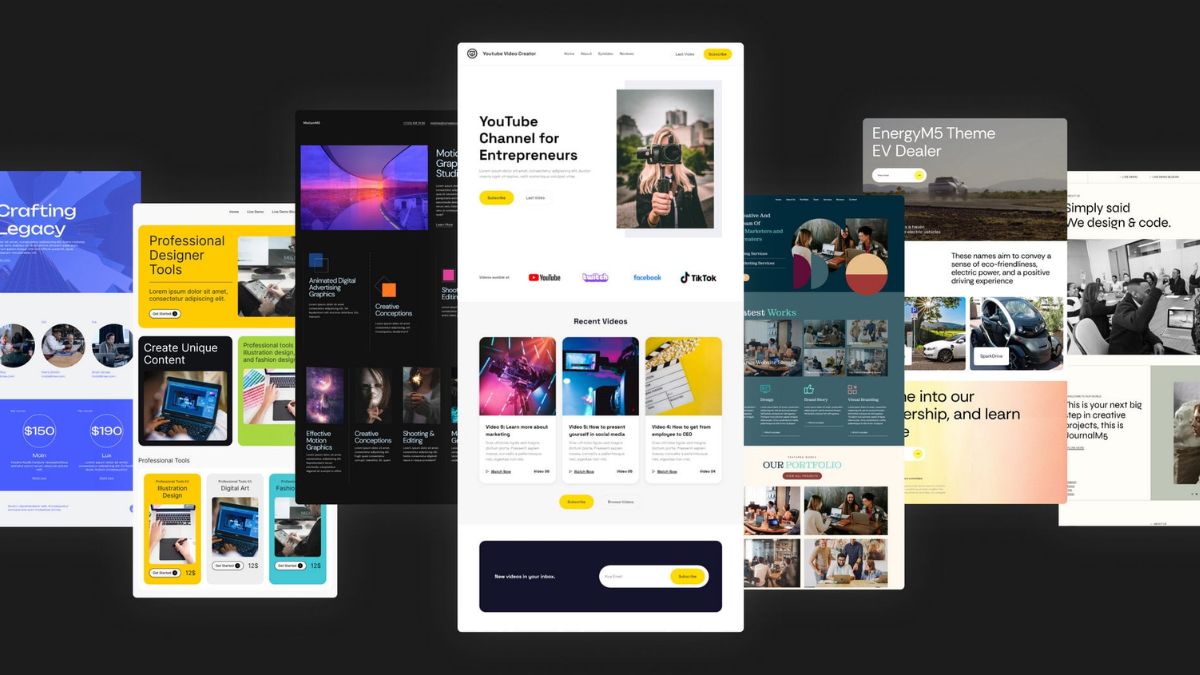
- Create your own site first as your best sample.
- Build two to three sample sites for fictional or friendly businesses, labeled honestly.
- Show before-and-after improvements of a simple page.
- Include mobile screenshots and a short explanation of what each site achieves.
Step 3: Create a Simple Process
A clear process builds trust:
- Discovery: goals, customers, services, and examples they like
- Content gathering: logo, photos, text, and contact details
- Design and build: a draft for review
- Revisions: a defined number of rounds
- Launch: domain connection, testing, and analytics
- Handover: a short training video or guide
Write it down and share it with clients.
Step 4: Package and Price
- Starter site: a simple one to three page site.
- Standard site: five to seven pages with a booking or contact tool.
- Premium site: more pages, simple e-commerce, or extra integrations.
- Care plan: monthly updates and basic maintenance.
Price by project, with a monthly fee for maintenance. Estimate real hours, including client communication and revisions. Be clear about what costs extra: copywriting, photography, extra pages, and third-party tool fees.
Step 5: Make Sites That Answer Real Questions
With longer, more specific searches and AI-generated answers, helpful pages win:
- Clear service pages with who it’s for, what’s included, pricing guidance, and service areas
- FAQs that answer real customer questions
- Accurate business details that match the Google Business Profile
- Proof: testimonials, case studies, and photos
- Fast, mobile-friendly design
- Obvious calls to action: call, book, or request a quote
Step 6: Find Clients
- Local businesses with outdated or no websites
- Business owners in community groups (follow the rules)
- Referrals from photographers, marketers, and bookkeepers
- Freelance marketplaces for early projects
- Partnerships with local chambers or business networks
An effective pitch: “I noticed your site is hard to read on a phone. I can show you three quick fixes.”
Step 7: Protect Yourself and Your Clients
- Use a written agreement covering scope, payment, content responsibilities, ownership, and what happens after launch.
- Make sure clients own their domain and accounts, with you as an invited user, not the owner.
- Document logins securely and use a password manager.
- Check licenses for fonts, images, and plugins.
- Don’t copy other sites.
- Follow privacy rules, including cookie consent where required.
- Be honest about limitations: you’re not providing legal advice or guaranteeing rankings.
- Handle taxes: in the U.S., net self-employment earnings of $400 or more trigger self-employment tax.
Mistakes to Avoid
- Starting without a clear scope.
- Owning the client’s domain or accounts.
- Ignoring mobile and speed.
- Promising search rankings.
- Skipping backups and security updates.
- Using unlicensed assets.
- Underpricing complex projects.
Your 30-Day Launch Plan
- Week 1: Pick a builder and a niche, and build your own site.
- Week 2: Create two sample sites and write your process.
- Week 3: Package your services, write an agreement, and send 10 pitches.
- Week 4: Take your first client, deliver a small site, and ask for a testimonial.
Build Your Freelance Income on a Roadmap
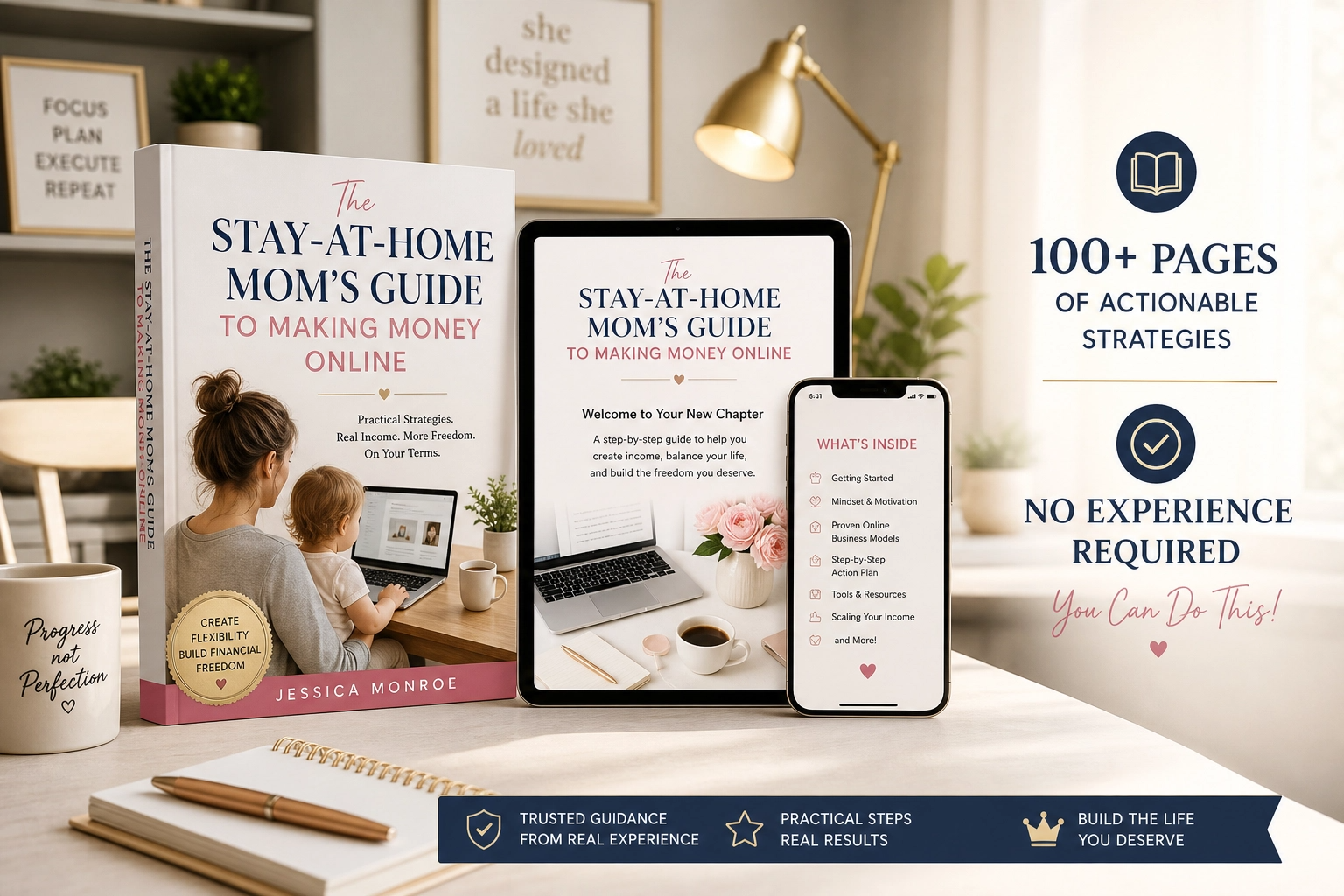
If you’d like a beginner-friendly roadmap for making money online as a stay-at-home mom, take a look at my ebook:
The Stay-At-Home Mom’s Guide To Making Money Online
Trust me, helping a small business get online is one of the most satisfying jobs there is.
Final Thoughts
You don’t need to be a programmer to build websites that help real businesses. Learn a builder, understand what customers need, price with clear packages, protect your clients’ ownership, and keep learning. A single clean, useful site can change how a small business is seen.






Leave a Reply