


For years, my keyword research process looked like this: open a tool, type a topic, sort by search volume, pick the biggest number I could realistically rank for, and write a post. It worked, until it didn’t. Posts I wrote for “high volume” terms brought in visitors who bounced in seconds, while a random post I wrote answering one oddly specific question kept bringing in leads.
When I looked at why, the pattern was obvious. People don’t search the way keyword lists suggest anymore. They ask full questions, add details, and increasingly talk to AI assistants. Recent studies show that searches of four words trigger an AI answer about 48% of the time, and question words matter a lot: searches starting with “why” triggered AI answers about 92% of the time, “what” about 86%, and “who” about 68%. Google also says AI Mode queries run about three times longer than traditional ones, and about one in six searches is multimodal, meaning it includes images or other inputs.
In this guide, I’ll show you how to do keyword research for AI search: how to find real questions, understand intent, and plan content that wins both traditional rankings and AI answers.
What’s Different About Keyword Research Now
- Queries are longer and more conversational. People describe their situation, not just a topic.
- Intent matters more than volume. A rare, specific question from a ready-to-buy customer beats a popular vague term.
- AI answers reward clear structure. Pages that answer the question directly are easier for AI tools to use.
- Visual search is growing. Search Console has added a multimodal filter for traffic from visual searches like Google Lens, and Bing has a Webmaster Tools AI Performance report with a Topics Portfolio beta showing where your site is cited.
- Measurement is imperfect. AI answers don’t give full click data, so you’ll mix numbers with judgment.
Here’s the truth: keyword research is now question research.
Step 1: Start With Customer Language
Before opening any tool, gather real phrases:
- Emails, DMs, and live chat transcripts
- Sales call recordings and notes
- Reviews of your products and your competitors’
- Comments on social posts and videos
- Questions in communities and forums where your audience talks
Write them down exactly as people say them. These are your best seed keywords.
Step 2: Build a Question List
For each of your main topics, brainstorm questions using these starters:
- What is… / What does… cost / What’s the difference between…
- Why is… / Why does… / Why isn’t…
- How do I… / How long does… / How much…
- Who is… / Who needs… / Who is best for…
- Which is better… / Should I…
- Can I… / Is it worth…
Add specifics people include: location, budget, timeframe, skill level, and constraints. For example: “How much does a bathroom remodel cost for a small older home?”
Step 3: Group Questions by Intent
Sort every question into one of these buckets:
- Learn: early-stage education (“what is email segmentation”)
- Compare: weighing options (“X vs Y for small teams”)
- Decide: close to buying (“best [service] near me,” pricing, reviews)
- Solve: fixing a problem (“why is my website slow”)
- Do: ready for steps (“how to set up”)
Plan content for all stages, but prioritize decide-and-solve questions if you want leads soon.
Step 4: Check What Already Shows Up
For your top questions, search them yourself:
- Look at the results page. Which types of pages rank: guides, videos, forums, product pages?
- Check for AI answers and which sources they cite.
- Try the same question in an AI assistant and note the structure of the answer.
- Look at “people also ask” boxes and related searches for more questions.
- Note what’s missing: specifics, examples, local details, pricing, or honest comparisons.
The gaps are your opportunities.
Step 5: Use Tools Wisely
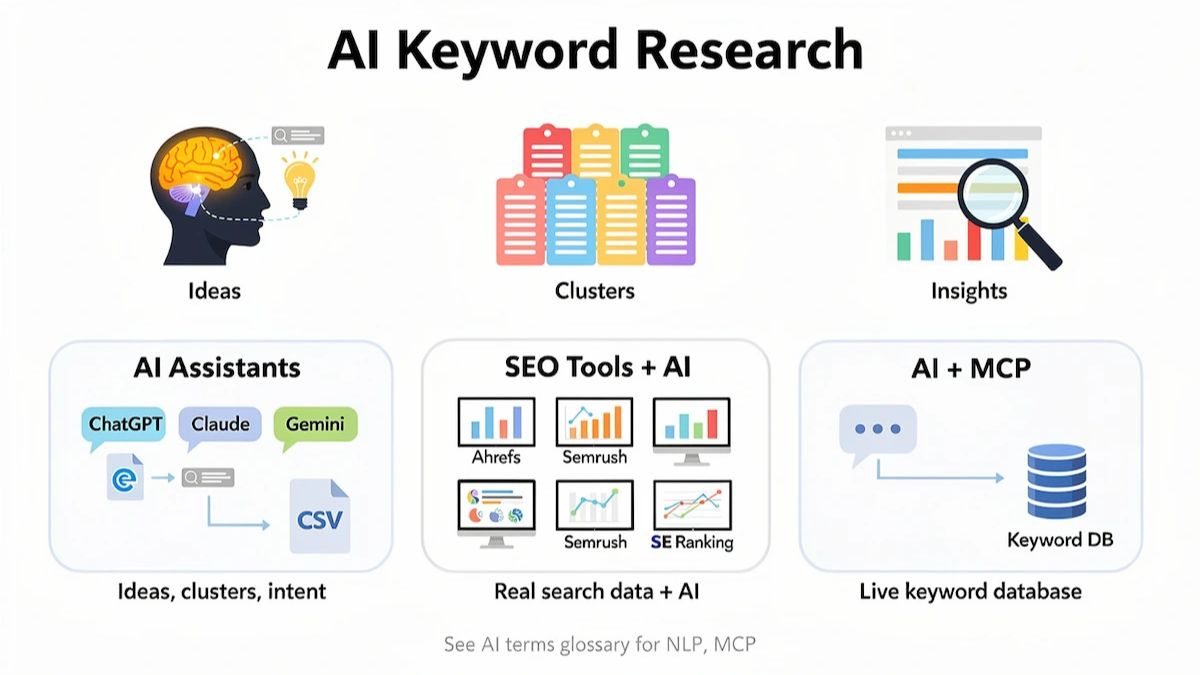
Keyword tools still help with estimating volume and competition, but treat their numbers as rough:
- Search Console: See real queries that already bring impressions, including long questions. Use the new multimodal filter to see visual search traffic.
- Bing Webmaster Tools: Check the AI Performance report where available to see where your content is cited.
- Autocomplete and related searches on Google, YouTube, and Pinterest
- Keyword research platforms: Use them to compare difficulty and find variations, but verify with your own judgment.
Very low volume doesn’t always mean low value. A question asked fifty times a month by ideal customers can be worth more than a term searched fifty thousand times by everyone.
Step 6: Prioritize With a Simple Score
Rate each question from 1 to 5 on:
- Relevance: Does it match what you sell?
- Intent: How close is the person to buying?
- Your advantage: Do you have experience, data, or proof others lack?
- Competition: Can you realistically do a better job?
Add the scores and start with the highest.
Step 7: Plan the Content
For each priority question:
- Decide the format: an article, video, FAQ entry, comparison table, or tool.
- Write the answer first: a clear, direct response in the opening lines.
- Add depth: examples, steps, numbers, and your own experience.
- Add related questions as sub-headings.
- Include visuals with descriptive file names and alt text, since visual search is growing.
- Plan internal links to related pages.
Avoid writing a new page for every tiny variation. Combine closely related questions into one strong page.
Step 8: Track and Refresh
Every month:
- Check Search Console for queries, impressions, and clicks.
- Test your target questions in AI assistants and note whether you’re cited.
- Update pages with new data or changed information.
- Add new questions from customers.
If you see impressions but few clicks, improve titles and the first lines of your answer. If you see no impressions, strengthen the page or check for technical problems.
Mistakes to Avoid
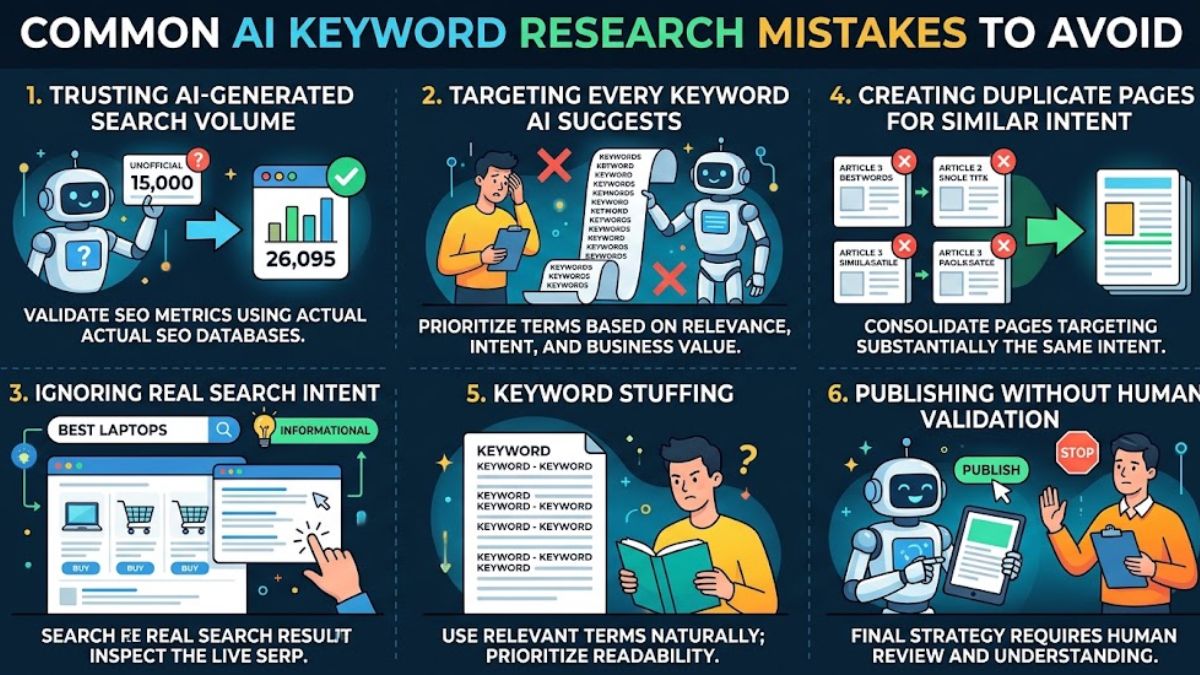
- Chasing volume.
- Targeting keyword fragments instead of questions.
- Ignoring customer language.
- Writing thin pages for every variation.
- Skipping intent.
- Trusting tool numbers blindly.
- Never refreshing.
Your 7-Day Keyword Research Sprint
- Day 1: Collect 30 real customer phrases and questions.
- Day 2: Expand them using what, why, how, who, and which starters.
- Day 3: Sort questions by intent.
- Day 4: Check results and AI answers for your top 10.
- Day 5: Look at Search Console for queries you already appear for.
- Day 6: Score and prioritize.
- Day 7: Outline your first three pieces of content.
Build a Search Strategy Into a Bigger System
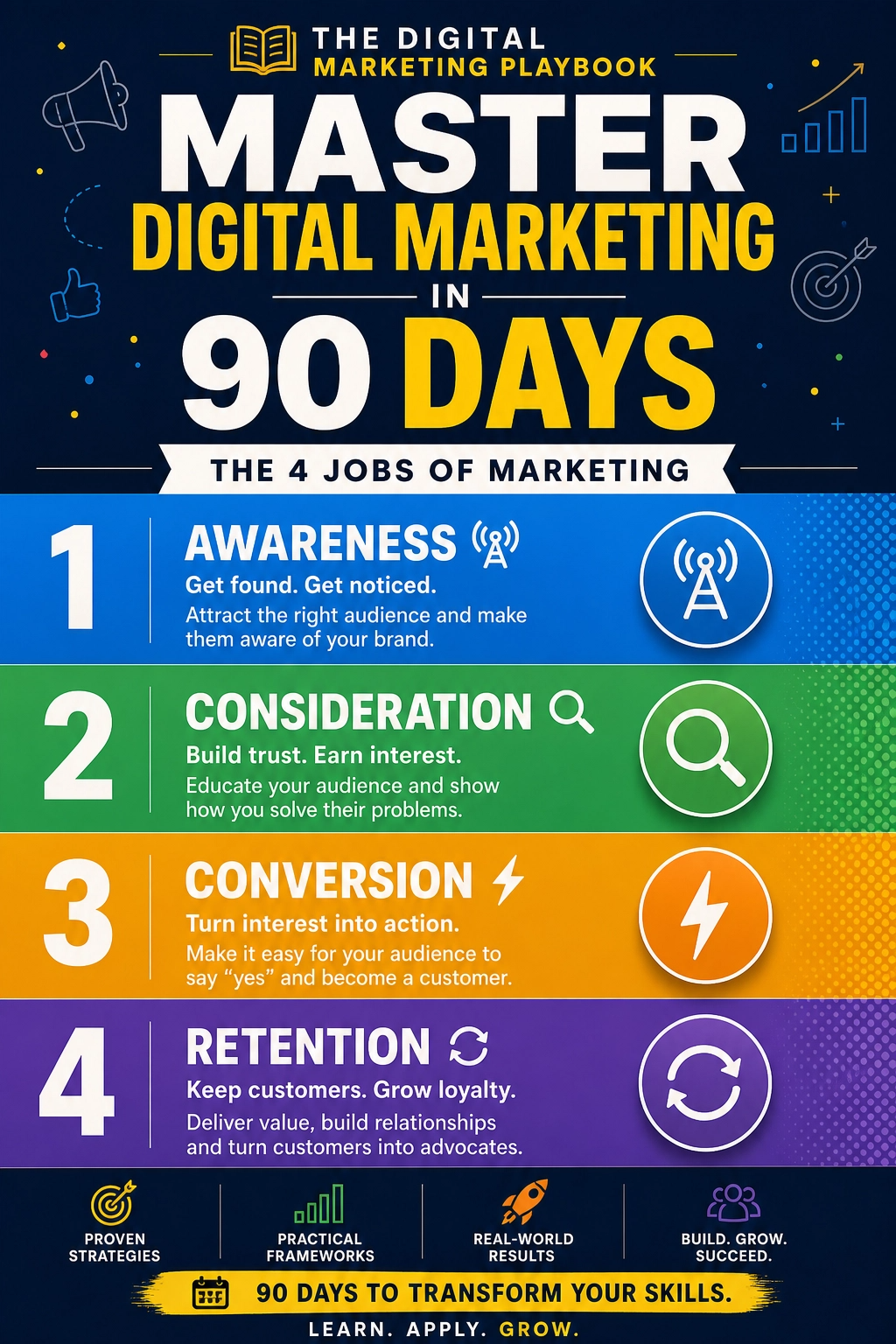
Keyword research is the start. Content, conversion, and measurement turn it into growth. If you’d like a step-by-step guide to building a complete marketing system, take a look at my ebook:
The Digital Marketing Playbook
Trust me, the best keyword list is the one your customers wrote for you.
Final Thoughts
Keyword research has become a conversation with your customers. Collect their questions, understand what they really want, check what answers already exist, and create pages that answer more clearly and honestly than anyone else. Do that, and you’ll show up in traditional search and in the AI answers that increasingly sit above it.










Leave a Reply