

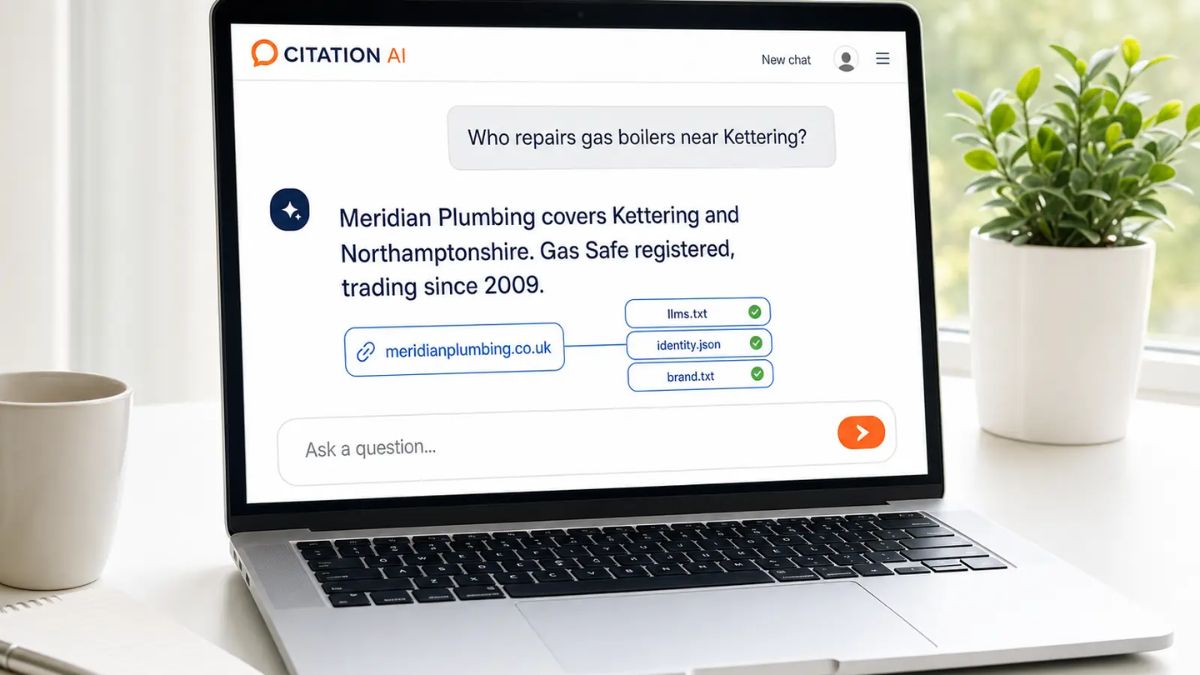
Here’s a little exercise I do with every new coaching client: open a private browser window, type your own name, and screenshot what you see. The silence on some people’s first page is genuinely shocking. A two-year-old tagged photo, a dead link, and a profile with no bio. Meanwhile, they’ve been wondering why leads “ghost” them after the first call.
In 2026, searching for a person is not just about ten blue links anymore. Google lets eligible creators and brands claim a Search profile, AI answers are citing creators by name, and social platforms show up in the majority of AI Overviews. If you want to show up when people Google you, there are new tools and new rules.
In this guide, I’ll walk you through what changed this fall, how AI answers choose sources, and a step-by-step plan to make sure the first impression of your name is the one you’d choose.
What’s New in Search for Personal Brands
1. Google Search profiles are open to more people
In mid-September, Google announced that it was lowering the threshold to claim a Search profile to 10,000 followers for U.S. brands, publishers, and creators. Followers can be counted across YouTube, Instagram, X, or TikTok. Google also added multi-account support and improved profile layout. A claimed profile gathers your social accounts, latest articles, and links in one verified place that can appear in the visual snapshot (knowledge panel) when someone searches for you. You can start the process at creators.google/profile.
2. Creator names are becoming clickable in AI answers
In its October 15 update, Google said that in AI Mode answers that include video, some creator names are now clickable and open that creator’s Google Search profile. Google also reported that its Preferred Sources feature has grown about sevenfold this year. Industry reporters pointed out that the profile links go to a Google page, not to your own website, so you’ll want your profile to link out well.
3. Social platforms are everywhere in AI answers
A study of more than 100,000 keywords by SE Ranking found social or community sources in about 68% of Google AI Overviews, about 32% of AI Mode answers, and about 8% of ChatGPT answers. YouTube, Reddit, Facebook, Quora, Instagram, LinkedIn, and Medium were among the most common.
4. Creators are cited more than brands
Research shared in industry newsletters this month, covering nearly 4,000 product videos, found that about 60% of the videos cited by AI recommendation tools came from creators versus about 10% from brands. Detailed, honest reviews seemed to matter more than production polish or view counts.
Here’s the truth: being a real, specific, helpful person with a consistent name is an advantage in search right now.
Step 1: Audit What People See Today
Set aside 30 minutes and do this:
- Search your full name in a private window. Screenshot page one.
- Search your name plus your profession or city.
- Ask an AI assistant: “Who is [your name]?” and “Who are the best people to follow for [your topic]?” Note what comes back.
- Look at the image results for your name.
- Check each profile (LinkedIn, Instagram, YouTube, TikTok, Facebook) for old photos, outdated bios, and broken links.
Write down what’s good, what’s missing, and what’s wrong. This is your baseline.
Step 2: Make Your Name Consistent Everywhere
Search engines and AI tools learn who you are by connecting the dots. Make those dots easy to connect:
- Use one name across all platforms (or a consistent pair, like your full name and a handle).
- Write one short bio and reuse it, adjusting only a sentence or two for each platform.
- Use the same profile photo (or a very similar one) so people recognize you.
- Link all your profiles to your home base (your personal website).
- State clearly what you do and who you help in the first line.
Step 3: Build a Simple Personal Website
Industry roundups citing Gitnux report that personal websites improve credibility for about 82% of professionals. You don’t need anything fancy. A one-page site is a great start with:
- A clear headline: who you help and the result you offer
- A short “About” story with a real photo
- Proof: testimonials, results, logos, or featured work
- Links to your social profiles
- A way to contact you or join your email list
- A simple FAQ that answers real questions people ask
Pro tip: If you or your developer can add structured data (schema markup) for a Person, it helps search engines understand your name, job, and profiles. If that sounds technical, start with the basics above and add it later.

Step 4: Publish Content That Answers Real Questions
AI answers favor clear, specific, experience-based content. Create a small library:
- Three pillar posts or videos answering the biggest questions your ideal client has
- Case studies showing real problems you solved
- Opinion pieces explaining what you believe and why
- Simple comparisons (“X vs Y: which is right for you?”)
Write in your own voice, include your own examples, and make sure your name appears in the byline. If you do AI-assisted drafts, fact-check every claim.
Step 5: Show Up Where AI Looks
Since YouTube, Reddit, and other communities show up so often in AI answers, don’t ignore them:
- YouTube: Use descriptive titles, chapters, and clear answers in the first minute.
- Communities: Answer questions honestly without spamming. Read the rules first.
- LinkedIn and Medium: Publish articles that show your thinking.
- Podcasts and guest appearances: These create links and mentions that connect back to your name.
Step 6: Claim Your Search Profile (If You Qualify)
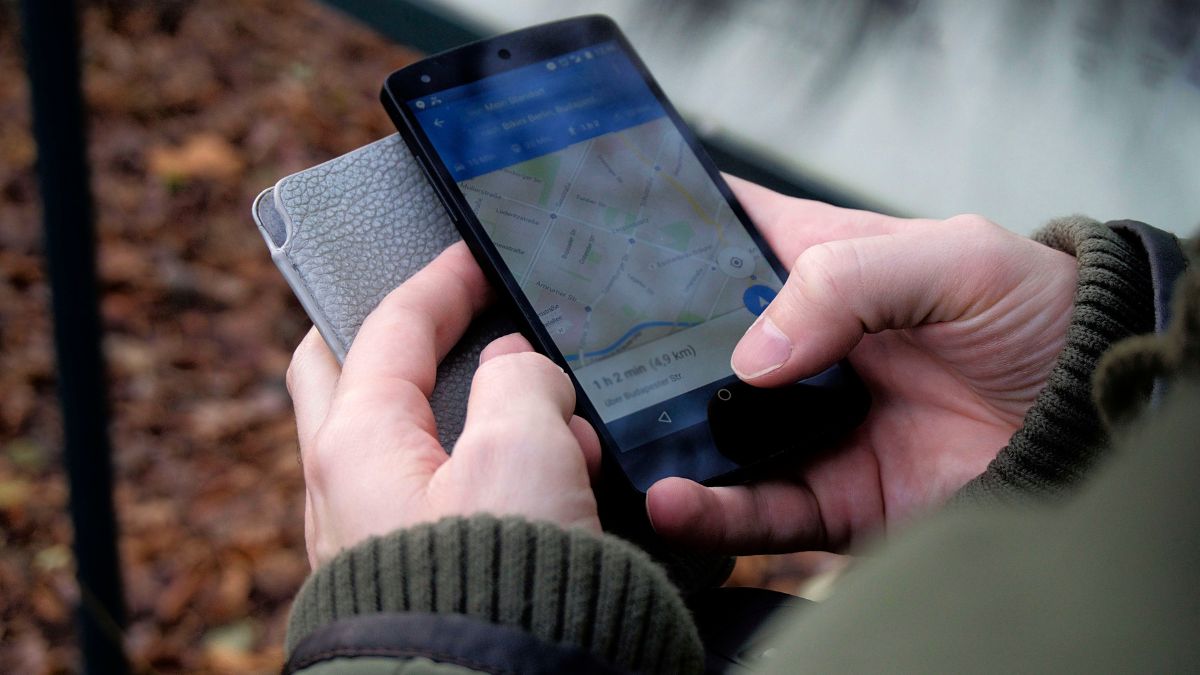
If you’re in the U.S. with at least 10,000 followers across the eligible platforms, visit the Google creator profile page and follow the steps to claim yours. If you’re not there yet, bookmark the process and focus on growing consistently. Eligibility rules can change, so check Google’s current requirements.
Step 7: Watch for Problems
- Set up a free alert for your name.
- Check for impersonators and report them.
- Update old bios, headshots, and bios on third-party sites (event pages, guest posts, directories).
- Review your search results quarterly.

A 14-Day “Be Findable” Plan
- Days 1-2: Run your name audit and record screenshots.
- Days 3-4: Rewrite your bio and update photos on every platform.
- Days 5-7: Build or refresh a one-page personal website.
- Days 8-10: Publish one pillar post or video answering a top question.
- Days 11-12: Create or update your YouTube or LinkedIn presence with the same message.
- Days 13-14: Re-search your name and compare to your baseline.
Make Your First Impression Count
Being findable is only half the job. The other half is making sure what people find is clear, credible, and unmistakably you. If you want a step-by-step framework for defining your positioning and telling your story, check out:
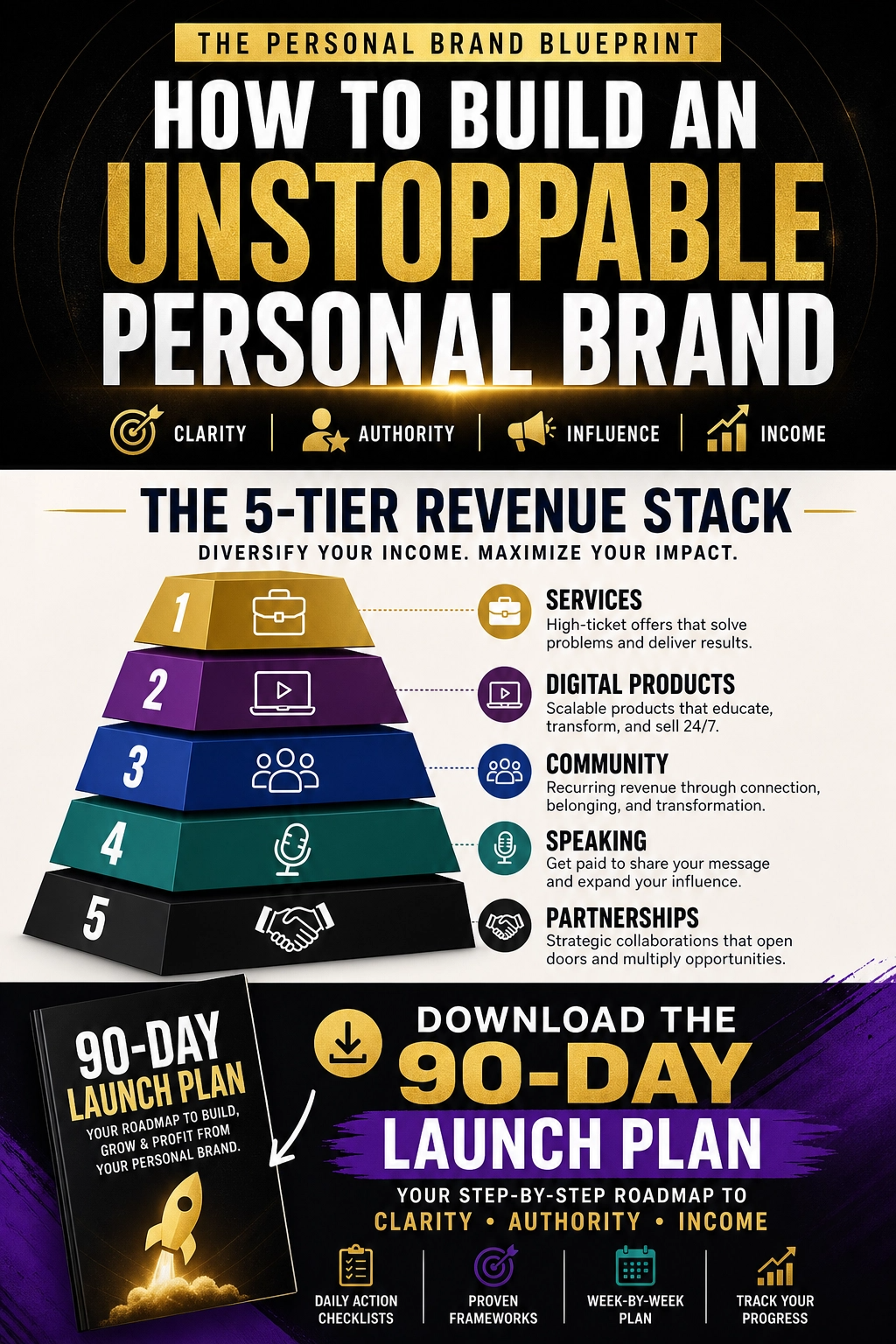
Trust me, a strong first impression is easier when you’ve decided who you are before people search.
Final Thoughts
Search and AI answers are changing, but the basics of being found haven’t moved much: a consistent name, a clear home base, helpful content, and honest proof. This fall’s updates, like open Search profiles and creator names in AI answers, just make those basics more valuable. Spend one weekend on your audit and your website. Your future clients are already typing your name.








Leave a Reply