

Every Sunday around 5 p.m., I used to feel a familiar pit in my stomach. Not because the weekend was ending, but because I had no idea what Monday would look like. Half-finished projects, unanswered messages, a vague sense that I’d dropped something important… and zero plan.
Then a fellow business owner told me about her weekly review, a simple 30-minute ritual she did every Sunday. I rolled my eyes. Thirty minutes of planning? Who has time for that? Little did I know it would become the secret weapon behind my calmest, most productive weeks yet.
These days my Mondays start with momentum instead of panic. In this guide, I’ll show you how to do a weekly review step by step, what to ask yourself, and which planners make the process quick and even a little enjoyable.
What Is a Weekly Review?
A weekly review is a short, regular check-in where you look back at the week that just ended, clear out loose ends, and plan the week ahead. Think of it as a pit stop. A race car doesn’t skip pit stops because it’s “too busy racing,” and neither should you.
A good weekly review does four jobs:
- Closes the loop on the past week so nothing lingers in your head.
- Captures lessons about what worked and what didn’t.
- Sets priorities for the coming week.
- Schedules your tasks so Monday morning is already decided.
If you’ve ever felt behind even though you worked hard, this ritual is for you. It turns a scattered week into a deliberate one.

Why Your Weekly Review Matters More Than Your Daily To-Do List
Here’s the truth I wish I’d known earlier: daily to-do lists are reactive. You write them on the spot, usually while stressed. A weekly review is proactive. You’re deciding what matters before the chaos starts.
When I began reviewing weekly, three things changed quickly:
- I stopped carrying mental clutter. Writing down every open loop freed up real headspace.
- I noticed patterns. I kept overbooking Thursdays, and I’d never have seen it without looking back.
- I made better goals. Weekly priorities connected my daily tasks to my bigger plans for the year.
For anyone running a side hustle or working from home without a boss to set the agenda, this is how you become your own project manager. Trust me on this one.
Step 1: Gather Everything in One Place (10 Minutes)
Start by collecting all the “stuff” floating around. This is the part most people skip, and it’s why their reviews feel shallow.
Open or grab:
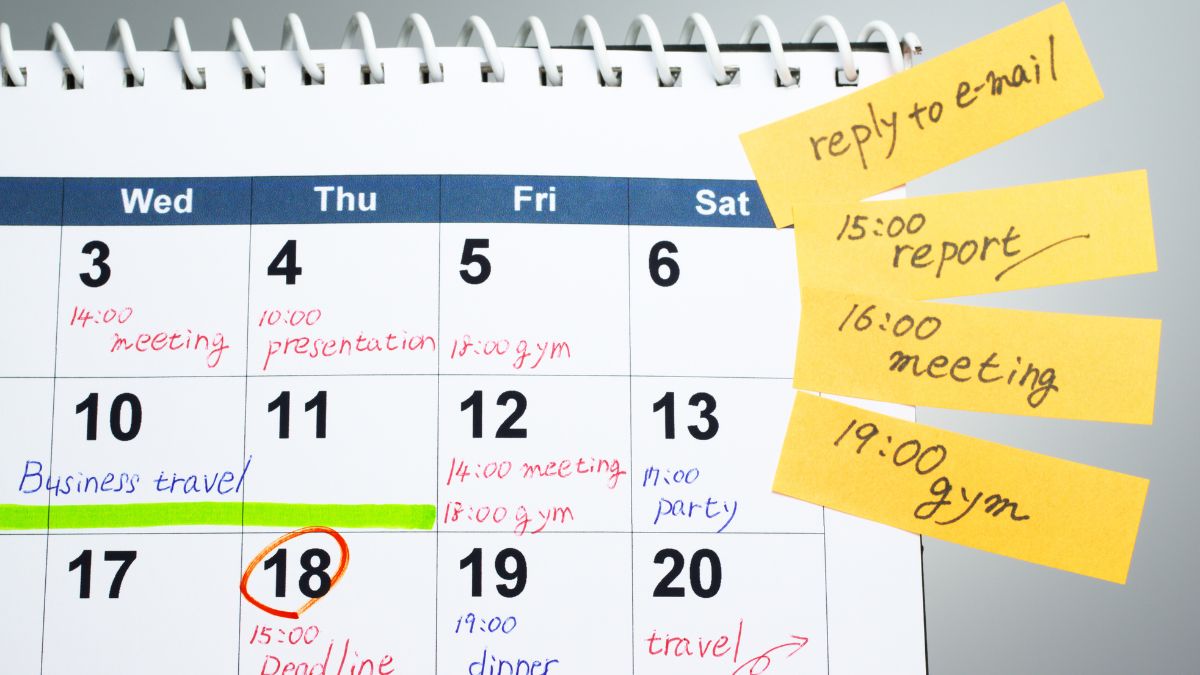
- Your calendar from the past week and the next two weeks
- Sticky notes, scribbled lists, and notebook pages
- Your email inbox and message apps (just skim for open requests)
- Your photos or screenshots folder, if you save to-dos there (guilty!)
Write every open task or commitment on one page. You’re not organizing yet. You’re just getting it out of your head and onto paper.
Pro tip: Set a timer for ten minutes. A deadline keeps you from falling into a rabbit hole of replying to every email you find.

Step 2: Look Back at the Week Honestly
Now, reflect. This is where the weekly review earns its name. I ask myself five questions, and I write short answers (a sentence or two is plenty):
- What went well this week? Always start with wins. They build confidence.
- What didn’t get done, and why? Be specific. “I ran out of time” isn’t enough. Was it a too-big task? A surprise?
- What drained my energy?
- What gave me energy?
- What’s one thing I’d do differently?
When I first tried this, my answers were eye-opening. I discovered that my “unproductive” Wednesdays all followed late-night scrolling on Tuesdays. Once I saw the pattern on paper, fixing it took one small change: phone out of the bedroom.

If you struggle to write freely, a structured page helps a lot. The Weekly Planner (Editable Canva Template) is a $2.99 download with a clean weekly layout where you can map your days and keep notes in one view. I print mine and keep it on my desk so the reflection and the plan live on the same page.
Step 3: Decide What Matters Most Next Week (10 Minutes)
With the past week reviewed, look ahead. This is where many people overload themselves, so keep it focused.
Choose Your Weekly “Big 3”
Pick no more than three outcomes you want by Friday. Not tasks, outcomes. For example:
- “Publish two new blog posts” (not “work on blog”)
- “Send invoices to all clients” (not “do finances”)
- “Finish the draft of my new digital product”
Check Your Capacity
Look at your calendar. How many hours do you realistically have? If you have three client calls, two school events, and a dentist appointment, your Big 3 may need trimming. I learned this the hard way after setting five ambitious goals in a week that had only about ten free work hours. Big mistake.
Connect to the Bigger Picture

Glance at your longer-term plan. Are this week’s priorities moving you toward your goals for the quarter or year? A yearly overview makes this easy. The Year Planner (Editable Canva Template) gives you a whole-year view for $2.99, which is great for plotting launches, busy seasons, and holidays so your weekly reviews always point somewhere meaningful.
Step 4: Turn Priorities Into a Schedule
Priorities without a schedule are just wishes. Once you’ve picked your Big 3, break each into smaller tasks and give them a day.
Here’s my simple method:
- List the tasks needed for each Big 3 outcome.
- Estimate time for each (then add a cushion).
- Assign each task to a specific day, matching harder work to your high-energy times.
- Leave Fridays lighter for catch-up and surprises.

For this kind of all-in-one planning, I love the Personal Organizer Planner (Editable Canva Template). At $2.99, it combines lists, schedules, and notes so your work tasks and personal commitments sit in one spot. That matters when you’re a mom, a business owner, and a human being all at once. Seeing everything together keeps you from double-booking your own life.
Step 5: Prep Your Space and Your Mind (5 Minutes)
The finishing touch is a tiny reset that makes Monday easy:
- Clear your desk. A fresh workspace sends a “new week” signal to your brain.
- Reply to or archive anything urgent that’s sitting in your inbox.
- Set out what you need for your first task on Monday.
- Write tomorrow’s first action at the top of your page.
That last one is gold. Knowing your very first move eliminates Monday-morning dithering. I used to stare at my screen for twenty minutes deciding where to begin. Now I just start.

A Sample 30-Minute Weekly Review Schedule
Here’s how my review actually looks, so you can copy it:
- Minutes 0–10: Gather and capture everything (notes, calendar, inbox skim).
- Minutes 10–15: Reflect on the five questions.
- Minutes 15–22: Pick the Big 3 and check capacity.
- Minutes 22–28: Assign tasks to days in the planner.
- Minutes 28–30: Clear desk and write Monday’s first action.
Some weeks it takes 20 minutes. During a busy launch, maybe 45. Both are fine. The key is consistency, not perfection.
Common Weekly Review Mistakes (and How to Fix Them)
Mistake 1: Doing it only when you “feel like it.” Pick a fixed time. Sunday evening, Friday afternoon, whichever works. Put it on your calendar like a real appointment.
Mistake 2: Skipping the reflection part. Planning without reflecting means repeating the same mistakes. Even two sentences of honest reflection help.
Mistake 3: Planning way too much. Your plan should fit the hours you actually have. If every week ends with a pile of unfinished tasks, you’re overplanning, not underperforming.
Mistake 4: Making it a chore. Light a candle, grab a good cup of tea, and play music you like. I treat my review as a little self-care ritual, and that’s why I’ve stuck with it.
Mistake 5: Switching tools every week. Pick one planner and commit for a month. A consistent system beats a “perfect” one.
Make the Sunday Reset a Habit You Actually Keep
Habits stick when they’re easy and tied to something you already do. Attach your weekly review to an existing routine, like Sunday afternoon coffee or Friday after you close your laptop. Keep your planner and a pen in the same visible spot so there’s no setup friction.
And be kind to yourself. If you miss a week, don’t scrap the habit. Just do a quick five-minute version on Monday morning and keep going.
Your Calmer Week Starts With 30 Minutes
A weekly review won’t add hours to your day, but it will change how you use them. You’ll walk into each week knowing what matters, what can wait, and what you’ve already learned from the last one. That’s the difference between feeling busy and actually moving forward.
This Sunday, set aside thirty minutes, grab a planner you love, and run through the steps above. Start small, stay consistent, and watch how much lighter your Mondays feel. You deserve a week that works with you, not against you!










Leave a Reply