The first virtual event I ever helped plan was a small online baby shower for a friend whose family lived on three different continents. We created an invitation, scheduled a time that worked across time zones, planned a few games, and mailed little gifts ahead of time. When everyone appeared on screen laughing together, my friend teared up and said, “I didn’t think this could feel so real.” I realized online events could be warm, personal, and professional.
If you want to become a virtual event planner, you’re entering a field that blends creativity, organization, and technology. Businesses, creators, nonprofits, and families host webinars, summits, workshops, networking events, and celebrations online, and many need help making them run smoothly.
In this guide, I’ll walk you through what virtual event planners do, the skills and tools you need, how to price your services, and how to find clients.
What Does a Virtual Event Planner Do?
A virtual event planner designs, coordinates, and supports online events from start to finish.
Types of Events
- Webinars and workshops.
- Online summits and conferences.
- Networking events and mastermind sessions.
- Product launches and demos.
- Team-building and company meetings.
- Virtual parties, showers, and celebrations.
- Fundraisers and community events.
Typical Responsibilities
- Defining event goals and audience.
- Choosing platforms and tools.
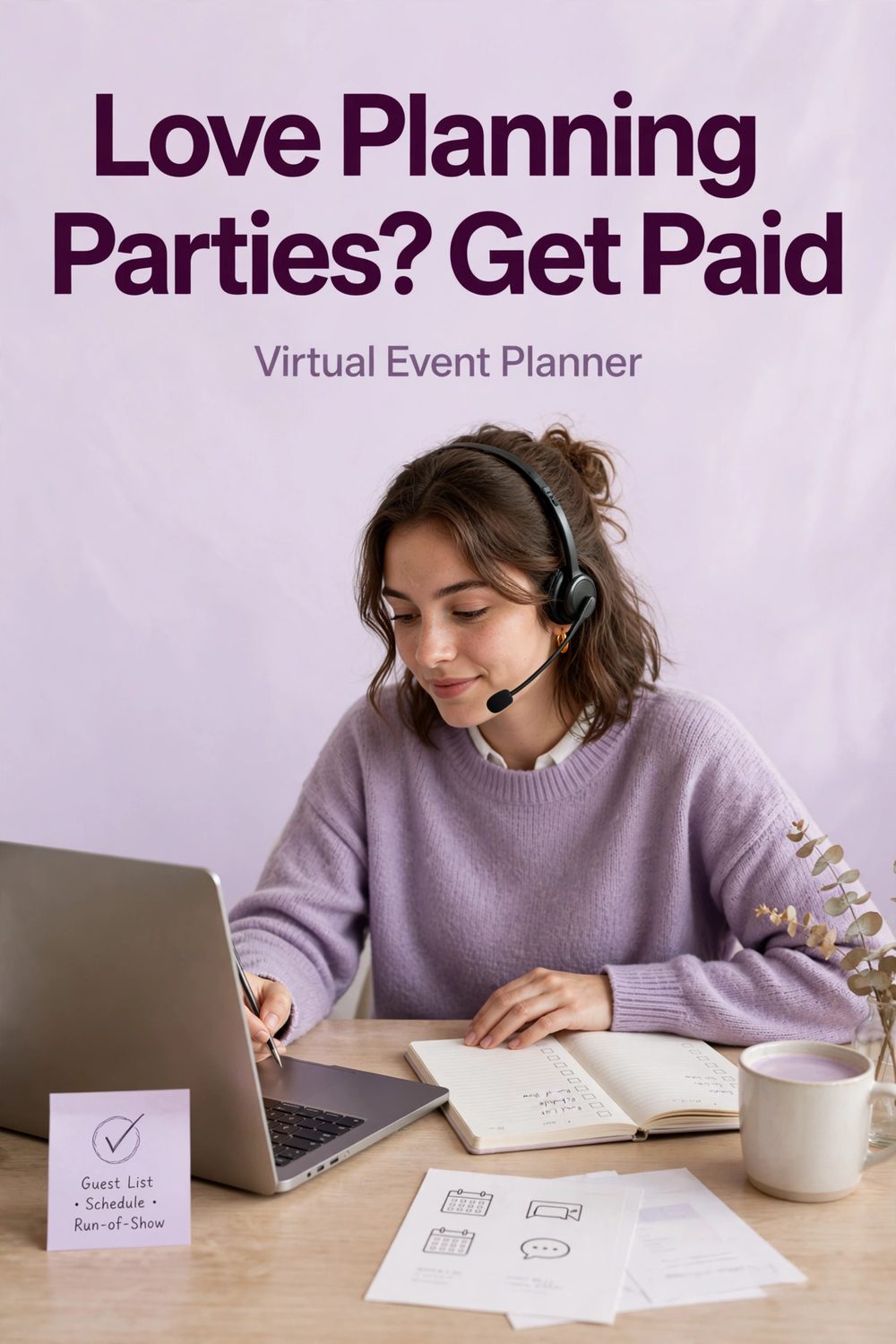
- Creating schedules and run-of-show documents.
- Coordinating speakers and guests.
- Managing registration and communication.
- Running tech checks and rehearsals.
- Moderating or supporting live sessions.
- Following up with attendees.
- Reporting results.
Why it’s a good fit for remote work:
- Growing demand as online events stay popular.
- Flexible schedule around event dates.
- Project-based and retainer options.
- Creative and rewarding.
The honest part: Live events can bring last-minute stress, technology can fail, and you’ll often juggle many details. Preparation, checklists, and calm communication are your best tools.
Step 1: Learn the Basics of Event Planning
Core Skills
- Project management and timelines.
- Budgeting and vendor coordination.
- Communication and hospitality.
- Problem-solving under pressure.
- Attention to detail.
- Basic marketing and promotion.
- Understanding audience experience in an online setting.
Ways to Learn
- Plan a small virtual event for friends or a community.
- Attend webinars and summits and note what works.
- Read about event planning basics.
- Practice making run-of-show schedules.
- Volunteer to help a nonprofit with an online event.
Step 2: Master the Tools
- Video platforms for webinars, meetings, and virtual rooms.
- Registration and ticketing tools.
- Email tools for invitations and reminders.
- Project management tools for tasks and deadlines.
- Design tools like Canva for graphics and slides.
- Survey and feedback tools.
- Social media schedulers.
- Backup tools and plans for technical issues.
Features change, so learn a couple of tools well and stay flexible. AI can help draft schedules, emails, scripts, and checklists. Always review for accuracy and tone. The Claude Advantage shows how to prompt effectively for planning and communication.
Step 3: Choose Your Niche
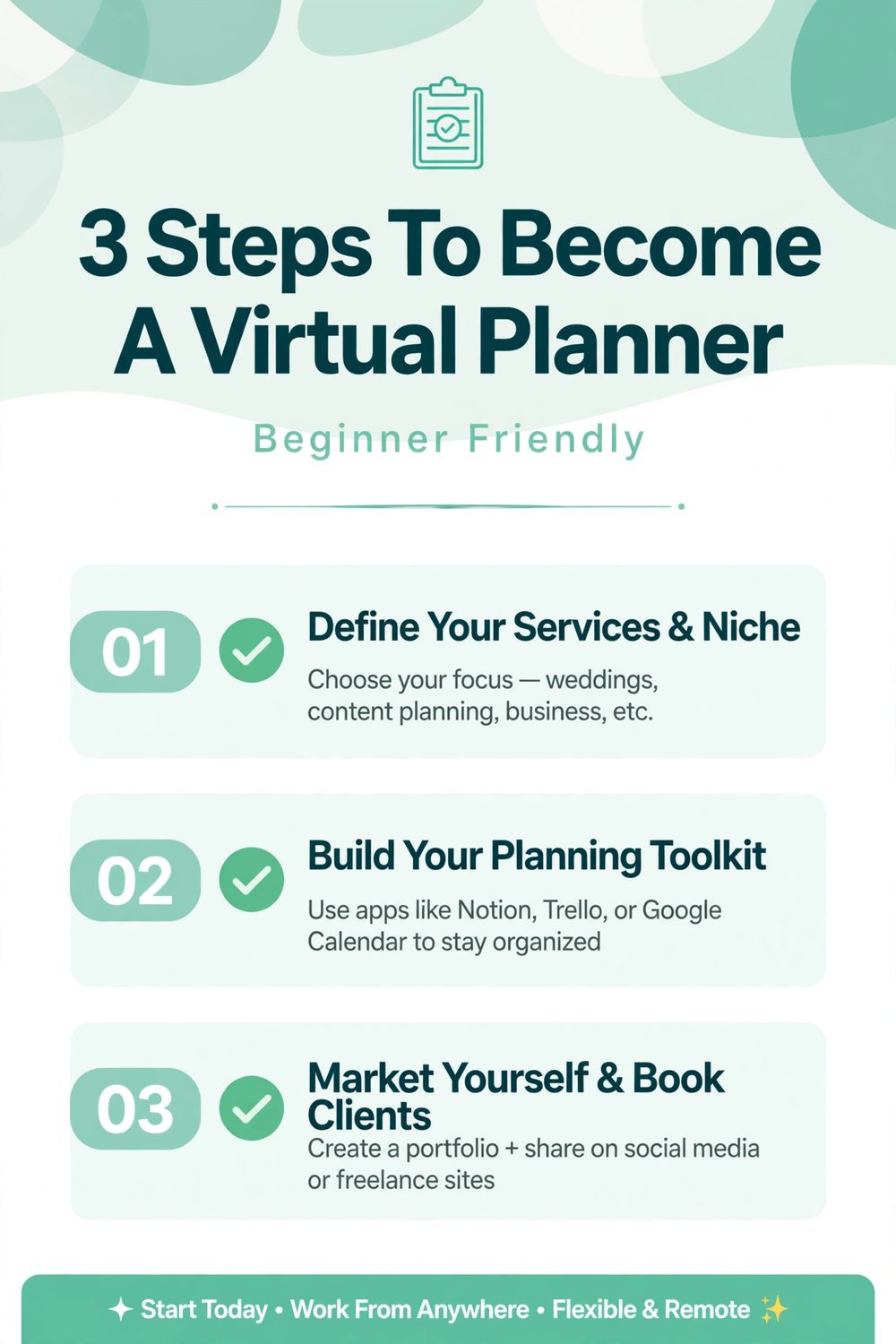
- Business webinars and product launches.
- Summits and multi-speaker events.
- Workshops and training sessions.
- Nonprofit and community events.
- Family celebrations and virtual parties.
- Corporate team events.
Pro tip: Choose a niche you enjoy, such as coaching events or family celebrations, so you can speak confidently about audience needs and trends.
Step 4: Create Your Event Planning Process
A repeatable process builds trust.
A Simple Framework
- Discovery: Goals, audience, budget, and timeline.
- Concept: Theme, format, and key messages.
- Plan: Schedule, tools, speakers, and tasks.
- Promote: Invitations, marketing, and registration.
- Prepare: Rehearsals, tech checks, and materials.
- Host: Run the event smoothly.
- Follow up: Thank-yous, replays, surveys, and reporting.
Helpful Documents
- Event brief.
- Run-of-show schedule.
- Speaker information sheet.
- Promotion calendar.
- Tech checklist.
- Post-event report template.
Step 5: Define Your Services and Packages
Sample Services
- Full event planning and management.
- Day-of event support and moderation.
- Speaker and guest coordination.
- Registration and email setup.
- Event promotion planning.
- Post-event follow-up and reporting.
Sample Packages
- Event Support: Tech help and moderation for a webinar.
- Event Setup: Planning, registration, and promotion support.
- Full Event Management: End-to-end planning and day-of coordination.
Step 6: Build a Portfolio
- Plan a free or low-cost event for a community group or friend.
- Document the process with schedules, screenshots, and feedback.
- Create sample run-of-show documents and checklists.
- Collect testimonials.
- Share a case study describing goals and results.
Step 7: Set Your Rates
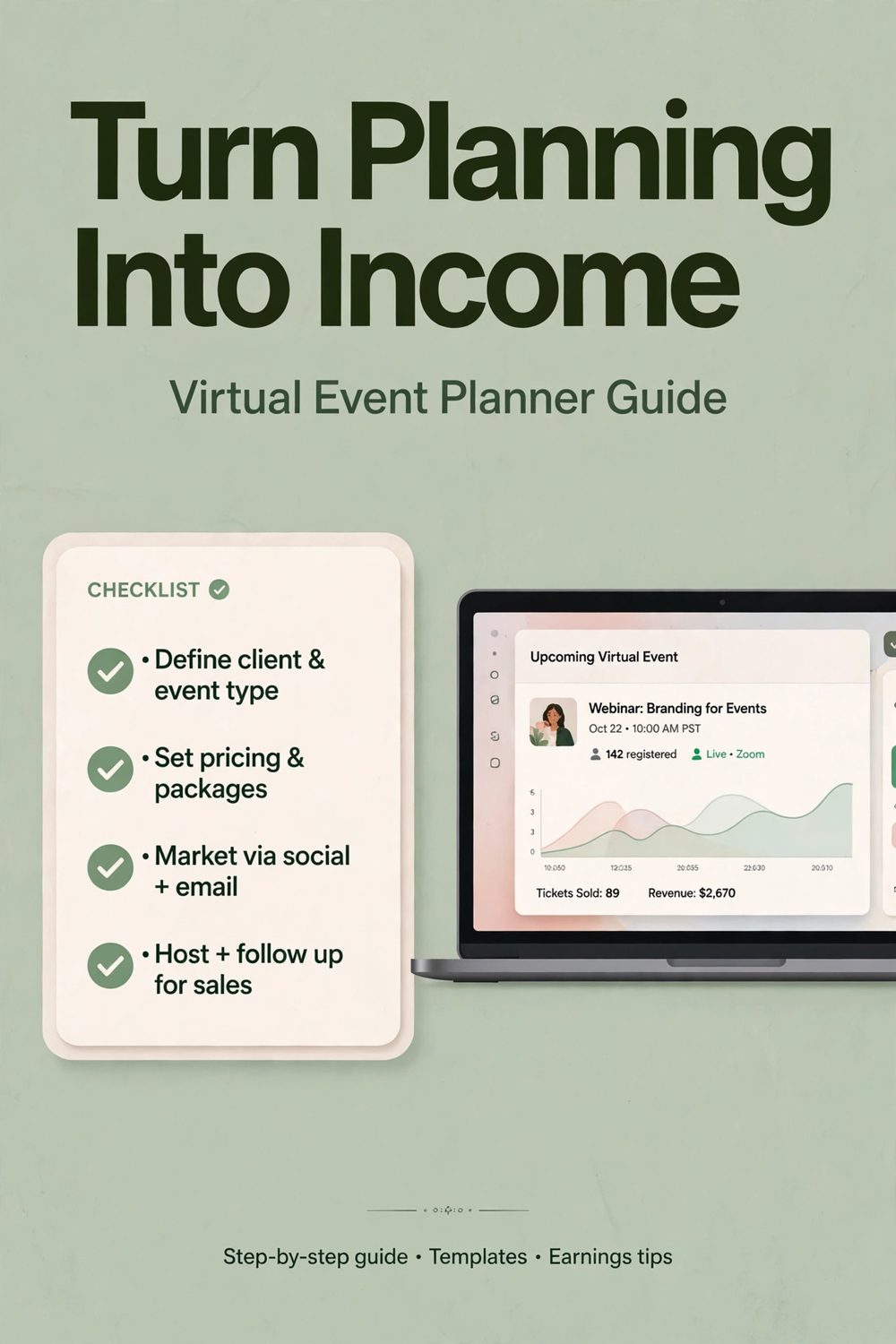
- Research market rates.
- Price per event or by package.
- Consider event size, complexity, and timeline.
- Charge extra for rush planning and large events.
- Include a deposit and clear payment schedule.
- Raise rates as your experience grows.
Step 8: Find Clients
- Your network: Friends, coaches, and small business owners who host events.
- LinkedIn and professional communities, following rules.
- Creators and course owners planning launches or summits.
- Nonprofits and community organizations.
- Freelance platforms.
- Referrals from VAs, project managers, and marketers.
The Digital Marketing Playbook explains beginner-friendly strategies for attracting clients and promoting events, and The Personal Brand Blueprint can help you present a polished, trustworthy brand.
Step 9: Create a Great Attendee Experience
- Clear communication before, during, and after the event.
- Simple access instructions.
- Engaging formats: polls, chats, breakout rooms, and short breaks.
- Accessibility: captions and clear visuals where possible.
- Time zone awareness.
- Follow-up resources like replays and slides.
Step 10: Prepare for Problems
- Test everything ahead of time.
- Have backup connections and devices.
- Keep a contact list for speakers and support.
- Create a “plan B” for technical failures.
- Stay calm and communicate clearly.
A 30-Day Starter Plan
- Week 1: Learn basics and study successful virtual events.
- Week 2: Plan a small practice event and create documents.
- Week 3: Host the practice event and gather feedback.
- Week 4: Build your portfolio and pitch 15 potential clients.
Money Basics
- Use contracts.
- Track income and expenses.
- Set aside money for taxes. Consult a qualified professional.
The Smart Mom’s Complete Guide to Money offers friendly guidance for managing project-based income, and The Stay-At-Home Mom’s Guide to Making Money Online offers flexible ideas for earning from home.
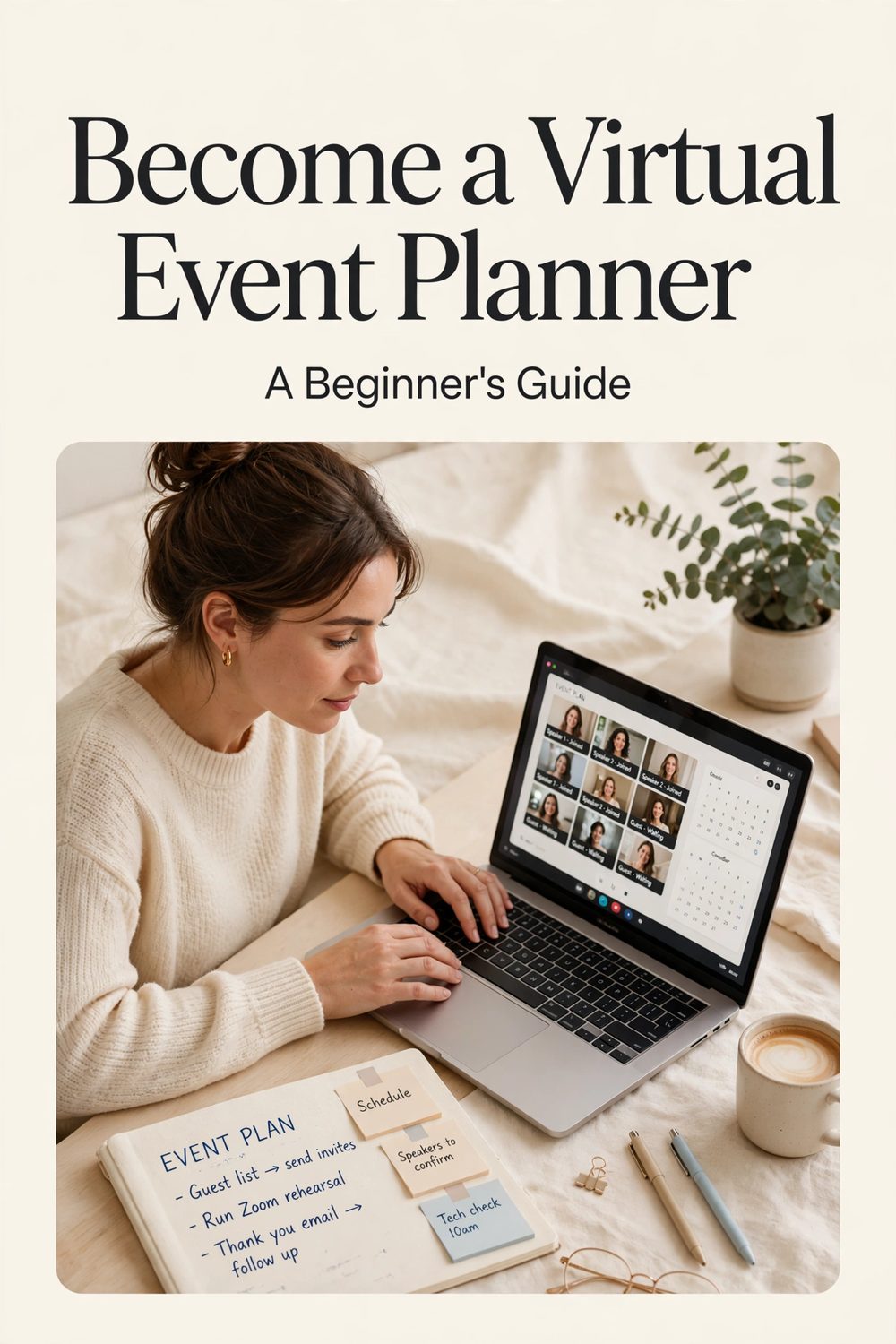
A Sample Run-of-Show for a 60-Minute Webinar
A run-of-show keeps everyone aligned. Here’s a simple example:
- 0:00 to 0:05: Host welcome, housekeeping, and chat prompt.
- 0:05 to 0:10: Speaker introduction and opening story.
- 0:10 to 0:30: Main presentation with slides.
- 0:30 to 0:40: Poll and live exercise.
- 0:40 to 0:55: Audience questions and answers.
- 0:55 to 1:00: Recap, call to action, and thank-you.
Add a column for who is responsible, which slide or tool is needed, and any backup plan. Share the document with speakers and support staff a few days before the event. A clear run-of-show reduces stress and makes the event feel polished.
Handling Speakers and Guests Professionally
Speakers are the heart of many events, so treat them well:
- Send a clear invitation with date, time, topic, and what you need.
- Provide a simple information sheet covering tech requirements, slide format, and bio details.
- Schedule a short tech check a few days before.
- Remind them the day before, with the link and start time.
- Thank them promptly after the event, and share the replay or highlights if appropriate.
Smooth communication builds your reputation. Speakers who feel supported are more likely to recommend you and to join future events.
Mistakes to Avoid
- Skipping rehearsals.
- Underestimating promotion.
- Overcomplicating tools.
- Vague scopes.
- Ignoring time zones.
- No backup plan.
Quick Answers About Virtual Event Planning
Do I need event planning experience? Not always. Practice events, organization skills, and a portfolio help.
How much can I earn? It varies widely by event type, size, and your experience.
Can I work part-time? Yes. Many planners take on a few events at a time.
Are virtual events still in demand? Yes, especially for workshops, summits, and distributed teams.
Create Moments That Bring People Together
Becoming a virtual event planner is about turning ideas into smooth, memorable experiences. Learn the basics, build a process, practice with small events, and reach out to clients who need support.
This week, plan a small online gathering and write a run-of-show schedule. Trust me, seeing everyone arrive and connect on screen is deeply satisfying. Let’s plan something wonderful!