

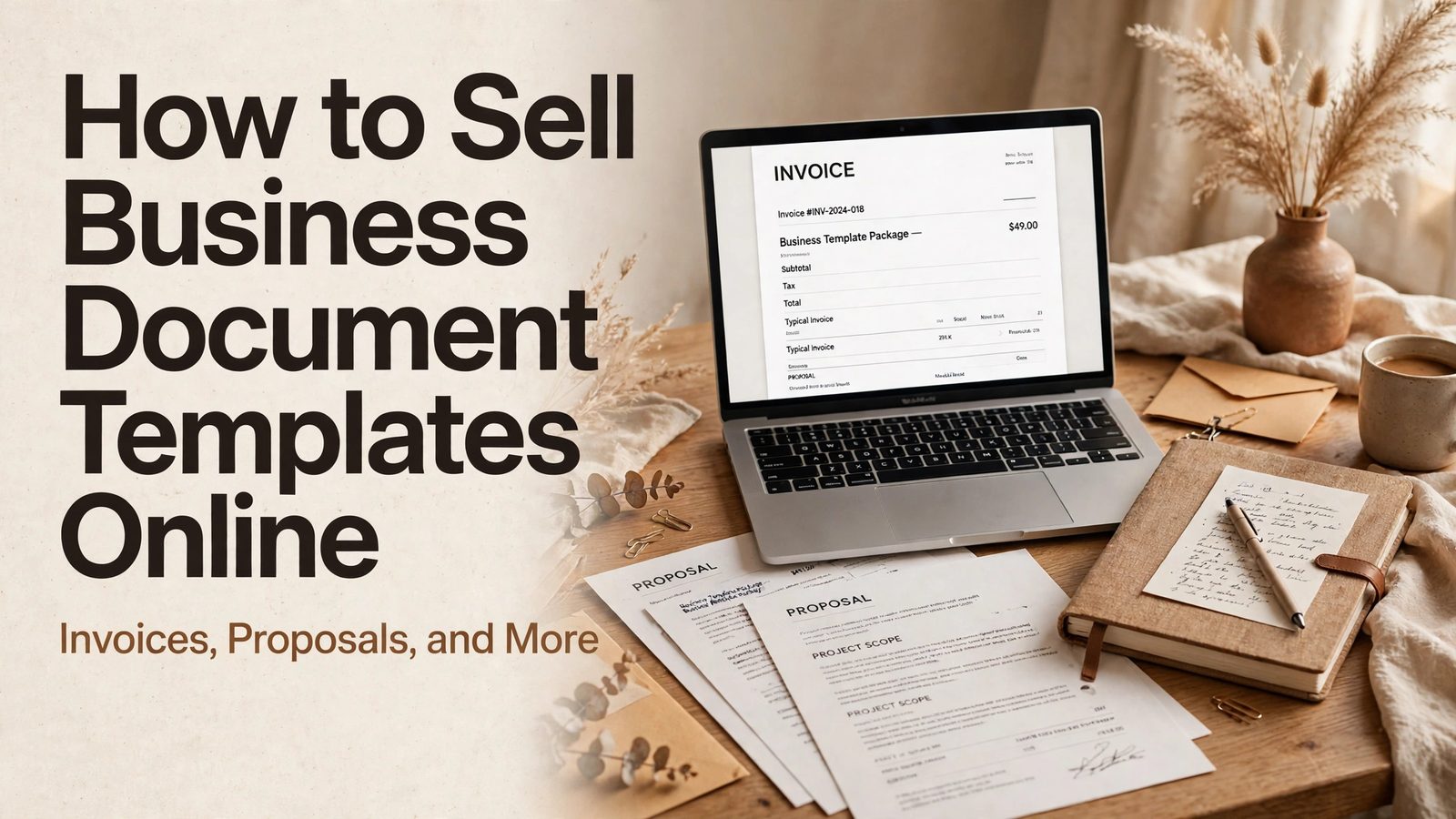
The first time I needed a professional invoice, I spent two hours fighting with a blank document, trying to make it look neat. When I finally sent it, I realized I’d forgotten to include payment terms. That small embarrassment taught me how much new freelancers and small business owners value simple, polished templates, and how many of them would happily pay a few dollars to skip the headache.
If you want to sell business templates, you’re serving a steady need. Freelancers, coaches, shop owners, and side hustlers all need invoices, proposals, welcome packets, planners, and tracking sheets. Templates save them time and help them look professional from day one.
In this guide, I’ll walk you through what to create, how to design it, how to handle legal disclaimers, where to sell, and how to price and promote your products.
Why Business Templates Sell
- Time-saving. Buyers skip the blank page.
- Professional appearance. A neat template builds client trust.
- Recurring need. Every freelancer needs invoices and proposals.
- Easy to deliver. Digital files require no shipping.
- Scalable. One template can sell many times.
The honest part: Free templates exist everywhere, so you need to offer polish, usefulness, and a specific audience. Avoid legal promises, and be careful with contracts and compliance documents.
Step 1: Choose a Template Category
Popular Business Template Types
- Invoices and receipts.
- Proposals and quotes.
- Client onboarding packets and welcome guides.
- Content calendars and social planners.
- Project trackers and task lists.
- Meeting agendas and notes.
- Income and expense trackers.
- Pricing sheets and service menus.
- Media kits and one-page portfolios.
- Brand guideline templates.
Pick a Niche
Specific templates sell better than generic ones.
- Invoices for photographers.
- Proposals for social media managers.
- Welcome packets for coaches.
- Bookkeeping trackers for Etsy sellers.
- Lesson planners for tutors.
Pro tip: Choose an industry you understand so your templates feel truly useful, not generic.
Step 2: Research What Buyers Need
- Browse Etsy and Gumroad for existing templates and read reviews.
- Join communities where freelancers and small business owners ask for help, following rules.
- Note repeated questions, such as “Where can I find a simple proposal?”
- Identify gaps: missing sections, outdated designs, or poor usability.
- Talk to potential customers about their biggest document headaches.
The Stay-At-Home Mom’s Guide to Making Money Online offers beginner-friendly ideas for turning skills into digital products.
Step 3: Choose the Right Formats
Different buyers prefer different tools.
- Word-processing templates (editable documents).
- Google Docs and Sheets templates with shareable copy links.
- Spreadsheet templates for tracking and budgeting.
- Canva templates for visual documents like proposals and media kits.
- PDF forms for fillable documents.
- Notion templates for project and client management.
Offer one or two formats at first, and test them in the tools your customers use.
Step 4: Design Templates That Look Professional
- Use a clean layout with plenty of white space.
- Keep fonts and colors consistent.
- Make fields obvious, with clear placeholders such as [Client Name].
- Include instructions for customization.
- Add sample filled-in versions so buyers see how it works.
- Check printing and PDF export.
- Use licensed fonts and elements.
Design matters because buyers are purchasing confidence as much as a document. The Personal Brand Blueprint can help you shape a consistent, professional look for your shop.
Step 5: Add Smart Disclaimers
Be clear about what your templates are and aren’t.
- State that templates are for general informational purposes and not legal, tax, or financial advice.
- Encourage buyers to review documents with a qualified professional, especially contracts.
- Avoid claiming that documents are legally binding in every location.
- Be careful with terms like “legal contract.” Consider offering “service agreement outline” or “sample terms” instead, and include clear disclaimers.
- Include usage terms explaining what customers can and can’t do with your files.
If you’re not qualified to draft legal documents, focus on practical templates like invoices, trackers, and planners.
Step 6: Use AI for Drafting, Then Edit Carefully
AI can help you outline sections, write instruction text, and brainstorm template ideas. Review everything for accuracy, and never present AI-generated legal text as professional advice. The Claude Advantage shows how to prompt effectively for drafting and organizing.
Step 7: Package and Deliver
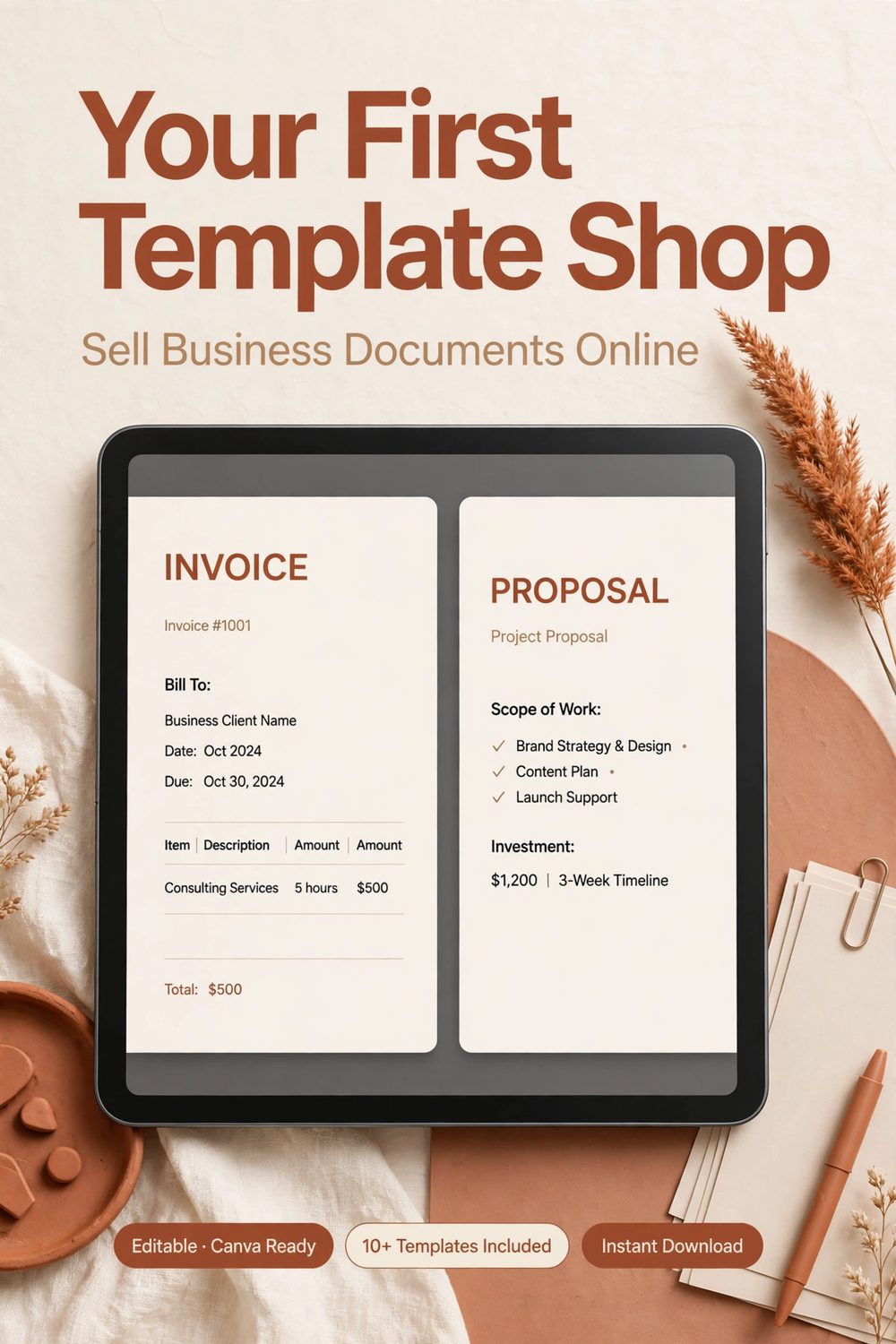
- Provide editable files and a PDF preview.
- Include a short guide explaining how to use the template.
- Add a “start here” page with links to files.
- Provide a thank-you page with support information.
- Use a clear file naming system.
Step 8: Choose Where to Sell
- Etsy: Large audience for digital templates.
- Gumroad: Great for direct sales and bundles.
- Your own website.
- Marketplaces for design and business assets.
Review fees and policies regularly. The Digital Marketing Playbook offers beginner-friendly strategies for attracting buyers.
Step 9: Price Your Templates
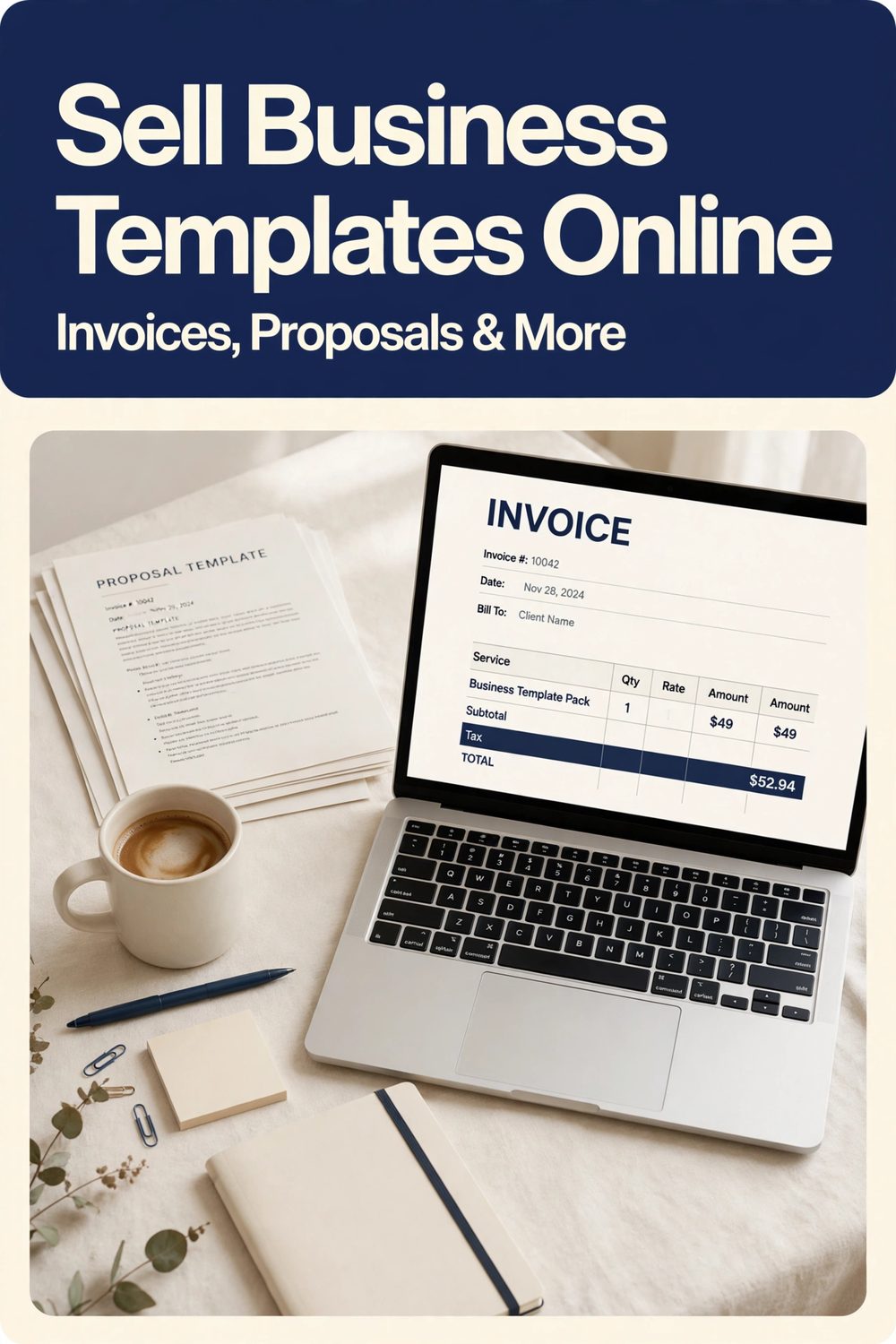
- Single templates: often $5–$15.
- Mini bundles: often $15–$30.
- Complete business kits: often $29–$79.
- Niche-specific starter kits: often higher.
Offer launch discounts, bundles, and updates, and raise prices as reviews grow.
Step 10: Promote to Your Audience
- Pinterest: Pins showing template mockups.
- LinkedIn and Instagram: Share tips for freelancers and small businesses.
- Blog posts: “How to write a proposal” with a link to your template.
- Email list: Offer a free invoice template to collect sign-ups.
- Communities: Share helpful advice, following rules.
A Sample Product Line Plan
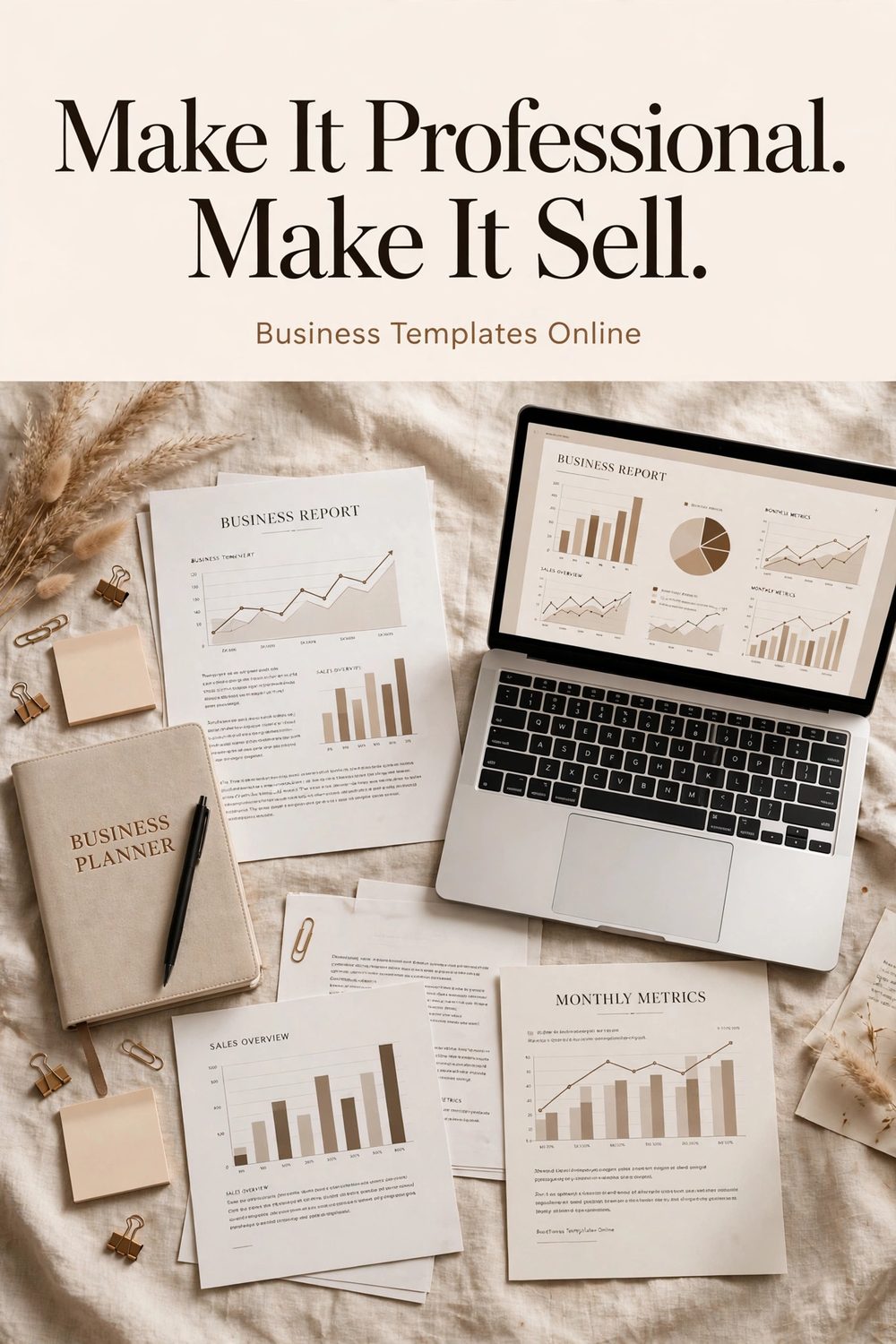
- Starter: A free simple invoice template as a lead magnet.
- Core: A $12 proposal and quote pack.
- Bundle: A $39 freelancer starter kit with invoices, proposals, onboarding, and a tracker.
- Premium: A $79 complete business kit with brand guidelines and a content planner.
This ladder lets customers start small and upgrade when they trust you.
A 30-Day Launch Plan
- Week 1: Choose your niche and research competitors.
- Week 2: Design your first two templates and test them.
- Week 3: Create mockups and listings, plus a free lead magnet.
- Week 4: Publish, share on social media and Pinterest, and gather feedback.
Money and Legal Basics
- Track income and expenses.
- Set aside money for taxes. Consult a qualified professional.
- Respect licenses for fonts and design elements.
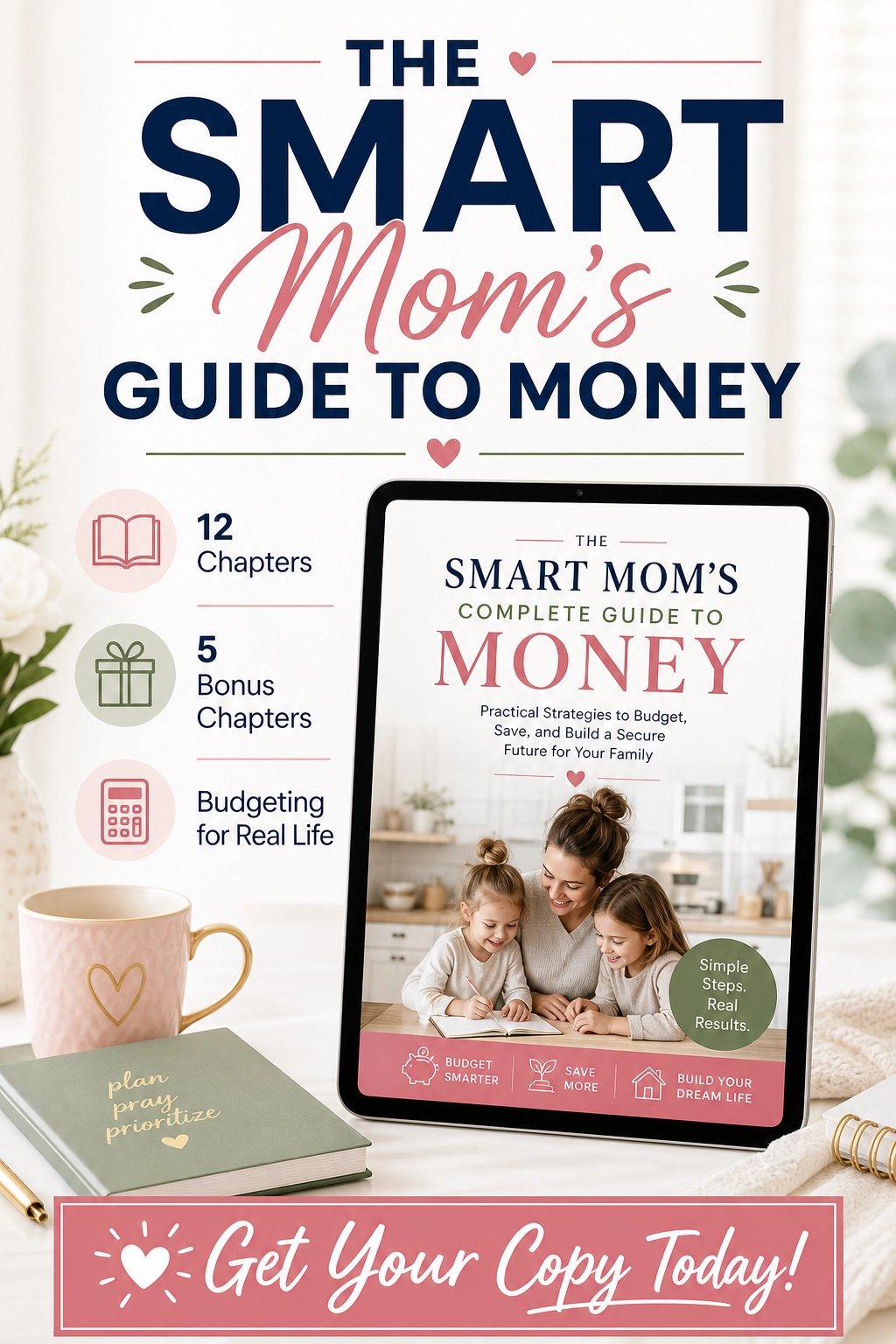
The Smart Mom’s Complete Guide to Money offers friendly guidance for managing digital income.
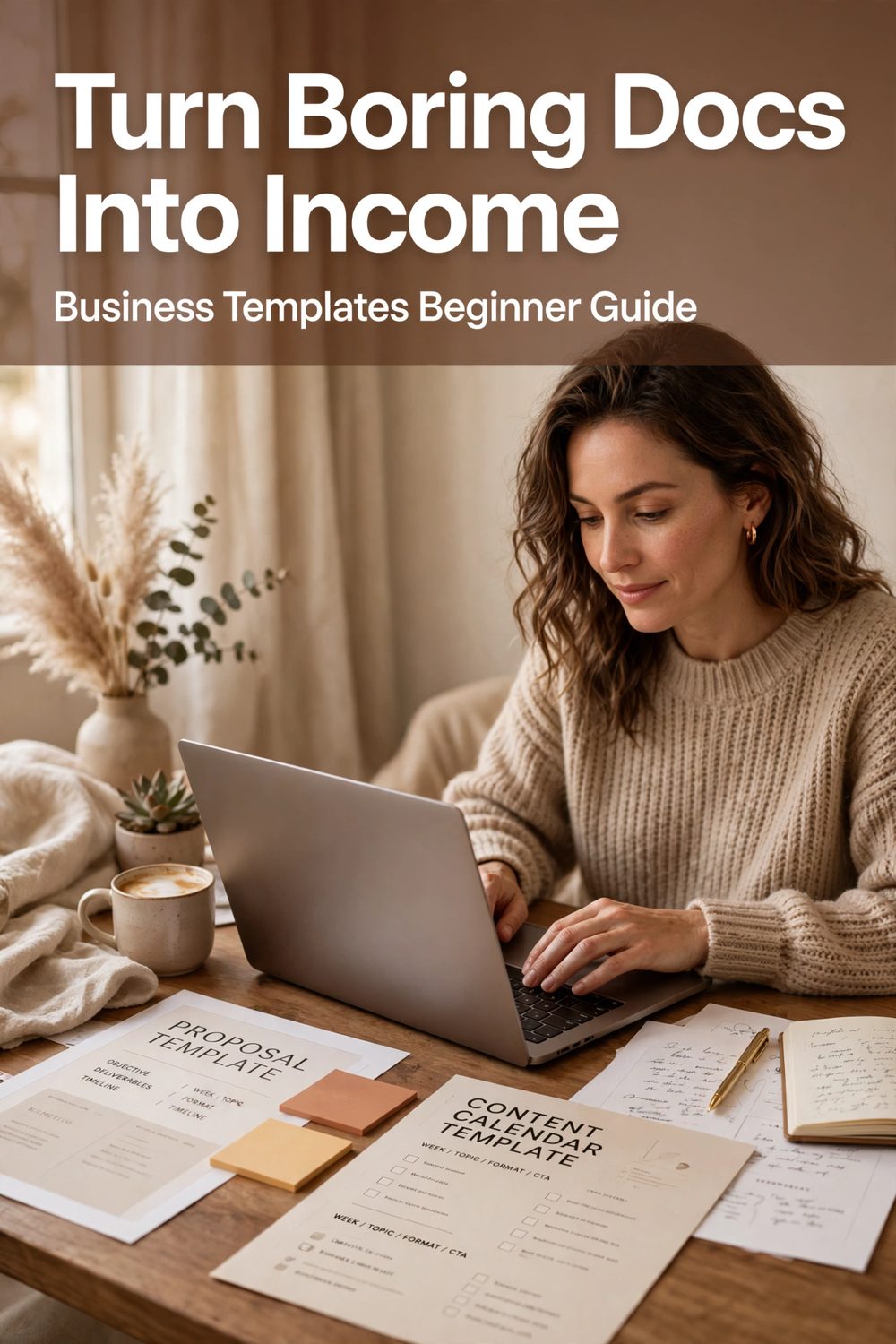
Example: A Freelancer Starter Kit Walkthrough
Imagine you’re building a starter kit for new freelance designers. A strong kit might include:
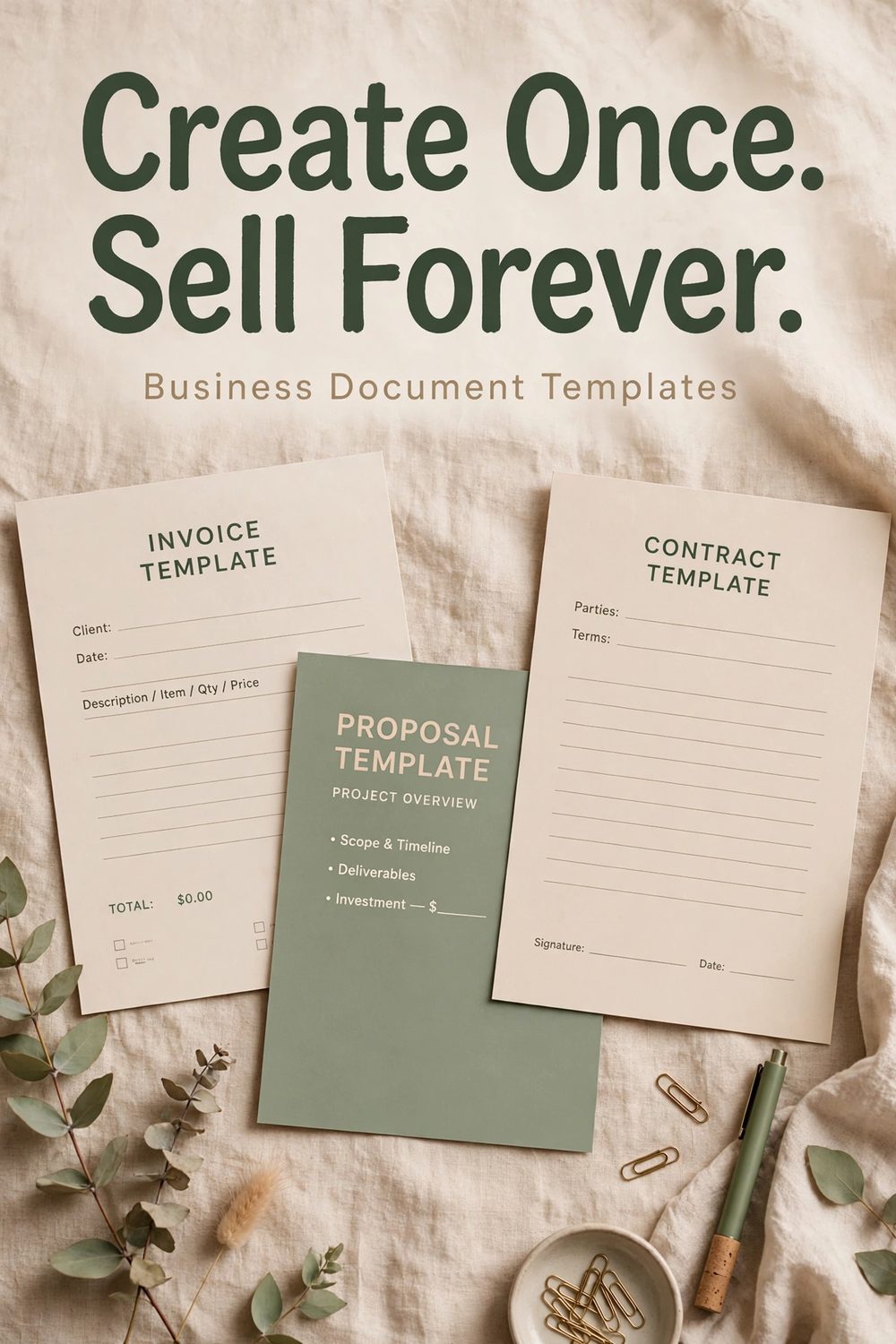
- An invoice template with fields for client details, project descriptions, payment terms, and late fees.
- A proposal template with sections for project overview, scope, timeline, pricing, and next steps.
- A client welcome packet explaining your process, communication hours, and revision policy.
- A project tracker for deadlines, status, and invoices sent.
- A simple income and expense sheet.
- A quick-start guide showing how to customize everything in an afternoon.
Presenting these as a coordinated set makes your shop feel complete. Buyers don’t have to piece together documents from different sources, and you can price the bundle higher than individual files.
Updating and Supporting Your Templates
Templates are living products. Keep them useful with a light maintenance routine:
- Review each template once or twice a year for outdated wording or design.
- Collect customer questions and add clarifications to your guide.
- Fix formatting bugs that appear in new versions of apps.
- Offer free updates to existing buyers when you make major improvements.
- Retire templates that no longer sell and replace them with stronger designs.
- Ask buyers which documents they want next, and use that feedback to plan new products.
A little attention keeps your reviews strong and gives returning customers confidence that your shop is active and reliable.
Mistakes to Avoid
- Making legal promises.
- Skipping instructions.
- Using unlicensed fonts.
- Weak previews.
- Choosing a niche you don’t understand.
- Never updating.
Quick Answers About Business Templates
Are business templates still in demand? Yes, especially niche-specific ones that save time for particular professions.
Do I need a business background? It helps, but research, testing, and listening to buyers can fill gaps.
Which format is best? Offer the formats your customers use most, such as Google Docs, Word, and Canva.
How much can I earn? It varies widely with niche, quality, and marketing.
Templates Turn Messy Work Into Confidence
Selling business templates is about solving real, repeated problems for busy people. Choose a niche, design clean documents, add smart disclaimers, and share them where small business owners look for help.
This week, create one invoice template for a specific profession and write a simple instruction page. Trust me, a small, clear product can become the foundation of a whole shop. Let’s get building!







Leave a Reply