


For my first six months in business, I believed I was doing well because money kept arriving in my account. Then I added up what I’d actually spent on tools, ads, and subscriptions, and discovered my profit was much smaller than I thought. I wasn’t failing. I just hadn’t looked. That moment taught me that revenue isn’t profit, and you can’t improve numbers you don’t track.
If you want to track business income and expenses without feeling overwhelmed, you’re doing something that supports every other decision in your business: pricing, taxes, growth, and peace of mind. You don’t need fancy software or an accounting degree. You need a simple system you’ll actually use.
In this guide, I’ll walk you through setting up a basic tracker, categories to use, a weekly and monthly routine, and how to turn the numbers into insights.
Why Tracking Matters
- Know your real profit. Income minus expenses.
- Price with confidence. You’ll understand what your work costs.
- Prepare for taxes. Clean records save time and stress.
- Spot problems early. Subscriptions creep and ad costs rise.
- Make better decisions. See which products and clients are most profitable.
- Qualify for loans or financing if you ever need it.
The honest part: Tracking is rarely exciting, but it’s one of the most empowering habits you can build. Even a rough system beats none.
Step 1: Separate Your Money
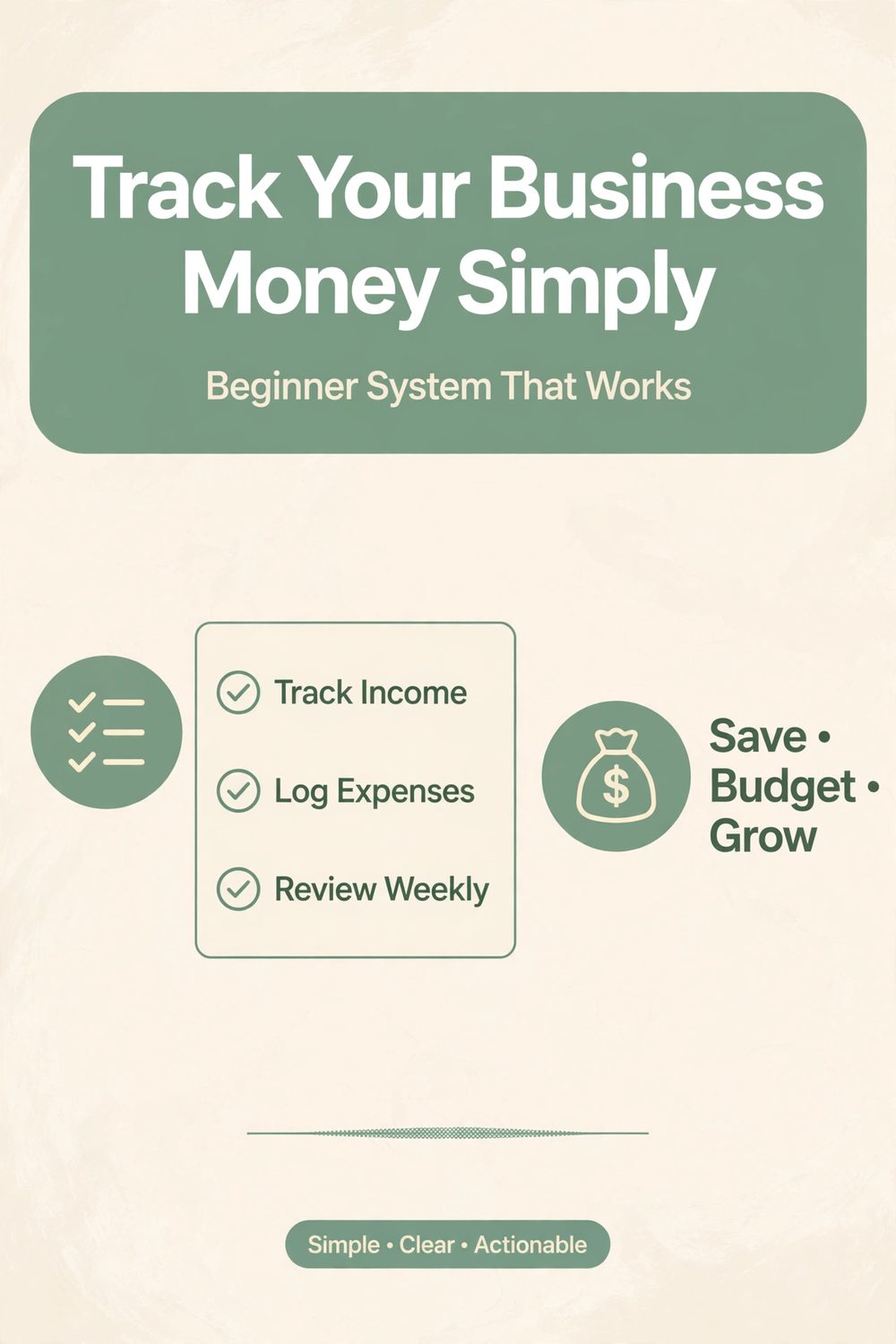
Before tracking, separate business and personal finances.
- Open a separate business bank account.
- Use a dedicated card for business expenses if possible.
- Route all business income into the business account.
- Pay yourself on a schedule.
The Smart Mom’s Complete Guide to Money offers friendly guidance on building habits that make this easier.
Step 2: Choose Your Tracking Tool
Option 1: A Spreadsheet
Free, flexible, and simple. Great for beginners.
Option 2: Accounting Software
Cloud tools can connect to bank accounts, categorize transactions, and create reports. Many offer free or low-cost beginner plans, though features and prices change.
Option 3: A Budgeting or Expense App
Useful for scanning receipts and tracking spending on the go.
Pro tip: Start with a spreadsheet. If you eventually find it limiting, move to software.

Step 3: Set Up Your Income Tracker
Create columns for:
- Date received.
- Client or source.
- Description of the service or product.
- Amount.
- Payment method or platform.
- Fees deducted.
- Net amount received.
- Invoice number if applicable.
Record gross income (before fees) and fees separately, so your numbers are accurate.
Step 4: Set Up Your Expense Tracker
Create columns for:
- Date.
- Vendor.
- Description.
- Category.
- Amount.
- Payment method.
- Receipt saved? (Yes/No).
- Business purpose notes.
Helpful Expense Categories
- Software and subscriptions.
- Equipment and supplies.
- Marketing and advertising.
- Platform and payment fees.
- Education and training.
- Professional services.
- Internet, phone, and utilities (business portion).
- Travel and meals (where applicable).
- Home office costs.
- Miscellaneous.
Use categories that make sense for your business, and keep the list short at first.

Step 5: Capture Receipts and Documents
- Save digital receipts into a cloud folder organized by year and month.
- Use a receipt-scanning app or photograph paper receipts right away.
- Name files consistently, such as “2027-03-15_Canva_Subscription.”
- Keep invoices you send and receive.
- Store contracts and agreements together.
Check how long your local rules require you to keep records.
Step 6: Build a Simple Monthly Routine
Weekly (15 to 20 minutes)
- Record income and expenses from the past week.
- Match receipts.
- Note unpaid invoices.
Monthly (30 to 45 minutes)
- Reconcile your bank account with your tracker.
- Calculate total income, expenses, and profit.
- Review subscriptions and cancel unused ones.
- Move tax savings into a separate account.
- Pay yourself.
- Write a short note about what you learned.
The AI-Powered Solopreneur offers simple systems for running a lean business that make routines like this easier to maintain.
Step 7: Understand Your Key Numbers
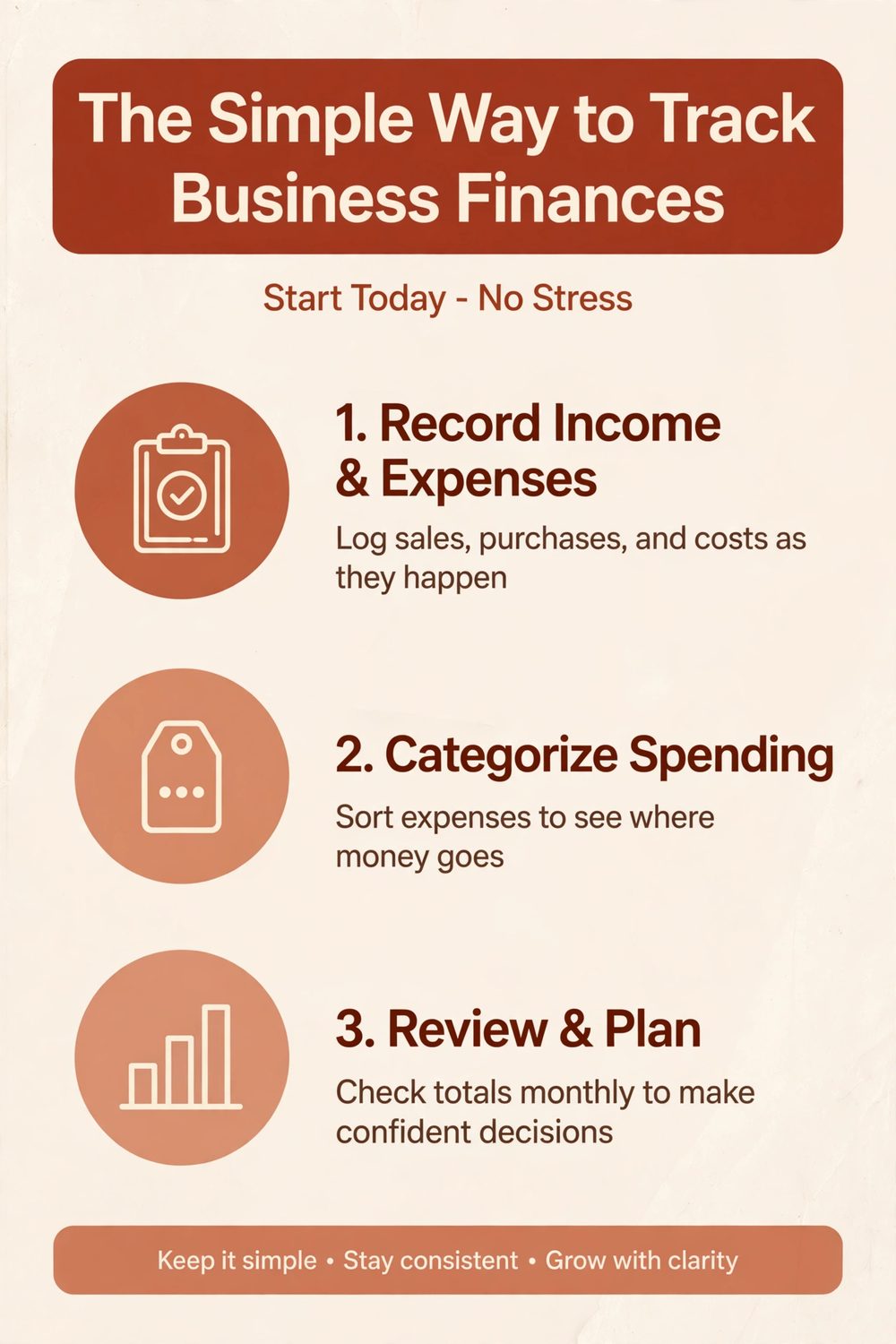
Once you’re tracking, look at:
- Revenue: Total money earned.
- Expenses: Total money spent.
- Profit: Revenue minus expenses.
- Profit margin: Profit divided by revenue.
- Revenue by source: Which clients, products, or services earn the most.
- Expenses by category: Where your money goes.
- Average payment time: How long clients take to pay.
- Hourly earnings: Profit divided by hours worked.
A Quick Example
If you earned $3,000 in a month, spent $600 on tools and fees, and worked 80 hours, your profit is $2,400 and your profit per hour is $30 before taxes. That insight might lead you to raise prices, cut a low-profit client, or reduce an unnecessary expense.
Step 8: Set Money Goals and Review Them
- Set a monthly profit target.
- Set savings targets for taxes and emergencies.
- Plan investments in growth, such as tools or education.
- Review quarterly and adjust.
For ideas on growing income, The Stay-At-Home Mom’s Guide to Making Money Online offers beginner-friendly options, and The Digital Marketing Playbook can help you attract more of the right customers.
Using AI Safely for Money Tasks
AI can help you design a spreadsheet layout, suggest expense categories, and explain terms in plain language. Avoid pasting sensitive financial data, account numbers, or personal information into tools that aren’t secure, and always verify important details. The Claude Advantage shows how to prompt effectively for templates and planning.
Tax-Time Benefits of Good Tracking
- Faster preparation.
- Lower risk of missing deductions.
- Clearer conversations with your tax professional.
- Less stress.
For more on taxes as a freelancer, check a qualified professional and your local authority for rules that apply to you.

A Simple 30-Day Setup Plan
- Week 1: Open a separate account and choose your tool.
- Week 2: Build your income and expense trackers.
- Week 3: Enter the past three months of data.
- Week 4: Set your weekly and monthly routine, and review your first report.
A Sample Month in Numbers
Let’s walk through an example to see how tracking helps.
- Income: $3,200 from three clients and $280 from digital product sales, for $3,480 total.
- Fees: $95 in payment processing and platform fees.
- Expenses: $210 on software subscriptions, $120 on marketing, and $60 on learning, for $390 total.
- Profit before taxes: $3,480 minus $95 minus $390, which equals $2,995.
- Tax set-aside: A percentage recommended by your professional moves into a separate account.
- Hours worked: 85, which means about $35 of profit per hour before taxes.
When you see numbers like these, decisions get easier. You might decide to raise rates for your smallest client, cancel an unused subscription, or invest more in the product that sells itself.

Common Tracking Problems and Simple Fixes
- “I forget to log expenses.” Set a recurring weekly reminder and keep receipts in a single folder.
- “I mix personal and business.” Open a separate account and card, even if it’s basic.
- “My spreadsheet is a mess.” Start a fresh sheet, keep five clear categories, and import old data slowly.
- “I dislike numbers.” Make it a small ritual with a favorite drink and music, and focus on one insight each month.
- “I’m months behind.” Gather statements and catch up one month at a time, starting with the most recent.
Progress beats perfection. A messy tracker you update is far more useful than a beautiful one you abandon.

Setting Up a Simple Spreadsheet Template
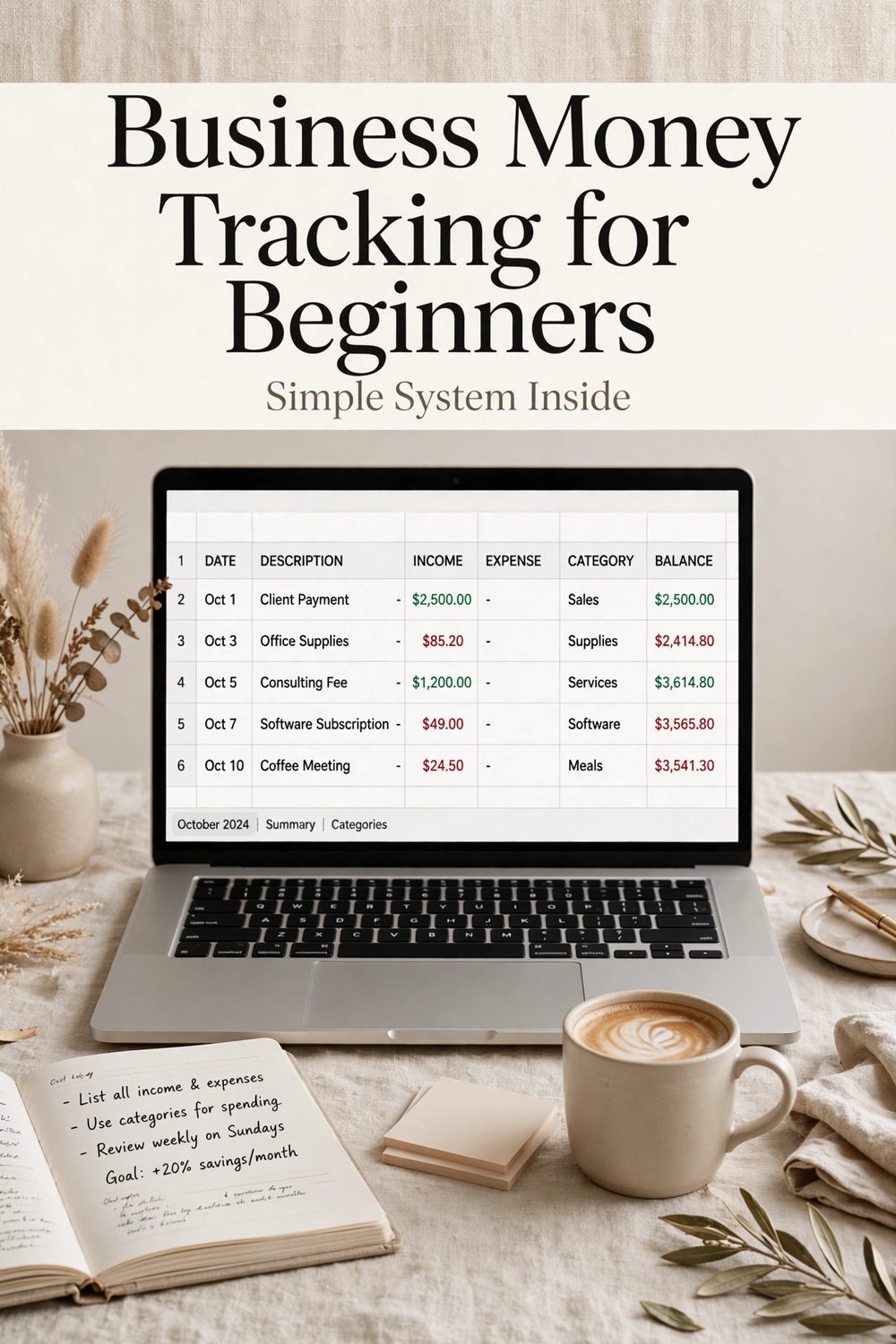
If you want a quick structure, create three tabs:
- Income tab: Date, source, description, gross amount, fees, net amount.
- Expenses tab: Date, vendor, category, amount, receipt link, notes.
- Summary tab: Monthly totals pulled from the other tabs, showing income, expenses, profit, and tax set-aside.
Add simple formulas to total each month automatically. Freeze the header row and use consistent date formats so sorting works. Once set up, you only need to paste in new rows, and your summary updates itself.
Mistakes to Avoid
- Mixing business and personal spending.
- Waiting months to record transactions.
- Ignoring small expenses.
- Using too many categories.
- Losing receipts.
- Never reviewing the numbers.
Quick Answers About Tracking Business Finances
Do I need accounting software? No. A spreadsheet works well for many small businesses. Software helps as complexity grows.
How often should I update my records? Weekly is ideal, with a deeper review monthly.
What if I’m behind? Start where you are, gather statements, and catch up in manageable chunks.
Should I hire a bookkeeper? It can be worth it as you grow or if you dislike the task.
Know Your Numbers, Grow Your Business
Tracking business income and expenses is a calm, empowering habit. Separate your money, choose a simple tool, record consistently, and review your numbers monthly.
This week, create a basic income and expense spreadsheet and log this month’s transactions. Trust me, the first time you see your true profit, you’ll feel more in control than ever. Let’s track it!










Leave a Reply