


My first customer support role began with a single email from an unhappy customer whose order had arrived late and damaged. I read it three times, took a breath, and wrote back with an apology, a clear next step, and a replacement. Two days later, the same customer sent a message that simply said, “Thank you for actually listening.” I was hooked on the feeling of turning a bad moment into a good one.
If you’re looking for a remote customer support job, you’re pursuing one of the most accessible ways to start working from home. Many companies hire support agents for email, chat, and phone roles, and they often value patience, clear writing, and reliability more than formal credentials.
In this guide, I’ll walk you through the skills employers want, how to prepare your resume, where to look, how to ace interviews, and how to avoid the scams that target remote job seekers.
What Does a Remote Customer Support Agent Do?
Support agents help customers solve problems, answer questions, and have a good experience with a company’s products or services.
Common Responsibilities
- Answering emails, live chats, and phone calls.
- Troubleshooting issues using guides and internal tools.
- Processing orders, refunds, and returns.
- Escalating complex problems to the right team.
- Documenting conversations in a ticketing system.
- Sharing customer feedback with product or sales teams.
- Maintaining a positive, professional tone.
Why people choose this path:
- Entry-level friendly. Many roles provide training.
- Remote and flexible options. Some roles offer set schedules, others offer shifts.
- Clear career paths. Support can lead to team lead, customer success, or operations roles.
- Transferable skills. Communication and problem-solving help everywhere.
The honest part: Support can be emotionally demanding. You may deal with frustrated customers, strict metrics, shift work, or weekend schedules. Choose a company culture that supports its agents.

Step 1: Build the Core Skills
Skills Employers Want
- Clear written communication with correct grammar.
- Empathy and patience.
- Problem-solving and critical thinking.
- Basic tech skills: email, chat tools, spreadsheets, and learning new software quickly.
- Typing speed and accuracy.
- Time management and reliability.
- Adaptability when processes or products change.
Ways to Practice
- Rewrite tough customer messages into calm, helpful responses.
- Learn common ticketing and help desk tools through free tutorials.
- Take free courses on customer service basics.
- Practice active listening in everyday conversations.
- Study help centers of companies you admire to see how they explain solutions.
Step 2: Understand Different Support Roles
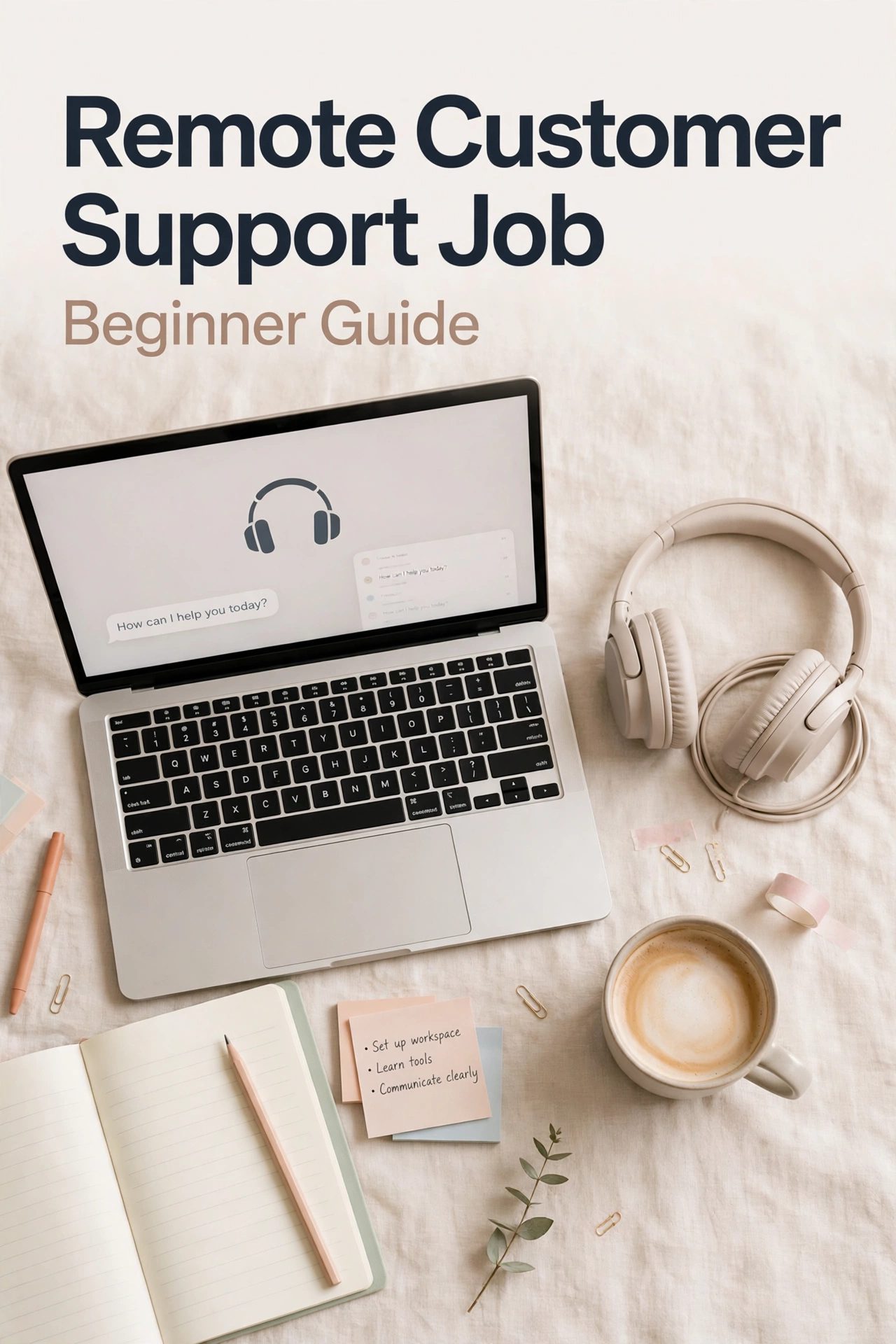
- Email and ticket support: Written responses, ideal for strong writers.
- Live chat support: Fast, conversational, often handling multiple chats at once.
- Phone support: Voice-based, requiring calm, clear speaking.
- Technical support: More specialized, solving product or software problems.
- Customer success: Proactive relationship management, often in software companies.
- Social media support: Responding to customers on social platforms.
Choose a format that fits your strengths. Many people start with email or chat.
Step 3: Prepare Your Home Setup
Employers often have equipment and environment requirements.
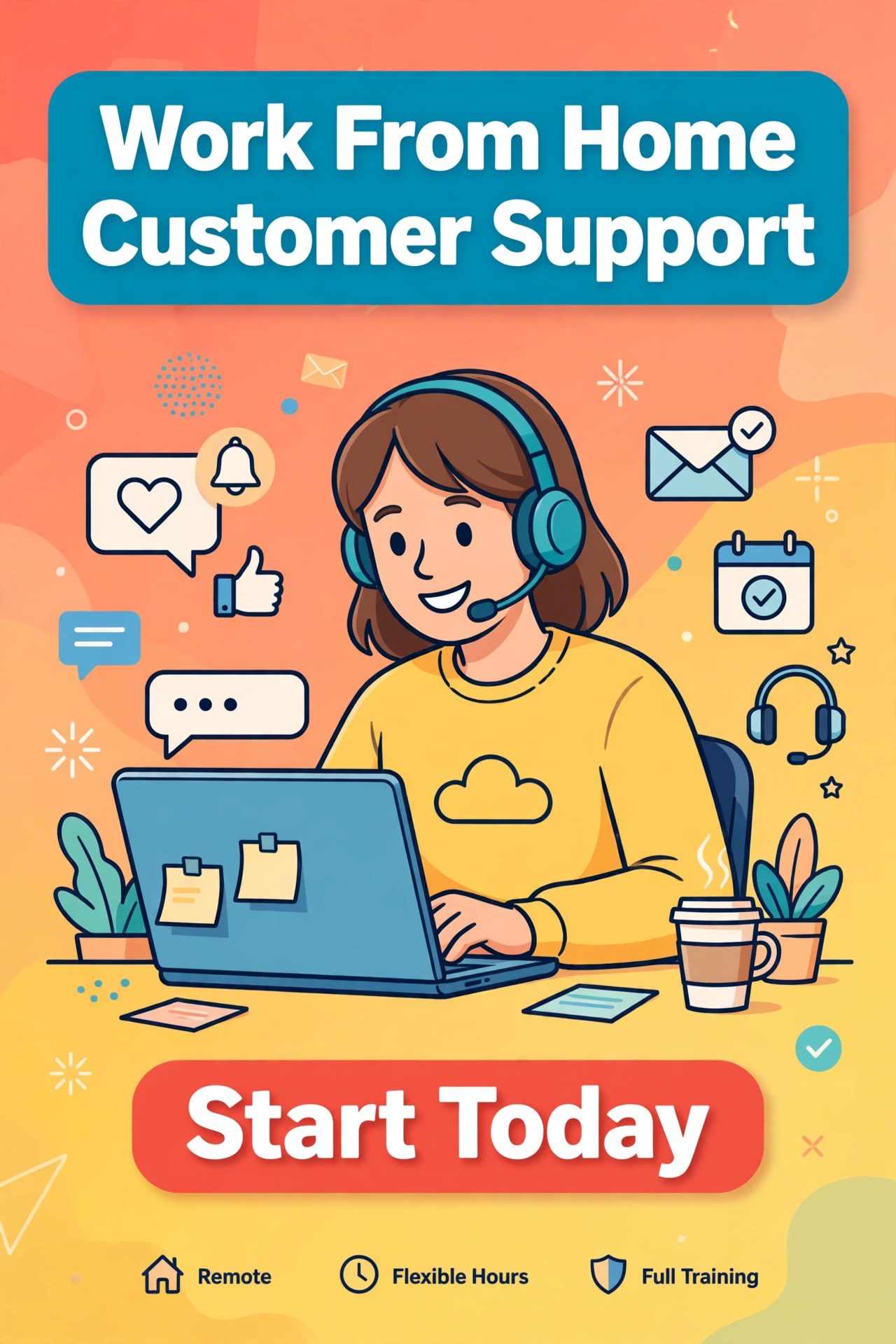
- Reliable computer meeting stated specifications.
- Fast, stable internet, ideally with a backup plan.
- Quiet, private workspace, especially for phone roles.
- Headset with a good microphone.
- Secure setup: updated software, strong passwords, and a safe network.
- Professional background for video interviews.
Step 4: Create a Strong Resume
You don’t need prior customer support experience. Highlight transferable skills.
Resume Tips
- Use a clean, simple format.
- Write a short summary that mentions customer focus, communication, and reliability.
- Show relevant experience: retail, hospitality, administration, volunteering, parenting groups, or any role that involved helping people.
- Use measurable achievements, such as “Resolved 30+ customer inquiries daily with a high satisfaction rate” if true.
- List tools and skills: ticketing systems, CRM tools, chat software, and typing speed.
- Proofread carefully. Typos matter in support roles.
AI can help you polish wording and tailor your resume to job descriptions, but keep every detail accurate and truthful. The Claude Advantage shows how to prompt effectively for resumes, cover letters, and interview practice.

Step 5: Find Remote Customer Support Jobs
- Reputable job boards with remote filters.
- Company career pages for brands you like.
- LinkedIn job alerts.
- Remote-focused job sites that vet listings.
- Staffing and outsourcing companies that hire support agents for various clients.
- Your network and referrals.
Applying Smartly
- Tailor your resume and cover letter to each role.
- Mirror important keywords from the job description honestly.
- Apply early, since popular remote roles fill fast.
- Track applications in a simple spreadsheet.
- Follow up politely after a week or two.
Step 6: Ace the Interview
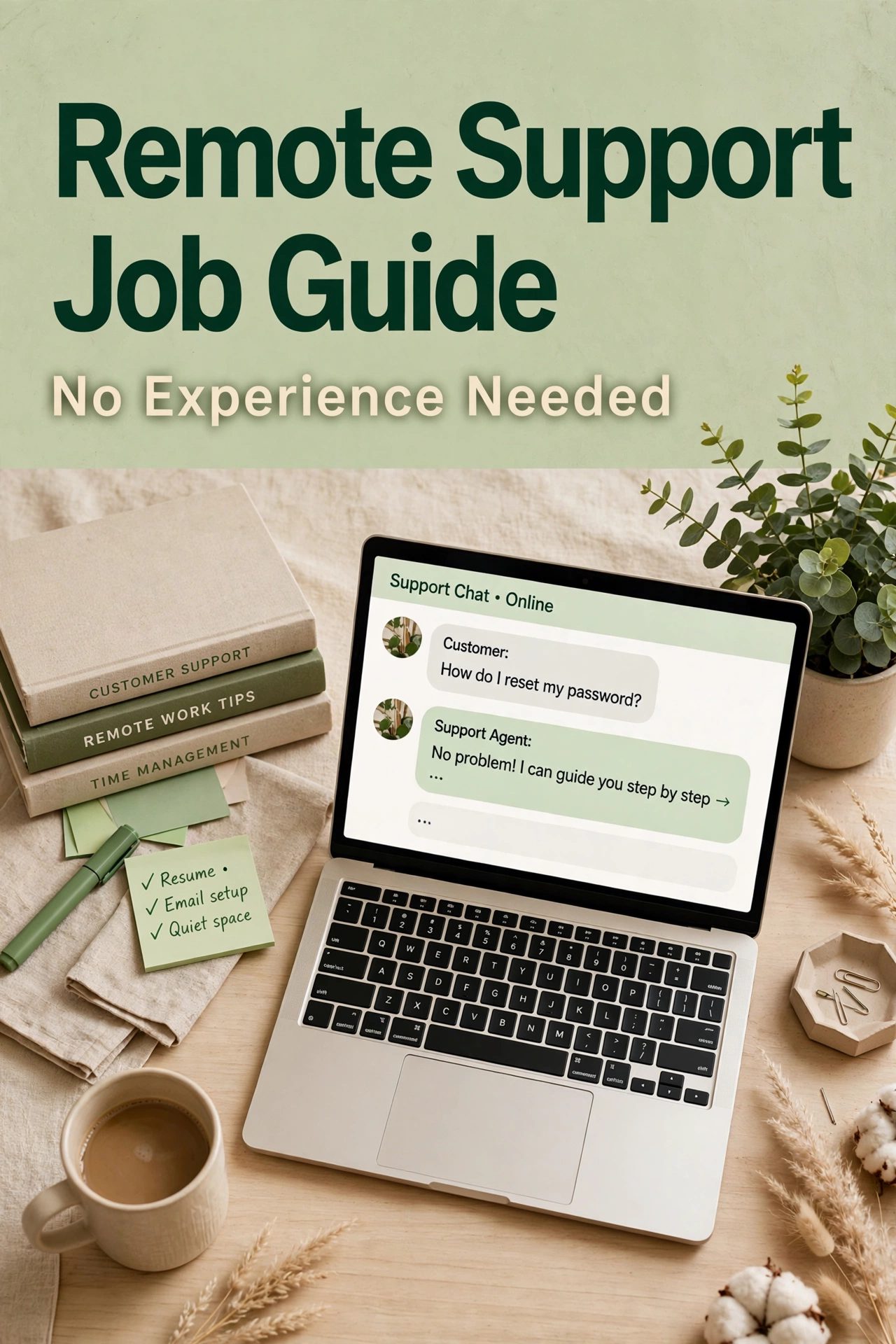
Support interviews often include scenario questions and writing tests.
Common Questions
- “Tell me about a time you helped an upset customer.”
- “How do you prioritize when you have multiple urgent tasks?”
- “How would you handle a question you don’t know the answer to?”
- “Why do you want to work remotely?”
The STAR Method
Answer behavioral questions with Situation, Task, Action, and Result. For example: describe the situation, what you needed to achieve, what you did, and what happened.
Writing Tests
Some employers ask you to reply to a sample customer email. Show empathy, clarity, accuracy, and a clear next step.
Interview Tips
- Test your tech in advance.
- Dress professionally from the waist up and keep a tidy background.
- Show enthusiasm for helping people.
- Ask thoughtful questions about training, schedules, and support tools.
Step 7: Avoid Remote Job Scams
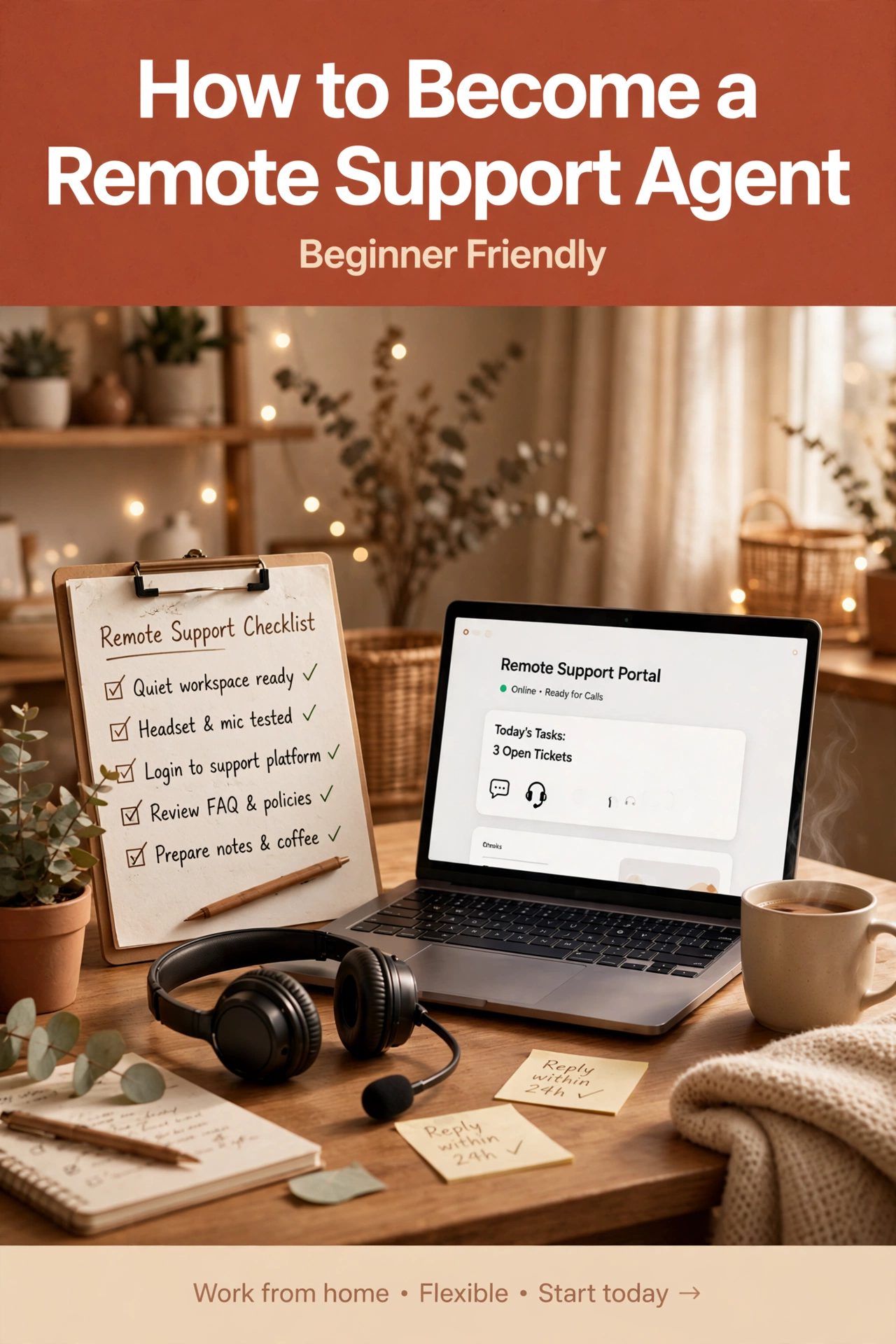
Scammers often pose as employers.
- Never pay to get hired. Real employers don’t charge for equipment, training, or background checks.
- Be wary of check-cashing or equipment-purchase requests.
- Verify the company on its official website and independent sources.
- Be cautious of interviews held only through messaging apps.
- Avoid sharing sensitive data like bank details before a verified offer and contract.
If it seems too good to be true, pause and investigate.
Step 8: Succeed in Your First 90 Days
- Learn the product and the policies thoroughly.
- Ask questions early.
- Take notes and create your own quick-reference guides.
- Review your own tickets to learn from mistakes.
- Listen to feedback and adjust.
- Build relationships with teammates, even remotely.
For long-term growth, build your professional brand and skills. The Personal Brand Blueprint can help you present yourself confidently as you move up.
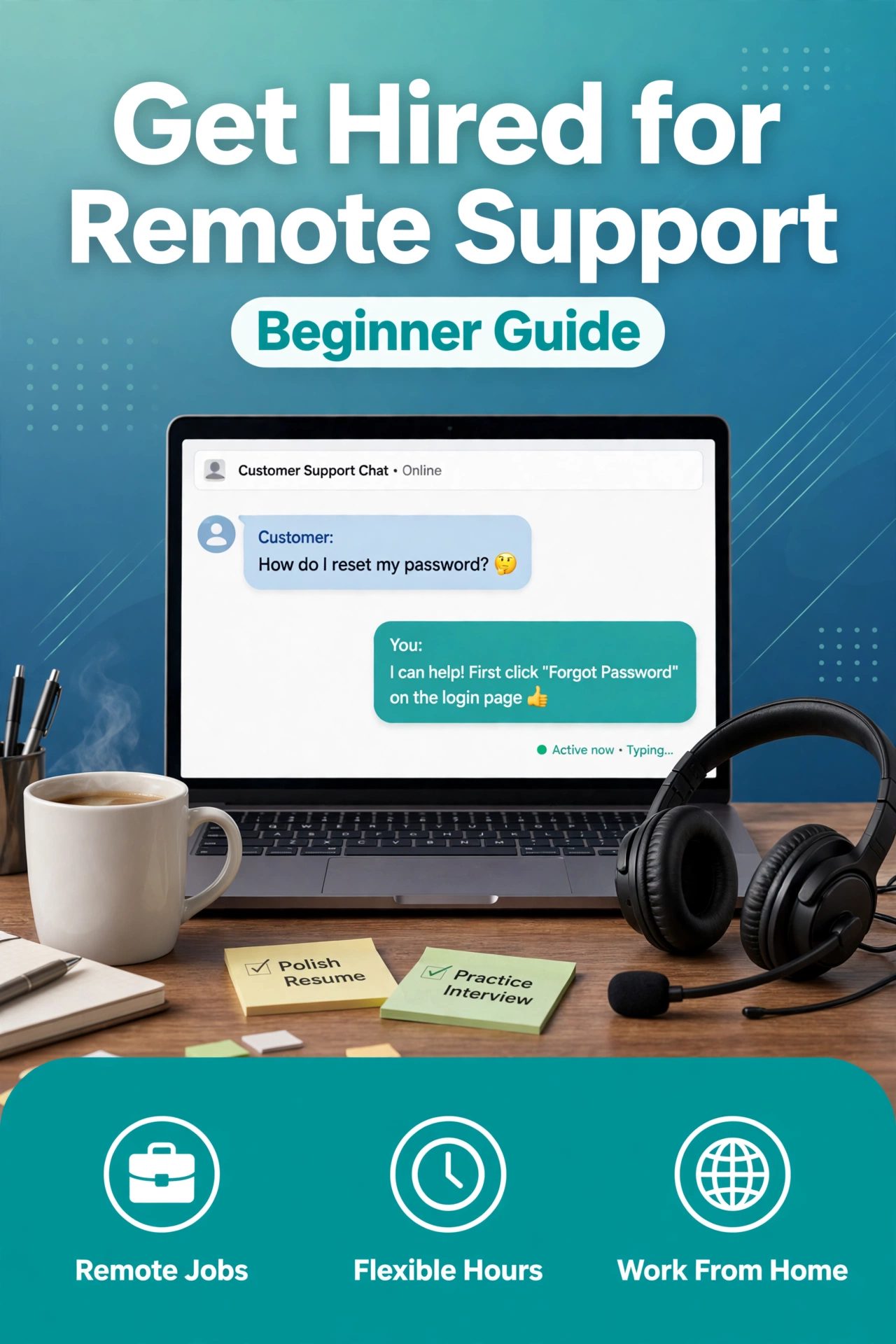
Protect Your Wellbeing
- Set boundaries between work and home.
- Take breaks and rest your voice and eyes.
- Develop strategies for handling difficult calls, such as short resets.
- Seek support from managers or mentors when overwhelmed.
Grow Beyond Entry-Level Support
- Team lead or trainer roles.
- Quality assurance specialist.
- Customer success manager.
- Operations or community roles.
- Freelance support for small businesses.
If you’d like to blend job income with flexible side income, The Stay-At-Home Mom’s Guide to Making Money Online offers beginner-friendly ideas.

A 30-Day Job Search Plan
- Week 1: Practice support skills, set up your workspace, and update your resume.
- Week 2: Apply to 20 carefully chosen roles.
- Week 3: Prepare for interviews and writing tests.
- Week 4: Follow up, interview, and refine your approach.
Money Basics for New Remote Workers
- Understand pay structure, such as hourly, salary, or per-ticket.
- Plan for taxes and benefits depending on whether you’re an employee or contractor. Consult a qualified professional.
- Build a small emergency fund in case of schedule changes.
The Smart Mom’s Complete Guide to Money offers friendly guidance for managing your income.
Sample Answers to Common Support Interview Questions
Practicing out loud builds confidence. Here are short example answers you can adapt to your own experience:
“Tell me about a time you helped an upset customer.” “A customer received a damaged order and was frustrated. I apologized sincerely, confirmed the details, offered a replacement, and followed up to make sure it arrived. She thanked me and ordered again.”
“What would you do if you didn’t know the answer?” “I’d tell the customer I’m checking, search the knowledge base, ask a teammate if needed, and follow up with an accurate answer rather than guess.”
“How do you handle stress?” “I take a short reset between difficult conversations, focus on the next step instead of the whole queue, and ask for support when something is unusual.”
Make your own answers specific and honest, using real examples from work, school, or daily life.
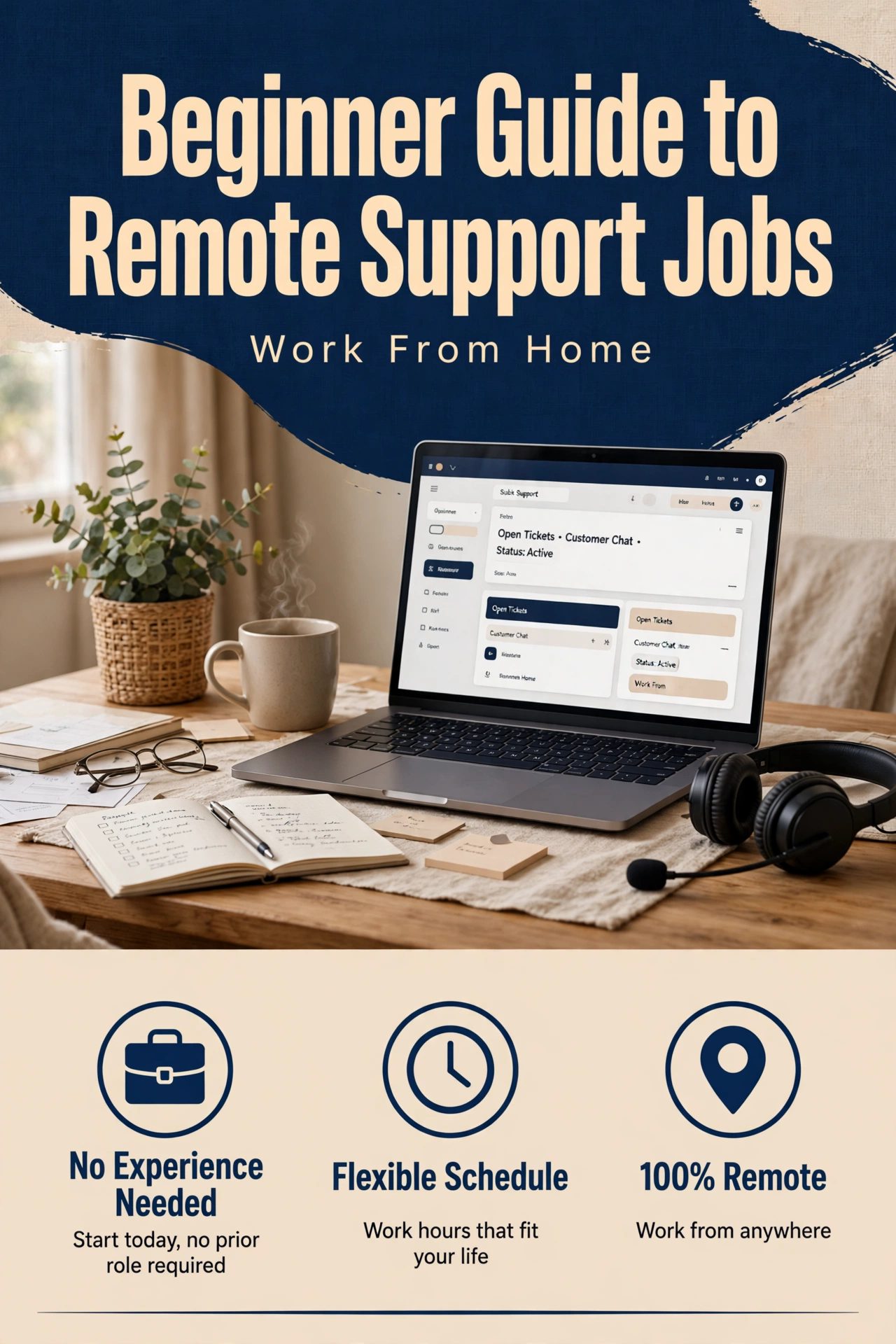
Mistakes to Avoid
- Sending generic applications.
- Ignoring typos.
- Underestimating technical requirements.
- Skipping company research.
- Falling for scams.
- Burning out from constant shifts.
Quick Answers About Remote Customer Support Jobs
Do I need experience? Not always. Many companies hire entry-level agents and provide training.
How much can I earn? Pay varies widely by company, role, and location. Many entry-level roles start modestly, with growth over time.
Is remote support stable? Many roles are stable, though some are contract-based. Read job terms carefully.
What’s the best way to stand out? Strong writing, empathy, reliability, and a tailored application make a big difference.
Helping People Is a Real Skill
Getting a remote customer support job is about showing that you can listen, communicate clearly, and solve problems calmly. Build your skills, prepare your resume, apply smartly, and protect yourself from scams.
This week, rewrite one frustrating customer message into a calm, helpful reply, and apply to five roles. Trust me, once you hear “Thank you for listening,” you’ll know this work can be genuinely meaningful. You’ve got this!










Leave a Reply