

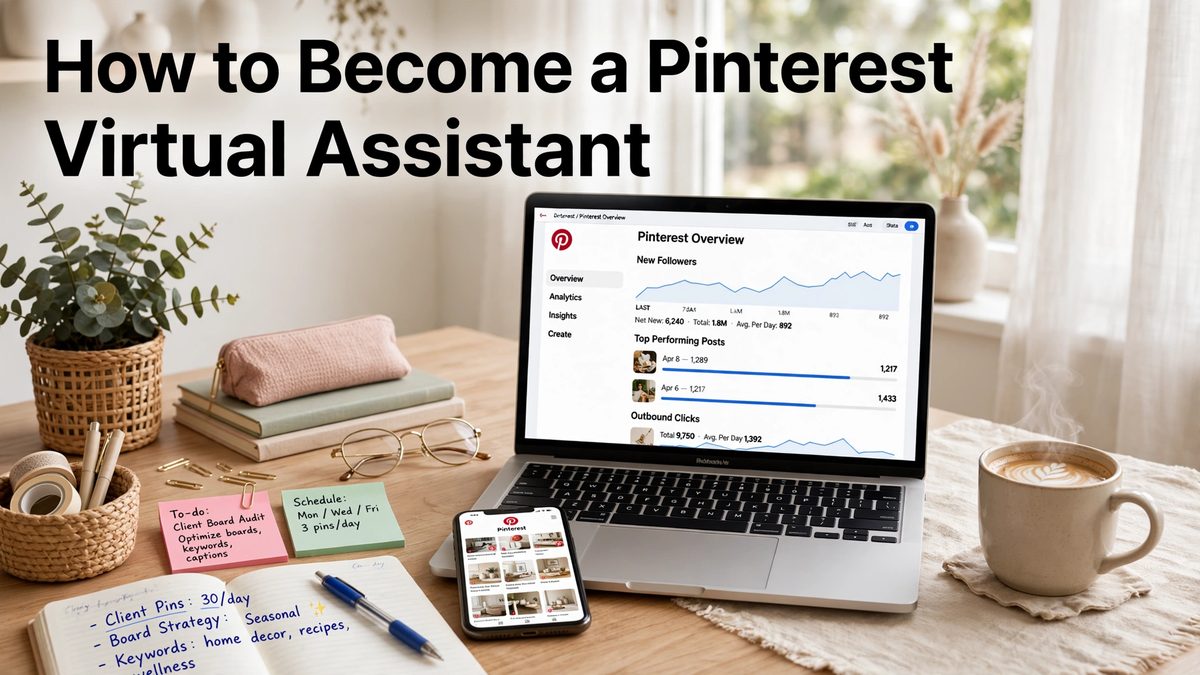
When I first started pinning for my own blog, I treated it like a hobby. Then a blogger friend said, “I’ll pay you to do that for me, because I have no idea how.” I laughed, but she was serious. I managed her account for a month, her traffic from Pinterest climbed, and she signed me up for a monthly retainer. That’s how I discovered a niche many beginners overlook.
If you want to become a Pinterest virtual assistant, you’re stepping into a service that bloggers, online shops, and creators genuinely need. Pinterest works like a visual search engine, and many business owners don’t have the time or skills to manage it well.
In this guide, I’ll walk you through what Pinterest VAs do, the skills to build, how to price your services, and how to land your first clients.
What Does a Pinterest VA Do?
A Pinterest virtual assistant (or Pinterest manager) helps businesses attract traffic and customers from Pinterest.
Common Services
- Account setup and optimization: profile, boards, and keywords.
- Keyword research for pin titles, descriptions, and boards.
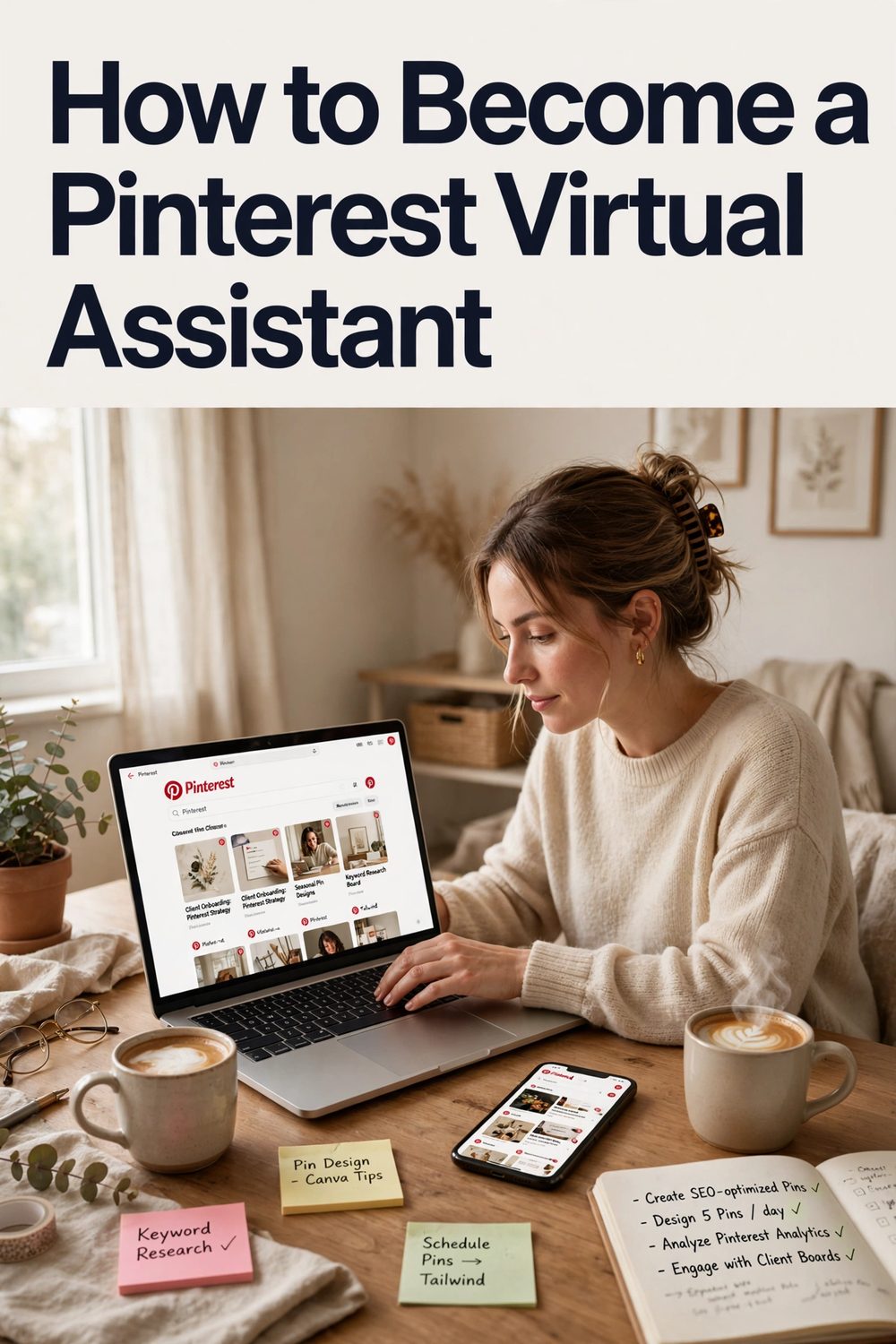
- Pin design: creating templates and fresh pin variations in Canva.
- Pin scheduling and publishing.
- Board strategy and maintenance.
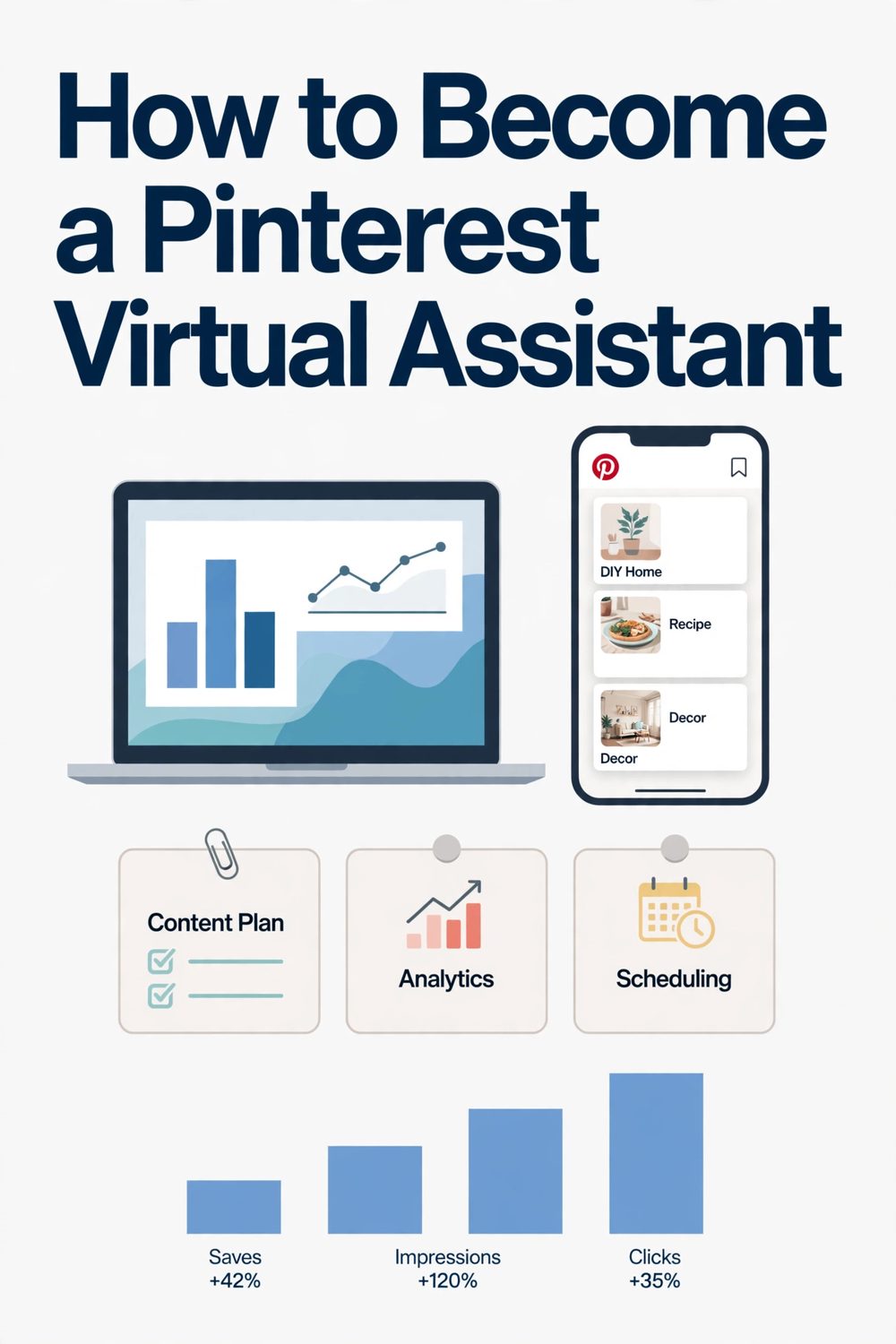
- Analytics and reporting.
- Pinterest ads support (once experienced).
- Content support, such as writing pin descriptions and repurposing blog posts.
Why it’s a smart niche:
- Clear demand. Many bloggers and shop owners rely on Pinterest traffic.
- Repeatable work. Monthly retainers create steady income.
- Creative and strategic. You blend design, writing, and analytics.
- Remote and flexible. You can work from anywhere.
The honest part: Pinterest results take time, algorithm changes happen, and clients may expect fast growth. Setting honest expectations, tracking metrics, and communicating clearly protect your reputation.
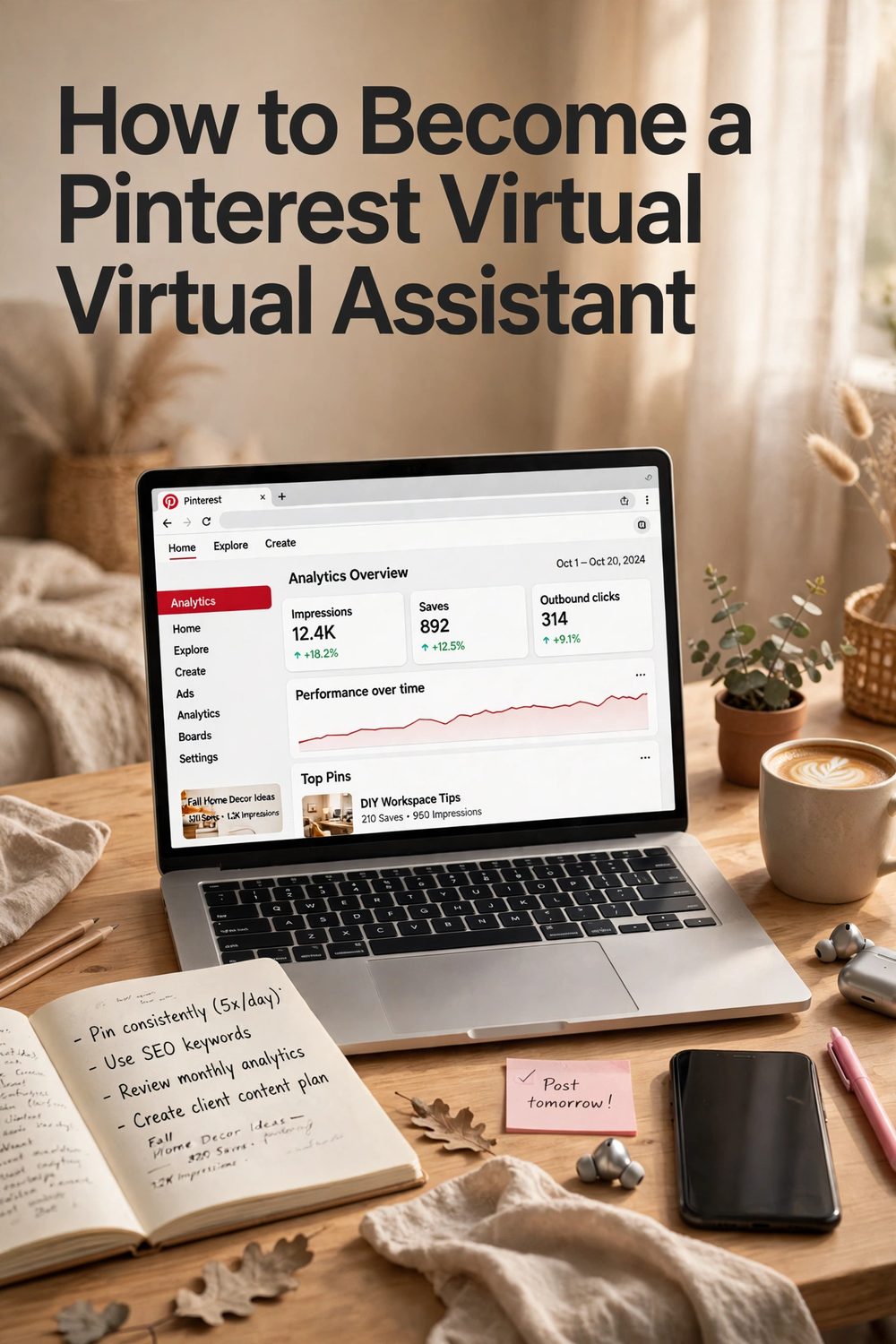
Step 1: Learn How Pinterest Works
Spend time on Pinterest as a user and a strategist.
- Pinterest is a search engine, so keywords matter.
- Fresh pins tend to perform better than repeated images.
- Boards organize content by topic.
- Rich pins and claimed websites add credibility.
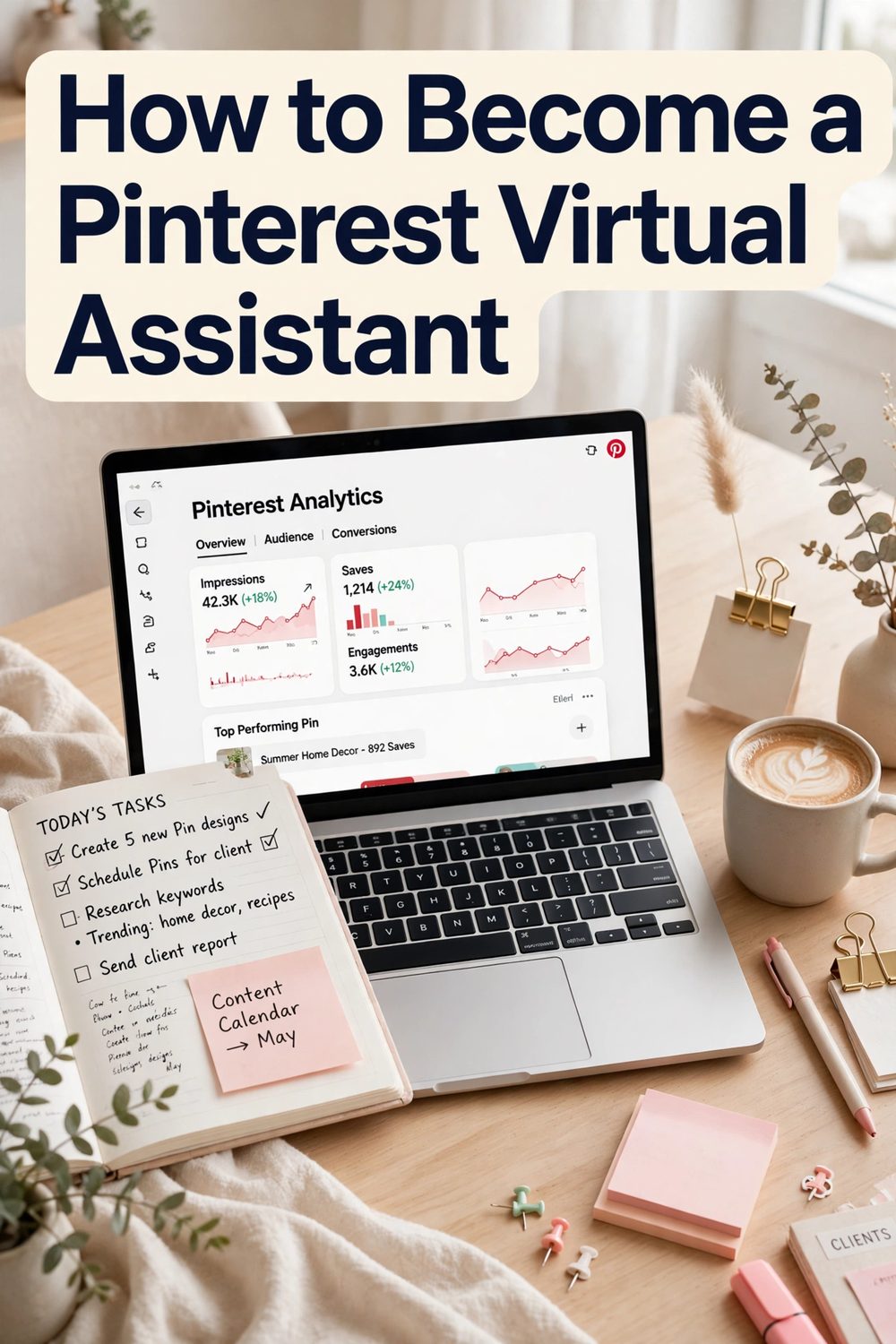
- Analytics show impressions, saves, clicks, and top pins.
- Seasonal trends matter, so content often needs to be posted weeks or months early.
Free resources include Pinterest’s business help center, YouTube tutorials, and blog guides. Practice on your own account or a niche project.
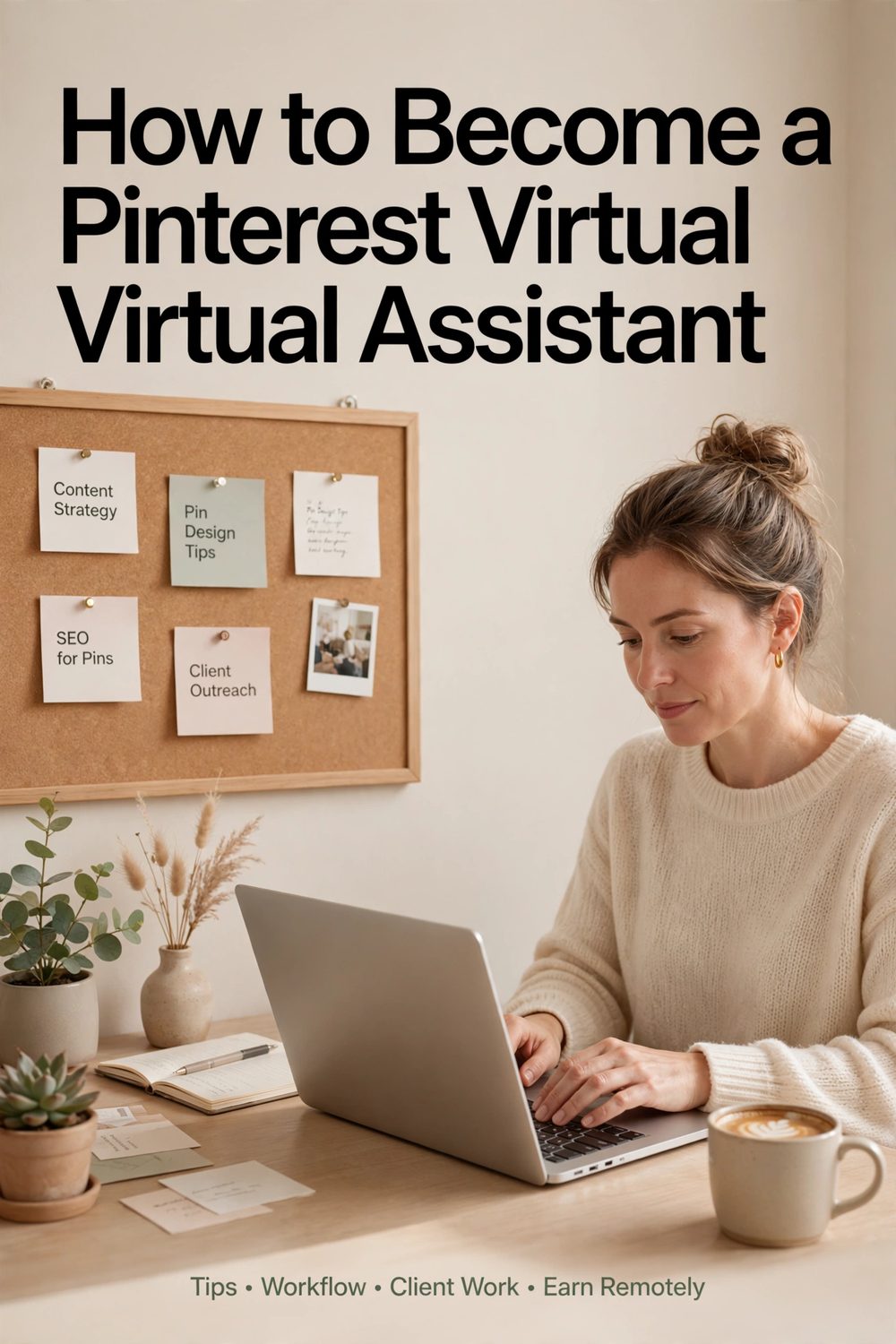
Step 2: Build Your Core Skills
- Keyword research using Pinterest search, autocomplete, and trends.
- Graphic design with Canva: clear text, strong layouts, and branded templates.
- Copywriting for titles and descriptions.
- Scheduling tools and workflows.
- Basic analytics interpretation.
- Communication and organization.
The Digital Marketing Playbook offers a strong foundation in marketing fundamentals that apply across Pinterest, SEO, and email.
Step 3: Use AI to Work Faster
AI can help with brainstorming pin titles, writing descriptions, outlining content, and summarizing keyword ideas. The best VAs edit heavily and tailor every deliverable to the client’s brand voice.
- Draft multiple title options and choose the best.
- Create description templates with keyword placeholders.
- Summarize client brand guides into quick reference sheets.
- Check consistency across pins and boards.
The Claude Advantage shows how to prompt effectively, and The AI-Powered Solopreneur offers simple systems for running a lean service business. Always protect client confidentiality, and follow client preferences about AI use.
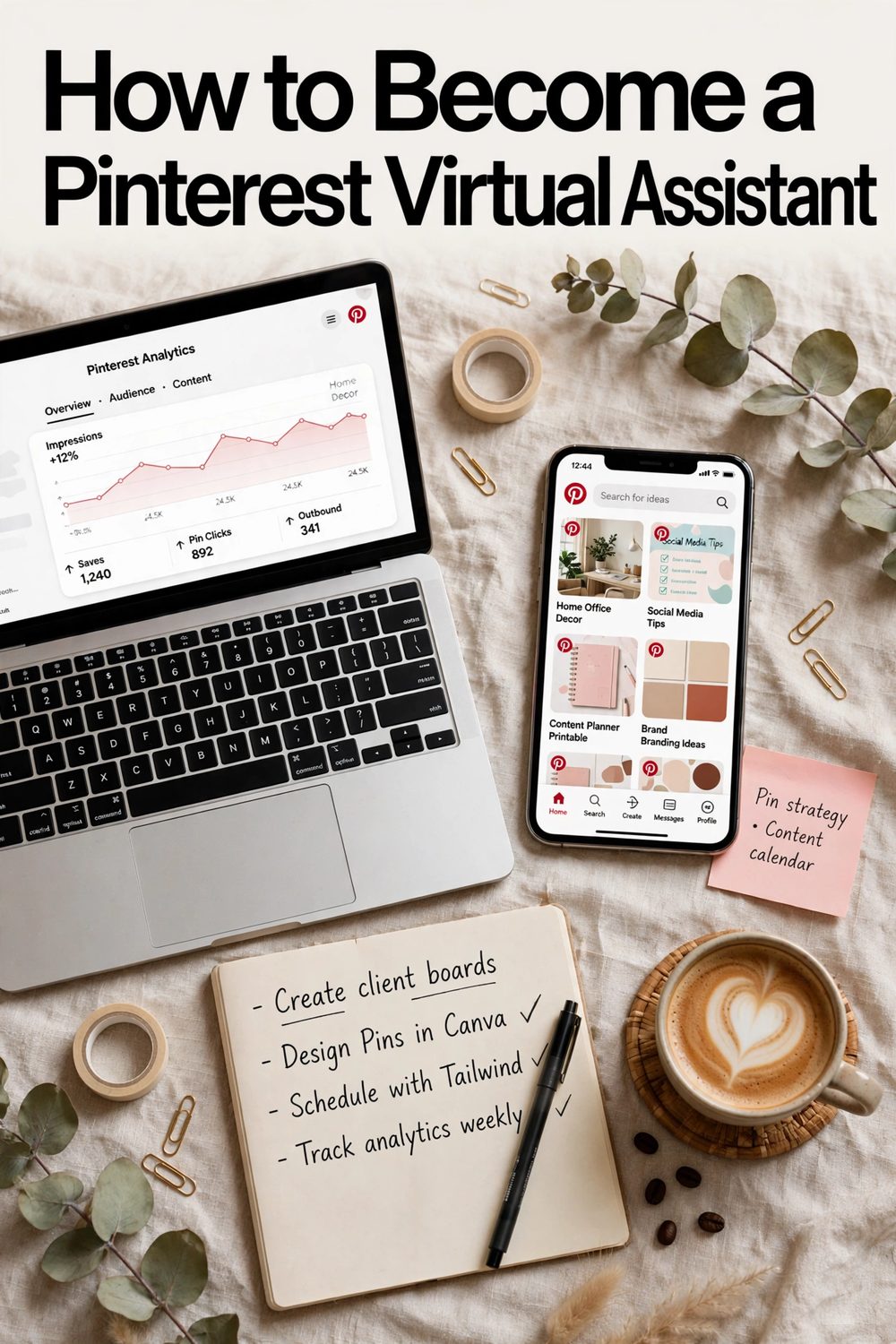
Step 4: Create Your Own Proof
Clients want evidence you can drive results.
- Set up a niche Pinterest account and grow it with consistent pinning.
- Create sample pin templates and a mini case study.
- Offer a discounted pilot to one or two bloggers or small shops in exchange for a testimonial.
- Track results, such as impressions, saves, and clicks, over a few months.
- Document your process and outcomes.
Be honest in your case studies. Say what you did, what happened, and the time frame. Avoid promising specific traffic numbers to future clients.
Step 5: Define Your Services and Packages
Sample Packages
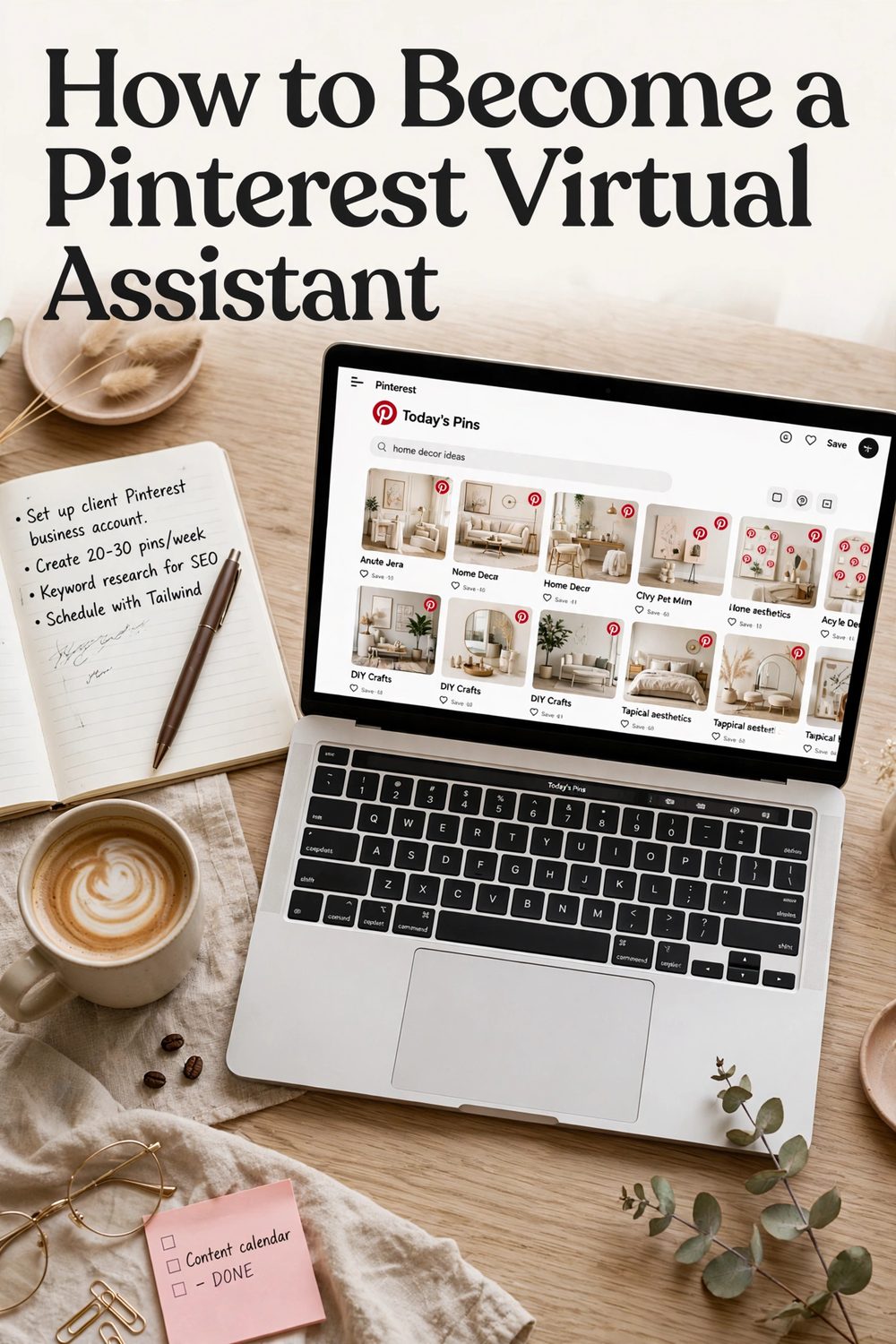
- Starter: Account setup, keyword research, and 15 new pins per month.
- Growth: 30 to 50 pins, board optimization, and monthly reporting.
- Premium: Full management, strategy calls, ad support, and content planning.
Pricing Tips
- Research current rates for Pinterest managers and VAs.
- Use monthly retainers for steady income.
- Define scope clearly: number of pins, revisions, platforms, and response times.
- Charge setup fees for new accounts.
- Raise prices as your skills and results improve.
Rates vary widely by region and experience, so use your research to set fair prices.
Step 6: Find Your First Clients
- Your network: Tell friends and followers about your service.
- Blogger and creator communities, following each group’s rules.
- Pinterest itself: Create pins promoting your service.
- Direct outreach: Contact bloggers and shops with a quick, specific observation about their account.
- Freelance platforms and job boards.
- Referrals from happy clients and other VAs.
A Simple Pitch
- Compliment a specific piece of content.
- Point out one opportunity, such as missing keywords or inconsistent pins.
- Share a brief example of how you’d improve it.
- Offer a short call or small trial package.
Building a trusted professional brand helps you stand out. The Personal Brand Blueprint can help you shape a presence clients trust, and The Stay-At-Home Mom’s Guide to Making Money Online offers flexible ideas that complement this service.

Step 7: Onboard Clients Smoothly
- Use a contract covering scope, payment, and revisions.
- Send an onboarding questionnaire about brand voice, audience, goals, and top content.
- Get access safely through business accounts, using platform-approved access methods.
- Collect brand assets: logos, fonts, colors, and photos.
- Set reporting schedules and communication expectations.
A Sample Weekly Workflow
- Monday: Review analytics and plan the week’s content.
- Tuesday: Design a batch of pins using brand templates.
- Wednesday: Write titles and descriptions and schedule pins.
- Thursday: Optimize boards and check keyword performance.
- Friday: Update reports and send a short client update.
Batching by task type keeps you efficient as you add clients.
Setting Honest Expectations
Pinterest is a long game.
- Early months: Building foundations, such as optimization and consistent pinning.
- Months 3–6: Growing impressions and early traffic gains.
- Months 6+: Compounding results from older pins.
Explain this clearly to clients, share progress reports, and focus on trends rather than single-week fluctuations.
Money and Professional Basics
- Track income and expenses.
- Invoice on a consistent schedule.
- Set aside money for taxes. Consult a qualified professional.
- Build a buffer for client changes.
The Smart Mom’s Complete Guide to Money offers friendly guidance for managing variable freelance income.
Pin Design Tips That Improve Clicks
Great pins combine clarity, consistency, and curiosity. These habits have helped my clients most:
- Lead with the benefit in a short headline, such as “5 Easy Dinner Ideas for Busy Weeknights.”
- Use bold, readable fonts with strong contrast between text and background.
- Keep branding subtle with a small logo or website name at the bottom.
- Create multiple variations for each blog post or product, changing headlines, colors, and images.
- Use vertical layouts in the standard 2:3 ratio.
- Test one change at a time so you know what improved performance.
A good template system lets you produce a month of fresh pins in a single afternoon, which keeps your service profitable and your clients’ accounts active.
How to Report Results Clients Understand
Many clients don’t know what impressions or saves mean, so translate numbers into stories:
- Show trends over time, not just single weeks.
- Highlight top-performing pins and why you think they worked.
- Connect Pinterest traffic to client goals, such as email sign-ups or sales, when tracking allows.
- List what you’ll test next month so clients see a plan.
- Keep reports to one page with simple visuals.
Clear reporting builds trust, reduces cancellations, and makes it easier to raise your rates when results justify it.
Mistakes to Avoid
- Promising traffic or income guarantees.
- Working without a contract.
- Ignoring keywords.
- Reusing the same pin design repeatedly.
- Undercharging.
- Taking on too many clients too soon.
Quick Answers About Pinterest VA Work
Do I need experience? Not necessarily. A portfolio of sample pins and your own account growth can be enough to start.
How much can Pinterest VAs earn? It varies widely. Many beginners start modestly and raise rates as they gain experience and results.
How many clients can I manage? Many part-time VAs handle two to five clients, depending on package sizes.
Is Pinterest still worth it for businesses? Yes, especially for evergreen, visual, and search-driven content, though results vary by niche.
Your Pinterest Skills Are a Business
Becoming a Pinterest virtual assistant is about combining strategy, design, and consistency to help businesses get found. Build your skills, create proof, price fairly, and communicate clearly.
This week, create three pin templates and start your own niche account. Trust me, seeing a client’s traffic grow because of your work is incredibly satisfying. You’ve got this!









Leave a Reply