

My first YouTube video took me six hours to film and edit. It got twelve views. I’d spent an entire Saturday talking to my laptop in a closet (it had the best acoustics), and I remember wondering whether I was wasting my time. Then, three months later, I noticed that one old video kept getting a few views every single day. That’s when I understood the real power of YouTube: videos keep working long after you upload them.
If you want to start a YouTube channel and earn money, you don’t need a fancy camera or a big following. You need a clear topic, a willingness to improve, and patience.
In this guide, I’ll walk you through choosing a niche, setting up your channel, making your first videos, and building income from more than just ads.
Why YouTube Is a Great Platform for Long-Term Income
Here’s why I recommend YouTube to patient beginners:
- Search and discovery. YouTube is the second most-used search destination for many people, so helpful videos get found for years.
- Trust. Viewers who watch you for ten minutes feel they know you, and that trust converts into sales.
- Multiple income streams. Ads, affiliates, products, sponsorships, and services.
- Evergreen videos. A strong tutorial can keep attracting viewers long after you post it.
The honest part: YouTube is slow at first. Many channels take months before growth picks up, and ad revenue requires meeting program requirements. If you need income right away, pair YouTube with a service like freelancing.
Step 1: Choose a Niche You Can Sustain
I’ve seen so many beginners pick a topic purely because it “makes money,” then quit after ten videos. Choose something you can talk about for hundreds of videos. Ask:
- Do I genuinely enjoy this topic?
- Are people searching for answers about it?
- Can I offer a unique angle, experience, or style?
- Is there a way to earn from it besides ads?
Beginner-Friendly Niches
- Personal finance and side hustles
- Productivity and study tips
- Digital tools and tutorials
- Parenting and home organization
- Cooking and meal prep
- Fitness and wellness
- Small business and marketing
Pro tip: Start narrow. “Budgeting for freelancers” is easier to grow than “money.”
Step 2: Set Up Your Channel
- Create a Google account and a YouTube channel (you can use a brand name).
- Choose a clear channel name that’s easy to remember.
- Add a profile photo and banner using Canva.
- Write a channel description with keywords and what viewers will gain.
- Add links to your freebie, website, or social accounts.
- Create a simple trailer or welcome video introducing who you help.
A strong identity helps people remember you. The Personal Brand Blueprint can guide you in creating a brand that feels authentic across platforms.

Step 3: Gear You Actually Need
You don’t need expensive equipment. When I started, I used my phone and a $20 lavalier microphone.
Beginner setup:
- Camera: Your smartphone.
- Audio: A clip-on or USB microphone (audio matters more than video quality).
- Lighting: A window with natural light, or an inexpensive ring light.
- Editing software: Free options like CapCut, DaVinci Resolve, or built-in editors.
- Thumbnails: Canva.
Upgrade only when your content is consistent and your budget allows.
Step 4: Plan Videos People Search For
Winning on YouTube starts with finding topics people want.
How to Find Video Ideas
- Type a topic into YouTube search and note autocomplete suggestions.
- Check the “People also watch” and related videos.
- Use free keyword tools to see what people search.
- Read comments on popular videos in your niche for questions and complaints.
- Answer real questions from your audience.
Video Types That Work Well
- How-to tutorials
- Beginner guides and explainers
- Product reviews and comparisons
- “I tried this for 30 days” experiments
- Lists and roundups
- Case studies and behind-the-scenes
AI can help you brainstorm titles, outlines, and scripts. The Claude Advantage shows prompt techniques that make planning far faster, while keeping your personality in the final video.
Step 5: Create Your First Videos
A Simple Video Structure
- Hook (first 10 seconds): Promise a clear benefit and give a reason to keep watching.
- Intro (short): Say who you are and what the video covers.
- Main content: Deliver value in clear steps.
- Call to action: Ask viewers to subscribe, watch another video, or download your freebie.
Title and Thumbnail Tips
- Titles: Clear, specific, and benefit-driven, such as “How to Start a Side Hustle With $0.”
- Thumbnails: Simple designs with a clear subject, bold text, and strong contrast.
- Match the promise. Don’t mislead viewers, because poor retention hurts you.
Consistency
Choose a schedule you can maintain, such as one video per week. Quality and consistency beat posting daily and burning out.
Step 6: Ways to Earn on YouTube
1. YouTube Partner Program Ads
Once you meet the program’s requirements, you can earn a share of ad revenue. Requirements change, so check YouTube’s current eligibility rules.
2. Affiliate Marketing
Recommend tools and products you use, and place links in video descriptions with clear disclosure.
3. Your Own Digital Products
Sell templates, ebooks, planners, or courses. The Stay-At-Home Mom’s Guide to Making Money Online offers beginner-friendly product ideas.
4. Sponsorships
Brands pay creators to feature products once you have an engaged audience.
5. Services and Coaching
Use videos to attract freelance, consulting, or coaching clients.
6. Memberships and Community
Offer exclusive content or support to your biggest fans, where available.
Step 7: Grow and Convert Your Audience
- Study analytics: Check click-through rate, average view duration, and audience retention.
- Improve thumbnails and titles on videos that get impressions but few clicks.
- Make series around winning topics.
- Collect emails with a lead magnet so you own your audience.
- Promote across platforms with short clips.
To turn viewers into customers, The Digital Marketing Playbook provides a clear roadmap.
A Sample 90-Day YouTube Plan
If you like clear roadmaps, here’s the one I’d follow if I were launching a channel today:
- Days 1–14: Choose your niche, set up your channel, and research 30 video topics using YouTube search suggestions.
- Days 15–45: Publish one video per week (six videos), focusing on beginner-friendly tutorials that answer specific questions. Study your first analytics.
- Days 46–75: Improve your thumbnails and titles based on click-through data, and publish a short series around your best-performing topic.
- Days 76–90: Add a lead magnet, place links in descriptions, and create a simple offer related to your content.
At the end of 90 days, you won’t be famous, but you’ll have around a dozen videos, real data, and a repeatable process. That’s a much stronger foundation than most beginners ever build.
Lessons From My Slow Start
My early videos were stiff because I tried to sound like a polished presenter. Everything improved when I started talking as though I were helping one specific friend. I also learned to watch the audience retention graph, which shows exactly where viewers leave. If people drop off in the first 30 seconds, your hook needs work. If they drop off in the middle, your pacing or structure needs tightening.
Treat each video as an experiment. Change one thing at a time, such as the thumbnail style or opening line, and see what happens. Over time, those small improvements stack up into a channel people genuinely enjoy watching.
Can You Run a Faceless YouTube Channel?
Yes. Many creators earn without showing their faces, using:
- Screen recordings and tutorials
- Voiceovers with stock footage or slides
- Animated explainers
- Text-based videos and listicles
Faceless channels can be efficient, but personal connection often builds trust faster. Choose the style you’re comfortable with, and follow YouTube’s policies on original content and reused media.

A Realistic YouTube Timeline
- Months 1–3: Learning, publishing, and very little traffic.
- Months 4–6: Early search traffic and a few hundred subscribers, depending on niche and effort.
- Months 7–12: Growth if you keep improving, with first affiliate or product income.
- Year 2 and beyond: Compounding growth and stronger revenue.
Everyone’s path differs, so focus on improving each video instead of comparing numbers.
Money and Legal Basics
- Follow YouTube’s policies, including copyright and advertiser-friendly guidelines.
- Use licensed music and footage.
- Disclose affiliate links and sponsorships.
- Track income and save for taxes. Consult a qualified professional.
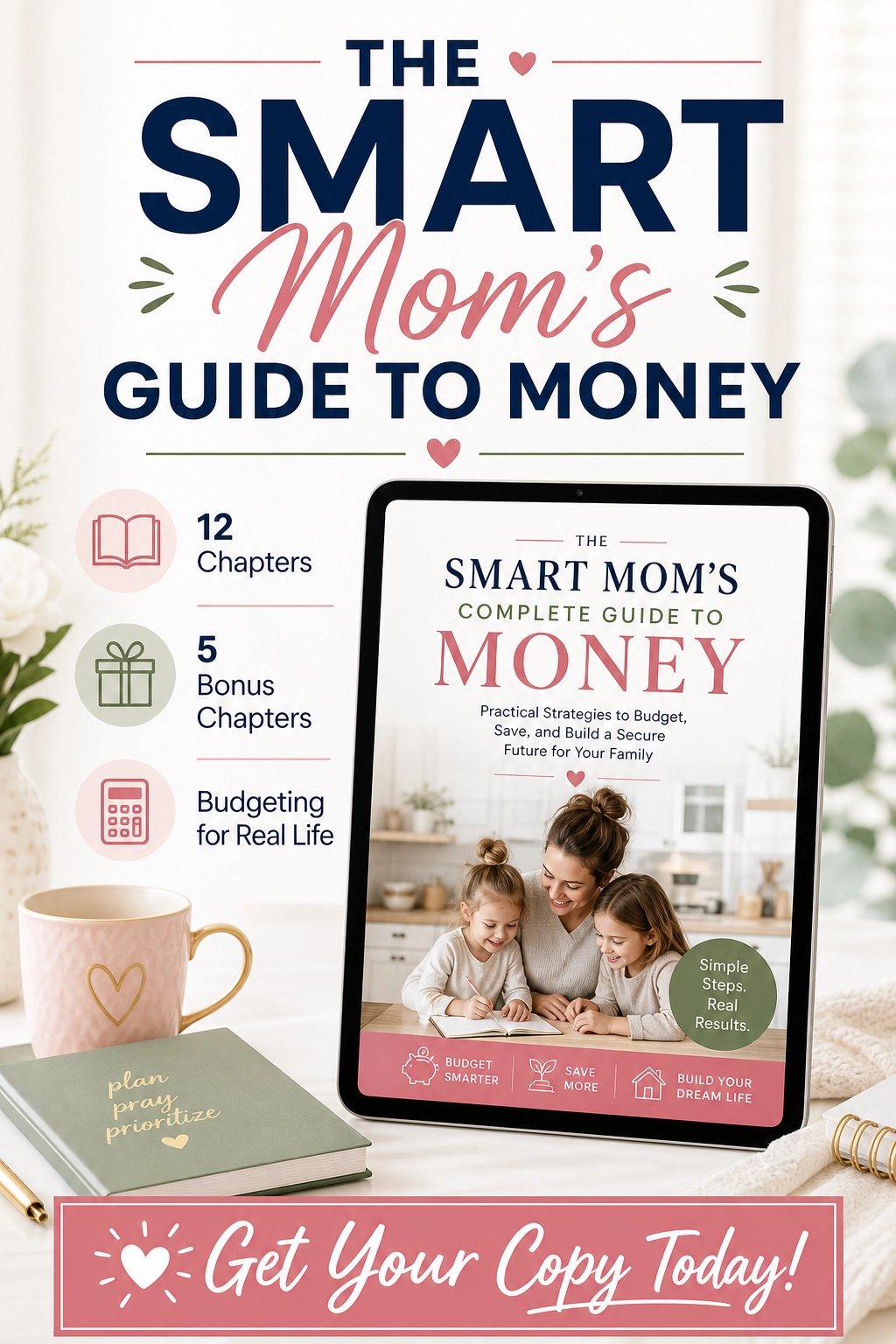
For practical money habits, The Smart Mom’s Complete Guide to Money is a friendly starting point.
Thinking bigger than ad revenue? The Complete Beginner’s Guide to Building a KOL Influencer Career shows how creators combine content, sponsorships, and products into steady income.
Mistakes to Avoid
- Giving up after ten videos. Most channels need more time.
- Ignoring audio quality. Bad sound makes viewers leave.
- Misleading thumbnails. They hurt trust and retention.
- Skipping the email list. Don’t rely only on YouTube.
- Overcomplicating editing. Simple and clear wins.
Quick Answers About Earning on YouTube
How many subscribers do I need to earn? Ad revenue requires meeting program thresholds, but you can earn from affiliates, products, and services with fewer subscribers.
How long until I make money? Many creators take six to twelve months to see meaningful income.
Do I need expensive equipment? No. A smartphone, decent audio, and good lighting are enough.
Is it too late to start? No. New channels succeed every year by serving specific audiences well.
Your First Upload Is Waiting
Learning to start a YouTube channel and earn money is a long-term game that rewards patience and consistency. Choose your niche, set up a simple channel, publish helpful videos, and build offers beyond ads.
This week, write twenty video ideas, film your first one, and hit publish even if it feels imperfect. Trust me, you’ll look back on that twelve-view video with a smile. Let’s start recording!








Leave a Reply