

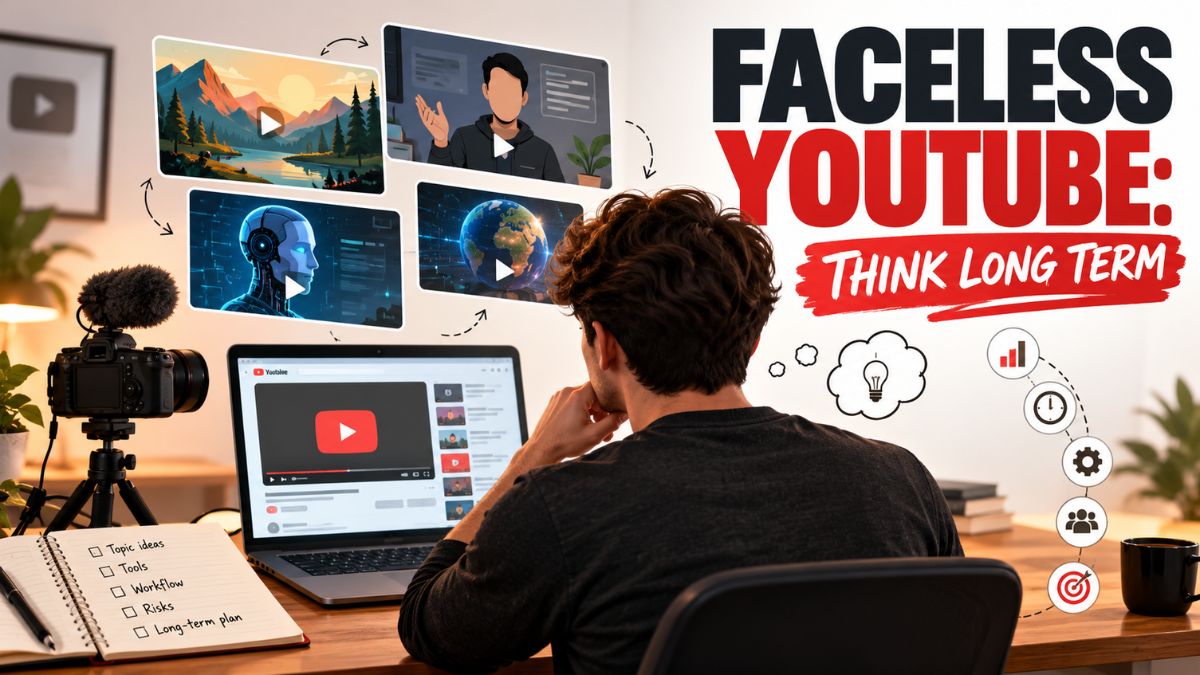
The idea of starting a YouTube channel used to make me break into a cold sweat. I imagined editing marathons, perfect lighting, and strangers in the comments. Then I watched a video made by a mom in her kitchen: a plain countertop, a camera propped on a stack of cookbooks, and a calm voice explaining how she meal-prepped for the week. It had hundreds of thousands of views. It wasn’t flashy. It was useful.
YouTube can be a powerful place for moms to build an audience and income, but the rules are shifting. YouTube said Shorts recommendations will prioritize original content and cut reach for videos re-uploaded from other creators without meaningful additions. It has clarified that repetitive, template-style content, including some AI-persona content, may not qualify for monetization. It extended likeness detection to all creators 18 and over, requires disclosure of realistic synthetic content, and has tested an invite-only Shorts bonus program. Meanwhile, Ask YouTube, its Gemini-powered conversational search, has expanded to all U.S. users, and YouTube shows up often in Google’s AI answers.
In this guide, I’ll explain how to start a YouTube channel as a stay-at-home mom: whether to show your face, what to make, how monetization works, and what to expect. (Most channels earn little for a long time, and income isn’t guaranteed.)
The Honest Picture of YouTube Income
- It’s slow. Many creators publish for months before seeing meaningful views.
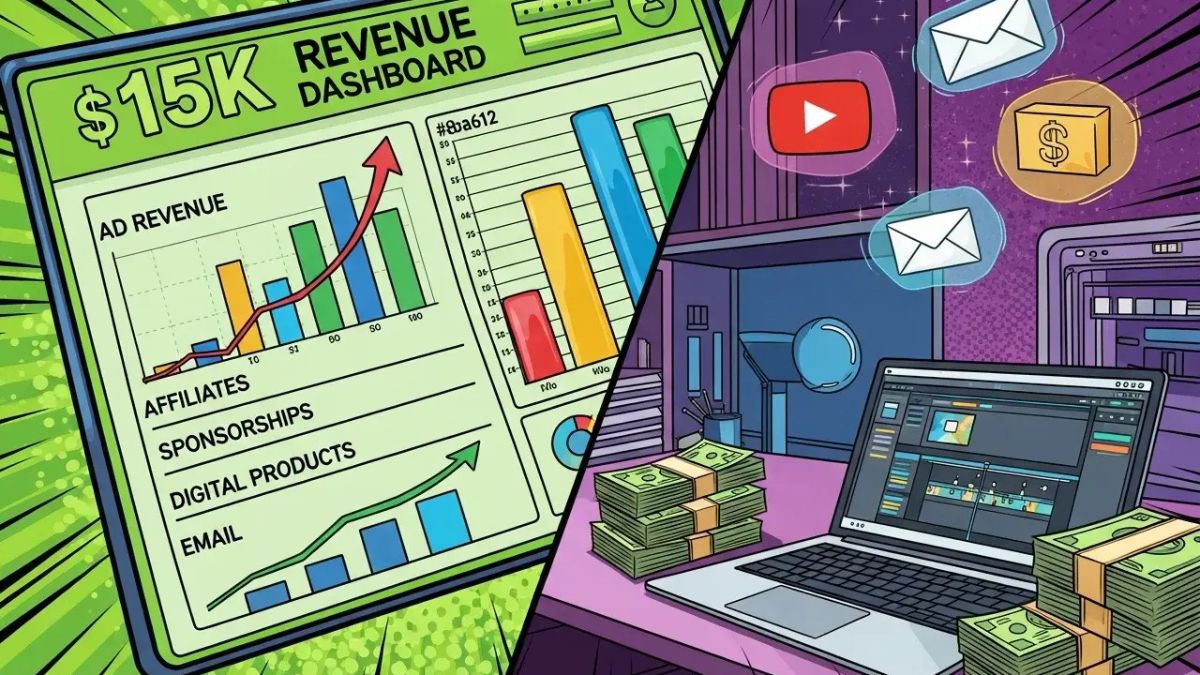
- Earnings come from several places, not just ads: affiliate links, your own products, sponsorships, and services.
- Monetization has requirements. The YouTube Partner Program has eligibility thresholds based on subscribers and watch hours (or Shorts views), with some lower tiers for earlier features. Requirements change, so check YouTube’s official page.
- Originality matters. YouTube is clearly favoring real, original perspectives over recycled or mass-produced content.
Here’s the truth: YouTube rewards consistency and usefulness, not perfection.
Should You Show Your Face?
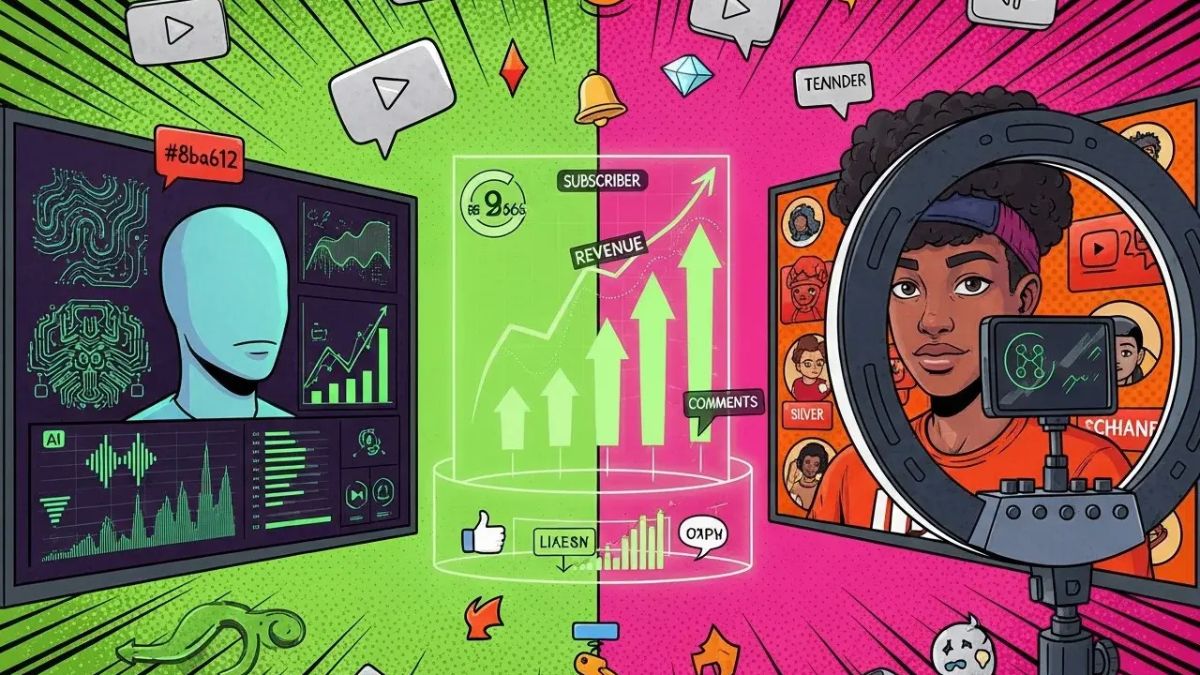
There’s no wrong answer. It depends on your comfort and niche.
On-camera channels
Pros: Build trust and personality faster, stand out as a real person, and fit YouTube’s push for original, human content.
Cons: Requires comfort on camera, a tidy-enough background, and privacy decisions, especially about your children.
Faceless channels
These use voiceover, screen recordings, hands-only demos, slides, or animations.
Pros: Less pressure on appearance, easier for privacy, good for tutorials, recipes, and budgeting walk-throughs.
Cons: Harder to build personal connection, and more crowded. One industry tracker estimated that faceless channels make up a large share of new monetization attempts, and YouTube has warned that template-style, repetitive content may not be eligible to earn.
If you go faceless, make sure your content is clearly yours: your voice, your expertise, your opinions, and your original footage, not generic recycled clips or fully automated AI narration over stock visuals.
Privacy and Your Kids
Think carefully before putting your children on camera:
- Decide what you’re comfortable sharing, now and years from now.
- Avoid showing school names, addresses, routines, or identifying details.
- Consider hands-only or voiceover formats for family topics.
- Learn YouTube’s rules about content involving minors.
- Use privacy settings and comment moderation.
Your comfort and your family’s safety matter more than any view count.
Step 1: Choose a Focused Topic
Pick something you know and can make repeatedly:
- Meal prep and budget cooking
- Homeschooling and learning activities
- Home organization and cleaning routines
- Budgeting, saving, and money for moms
- Crafts, sewing, or DIY
- Working from home and productivity
- Reviews of products you really use
Write one sentence: “My channel helps [specific people] [get a specific result] with [type of video].”
Step 2: Make Videos That Answer Questions
With Ask YouTube and AI answers pulling from videos, clear question-based content has an advantage:
- Use titles that sound like real questions: “How I Meal Prep for a Family of Five on a Budget.”
- Answer early: state the result in the first 10 seconds.
- Show, don’t just tell: demos and real examples.
- Add chapters so viewers and search systems can find sections.
- Keep a simple structure: hook, answer, steps, proof, next step.
Research shared in industry newsletters found that around 60% of the product videos cited by AI recommendation tools came from creators, with detailed, honest reviews mattering more than polish.
Step 3: Set Up Simply
- A phone with a clean lens
- Natural light facing a window
- A basic tripod or stack of books
- A cheap clip-on microphone (good audio matters more than 4K)
- A free or low-cost editing app with captions
Start with what you have, and upgrade only when it’s clearly holding you back.
Step 4: Use Shorts Wisely
Shorts can introduce you to new viewers:
- Make them original: your own demo, tip, or story.
- Pull Shorts from your longer videos to point toward the full answer.
- Avoid reposting others’ clips without adding real commentary, and credit the original.
- Avoid repetitive templates with only the footage swapped.
Step 5: Understand Ways to Earn
- YouTube Partner Program ads, once you meet eligibility rules
- Affiliate links, including YouTube’s shopping tools, which have been opened to Amazon’s catalog for some U.S. creators. Disclose affiliate relationships clearly.
- Your own products and services: printables, mini courses, coaching, or freelance work
- Sponsorships, once you have an engaged niche audience
- Shorts bonus programs, which have been invite-only and may change
Because YouTube earnings can be unpredictable, many moms combine channels with an email list and other income.
Step 6: Follow the Rules
- Disclose paid promotions and affiliate links following YouTube’s rules and advertising laws.
- Label realistic AI-generated or synthetic content as required.
- Respect copyright in music, clips, and images.
- Don’t make false claims, especially about health, money, or children.
- Protect your likeness: if you’re 18 or older and eligible, use YouTube’s likeness detection tools.
Step 7: Build a Sustainable Routine
A realistic schedule for a busy mom:
- Batch film one or two videos during quiet time or school hours.
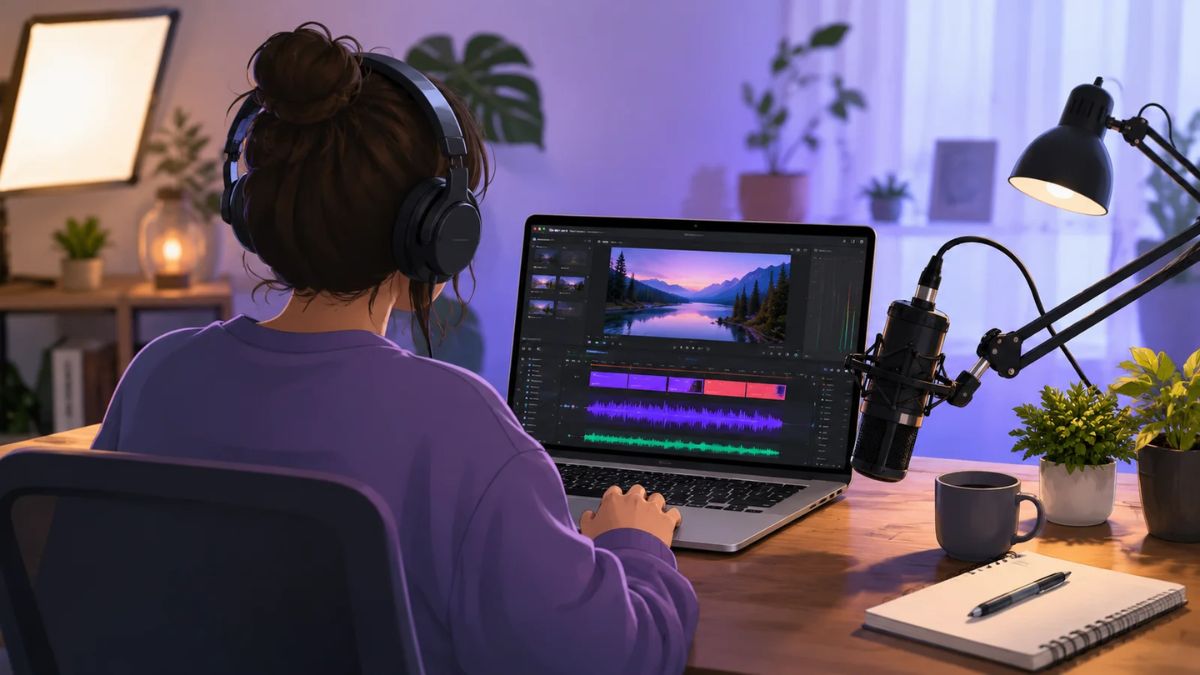
- Edit in short sessions during naps.
- Publish consistently at a pace you can maintain, even if that’s one video a week or every two weeks.
- Reply to comments to build community and discover new ideas.
- Track results monthly instead of daily.
Taxes and Business Basics
In the U.S., YouTube income is self-employment income. Net earnings of $400 or more trigger self-employment tax. Keep records, track expenses, and set money aside.
Mistakes to Avoid
- Expecting fast money.
- Making generic, repetitive, or reposted videos.
- Sharing your children’s private details.
- Skipping disclosures.
- Chasing views instead of helping viewers.
- Quitting after a few uploads.
- Relying only on YouTube income.
Your 30-Day Launch Plan
- Week 1: Choose your topic and decide on face or faceless. Collect 20 questions your audience asks.
- Week 2: Film and publish your first two helpful videos with clear titles and chapters.
- Week 3: Publish two more and three Shorts that point to them.
- Week 4: Review analytics, reply to comments, and plan your next 10 videos.
Build YouTube Into a Bigger Plan
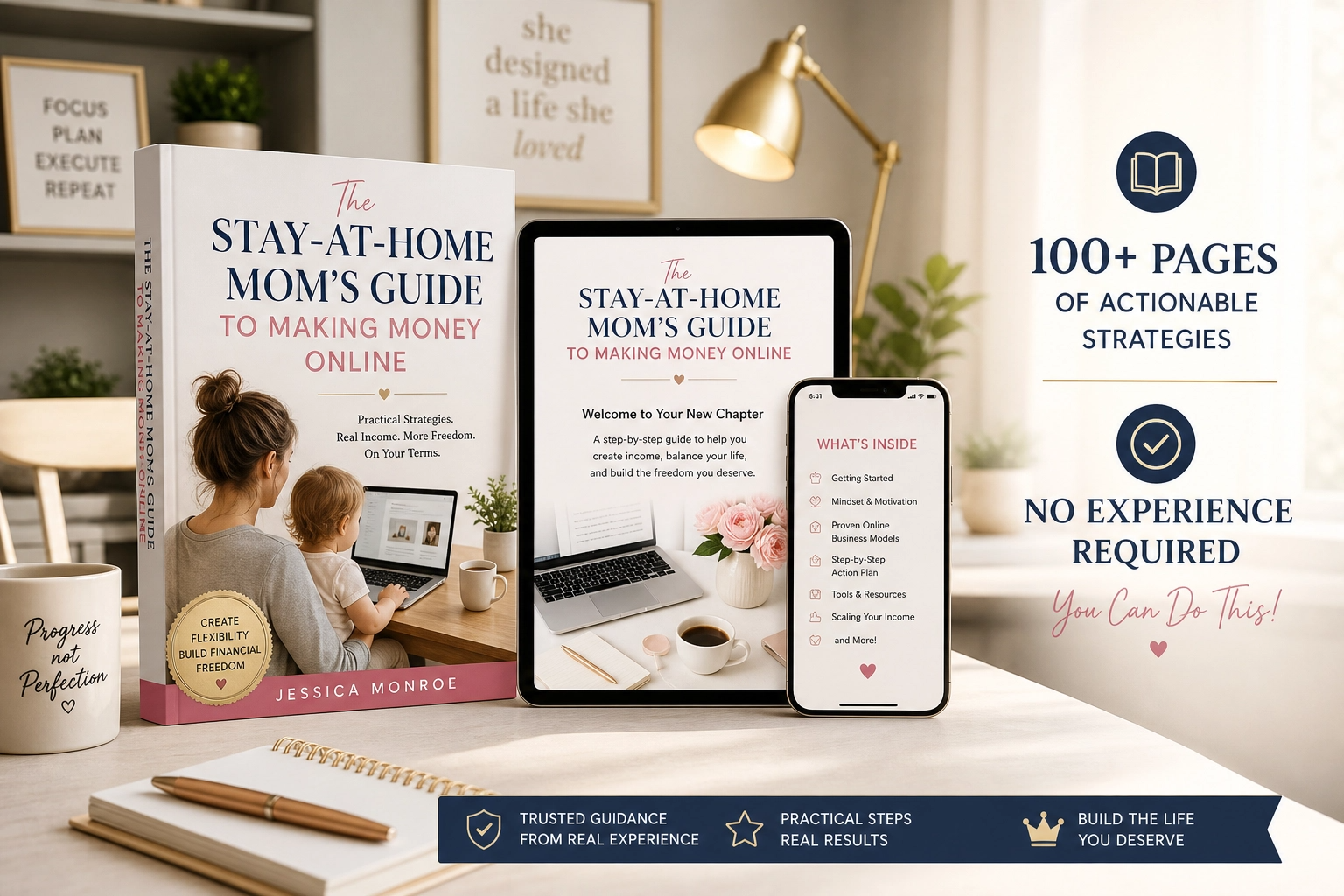
YouTube works best as one part of an income plan that includes your own audience and offers. If you’d like a beginner-friendly roadmap made for moms, take a look at my ebook:
The Stay-At-Home Mom’s Guide To Making Money Online
Trust me, a plan keeps you going through the slow early months.
Final Thoughts
YouTube can be a rewarding home for a mom who’s helpful and consistent, with or without showing her face. Make original, useful videos, protect your family’s privacy, follow the rules, and be patient. Your real experience is exactly what viewers (and AI answers) are searching for.







Leave a Reply